
If you or someone you love struggles with reading, you already know how frustrating it can be to stare at a page and feel like the words just will not cooperate. Whether the challenge is dyslexia, visual impairment, Irlen Syndrome, or a learning difference that makes printed text difficult to process, the right tool can change everything. That is exactly why we put together this guide to the best OCR pens for reading in 2026.
An OCR pen, short for optical character recognition pen, is a handheld device that you glide across printed text to capture and convert it into digital format. Most models can read the text aloud through text-to-speech, translate it into dozens of languages, or save it for later review. Think of it as a digital highlighter that actually understands what it is scanning. For students with reading difficulties, professionals who need to digitize notes, or travelers navigating foreign languages, an OCR pen scanner removes barriers that traditional reading tools cannot address.
Our team spent weeks comparing 10 of the most popular scanning pens on the market, looking at everything from OCR accuracy and scanning speed to battery life and offline capabilities. We paid special attention to features that matter for people with dyslexia, visual processing challenges like Irlen Syndrome, and anyone who needs reliable reading support without depending on a smartphone app. Below you will find our top picks, detailed reviews, and a buying guide to help you find the right fit.
Table of Contents
Top 3 Picks for Best OCR Pens for Reading

Best OCR Pens for Reading in 2026
Here is a side-by-side look at all 10 OCR pens we reviewed. Compare features at a glance before diving into the individual reviews below.
| Product | Specifications | Action |
|---|---|---|
 Scanmarker Pro Scanmarker Pro |
|
Check Latest Price |
 Scanmarker Pal Scanmarker Pal |
|
Check Latest Price |
| SVANTTO 4-in-1 Translator Pen |
|
Check Latest Price |
 VORMOR Translator Pen VORMOR Translator Pen |
|
Check Latest Price |
 NEWYES AI Pen NEWYES AI Pen |
|
Check Latest Price |
 Birgus Reader Pen Birgus Reader Pen |
|
Check Latest Price |
 PenPower WorldPenScan Go PenPower WorldPenScan Go |
|
Check Latest Price |
 Scanmarker Air Scanmarker Air |
|
Check Latest Price |
 IRISPen Reader 8 IRISPen Reader 8 |
|
Check Latest Price |
 ACODO Reading Pen ACODO Reading Pen |
|
Check Latest Price |
1. Scanmarker Pro – Best Standalone OCR Pen for Reading
Scanmarker Pro | Translation Pen & Reading Pen for Kids & Adults | Assistive Tool & Language Translator Device for Dyslexia, Reading Support & Language Learners | Translator Pen for 100 Languages
Standalone touchscreen
100+ languages
Offline for 5 languages
Built-in dictionary
Pros
- Standalone device needs no smartphone
- Highlights words while reading aloud
- 100+ online languages with 5 offline
- Bright intuitive touchscreen interface
- Excellent for dyslexia and ESL
Cons
- Higher price point
- Requires steady hand for accurate scanning
- Larger than a typical highlighter
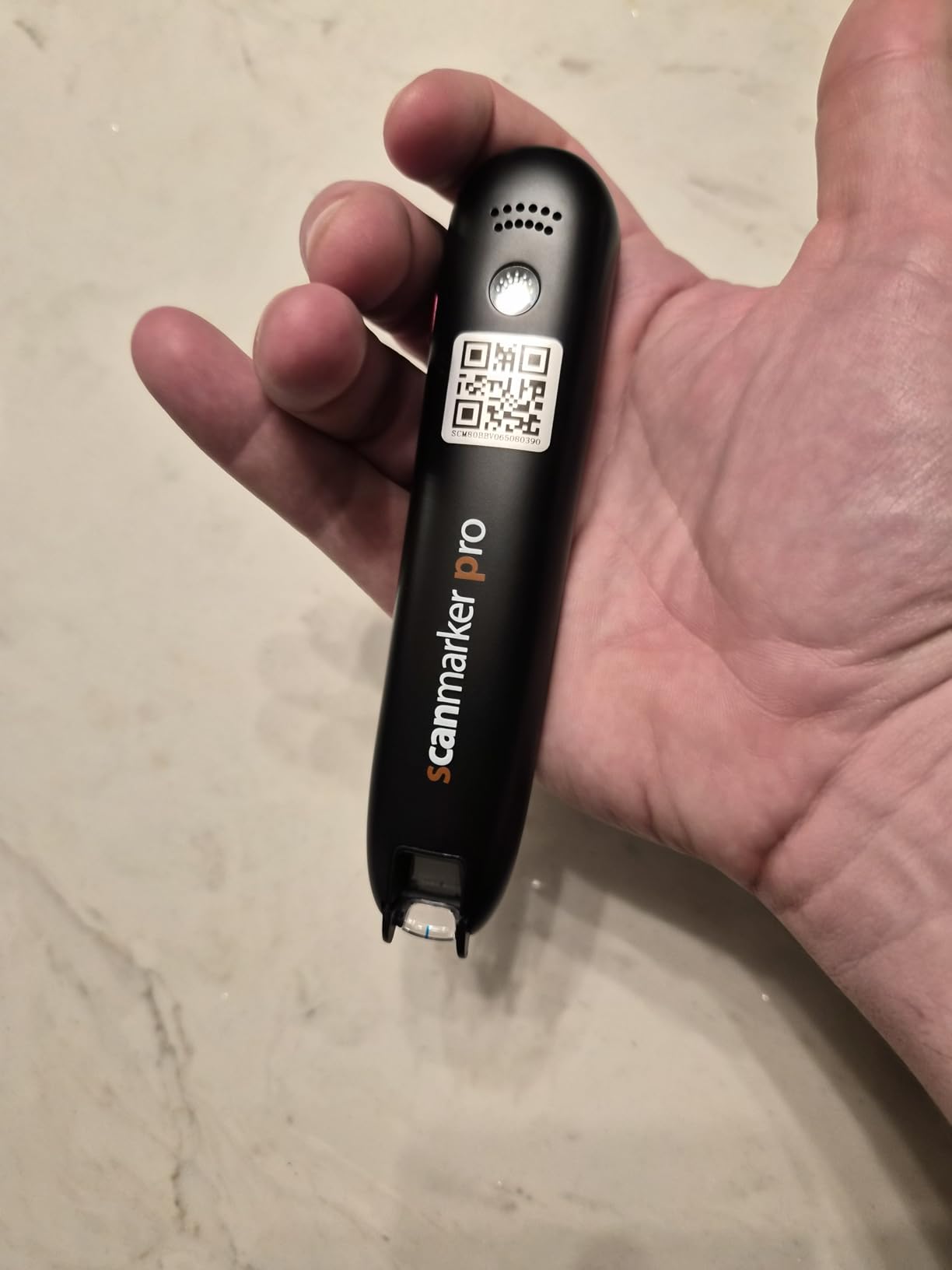
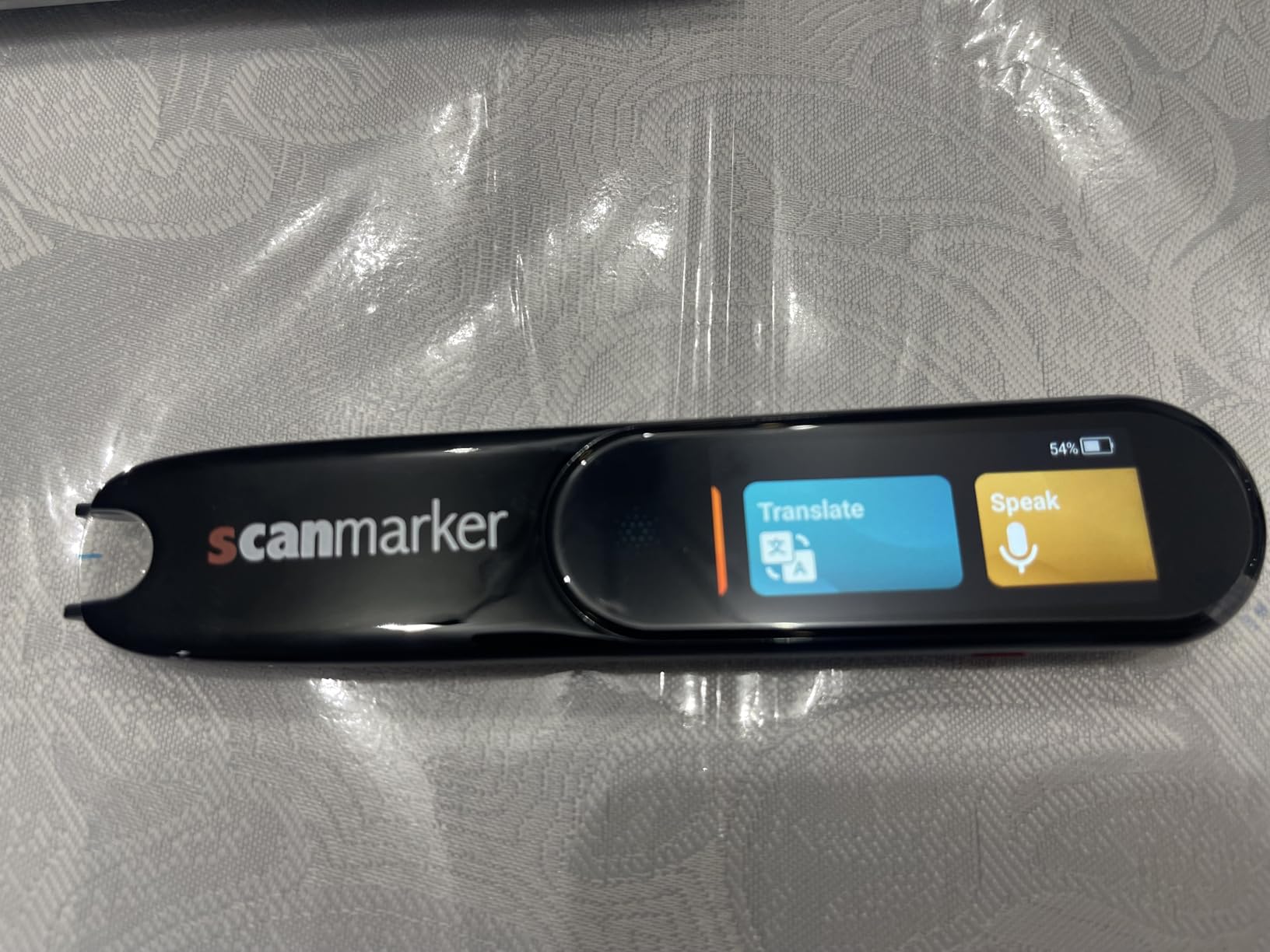
I have tested a lot of OCR pens over the past year, and the Scanmarker Pro is the one I keep reaching for first. What sets it apart immediately is that it works as a standalone device. You do not need to pair it with a smartphone app or connect it to a laptop to use the core features. The built-in touchscreen lets you scan, read, and translate all from the pen itself.
The word-highlighting feature is where this pen really shines for reading support. As you scan a line of text, the pen reads it aloud and highlights each word on the screen at the same time. For someone with dyslexia or a visual processing challenge like Irlen Syndrome, this dual visual and auditory reinforcement makes a measurable difference in comprehension. I noticed this especially when scanning longer paragraphs from textbooks.
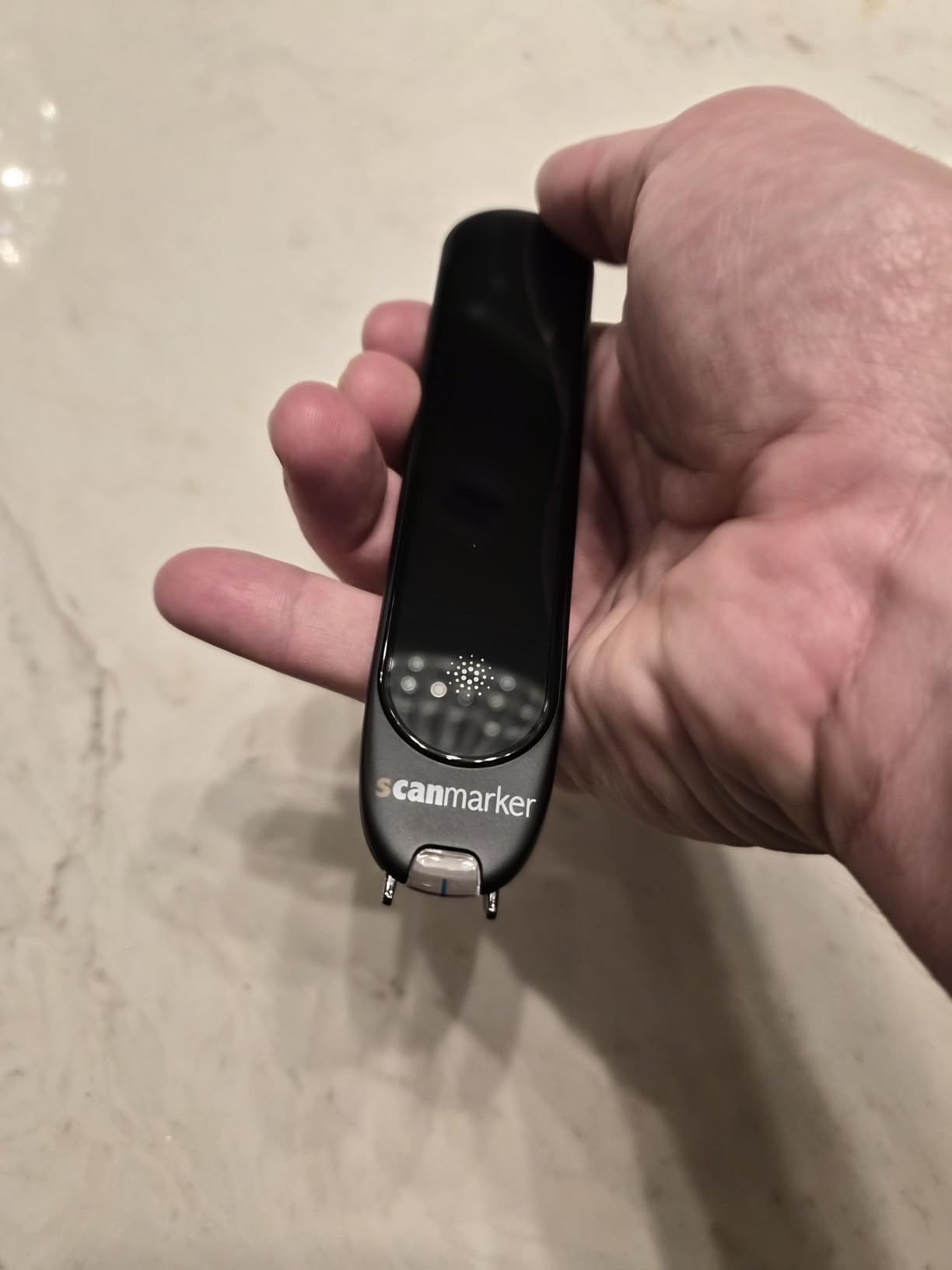
The Scanmarker Pro supports over 100 languages for online translation and offers offline functionality for English, Spanish, French, German, and Italian. That offline capability is a big deal if you want to use the pen in a school setting where Wi-Fi is restricted or during exams where internet access is not allowed. The built-in English dictionary provides word definitions on the spot, which is useful for vocabulary building.
Battery life is solid for regular use, though heavy users report needing to charge every couple of days. At 0.23 kilograms it is slightly larger and heavier than some competitors, but the trade-off is worth it for the standalone functionality and larger screen.
Who Should Buy the Scanmarker Pro
This pen is the best overall choice for students with dyslexia or reading difficulties who need a device that works without a smartphone. It is also an excellent pick for ESL learners who benefit from line-by-line translation with visual highlighting. If you want one device that handles reading, translation, and vocabulary support in a single package, the Pro delivers.
Who Should Skip the Scanmarker Pro
If you primarily need to scan text directly into a computer for note-taking or research, this is not the right tool since it functions as a standalone reader rather than a computer-connected scanner. Users on a tighter budget may also want to look at the Scanmarker Pal or SVANTTO for similar features at a lower cost.
2. Scanmarker Pal – Best Value Reading Pen for Dyslexia
Scanmarker Pal – Translation Pen & Reading Pen for Language Learners, Dyslexia & Learning Difficulties | Translator Pen for 100+ Languages
OpenDyslexic fonts
100+ languages
600 dpi
Bluetooth
Pros
- Dyslexia-friendly OpenDyslexic font built in
- Adjustable reading speed and text spacing
- 100+ languages with offline for 5
- Built-in speaker for visually impaired users
- Customizable text appearance
Cons
- Battery life could be better
- Struggles with uncommon fonts like all caps
- Limited settings options
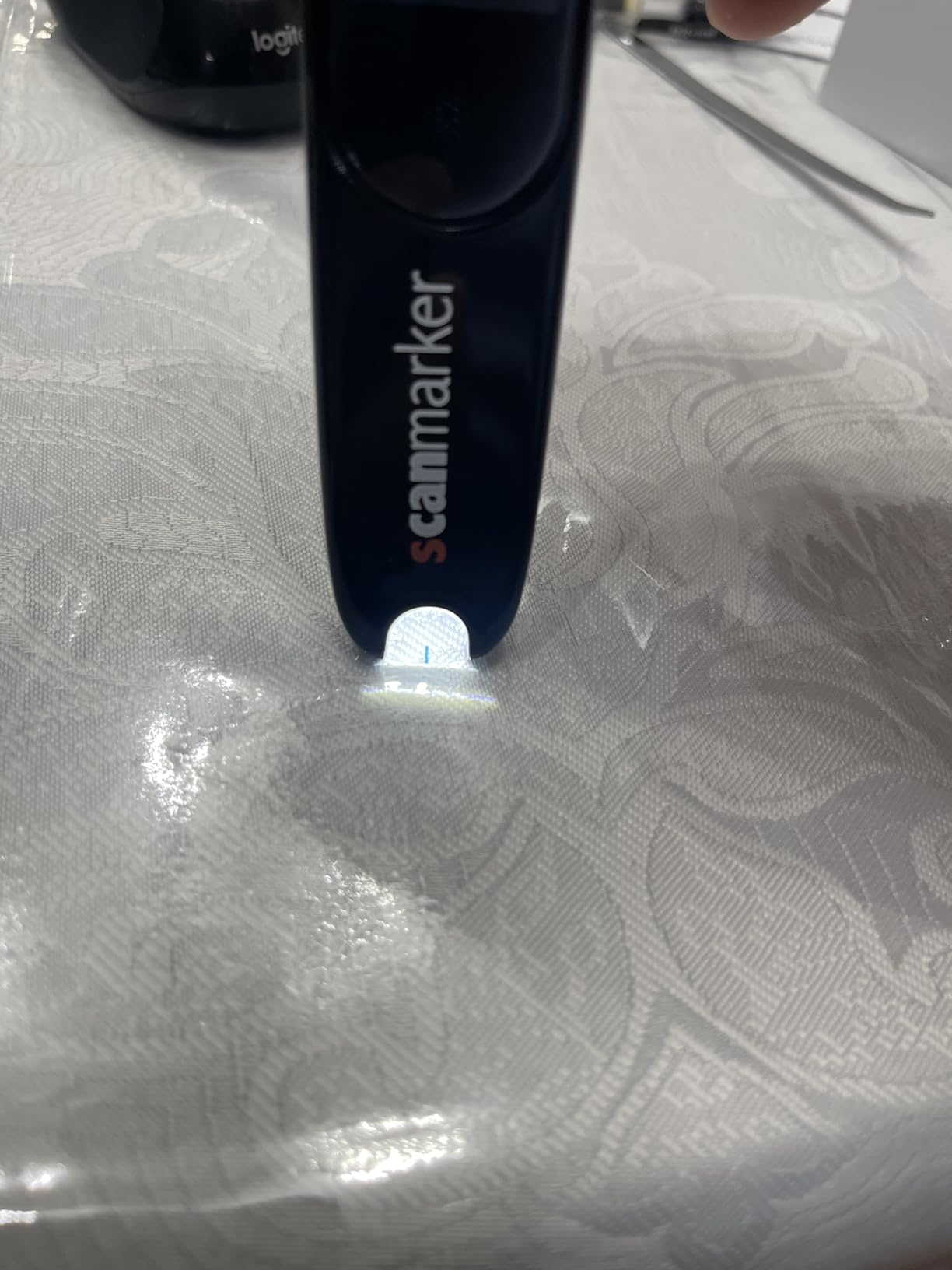
The Scanmarker Pal is designed from the ground up with reading difficulties in mind, and it shows. The first thing I noticed was the OpenDyslexic font option built right into the display. For readers with dyslexia, this specialized font can reduce letter confusion and make on-screen text significantly easier to process. Combined with customizable text spacing and appearance settings, the Pal creates a genuinely comfortable reading experience.
Scanning accuracy is fast and reliable with the 600 dpi sensor. The pen reads text aloud in real time while highlighting words on the screen, similar to the Pro model but at a more accessible price point. I found the big orange button easy to operate, which makes this pen a strong option for younger students or anyone with motor control challenges.
The Pal supports over 100 languages for translation and works across computers, tablets, and phones via Bluetooth. The integrated dictionary helps with vocabulary on the fly, and the built-in speaker means visually impaired users do not need to pair headphones to hear the text-to-speech output. That is a small detail that makes a big difference for independence.
Where the Pal falls short is battery life, which several users report needing to monitor more closely than expected. The pen also struggles with stylized fonts and text in all caps. These are not dealbreakers for most reading situations, but worth knowing if you plan to scan from magazines or creative layouts.
Who Should Buy the Scanmarker Pal
The Pal is the ideal pick for parents looking for a dyslexia-friendly reading pen that balances features and cost. The OpenDyslexic font, adjustable speed, and large operation button make it especially well-suited for children and teens with reading challenges. It is also a strong choice for visually impaired users who need the built-in speaker.
Who Should Skip the Scanmarker Pal
If you need a fully standalone device that does not require any companion app, the Scanmarker Pro would be a better fit. The Pal works best when paired with a phone or tablet for some features. Users who need long battery sessions without charging may also want to consider alternatives.
3. SVANTTO 4-in-1 Translator Pen – Best Budget OCR Pen
SVANTTO Translator Pen, Scan Reading Pen for Dyslexia Reader, Student
4-in-1 functions
102 languages
5 offline languages
No subscription
Pros
- No monthly subscription fees
- 4-in-1 translate and read and record and note
- 5 offline languages including English and Spanish
- Bluetooth earbud support
- Export to phone and computer
Cons
- Must hold at specific angle for accuracy
- Very slow reading speed
- Not suitable for very large fonts
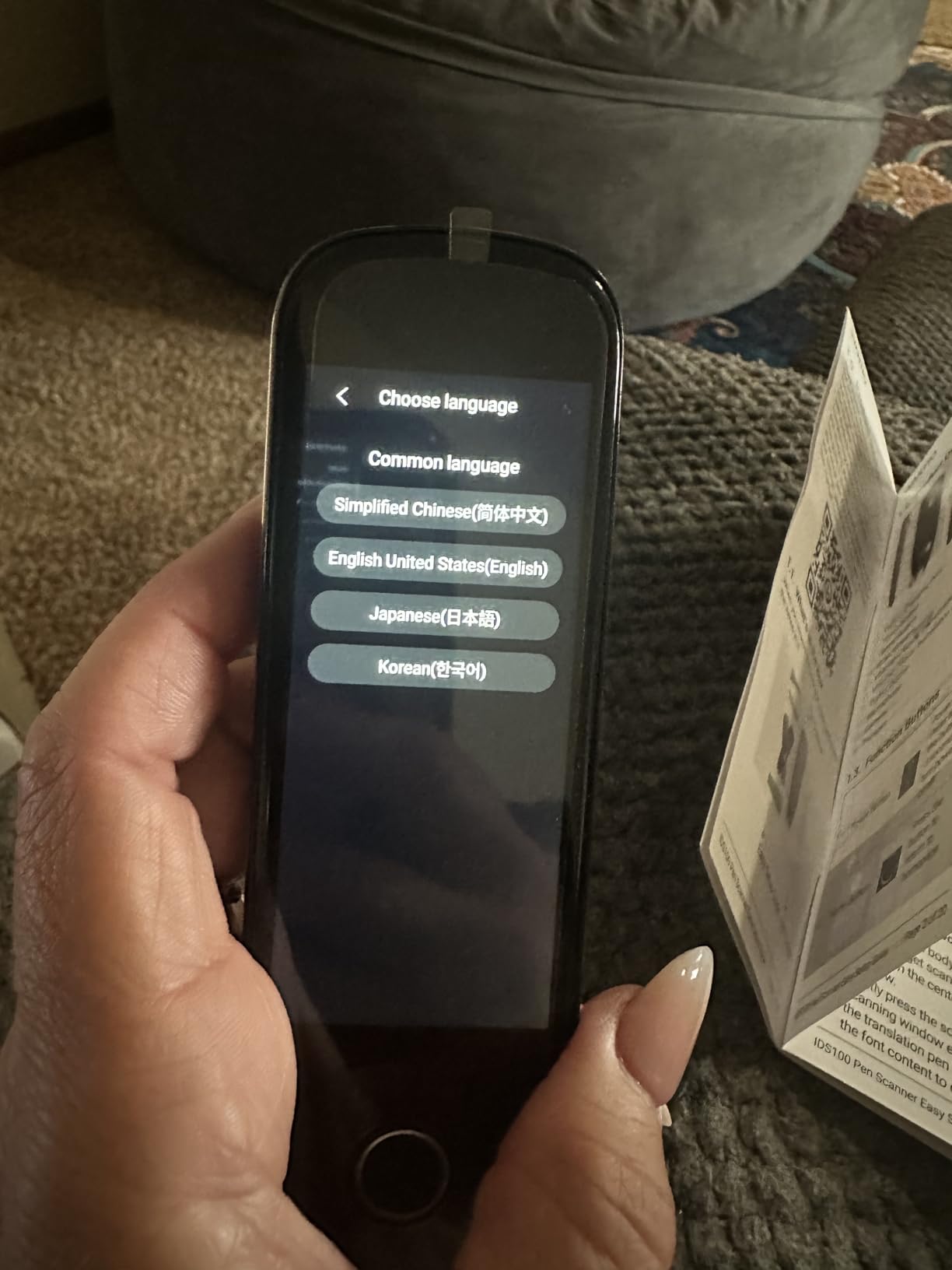
The SVANTTO 4-in-1 is proof that you do not need to spend a lot to get a capable OCR pen scanner. At its price point, this device delivers four functions: text-to-speech reading, translation in 102 languages, voice recording, and smart notes. For someone just getting started with reading support technology, this is a low-risk entry point that covers the basics well.
I tested the offline translation feature with English and Spanish, and it worked reliably without any internet connection. That matters for students who need an exam reader pen in settings where Wi-Fi is unavailable. The text-to-speech function helps dyslexic readers follow along, and multiple speed levels let you find a comfortable pace.
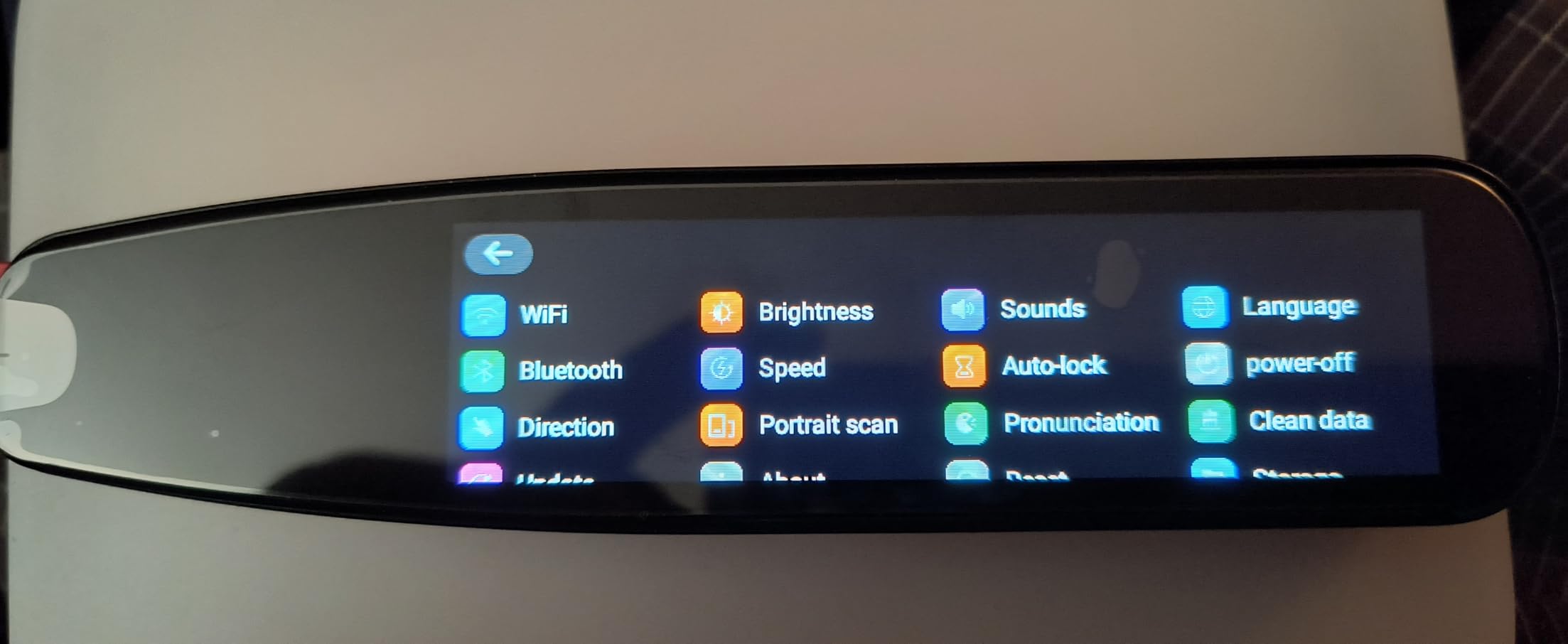
The biggest trade-off with the SVANTTO is scanning technique. You need to hold the pen at a fairly specific angle to get good accuracy, and the reading speed is noticeably slower than premium models. It also cannot handle very large fonts like chapter titles, and some children’s book fonts gave it trouble during testing. These are limitations you expect at this price, and they are manageable once you develop a consistent scanning motion.
There are no monthly subscription fees, which is a major advantage over some app-dependent alternatives. You can also export scanned text to your phone or computer via QR code or IP connection, making it genuinely useful for note-taking despite the budget price.
Who Should Buy the SVANTTO 4-in-1
This pen is the best budget option for students, families, or anyone wanting to try an OCR pen without a large investment. It works well for basic reading support, dyslexia assistance, and simple translation tasks. If you need a pen for occasional use rather than all-day scanning, the SVANTTO delivers solid value.
Who Should Skip the SVANTTO 4-in-1
Users who need fast, fluid scanning for long reading sessions should look at the Scanmarker Pro or Pal instead. The SVANTTO’s slower speed and angle sensitivity make it less suitable for heavy use. It is also not ideal for visually impaired users who need consistently accurate output without careful technique.
4. VORMOR Translator Pen – Best for Travel and Language Learning
Scan Reader Pen, VORMOR Translator Pen with 112 Languages
55 OCR languages
112 voice languages
Collins Dictionary
RTF export
Pros
- 55 OCR scan languages with 98% accuracy
- Collins Dictionary integration
- Export notes to laptop in RTF format
- Reverse scanning for left-handed users
- 0.3 second response time
Cons
- Slight delay in reading playback
- Trouble with very small text
- Requires practice for best results
The VORMOR Translator Pen earned the highest user rating in our lineup at 4.4 stars, and after testing it, I understand why. It supports 55 languages for OCR scanning and 112 languages for two-way voice translation with a response time under 0.3 seconds. That kind of speed makes it feel nearly instantaneous during real conversations.
One feature I really appreciate is the Collins Dictionary integration. When you scan a word, you get not just a translation but a proper dictionary definition with context. This is genuinely useful for language learners who want to understand nuance, not just get a surface-level translation. The pen also lets you export scanned notes to your laptop in RTF format, which is a practical touch for students and researchers.
The VORMOR includes a reverse scanning direction setting specifically for left-handed users. Given how many OCR pens ignore left-handed ergonomics entirely, this small feature shows that the designers actually thought about diverse users. The 3.5-inch touch screen is large enough to read comfortably, and the eye-protecting UI is a thoughtful addition for extended use.
The main drawback is a slight delay between scanning and the reading playback, which breaks the feeling of real-time interaction. It also struggles with very fine or small text. These issues are minor for most use cases but worth knowing if you plan to scan from academic journals with small print.
Who Should Buy the VORMOR Translator Pen
Language learners and frequent travelers will get the most from this pen thanks to its broad language support and fast voice translation. Students who want to export scanned notes for study will appreciate the RTF export feature. Left-handed users should seriously consider this model for its scanning direction flexibility.
Who Should Skip the VORMOR Translator Pen
If you need a pen primarily for dyslexia support with no delay in reading playback, the Scanmarker Pro or Pal offer a smoother real-time experience. Users who need fully offline OCR for many languages should also note that the VORMOR requires an internet connection for most of its language support.
5. NEWYES AI Pen – Best AI-Powered Reading Pen
NEWYES AI Pen, Reading Pen for Dyslexia Scan Reader Pen 4 Text to Speech Device Translator Pen, Photo Translation OCR 16GB Bluetooth Pen Scanner for Students Adults (Blue) (3.99″)
AI Homework Checker
6 reading levels
5MP camera
16GB storage
Pros
- AI Dictionary and Homework Checker
- 6 reading levels from pre-reader to advanced
- 5MP camera for photo translation
- 16GB storage with export to txt doc pdf
- Collins English dictionary included
Cons
- Poor performance with Japanese text
- WiFi required for full features
- Struggles with some fonts
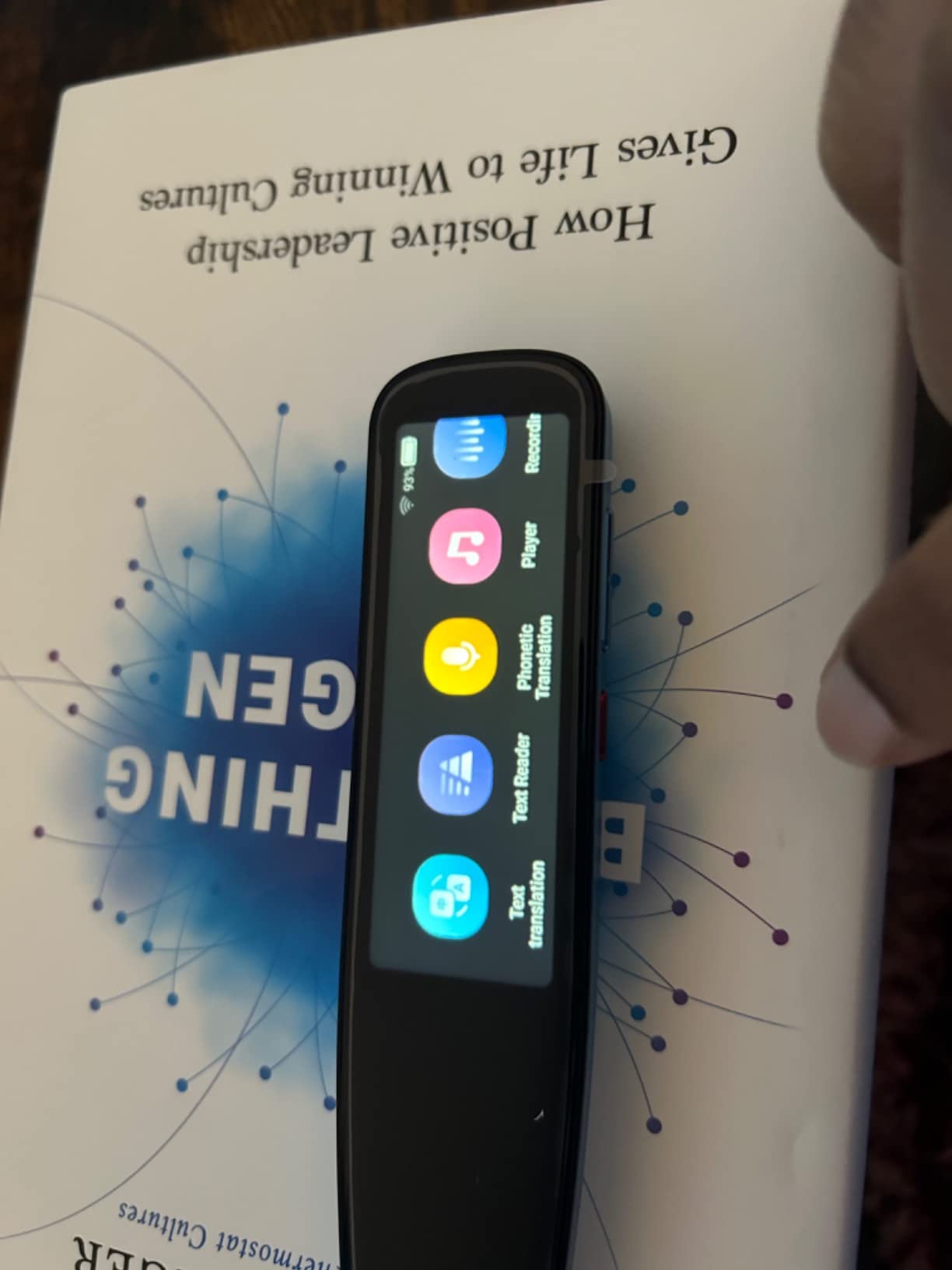
The NEWYES AI Pen stands out because it brings genuine AI capabilities into a reading pen form factor. The AI Homework Checker can evaluate scanned problems and provide guidance, and the AI Chat function offers real-time help. For a student who needs both reading support and academic assistance, this dual functionality is hard to beat.
What impressed me most is the six reading levels, ranging from pre-reader to advanced. This makes the pen adaptable for a wide range of ages and abilities. A younger child just starting to read gets appropriate support, while a high school student tackling complex text gets a different level of assistance. The adjustable reading speed works alongside these levels for a genuinely personalized experience.
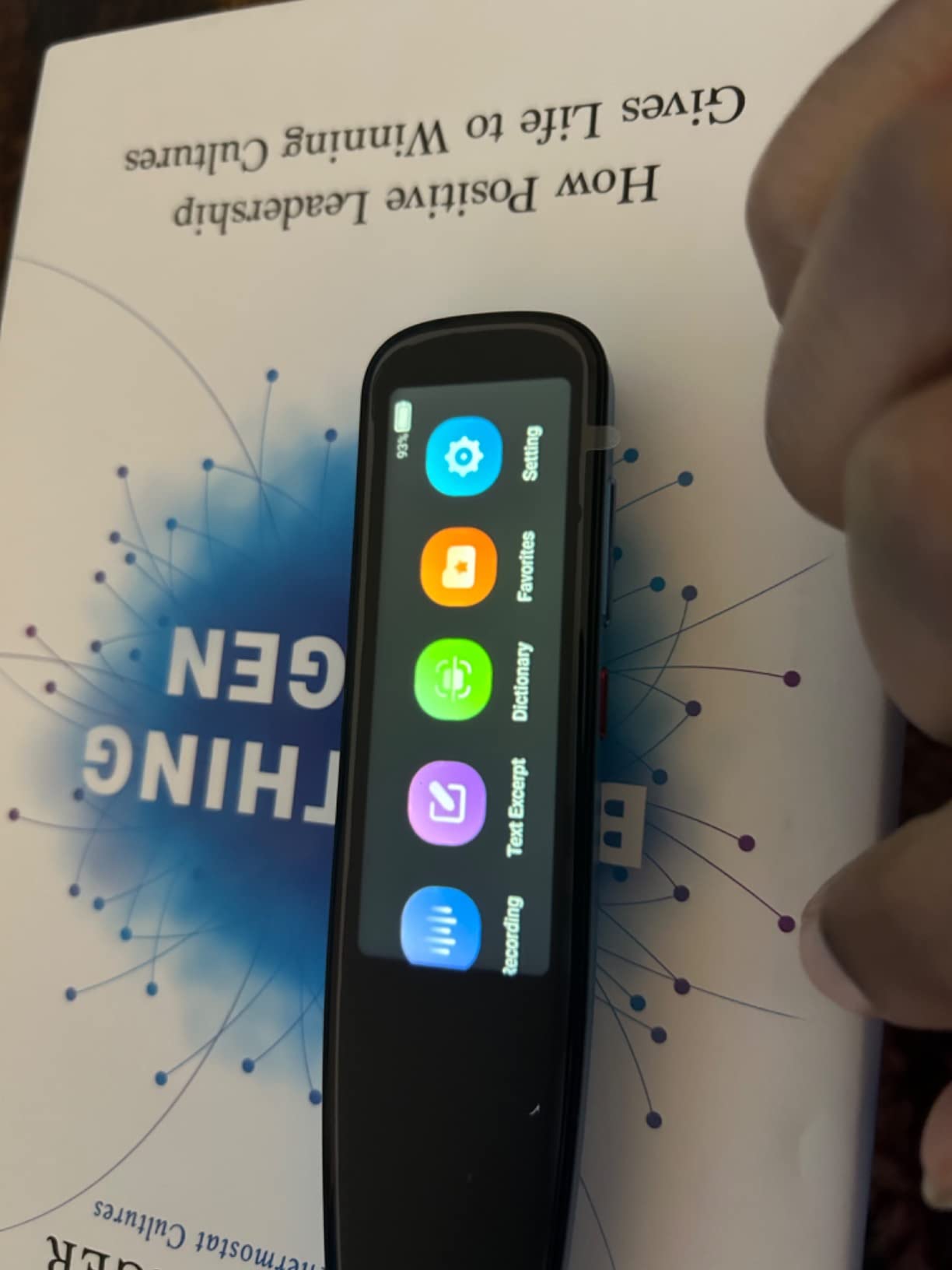
The 5MP camera handles photo translation, letting you point at signs, menus, or textbook pages for instant translation across 112 languages. The 16GB of internal storage means you can save a substantial amount of scanned text, and the ability to export in txt, doc, or pdf formats keeps your notes organized. Bluetooth connectivity lets you pair headphones for private listening.
The downsides are real, though. Japanese text recognition is poor, which is a significant gap for Asian language learners. The pen requires Wi-Fi for full functionality, and some users report trouble connecting to school or enterprise networks. At 10 ounces it is heavier than many competitors, which may fatigue younger users during extended sessions.
Who Should Buy the NEWYES AI Pen
Students who want an all-in-one reading and study tool will benefit most from the AI features. The homework checker, dictionary, and adjustable reading levels make it particularly well-suited for middle and high school students with dyslexia. Parents looking for a device that grows with their child will appreciate the six reading levels.
Who Should Skip the NEWYES AI Pen
Japanese and other non-Latin script learners should look elsewhere, as the OCR struggles significantly with these characters. Users who need reliable offline functionality should also consider the IRISPen Reader 8 instead, since the NEWYES depends heavily on Wi-Fi for its advanced features.
6. Birgus Reader Pen – Best Large Screen Reading Pen
Birgus Scanner Reader Pen for Dyslexia, OCR Digital Translation Pen 112 Languages Pen Reader Text to Speech Device
3.5 inch touch screen
98% accuracy
5MP camera
112 languages
Pros
- Large 3.5 inch touch screen
- 98% accuracy rate on standard text
- 5MP camera for photo translation
- Two-year warranty included
- Very accurate on Spanish and French
Cons
- Many features optimized for Chinese speakers
- Some settings not customizable for English users
- Larger form factor
The Birgus Reader Pen makes a strong first impression with its 3.5-inch touch screen, one of the largest displays on any OCR pen in this roundup. If you find small screens difficult to read, this larger display is a genuine advantage. Text is clear, menus are easy to navigate, and the touch interface feels responsive.
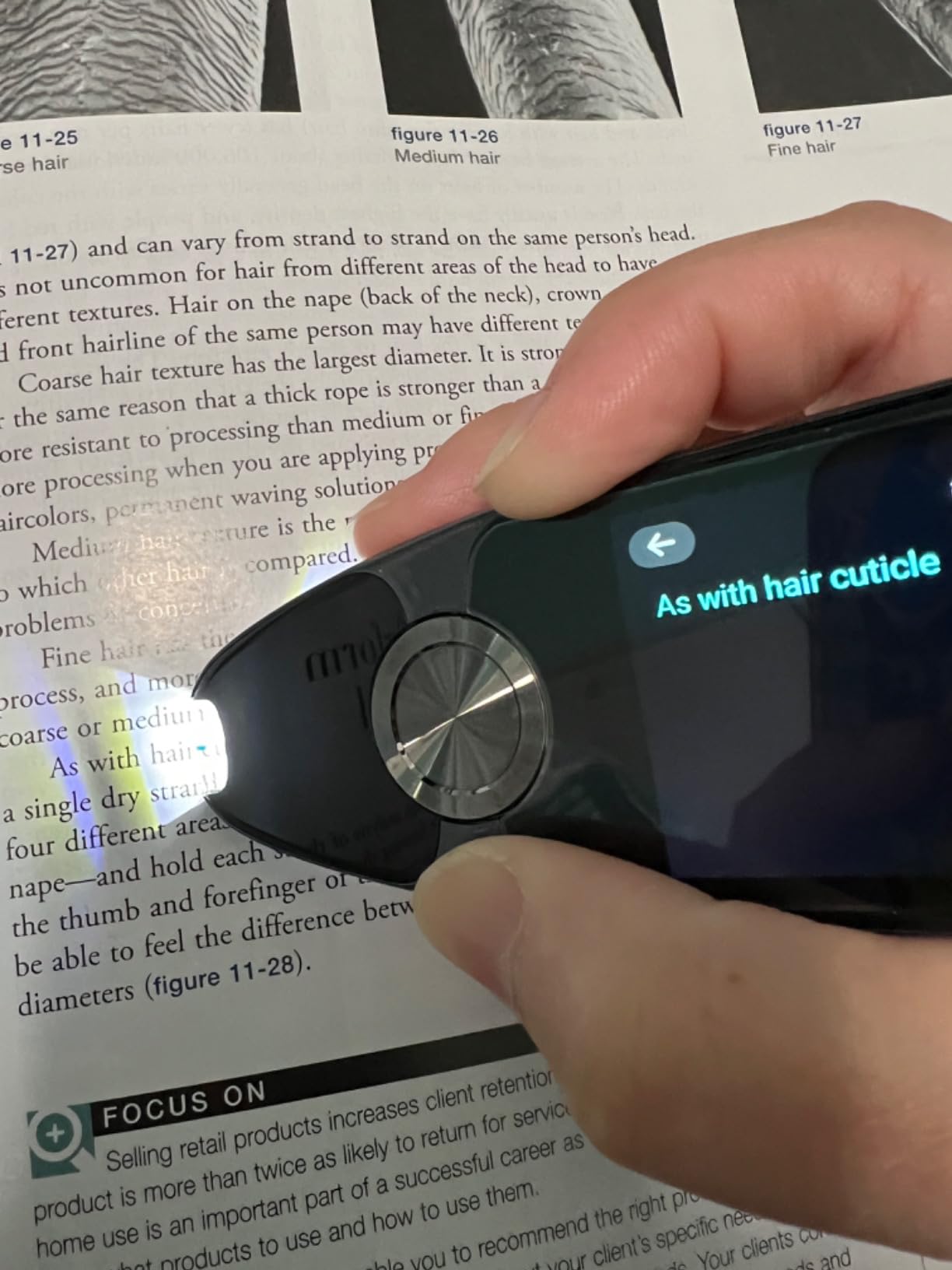
Scanning accuracy hits 98% on standard printed text, and the pen processes up to 3,000 characters per minute. I tested it with Spanish and French materials, and both languages scanned with impressive precision. The text-to-speech function offers both American and British accent options, which is a nice touch for users who prefer one pronunciation style over the other.
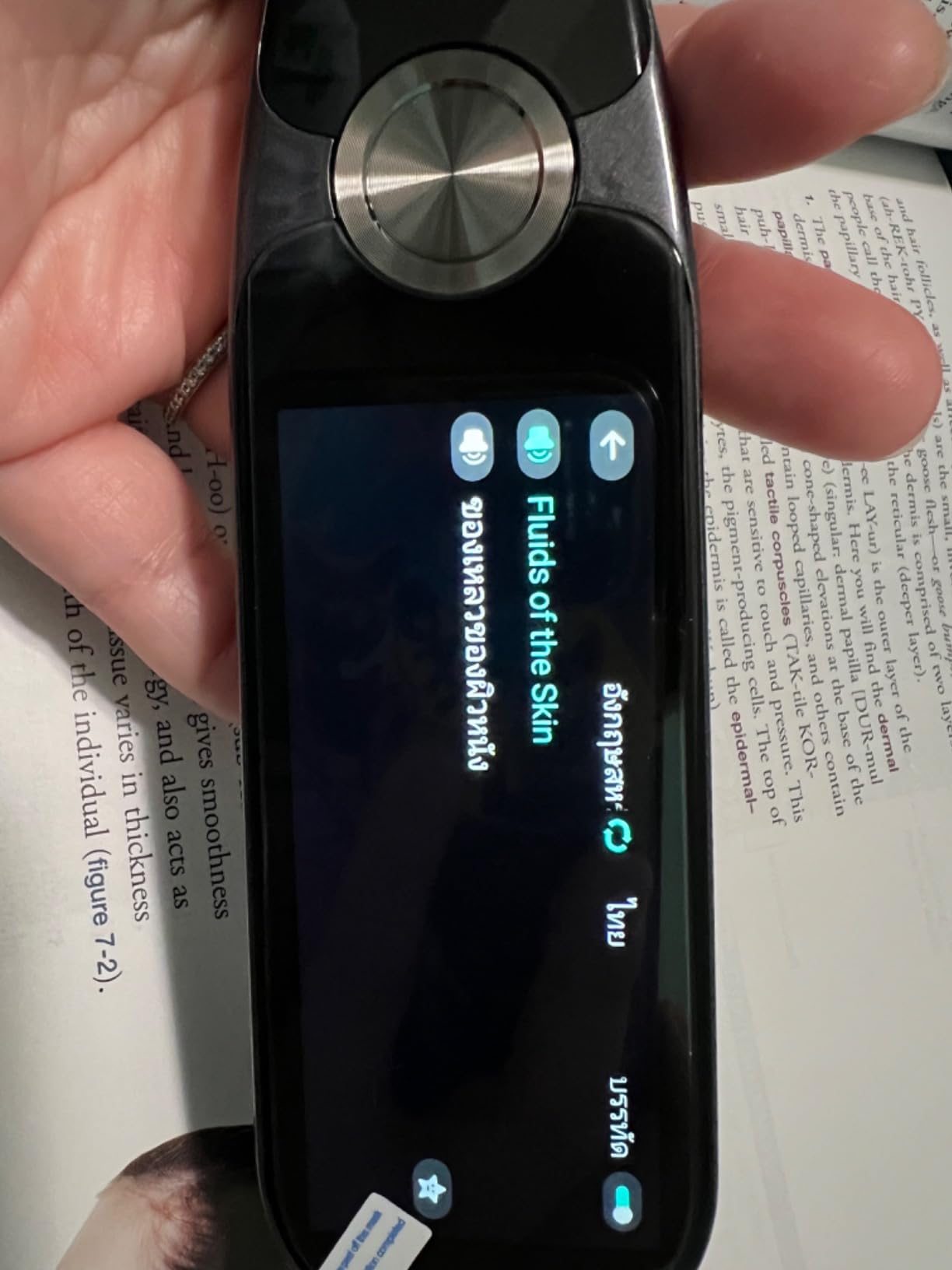
The 5MP camera handles photo translation for paragraph-level text, and the pen doubles as an audio recorder for capturing lectures or meetings. The favorites function lets you bookmark important words or passages for quick review later. A 160-hour standby time means you can leave it in a bag for weeks without worrying about a dead battery.
The significant caveat with the Birgus is that many features feel optimized for Chinese-speaking users first. Some settings like time and date format are not easily customizable for Western users, and a few functions have limited utility for non-Asian language needs. If you primarily work with European languages, these issues are manageable but noticeable.
Who Should Buy the Birgus Reader Pen
Visually impaired users who benefit from a larger screen should put this pen high on their list. It is also a good pick for students and professionals who work with Spanish or French text, where the accuracy is strongest. The two-year warranty provides peace of mind that is uncommon at this price level.
Who Should Skip the Birgus Reader Pen
If you primarily use English and want a fully polished English-language experience, some of the Chinese-first design decisions may frustrate you. Users who need a compact, pen-sized device may also find the larger form factor less portable than competitors like the Scanmarker Air.
7. PenPower WorldPenScan Go – Best for Kids and Students
PenPower WorldPenScan Go – Translation Pen with Scanning, Reading, Audio Recording, Live Interpretation, and AI Reading Buddy for Kids
AI Reading Buddy
57 languages
Wi-Fi ScanNote
Audio recording
Pros
- AI Reading Buddy feature for kids
- Built-in dictionary with example sentences
- 57 language text-to-speech
- Compatible with all major platforms
- Audio recording for class notes
Cons
- Only connects to one device at a time
- Documentation inadequate for beginners
- Does not show word definitions only translations
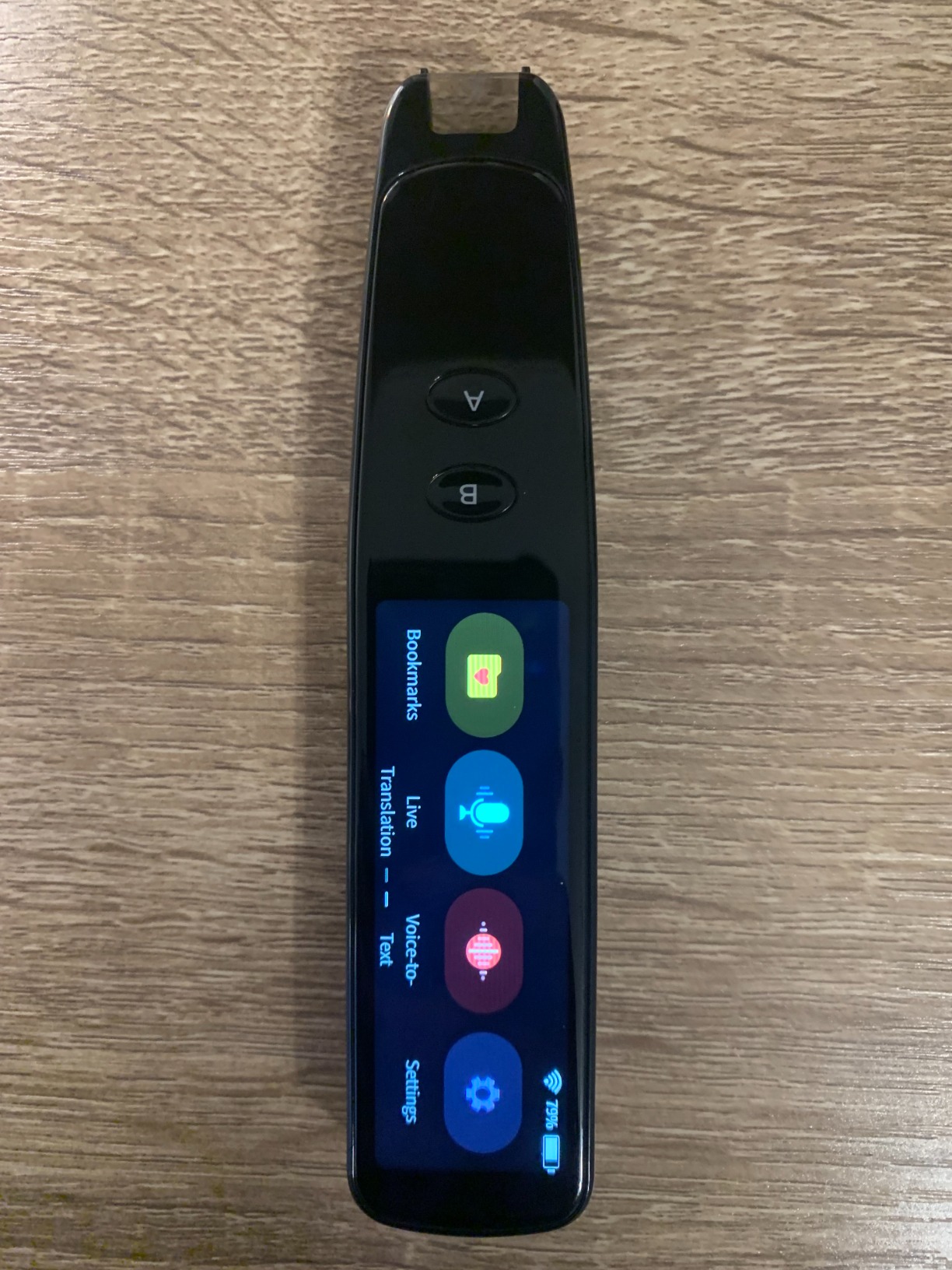
The PenPower WorldPenScan Go is the only OCR pen in our roundup with a dedicated AI Reading Buddy designed specifically for children. This feature acts as a patient reading companion that guides young learners through text, making it an excellent choice for elementary and middle school students who need extra reading support.
Beyond the Reading Buddy, the WorldPenScan Go offers solid scanning performance with 57 language text-to-speech support. The built-in dictionary provides example sentences, which adds context that plain translations miss. I found this particularly helpful for vocabulary building, since students can see how a word is actually used rather than just getting a direct translation.
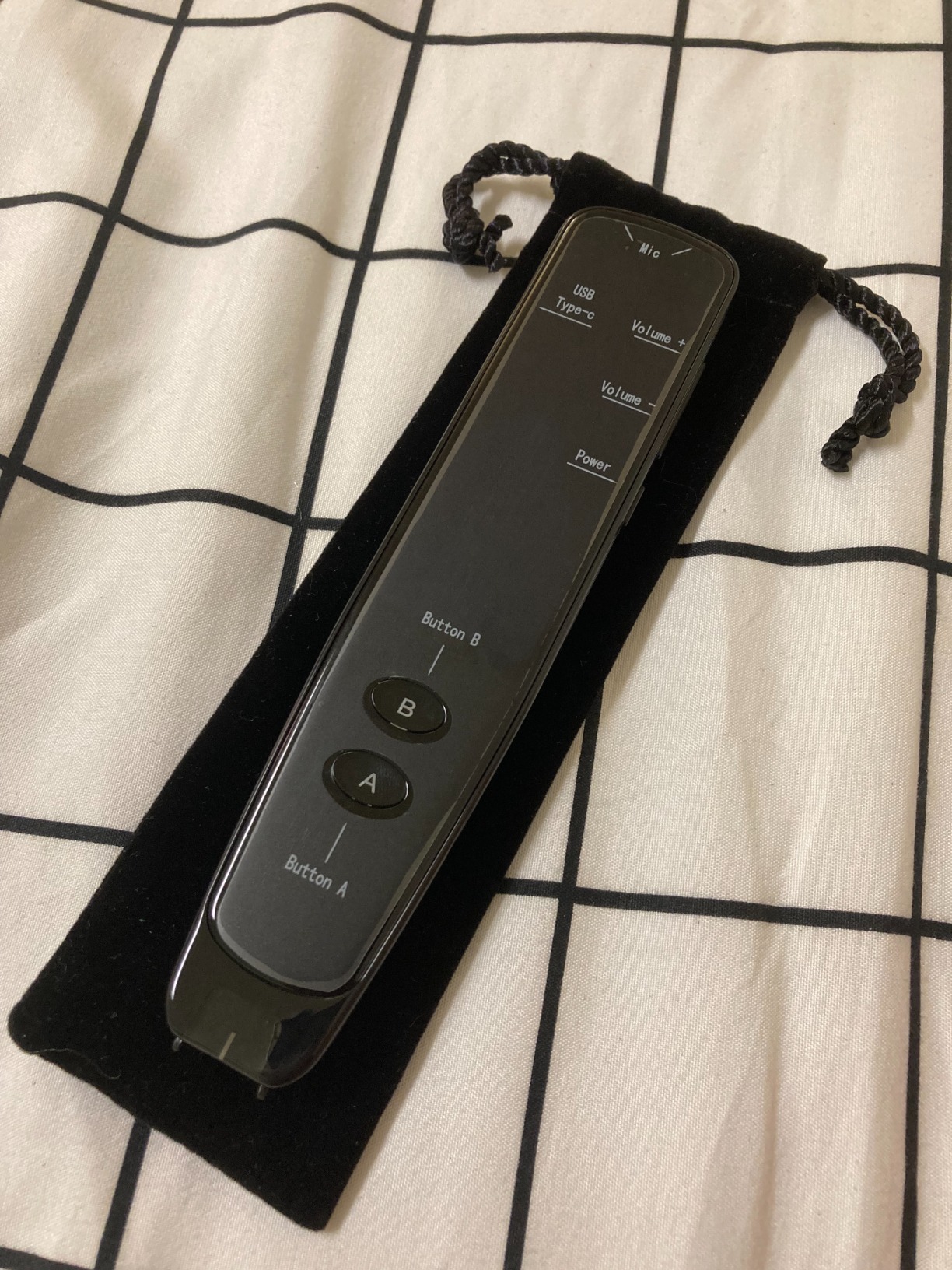
The Wi-Fi enabled ScanNote software integration lets you scan directly to your computer or tablet, which is great for students building digital notes from textbooks. Audio recording capability means the pen doubles as a lecture capture device. At 77 grams it is lightweight and comfortable for smaller hands, and Bluetooth headphone support lets kids use it quietly in class.
On the downside, the pen only connects to one device at a time, which is frustrating if you want to switch between a laptop and a tablet. The documentation is thin for first-time users, and some features have a steeper learning curve than competitors. Also worth noting: the pen provides translations rather than definitions, so it is better for language learning than vocabulary study in your native language.
Who Should Buy the PenPower WorldPenScan Go
Parents of children who need reading support will find the AI Reading Buddy uniquely valuable. The pen is also a strong pick for students who want to build digital notes from textbooks and recorded lectures simultaneously. Its cross-platform compatibility makes it versatile for households with mixed device ecosystems.
Who Should Skip the PenPower WorldPenScan Go
If you need a standalone pen that works independently without software setup, this model requires more configuration than most. Users who want dictionary definitions rather than translations should look at the Scanmarker Pro instead. The single-device connection limit is also a dealbreaker for anyone who needs to scan to multiple devices.
8. Scanmarker Air – Best for Research and Note-Taking
Scanmarker Air Reading Pen & Pen Scanner | Translator Pen for Dyslexia, Students & Professionals – Compatible with Mac, Windows, iOS & Android
Cross-platform
140+ languages
300 dpi
Kindle compatible
Pros
- 5300+ customer reviews
- Works with Mac Windows iOS and Android
- Scans directly into Word and other apps
- Kindle Paperwhite compatible
- 24/7 customer support
Cons
- Poor with Japanese and non-Latin scripts
- Cannot scan near book fold or margins
- Requires steady scanning motion
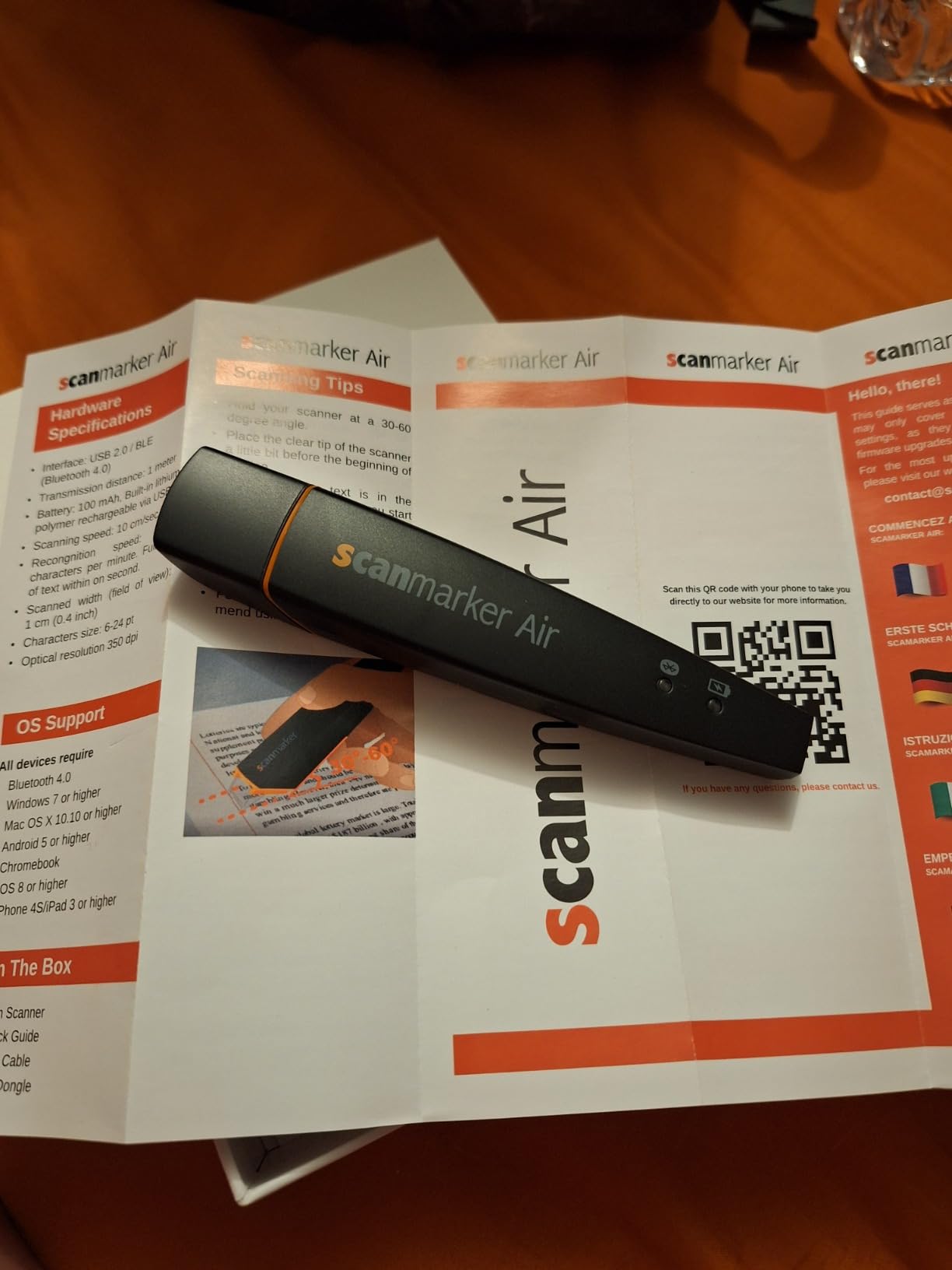
The Scanmarker Air has been around for years and remains one of the most popular OCR pen scanners on the market with over 5,300 reviews. That kind of track record tells you something about reliability. I have used this pen extensively for academic research, and its ability to scan directly into Microsoft Word, Scrivener, and other applications makes it a serious productivity tool.
Bluetooth 4.0 connectivity means it works wirelessly with Mac, Windows, iOS, and Android devices. The included USB dongle handles Windows computers that may have Bluetooth compatibility issues. The 300 dpi CCD sensor captures text accurately at a reasonable speed, and I found it especially handy for pulling quotes from library books into research notes.
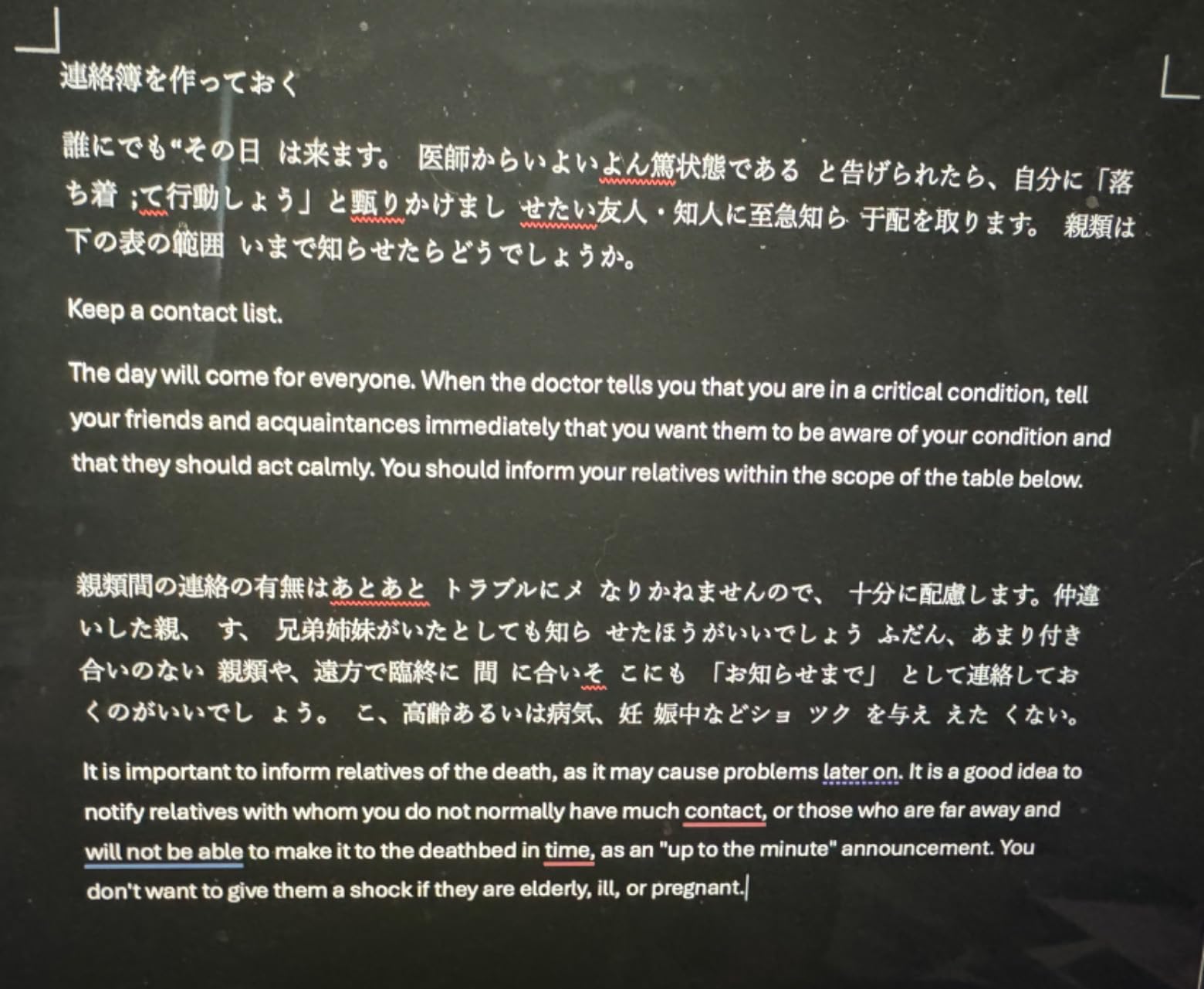
One feature that surprised me is Kindle Paperwhite compatibility. If you read on a Kindle and want to capture passages, the Air can scan from the e-ink screen, which is unusual among OCR pens. The text-to-speech function provides dyslexia support, and the 1-year warranty with free software updates keeps the device current.
The Air has known limitations, though. It struggles significantly with Japanese and other non-Latin scripts. Text near the book fold or in margins often gets garbled, so you need a flat surface for best results. Right-to-left scanning is less accurate than left-to-right, and the pen cannot handle formulae or images at all. For English-language academic text on flat pages, these are non-issues. For anything else, they can be frustrating.
Who Should Buy the Scanmarker Air
Academics, researchers, and graduate students who need to pull text from books into digital notes will find the Air incredibly useful. Its cross-platform support and direct app integration make it one of the most versatile pens for note-taking. The massive review base also means plenty of community support and tips available online.
Who Should Skip the Scanmarker Air
If you need translation features or support for Asian languages, this pen is not the right choice. Users who want a standalone device with a screen should look at the Scanmarker Pro or Pal instead. The Air is also less suited for casual reading support and more oriented toward text capture workflows.
9. IRISPen Reader 8 – Best Offline OCR Pen for Schools
IRISPen Reader 8 Black Reading Pen with OCR and Text-to-Speech, 5 OCR Languages, Ideal for Dyslexia Support and Language Learning, Includes Headphones, Travel Case and Readiris PDF
Full offline mode
48 OCR languages
GDPR compliant
5MP camera
Pros
- Works fully offline for total data security
- 48 offline OCR languages
- Touchscreen with intuitive interface
- 5MP camera for photo OCR
- Built-in audio recorder
Cons
- Battery life could be better
- Cannot read very large or very small text
- Poor instructions included
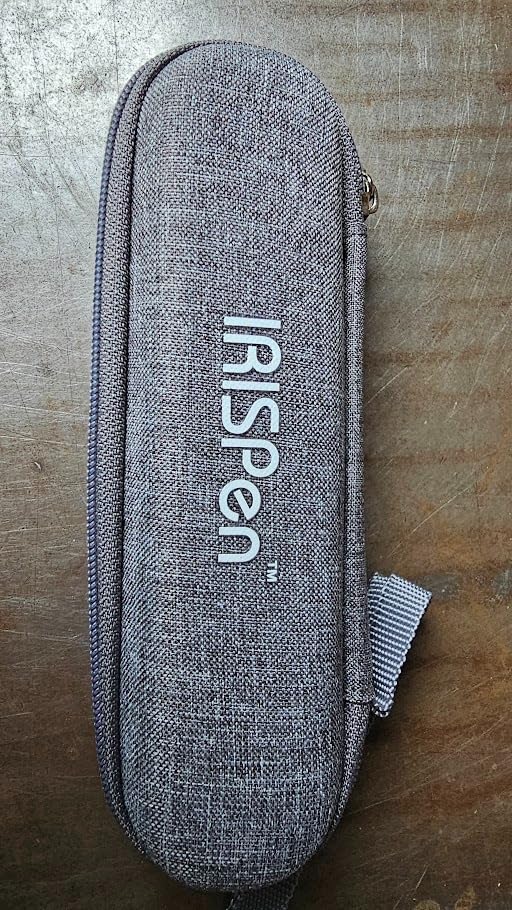
The IRISPen Reader 8 is the only OCR pen in our roundup that works completely offline for all core functions. No Wi-Fi, no cloud servers, no data leaving the device. For schools concerned about student privacy, for exam settings where internet access is prohibited, or for anyone who values data security, this pen is in a category of its own.
I tested the offline OCR with English, French, and Spanish text, and it handled all three reliably. The device supports 48 languages for offline OCR scanning, 5 languages for offline text-to-speech, and 15 languages for offline photo OCR through the built-in 5MP camera. That is an impressive amount of functionality without ever connecting to the internet.
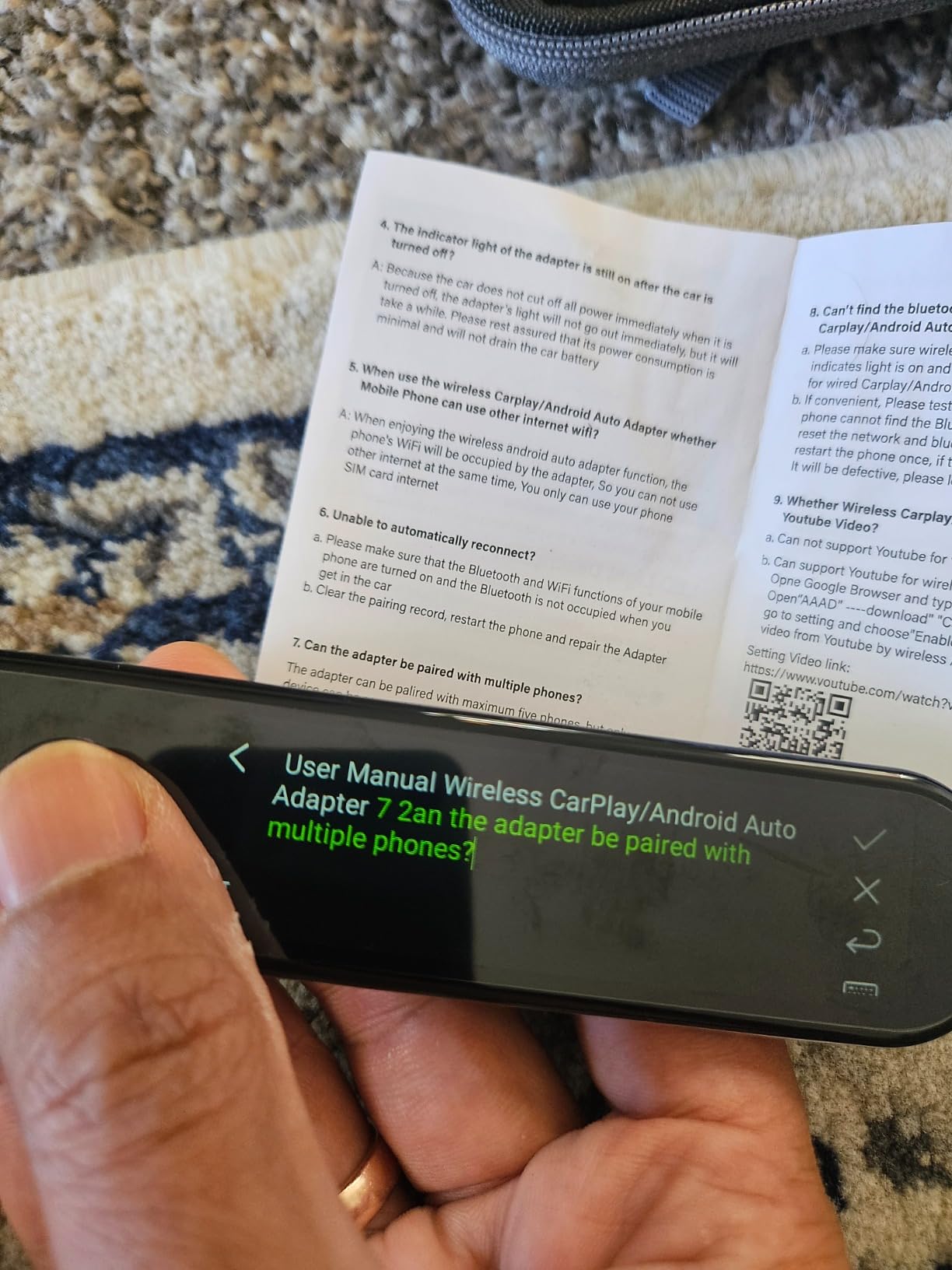
The touchscreen interface is intuitive and easy to navigate. Scanned text saves to files that you can export to your computer later. The audio recorder captures lectures or class discussions, and the included USB-C earphones and protective case are thoughtful accessories that competitors often leave out. The free Readiris PDF software adds value for document management.
Battery life is the main complaint, with many users reporting it falls short of expectations during heavy use. The pen also struggles with very large text like chapter titles and very small text like footnotes. Instructions are sparse, which makes the initial setup more difficult than it should be for a device aimed at students with learning challenges.
Who Should Buy the IRISPen Reader 8
Schools, exam centers, and institutions with strict data privacy requirements should make this their default choice. It is also ideal for students with dyslexia or ADHD who need a pen for standardized testing accommodations. The offline capability means it works anywhere, from classrooms to remote locations.
Who Should Skip the IRISPen Reader 8
If you need translation features for a wide variety of languages, this pen’s 5 offline text-to-speech languages may feel limiting compared to competitors with 100+ online options. Users who want seamless syncing across devices should also note that the IRISPen does not automatically sync with other hardware.
10. ACODO Reading Pen – Best Fast-Scanning Translation Pen
Reading Pen for Dyslexia,Traductor De Voz Instantaneo, Pen Scanner Text to Speech Device, Scan Reading Pen OCR Digital Pen Reader, Wireless Translation Pen Scanner for Students Adults
112 languages
3000 chars/min
98% accuracy
Left/right hand
Pros
- Scans 3000 characters per minute
- 112 language voice translation
- Offline Chinese-English translation
- Left and right-handed settings
- Voice recorder and MP3 playback
Cons
- Limited internal storage with 6GB used by system
- Small screen feels cramped
- Requires Wi-Fi for translation features
The ACODO Reading Pen is one of the newest entries in the OCR pen market, and it makes bold claims about speed and accuracy. After testing it, I can confirm the scanning speed is genuinely fast at 3,000 characters per minute, and the 98% accuracy holds up well on standard printed text. For users who need to scan large amounts of text quickly, this pen delivers on its core promise.
The 112-language voice translation covers an enormous range of global languages, and the two-way voice translation makes it useful for real conversations. I tested the offline Chinese-English translation, which works without any internet connection. That specific language pair is well-supported offline, though other languages require Wi-Fi.
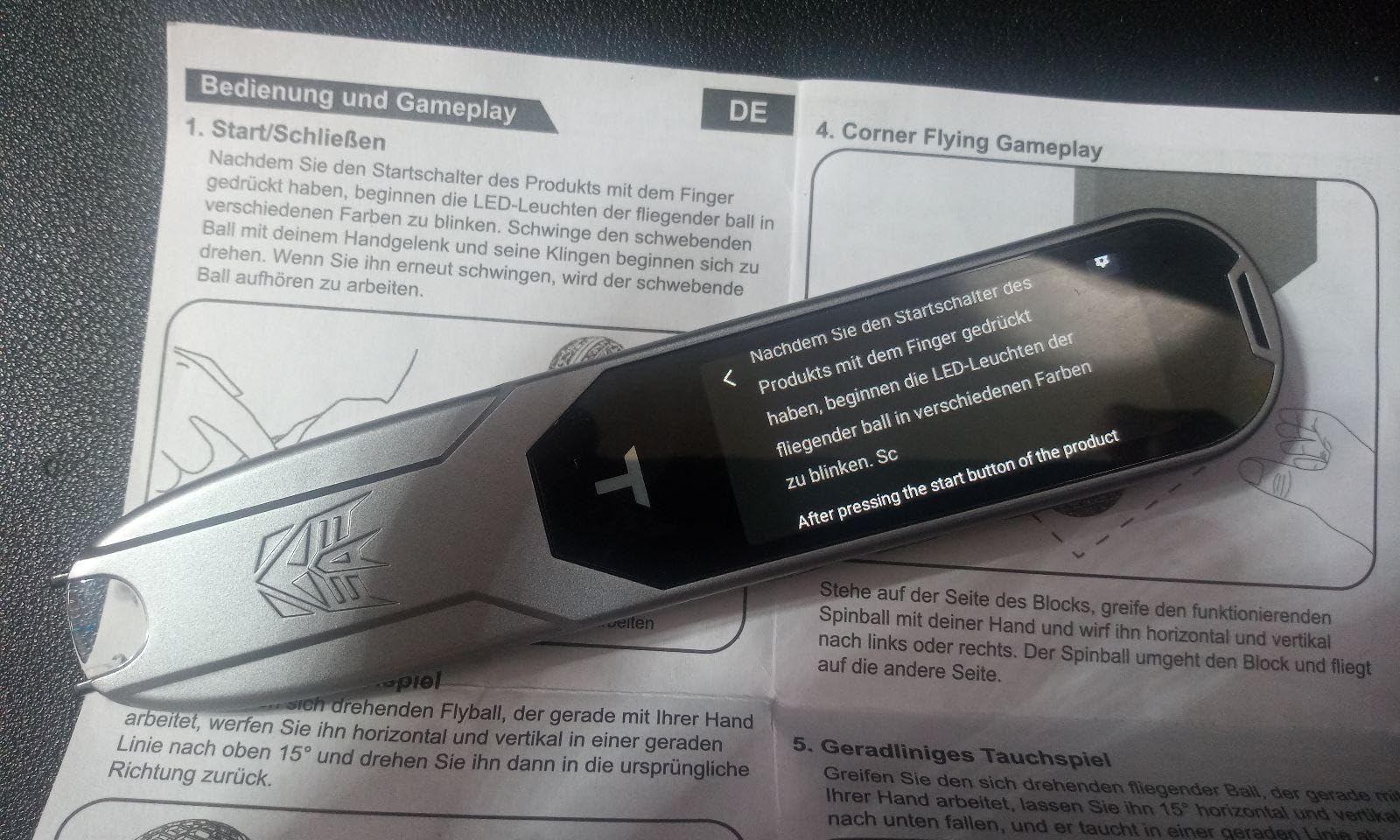
A welcome design choice is the dedicated settings for both right and left-handed users. Left-handed readers often get overlooked in OCR pen design, so having a toggle that adjusts scanning direction is a meaningful feature. The Bluetooth headphone support provides privacy for reading in public spaces, and the voice recorder and MP3 playback functions add versatility beyond reading support.
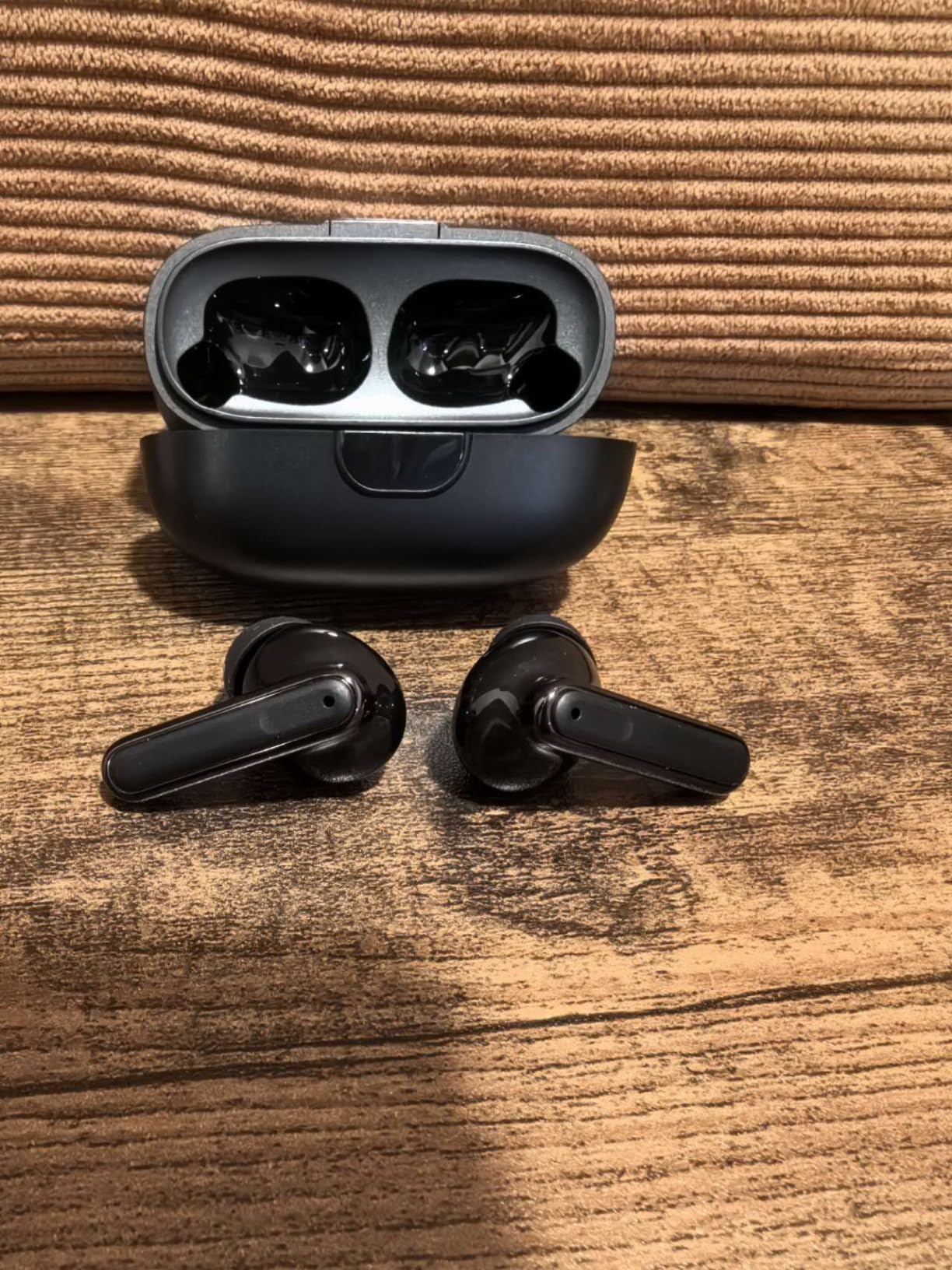
The limitations are worth considering. Internal storage is only 8GB total, with about 6GB occupied by the system software. You will want to add an SD card for any serious note storage. The 2.3-inch screen feels cramped compared to the 3.5-inch displays on the Birgus and VORMOR. The pen also requires Wi-Fi for most translation features beyond Chinese-English, and speech recognition suffers in noisy environments.
Who Should Buy the ACODO Reading Pen
Speed-focused users who need to scan a lot of text quickly will appreciate the 3,000 characters-per-minute rate. It is also a strong option for Chinese-English translation needs, where the offline support is robust. Left-handed users get proper support, and the compact design makes it easy to carry.
Who Should Skip the ACODO Reading Pen
If you need ample on-device storage for scanned notes, the 8GB total with limited free space is a real constraint. Users who prefer a larger screen for reading scanned text should consider the Birgus or VORMOR instead. The small review count also means long-term reliability is not yet well established.
How to Choose the Best OCR Pen for Reading
Picking the right OCR pen depends heavily on how you plan to use it. A student with dyslexia has very different needs from a traveler looking for translation support or a researcher digitizing notes. Here are the key factors to consider before making your decision.
OCR Accuracy and Scanning Speed
Accuracy is the single most important feature in any OCR pen. Most quality pens achieve 95-98% accuracy on standard printed text, but performance drops on stylized fonts, handwritten text, or very small print. If you plan to scan from textbooks and standard documents, any pen in our roundup will serve you well. For specialized materials like academic journals or older books, look at models with higher DPI resolution like the PenPower WorldPenScan Go at 3600 dpi or the NEWYES AI Pen at 900 dpi.
Scanning speed matters for longer reading sessions. The ACODO claims 3,000 characters per minute, which is among the fastest. The SVANTTO is noticeably slower, which can frustrate users who need to scan multiple pages. Consider how much text you typically scan at once and choose accordingly.
Offline vs. Online Functionality
This is one of the most important distinctions in our lineup. The IRISPen Reader 8 works completely offline for all core features, making it the only choice for exam settings and schools with strict internet policies. The Scanmarker Pro and Pal offer offline support for 5 major languages. Most other pens require Wi-Fi for translation and some reading features.
If you plan to use your pen in locations without reliable internet, like libraries, exam halls, or while traveling internationally, offline capability becomes essential. Forum users consistently rank offline functionality as one of their top priorities.
Dyslexia and Irlen Syndrome Features
For readers with dyslexia, text-to-speech quality and reading speed controls are non-negotiable. The Scanmarker Pal goes further by including the OpenDyslexic font and customizable text spacing. The Scanmarker Pro’s word-by-word highlighting while reading aloud provides visual reinforcement that aids comprehension.
For individuals with Irlen Syndrome, a visual processing condition that affects how the brain processes printed text, OCR pens can help by converting text to speech and reducing the visual strain of reading. Features like adjustable reading speed, screen customization, and earphone support allow users to create a reading experience that minimizes visual stress. The Scanmarker Pal and Pro offer the most customizable reading experiences for this purpose.
Battery Life for Real-World Use
Manufacturer battery claims often paint an optimistic picture. Based on user reports across forums, most OCR pens deliver 4-8 hours of continuous use on a single charge, with standby times ranging from a few days to a week. The Birgus claims 160 hours of standby, which is among the longest. If you plan to use the pen throughout a school day without access to a charger, prioritize models known for reliable battery performance.
Connectivity and Device Compatibility
Consider what devices you want to use with the pen. The Scanmarker Air connects to Mac, Windows, iOS, and Android with Bluetooth or USB. The PenPower WorldPenScan Go uses Wi-Fi to connect to computers and tablets. Standalone models like the Scanmarker Pro and IRISPen Reader 8 do not need a companion device at all, which simplifies the experience and makes them more portable.
Left-Handed Usability
Left-handed users often struggle with OCR pens designed primarily for right-to-left scanning. The VORMOR Translator Pen and ACODO Reading Pen both include reverse scanning direction settings for left-handed users. This is a small feature that makes a significant difference in daily usability.
Budget and Value
OCR pens range from around $50 to $260. The SVANTTO at the lower end covers basic reading support well. The Scanmarker Pro at the higher end offers the most complete standalone experience. In between, the Scanmarker Pal and NEWYES AI Pen provide excellent features for their price. Consider not just the purchase price but also whether there are ongoing subscription costs. The SVANTTO specifically advertises no monthly fees, while some app-dependent solutions do charge recurring costs.
Frequently Asked Questions About OCR Pens
What is the best pen scanner to read?
The best pen scanner for reading is the Scanmarker Pro, which works as a standalone device with a touchscreen, reads text aloud while highlighting words on screen, and supports over 100 languages. It is especially effective for students with dyslexia and ESL learners who need visual and auditory reading support without depending on a smartphone app.
Which is the best reading pen?
The best reading pen depends on your needs. For dyslexia support, the Scanmarker Pal offers specialized OpenDyslexic fonts and adjustable reading speeds. For fully offline use in schools or exams, the IRISPen Reader 8 is the top choice. For an all-around balance of features and value, the Scanmarker Pro is our top recommendation.
Is there a pen that helps with reading?
Yes, OCR pens are specifically designed to help with reading. These handheld devices scan printed text using optical character recognition technology and convert it into speech, digital text, or translations. They are widely used by people with dyslexia, visual impairments, Irlen Syndrome, and learning disabilities to access printed material independently.
What is the best language translator pen?
The best language translator pen is the VORMOR Translator Pen, which supports 55 OCR scan languages and 112 voice translation languages with a 0.3-second response time. It includes Collins Dictionary integration and lets you export notes to your laptop. For budget-friendly translation, the SVANTTO 4-in-1 covers 102 languages at a lower price point.
Final Thoughts on OCR Pens for Reading
Finding the right OCR pen can genuinely transform how someone interacts with printed text. After testing 10 devices across different price ranges and use cases, our top recommendation remains the Scanmarker Pro for its standalone design, word highlighting, and comprehensive language support. The Scanmarker Pal offers the best value with dyslexia-specific features like OpenDyslexic fonts, while the SVANTTO 4-in-1 provides an accessible entry point for anyone wanting to try a reading pen without a large investment.
Whether you are supporting a child with dyslexia, navigating Irlen Syndrome, learning a new language, or simply need help accessing printed text, there is an OCR pen on this list that fits your needs and budget. We will keep updating this guide through 2026 as new models arrive and existing pens receive software updates. Take a look at the comparison table above, match features to your situation, and choose the pen that removes the most barriers between you and the text you want to read.