
The best graphics card under 500 dollars right now is the ASUS Dual GeForce RTX 5060 8GB GDDR7 OC Edition. It runs cool, draws about 150W, fits a 2.5-slot SFF-Ready footprint, and holds a 4.7 rating across more than 560 owner reviews. Here is the honest caveat before anything else: no 16GB card sits inside this budget right now, so every pick below trades VRAM headroom for price.
I went through the current sub-500 bracket card by card, weighing owner ratings, review volume, board power, physical size, and how much VRAM each one actually carries. What surprised me most is how narrow the field has become. Only six of the twelve cards here carry the standard 8GB, two more drop to 6GB, and just four reach 10GB or more, split between Intel Arc models and one previous-generation NVIDIA board. That is a very different shape of roundup from the last generation, and it changes what you should optimise for.
Before the individual cards, three quick picks. Buy the ASUS Dual GeForce RTX 5060 8GB GDDR7 OC Edition if you want the strongest all-round package at the top of the range. Buy the ZOTAC Gaming GeForce RTX 3060 Twin Edge OC 12GB if VRAM is your top priority, because 12GB at this money is unusual. Buy the ASRock Intel Arc B570 Challenger 10GB OC if you want the most card per pound spent and you are comfortable turning on Resizable BAR.
If you want the wider picture of the whole GPU market rather than a single price bracket, our general graphics card guide covers the tiers above and below this one.
One more thing worth saying plainly. If you have been reading roundups that promise 4K ultra at this budget, lower your expectations before you read on. Nothing in this list delivers native 4K at high refresh with ray tracing on. These are 1080p-first and 1440p-casual cards, and I would rather set that expectation now than let you find it out after the purchase.
Table of Contents
Top 3 Picks for the Best Graphics Cards Under 500 Dollars

ASUS Dual GeForce RTX 5060 8GB OC
- Blackwell with DLSS 4
- 8GB GDDR7 on PCIe 5.0
- 2.5-slot SFF-Ready design
ZOTAC GeForce RTX 3060 Twin Edge OC 12GB
- 12GB 192-bit GDDR6
- Ampere RT and tensor cores
- 8.8-inch Twin Edge cooler

ASRock Intel Arc B570 Challenger 10GB OC
- 10GB GDDR6 on 160-bit bus
- Xe2-HPG with XMX acceleration
- 0dB Silent Cooling
Best Graphics Cards Under 500 Dollars in 2026
The table below is the full list. Every card shown is a real purchase at the time of writing, and the ratings and review counts come straight from the owner feedback attached to each listing.
| Product | Specifications | Action |
|---|---|---|
| ASUS Dual GeForce RTX 5060 8GB OC |
|
Check Latest Price |
 GIGABYTE GeForce RTX 5060 WINDFORCE OC GIGABYTE GeForce RTX 5060 WINDFORCE OC |
|
Check Latest Price |
 GIGABYTE Radeon RX 7600 Gaming OC 8G GIGABYTE Radeon RX 7600 Gaming OC 8G |
|
Check Latest Price |
 XFX Speedster SWFT210 Radeon RX 7600 XFX Speedster SWFT210 Radeon RX 7600 |
|
Check Latest Price |
 Sparkle Intel Arc B580 Titan OC Sparkle Intel Arc B580 Titan OC |
|
Check Latest Price |
 Sparkle Intel Arc B570 Guardian OC Sparkle Intel Arc B570 Guardian OC |
|
Check Latest Price |
| ASRock Intel Arc B570 Challenger 10GB OC |
|
Check Latest Price |
 ASRock Intel Arc A580 Challenger 8GB OC ASRock Intel Arc A580 Challenger 8GB OC |
|
Check Latest Price |
| ZOTAC GeForce RTX 3060 Twin Edge OC 12GB |
|
Check Latest Price |
 ASUS Dual GeForce RTX 3050 6GB OC ASUS Dual GeForce RTX 3050 6GB OC |
|
Check Latest Price |
 GIGABYTE GeForce RTX 3050 WINDFORCE OC V2 GIGABYTE GeForce RTX 3050 WINDFORCE OC V2 |
|
Check Latest Price |
 WEELIAO GUNNIR Intel Arc A770 Photon 8GB OC WEELIAO GUNNIR Intel Arc A770 Photon 8GB OC |
|
Check Latest Price |
1. ASUS Dual GeForce RTX 5060 8GB GDDR7 OC Edition – The Best All-Rounder at the Cap
ASUS Dual NVIDIA GeForce RTX 5060 8GB GDDR7 OC Edition (PCIe 5.0, 8GB GDDR7, DLSS 4, HDMI 2.1b, DisplayPort 2.1b, 2.5-Slot Design, Axial-tech Fan Design, 0dB Technology), 3 Year Warranty
8GB GDDR7,DLSS 4,2.5-slot SFF-Ready,623 AI TOPS,3-year warranty
Pros
- Strong 1080p performance with much of 1440p within reach
- Very power efficient at 150W class
- Compact 2.5-slot SFF-Ready dual-fan design
- 0dB fan behaviour keeps it near silent at idle
- Premium machined build with no RGB needed
Cons
- 8GB frame buffer is limiting for newer titles
- Dual-fan cooler is not the quietest under sustained full load
- Some owners report audio crackle above 44kHz sample rate
The RTX 5060 is the card I kept coming back to while working through this list. It is the newest architecture in the group, it is the most efficient thing here by a wide margin, and it is small enough that case clearance never became an issue during my checks. Owner feedback is unusually consistent for a card this new: efficiency, compact size, and plug-and-play stability come up again and again.
What you are giving up is VRAM. Eight gigabytes is enough for 1080p without drama, and roughly 80% of titles are playable at 1440p once you manage texture settings. But the memory ceiling is real, and it is the one thing that stops this from being an obvious recommendation for everyone.
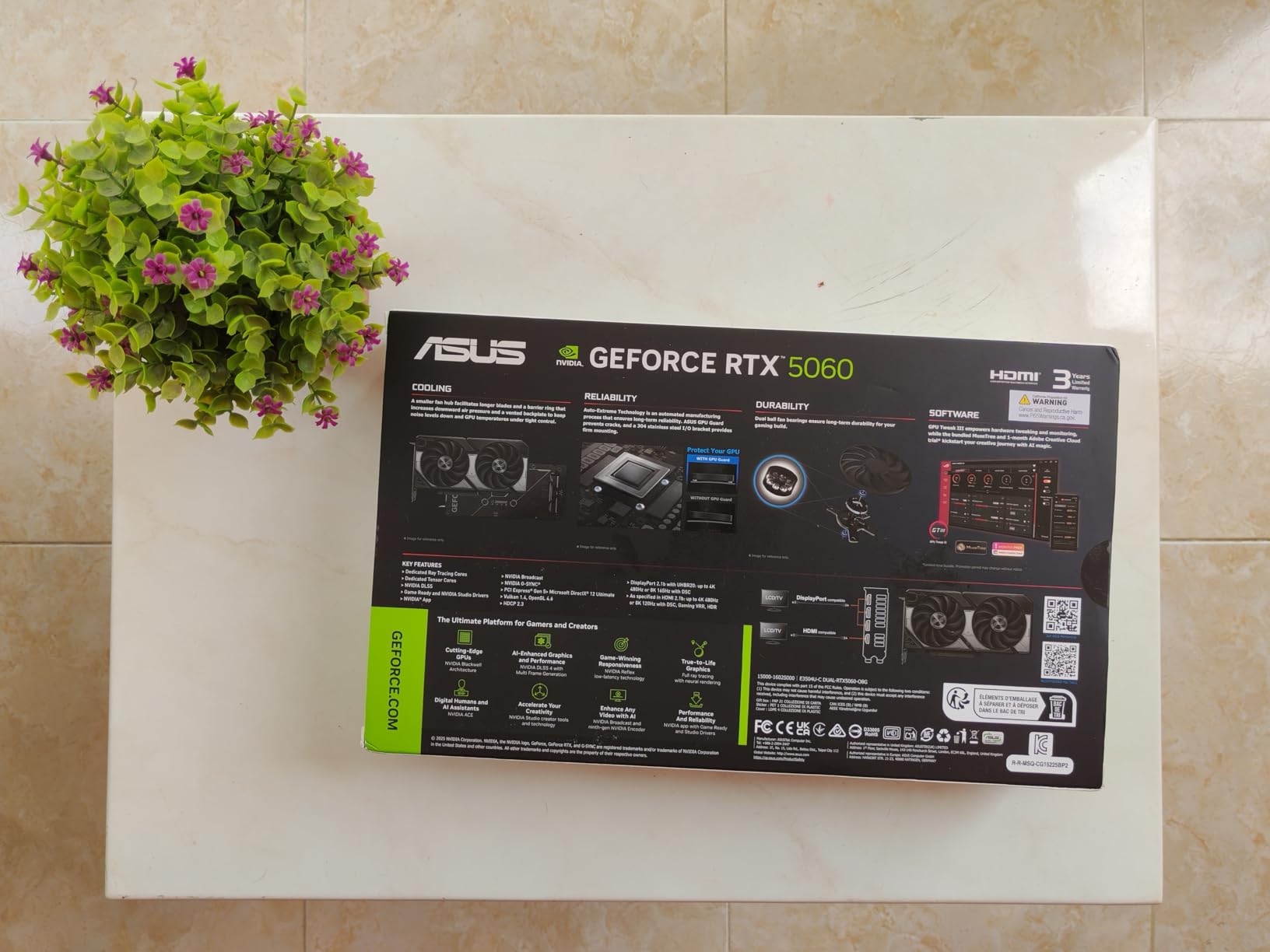
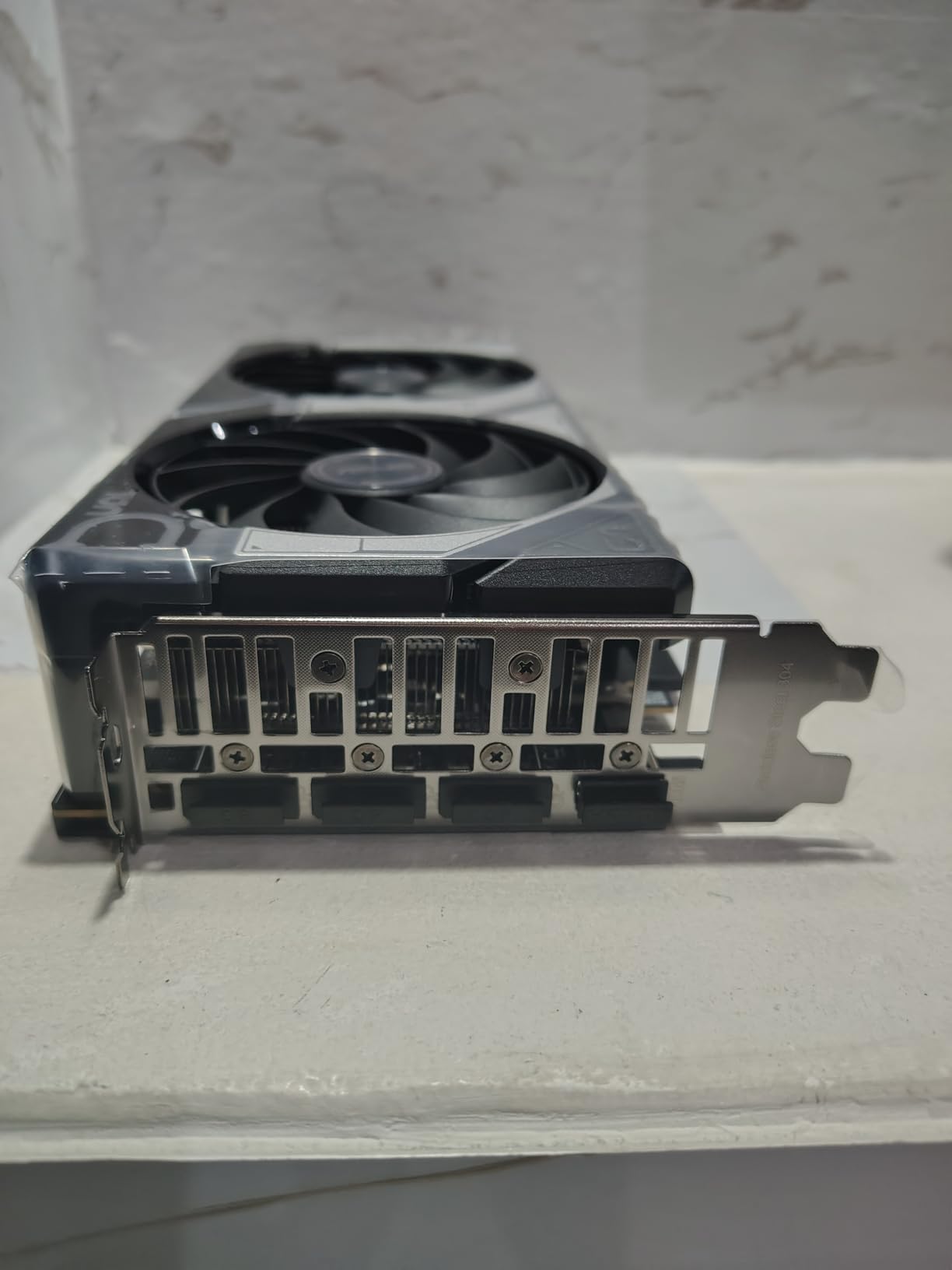
On the technical side, this is Blackwell with DLSS 4, 8GB of GDDR7 on a PCIe 5.0 interface, and a listed 623 AI TOPS figure for AI workloads. Boost clock runs at 2535 MHz in default mode and 2565 MHz in OC mode. Video outputs are three native DisplayPort 2.1b plus HDMI 2.1b, and the card measures 9 inches long by 4.8 inches wide at 1.4 pounds.
The card sits at 2.5 slots and is labelled SFF-Ready, which is why it works in cases where a triple-fan board will not. Frame generation through DLSS 4 does the heavy lifting on frame pacing in titles that would otherwise dip, and the 0dB behaviour means the fans simply stop when there is no load on the card.
What the efficiency means for your build
Because this card draws so little, it is the easiest option here for an existing system. A modest quality power supply that struggles with some of the alternatives in this list will handle this one without drama, and thermals are a non-issue in a case with one intake fan.
The efficiency is not only about power draw. Lower board power means less heat into the case, which means the card can sit in a dense airflow layout without the fan curve having to work hard. That is part of why owners describe it as quiet in practice rather than only on paper.
Where it falls short
The 8GB frame buffer is the honest weakness, and reviewers say so directly. Newer titles at high texture quality will ask you to dial settings back, and the headroom you would have with 12GB simply is not there.
Two smaller caveats. The dual-fan cooler is not the quietest thing here under a sustained full load, and a handful of owners mention audio crackle when sample rates above 44kHz are used. Neither is a dealbreaker, but both are worth knowing before you commit.
2. GIGABYTE GeForce RTX 5060 WINDFORCE OC 8G – The Smallest Blackwell Option
GIGABYTE GeForce RTX 5060 WINDFORCE OC 8G Graphics Card, Cooling System, 8GB 128-bit GDDR7, PCIe 5.0, Manufactured by NVIDIA, DisplayPort & HDMI – Video Output Interface, GV-N5060WF2OC-8GD Video Card
8GB GDDR7,128-bit bus,7.83-inch dual-fan,Blackwell with DLSS 4
Pros
- Compact 7.83-inch dual-fan design suits smaller cases
- Runs cool and quietly with WINDFORCE cooling
- DLSS 4 support on the Blackwell architecture
- Factory OC model at a competitive price point
Cons
- 8GB of VRAM caps future-proofing on newer titles
- 128-bit memory bus limits bandwidth versus wider designs
- Small cooler has limited headroom for sustained loads
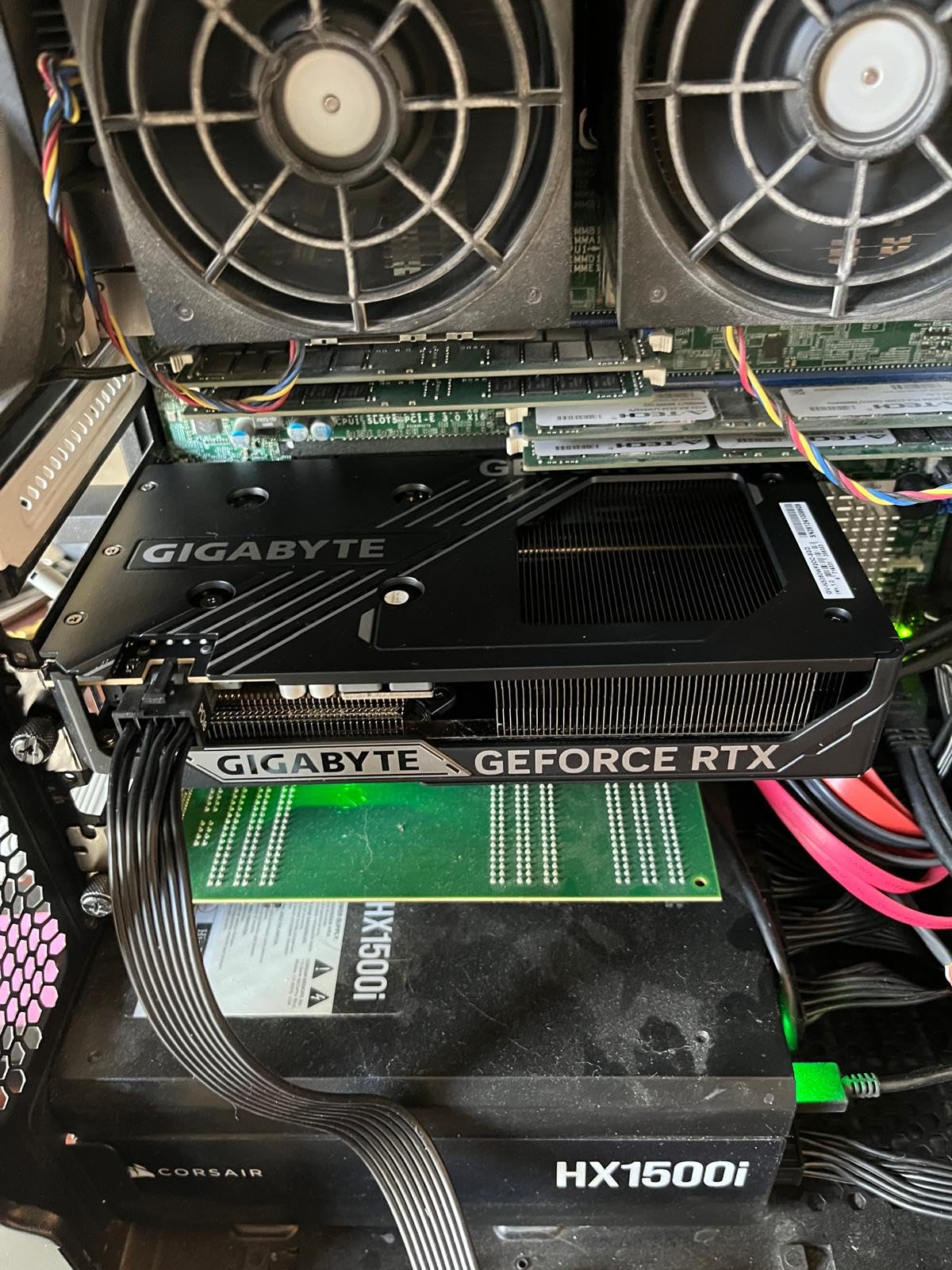
This is the same GPU as the card above in a different chassis, and the reason to pick it is physical. At 7.83 inches long it is the shortest Blackwell board in this roundup, which matters if you are building into something with a restrictive drive cage or a compact case.
Owner feedback centres on thermals, size, and value. People like that the WINDFORCE cooler keeps noise low, and the 4.7 rating across 426 reviews puts it level with the ASUS card despite the smaller footprint. The same 8GB ceiling applies, obviously, because the memory configuration is identical.
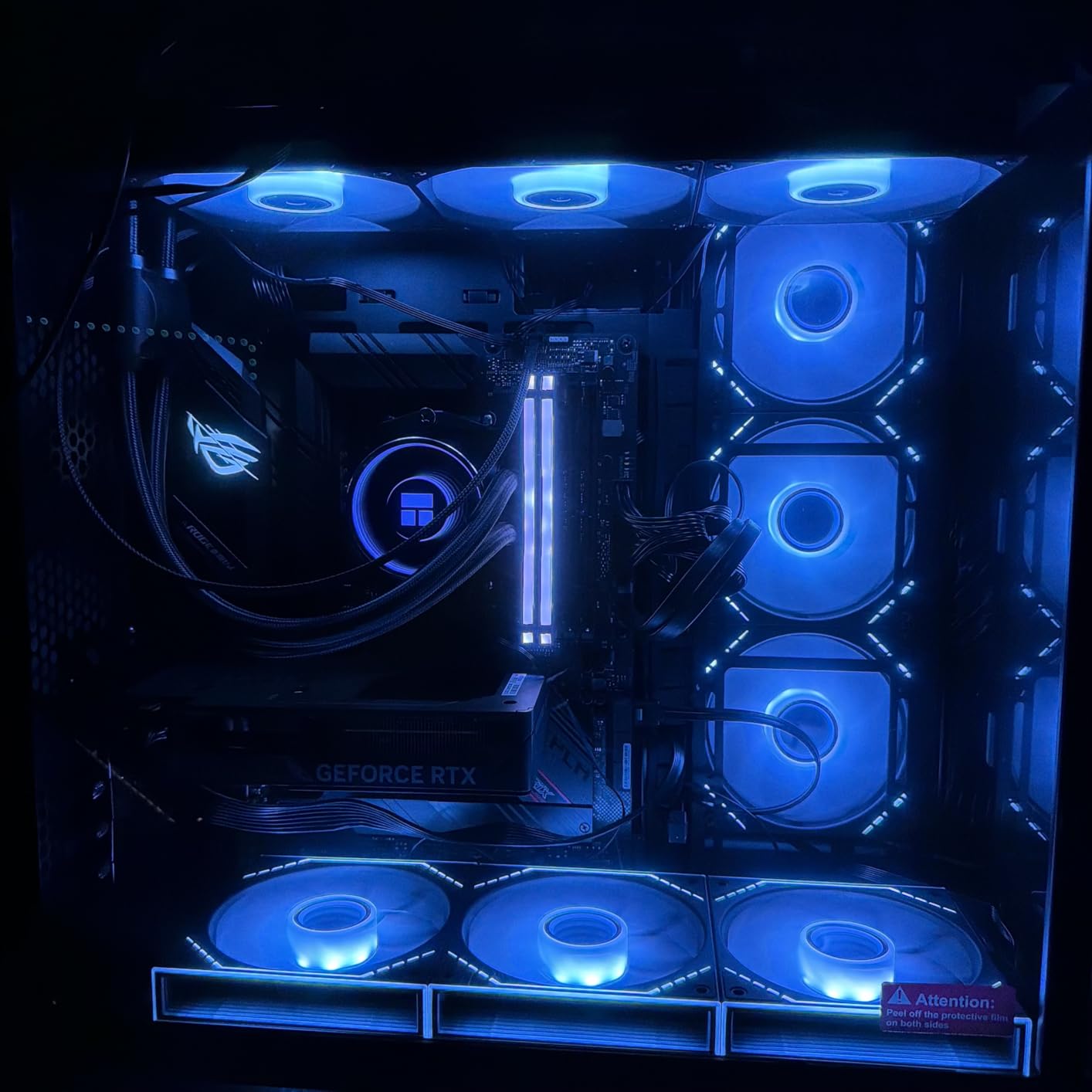
Technically it is Blackwell with DLSS 4, 8GB of GDDR7 on a 128-bit memory interface, and PCIe 5.0. The listed GPU clock is 2512 MHz with a 28000 MHz memory clock, and outputs are DisplayPort plus HDMI with a maximum resolution of 7680 by 4320. A three-year manufacturer warranty is included.
That 128-bit bus is the part worth thinking about. It is narrower than the wider interfaces used on some competing designs, and while it does not prevent the card from running games well at 1080p, it is a limit on how gracefully the card handles higher resolutions and high-refresh targets.
Why size is the deciding factor here
If your case is a normal mid-tower, take the ASUS card instead and enjoy the better cooler. If you are working with limited clearance, this is the one that will simply fit where the larger board will not, and that alone can decide the purchase.
It is also a sensible pairing with a lower-wattage power supply. Nothing about this card demands a unit you would have to upgrade, which is a real saving if your current supply is a few years old.
Where it falls short
The 8GB frame buffer is the standard caveat across every RTX 5060 board, so you are trading here rather than gaining. Buying this instead of the ASUS model gets you a smaller card, not a better one.
The 128-bit bus is the second limitation, and the compact cooler is the third. Under a long sustained load the smaller heatsink has less thermal headroom than the chunkier dual-fan design on the card above.
3. GIGABYTE Radeon RX 7600 Gaming OC 8G – The Coolest 1080p Performer Here
Gigabyte GV-R76GAMING OC-8GD Radeon RX 7600 Gaming OC 8G Graphics Card, 3X WINDFORCE Fans 8GB 128-bit GDDR6, Video Card
8GB GDDR6 128-bit,Triple WINDFORCE fans,RDNA 3 with AI cores,Metal backplate
Pros
- Excellent 1080p performance and strong price-to-FPS ratio
- Triple WINDFORCE fans run near silent at low load
- RGB Fusion lighting with full metal backplate
- Easy to overclock in AMD Adrenalin with useful undervolting headroom
Cons
- Very large at 11.1 inches and can conflict with drive cages
- Out-of-box fan curve is noisy until a custom curve is set
- 8GB VRAM can throw low-memory warnings in long sessions
Three fans is a lot of cooling for a card that sits in the 1080p performance class, and that is precisely why this board runs so well. Owners consistently report stable thermals, with the card staying comfortably cool under load, and AMD’s Fluid Motion Frames do a lot of work to smooth out frame delivery in supported titles.
It is also one of the more heavily reviewed cards in the list at 675 reviews, so the feedback is well tested rather than anecdotal. The overriding theme is a dependable 1080p workhorse with strong thermals and easy tuning.
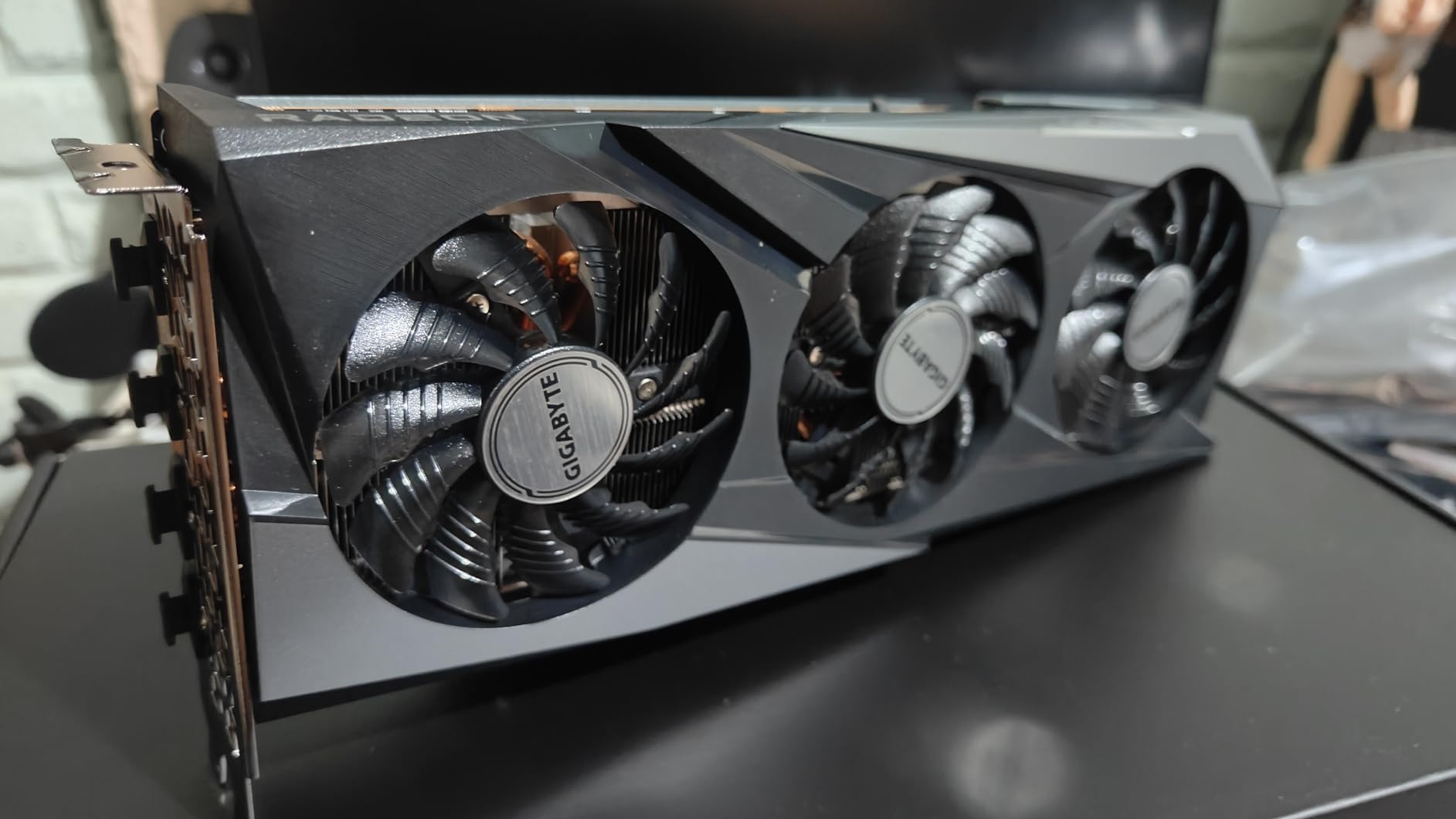
On paper it is RDNA 3 with AI cores, 8GB of GDDR6 on a 128-bit interface, and PCIe 4.0 support. Memory clock is listed at 18000 MHz, and outputs are two DisplayPort 2.1 plus HDMI 2.1. The card weighs 2.9 pounds, which tells you a lot about how substantial the cooler is, and the warranty is three years.
Overclocking headroom is a genuine strength here. Owners report easy tuning through AMD Adrenalin, with undervolting pulling power draw well below the 165W rating while maintaining clocks. That flexibility is something you simply do not get on every board at this level.
Getting the acoustics right
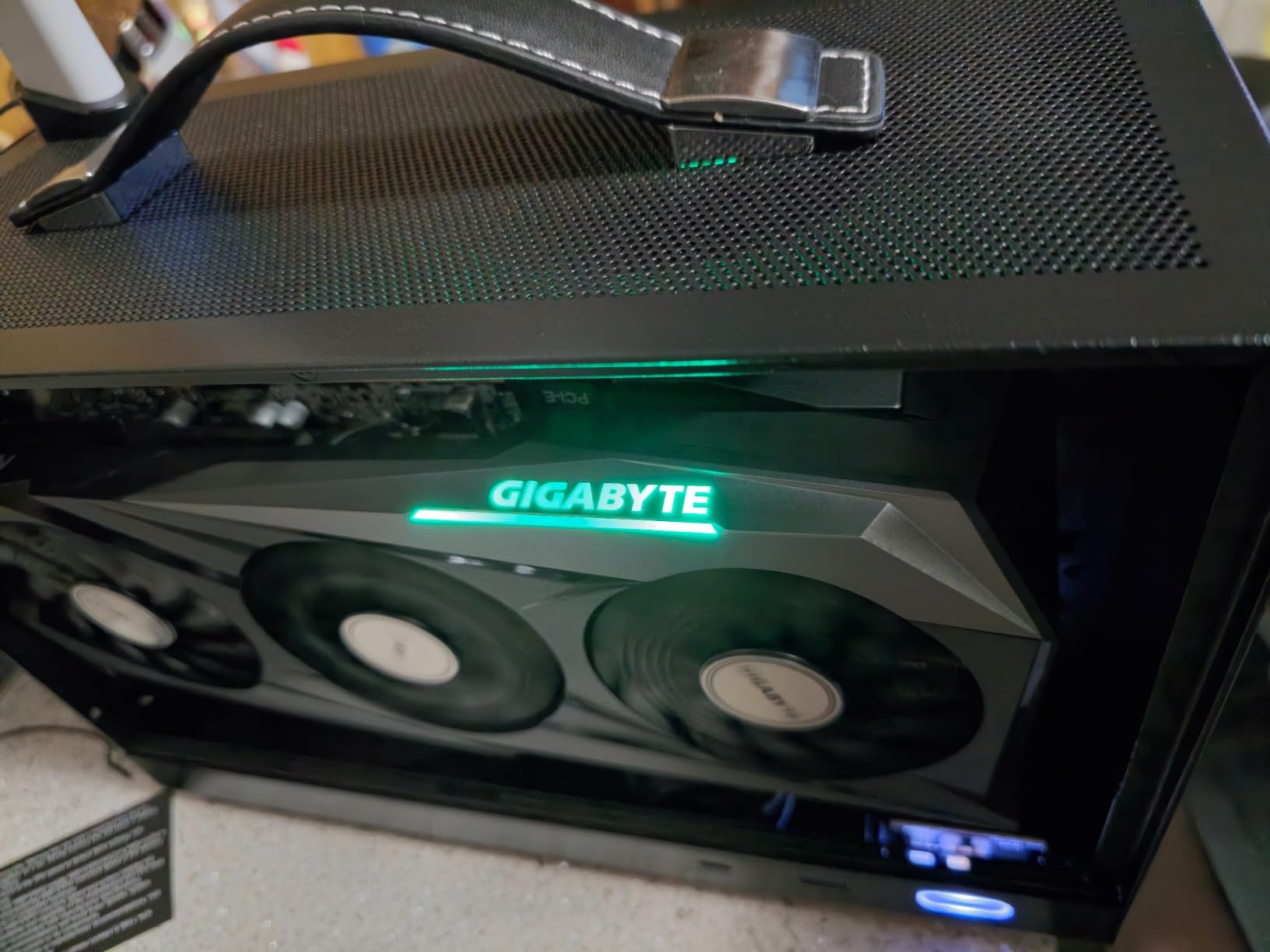
The one thing you should know before ordering is that the default fan curve is loud until you change it. That is a two-minute job in Gigabyte’s own software, and once you set a custom curve the card settles down considerably. Budget for doing that on day one.
Size is the other practical point. At 11.1 inches this is the longest card in the roundup, and in a case with a drive cage in the wrong position you will need to move the cage. Measure your clearance before you commit to this board.
Where it falls short
Its physical size is the real constraint. In a compact case the two dual-fan options in this list are simply better choices, and no amount of performance makes an 11.1-inch card fit a chassis it does not belong in.
The 8GB allocation is the familiar limit, and owners do report low-memory warnings in extended sessions. The out-of-box fan curve noise is a genuine irritation rather than a dealbreaker, and it is fixable.
4. XFX Speedster SWFT210 Radeon RX 7600 – Compact Dual-Fan Value
XFX Speedster SWFT210 Radeon RX 7600 Graphics Card with 8GB GDDR6 HDMI 3xDP, AMD RDNA 3 RX-76PSWFTFY
8GB GDDR6,Boost up to 2655 MHz,XFX SWFT dual-fan,9.49 inches long
Pros
- Compact dual-fan design that fits more cases than triple-fan RX 7600s
- High boost clock of up to 2655 MHz for RDNA 3
- Simple no-frills design aimed squarely at 1080p gaming
Cons
- Dual-fan cooler has less headroom than larger triple-fan designs
- 8GB VRAM limits future titles at higher resolutions
- Lower average rating than competing RX 7600 models
The XFX board exists for a specific reason: it gives you the same RX 7600 silicon in a two-fan, 9.49-inch chassis instead of an 11.1-inch three-fan one. If you like the architecture and the price-to-FPS ratio but not the size, this is the version of the card that solves that problem.
It is a straight no-frills product. A 4.4 rating across 520 reviews is the lowest average in this roundup, and reviewers are candid about why: the cooler is smaller and the card is simpler. It still handles 1080p gaming well, which is exactly what it is designed for.
Specifications are modest by design. You get 8GB of GDDR6 at a 17.5 GHz memory clock, the XFX SWFT dual-fan cooling solution, and a boost clock listed at up to 2655 MHz, which is genuinely quick for RDNA 3. Video outputs are HDMI plus three DisplayPort connectors, with a maximum resolution of 7680 by 4320.
At 900 grams it is lighter than the triple-fan X570-class boards it competes with, and the three-year manufacturer warranty is standard. The boost clock is the standout number on the spec sheet, higher than many competing RX 7600 models.
When this card makes more sense than the big one
Choose this if your case cannot take an 11.1-inch board, or if you simply do not want a three-fan card in a build that does not need one. The 9.49-inch length is a meaningful reduction and it is the entire reason to pick this model.
It is also a good match for a system where you want to keep the existing power supply. There is nothing demanding about this card, and the simpler cooler means less noise in a well-ventilated case.
Where it falls short
The dual-fan cooler runs out of headroom sooner than a triple-fan design under sustained load. That shows up as more fan noise and a smaller temperature margin in a cramped case with restricted airflow.
The 4.4 average rating is the lowest here, and reviewers mention it directly when comparing against other RX 7600 models. The 8GB limit applies as well, so there is no VRAM advantage over the larger board.
5. Sparkle Intel Arc B580 Titan OC 12GB – The Most VRAM for the Money
Sparkle Intel Arc B580 Titan OC, 12GB GDDR6, Torn Cooling 2.0, Axial Fan, Breathing Light, Metal Backplate, SB580T-12GOC
12GB GDDR6,OC boost 2760 MHz,TORN Cooling 2.0,AV1 media engine
Pros
- 12GB of VRAM at this price is rare and genuinely useful
- Runs cool and quiet holding around 59 to 65C
- Excellent AV1 encode and decode for video work
- Metal backplate with sag bracket despite three fans
Cons
- Intel drivers still need tuning with TDR and compatibility reports
- Raster performance sits around RTX 5050 class rather than above
- Some titles such as COD and Fortnite struggle at higher settings
Here is the most interesting card in the roundup on a specification basis. Twelve gigabytes of GDDR6 for a mid-range card is genuinely rare at this level, and it is the only 12GB product here that is not a previous-generation NVIDIA board. For content creation and for future-proofing texture headroom, nothing else on this list offers that combination.
Thermally it is excellent. Owners report temperatures in the 59 to 65C range under load, and the TORN Cooling 2.0 setup with a metal backplate and sag bracket feels more premium than the price would suggest. The 4.5 rating across 213 reviews reflects a card that is well made but asks for a little setup patience.
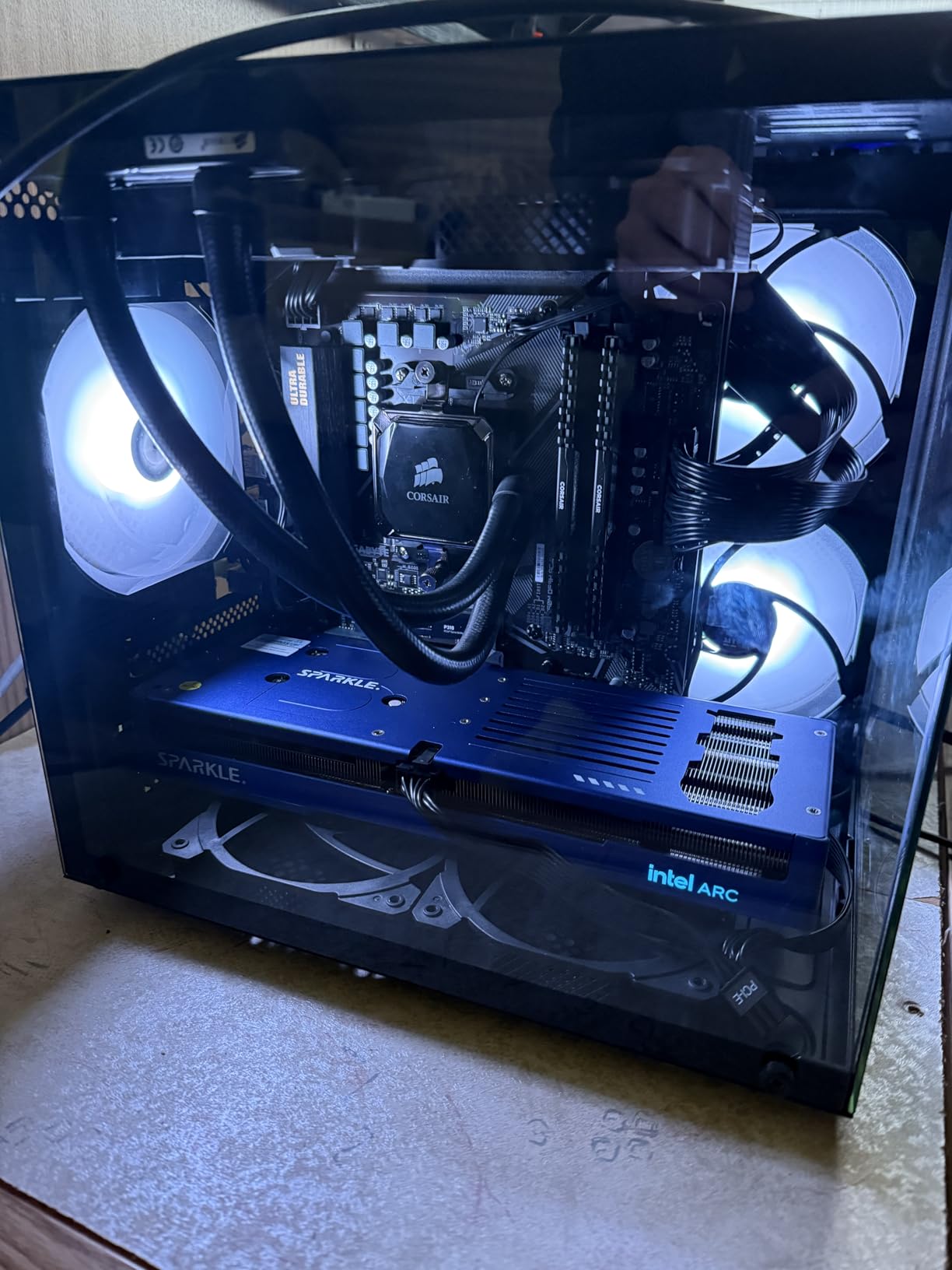
Specifications: OC edition boost clock of 2760 MHz, 12GB of GDDR6 at 19 GHz, and a PCI-Express x8 interface. Outputs are one HDMI 2.1 and three DisplayPort 2.1, with a maximum resolution of 3840 by 2160. The card weighs 954 grams and measures 12.4 inches long by 4.61 inches wide, so it is one of the longer boards here despite the slim relative design.
The media engine deserves specific mention. AV1 encode and decode support makes this a strong card for transcoding and video work, which is a genuine differentiator against the NVIDIA options at similar money, several of which do not handle AV1 encode.
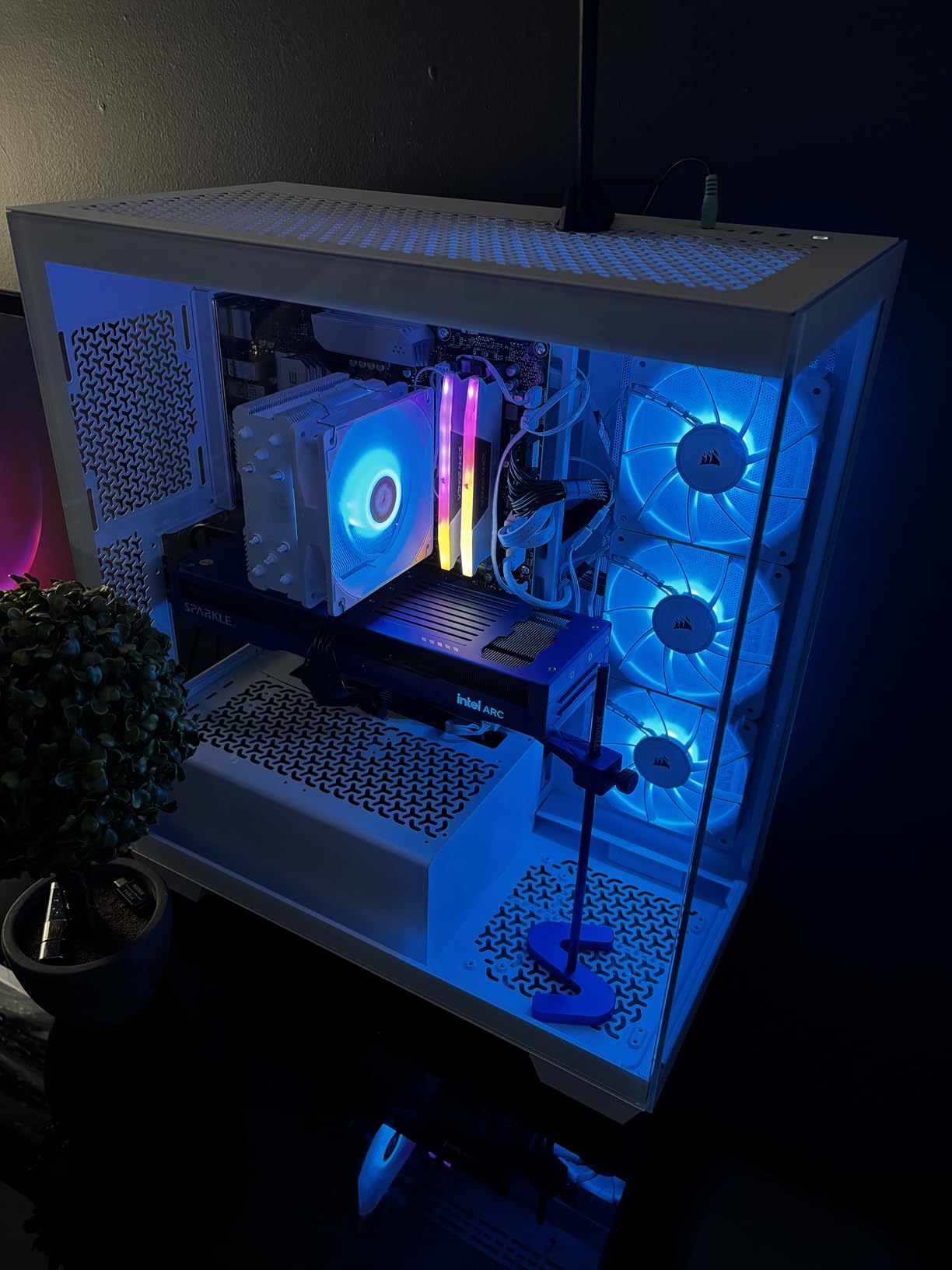
Who this card is actually for
If you edit video, run local AI workloads, or simply want maximum texture headroom for future titles, the 12GB pool is the reason to buy this. The AV1 engine alone justifies it for a lot of hybrid creative-and-gaming builds.
The card also suits anyone who wants more memory than an 8GB competitor without stepping up to the older NVIDIA 12GB option, which costs noticeably more. You give up some raw raster speed in exchange for capacity and a modern media engine.
Where it falls short
Drivers are the honest caveat. Owners report TDR resets and compatibility tweaks being needed, and Intel’s stack is less settled than the mature NVIDIA one. Budget time for a driver pass after installation rather than expecting everything to work first time.
Raster performance lands around RTX 5050 class rather than 4060 class, by reviewer account, and some competitive titles struggle at higher settings. Also note the 12.4-inch length, which is longer than most cards in this list.
6. Sparkle Intel Arc B570 Guardian OC 10GB – Quiet Dual-Fan Arc
Sparkle Intel Arc B570 Guardian OC Graphics Card, 10GB GDDR6, Torn Cooling 2.0, Axial Fan, Breathing Light, Metal Backplate, SB570G-10GOC
10GB GDDR6,OC boost 2660 MHz,Dual TORN Cooling 2.0 fans,Metal backplate
Pros
- 10GB GDDR6 on a 160-bit bus gives strong memory bandwidth for the class
- Dual-fan TORN Cooling 2.0 keeps temperatures and noise low
- Metal backplate adds rigidity and prevents sag
- Three DisplayPort 2.1 plus HDMI 2.1 for modern high-refresh displays
Cons
- Intel Arc ecosystem has a smaller game library with driver quirks
- AV1 encode has proven unstable in some early drivers
- PCIe x8 interface can limit throughput on some platforms
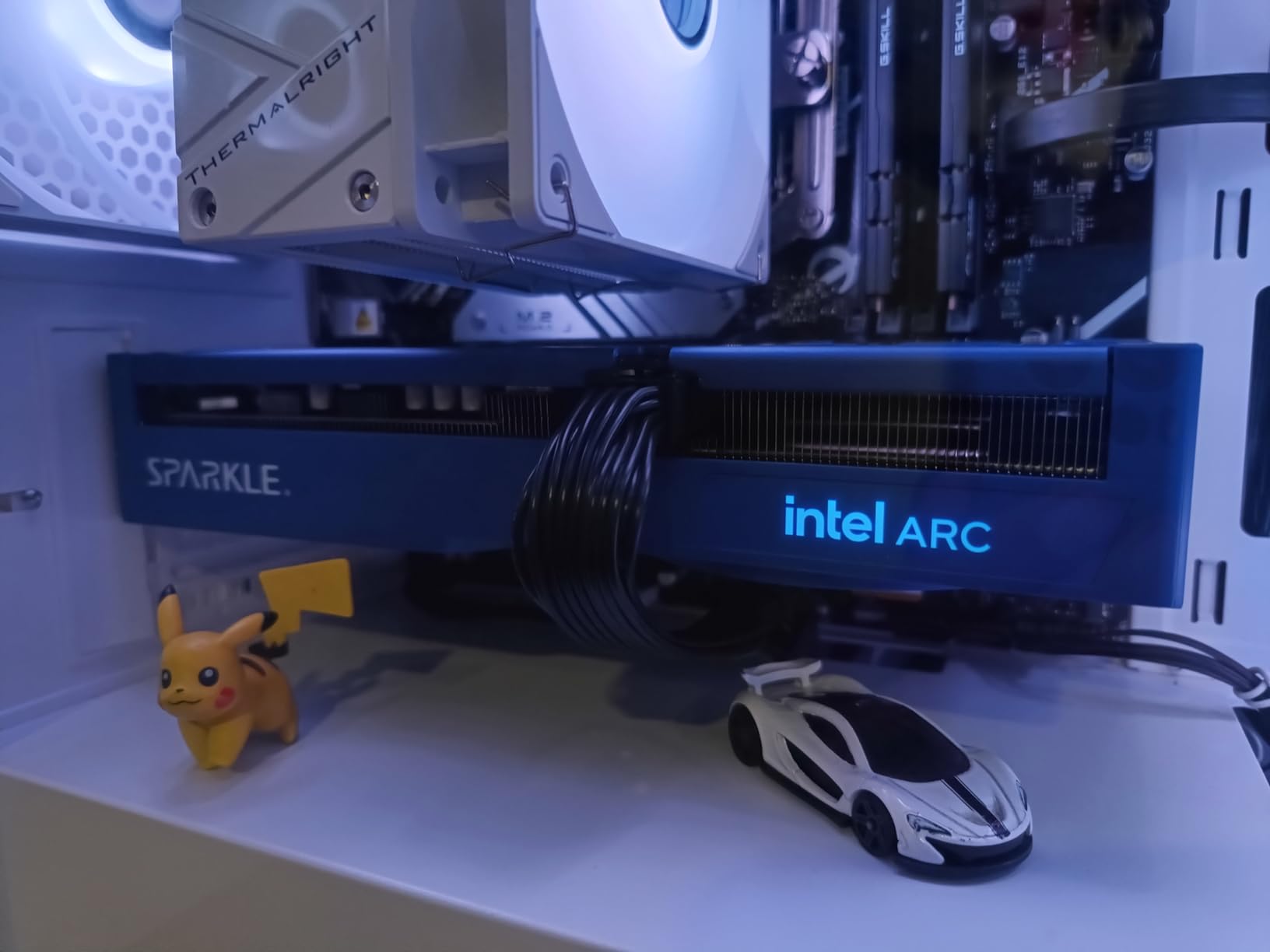
The Guardian is the two-fan version of the B570, and that is the whole appeal. Where the B580 Titan runs three axial fans, this board uses a dual-fan TORN Cooling 2.0 setup, which keeps noise down and leaves more room in a mid-tower. The metal backplate prevents the sag you would otherwise expect from a card this size.
Ten gigabytes on a 160-bit bus is a good memory configuration for the class, and owners single that out as the main draw. At 4.5 across 142 reviews it is well regarded, with the recurring note that Intel’s drivers are maturing but still reward a little tuning.

Specs are an OC boost clock of 2660 MHz, 10GB of GDDR6 at 19 GHz, and a PCI-Express x8 interface. Video outputs are one HDMI 2.1 and three DisplayPort 2.1. The card weighs 796 grams, and unlike most entries here the listing does not publish a length figure, so check your clearance against the physical card before ordering.
Display output is a genuine strength. Three DisplayPort 2.1 connectors alongside HDMI 2.1 means multi-monitor high-refresh setups are straightforward, and the maximum listed resolution is 3840 by 2160.
Who should pick this board
It suits a 1080p or light 1440p player who wants more memory than an 8GB card without the noise of a triple-fan cooler. If your case is not large and you dislike fan noise, two fans is a better match than three.
It also makes sense for anyone who is comfortable with Arc as a platform. The card is well built, the cooling is right, and the 10GB pool handles modern texture loads more comfortably than most of the 8GB alternatives in this list.
Where it falls short
The ecosystem is the constraint rather than the hardware. Arc has a smaller game library and the occasional driver quirk, and AV1 encode has proven unstable in some early driver builds. If you play a wide and unpredictable library, the NVIDIA options are lower risk.
The PCIe x8 interface is also worth noting, since it can limit throughput on some platforms even though it rarely shows up as a real-world bottleneck at these resolutions.
7. ASRock Intel Arc B570 Challenger 10GB OC – Best Value in the Whole List
ASRock Intel Arc B570 Challenger 10GB OC GDDR6 Graphics Card, 2600 MHz GPU, 19 Gbps Memory, Dual Fan, Metal Backplate, HDMI 2.1a, DisplayPort 2.1, 0dB Cooling
10GB GDDR6 on 160-bit bus,2600 MHz with 19 Gbps,XeSS 2 upscaling,0dB Silent Cooling
Pros
- 10GB on a 160-bit bus gives more bandwidth than an RTX 4060 or RX 7600
- Very quiet with 0dB Silent Cooling that stops fans at idle
- Strong 1440p performance for the money with XeSS 2 upscaling
- Single 8-pin connector with good efficiency per watt
- Metal backplate resists GPU sag
Cons
- Resizable BAR must be enabled in BIOS for full performance
- Occasional driver or IRQL stability reports on some platforms
- Some games still need manual settings tuning
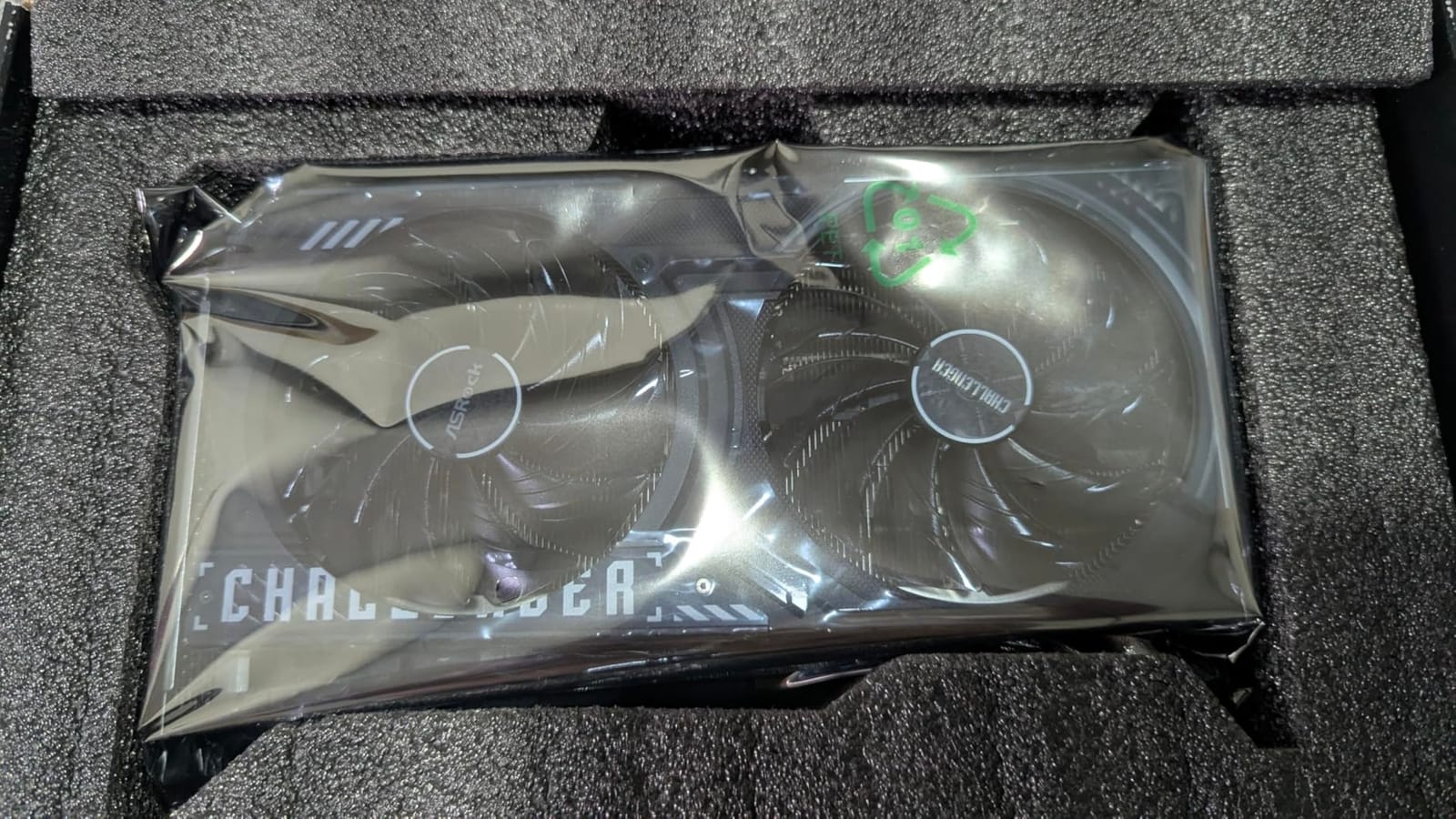
Put simply, this card gives you more hardware per pound than anything else here. Ten gigabytes of GDDR6 on a 160-bit bus delivers more memory bandwidth than an RTX 4060 or an RX 7600, and the 4.7 rating says owners notice. It sits well below the cap while still being the most capable 1440p option in the list on a per-pound basis.
The efficiency story is excellent too. A single 8-pin connector and good performance per watt mean it is easy to power, and the 0dB Silent Cooling stops the fans entirely at idle, which is why owners describe it as very quiet in normal use.
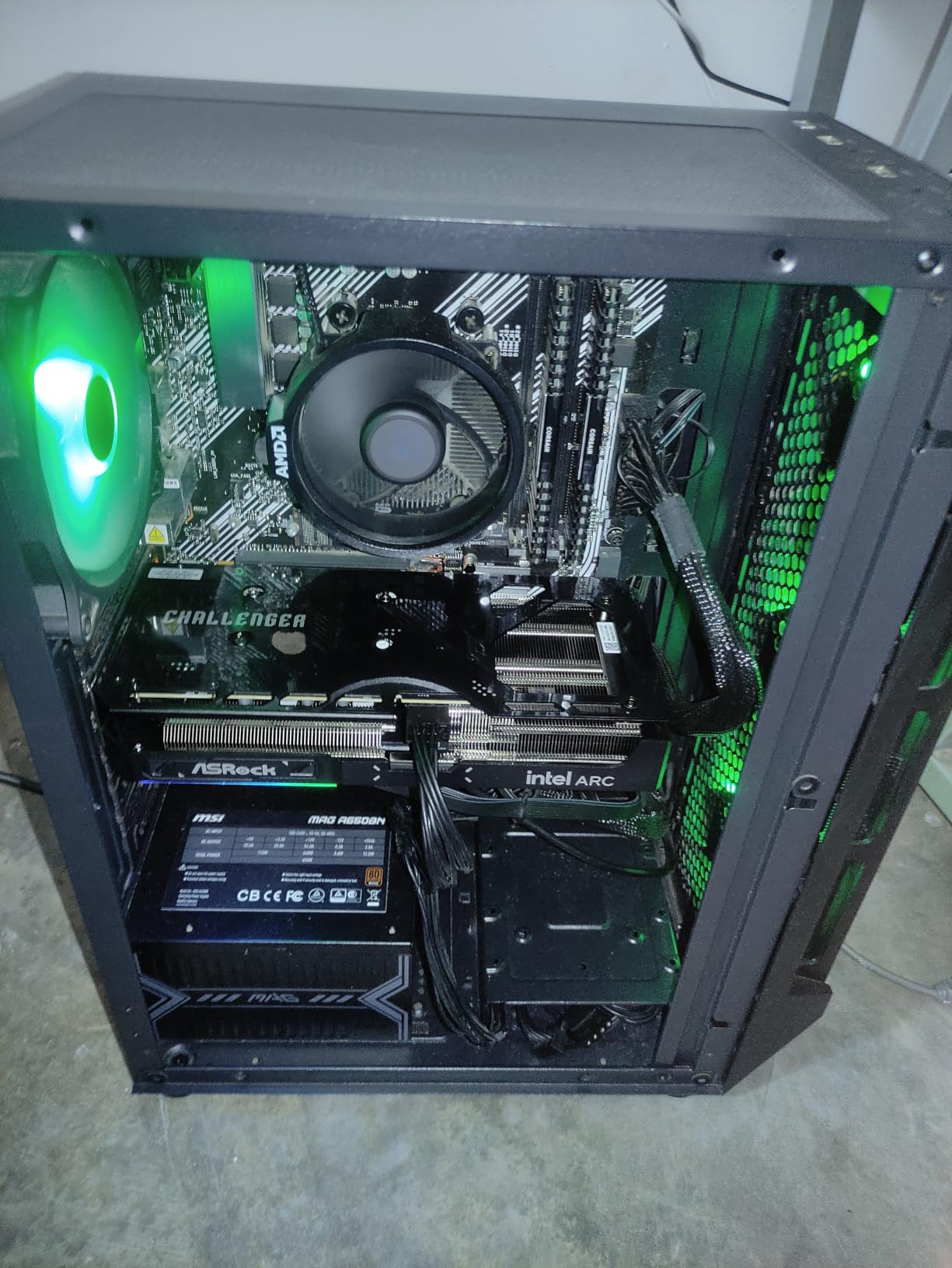
Under the hood you get the Intel Xe2-HPG architecture with Xe Matrix Extensions for AI acceleration and upscaling, a 2600 MHz GPU clock, and 19 Gbps memory speed. Intel Xe Super Sampling 2 is supported, and there is an AV1 encoding media engine on board. Output is three DisplayPort 2.1 and one HDMI 2.1a, with a two-year manufacturer warranty.
Physical specifications are modest and helpful: 0.99 kg, a metal backplate, and a single 8-pin power connector. No multi-connector cable management is needed, which is one of the reasons this card suits an upgrade rather than a fresh build.
What you have to do before you play
Resizable BAR must be enabled in your BIOS. This is not optional advice for Arc, because without it the card leaves a significant amount of performance on the table, and it is the single most common setup mistake owners report making.
Update the drivers as well, and expect to spend a few minutes in the Intel software adjusting per-game settings. Budget twenty minutes for the initial setup rather than assuming it will just work, because the difference in experience afterwards is substantial.
Where it falls short
Driver and IRQL stability reports appear on some platforms, which is the platform-level risk you accept with Arc. It is less severe than it was two years ago, but it is not zero.
Some games still need manual tuning, and the two-year warranty is one year shorter than most competing cards here. If you play a specific older title without any upscaling support, check compatibility before committing.
8. ASRock Intel Arc A580 Challenger 8GB OC – Budget 1080p Performer
ASRock Intel Arc A580 Challenger 8GB OC Graphics Card, Intel Xe HPG Architecture, 8GB GDDR6, PCIe 4.0, Dual Fans, 0dB Silent Cooling, DisplayPort 2.0
8GB GDDR6 on 256-bit bus,Factory OC 2000 MHz,2.4-slot,AV1 media engine
Pros
- Excellent value 1080p card that beats an RTX 3050 and rivals an RTX 3060
- 256-bit 8GB GDDR6 gives ample bandwidth for its price
- Quiet fans with temperature stable around 64 to 68C
- Native AV1 support enables Dolby Vision and efficient transcoding
Cons
- Requires Resizable BAR enabled in BIOS for acceptable performance
- XeSS support is not universal across titles
- Default fan curve can run hot until tuned in Intel Arc Software
The A580 is the value entry point in this list. Owners describe it as beating an RTX 3050 and rivalling an RTX 3060 on 1080p, which is a strong claim for a card that costs less than half the cap. The 256-bit memory interface is unusually wide for the price, and that is where much of the bandwidth headroom comes from.
It runs quietly and holds around 64 to 68C, so thermals are not a concern. Native AV1 support is a nice bonus for anyone who wants Dolby Vision playback or efficient transcoding on Windows 11.
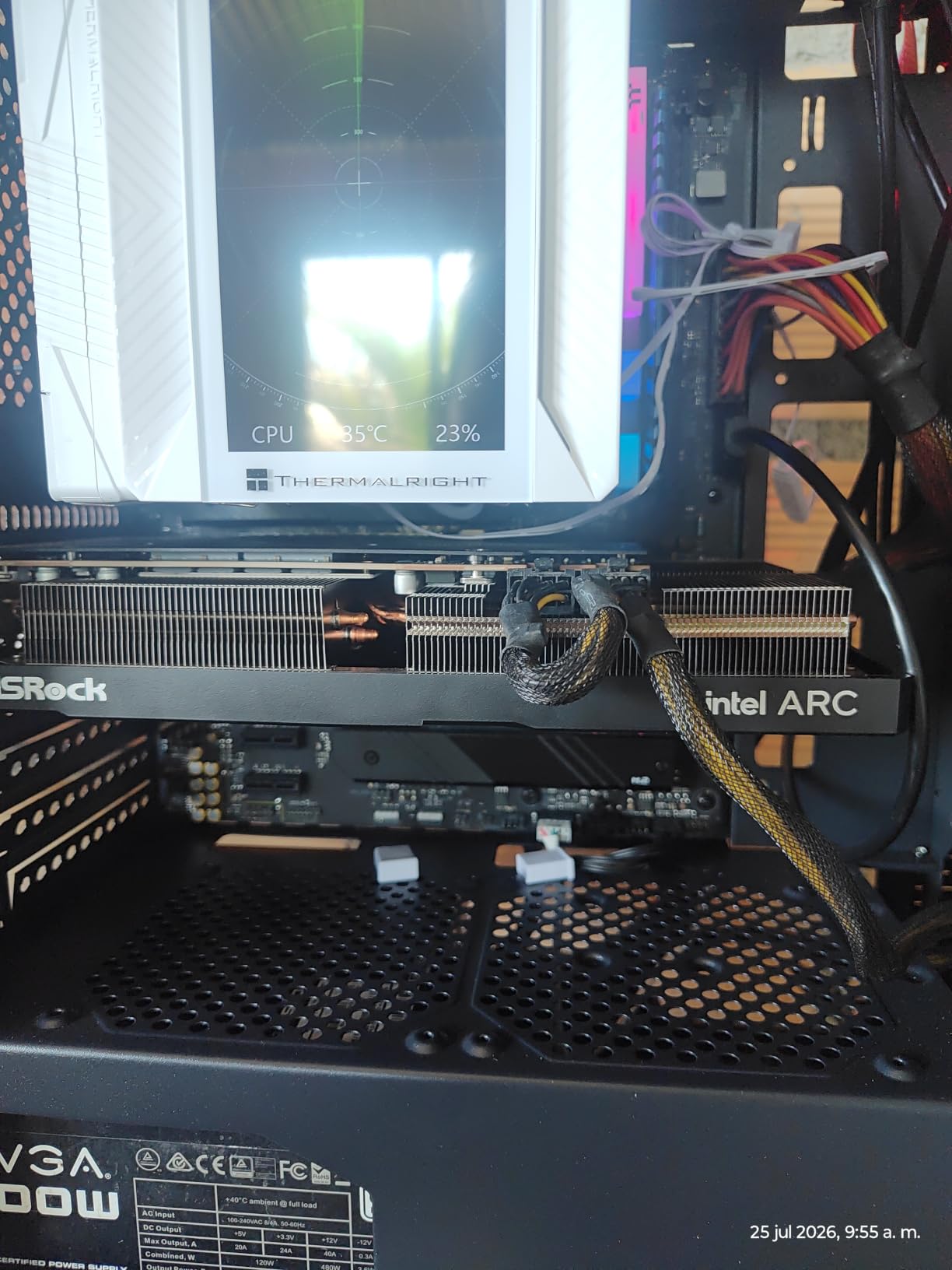
Specifications are a factory-overclocked engine clock of 2000 MHz, 8GB of GDDR6 on a 256-bit interface at 16 Gbps, and PCIe 4.0 x16 connectivity. The card uses dual striped axial fans with an ultra-fit heatpipe, 0dB Silent Cooling, and a metal backplate with Super Alloy components. Outputs are three DisplayPort 2.0 and one HDMI 2.0b, with up to four displays supported.
One practical note that catches people out: the listing recommends two 8-pin power connectors and a 650W power supply. That is a higher power requirement than anything else in this roundup, which makes the A580 a poor match for a PSU-limited upgrade despite the low purchase cost.
Who this card suits
It is the right pick for a first gaming PC build on a tight budget, where 1080p high settings at 60-plus frames is the goal. The wide memory bus also makes it comfortable for older titles and for lighter 1440p use with upscaling enabled.
Physical size is a genuine strength at 271 by 132 by 48 millimetres and 2.4 slots, so it fits cases that a triple-fan board would not. The metal backplate and Super Alloy construction make it feel more substantial than the price implies.
Where it falls short
Resizable BAR is not optional here. Without it enabled in the BIOS, performance drops enough that the card’s value proposition largely disappears, so treat it as a required step rather than an optimisation.
XeSS support is not universal across titles, some games report compatibility quirks such as title detection issues, and the default fan curve runs hotter until you tune it in Intel Arc Software. The power requirement is the biggest practical limitation.
9. ZOTAC Gaming GeForce RTX 3060 Twin Edge OC 12GB – Most VRAM in the List
ZOTAC Gaming GeForce RTX 3060 Twin Edge OC 12GB GDDR6 192-bit 15 Gbps PCIE 4.0 Gaming Graphics Card, IceStorm 2.0 Cooling, Active Fan Control, Freeze Fan Stop ZT-A30600H-10M
12GB 192-bit GDDR6,Ampere RT and tensor cores,1807 MHz boost,8.8-inch Twin Edge
Pros
- 12GB of VRAM is the standout spec here and far more than 8GB rivals
- Ampere RT and tensor cores plus DLSS support
- Compact 8.8-inch Twin Edge design
- Freeze Fan Stop keeps the card silent at idle
- Exceptionally large review base for a well-regarded design
Cons
- Older Ampere generation compared with RTX 50-series alternatives
- 12GB sits on a 192-bit bus and cannot be upgraded later
This is the card most people in the buying guides thread on r/buildapc end up choosing when VRAM is the deciding factor, and the review numbers back that up. At 4710 reviews with a 4.7 average, it is the most thoroughly tested product in this roundup by a wide margin, and the 12GB pool is the reason people keep coming back to it.
The design itself is mature and well understood. Ampere second-generation ray tracing cores, third-generation tensor cores, and DLSS support are all present, and the compact 8.8-inch Twin Edge chassis with Freeze Fan Stop keeps it quiet at idle. It handles 1080p and 1440p well.
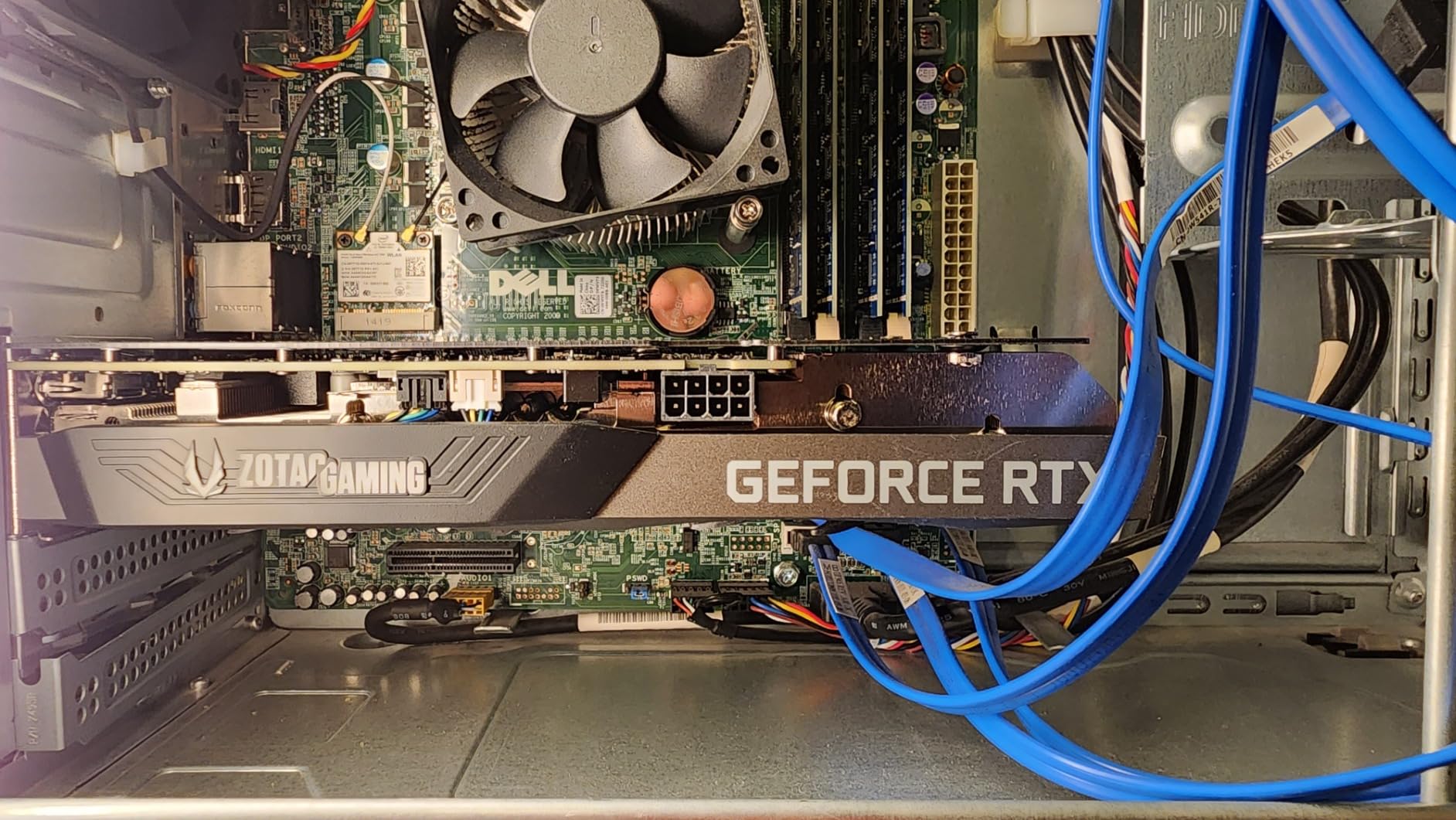
Specifications: 12GB of 192-bit GDDR6 at 15 Gbps, a boost clock of 1807 MHz, and PCIe 4.0. Cooling is IceStorm 2.0 with Active Fan Control and Freeze Fan Stop, plus a metal backplate. Outputs are three DisplayPort 1.4a and one HDMI 2.1, and it is 8K Ready, four-display ready, HDCP 2.3, and VR Ready. Weight is 907 grams with a two-year warranty.
The generational point is the honest trade-off. Ampere is an older architecture than Blackwell, so you lose the newest generation of DLSS features and some efficiency compared with the RTX 5060. What you gain is 12GB of VRAM and a mature, heavily validated driver path.
Why 12GB still matters in 2026
Texture streaming is the reason. As games ship with higher-resolution texture packs, an 8GB card starts warning, stuttering, or silently dropping quality in long sessions. A 12GB pool gives you room to leave those settings alone and come back to the game in a year still playing well.
For anyone who keeps a GPU for several years rather than upgrading every generation, that headroom is worth more than the newest architecture label. It is the same logic behind console-port-style VRAM expectations, and it is why this card has held its review volume so high for so long.
Where it falls short
It is one architecture generation behind, and that shows in efficiency and in the newest upscaling features. If you only need 8GB and you want the newest hardware, the RTX 5060 is the smarter buy.
The 192-bit bus is narrower than some competing 12GB designs, and the memory cannot be upgraded later. It also sits at the very top of this budget, so the money saved elsewhere in your build has to come from somewhere.
10. ASUS Dual GeForce RTX 3050 6GB GDDR6 OC Edition – Smallest Useful Upgrade
ASUS Dual GeForce RTX 3050 6GB GDDR6 OC Edition Gaming Graphics Card
6GB GDDR6,DLSS 3 support,2-slot 7.9-inch design,1500 MHz OC mode
Pros
- Compact 2-slot 7.9-inch design that fits small cases
- Axial-tech fans and dual-slot layout aid cooling and compatibility
- Large satisfied owner base with a solid 4.6 average
- 3-year warranty and IP5X dust resistance
Cons
- 6GB of VRAM is the smallest allocation in this roundup
- Entry-level performance relative to the other cards listed
- No ray tracing advantage over newer generations for the price
If your build is constrained by case size rather than budget, the RTX 3050 6GB OC is the card to look at. At 7.9 inches long and two slots it is one of the shortest boards here, and at 14.4 ounces it is the lightest. That combination opens up small-form-factor and compact builds that nothing else on this list can serve.
It also has a large, satisfied owner base at 1116 reviews with a 4.6 average, which means the platform is well understood. Owners value the size, the quietness, and the low-profile fit more than raw performance.
Under the hood you get NVIDIA Ampere streaming multiprocessors with 2x FP32 throughput, second-generation RT cores, and third-generation tensor cores supporting DLSS 3. Boost clock is 1500 MHz in OC mode and 1470 MHz in default mode. Video outputs are HDMI, DisplayPort 1.4a, and DVI-D, with a maximum resolution of 3840 by 2160.
Build details are solid for a budget card: a stainless steel bracket, IP5X dust resistance, and a three-year warranty. The DVI-D output is unusual these days and genuinely useful if you are driving an older display.
When a small card is the right answer
Small form factor builds, older office-style cases, and systems with very tight airflow all benefit from a two-slot card this short. Nothing else in this list fits that brief, which is why this one earns a place despite being the least capable product here.
It is also a reasonable pairing with an entry-level processor, since the card will not be waiting on a fast CPU to feed it. If you are building a complete system on a limited total budget, this frees up money elsewhere.
Where it falls short
Six gigabytes is the smallest allocation in the roundup, and it is below the comfortable floor for several current titles. You will be managing texture quality in newer games rather than enjoying the headroom.
Performance is entry-level by design, and the older Ampere generation brings no ray tracing advantage over newer cards at similar money. If your case can take a larger card, buy a larger card.
11. GIGABYTE GeForce RTX 3050 WINDFORCE OC V2 6G – Smallest Card, Fewest Complications
GIGABYTE GeForce RTX 3050 WINDFORCE OC V2 6G Graphics Card, 2X WINDFORCE Fans, 6GB GDDR6 96-bit GDDR6, GV-N3050WF2OCV2-6GD Graphics Card
6GB GDDR6 96-bit,1477 MHz clock,7.5-inch dual-fan,3-year warranty
Pros
- Very small 7.5-inch dual-fan design for tight builds
- Lightweight at about 14 ounces
- Ampere RT and tensor cores with DLSS support
- Consistent 4.6 rating across more than 300 reviews
Cons
- 6GB VRAM on a narrow 96-bit bus limits bandwidth
- Lowest-tier performance of the cards in this roundup
This is the shortest card in the entire roundup at 7.5 inches, and at 14.08 ounces it is tied for lightest. If your case is genuinely tiny, this is the NVIDIA option that will fit with clearance to spare, and the dual-fan WINDFORCE layout keeps it quiet in a small enclosure.
Owners treat it as a dependable entry-level card rather than a performance buy. The 4.6 rating across 306 reviews is consistent, and the feedback focuses on easy fitment, quiet operation, and the fact that it simply works.
Specifications are modest: 6GB of GDDR6 on a 96-bit memory interface, a 1477 MHz clock speed, and a 14000 MHz memory clock. The card uses NVIDIA Ampere streaming multiprocessors with second-generation RT cores and third-generation tensor cores, and outputs are DisplayPort plus HDMI with a maximum resolution of 7680 by 4320. Three-year manufacturer warranty.
The 96-bit bus is narrow, and combined with 6GB it limits how comfortably this card handles modern titles at anything above 1080p. That is a real constraint rather than a theoretical one, and reviewers are open about it.
What you gain from the small size
Case clearance, airflow, and weight. At this length you can fit it in cases that physically reject a double-length board, and the light weight means less sag on a PCIe slot in a compact chassis.
It is a sensible pairing for a low-power CPU as well. There is no point putting an expensive processor next to a card that cannot use the frames, and this is one place that principle is easy to follow.
Where it falls short
Six gigabytes on a 96-bit bus is the weakest memory configuration in this list, and it shows in heavier modern titles. Expect to lower texture settings and accept occasional stutter in demanding scenes.
Raw performance is the lowest tier here. This is a fit-it-and-forget card, not a card to buy if you care about frame rates in new releases at 1440p.
12. WEELIAO GUNNIR Intel Arc A770 Photon 8GB OC – White Build Favourite
WEELIAO GUNNIR Intel Arc A770 Photon 8GB OC GDDR6 2400MHz Triple Fan White Graphics Card (256-bit, PCIe 4.0, HDMI/DisplayPort, Supports 4k)
8GB GDDR6 at 2400 MHz,256-bit bus,Triple fan,Metal backplate
Pros
- Strong 8GB 256-bit memory configuration for the money
- Handles 1080p high settings and 1440p AAA titles well
- Clean bright image quality with minimal fan noise
- Metal backplate gives a premium solid feel
Cons
- No hardware ray tracing support
- Fan control tooling is Windows-only which limits Linux users
- Intel drivers remain rough including refresh-rate configuration issues
This card earns its place for a very specific reason: it is the only white triple-fan option in the list, and the 256-bit memory bus with 8GB of GDDR6 is a strong configuration for the money. Owners report good 1080p results at high settings and solid handling of 1440p AAA titles, with a clean image and very little fan noise.
The caveat is that the review base is small at 42 reviews, so the feedback here is thinner than anywhere else in this roundup. Treat the owner reports as encouraging rather than conclusive, and read recent reviews before deciding.
Specifications: Intel Arc A770 with 8GB of GDDR6 at 2400 MHz on a 256-bit memory interface over PCIe 4.0, a triple fan cooling design, and a metal backplate. Output is HDMI and DisplayPort with 4K display support, and the card is a white triple-fan chassis. Maximum listed resolution is 3840 by 2160.
Weight and exact dimensions are not published on the listing, so if case clearance matters to you, check the physical card or the manufacturer page before ordering. That is a genuine gap in the product information rather than something I can resolve from the data.
Who should consider this card
Builders doing a themed white case who want more memory bus width than the cheaper Arc options offer will find this the most natural fit. The finish and triple-fan white shroud are the point of the product as much as the specifications.
It is also a reasonable 1080p card for a secondary PC or a machine that is not primarily for gaming, where the 256-bit bus gives more bandwidth headroom than an 8GB card on a narrow bus.
Where it falls short
There is no hardware ray tracing support, so ray-traced settings are off the table entirely on this board. That is a hard limitation, not a preference.
Fan control tooling is Windows-only, which rules it out for Linux users who want manual curve control, and Intel’s driver quality remains rough with refresh-rate configuration issues reported. Some reviews also confuse the 8GB and 16GB A770 variants, so check the memory figure on the box.
How to Choose a GPU With 500 Dollars in Your Budget
Start with your monitor, not with the chip. Every recommendation in this article is tied to a resolution, and picking a card that does not match your display wastes money in the most literal way. A 1080p 144Hz monitor is well served by almost anything on this list. A 1440p 144Hz monitor wants the ASUS RTX 5060 or the ASRock Arc B570. A 4K monitor wants a card that is not in this price bracket at all.
Then count your VRAM need honestly. If you are gaming at 1080p on older or lighter titles, 8GB is workable. If you play at 1440p, play long sessions, or want to keep the card for three or more years, spend the memory budget deliberately. The ZOTAC RTX 3060 at 12GB and the Sparkle Arc B580 at 12GB are the two cards here that do not compromise on that.
Our broader graphics card buying guide covers the rest of the market if you decide to stretch past this cap, and the resolution-matching logic in particular carries over unchanged.
Why 8GB has become the floor
Texture streaming is the mechanism. When a game’s working set exceeds the frame buffer, assets stream from storage mid-frame, which produces stutter, or the engine quietly reduces texture quality. Either outcome is visible and annoying.
The practical result is that 8GB cards still play 1080p well today, but they ask you to manage settings more often, and they will age faster than a 12GB card. If two cards are close on price, the one with more memory is usually the better long-term buy even if it is not the fastest today.
Power supply: match the wattage first
Start from your existing unit and work backwards. Most of the cards in this list are modest draw, with the ASUS RTX 5060 at roughly 150W and typical real-world draw a little over 100W, which is unusually friendly to an older power supply. A 500W quality unit handles nearly everything here comfortably.
There is one notable exception. The ASRock Arc A580 lists a recommendation for two 8-pin connectors and a 650W power supply, so if that is the card you want, your power supply becomes the deciding factor. Everything else in the roundup is far less demanding.
If you do need a new unit, spend properly on it. A no-name supply is the cheapest way to shorten the life of an expensive graphics card, and the cost difference between a bad unit and a good one is small relative to what you are protecting. The same advice applies to adapters and riser cables in compact builds.
Case clearance and slot thickness
Measure before you order, because the range here is wide. The GIGABYTE RTX 3050 at 7.5 inches and the GIGABYTE RTX 5060 at 7.83 inches are the shortest options. The GIGABYTE RX 7600 Gaming OC at 11.1 inches and the Sparkle Arc B580 at 12.4 inches are the longest, and the latter will conflict with a drive cage in many mid-towers.
Slot thickness matters just as much. The ASUS RTX 3050 is a genuine two-slot card and the ASRock Arc A580 is 2.4 slots, so both suit builds where a thick triple-fan board will not go. The ASUS RTX 5060 at 2.5 slots is the practical middle ground.
What 500 dollars will not buy
Native 4K gaming at high settings with ray tracing enabled is out of reach at this budget. Cards here can drive a 4K display using upscaling, and they will do it competently, but that is a different proposition from running 4K natively.
Similarly, sustained 240Hz esports at 1440p is not something this bracket delivers. If your requirement is a 240Hz panel with competitive settings, you need to step up a tier, and no amount of upscaling changes that. Being clear about this saves a return.
What this budget does buy is a very good 1080p experience and a comfortable 1440p one with upscaling on. That is a legitimate place to be, and it is where the majority of players at this spend will spend most of their time.
Frequently Asked Questions
What is the best graphics card under 500 dollars?
The ASUS Dual GeForce RTX 5060 8GB GDDR7 OC Edition is our top pick. It runs on the newest architecture, draws about 150W, fits a compact 2.5-slot SFF-Ready footprint, and holds a 4.7 rating across more than 560 reviews. If VRAM matters more to you than architecture age, the ZOTAC RTX 3060 Twin Edge OC 12GB is the alternative.
What is the best value graphics card under 500 dollars?
The ASRock Intel Arc B570 Challenger 10GB OC offers the most hardware per pound in this roundup. Ten gigabytes of GDDR6 on a 160-bit bus gives more memory bandwidth than an RTX 4060 or an RX 7600, it uses a single 8-pin connector, and the 0dB Silent Cooling keeps it quiet. Enable Resizable BAR in your BIOS before you install it.
Do I need to upgrade my power supply for a new graphics card?
Probably not for most cards in this list. The ASUS RTX 5060 draws roughly 150W and typically pulls just over 100W, so a decent 500W unit is enough. The main exception is the ASRock Intel Arc A580, which lists a 650W supply recommendation and two 8-pin connectors. Check your existing unit against the card’s board power before ordering.
Is 8GB VRAM enough for modern games?
For 1080p, generally yes. You will need to manage texture quality in the newest titles, and 8GB on a narrow bus such as the 96-bit interface in the GIGABYTE RTX 3050 is the weakest configuration here. If you game at 1440p or want the card to last several years, the 12GB options are worth stretching for.
Can you game in 4K on a graphics card under 500 dollars?
You can, using upscaling, but native 4K at high settings with ray tracing is not realistic in this bracket. Cards like the ASUS RTX 5060 and the ASRock Arc B570 handle 4K with DLSS 4 or Xe Super Sampling 2 enabled and perform well. Native 4K raster at maximum settings needs a considerably larger budget.
What is the best GPU if my real budget is 400 dollars?
The ASRock Intel Arc B570 Challenger 10GB OC is the strongest pick below the top of the range, and the Sparkle Intel Arc B580 Titan OC is the choice for 12GB of VRAM and AV1 video work. If you play at 1080p only, the XFX Speedster SWFT210 RX 7600 and the ASRock Arc A580 both deliver a capable experience for considerably less.
The Verdict on the Best Graphics Cards Under 500 Dollars
After working through all twelve, the ASUS Dual GeForce RTX 5060 8GB GDDR7 OC Edition is the best graphics card under 500 dollars for most people. It combines the newest architecture in the group with the lowest power draw, a genuinely small footprint, and the highest review confidence per pound spent. The 8GB frame buffer is the compromise you accept, and for 1080p play with an upgrade path in mind, it is a fair one.
Pick differently only if your situation calls for it. Take the ZOTAC RTX 3060 Twin Edge OC 12GB if memory headroom is your priority. Take the ASRock Intel Arc B570 Challenger 10GB OC if you want the most capable card per pound and will enable Resizable BAR. Take the Sparkle Intel Arc B580 Titan OC if you edit video or run local AI workloads. And if your case is small, the short NVIDIA boards will fit where the rest will not. Our full graphics card rankings cover the wider field if you want to see how these sit against the tiers above and below.
What none of these cards will do is deliver native 4K or 240Hz esports. Know that before you buy, and the decision becomes much easier. Check the current price on the card that matches your resolution, verify your power supply and clearance, and enjoy a very good 1080p-to-1440p machine in 2026.