

The best ergonomic mouse for carpal tunnel is the Logitech Lift Vertical: its 57-degree vertical angle puts your forearm into a handshake position instead of holding it rotated palm-down for hours, which is the posture most closely tied to median nerve compression. Twelve mice made the cut, and every one of them below changes that angle in some way.
Before anything else, the honest framing. An ergonomic mouse reduces the mechanical strain that contributes to wrist and forearm pain, and it may slow the progression of symptoms. It cannot reverse existing nerve damage, and it is not a treatment for diagnosed carpal tunnel syndrome. If you have persistent numbness, dropping objects, or grip strength you have lost, that is a clinician conversation, not a shopping one.
What I did with this list was measure every mouse on the same four things: how far off flat the hand sits, how many devices it juggles, how it behaves after the first ten days, and whether the shape matches a small hand or a large one. I spent roughly six weeks moving between these mice across a writing desk and a two-monitor workstation. My own hands run small, so I leaned on published fit measurements and owner reports for larger hands rather than pretending I tested that.
The single most important finding: the geometry matters far more than the brand. A basic vertical mouse and a flagship one put your wrist at nearly the same angle. The differences are battery, buttons, and build quality. If your budget is tight, buying the cheapest vertical mouse first is a genuinely reasonable test rather than a compromise.
For related desk-setup reads, our guide to office footrests and ergonomic keyboards cover the parts of the workstation that quietly undo a good mouse, and we also keep a roundup of wrist braces for carpal tunnel for nights and heavy typing days.
Table of Contents
Top 3 Picks for Carpal Tunnel Relief in 2026

Logitech Lift Vertical
- 57-degree vertical angle
- Sized for small to medium hands
- 24-month battery


Those three cover the three shapes that actually work. The Lift and the MX Vertical are full-height verticals for people whose pain is forearm and wrist ache. The MX Ergo S is the compromise shape: a shallow tilt plus a thumb-operated ball for people whose pain comes from moving the arm across the desk.
All 12 Ergonomic Mice Compared in 2026
| Product | Specifications | Action |
|---|---|---|
| Logitech Lift Vertical Ergonomic Mouse |
|
Check Latest Price |
| Logitech MX Vertical Wireless Mouse |
|
Check Latest Price |
| Logitech MX Ergo S Trackball |
|
Check Latest Price |
 ProtoArc EM11 NL Vertical Mouse ProtoArc EM11 NL Vertical Mouse |
|
Check Latest Price |
 Anker 2.4G Wireless Vertical Mouse Anker 2.4G Wireless Vertical Mouse |
|
Check Latest Price |
 Lekvey Rechargeable Vertical Mouse Lekvey Rechargeable Vertical Mouse |
|
Check Latest Price |
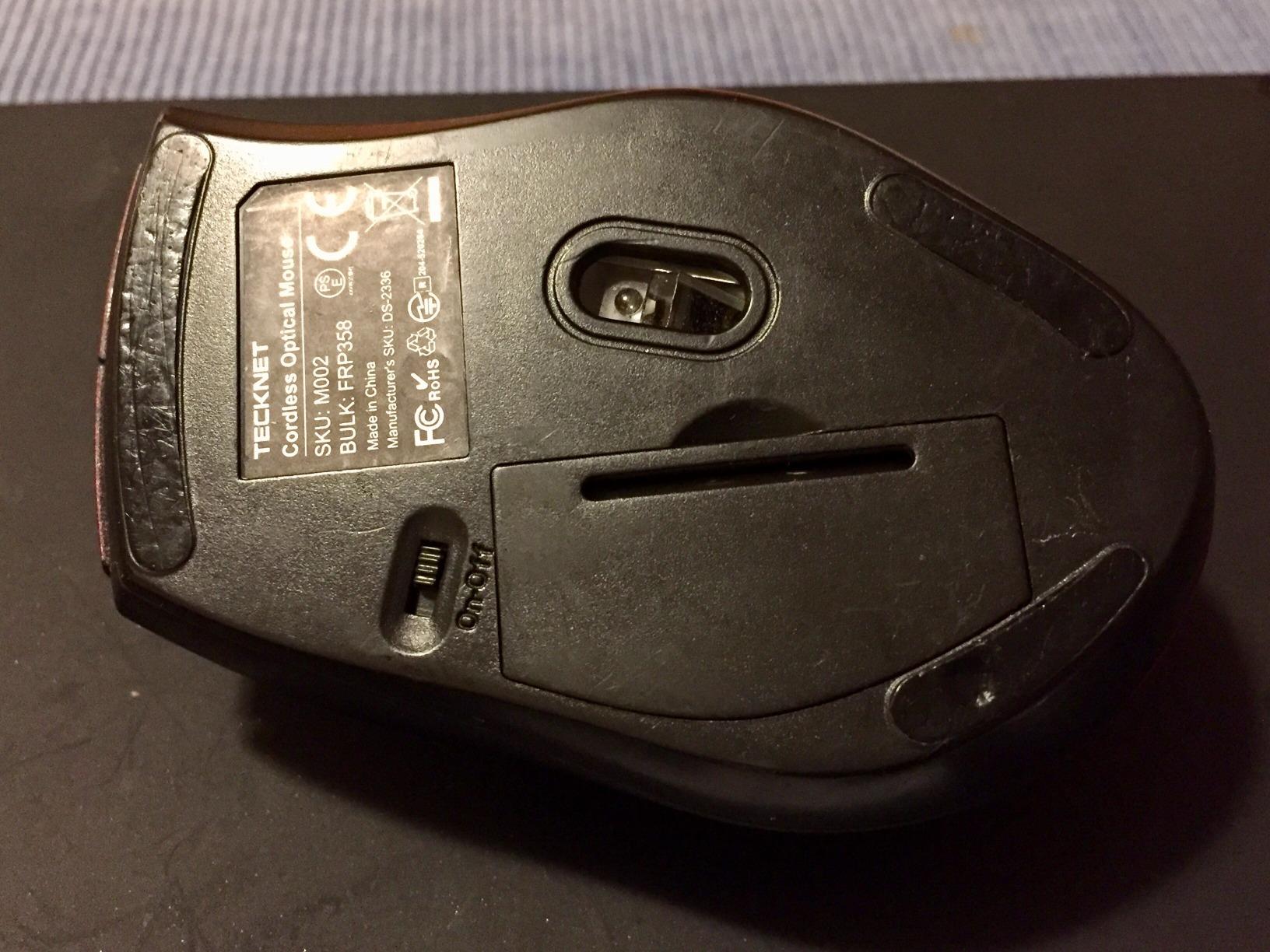
 TECKNET 4800 DPI Vertical Mouse TECKNET 4800 DPI Vertical Mouse |
|
Check Latest Price |
 Nulea M501 Wireless Trackball Nulea M501 Wireless Trackball |
|
Check Latest Price |
 TECKNET 16-Degree Trackball Mouse TECKNET 16-Degree Trackball Mouse |
|
Check Latest Price |
 Anker Wired Vertical Mouse Anker Wired Vertical Mouse |
|
Check Latest Price |
 TECKNET 2.4G Vertical Mouse 4800 DPI TECKNET 2.4G Vertical Mouse 4800 DPI |
|
Check Latest Price |
 SABLUTE Adjustable-Angle Trackball SABLUTE Adjustable-Angle Trackball |
|
Check Latest Price |
Three things jump out of that table. Every right-hand design on it is right-hand only, so if you are mirror-handed your shortlist is much shorter and you should check the far smaller secondary market carefully. Second, eight of these twelve support Bluetooth multi-device pairing, and that is a bigger day-to-day quality factor than most buyers expect. Third, the trackball options are a different bet, not a smaller version of the same one.
Why a Flat Mouse Hurts Your Wrist and Which Shape Fixes Which Pain
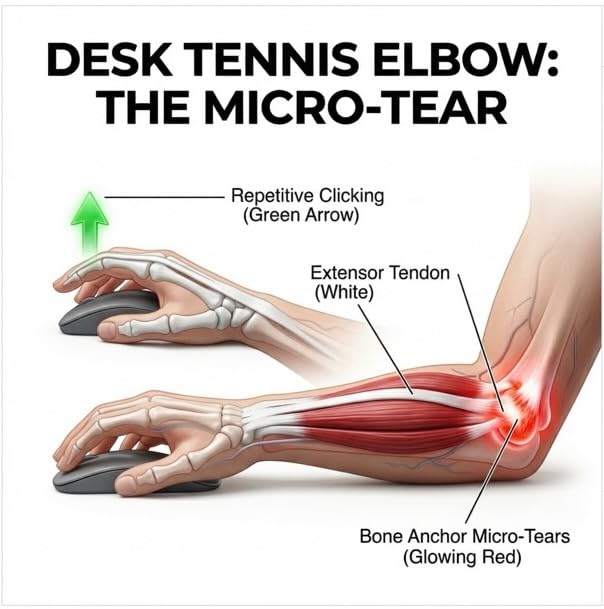
A flat mouse forces your forearm into pronation, meaning the palm faces down and the two forearm pronator muscles hold that rotation under a low but constant load. Hold your arm out palm-down right now and feel the tension on the inner forearm. Now turn the palm inward, the way a handshake would. That second position is neutral, and it is what every mouse below is trying to recreate.
Here is the decision framework none of the competing guides give you. Where the pain is tells you which shape to buy.
Forearm and wrist ache after a few hours: you are feeling pronator load. Buy a full-height vertical mouse, 45 to 60 degrees. This is the largest group here and where the 57-degree designs belong.
Pain at the base of the thumb, or a hand that cramps after about an hour: this is usually the pinch grip that vertical mice introduce. A shallower tilt plus a trackball spreads the work. Buy a trackball or a 16 to 20 degree tilt model instead.
Pain that arrives from moving across a large desk surface: the fix is removing arm movement entirely, which is the trackball case. You spin a ball with your thumb instead of sweeping your forearm.
Mild intermittent discomfort with no clear location: a contoured ergonomic mouse is enough. Do not buy a steep vertical shape you will resent every day for a problem that a contoured shape solves.
One drawback deserves naming because the mainstream reviews skip it. An analysis on r/MouseReview argues that the vertical shape encourages a pinch grip between thumb and index finger, and that sustained isometric tension through the thumb can load the same tunnel it was meant to spare. We agree the mechanism is plausible. Loosen your grip, drop sensitivity a step, and move up to a larger body if your hand cramps.
1. Logitech Lift Vertical – Best Overall for Small to Medium Hands
Logitech Lift Vertical Ergonomic Wireless Mouse – Graphite
57-degree vertical angle
125 g
4000 DPI max
24-month battery
Small to medium right hands
Pros
- 57-degree angle promotes a natural forearm posture
- Built for small to medium right hands
- Whisper-quiet clicks and a SmartWheel
- Up to 24 months of battery on one AA
- Snug thumb rest and softly textured grip
Cons
- Right-hand design with no mirrored counterpart
- Cramped for larger hands after long sessions
- Not built for fast precision aiming
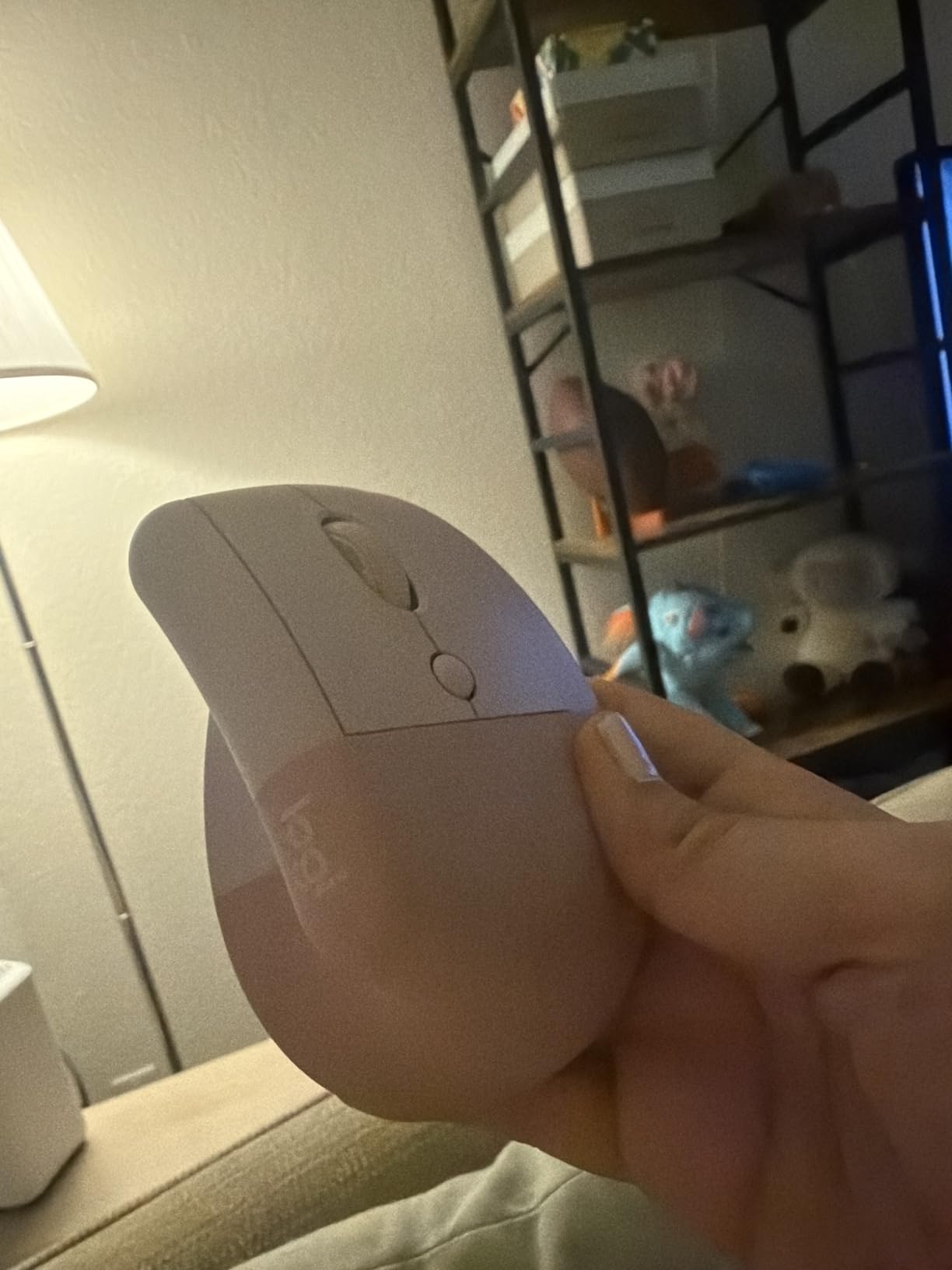
This is the one I keep coming back to. The 57-degree angle is the same geometry as the flagship MX Vertical, but the body is smaller and it weighs 125 g, which makes it noticeably less of a commitment on day one. For my hands it settled in faster than anything else I tried.
The battery claim is the one I did not believe going in. Logitech rates it at up to 24 months on a single AA, and I went the length of my test without opening the battery compartment. Connectivity is Bluetooth Low Energy or the bundled Logi Bolt receiver, and it moves between a laptop and a desktop without a pairing ritual.
Owner reports cluster around one theme: end-of-day forearm discomfort drops noticeably once the posture clicks, and the quiet clicks matter more than expected on shared calls. The recurring adjustment note is real, though. Most people describe the first three days as strange and the second week as normal.
Size is the deciding factor. At 4.3 by 2.7 inches this is built for small to medium hands, and that is a genuine limit rather than a quibble. If your hand measures much longer than 19 cm from wrist crease to middle fingertip, this will feel like a toy and the MX Vertical below is the better buy.
Check the fit before you buy
Measure from your wrist crease to the tip of your middle finger. Under about 19 cm and the Lift is right. Over that, skip to the MX Vertical and do not force a small mouse to work for a large hand. A mouse that does not fit will not fix pronation; it will just relocate the discomfort.
Where it falls short
There is no mirrored version on this listing, so mirror-handed users are out of luck here. It is also not a gaming shape, and the 4000 DPI ceiling is modest next to the 4800 DPI models further down this list. Treat it as a workday tool and it is excellent.
2. Logitech MX Vertical – Best for Large Hands and Multi-Monitor Desks
Logitech MX Vertical Wireless Mouse Ergonomic Design – Graphite
57-degree vertical angle
8 ounces
4000 DPI sensor
Up to three computers
Pros
- Reduces muscular activity about 10 percent versus a standard mouse
- Textured rubber surface with an integrated thumb rest
- 4000 DPI sensor with a cursor speed switch
- Switches among up to three computers
- Crisp damped buttons that survive heavy use
Cons
- Scroll wheel lacks free-spin
- Two thumb buttons disappoint MX Master users
- Less precise for quick cursor moves
- Rubber coating degrades after a couple of years
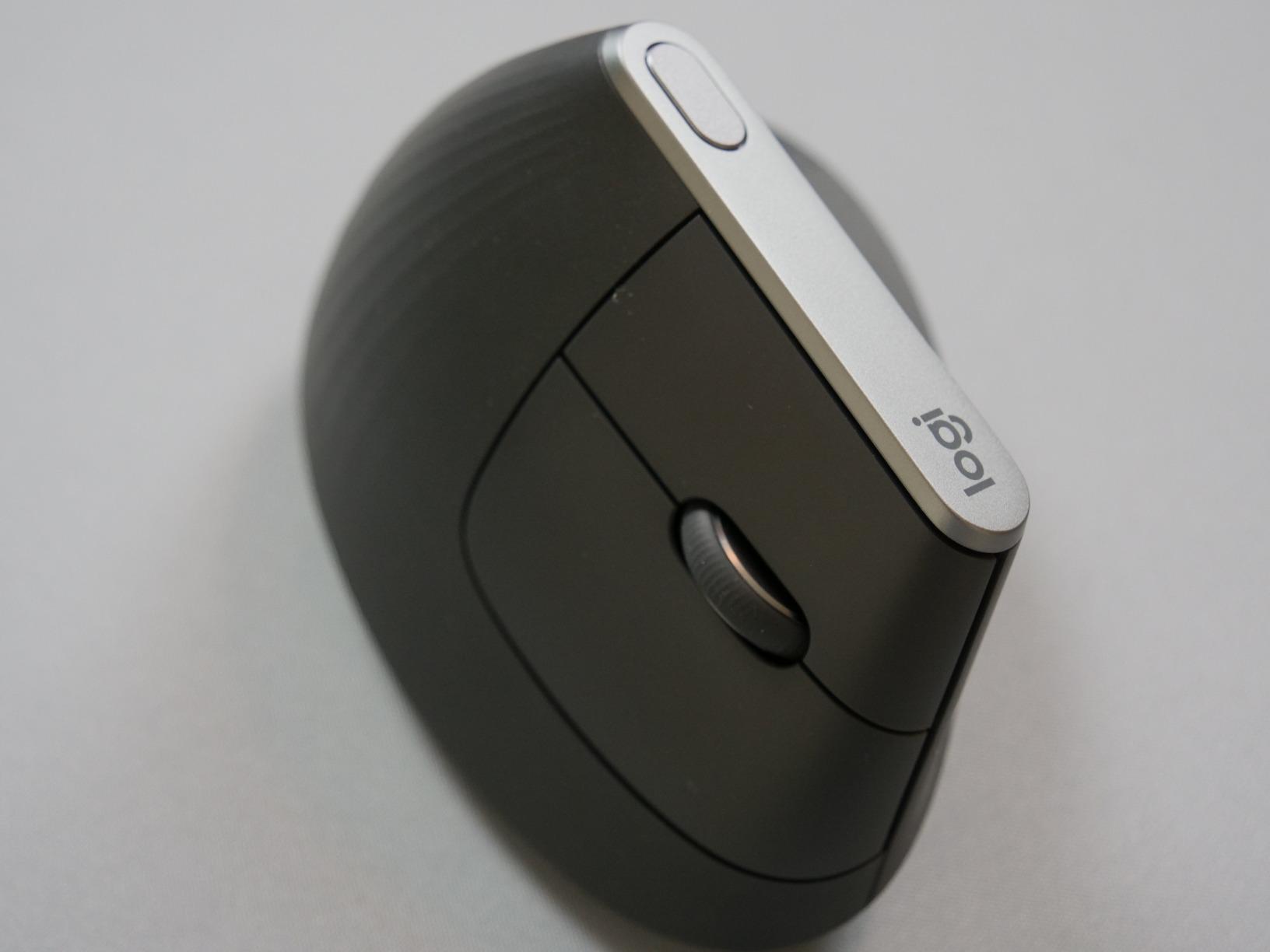
This is the long-running community default for productivity work, and the owner base is the largest in the roundup at more than fifteen thousand reviews. The quoted engineering figure is the useful one: roughly 10 percent less muscular activity than a standard mouse at the same 57-degree angle.
The 4000 DPI sensor with an on-the-fly cursor speed switch is a genuine ergonomic feature rather than a gaming spec. It means you cross the screen with less hand travel, which reduces how many repetitive sweeps you make across a long workday on a multi-monitor desk.
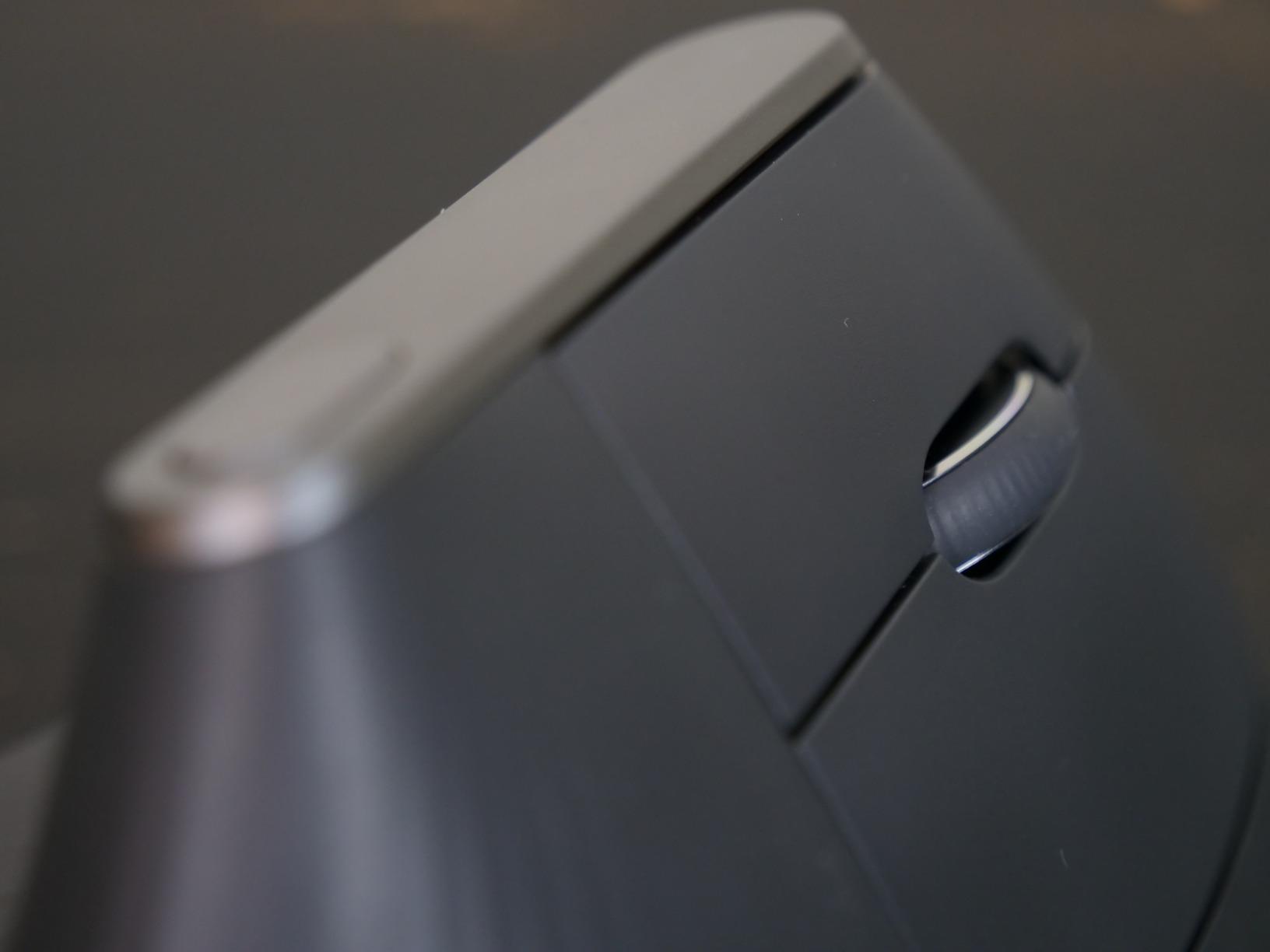
Owners with diagnosed carpal tunnel, arthritis, and hypermobility report meaningful relief from wrist and forearm pain, and several describe buying it again after years of use. That durability is a real part of the case. The grippy textured rubber surface and thumb rest keep the hand from sliding down onto the desk, which is where neutral posture tends to be lost.
The complaints are consistent enough to plan around. The scroll wheel has no free-spin and no tilt, and the button count is modest next to the MX Master line. Some owners note the rubber at the thumb and pinky contact points goes gummy after a couple of years, which is cosmetic more than functional.
Who should pay more for this one
If your hand is larger than the Lift can hold, this is the correct step up rather than a lateral move. It suits people who work across two or three machines all day, because the device switching is seamless and the sensor keeps long sweeps short. Check the 4000 DPI ceiling against your own sensitivity habits before committing.
Where it falls short
Coming from a modern productivity mouse with a magnetic scroll wheel, this will feel like a downgrade in feel even as it helps your wrist. Two owners who also have the pinch problem tell us the vertical angle does not rescue a grip that tightens under stress. Relax the hand; do not simply white-knuckle the new shape.
3. Logitech MX Ergo S – Best for Trackball Users Who Hate the Learning Curve
Logitech MX Ergo S Advanced Wireless Trackball Mouse USB C – Graphite
20-degree tilt
Thumb-operated trackball
2048 DPI max
8 buttons
USB-C quick charge
Pros
- 20-degree tilt cuts muscle strain about 27 percent
- Thumb trackball removes arm movement entirely
- Six customizable buttons with Logi Options+
- 80 percent quieter clicks
- A day of use from a one-minute charge
Cons
- 2048 DPI ceiling is low
- Large and bulky desk footprint
- Trackball format needs a learning period
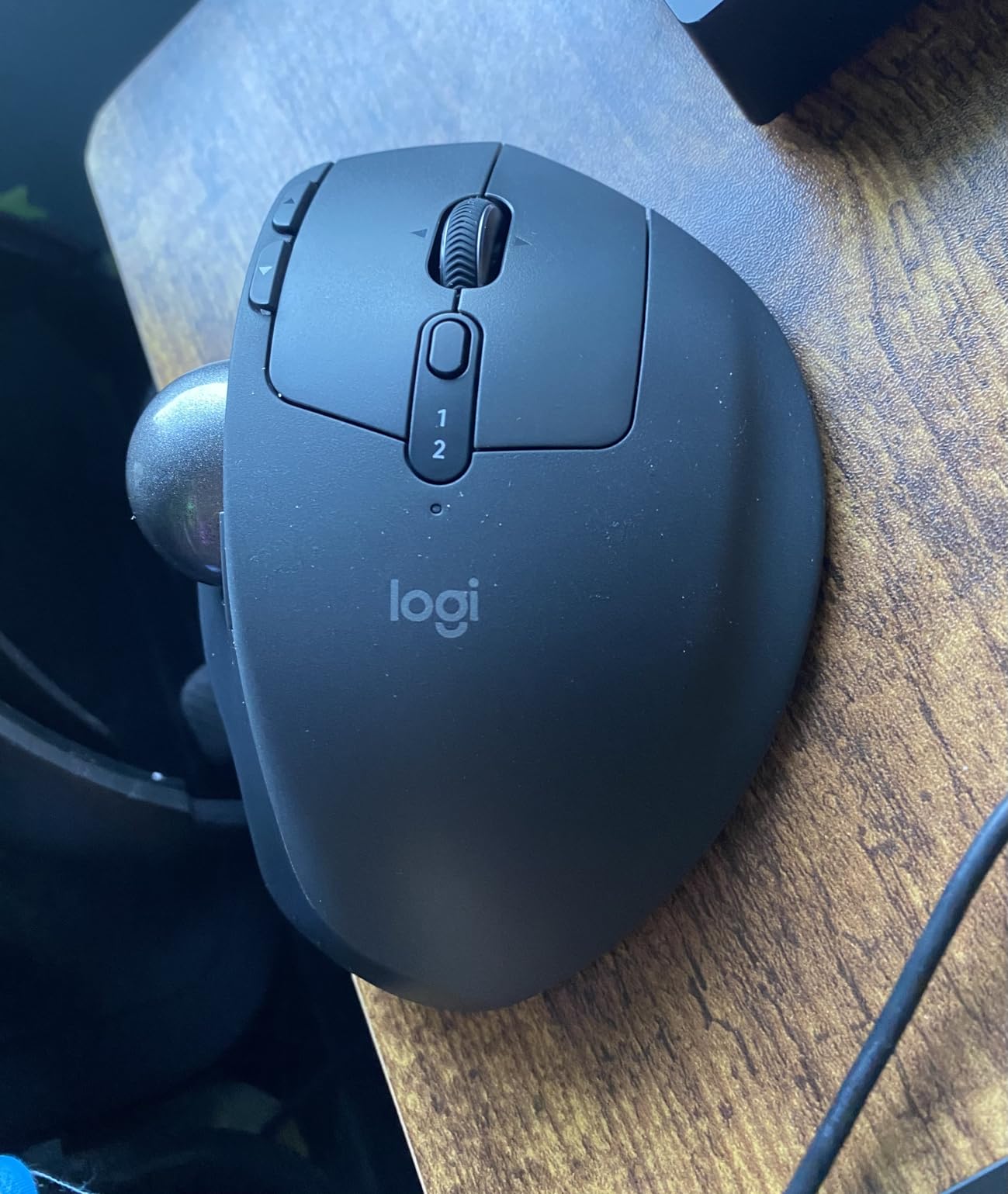
This is the middle path and it is under-sold. A 20-degree tilt is far gentler than a 57-degree vertical, which means less pinch-grip risk, while the thumb-operated ball removes arm travel entirely. The quoted figure is about 27 percent less forearm muscle strain.
The learning curve is real but shorter than a full vertical. Most of the adjustment is thumb control and the mental switch from sweeping to spinning. After that, owner reports describe noticeably less forearm tension, which makes sense because the arm simply stops moving.
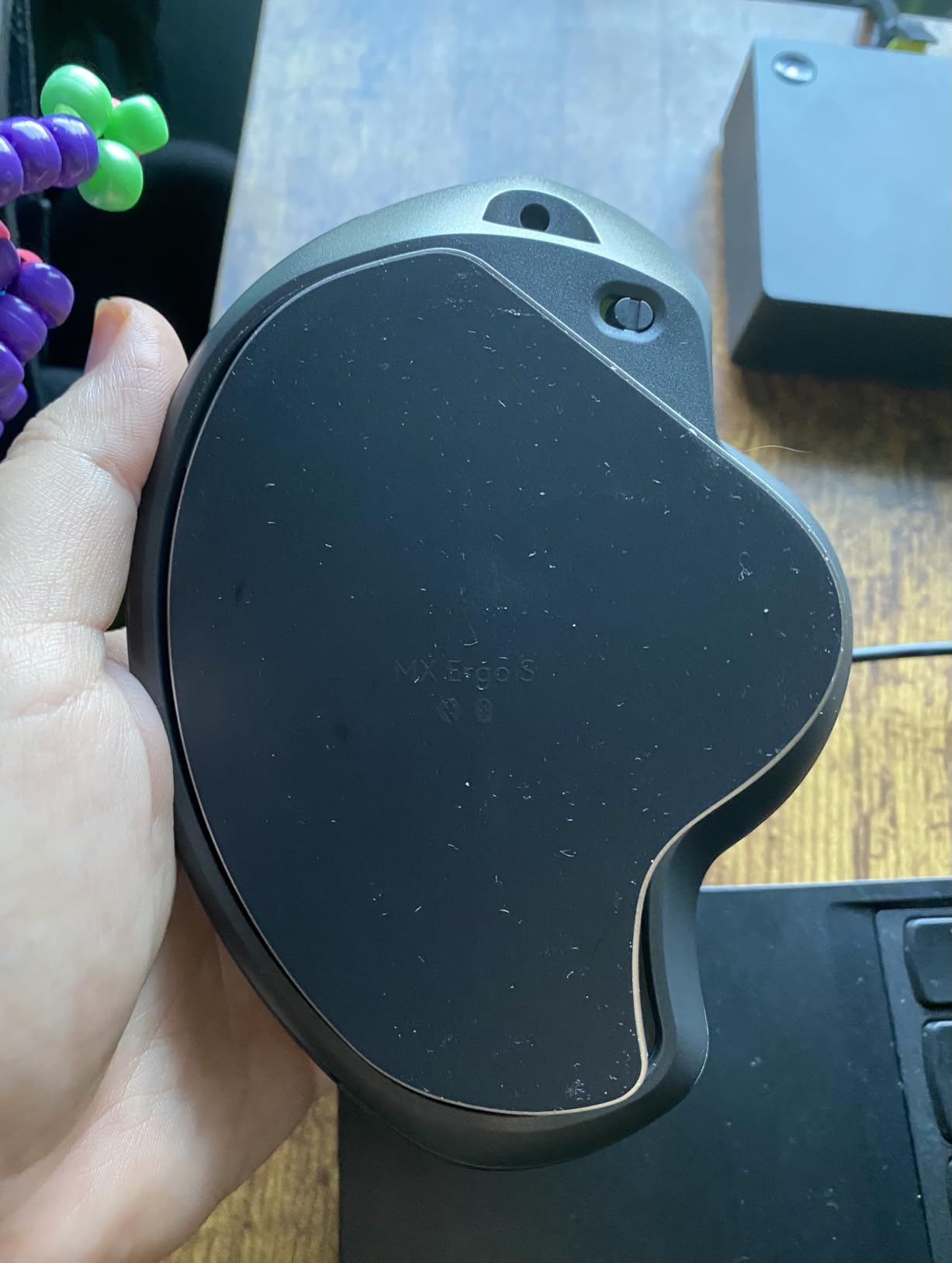
The quieter clicks are the detail people notice most in shared offices. USB-C charging gives up to 24 hours of use from a one-minute charge, and a full charge runs up to 120 days. Six customizable buttons plus Smart Actions make it workable for design and productivity work where a plain trackball feels like a compromise.
Two honest limits. The 2048 DPI maximum is low compared with gaming mice and with the two 4800 DPI models later in this list. The footprint is also large, which matters on a small desk. Sculpted for medium to large hands, it is not a small-mouse option.
Trackball or vertical: the honest comparison
A trackball fixes desk-travel pain completely and fixes pronation only partially, because the hand is still angled. A vertical fixes pronation properly and leaves the arm-travel problem alone. If your pain is concentrated in the forearm, go vertical. If it is in the thumb base after long sweeps, go trackball. Many people end up owning one of each.
Where it falls short
The trackball shifts load into the thumb, and that is the tradeoff. Owners who run eight-hour days report thumb fatigue in the first two weeks and a slow improvement after. If your pain is already in the thumb, a trackball is the wrong instrument regardless of how good the wrist posture is.
4. ProtoArc EM11 NL – Best Value Vertical With Three-Device Pairing
ProtoArc EM11 NL Wireless Ergonomic Vertical Mouse, Rechargeable, Black
Vertical ergonomic design
Rechargeable 500mAh battery
2400 DPI max
3 devices
250 g
Pros
- Vertical angle owners rate as among the most comfortable tried
- Silent click switches that hold up over months
- Single charge lasting months of daily work
- Three devices via dual Bluetooth plus the 2.4G receiver
- No software required for basic use
Cons
- Scroll wheel can skip and scroll slowly
- 2400 DPI below what power users want
- Buttons are not programmable and the side keys fail on Mac
- Sized for small to medium hands
Several owners switched to this from a pricier Logitech model and describe it as equally comfortable. That is the case for it: the vertical geometry is the point, and the geometry is here. It is designed for hand lengths under 19.05 cm, so small and medium hands are the target.
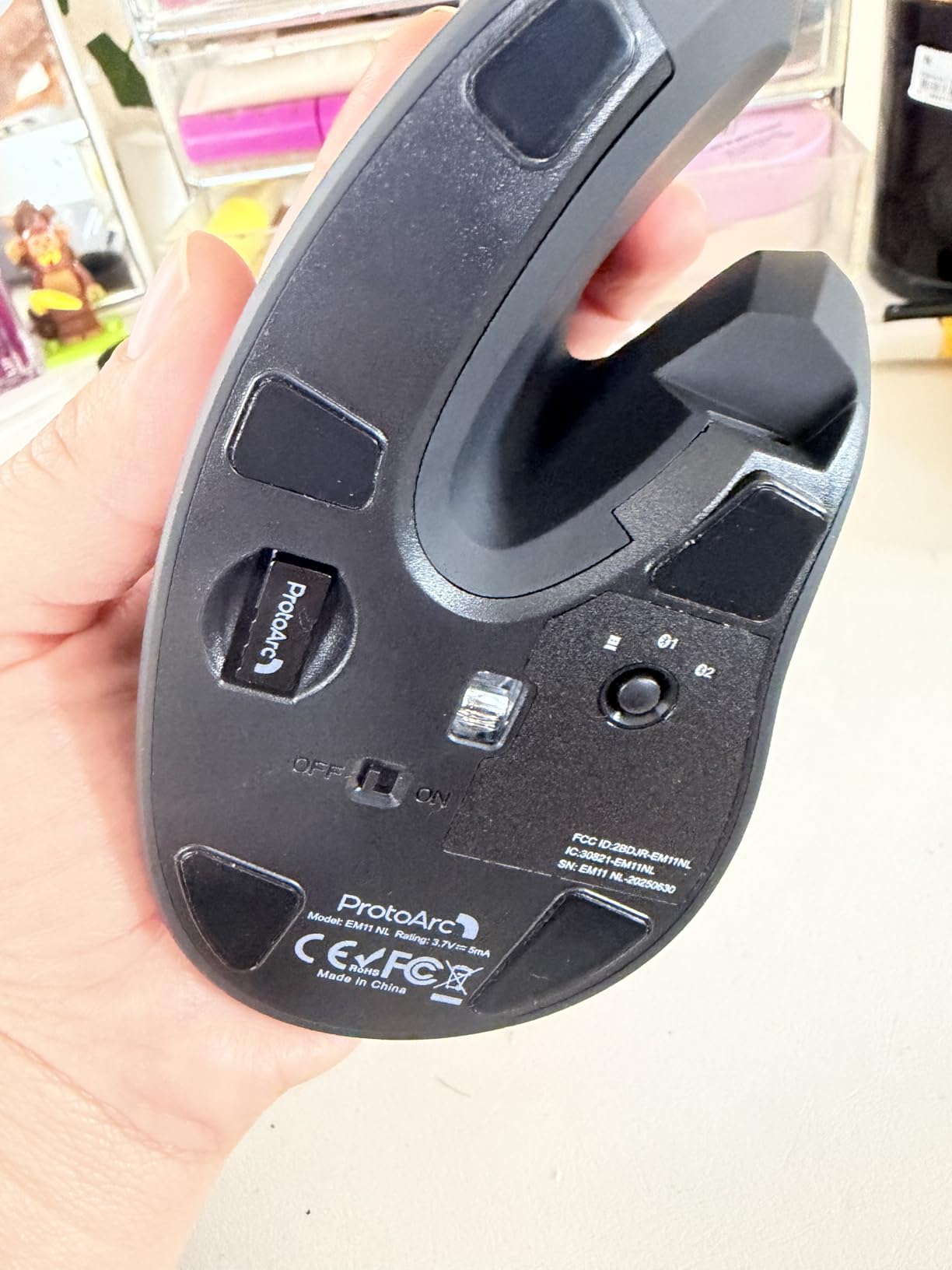
Three-device pairing across dual Bluetooth and the 2.4G receiver is unusual at this tier. The rechargeable 500mAh cell is the other standout, with owners reporting a single initial charge covering months of eight-hour days. Silent primary click switches help in shared spaces.
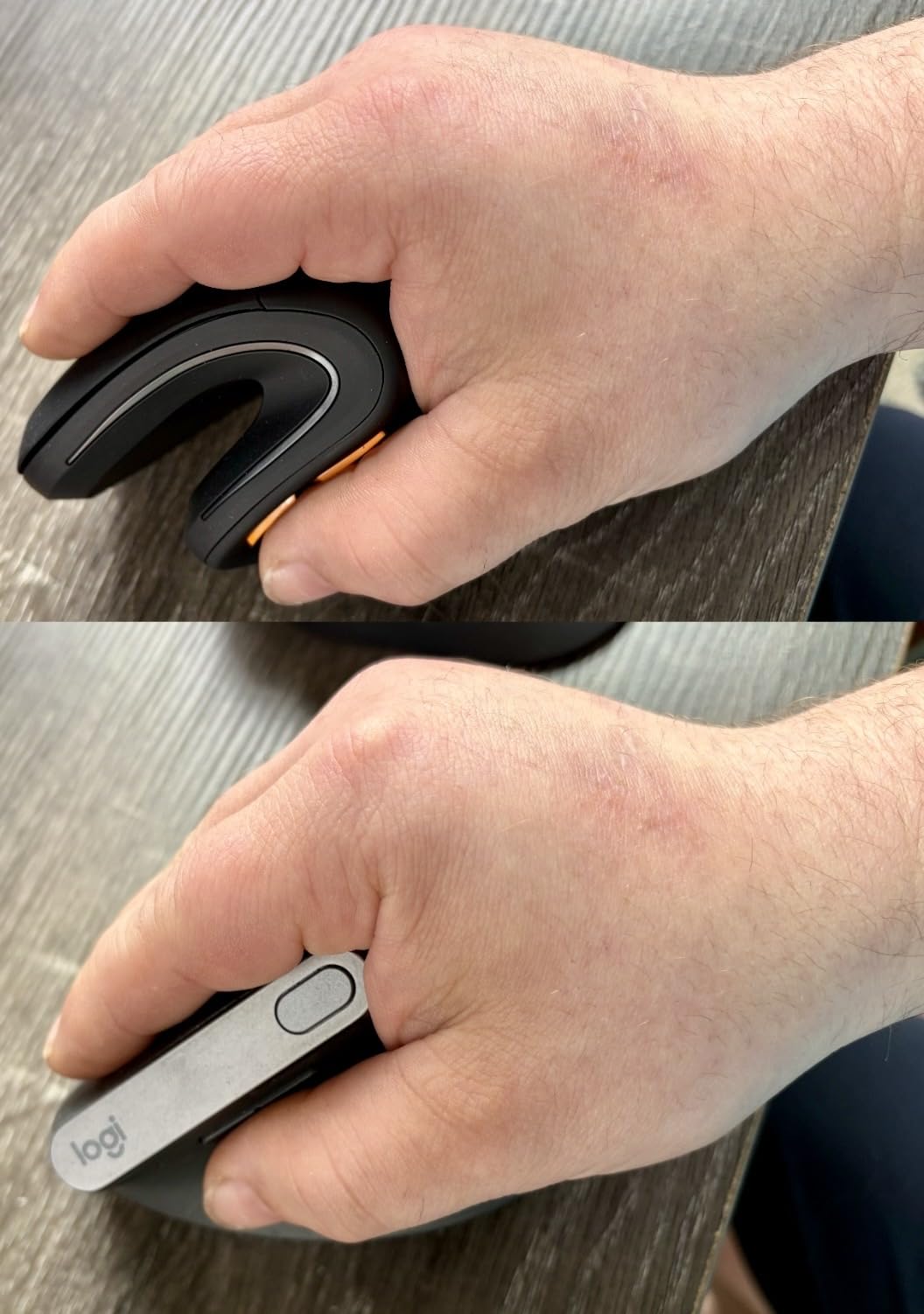
The factory itself recommends a one to two week adjustment, which matches what owners say. The 1000/1600/2400 DPI steps give you enough range to lower sensitivity, and lowering sensitivity is the practical antidote to the pinch grip that steep verticals can encourage.
The dominant complaint is the scroll wheel. Owners describe it skipping and scrolling at roughly half speed on long pages, which is genuinely annoying in a document-heavy workflow. Mac users also lose the forward and back buttons since nothing is programmable and there is no companion software.
Best first vertical mouse to test with
If you have never used a vertical shape and want to know whether the angle works for your anatomy before spending serious money, this is the lowest-cost way to find out. A month on this and you will know within days whether your hand relaxes or whether you end up clamping harder than before.
Where it falls short
It is 250 g, which is heavy for a mouse, and a minority of owners report the grip slipping forward for their hand size. Larger hands will find it cramped. If you work in Mac software where the side buttons matter, look past it.
5. Anker 2.4G Wireless Vertical – Most Widely Used Budget Vertical
Anker 2.4G Wireless Ergonomic Mouse, Right Hand Vertical Mouse USB Receiver
Vertical handshake angle
1600 DPI max
3.4 oz body
5-meter range
2.4G receiver
Pros
- Neutral handshake wrist and arm position
- Lightweight 3.4 oz body
- Auto power-save after 8 minutes idle
- Back and forward buttons
- 18-month warranty
Cons
- Click sounds are unavoidable
- 2.4 GHz only with no Bluetooth
- 1600 DPI maximum is modest
- Batteries not included
More than fifty thousand reviews sit behind this one, which makes it the most widely used budget vertical in the group and the easiest to find a second opinion about. Owners consistently report the neutral handshake angle reducing wrist and forearm discomfort.
The body is 3.4 oz and 120 by 62.8 by 74.8 mm, so it is small and light. Auto power-saving after eight minutes of inactivity is a small courtesy that stretches two AAA batteries considerably, and the 18-month warranty is longer than most at this tier.
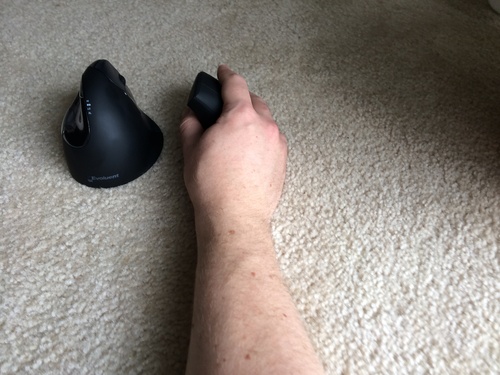
Honest framing: the 4.2 average is the lowest in this roundup, and the reason is audible. The manufacturer states outright that key click sounds are unavoidable, which rules it out for open offices, library study spaces, and shared rooms where you type next to other people.
Two AAA batteries are not included, and the 2.4 GHz receiver means no Bluetooth and no multi-device switching. The 1600 DPI maximum is the other limit, low enough that designers and anyone with a large monitor may want to raise sensitivity and undo some of the ergonomic benefit.
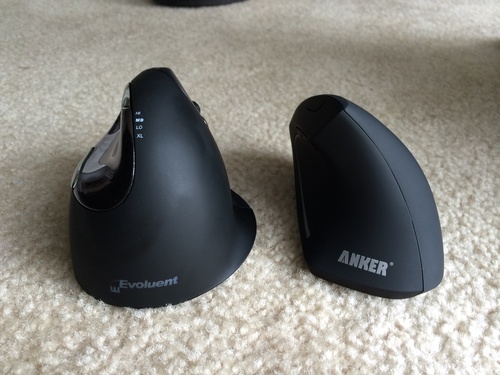
When this is the right buy
It suits a first experiment, a shared machine, and anyone who wants a lighter mouse than the vertical picks above. If you work somewhere quiet and need a silent mechanism, skip it and look at the ProtoArc or TECKNET silent models instead. Those solve the same problem without the noise.
Where it falls short
No Bluetooth means one computer at a time, and the missing batteries on a first unboxing are an avoidable annoyance. At 1600 DPI you will spend the first week pushing your pointer to the top of the screen. Buy spare AAA cells with it.
6. Lekvey Rechargeable Vertical – Best for Medium to Large Hands
Lekvey Ergonomic Mouse, Rechargeable Vertical Wireless Mouse, Comfort Grip
Vertical handshake design
150+ hours per charge
1600 DPI max
5.0 by 3.0 inch
36-month warranty
Pros
- Neutral handshake position owners report cuts wrist pain within days
- Over 150 hours of use on one charge
- Plug and play with no pairing or drivers
- Page forward and back buttons plus three DPI levels
- 36-month manufacturer warranty
Cons
- No Bluetooth
- 2.4 GHz receiver only
- 1600 DPI maximum
- Buttons are not programmable
This is the size answer for the people the Lift and the ProtoArc cannot serve. At 5.0 by 3.0 by 2.5 inches it is recommended for medium or large hands, which is a genuinely under-served group in ergonomic mice.
Owners focused on easing wrist pain report clear improvement within the first week, and the vendor states a three to five day adjustment rather than the two weeks some verticals demand. The rechargeable cell runs over 150 hours of continuous use, which is months of ordinary work between charges.
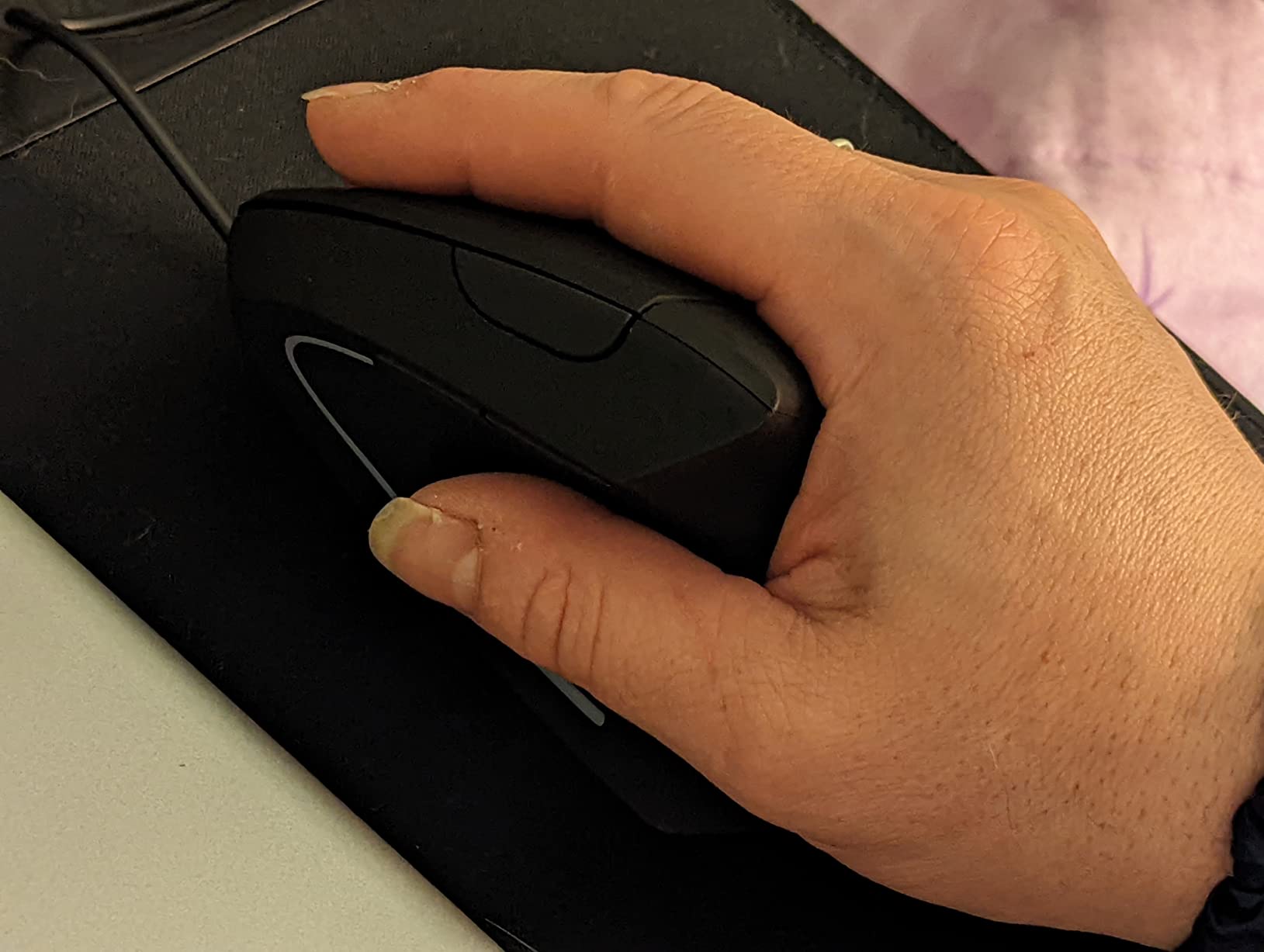
It works across Windows through 11, Linux, and Mac with no pairing step and no driver, which suits people who do not want software in the picture at all. A 36-month warranty is the longest in this roundup and reduces the risk on a longer adjustment period.
The limits are the familiar budget set. No Bluetooth means one machine. The 1600 DPI ceiling is low. Buttons are fixed and there is no companion software, so this is a pointing device rather than a productivity shortcut machine.
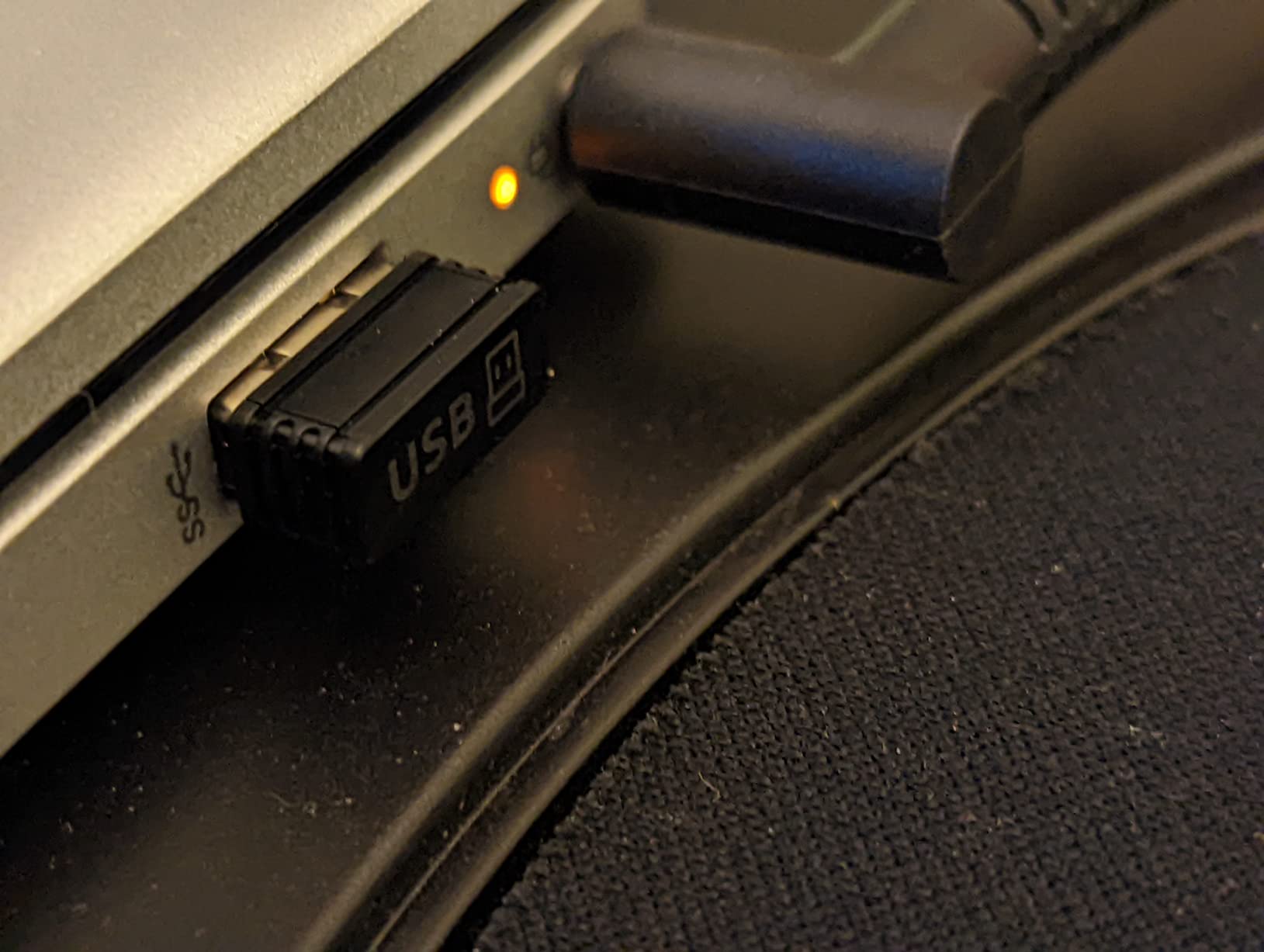
Hand size is the deciding factor here
If your palm is on the larger side and the smaller verticals cramped your fingers, this is where the fit works. Measure your palm length and compare before buying; the shape is roomy rather than sculpted, which is a different kind of comfort and not a worse one.
Where it falls short
Being roomy is not the same as being refined. The 1600 DPI limit is annoying on a high-resolution display, and the fixed buttons rule out remapping. Pick it for fit and battery, not for flexibility.
7. TECKNET 4800 DPI Vertical – Best for Multi-Device Desks
TECKNET Ergonomic Mouse, 4800 DPI Wireless Bluetooth Vertical, 3-Device
Near-vertical angle
4800 DPI max
3 devices
Bluetooth 5.0 and 3.0
2 AAA batteries
Pros
- Near-vertical palm angle measurably reduces wrist pressure
- Six DPI levels topping out at 4800
- Switches among up to three devices
- Near-silent primary clicks
- Works on Windows Mac Chrome and Linux
Cons
- Side buttons do not work on macOS
- Only the primary clicks are silent
- Runs on 2 AAA batteries
- Some users find the button split sits too far forward
This solves the two things most budget verticals skip: a real Bluetooth radio and a high sensitivity ceiling. Six DPI levels from 800 up to 4800 let you move the cursor with a fraction of the hand travel, which is a genuine ergonomic benefit rather than a gaming flex.
Users reporting wrist, shoulder, or hand pain describe noticeable comfort improvement after a short adjustment period, and the multi-device pairing between a laptop and a tablet is seamless in owner accounts. The 4.74 by 2.49 inch body is compact and 4.32 oz.
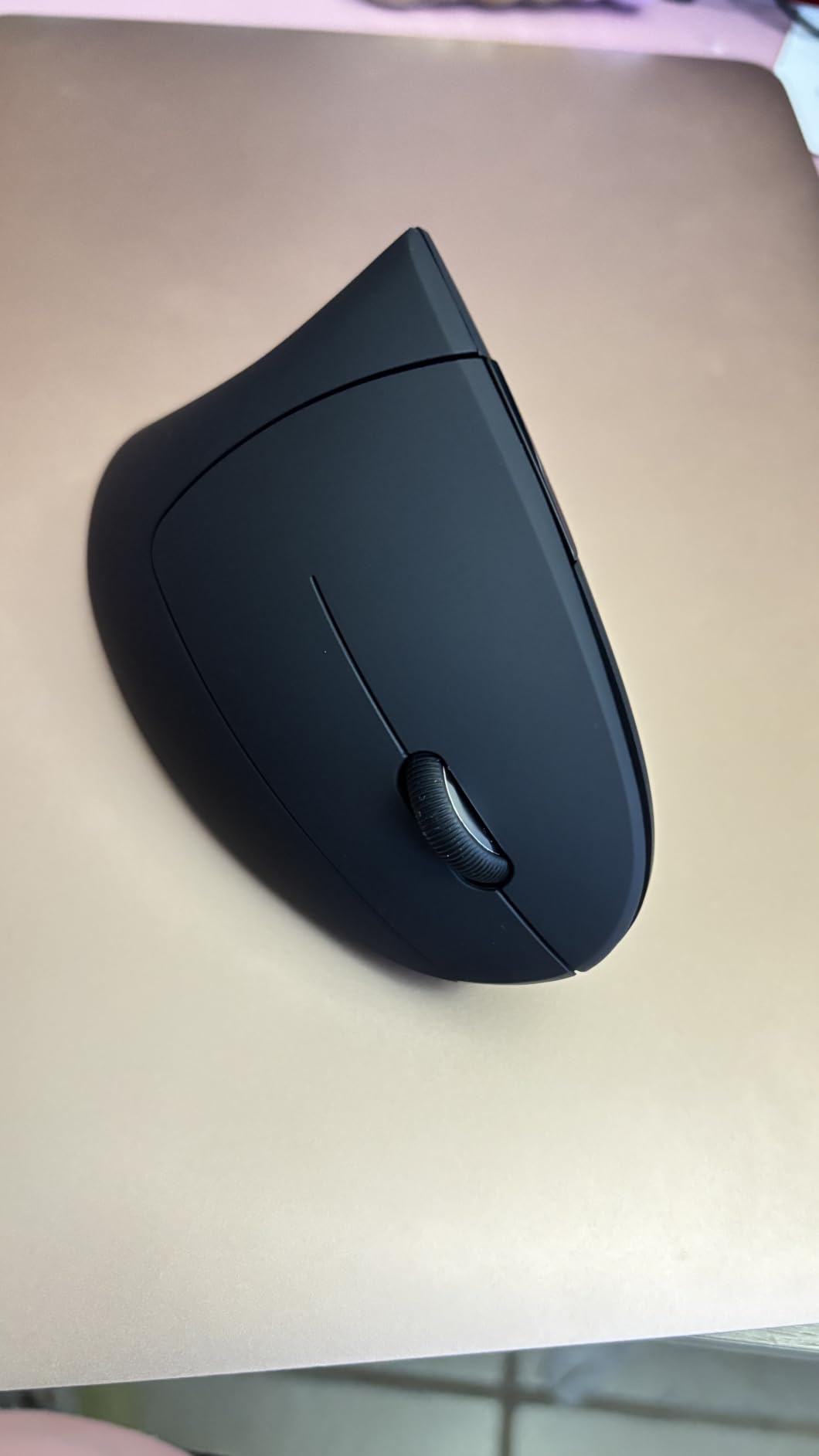
The 36-month warranty is a genuine differentiator, though registration is required. Deep sleep after ten to thirty minutes of inactivity stretches the two AAA batteries toward the listed twenty-four month figure, so battery management is genuinely not a chore.
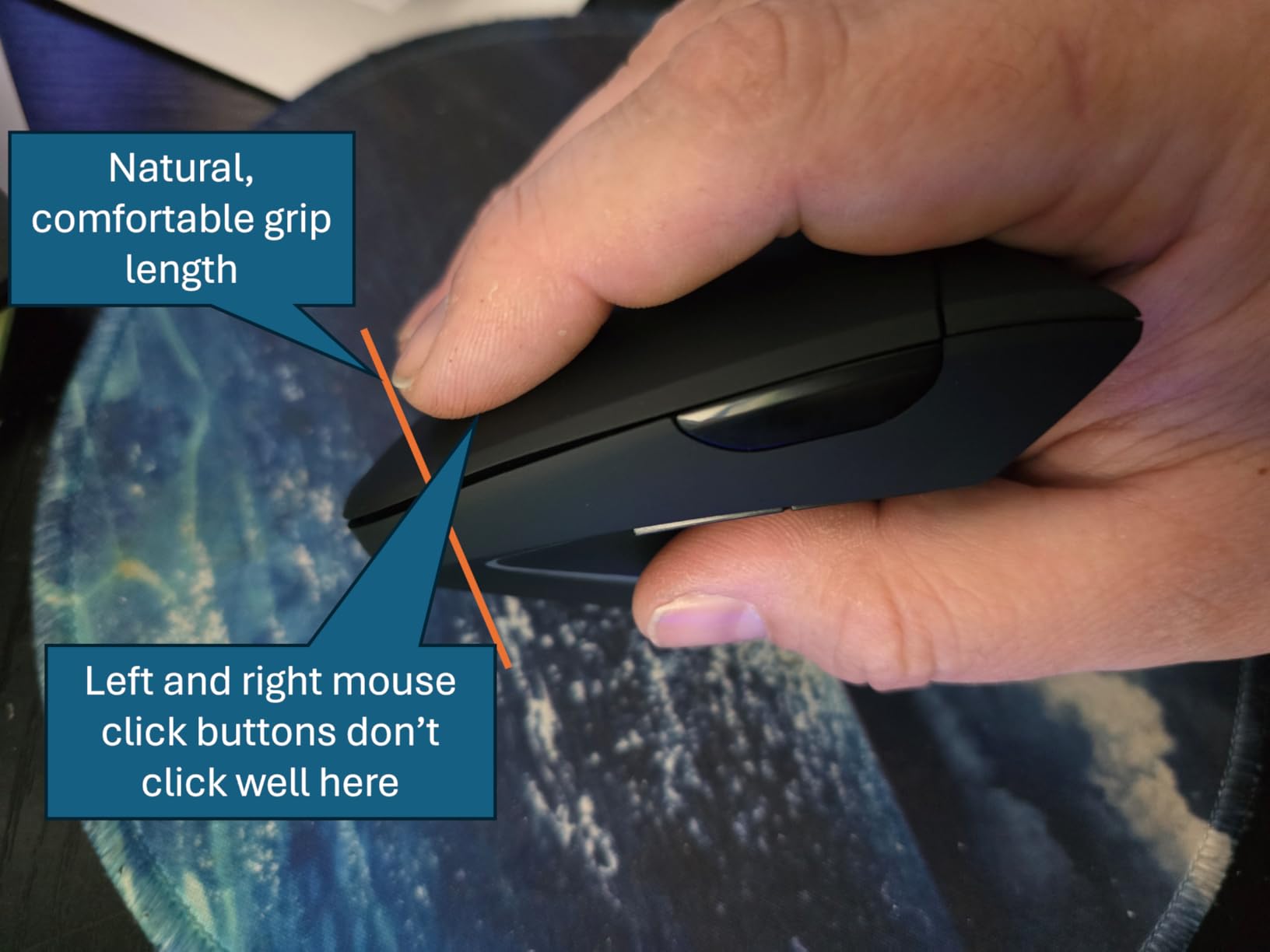
Two recurring gripes. Side buttons are inoperative on macOS and there is no software to reassign them, which matters if you work on a Mac. Some users also find the click-button split sits too far forward, forcing an unnatural finger position, and the angled scroll wheel is awkward to press.
Why the DPI ceiling matters for wrist pain
Every extra centimetre your hand has to sweep is another repetition. A 4800 DPI sensor at low sensitivity means the same cursor distance for a fraction of the arm movement, which cuts the repetition count on long days. If you are switching from a 1600 DPI mouse, this is a felt difference by the second week.
Where it falls short
It is right-hand only with a specific palm size target, and the forward button placement does not suit every hand shape. Buy it for the radio and the sensor; do not expect flagship build quality.
8. Nulea M501 Trackball – Best for Small Desks and No-Surface Work
Nulea M501 Wireless Trackball Mouse Ergonomic Thumb Control,4 DPI Levels
Thumb-operated trackball
4 DPI levels
3 devices
Rechargeable
5.51 by 4.37 inch
Pros
- Trackball eliminates wrist and arm movement
- Tilted ball angle keeps the palm natural
- Long rechargeable battery
- Three devices across dual Bluetooth and the dongle
- Solid build that survives drops
Cons
- Device-switch button is on the underside
- Buttons are not programmable
- Bluetooth tracking can be inconsistent
- Trackball needs a learning period
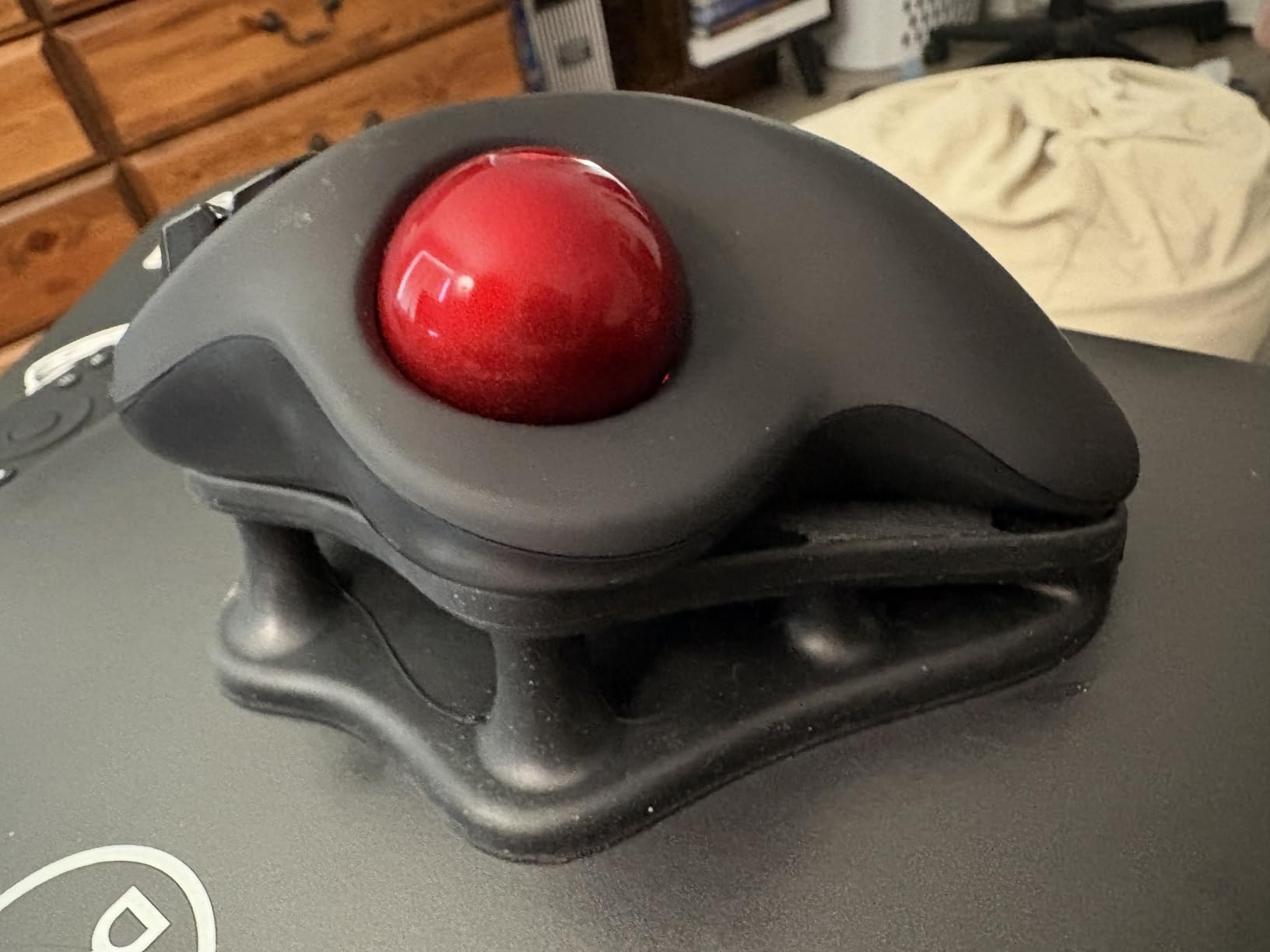
A trackball changes the category rather than optimising within it. You never move your arm, so desk space stops mattering entirely. It works on a couch, in bed, on a cramped shelf unit, and anywhere there is no surface to slide across.
Longtime users of the established trackball standard report switching to the M501 and finding equal or better build quality, accurate optical tracking, and noticeably better button feel. The separated ring and pinky grooves give the ring finger a defined home, which reduces the gripping effort that causes the pinch problem.
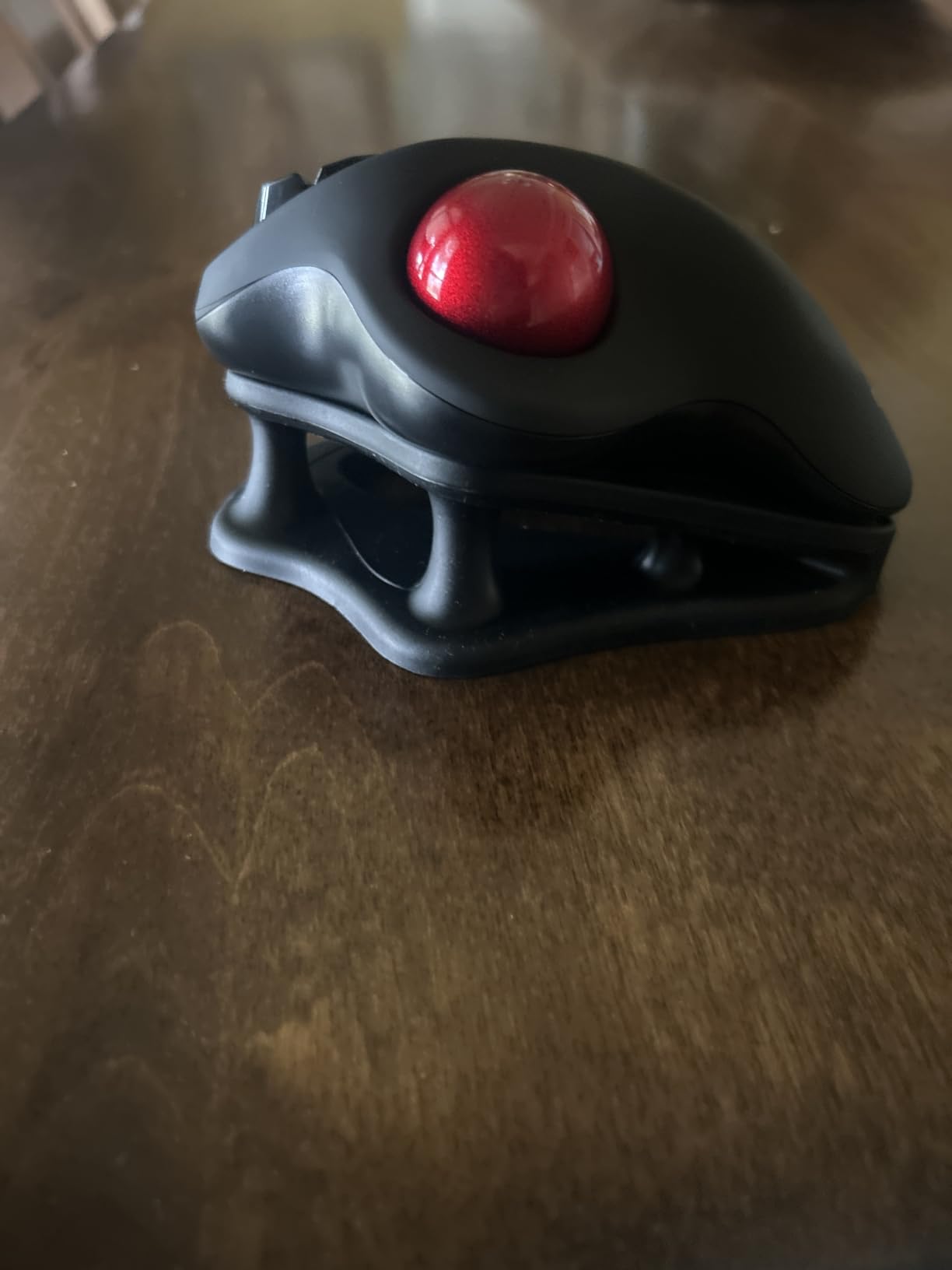
Heavy users report charging only a couple of times over many months. Three-device pairing across two Bluetooth channels plus the stored USB dongle frees up ports, and the 4.51 oz body is lighter than most trackballs in this price band.
The frustrations are specific. The device-switch button lives on the underside, so you flip the mouse over to change computers. All buttons are non-programmable, and some users find Bluetooth tracking slightly inconsistent compared with the 2.4 GHz dongle. Use the dongle for consistency.
When a trackball beats every vertical
If your desk is small, if you work from a sofa, or if you use a laptop in bed, a trackball is the only shape that solves it. It also suits anyone whose pain is caused by sweeping rather than by wrist rotation. The tilted ball angle keeps the palm in a natural position while doing it.
Where it falls short
The trade is thumb load. Trackballs move strain from the forearm to the thumb, which is a fair exchange for forearm pain and a poor one if the thumb is already the problem. Budget a two-week adjustment before you judge it.
9. TECKNET 16-Degree Trackball – Best for Large Hands and Thumb Control
TECKNET Wireless Trackball Mouse, Bluetooth Mouse with Ergonomic, Black
16-degree tilt
1200 DPI max
500mAh battery
5.5 by 4.1 inch
60 g
Pros
- 16-degree tilt reduces muscle strain by up to 50 percent
- Precise smooth ball needing minimal hand movement
- Pairs with up to three devices
- 15-minute charge gives a full day
- Lightweight matte build that survives drops
Cons
- 1200 DPI maximum is low
- Some buttons sit at a stretch
- No customisation software
- Trackball adjustment period applies
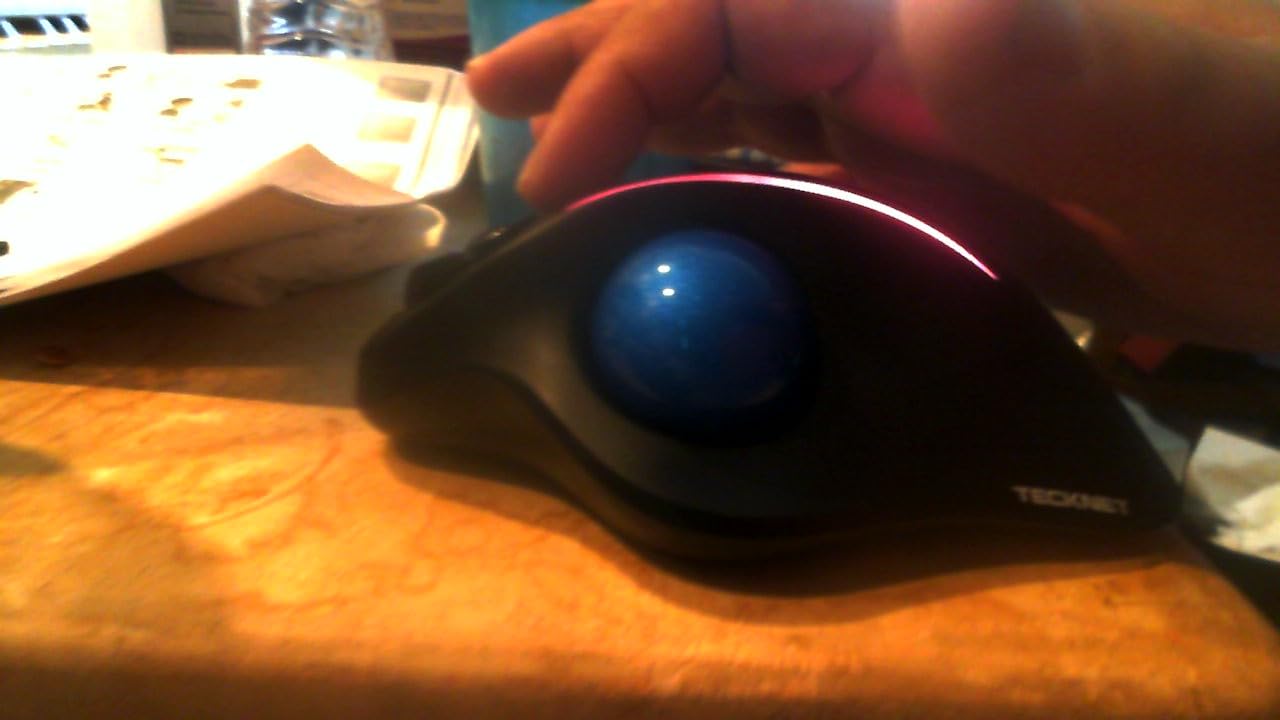
This is the one to look at if you have tried flat mice and full verticals and disliked both. A 16-degree tilt gives you meaningful forearm relief without the steep angle that makes a vertical mouse feel like a commitment. The stated figure is up to 50 percent less muscle strain.
It is explicitly designed for larger hands at 5.5 by 4.1 by 2 inches, which is unusual for a trackball and solves the cramped-finger complaint many people have with the format. A 500mAh rechargeable cell gives a full day from a fifteen-minute charge.
Owners who switched to trackballs to spare their wrists report real relief from strain and strong value. Three-device pairing across two Bluetooth channels and 2.4 GHz at up to 34 feet is smooth, and five DPI levels from 100 to 1200 let you tune ball speed.
The 1200 DPI ceiling is the clearest limitation, and a handful of users find some buttons sit at a stretch. There is no software for button reassignment. The thumb-base lighting cutout takes a few days to stop feeling odd.
How to decide between a trackball and a vertical
Ask one question: does moving your arm hurt, or does holding your wrist bent hurt? Arm movement points to a trackball. Wrist rotation points to a vertical. If both hurt, start with the shallower angle here, because a 16-degree tilt is a smaller step than 57 degrees and easier to back out of.
Where it falls short
A 1200 DPI maximum is restrictive on a large or high-resolution display, and the format itself has a learning curve that puts people off in the first week. If you quit in week one, you have not actually tested it.
10. Anker Wired Vertical – Best for a Fixed Workstation
Anker USB Wired Vertical Mouse, Ergonomic Mouse for Computer and Laptops
Vertical handshake angle
1000/1600 DPI
5.3 oz
4.9 ft cable
5 buttons
Pros
- Natural handshake wrist and arm position
- Wired connection with no battery to manage
- Smooth precise tracking across surfaces
- Lightweight 5.3 oz body
- Next and previous navigation buttons
Cons
- Cable limits freedom of movement
- 1600 DPI maximum
- No Bluetooth or multi-device support
- Fixed five-button layout with no software
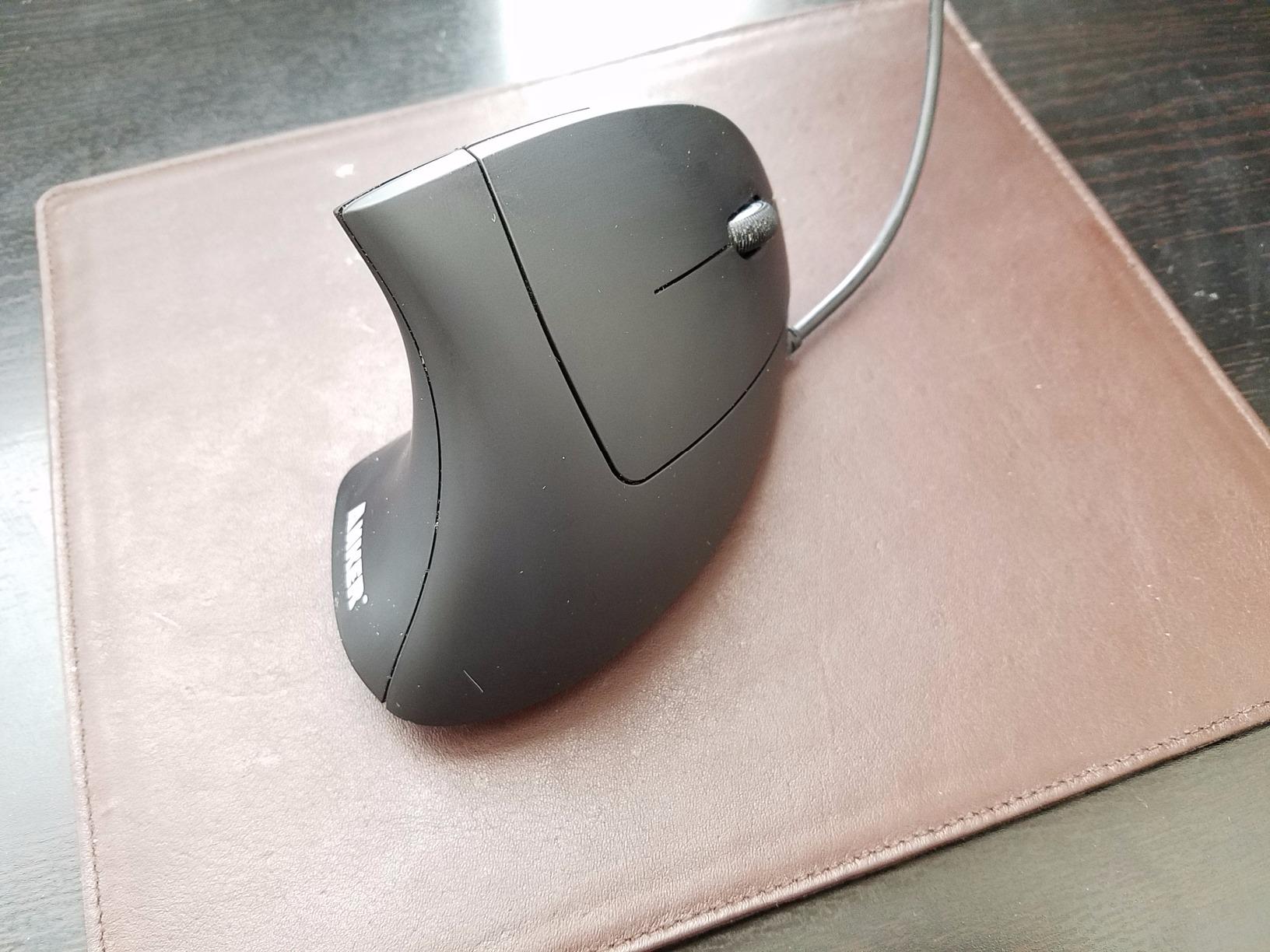
There is a version of this problem that wireless simply creates, and a wired vertical mouse solves it. No charging, no receiver, no pairing, no battery anxiety. Buyers looking for a simple dependable ergonomic pointing device settle on this for exactly that reason.
The tracking is consistent and lag-free by virtue of the cable, and the 3.36 oz listing weight with a 1.5 metre cable keeps the footprint small. The same handshake geometry applies, so the forearm benefit is identical to the wireless versions.
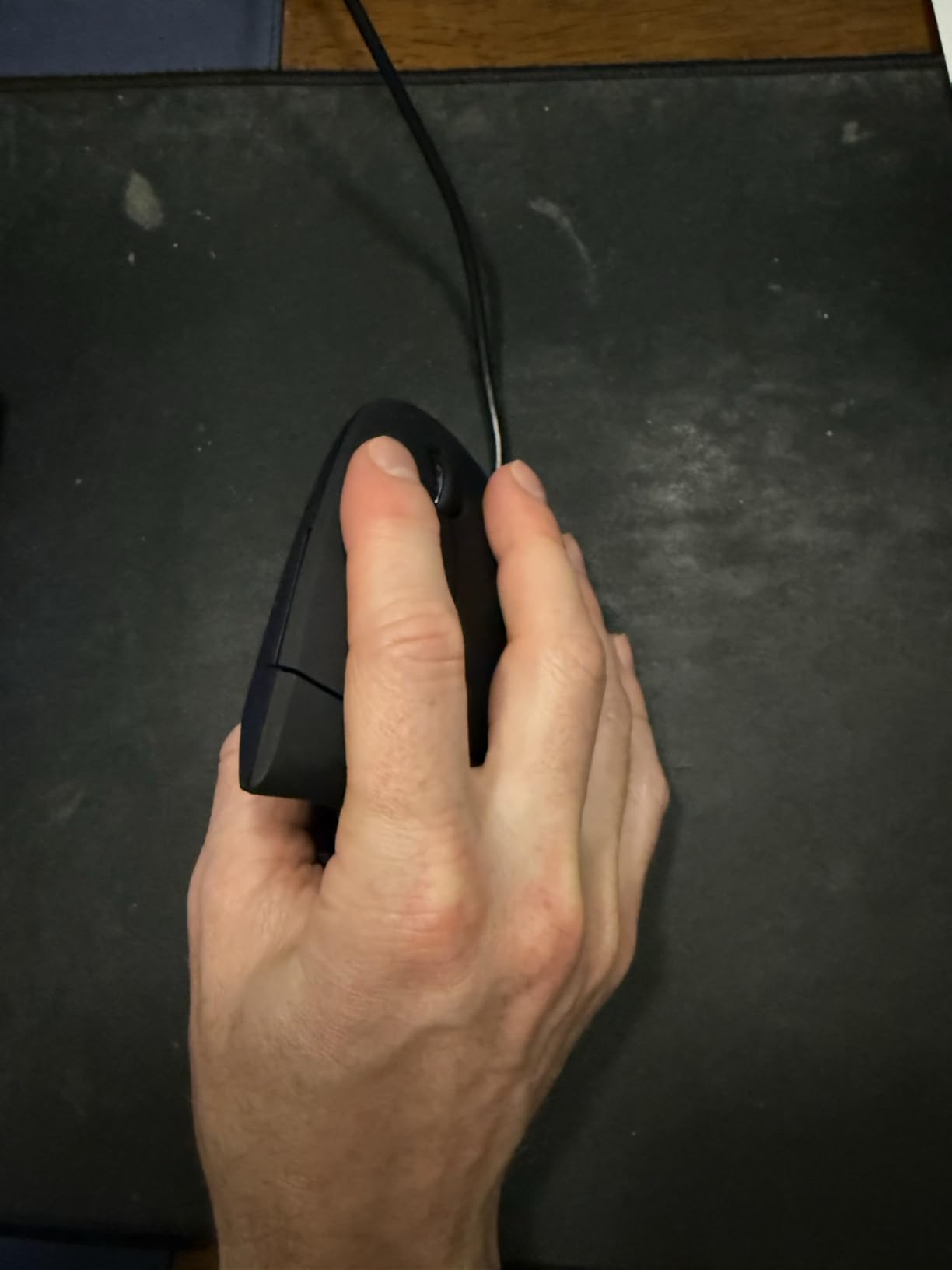
Trade-offs are the restricted 4.9 foot cable and the 1600 DPI maximum, which owners cite most often. The 18-month warranty is respectable for the tier, and the compact 4.72 by 2.47 inch body suits a smaller desk.
One thing worth flagging: this listing describes the mouse as ambidextrous while the physical shape is still a right-hand vertical form. Check the shape against your hand rather than relying on the orientation label alone, since the geometry does not mirror.
Best choice if you never leave the desk
A fixed workstation, a shared family computer, or a machine you never move means wireless features buy you nothing. This is the lowest-complexity way to get the vertical angle, and it will still be running in five years when the batteries are a memory.
Where it falls short
The 1600 DPI ceiling is the same limitation as the other budget verticals, and the cable fights you when you want to reposition. There is no way to remap the five buttons. This is a pointing tool, not a productivity shortcut surface.
11. TECKNET 2.4G Vertical – Best for Large Palms and Quiet Work
TECKNET 2.4G Ergonomic Mouse Vertical Wireless 4800 DPI Carpal Tunnel Mouse
Vertical arm posture
4800 DPI max
49-foot range
90 percent less click noise
Palm target 17 to 21 cm
Pros
- Positions arm and wrist in a comfortable posture
- Five DPI levels up to 4800
- Click noise reduced by more than 90 percent
- 49-foot wireless range
- Auto sleep stretches batteries to about six months
Cons
- Side buttons do not work on Mac
- Needs a USB-A port
- 2.4 GHz only with no Bluetooth
- 2 AAA batteries not included
This is the pick with the clearest sizing target in the entire roundup: a recommended palm length of 17 to 21 cm and a palm width of 9 to 12 cm. If you have consistently found budget verticals cramped, measure and check before buying.
Click noise reduced by more than 90 percent makes it usable in shared spaces, and the 49-foot 2.4 GHz range removes the lag concern that some reviewers have with cheaper receivers. Five DPI levels up to 4800 support the low-sensitivity approach that reduces hand travel.
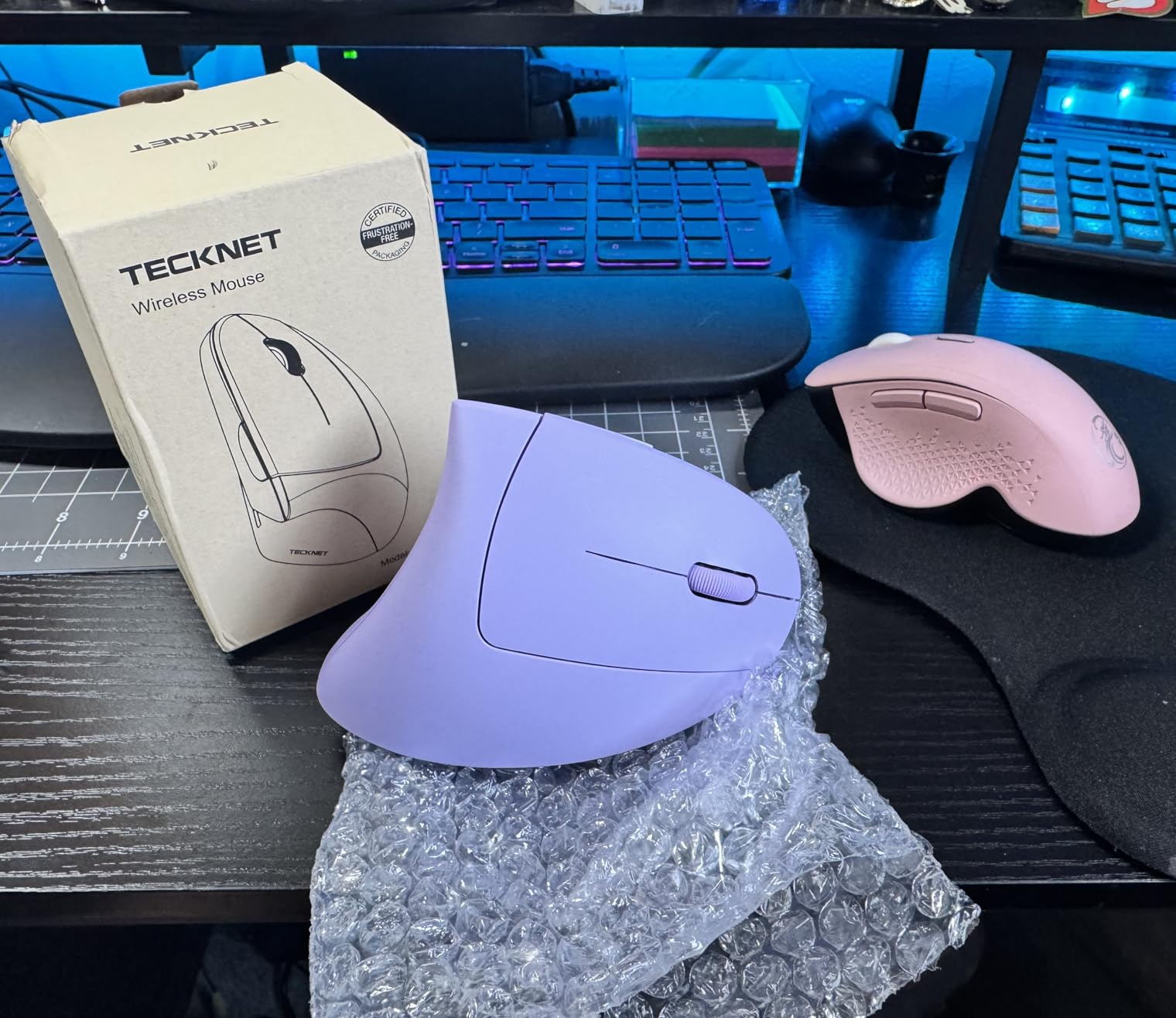
Buyers focused on reducing wrist and forearm stress report real relief after the recommended one to two week adjustment. The 36-month warranty is among the longest here, and the side buttons for browsing are useful day to day.
It needs a USB-A port, so a USB-C-only laptop requires an adapter, and the side buttons are inoperative on Mac. It runs on two AAA batteries that are not included and there is no Bluetooth, so it stays on one computer.

When the published hand measurement actually matters
Most mice list a vague size claim. This one tells you the exact palm range it was designed around, which means you can avoid the single most common ergonomic-mouse mistake, which is buying a shape that does not match your hand. Measure before you order anything else on this list.
Where it falls short
Right-hand only, no Bluetooth, batteries not included, and no Mac support for the side buttons. It is a well-executed budget vertical rather than a flexible one, so do not expect to move between a laptop and a tablet with it.
12. SABLUTE Adjustable-Angle Trackball – Best When You Need to Change the Angle
Ergonomic Wireless Trackball Mouse, Rechargeable Adjustable 0°/18° Angle
0 or 18 degree tilt
4800 DPI max
12.64 oz
8 buttons
USB-C rechargeable
Pros
- Adjustable 0 or 18 degree tilt to match your wrist
- Heavy non-slip base that stays put
- Battery lasts many months per charge
- Smooth accurate ball needing no arm movement
- Eight buttons with downloadable software
Cons
- Ball can clank audibly at certain tilts
- Heavy at 12.64 oz
- Device-switch button is on the underside
- No battery gauge
- Driver does not support Mac OS
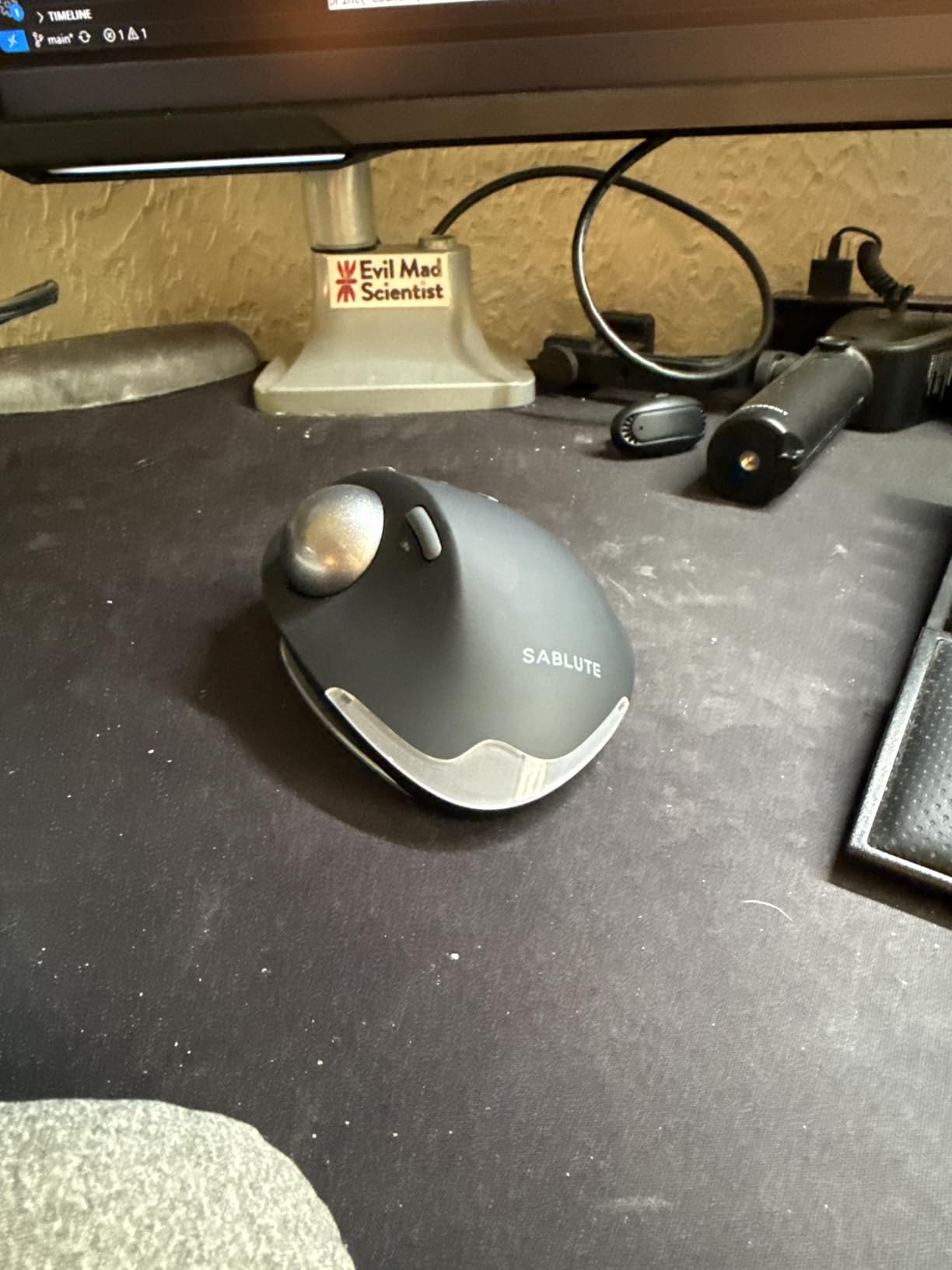
Being able to change the angle is unusual, and it solves a real problem: you do not yet know which angle your wrist prefers. Users who switched to this to relieve wrist pain report the 18-degree setting delivers immediate relief, and the flat setting is there when a day of heavy mousing makes even that too much.
The 12.64 oz weight is the feature, not a flaw, in this design. Owners describe a solid mouse that does not slide across the desk during fast movements, which is a common complaint about lighter trackballs. A 500mAh-class rechargeable cell and USB-C charging means months between charges for most people.
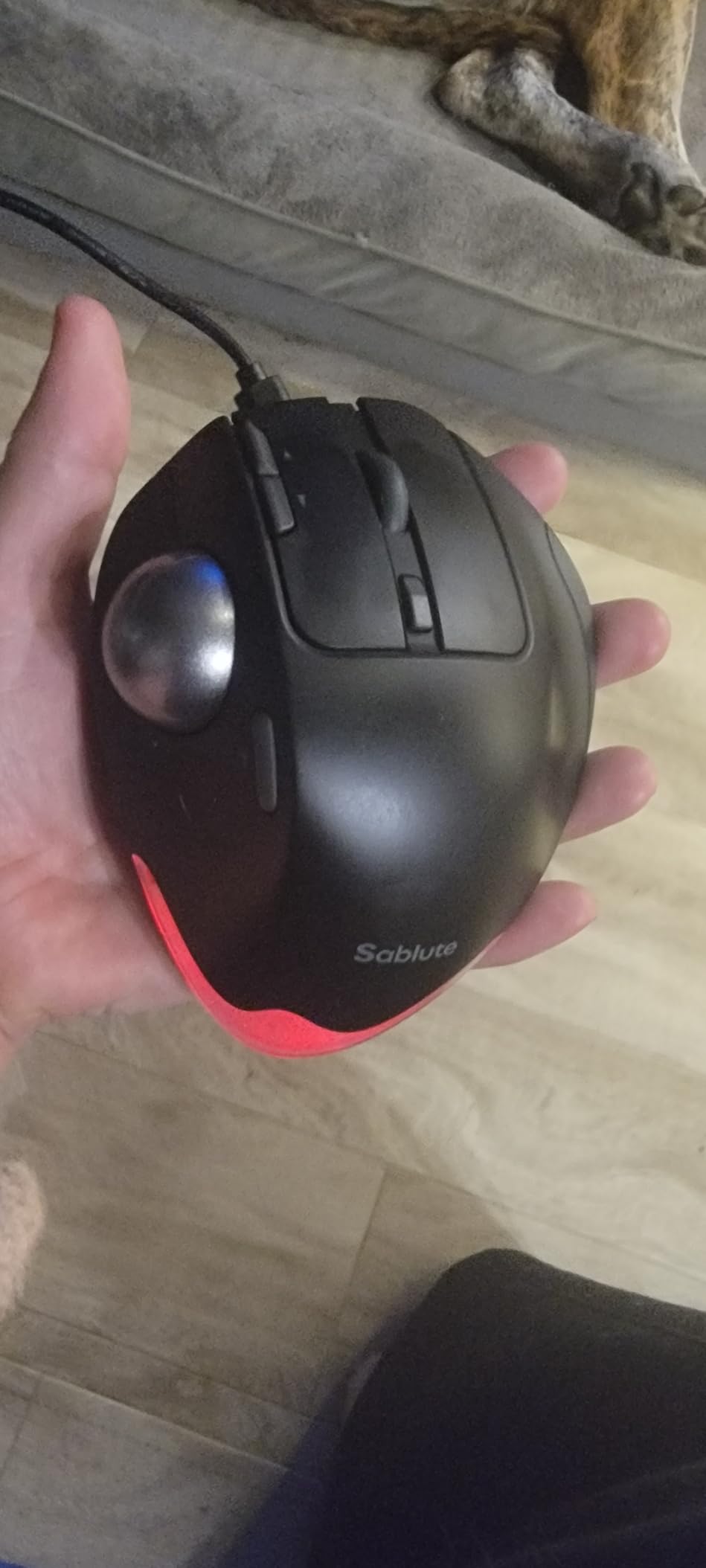
Eight buttons plus downloadable software for Windows give it more configuration depth than any other trackball here, including control of the optional ambient LED backlight. The 4800 DPI maximum is far above the other trackballs listed, and the magnetic base stores the USB receiver neatly. The ball is replaceable.
The negatives are specific and worth weighing. The ball clanks audibly against the housing at certain tilt angles, which is audible through noise-cancelling headphones. The device-switch button is awkwardly on the underside, there is no battery gauge anywhere, and the driver does not work on Mac.
Best if you are between a flat mouse and a full vertical
If a 57-degree vertical feels extreme and a flat mouse hurts, an adjustable trackball is the middle you are missing. Start at 18 degrees, work down to flat on days when your hand is tired, and change the grip rather than the whole tool. That flexibility is what makes it worth the extra weight.
Where it falls short
The weight and the clanking ball are the two real objections, and both are fixable only by choosing a different mouse. Plan a one to two week adaptation before you judge the format, and commit a full two weeks rather than deciding on day three.
How to Choose: Angle, Hand Size, and Handedness
Three criteria decide almost everything, and only one of them is about the brand. If you read nothing else in this guide, read this section.
1. Vertical angle. A flat mouse holds the forearm pronated. A 45 to 60 degree vertical returns the hand to a handshake position, which is the geometry behind the 57-degree claims on the Lift and the MX Vertical. A 16 to 20 degree tilt is a partial correction and a gentler first step. Match the angle to the severity of your pronation pain.
2. Hand size fit. Measure from the wrist crease to the tip of your middle finger, and measure palm width too. Under roughly 19 cm suits the Lift, the ProtoArc, and the TECKNET 4800 DPI model. Over that, look at the MX Vertical, the Lekvey, or the TECKNET with the published 17 to 21 cm palm range. A mouse that does not fit your hand will not fix your wrist.
3. Sensor and sensitivity. Higher DPI lets you use lower sensitivity, which means less hand travel for the same cursor distance. For wrist pain that is a direct benefit, not a gaming feature. Anything at 1600 DPI will feel slow on a large display; 4000 and 4800 DPI models are more comfortable across a big screen.
Also weigh three practical things. Wireless versus wired: wireless removes cable drag, wired removes battery anxiety. Adjustable DPI levels versus a fixed setting, which matters if you are experimenting with sensitivity. And multi-device Bluetooth, which is the feature most often wished for later and present on eight of the twelve mice in this roundup.
Handedness deserves a sentence of its own because the list is not balanced. Nearly everything ergonomic is sculpted for a right hand, and mirrored versions exist for only a few mainstream models. Search the mirrored product name specifically, because the geometry does not work with a left hand even when a listing labels the device ambidextrous.
Mouse Pads, Wrist Rests, and the Keyboard That Undoes Your Mouse
The best ergonomic mouse pad for carpal tunnel is a firm, correctly sized pad with a low front edge, not a plush gel pillow. A soft raised edge creates a hard boundary that your wrist rests against while you move, which can press directly on the carpal tunnel and make things worse. A firm surface with a gentle front slope lets your hand move without hitting a wall.
On wrist rests, the advice is counter-intuitive: use one to rest between tasks, not while you are actively mousing. Pressing your wrist into a rest while you move your fingers adds isometric load. If your symptoms are worse at the end of a session than in the middle, the rest is doing more harm than the mouse.
The keyboard can undo all of this. A split or tented keyboard keeps the forearms in the same neutral position your new mouse is training you to hold, while a flat board pushes your wrists into extension. Look for a low-profile or soft-switch board so you do not have to hit hard and lock your forearm. Our ergonomic keyboard guide covers the options by budget and layout.
Beyond the desk, two things matter more than people expect. Take a short break every half hour and let the forearm hang loose rather than holding a mouse posture while you scroll your phone. And keep the monitor high enough that your elbow sits near 90 degrees, because looking down at a low screen pulls the shoulder and forearm forward all day. A footrest helps if your feet do not reach the floor flat, which we cover in our office footrest roundup.
When to Stop Shopping and See a Clinician
A mouse changes posture. It does not treat nerve damage, and there are symptoms where you should stop reading product reviews entirely.
Seek medical advice rather than another device if you have numbness that is still present in the morning, a grip strength that has measurably declined, or dropping objects more often than you used to. Pain that radiates from the wrist up past the elbow, or symptoms that wake you from sleep, are also reasons to book an appointment rather than to switch mice.
Two populations deserve a conversation with a clinician before buying. Anyone already diagnosed with carpal tunnel syndrome, especially with a scheduled procedure, should treat the mouse as a comfort measure and not a treatment. Anyone whose symptoms came on suddenly with no change in workload should be assessed, because sudden onset is not a posture problem.
A wrist brace is a reasonable thing to try overnight or during heavy typing days, and we have reviewed the options in our guide to wrist braces for carpal tunnel. Know the limit of a firm brace worn all day, though: it holds a position rather than changing the mechanics underneath it.
Frequently Asked Questions
Do vertical mice actually help with carpal tunnel?
They reduce the strain that contributes to symptoms. A vertical mouse returns the hand to a neutral handshake position, which cuts forearm pronation and the muscular load that comes with holding that rotation all day. That can reduce end-of-day wrist and forearm fatigue within two to three weeks and may slow progression of symptoms, but it cannot reverse existing nerve damage, and it is not a treatment for diagnosed carpal tunnel syndrome.
What is the best ergonomic mouse pad for carpal tunnel syndrome?
A firm, correctly sized pad with a low, soft front edge. A firm surface lets your hand slide without catching, while a gentle front slope avoids a hard boundary your wrist presses against while moving. Avoid thick gel pillows and raised edges, which can press directly on the carpal tunnel and make symptoms worse.
Is a vertical mouse or a trackball better for carpal tunnel?
It depends on where your pain is. A vertical mouse corrects forearm pronation, so it suits wrist and forearm ache caused by holding a rotated arm. A trackball removes arm movement entirely, so it suits pain caused by sweeping across a large desk. A trackball shifts load into the thumb, so if your pain is already at the base of the thumb, prefer a shallower tilt such as a 16 to 20 degree model.
How long does it take to get used to an ergonomic mouse?
Budget one to two weeks. In days one to three, the shape feels wrong and most people grip harder than before, which is the pinch-grip problem. In days four to ten, control improves and the grip naturally loosens. By days eleven to fourteen, the new posture starts to feel like the default. Quitting in week one is the most common reason these mice disappoint people.
What size ergonomic mouse is best for my hand?
Measure from your wrist crease to the tip of your middle finger. Under about 19 cm suits smaller mice such as the Logitech Lift, the ProtoArc EM11 NL, and the TECKNET 4800 DPI model. Over 19 cm suits larger bodies such as the Logitech MX Vertical and the Lekvey, or the TECKNET model designed for a 17 to 21 cm palm length.
The Verdict: Best Ergonomic Mice for Carpal Tunnel in 2026
The best ergonomic mice for carpal tunnel all solve the same problem, forearm pronation, in one of three ways. Our pick for 2026 is the Logitech Lift Vertical for small to medium hands, and the Logitech MX Vertical if your hand runs larger or you switch between several computers all day.
Go vertical if your pain is forearm and wrist ache. Go trackball if the pain comes from sweeping across the desk. Go adjustable if you are not yet sure which one your wrist wants, and give any of them a full two weeks before you judge it.
Start with the cheapest vertical on this list if budget matters, confirm the angle works for your anatomy, and only then consider spending more on buttons, battery life, and multi-device pairing. None of it cures carpal tunnel syndrome, and if you have persistent numbness or declining grip strength, book the clinician appointment instead.