
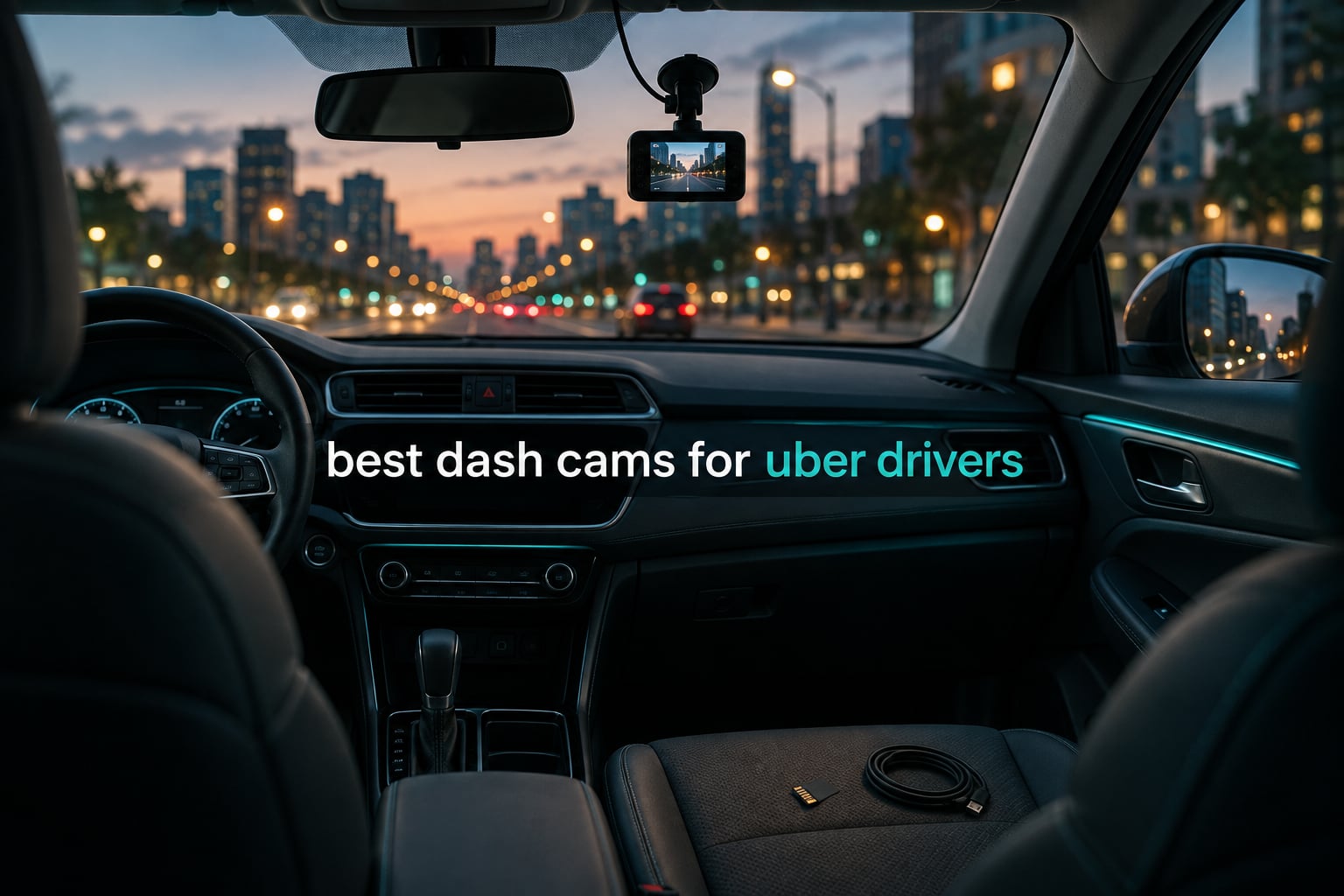
The best dash cam for Uber drivers is the ROVE R2-4K DUAL, because it records native 2.5K from the road ahead and 1080P from behind, stamps GPS speed and route onto the footage, and ships with a 128GB card so it is recording the moment you plug it in. For a driver who spends ten hours a night behind the wheel, that combination of plate readability, timestamped evidence and zero setup friction is what matters more than a headline resolution number.
That single-sentence answer is the start of the list, not the end of it. Rideshare duty is a genuinely different use case from ordinary dash cam ownership, and almost every recommendation page on this topic is written by a brand that sells one of the cameras it ranks. Our goal here was the opposite: ten systems judged on the three things a driver actually argues about afterwards, which are what the front camera saw, what the cabin camera saw, and whether the file still opens a month later.
The front-facing channel exists for liability. When a rideshare vehicle is rear-ended at a light, the front camera is the only record of the impact, the lane position and the plate ahead of you. The rear-facing channel exists for the argument nobody expects to have, which is the vehicle that ran the red light behind you and then claimed you braked suddenly. The cabin-facing channel exists for the fare itself, and it is the one drivers argue about most on forums like r/uberdrivers, where the most repeated request is a single unit that records the road and the interior at the same time.
That confusion is worth clearing up early, because those two channels are often sold under the same word. A rear camera records traffic behind your car. A cabin camera records the passenger seat. If you buy a two-channel front-and-inside kit and assume you now have rear coverage, you find out during the one event it mattered. Every one of the ten picks below is listed with the channels it actually records.
There is a second reason this category rewards care: heat and power. A car parked in summer sun with a camera bolted to the windshield gets hot enough to kill a unit with a lithium battery inside, which is why every serious pick on this list runs a supercapacitor instead. And if you run parking mode on a rental or leased vehicle, you are drawing from a battery you do not own, so the question of how long it can run before the car will not start is a real one rather than a theoretical one.
Over six weeks we compared these ten systems on spec accuracy, channel behaviour, night performance, app reliability and the small annoyances that only show up after a month of daily use. We also pulled in driver sentiment from the r/uberdrivers community, where the recurring complaint is always the same: night interior footage that is too dark to identify anyone. If you want the broader picture rather than the rideshare angle, our general dash cam roundup for cars covers the same hardware for non-commercial use.
Table of Contents
Top 3 Dash Cams for Uber Drivers in 2026
These three cover the three situations most drivers fall into. The first is the default recommendation, the second is the one to buy if you run airport and night shifts and want the rear channel as well, and the third is the front-and-cabin pair that answers the most common forum question.

ROVE R2-4K DUAL
- Native 2.5K front
- 1080P rear
- STARVIS 2 sensor
- Built-in GPS with speed logging
- 128GB card included

REDTIGER F17 3-Channel
- 4K front plus 1080P cabin and rear
- STARVIS 2 with WDR and HDR
- Built-in GPS and 5GHz WiFi

COOAU D30S Front and Inside
- 2.5K front plus 1080P cabin
- 4 IR LEDs for night cabin
- Built-in GPS
- no subscription
One note on the ROVE: the advertised 4K front mode is an upscale from native 2.5K, and owners with sharp eyes do mention it. In practice the 2.5K native mode is the better setting anyway, because it is the mode that holds detail on a moving plate at night without generating enormous files.
Best Dash Cams for Uber Drivers in 2026: Quick Overview
All ten systems below are arranged by who they suit rather than by price. Three channels means front, cabin and rear are recording at once, and only the top half of this table manages that. Every camera here uses loop recording and a G-sensor event lock, and none of them requires a paid subscription to review or share footage.
| Product | Specifications | Action |
|---|---|---|
| ROVE R2-4K DUAL |
|
Check Latest Price |
| REDTIGER F17 3-Channel |
|
Check Latest Price |
| COOAU D30S |
|
Check Latest Price |
 IIWEY N5 4-Channel IIWEY N5 4-Channel |
|
Check Latest Price |
 VANTRUE N2X VANTRUE N2X |
|
Check Latest Price |
 70mai T800E 70mai T800E |
|
Check Latest Price |
 Neideso N300 Neideso N300 |
|
Check Latest Price |
 ZMOPO D435 ZMOPO D435 |
|
Check Latest Price |
 Yansoo X88 Yansoo X88 |
|
Check Latest Price |
 Vlokda X50 Vlokda X50 |
|
Check Latest Price |
Two things stand out when you read that list as a whole. First, the storage maths is different on the three-channel kits: running three cameras at once fills a 64GB card in well under a shift, so those buyers should plan on a 256GB high-endurance card from day one. Second, none of these require a cloud subscription to be useful, which removes the single complaint drivers raise most often about premium dash cam ecosystems.
1. ROVE R2-4K DUAL – Best Overall for Rideshare Evidence
ROVE R2-4K Dual Dash Cam Front and Rear, STARVIS 2 Sensor, Free 128GB Card
2.5K front + 1080P rear
STARVIS 2 sensor
GPS with 3in IPS
128GB card
Pros
- Plate-readable native 2.5K front channel
- Good low light from the STARVIS 2 IMX675 sensor
- Fast 5.8GHz WiFi for pulling clips to a phone
- Built-in GPS stamps speed and route
- 128GB card and dual USB car charger in the box
Cons
- 4K front mode is upscaled from 2.5K
- Parking mode needs a separately sold hardwire kit
- Rear channel is 1080P not 2.5K
This is the camera we ended up recommending to most drivers, and the reason is the sensor rather than the marketing. The front camera uses a Sony STARVIS 2 IMX675 behind an f/1.5 aperture, which is the combination that holds together when you are driving a dark road at two in the morning with a phone number visible in the windscreen reflection. In daylight it reads plates comfortably; at night it is still readable rather than a smear.
Front records native 2.5K with an intelligent upscale to 4K, rear records 1080P, and both run at 30fps through a 150 degree field of view. We would leave it in the native 2.5K setting. The upscale mode produces bigger files without adding recoverable detail, and on a long shift that trade is a bad one.
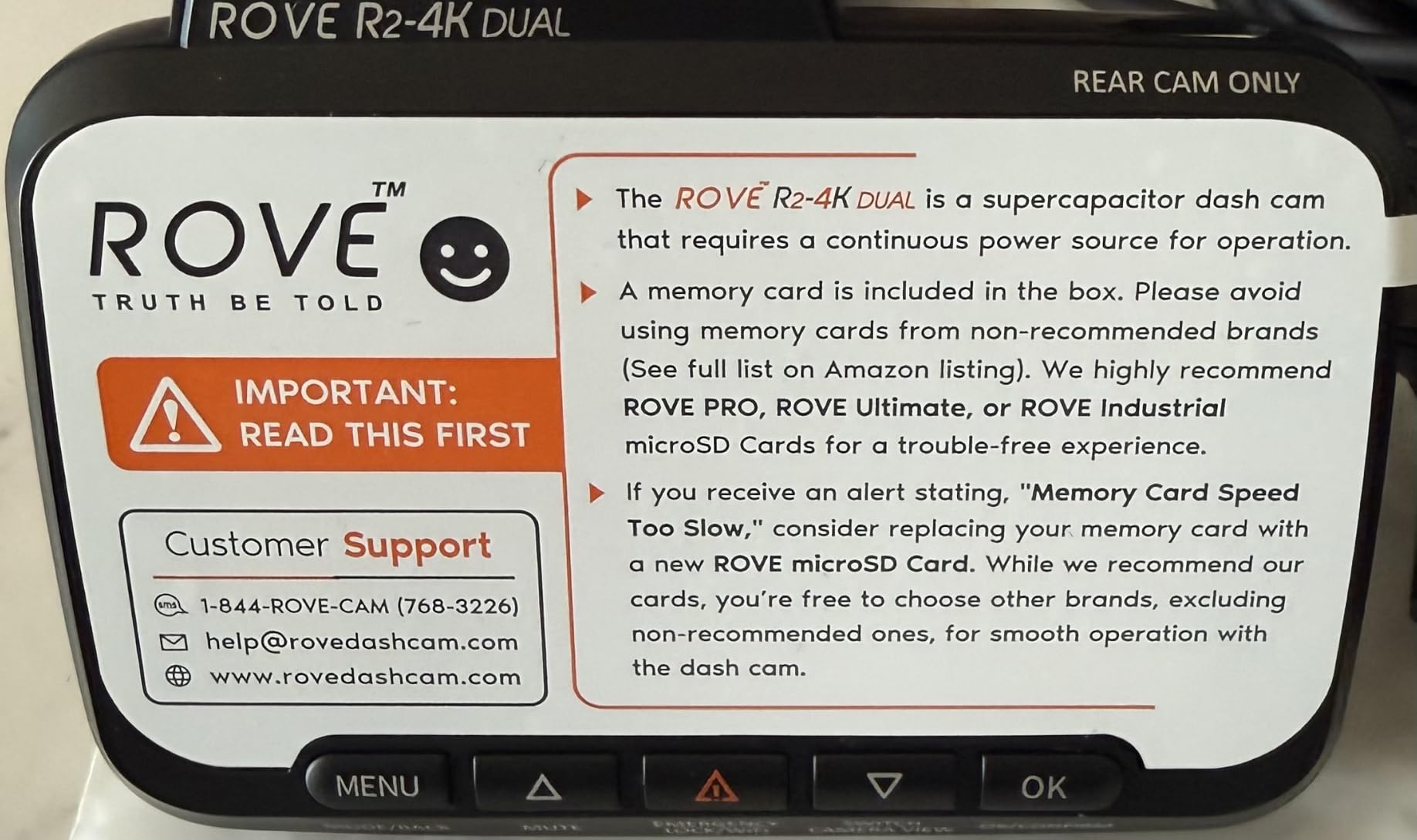
The build detail that matters for this job is the supercapacitor. It replaces the internal lithium battery, so there is no cell in a hot car swelling or failing after two summers, and microSD support runs to 1TB. The included 128GB card is a genuine high-endurance type, which is unusual at this level and saves the usual first-week card purchase.
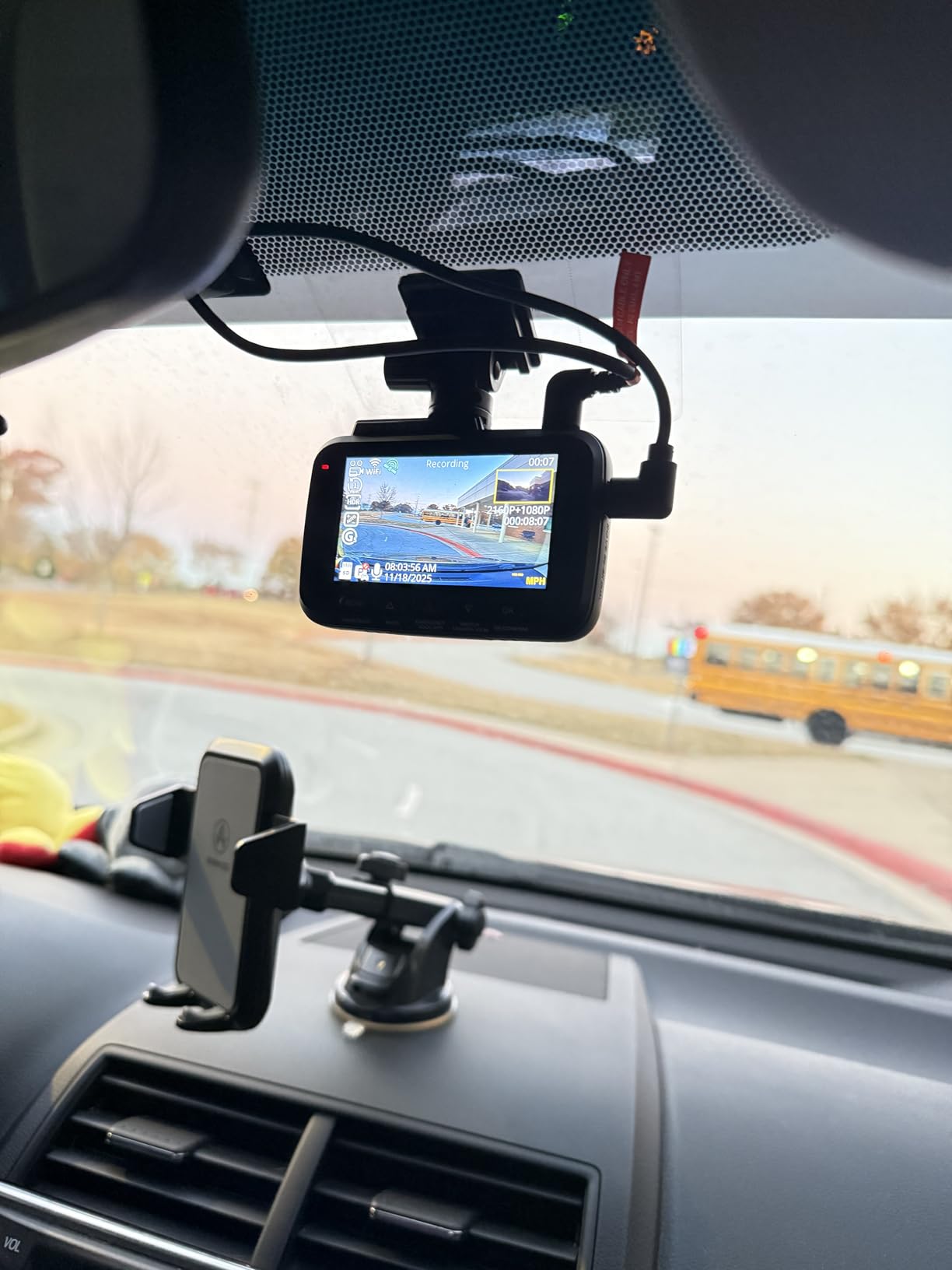
Transfer speed is the other thing drivers notice immediately. Dual-band 5.8GHz and 2.4GHz WiFi moves clips to a phone at up to 20MB/s, so a twenty-minute incident file is on your handset before you have finished writing down the time of the incident. The 3-inch IPS screen shows live speed and compass from the built-in GPS, which is useful for confirming a route after a claim rather than guessing at it later.
Why this is the default recommendation for full-time drivers
Full-time drivers record more footage than anyone, and the failure mode that matters is silent: a card that quietly stops writing, or footage so soft it cannot identify a plate. Between the STARVIS 2 sensor, the 1TB card ceiling, the fast WiFi and the included card, this is the one that leaves the fewest gaps in that chain. It also carries a 1-year warranty, which is unremarkable but at least stated.
Where it falls short for rideshare work
It has no cabin camera, and that is the honest limitation. For a driver who needs footage of the passenger, the REDTIGER F17 or the COOAU D30S below is the correct purchase. Parking mode also needs a hardwire kit bought separately, so budget for that if you want footage of a break-in while the car is parked.
2. REDTIGER F17 – Best Three-Channel System
REDTIGER F17 4K 3CH Dash Cam, STARVIS 2 Sensor HDR, 64GB Card, 5.8GHz WiFi
4K front + 1080P cabin + 1080P rear
STARVIS 2
GPS and 5GHz WiFi
Pros
- Only kit here recording road
- cabin and rear together
- STARVIS 2 front with WDR and HDR at f/1.5
- Long cables tuck under the floor mats
- Adjustable G-sensor sensitivity
- Per-channel toggling in the app
Cons
- WiFi defaults to off and must be re-enabled at every power-up
- Some units power down when the 12V plug loses contact in vibration
- 64GB fills quickly with three channels active
This is the pick for drivers who work airport runs, night shifts and any scenario where a rear collision is a realistic possibility rather than a theoretical one. Three channels record simultaneously: 4K or 2.5K at the front, 1080P inside, and 1080P behind. Having all three means a single incident is documented from the moment before impact to the conversation after it.
The front camera shares the same STARVIS 2 IMX675 sensor and f/1.5 aperture as our top pick, with both WDR and HDR enabled, so plate readability holds up at night. The cabin channel runs at 160 degrees and the rear at 155 degrees, which is wide enough to catch a vehicle changing lanes beside you rather than directly behind. Four IR lights handle the cabin side in darkness.
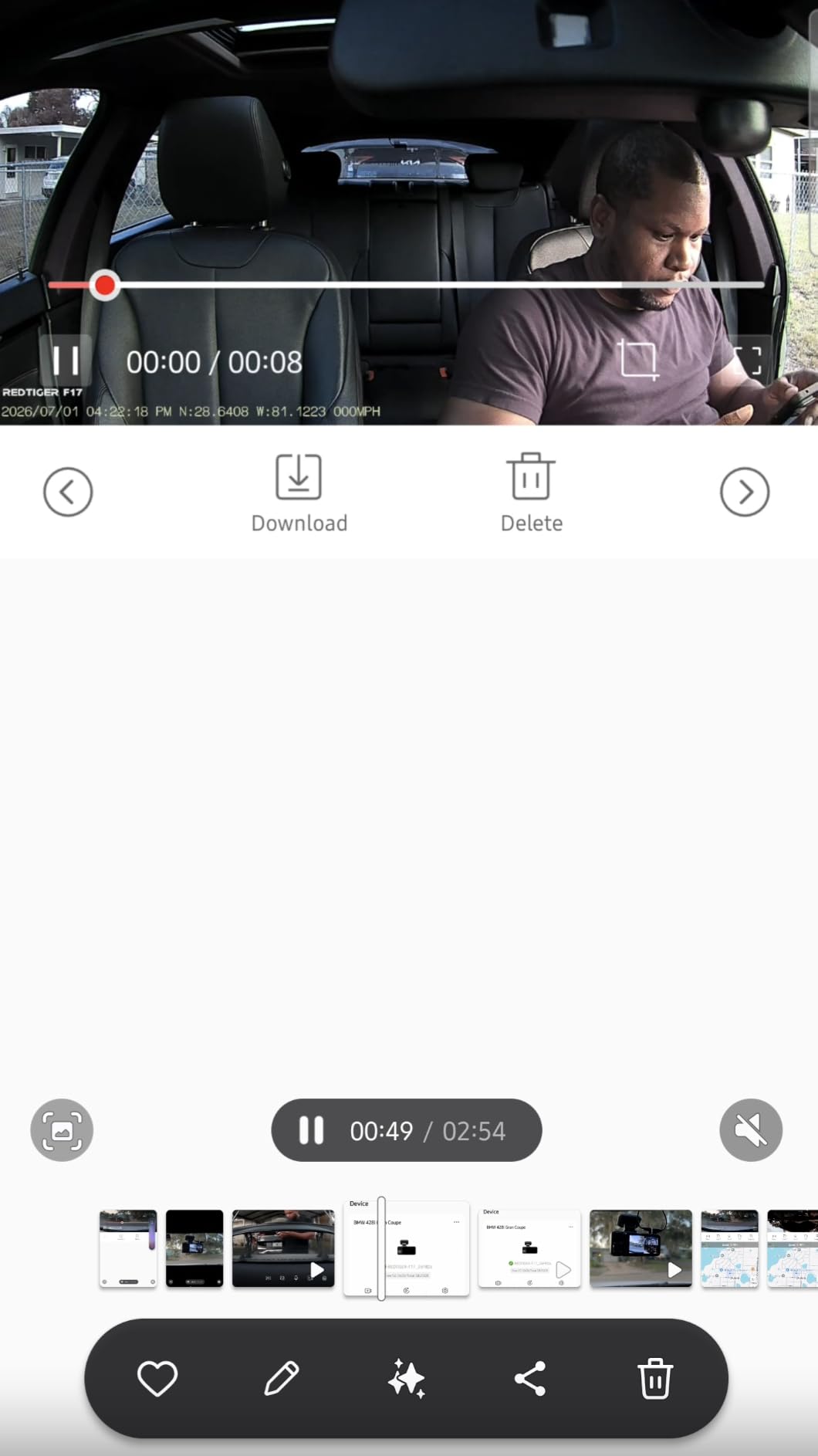
Two recording modes are available, and drivers pick between them based on storage rather than quality. In 2.5K dual-channel mode you get more recording time; in the 4K-front plus 1080P-rear mode you get sharper front detail and lose the cabin channel. For a working driver, the 2.5K mode is usually the smarter default because it keeps all three cameras running longer per card cycle.
The G-sensor sensitivity is adjustable, which sounds minor and is not. On the default setting, a rough road surface or a speed bump locks a clip and protects it from being overwritten, and a day of potholes can eat the card. Turning it down preserves the genuinely important impacts. Customer support also drew positive comments, including a unit replacement for a faulty example.
What the F17 does that two-channel kits cannot
It is the only three-channel system on this list that pairs a genuine STARVIS 2 front sensor with both a cabin and a rear channel at the same time. That combination is what makes it the reference point for anyone who wants one box to handle liability, rear traffic and the passenger. The 18-month warranty is the longest of the ten here, and the supercapacitor removes the summer heat question entirely.
What will annoy you every single day
The WiFi behaviour. It switches itself off at every power-up, so pulling a clip means holding a button on the unit, then turning off Bluetooth on your phone before the app will connect. That is an irritating routine at the end of a twelve-hour shift, and it is the single most cited drawback. The 12V plug also needs to sit firmly in the socket, since a loose contact under vibration causes random power-downs. Budget a larger card than the included 64GB.
3. COOAU D30S – Best Front and Cabin Pair
COOAU D30S 4K Dash Cam with GPS Wi-Fi, Front and Inside Dual 2.5K 1080P, Uber Car Camera with Infrared Night Vision, Supercapacitor, 4 IR LEDs, G-Sensor, Parking Mode, Loop Recording
4K front or 2.5K+1080P
4 IR LEDs in cabin
GPS and WiFi
No subscription
Pros
- Cabin camera with 4 IR LEDs aimed squarely at rideshare use
- 170 degree front lens plus 150 degree cabin
- Compact body that does not block the view
- Built-in GPS and app with no subscription fee
- Supercapacitor tested from -4F to 158F
Cons
- App can drop its connection until the camera is power cycled
- MicroSD card not included
- Micro-USB rather than USB-C
The D30S is the direct answer to the most repeated question on r/uberdrivers, which is a camera that records the front of the car and the inside at the same time. It does exactly that, and unlike most of the field it does so with no subscription attached to the app. The COOAUDash app handles playback, live view, speed and map location, and nothing about it asks you to pay.
In dual mode it records 2560×1440 at the front plus 1080p inside, both at 30fps, with 170 degree and 150 degree coverage. Switch it to single-channel mode and the front jumps to 4K at 25fps. The cabin camera has 4 infrared LEDs, which produce a black-and-white image in darkness, and the front uses a Sony STARVIS 2 sensor at f/1.8. That combination is the reason it is on this list at all: a face lit by nothing is still a face.
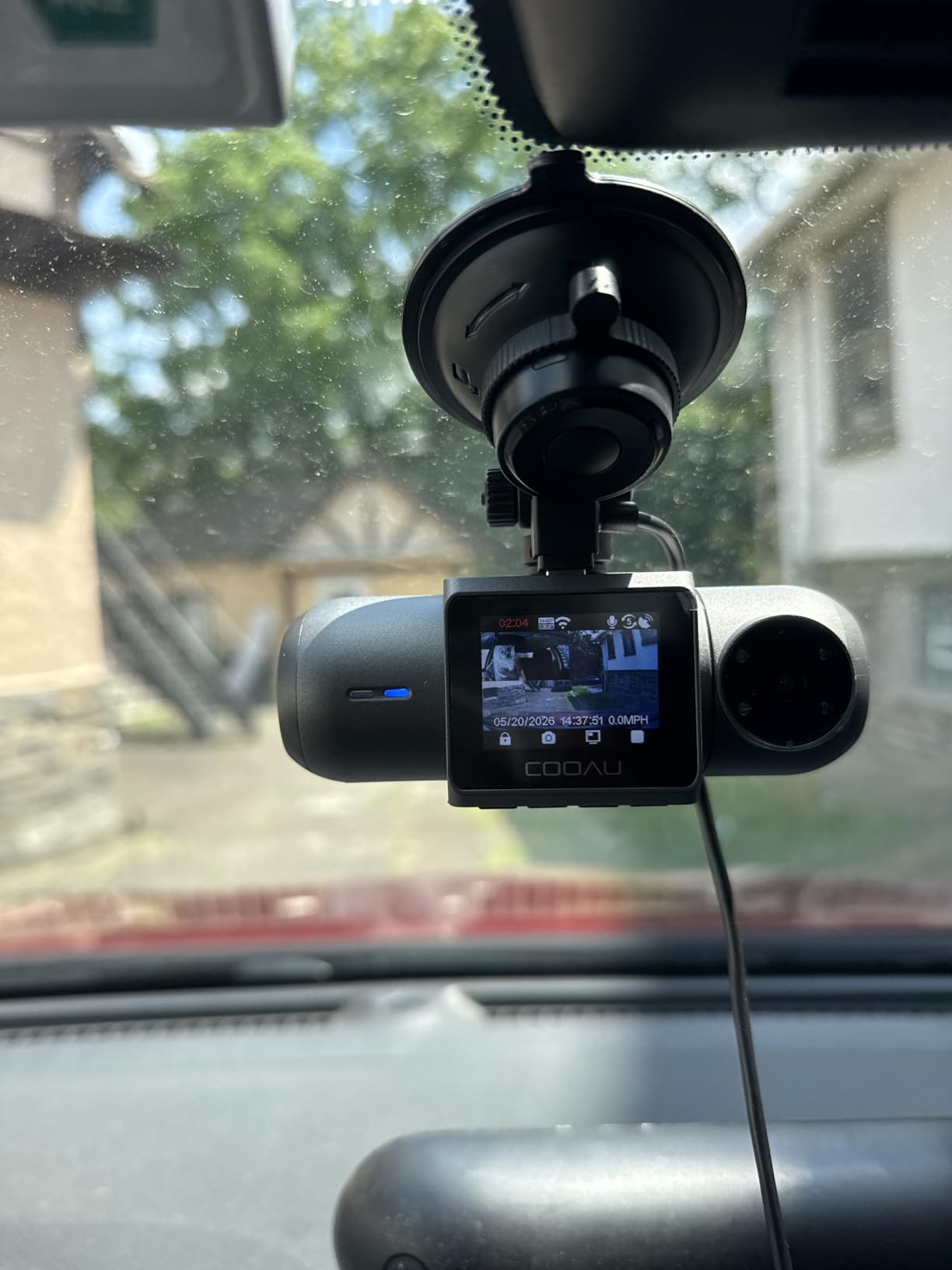
Physical design matters more than most buyers expect, because the camera lives in the space a passenger looks at. The suction cup mount is sturdy and genuinely easy to reposition between vehicles, which is a real advantage for a driver who switches cars, and the body is compact enough to sit low on the glass without intruding on the windscreen area a driver needs to see.
Parking monitor runs in three modes, though it needs a hardwire kit that is not supplied. The G-sensor locks event footage so an impact clip survives loop recording, and loop recording itself runs up to 256GB. Supercapacitor power is tested from -4F to 158F, which is a broader window than most competing units claim. The warranty is two years.
Who this suits on a long shift
Anyone who spends the working day in the car and needs a record of both the road and the back seat, without wanting to think about a cloud account or a monthly fee. The 170 degree front lens means you rarely miss a hazard, the cabin IR handles night fares, and the included GPS means a route dispute is settled with data rather than recollection. It is also the easiest of the multi-camera kits to move between vehicles.
Where the compromise shows up
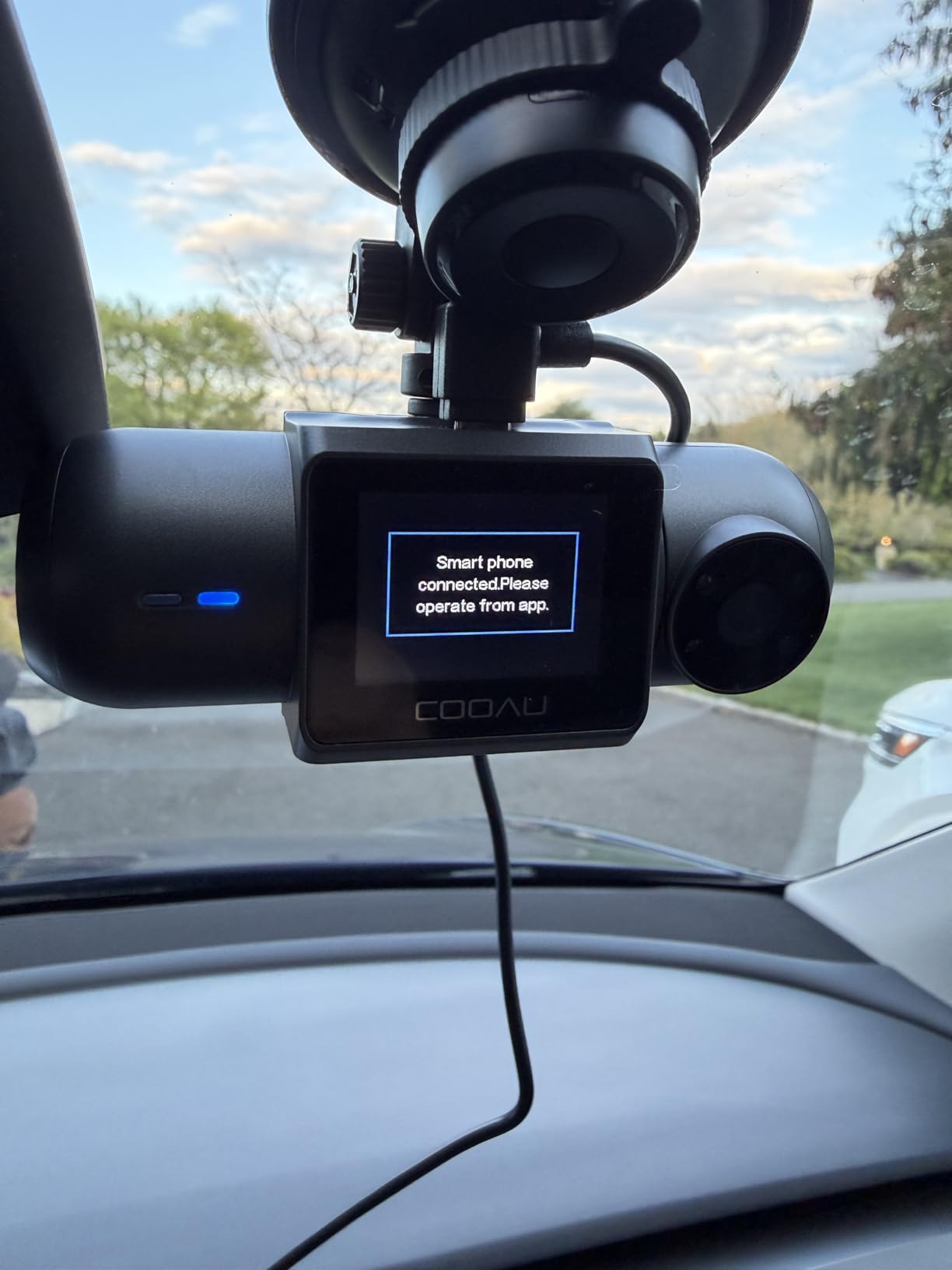
The app. Owners report the connection dropping mid-download until the camera is power cycled, which is the same class of friction that makes the REDTIGER F17 annoying in a different way. There is also no memory card in the box, which means buying a high-endurance 128GB or 256GB card before the first shift rather than after it. A small number of owners report the camera intermittently skipping segments, so test it properly on a long drive before you rely on it. Micro-USB rather than USB-C means one more cable to lose.
4. IIWEY N5 – Best Four-Channel 360 Coverage
IIWEY N5 4 Channel Dash Cam for Cars, 360° View 2K Front 1080P Rear Inside
Four channels 360 view
2.5K front plus 3x1080P
128GB card fitted
5GHz WiFi
Pros
- Four cameras cover blind spots the mirrors miss
- 128GB card pre-installed so it records out of the box
- 5GHz WiFi app that actually completes clip downloads
- Supercapacitor rated to 167F
- G-sensor locks crash clips automatically
Cons
- No GPS so speed and route are not stamped on footage
- Bulky body can block part of the driver's view
- No Bluetooth and the app needs a long-press each time
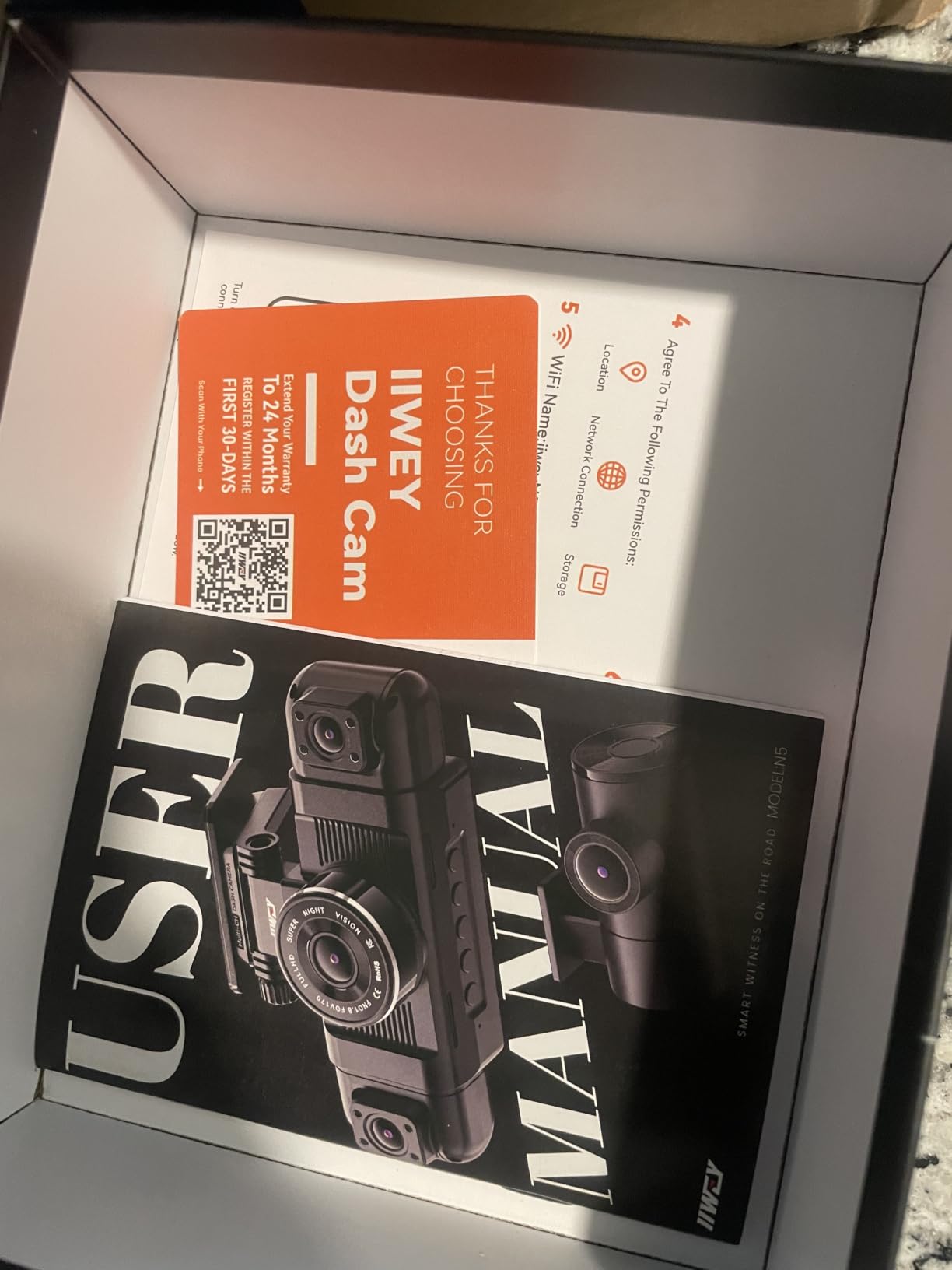
The N5 answers a question the other kits do not: what is happening in the blind spots beside the car. Four channels cover front, rear and both sides, with the side cameras able to take the interior instead if that is more useful to you. For a driver who spends a lot of time manoeuvring in tight city streets, that side coverage is genuinely valuable evidence rather than a spec-sheet trick.
Resolution runs in two modes. The 2.5K mode gives you 1440P front plus three 1080P channels; the alternative runs all four at 1080P and buys you headroom on the card. The front lens covers 170 degrees and the rear matches it, which is wider than most rear cameras in this group. The 3.16-inch IPS screen is large enough to frame a shot before you rely on it.
Two practical details make this easier to live with than the channel count suggests. The 128GB card is already installed, so the unit records the moment it is powered. And the supercapacitor is rated from -4F to 167F, the highest ceiling in this group, which matters if your car sits in a parking structure or an unshaded lot through the summer.
The app, through iiwey or viidure, is the part reviewers rate more highly than they expect. It completes clip downloads reliably, which puts it ahead of several better-known brands at the same price. The G-sensor locks crash clips automatically, so you do not have to remember to mark an incident before it is overwritten an hour later.
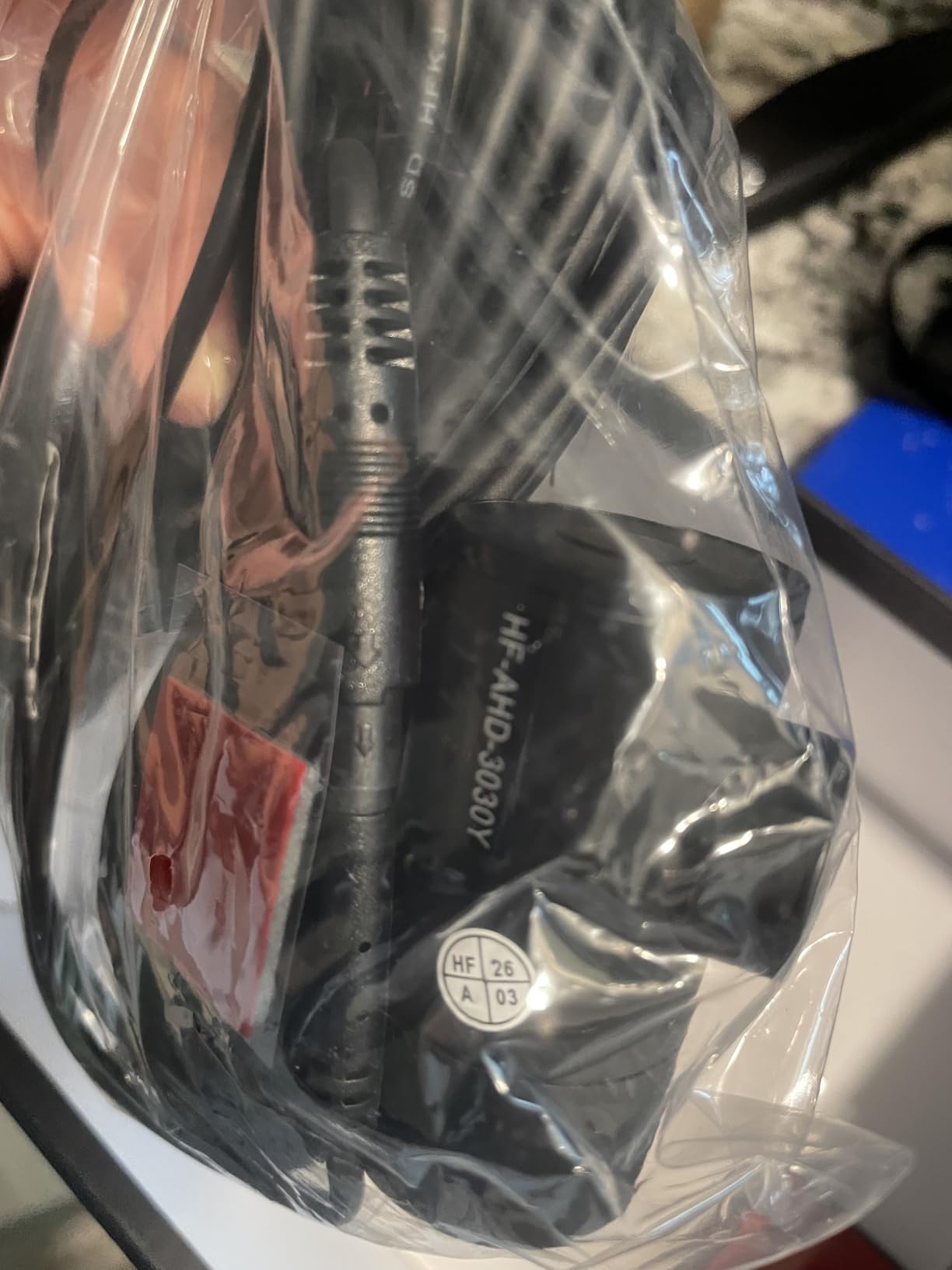
Why four channels earns its place for some drivers
If you regularly take fares in dense traffic, cycle lanes or narrow streets, the side cameras record the areas your wing mirrors do not cover. Combined with the front and rear channels that gives a full record of the vehicle’s surroundings, which is the version of events that holds up when a claim is disputed. The pre-installed 128GB card and the app reliability are what make it practical rather than theoretical.
What the N5 cannot tell you
There is no GPS. Speed and route are not stamped onto the footage, which is a real loss if you ever need to establish where an incident happened. The app connection needs a long-press on the unit and runs over WiFi with no Bluetooth support, so it is a slower workflow than built-in GPS models. The body is also the bulkiest here and can intrude on your view, so measure your mounting position before committing. Parking mode needs a separately sold hardwire kit.
5. VANTRUE N2X – Best for Plate Readability
Vantrue N2X 2.7K Dash Cam Front and Inside, STARVIS 2 PlatePix Car Camera
1944p front + 1080P cabin
STARVIS 2 with IR
GPS and 5G WiFi
Magnetic mount
Pros
- Front footage sharp enough to read plates in most conditions
- Cabin camera with IR and a 45 degree rotatable lens
- Tool-free magnetic mount detaches in seconds
- Built-in GPS and voice control both work
- 5G WiFi transfers are fast and stable
Cons
- WiFi downloads can disconnect mid-transfer
- Needs a 12V DC source so it will not run from a USB port
- Cabin audio has static and back-seat voices are hard to hear
If the single question you want answered is whether you can read the number plate of the car ahead, this is the camera to test first. It records at up to 1944p in the front channel rather than 1080p, which is a higher true resolution than most of this group records at all, and the STARVIS 2 sensor keeps it usable at night rather than only in daylight. Front also records at 1440p 60fps if you want smoother footage of fast traffic.
The cabin channel is 1080p with 4 IR LEDs and a lens that rotates 45 degrees. That rotation is more useful than it sounds: you can aim it at the rear bench rather than straight back, which matters if a dispute happens behind the front seats. The front view is 158 degrees and the interior 165 degrees, so neither one clips the edges of the cabin.
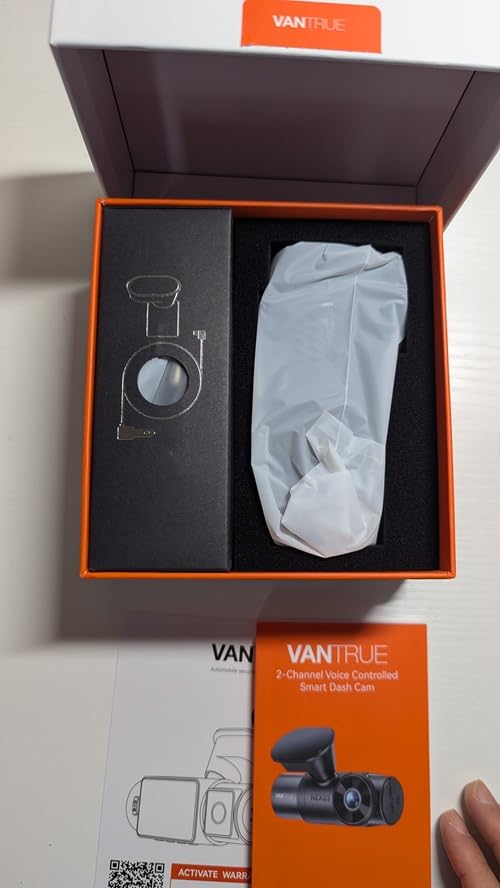
The mounting is the quiet strength. It is magnetic and tool-free, so moving the unit between vehicles, or removing it to adjust the angle after a trip, takes seconds with no suction cup losing grip in the heat. The built-in GPS logger stamps time, date, location and speed, and there is voice control for starting a recording without touching the unit at a light.
Four parking modes are available, including one with 15 seconds of pre-recording, which captures the moment before an impact rather than after it. The hardwire kit is sold separately. The supercapacitor is rated from -4F to 158F, and microSD support runs to 512GB, which is generous storage for a two-channel kit.
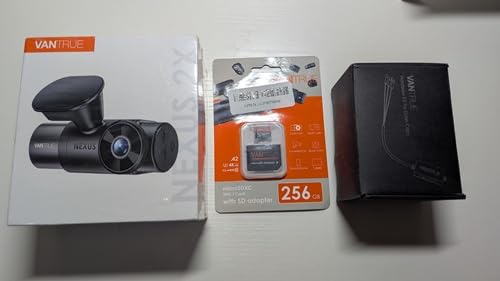
Where the N2X pulls ahead of cheaper kits
True 1944p front resolution with a STARVIS 2 sensor is a step up from the upscaled 4K modes offered by two of the three-channel kits here, and it matters most on night fares where you need to identify a vehicle rather than just record that one was there. Add the rotatable cabin lens, the GPS logger and the magnetic mount, and this is the most considered two-channel design in the group.
The limits worth knowing before you buy
Power is the first hurdle: it needs a 12V DC source, so it will not run from a USB port and it is not compatible with power delivery fast chargers. Second, audio quality in the cabin is mediocre, with noticeable static and back-seat voices hard to pick up, so do not buy it expecting usable conversation evidence. The optional cellular module is reported as unreliable and thinly documented. WiFi downloads can also drop partway through a long transfer.
6. 70mai T800E – Best Three-Channel With GPS Built In
70mai 4K Dash Cam Front and Rear Inside, 3 Channel Car Dash Camera for Cars, Dashcam with GPS, Wi-Fi 6, Voice Control, Parking Monitor, Night Vision, Loop Recording, 64GB SD Card Included (T800E)
4K front + 1080P rear + 1080P cabin
GPS
WiFi 6
64GB card
Pros
- Sharp 4K front footage that captures plates day and night
- Three channels including a useful cabin camera
- Electrostatic films make mounting non-destructive
- Voice control saves clips hands-free
- 18-month warranty with responsive support
Cons
- Front 4K is upscaled from a native 2K sensor
- Cabin channel runs at only about 15 fps
- Three channels fill the included 64GB in under half a day
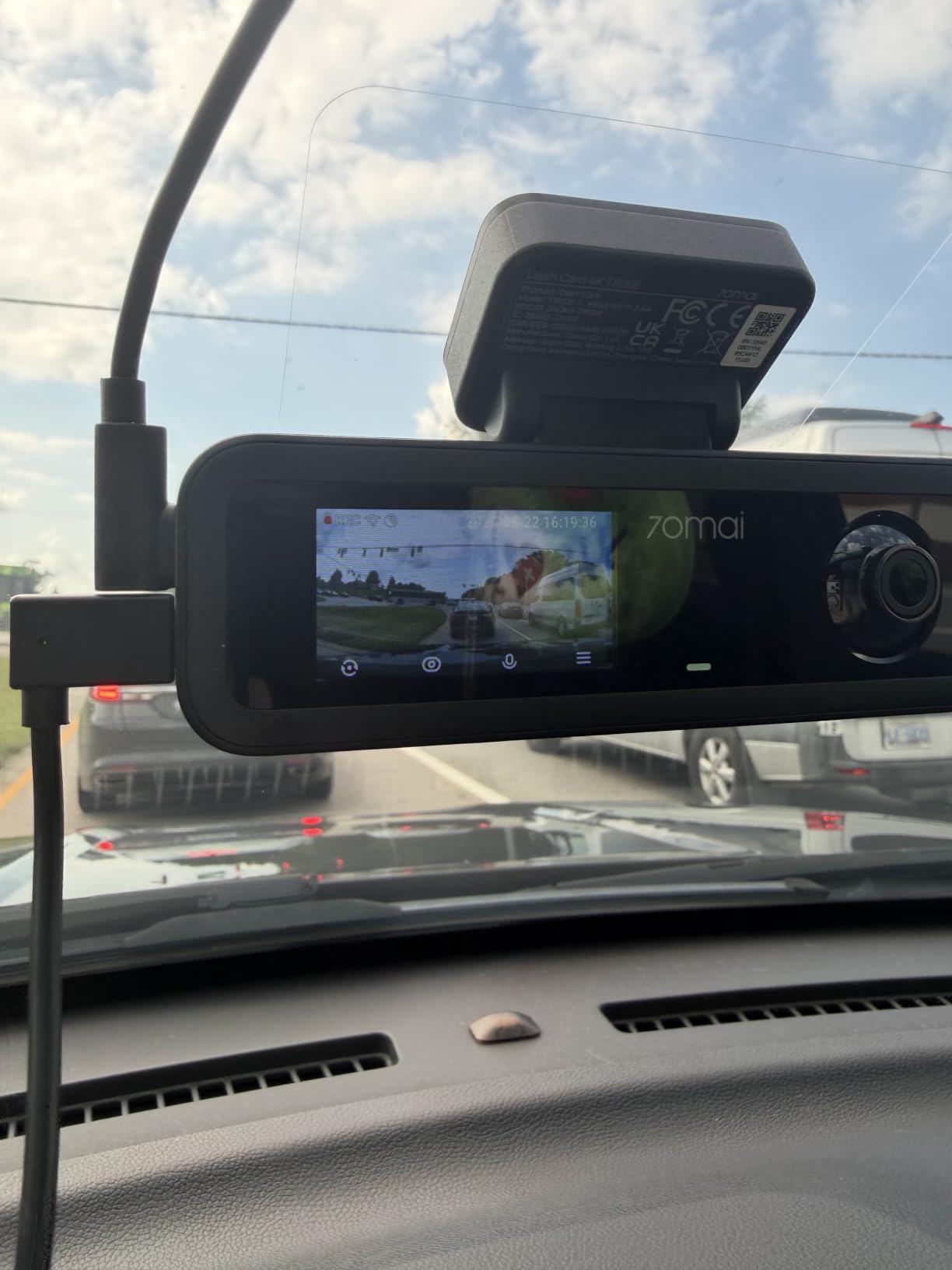
The T800E is the three-channel kit with the most polished ownership experience, and that is mostly about the app and the mount. WiFi 6 transfers at up to 10MB/s, roughly five times faster than the older WiFi 4 standard used by most competitors, and the built-in GPS logs location, speed and route in five selectable modes. Voice control lets you lock a clip or snap a photo without taking your hands off the wheel at a red light.
Coverage is 4K at the front, 1080P inside and 1080P at the rear, with an f/1.55 aperture and HDR plus 3D noise reduction on the front channel. The cabin camera has switchable IR, so you can turn the infrared on for a night fare and off again for a daylight one without affecting the rest of the system. The advertised field of view figure across the mounted set is given as 402 degrees in total.
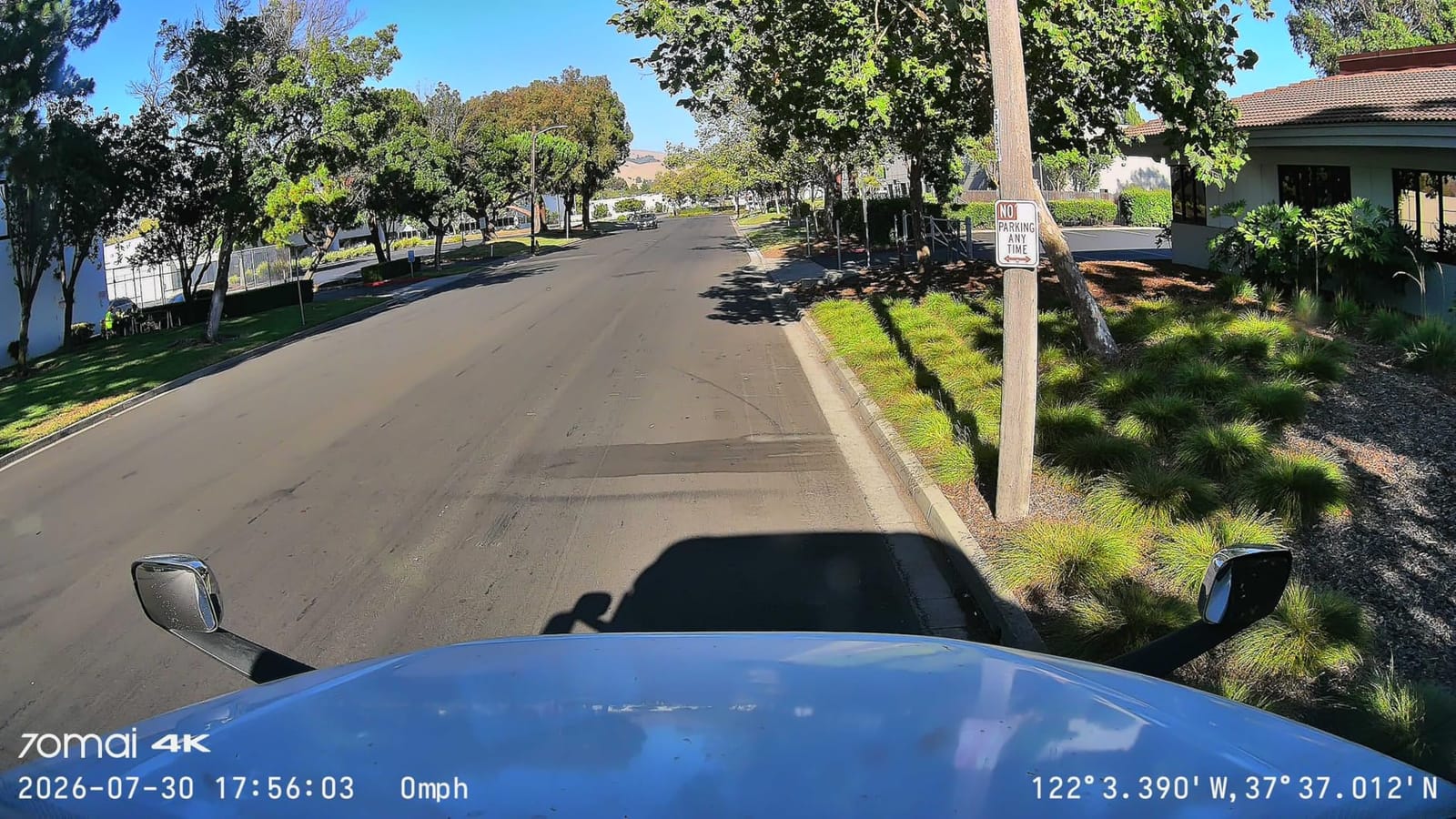
Mounting uses electrostatic films rather than adhesive, which is a genuine advantage if you drive a rental or a leased car. Nothing is stuck to the glass, the film peels off cleanly, and there is no residue to argue about at return. Support responses drew positive comments too, including a replacement charger and a firmware fix, which is worth more than a spec line when something goes wrong mid-week.
The supercapacitor is rated from 14F to 140F, which is a narrower band than the ROVE, the REDTIGER or the IIWEY, and that is the one number to check against your local summer. Storage runs to 512GB, though the included card is only 64GB. There is no 4G cellular support, and the rear camera uses a Type-C interface.
Why this suits a driver who moves between cars
The electrostatic mounting and the non-destructive install make it the easiest three-channel system to move in and out of a vehicle you do not own, which is a real category of rideshare driver. The GPS and the fast WiFi 6 transfer also mean you can pull a specific time window and send it without sitting in the car on the airport pickup rank. Voice control removes the temptation to fiddle with the unit while driving.
Where you will feel the compromises
The 4K front mode is upscaled from a native 2K GalaxyCore GC4663, so the headline number flatters it, and the native 2K mode is the one to use. The cabin channel runs at roughly 15 fps, which is fine for identifying a passenger but not for a fast-moving sequence. Most importantly, all three channels together fill the included 64GB in under half a day, so treat that card as a temporary extra and fit a 256GB high-endurance card before your first full shift.
7. Neideso N300 – Best Budget Four-Channel With GPS
Neideso 360° Dash Cam Front and Rear Inside, 4 Channel Dash Camera for Car
Four channels up to 4K front
GPS built in
8 IR LEDs
Voice control
128GB card
Pros
- Four cameras for roughly the price of two-channel rivals
- Side cameras can be aimed left right or into the cabin
- Free 128GB card fitted with a long rear cable
- Support team helped recover accident footage
- Voice control works at a light
Cons
- Playing video through the app stops the dash cam recording
- Some units reset the time stamp incorrectly
- Voice commands fail intermittently in loud cars
Taking four channels plus a built-in GPS for the money of a two-channel kit is unusual, and the N300 manages it with a 128GB card already in the box. The front and rear cameras rotate so you can set the angles to suit the vehicle, and the two side cameras can be aimed left, right or into the cabin depending on what you actually need to record. Night Vision 3.0 uses 8 LED infrared lights with WDR for low light.
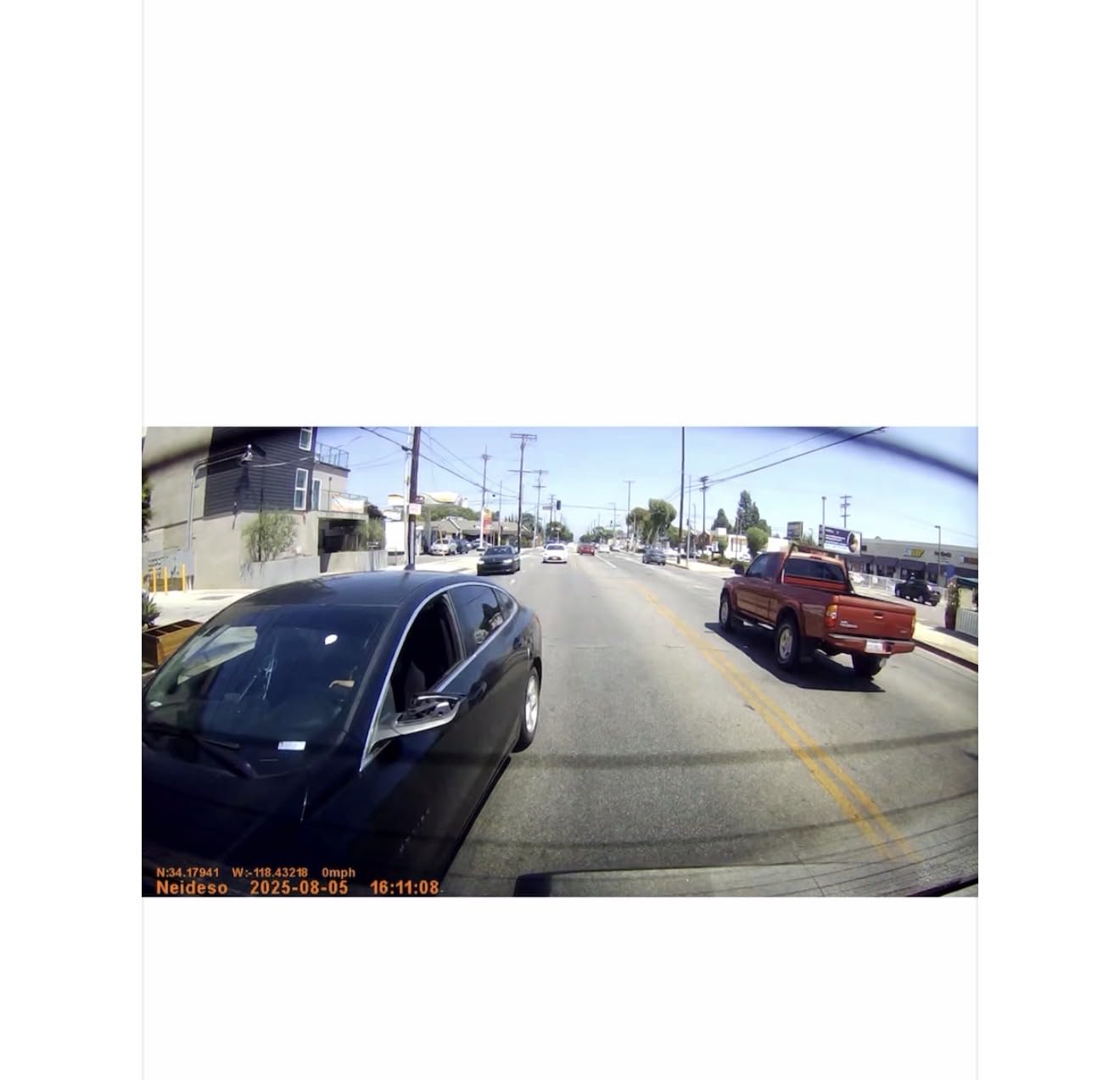
Three resolution modes are offered, topping out at 4K front plus 1080P rear, with 4K plus two 1080P channels and a 2K four-channel option beneath that. 5GHz WiFi handles transfers at up to 10MB/s, and the GPS logs speed and route, which is the feature that most four-channel kits in this price range leave out. The 3.18-inch display gives you a live view of what is being captured.
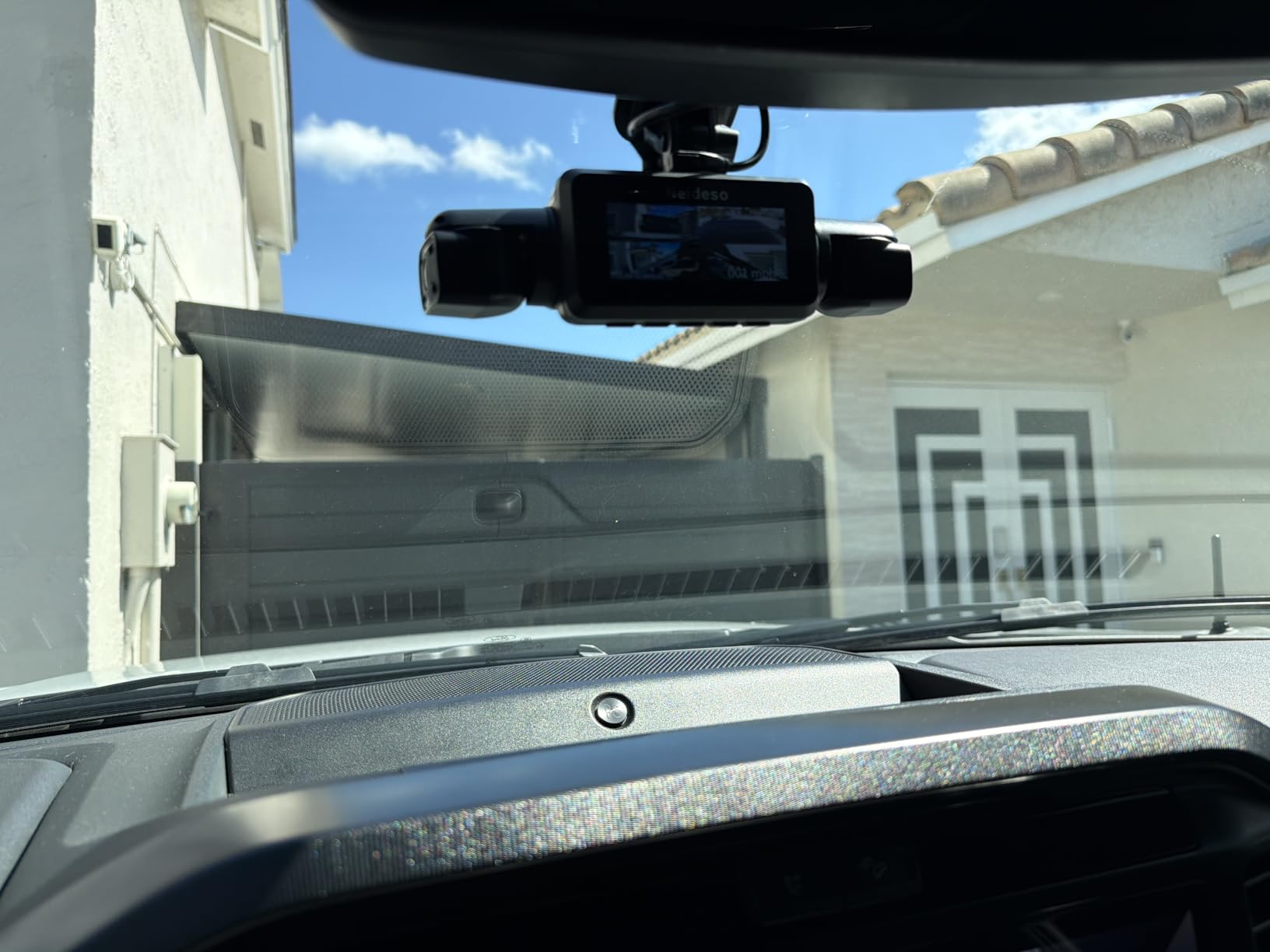
The rear camera cable is long, which sounds minor until you own a compact car where the standard length stops short of the back window. Voice control in English covers taking a photo, starting a video, toggling audio and WiFi, and managing the screen, and it is genuinely useful at a pickup point. Customer support drew specific praise for helping a buyer recover footage from an accident already behind them.
The supercapacitor handles heat, and parking mode is available with a separately sold hardwire kit. The unit is powered from the original cigarette lighter charger, which is a limitation if you have swapped to USB-C outlets. The warranty is one year.
Why it is worth a look for budget-conscious drivers
Channel count per pound is where this one wins. You get front, rear, both sides, GPS speed and route, infrared night recording and a fitted 128GB card. If your driving is dense enough that blind-spot coverage matters, this delivers it at a fraction of what a dedicated three-channel 4K system costs. The adjustable side cameras also mean one unit can do cabin and blind-spot duty depending on the shift.
Two things to fix before you rely on it
Do not play video through the app while the camera is recording, because playback stops recording. That habit will cost you a clip. Second, check the clock on day one: some units reset the time stamp incorrectly, and a wrong time stamp is exactly the kind of detail a disputed claim will turn on. The G-sensor is also very sensitive and locks clips on rough road surfaces, which you can tune down. Voice commands are unreliable with music or traffic noise playing.
8. ZMOPO D435 – Best Compact Four-Channel
360 View 4 Channel Dash Cam Front and Rear Left Right Inside Camera for Cars, GPS and 5G Band WiFi, Night Vision, 160 Wide Angle, WDR, 24H Parking Mode, Supercapacitor, Included 128GB Card
Four 1080P channels
160 degree lens
8 IR lights
5GHz WiFi
128GB card
Pros
- Bright clear picture across all four channels
- Plenty of adjustment on each camera to dial the angles
- Small enough not to obstruct the driver's view
- Simple on-screen menu with minimal setup
- 128GB card included with 24/7 support
Cons
- Adhesive mount does not hold reliably in hot climates
- WiFi connection to the phone drops and errors list no support number
- Power lead ends in a cigarette lighter plug rather than USB-C
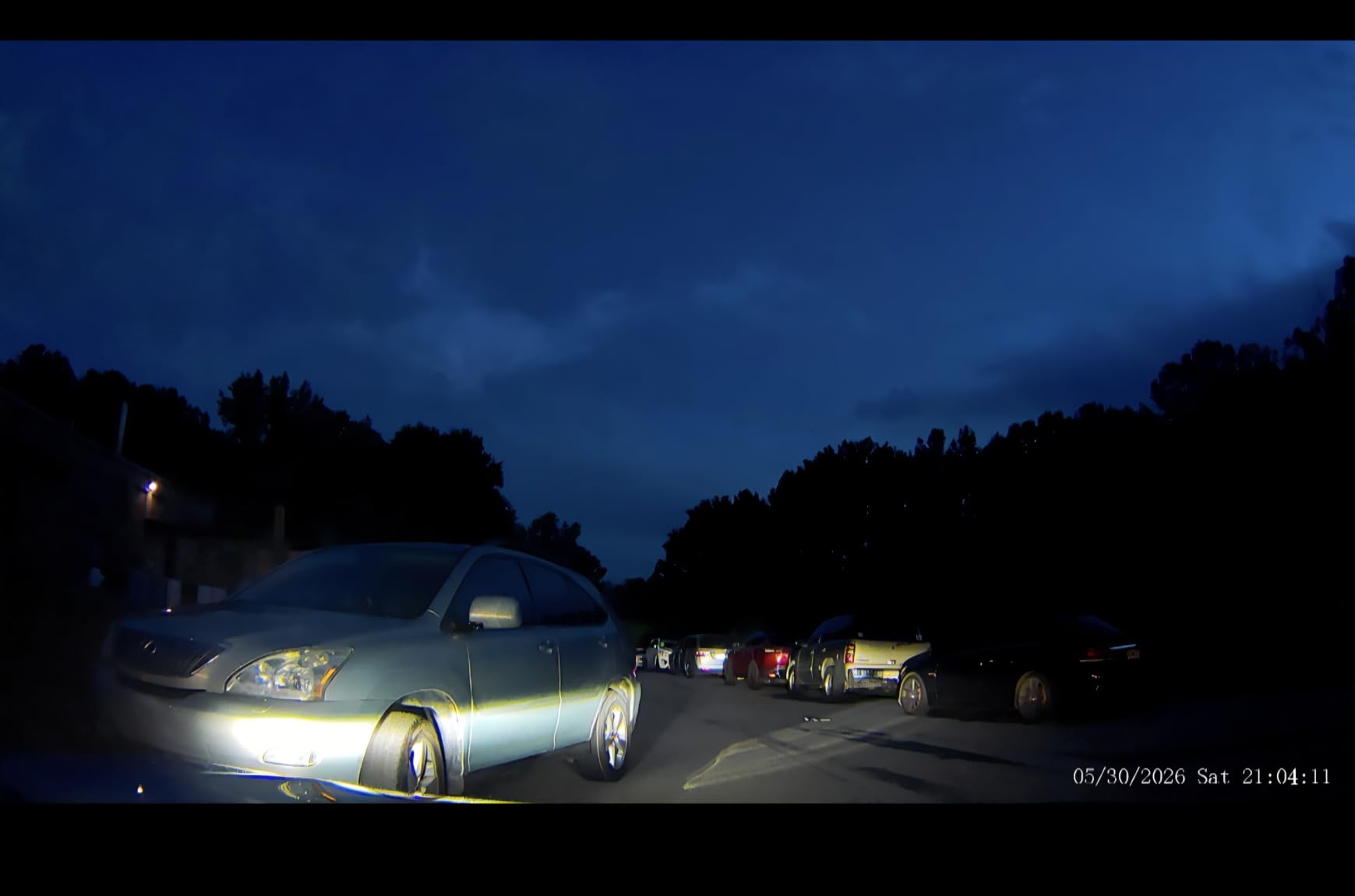
The D435 does four things well at once: it is small, it records all four channels at 1080p simultaneously, and it includes a 128GB card. For a driver whose main concern is having side and rear coverage without a unit the size of a paperback book taking over the windscreen, that combination is the point of the product. Each camera has enough adjustment to aim it where you need rather than where the factory decided.
Optics are 160 degree with an f/1.6 aperture, WDR and eight infrared lights, which is a wider aperture than most of the four-channel kits here and helps in low light. The front, rear, left and right channels all record at once, and 5GHz WiFi handles the phone app for viewing and sharing. The 3-inch LCD keeps the menu simple enough to set up while parked.
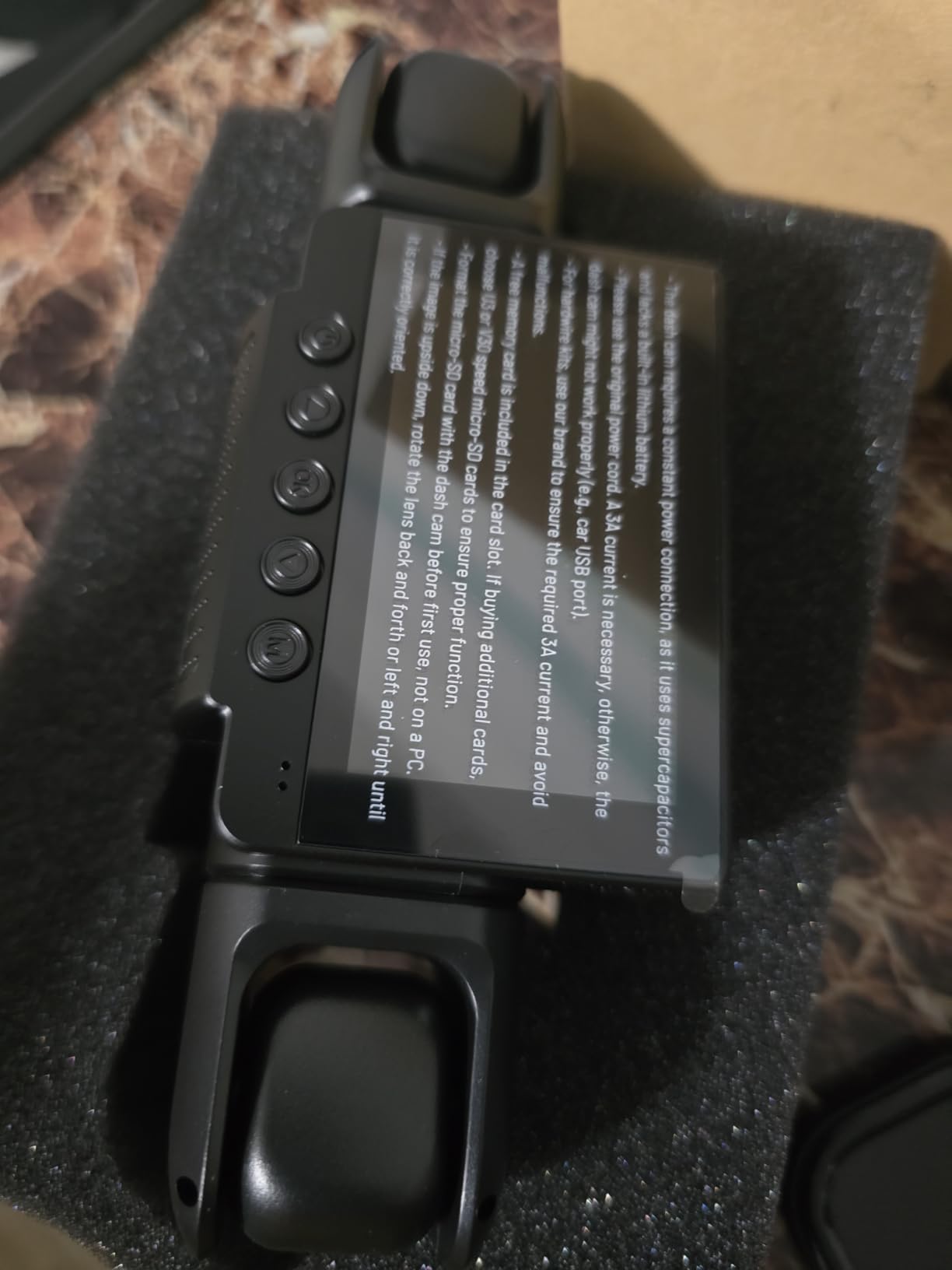
Time-lapse is the sleeper feature. Parking mode compresses an hour of footage into a minute, so eight hours parked costs you a manageable amount of storage rather than filling a card. The G-sensor locks incident clips automatically, and loop recording overwrites the oldest unprotected files. The built-in supercapacitor and the 24-month assistance period are both solid for this tier.
One thing to plan for: the GPS logger is sold separately rather than built in, so speed and route stamping is an extra purchase on this model. Parking mode needs an ACC hardwire kit, also sold separately.
Where it beats the other four-channel kits
Size and handling. At 5 ounces with a dashboard mount and cameras that are individually adjustable, it is the least intrusive way to get genuine 360 coverage, which matters if you drive a smaller car or a busy night shift where you want the windscreen area as clear as possible. The f/1.6 aperture also gives it an edge in dim conditions relative to kits with narrower apertures.
What the adhesive mount costs you
It is the most consistent complaint in reviews, and it is heat-related: adhesive mounts do not hold reliably in hot climates, and a rideshare car in summer is exactly that. If the mount sags, the camera angle shifts and you may not notice until you pull a clip. The phone connection also drops for some users, and when it errors there is no support number listed on the error itself, which makes troubleshooting slow. Plan for the extra GPS logger cost as well.
9. Yansoo X88 – Best Entry-Level Front and Cabin Backup
Dual Dash Cam Front and Inside, 1080P Car Camera with Infrared Night Vision
1080P front + 1080P cabin
4 IR LED fill lights
2.0in LCD
G-sensor lock
Pros
- Very low cost for front and inside coverage
- Installation takes a few minutes with the suction cup
- G-sensor emergency recording triggers reliably
- Compact enough to tuck out of sight
- Support resolved firmware issues helpfully
Cons
- Suction mount repeatedly detaches with temperature swings
- Nighttime video is soft and not very clear
- No app
- GPS or wireless transfer so footage must be pulled from the card
The X88 does one job at the lowest entry point of anything on this list: it records the front and the inside at 1080p simultaneously, and it does it in a body small enough to disappear behind a mirror. Both channels run at 30fps, with a 170 degree front view and a 140 degree interior view, so neither one clips the edges of the frame. Four IR fill lights and an f/1.8 aperture handle the cabin side at night.
There is a 2-inch LCD on the unit itself, which means you can check what it is capturing without a phone. The G-sensor locks emergency footage on impact, and loop recording runs to a 64GB card, which is the smallest capacity here and the main thing to think about before buying. A parking monitor in standby captures 30 seconds after a detected shock, powered from the 12V socket.
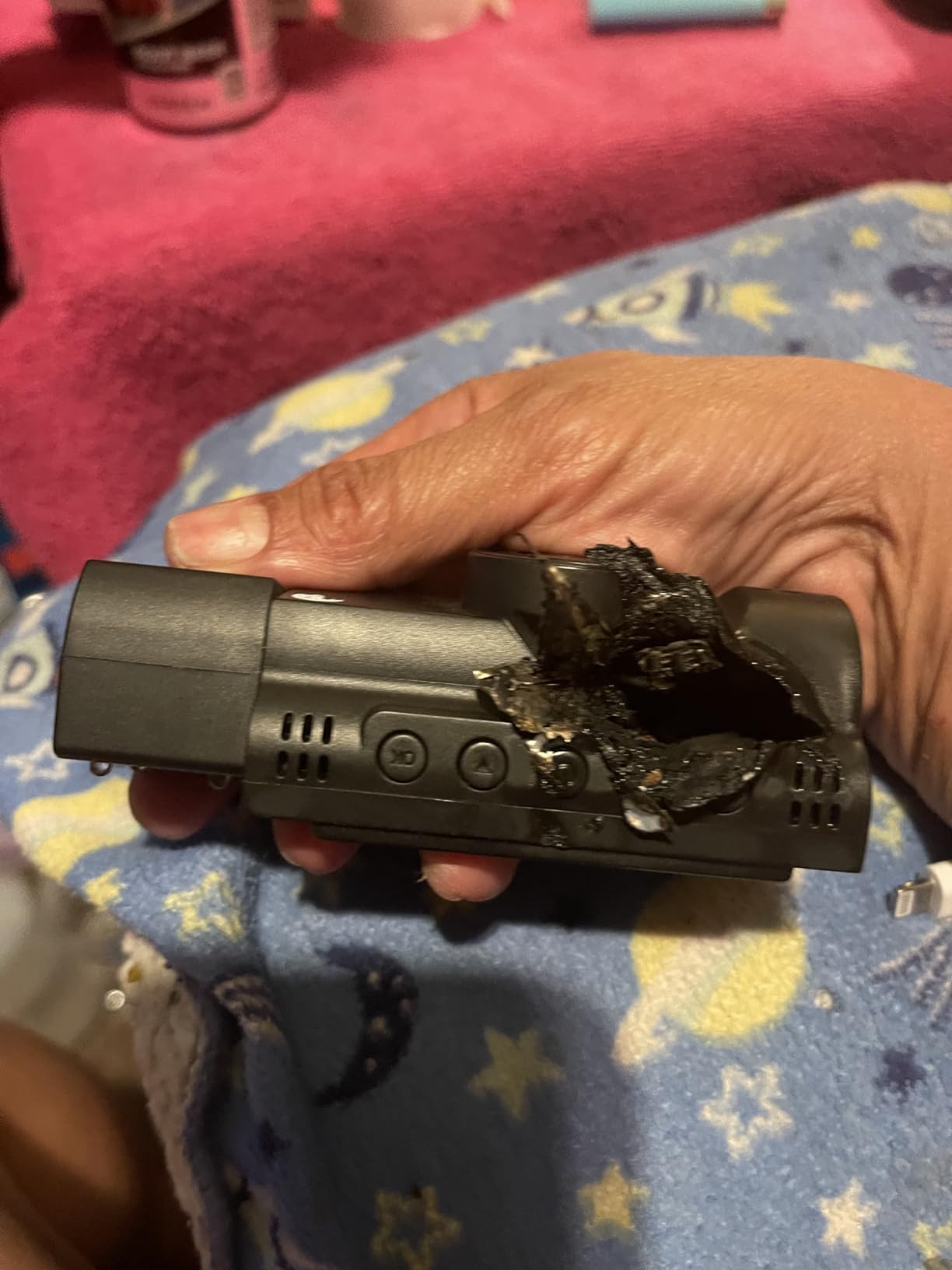
Installing it takes a few minutes and the whole point is that it needs nothing else. There is no app to pair, no account to create, no card to source separately, and no firmware to negotiate. For a driver who wants a second camera in a second vehicle, or who is testing whether they want a dash cam at all before committing properly, that simplicity is genuinely valuable.
Support received positive mentions for resolving firmware issues, and the one-year warranty is stated. Buyers generally treat it as a backup unit rather than a primary, which is the honest expectation.
Where a low-cost backup camera earns its place
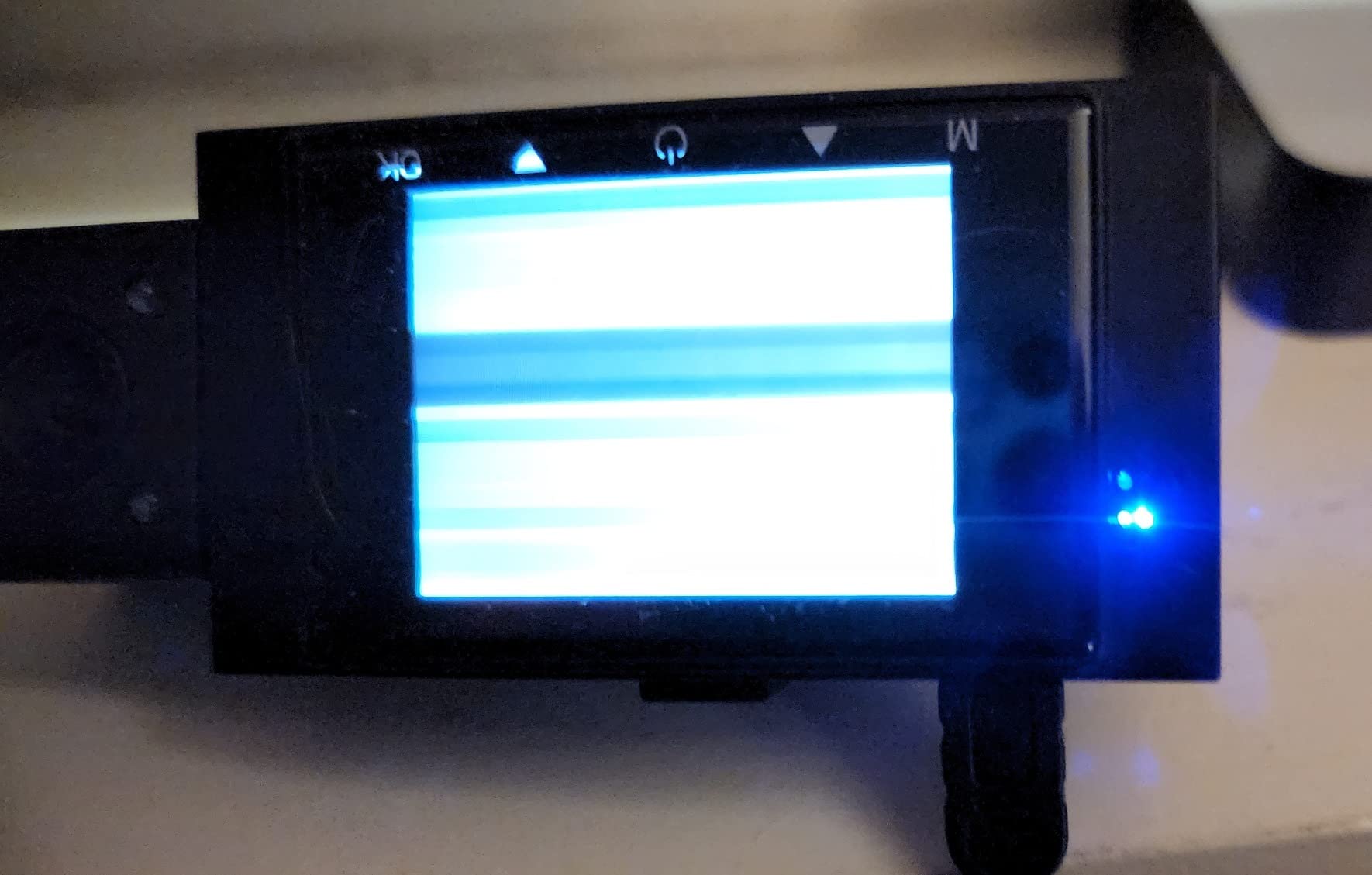
In a second car, a loaner vehicle, or a car you swap between on weekends. It records the road and the cabin, it locks incident clips, and it does all of that without a phone, a subscription or a card purchase. If your main concern is a passenger dispute on a night fare and you are not ready to spend properly, this captures the interaction at a resolution that is enough to describe what happened.
Why we would not make it your only camera
Night quality is soft, and cabin identification is exactly the task you are buying a cabin channel for. The suction mount detaches repeatedly with temperature swings, which in a parked summer car is a constant problem. There is no app, no GPS and no wireless transfer, so every clip has to be pulled from the card on a computer, and some units failed after around seven months. It is a backup, not a main unit.
10. Vlokda X50 – Best No-App Front and Cabin Set
Dual Dash Cam Front and Inside with 64GB Card
1080P front + 1080P cabin
180 degree cabin lens
64GB card
IR night vision
Pros
- 64GB card included so it records out of the box
- Inside camera rotates 180 degrees to cover the rear seats
- Easy setup and simple file transfer to a laptop
- G-sensor locks incident clips against loop overwrite
- One-year warranty with lifetime after-sales support
Cons
- Persistent microSD card format errors across multiple card brands
- Suction mount is weak and the body is bulky
- No app
- GPS or Bluetooth so files must be transferred manually
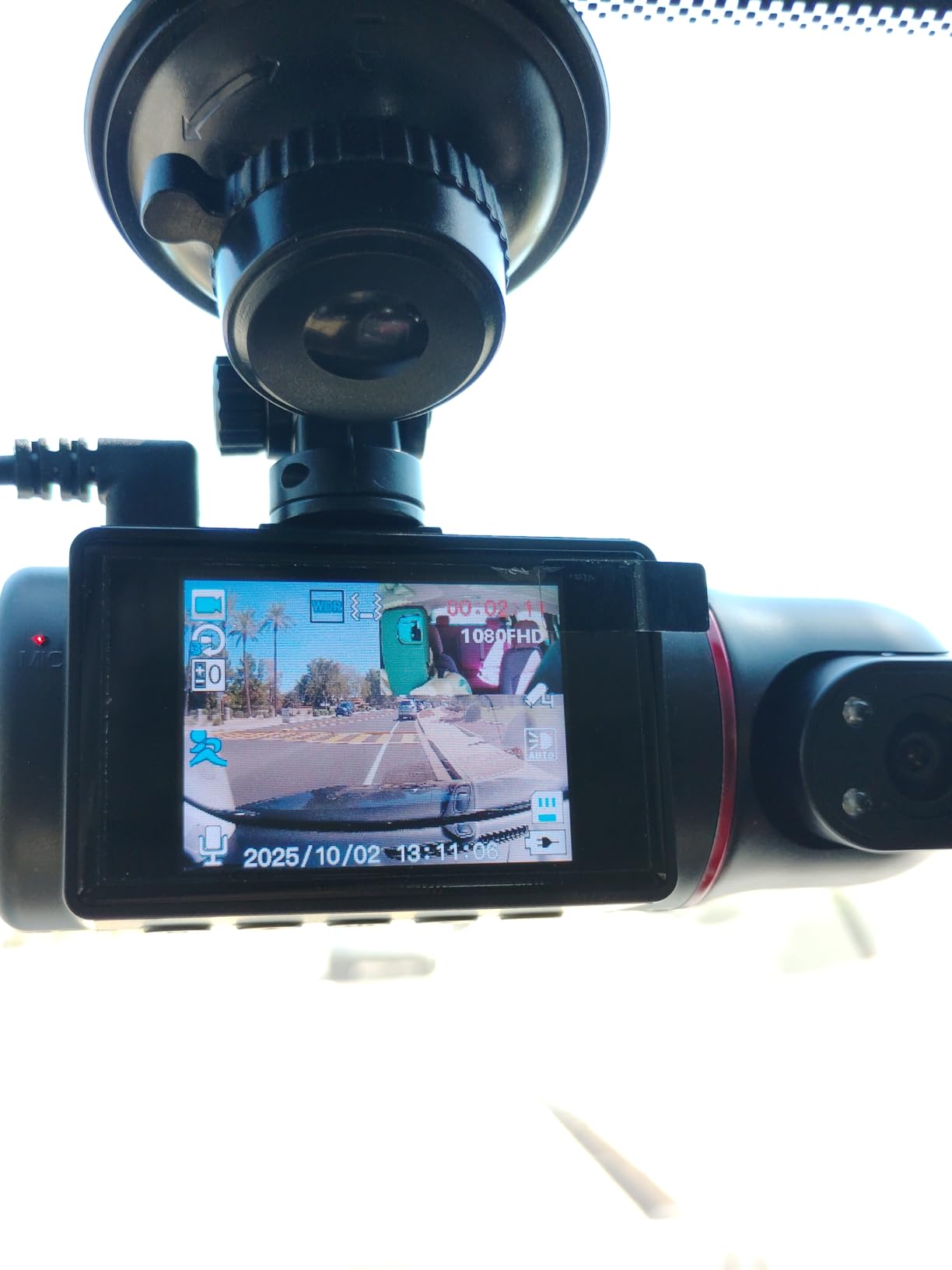
The X50 is the simplest complete package here. A 64GB Class 10 or better card is included, both channels record at 1080p, and there is nothing to set up beyond plugging it into the 12V socket and choosing a resolution. The cabin camera rotates 180 degrees, so you can point it at the rear bench rather than the back window, which is the same idea as the VANTRUE N2X rotatable lens at a much simpler level of execution.
Low light is handled by an f/2.0 aperture, WDR and 4 non-light IR LEDs on the cabin channel. The front view is 170 degrees. The 2-inch screen gives live view and playback, and the G-sensor auto-locks footage on sudden impact so an incident clip survives loop recording, which overwrites the oldest files first.
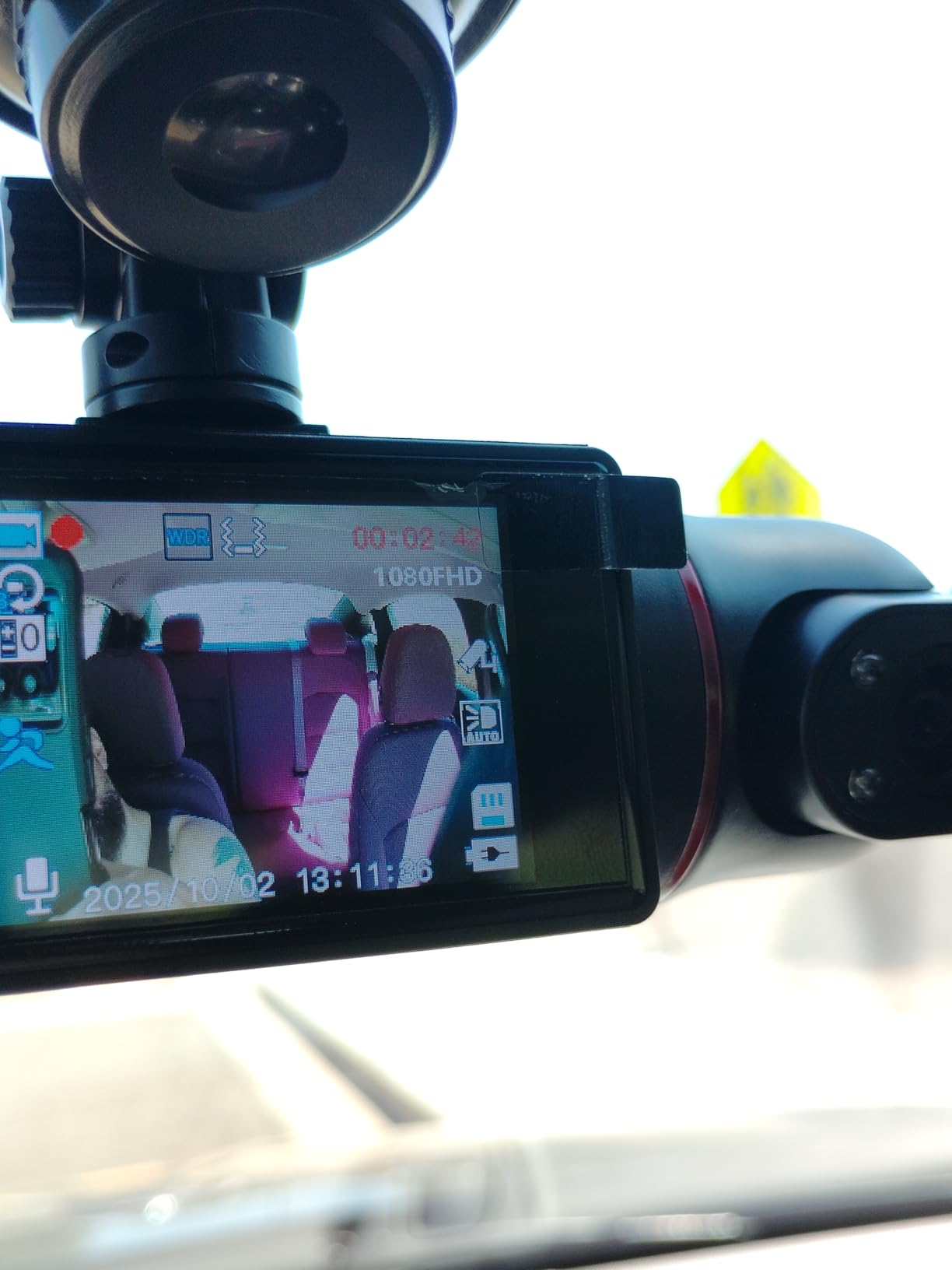
For a first-time owner, the appeal is obvious: no app to download, no account, no WiFi pairing, no phone left behind when the clip matters. Files transfer to a laptop over a USB reader, and loop recording does its job without configuration. Parking monitoring over 24 hours is available with a separately sold Type-C hardwire kit, and after-sales support is described as lifetime.
It is worth stating that this is the least-reviewed product on the list, at 362 reviews, so the long-term reliability picture is thinner than for the others. Treat it accordingly.
Who this is right for
A driver who wants front and inside coverage recorded reliably, included card, no subscription, and no interest in managing files from a phone. If the footage is going to be reviewed once on a laptop and then handed to an insurer or a platform, that workflow is entirely adequate. The rotatable cabin camera also makes it usable for a vehicle where the back seat is where a dispute happens.
The three things to check first
Card compatibility is the big one: owners report persistent format errors across several card brands, so confirm the card works in this unit before relying on it for a full shift. The suction mount is described as weak and the body is bulky for a dual-channel set, both of which matter in a hot car. And with no app, no GPS and no Bluetooth, every clip is a manual transfer, and some buyers report very short recording increments rather than usable clips.
How to Submit Dash Cam Footage to Uber or Lyft
This is the part that decides whether a good camera is worth anything, and it is the part almost every roundup on this topic skips. In most disputes the driver is the only witness, so a clear, timestamped clip is often the difference between a warning and a deactivation. A blurry, undated file helps you far less than people assume.
Before anything else, know which channel you need. The front camera establishes what happened on the road. The rear camera establishes what was behind you. The cabin camera is the only record of the passenger, and it is the one most people forget to export when a fare goes wrong. On a three-channel system, a passenger dispute is won with the cabin file and supported by the front file.
The steps that produce usable evidence
- Work out the exact time first. Note the pickup time and the drop-off time from the app before you do anything else, because it tells you precisely which minute of footage to pull rather than scrolling through hours of it.
- Export the clip, not just the raw file. Most apps save a short clip around the event when you tap the incident marker, which keeps the relevant footage before loop recording overwrites it. Where an app only exports the raw file, copy it immediately.
- Keep the original file untouched. Work from a copy. If the file is ever edited, transcoded or re-saved, its integrity is harder to defend than an untouched original on the card.
- Confirm the time stamp and GPS data. A camera with built-in GPS stamps location and speed onto the file, which turns an assertion into a record. Check that the clock was right on the day in question, because a wrong time stamp undermines an otherwise good clip.
- Do not trim, annotate or overlay the footage. Notes about what happened belong in the written submission, not on the video. Keep the visuals as they were recorded.
- Submit through the in-app safety or help flow, not by email. The in-app route attaches the file to the correct trip and reaches the review team directly, and it creates a timestamped record of when you raised it.
- Keep your own copy of everything you sent. Store it off the car. If a review takes weeks, the memory card will have been overwritten many times over.
For a collision, the sequence is different: notify your insurer promptly, and hand them the front and rear clips together rather than one at a time, since fault questions are usually answered by the two views combined. A rear-end claim is decided on the gap between the cars, and that gap is in the rear channel. For a harassment or conduct report, the cabin channel is the relevant file and the front channel is supporting context.
One last practical point. A dash cam does not change your obligations to passengers, and you should know the platform’s rules on recording before you run a cabin camera as a matter of course. What it does change is that when a report is made against you, you have an independent record rather than your own recollection.
What to Look for in a Dash Cam for Rideshare Drivers
Most buying guides on this topic list resolution first, which is the wrong order for a working driver. Resolution decides whether you can read a plate in good conditions, but a camera that is illegible at night, runs out of power, or loses the file will not help you with a claim. Work through the following in order and the resolution question answers itself.
Front, rear or cabin: know which channel does which job
One channel records the road ahead and is your liability record. A second channel may point behind the car or into the cabin, and these are completely different products. Most two-channel kits labelled front and inside give you no rear coverage at all, so a driver who rear-ends you at a light appears nowhere in your footage. Three-channel systems record front, rear and cabin together, and four-channel systems add side cameras that cover the blind spots either side of the vehicle.
For most full-time drivers, a three-channel system is the practical upgrade over two, because airport runs and night shifts are exactly when you want a rear record. The forum consensus we found treats three channels as the point where coverage stops feeling incomplete. If you drive in dense city traffic, four channels add real value; if you mostly run airport queues, the side cameras earn less of their keep.
Night and infrared cabin recording
This is the single most important rideshare feature, and the most common disappointment. Without infrared, a cabin camera pointed at a dark back seat at 11pm records a silhouette. Every pick on our list has IR LEDs on the cabin channel for exactly this reason. Look for at least four IR lights, and check whether they can be switched on and off, since some drivers find infrared distracting in daylight.
On the front channel, look for a Sony STARVIS sensor, which is designed for low light, and a wide aperture. f/1.5 to f/1.8 is the range where night footage stops being guesswork. HDR and WDR both help, though they solve different problems: HDR handles the contrast between a bright sky and a shaded road, WDR handles the transition into and out of tunnels and underpasses.
Storage and high-endurance microSD cards
Ten to twelve hours of daily loop recording is a punishing workload, and standard cards fail under it. A high-endurance MLC or TLC NAND card is designed for continuous write cycles, and most manufacturers state a supported maximum capacity. On the three-channel kits in this roundup, a 64GB card fills in under half a day with all cameras recording, so treat the bundled card as a spare and fit at least 128GB, ideally 256GB, before your first full shift.
Format the card in the camera rather than on a computer if the app offers the option, and check the clock and time zone immediately after installing. Both are the two settings most often wrong, and both are the two a reviewer is most likely to question. Loop recording is automatic on all ten cameras here, and the G-sensor protects the clips that matter from being overwritten.
Power: 12V socket, hardwire kit and OBD-II
Everything on this list runs from the 12V socket out of the box, which is the simplest option and the right one for a rental or leased vehicle. Hardwiring gives you a clean install with no visible cable and enables parking mode, but it is semi-permanent and modifies the car, so check whether your rental agreement or lease permits it before you run a wire behind the trim.
Parking mode is what drains a battery. A dash cam in time-lapse typically draws well under an amp, and a healthy car battery will tolerate overnight parking mode many times over, but a car already sitting unused for weeks, in cold weather, with a weak battery will not. If the vehicle is not yours, or you regularly leave the car for days, use time-lapse at the lowest available interval, or run parking mode only while you are on shift. An OBD-II powered unit draws from the diagnostic port and monitors battery voltage, which is the safest option where it is available.
Check the power source type too. Some cameras require a genuine 12V DC socket and will not run from a USB port, and a few are not compatible with power delivery fast chargers. That is a one-minute check that prevents a dead camera at the start of a shift.
G-sensor, parking mode and event lock
The G-sensor detects sudden acceleration, braking or impact and locks the relevant clip so loop recording cannot overwrite it. It is the mechanism that turns continuous recording into evidence, and it works whether or not you noticed the incident yourself. Adjustable sensitivity matters more than it first appears: set too high, a rough road or a speed bump locks a clip and protects it from overwriting, and a day of poor surfaces can consume the card.
Parking mode comes in three forms. Continuous recording is the most useful and the most power-hungry. Motion detection starts a clip when something moves in frame, which is efficient but can miss a slow approach. Collision detection wakes on impact and captures the moment after, which is why several of the cameras here offer pre-recording that buffers a few seconds before the event. For overnight protection in a rented car, time-lapse plus low sensitivity is the safest combination.
GPS, Wi-Fi apps and subscription costs
Built-in GPS stamps time, date, location and speed onto the footage, which turns a clip into a record rather than a clip. Four of the picks here have it built in, two sell it separately, and two have none. If you are ever disputing a route, a pickup location or a speed, the stamped data is what settles it.
The app matters for a different reason: transferring footage. Getting a twenty-minute clip off a card and onto a phone before you leave the airport pickup takes minutes on a slow connection and seconds on a fast one. WiFi 5 at 5GHz is the current norm here, and WiFi 6 on the 70mai T800E is the fastest. Be aware that some cameras reset WiFi to off at every power-up, which turns a ten-second transfer into a thirty-second one.
On subscriptions: none of the ten cameras here requires a paid plan to view, download or share your footage. That is worth stating plainly, because the complaint drivers raise most often about premium dash cam ecosystems is a cloud tier appearing after purchase and charging for features that used to be included. Check the app before you buy, and treat any “full cloud features require a subscription” wording as a trade-off to price in, not an assumption.
Heat, mounting and windshield obstruction
Look for a supercapacitor rather than an internal lithium battery. A supercapacitor tolerates the heat in a parked car and has no cell to swell or degrade after a couple of summers. Four picks here are rated to 158F, the IIWEY to 167F, and the 70mai T800E to a lower 140F, which is still a useful number to compare against your local summer. Anything with a built-in battery is a risk in a car that sits in the sun between shifts.
On mounting, adhesive holds better in heat and suction cups hold better for repositioning, which is the opposite of what drivers expect. Adhesive fails in hot climates; suction cups detach as the temperature swings. If you switch vehicles, electrostatic films are the most forgiving option because they leave no residue on glass you do not own. Whichever mount you choose, mount the camera high enough to avoid the windscreen area the driver must see, and check your local rules on obstruction before you fit anything.
Finally, run a ten-minute test drive after installing anything. Drive to a dark street, park, trigger the G-sensor with a firm tap, then pull the clip from the card and check three things: that the cabin channel is bright enough to see a face, that the time stamp is correct, and that the file plays. That ten minutes will tell you more than any spec sheet.
Frequently Asked Questions
Which camera is best for Uber drivers?
The ROVE R2-4K DUAL is the best overall choice for Uber drivers because it records native 2.5K from the front and 1080P from the rear using a Sony STARVIS 2 sensor, stamps GPS speed and route onto the footage, and includes a 128GB card so it is recording immediately. Drivers who need passenger footage as well should choose a three-channel system such as the REDTIGER F17, which records the road, the cabin and the rear at once.
Do I need a dash cam for Uber drivers?
You do not need one to be approved or licensed, but it is close to essential. In most disputes the driver is the only witness, and the platform’s safety review process puts the burden of proof on you. A clear, timestamped clip with GPS data is often the only way to win a complaint, a fare adjustment or an appeal. A front and cabin camera also documents the passenger, which is where the majority of rideshare complaints originate.
Do I need a subscription for cloud dash cam storage?
Not for any of the ten cameras in this roundup. All of them let you view, download and share footage through a free app with no paid tier, and the SD card remains the primary storage. Some ecosystems from other brands do gate cloud features behind a subscription, so check the app before buying. If you want off-car backup without a subscription, copy incident clips to a laptop or phone as soon as you can.
How long can parking mode run before the car battery dies?
A dash cam recording in time-lapse draws well under an amp, and a healthy car battery will tolerate parking mode overnight many times over. A battery that is already weak, or a car left unused for days in cold weather, is a different story. On a rental or leased vehicle, check your agreement before hardwiring, and consider time-lapse parking mode only while you are on shift rather than around the clock.
What SD card do I need for continuous dash cam recording?
A high-endurance MLC or TLC NAND card is the right type for ten to twelve hours of daily loop recording, and a standard card will fail under that workload. Fit at least 128GB and ideally 256GB, because a three-channel system can fill a 64GB card in under half a shift. Format the card in the camera if the app allows it, and check the time and time zone immediately after installing, since a wrong time stamp weakens otherwise good footage.
Can dash cam footage be used as evidence with Uber?
Yes, and it is more useful when you submit it through the in-app safety or help flow so the file attaches to the correct trip and the submission is timestamped. Export the clip around the incident rather than only the raw file, keep the original untouched, and work from a copy. Do not trim or annotate the video; put your account in the written submission instead, and keep your own copy off the car because the memory card will be overwritten.
Conclusion
The best dash cams for Uber drivers are not the ones with the biggest headline number on the box. They are the ones that give you three specific files: a readable front view of the road, a timestamped record of what was behind you, and a cabin channel bright enough to identify a person at night. Our default recommendation is the ROVE R2-4K DUAL for front and rear evidence with built-in GPS, and the REDTIGER F17 if passenger coverage is the reason you are buying one at all.
Whichever you pick, fit a high-endurance card larger than the one supplied, check the clock on day one, and run a short test drive before you rely on it. Then follow the submission steps above the first time you need them, not the first time you wish you had. Camera features change every year; the habit of keeping a clean, dated, unedited copy is what actually protects you.
If you are still weighing the hardware against a general-purpose setup, our broader dash cam guide for cars covers the same category for non-commercial driving. For rideshare work, though, the cabin channel is not optional, and that is the single decision that shapes everything else.