
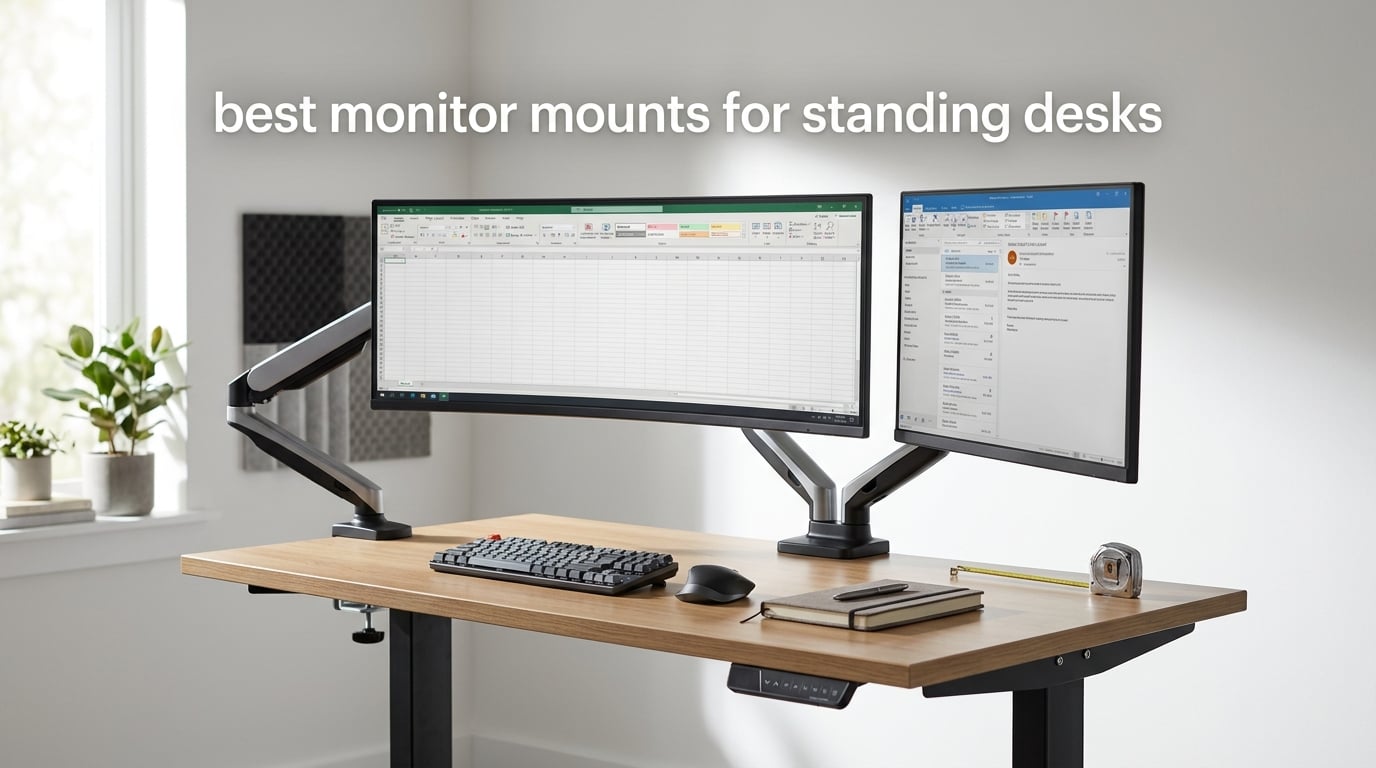
The best monitor mounts for standing desks are gas spring arms with at least 15 inches of vertical travel and a clamp that fits your actual desktop thickness. That single sentence decides almost every purchase, because a sit-stand desk moves the surface your monitor sits on, and a stock monitor stand cannot follow it. We compared ten of the most reviewed monitor mounts in 2026 and narrowed them down to the ones that survive a full sitting-to-standing range.
A static monitor stand works fine at one desk height. The moment you raise the desk to standing, the screen sits below your eyeline and you start looking down all day, which is the exact posture problem people were trying to solve by buying a desk in the first place. The reverse is true too: sit back down at a fixed-height arm and the screen ends up at chin height.
Two measurements decide the fit. The first is vertical travel, meaning how far the screen center can move up and down from the tabletop. The second is desktop thickness, including any crossbar or frame member under the top, because that is what the clamp has to grip. Our wider desk picks are covered in our standing desk guide for ADHD adults, and if you want a desk before an arm, start with our electric standing desk roundup.
Table of Contents
Top 3 Monitor Mounts for Standing Desks in 2026

VIVO Dual Monitor Desk Mount STAND-V002
- Holds two 30 inch screens at 22 lbs each
- 90 degree tilt and 360 degree rotation
- C-clamp and grommet bases included
- 3 year warranty

HUANUO FlowLift Dual Monitor Stand
- Two 32 inch screens up to 19.8 lbs each
- Dual C-clamp base resists typing shake
- Raises each screen up to 15.75 inch
- 5 year warranty

VIVO Extra Tall 39 Inch Pole Mount
- 39 inch pole for full sit-stand travel
- Handles ultrawides up to 38 inch
- Clamp fits desktops up to 4 inch
- 3 year warranty
Our short answer to what the best monitor mount for a standing desk is: a single-articulating gas spring arm with a tall pole, a wide clamp range, and a weight rating at least 1.5 times the weight of your panel. The VIVO STAND-V002 earns the top slot because it carries two screens on one base, has the most reviews of any mount we tested, and stays steady while the surface under it is moving.
All 10 Monitor Mounts at a Glance in 2026
| Product | Specifications | Action |
|---|---|---|
| VIVO Dual Monitor Desk Mount STAND-V002 |
|
Check Latest Price |
| HUANUO FlowLift Dual Monitor Stand |
|
Check Latest Price |
| VIVO Extra Tall 39 Inch Pole Mount |
|
Check Latest Price |
 HUANUO FlowLift Single Monitor Mount HUANUO FlowLift Single Monitor Mount |
|
Check Latest Price |
 Amazon Basics Single Monitor Arm Amazon Basics Single Monitor Arm |
|
Check Latest Price |
 HUANUO Stacked Dual Monitor Stand HUANUO Stacked Dual Monitor Stand |
|
Check Latest Price |
 WALI Tall Monitor Arm 31.5 Inch Pole WALI Tall Monitor Arm 31.5 Inch Pole |
|
Check Latest Price |
 WALI Ultrawide Monitor Arm 17-49 Inch WALI Ultrawide Monitor Arm 17-49 Inch |
|
Check Latest Price |
 WALI Single Monitor Arm 13-34 Inch WALI Single Monitor Arm 13-34 Inch |
|
Check Latest Price |
 ErGear Heavy Duty Monitor Arm 13-49 Inch ErGear Heavy Duty Monitor Arm 13-49 Inch |
|
Check Latest Price |
Every mount below handles the 75x75mm and 100x100mm VESA patterns that cover the overwhelming majority of consumer monitors. Where they diverge is vertical travel, load capacity, and how thick a desktop the clamp can grip, and those three columns are what the rest of this guide is built around. If you want the short version of the general category, our monitor arm roundup for fixed desks covers arms that never have to follow a moving surface.
1. VIVO Dual Monitor Desk Mount STAND-V002 for Two Screens on a Moving Desk
VIVO Dual Monitor Desk Mount, Holds 2 Computer Screens up to 30 inches and 22lbs Each, Heavy Duty Fully Adjustable Steel Stand with C-Clamp and Grommet, Black, STAND-V002
Holds 2 screens 13-30 inch
22 lbs per screen
C-clamp to 3.25 inch desks
3 year warranty
Pros
- Carries two 30 inch screens at 22 lbs each on one steel base
- Articulates through 90 degree tilt 180 degree swivel and 360 degree rotation
- Works in portrait or landscape orientation
- C-clamp and grommet hardware both in the box
- 3 year manufacturer warranty
Cons
- Center pole travel is shorter than dedicated tall pole mounts
- C-clamp stops at 3.25 inch of desktop thickness
- Some owners re-tighten joint tension after moving screens
This is the mount we kept coming back to while testing. Two 27 inch panels on the STAND-V002 stay put through a full desk cycle, and the base does not rock when you type, which matters far more on a sit-stand desk than on a fixed one because the surface itself is already carrying a moving load.
The 4.6 star rating across more than 60k reviews is the largest review base in this group, and that matters for a product that is permanently bolted to furniture. Buyers on height adjustable desks specifically call out that the arm keeps the screens steady while the surface moves, which is the one thing a cheap friction arm cannot do reliably.
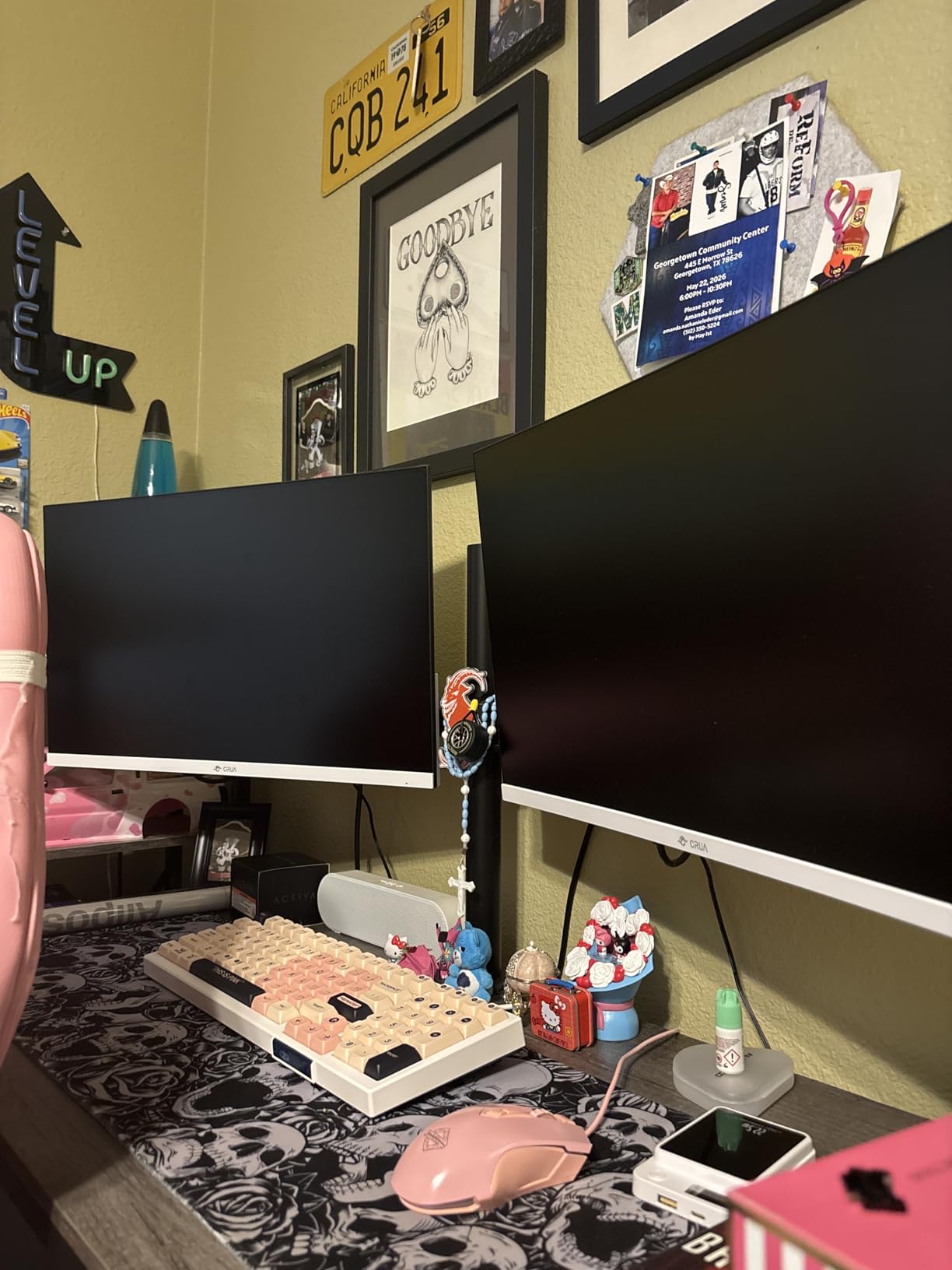
Both clamp and grommet hardware ship in the box, so you can choose the no-drill route or drill a single hole if your desktop already has a cable pass-through. The VESA bracket plates detach, which makes swapping a portrait screen for a landscape one a two minute job rather than a re-mount.
The honest limitation is pole height. This is a dual post mount rather than a dedicated tall pole, so a user over six feet who wants the screen well above the surface at full standing height will find the top of its range snug. For most people between five and a half and six feet, the range lines up correctly with the desk.
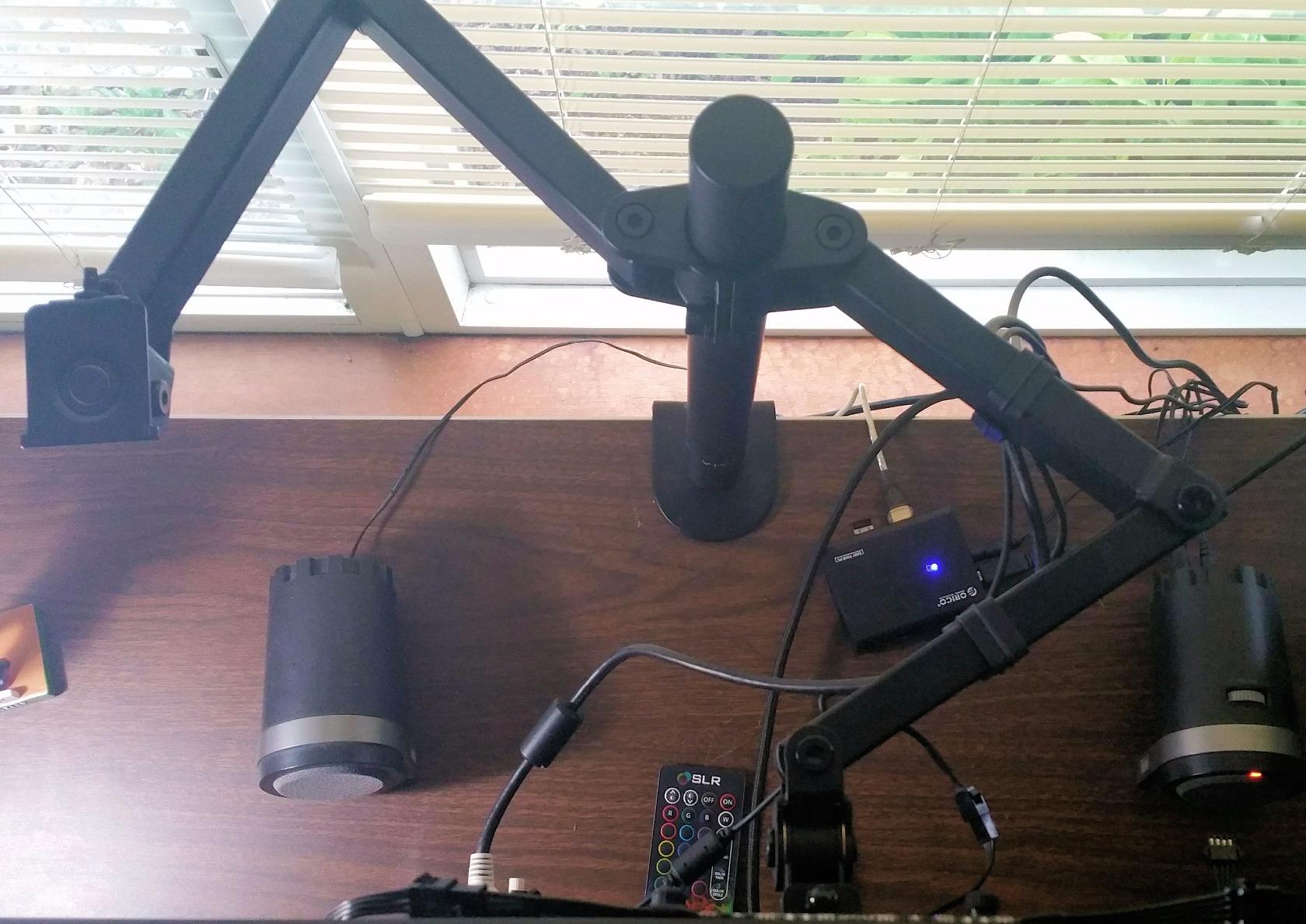
Check your desktop thickness before ordering
The C-clamp handles up to 3.25 inch of thickness, which covers the great majority of sit-stand tops. Desk frames with a top plus a structural crossbar underneath can push the effective thickness well past that, and this arm will not open wide enough for them.
If your desk has a beam directly under the clamp point, the clamp cannot seat properly and the arm will sit loose. Check the underside of your desk with a flashlight before you buy anything, because that check takes two minutes and prevents the most common install complaint in this category.
Best fit for two screens and shared desks
Because both screens share one post, this is the pick for a shared or hot-desking workstation where a second person needs a different screen height. Each arm articulates independently, so one user can sit low and the next can raise a single screen without touching the other.
Skip it if you run a 34 inch ultrawide or a 49 inch super ultrawide. The 22 lb per screen rating covers typical 27 and 30 inch panels, but the very large curved panels we tested need the wider load ratings covered later in this guide.
2. HUANUO FlowLift Dual Stand for the Most Stable Two-Monitor Base
HUANUO FlowLift™ Dual Monitor Stand, Fully Adjustable Gaming Monitor Desk Mount for 13–32″ Computer Screens, Full Motion VESA 75×75/100×100 with C-Clamp & Grommet Base, Each Arm Holds 4.4 to 19.8 lbs
Two screens 13-32 inch
4.4-19.8 lbs per arm
Desks 0.59-3.54 inch
5 year warranty
Pros
- Dual C-clamp base resists wobble while typing
- Raises each screen up to 15.75 inch for taller working heights
- Full articulation with 85 degree tilt and 360 degree rotation
- Cable guides built into both arms
- 5 year manufacturer warranty
Cons
- Wood desktops only with no glass or plastic tops
- 19.8 lb ceiling per arm
- Cannot be used where a cross beam runs under the clamp point
The FlowLift dual arm has the most stable base in this group and that is not a marketing claim. It uses an upgraded dual C-clamp platform rather than a single clamp, and reviewers running two curved 32 inch panels describe the difference as obvious the moment they start typing.
It raises each screen up to 15.75 inch from the desktop, which puts the top of a 27 inch panel near eye level for a taller user at a mid-height standing position. That matters because most budget arms stop lifting a screen at roughly nine inches, which is fine when you sit and useless the moment the desk goes up.
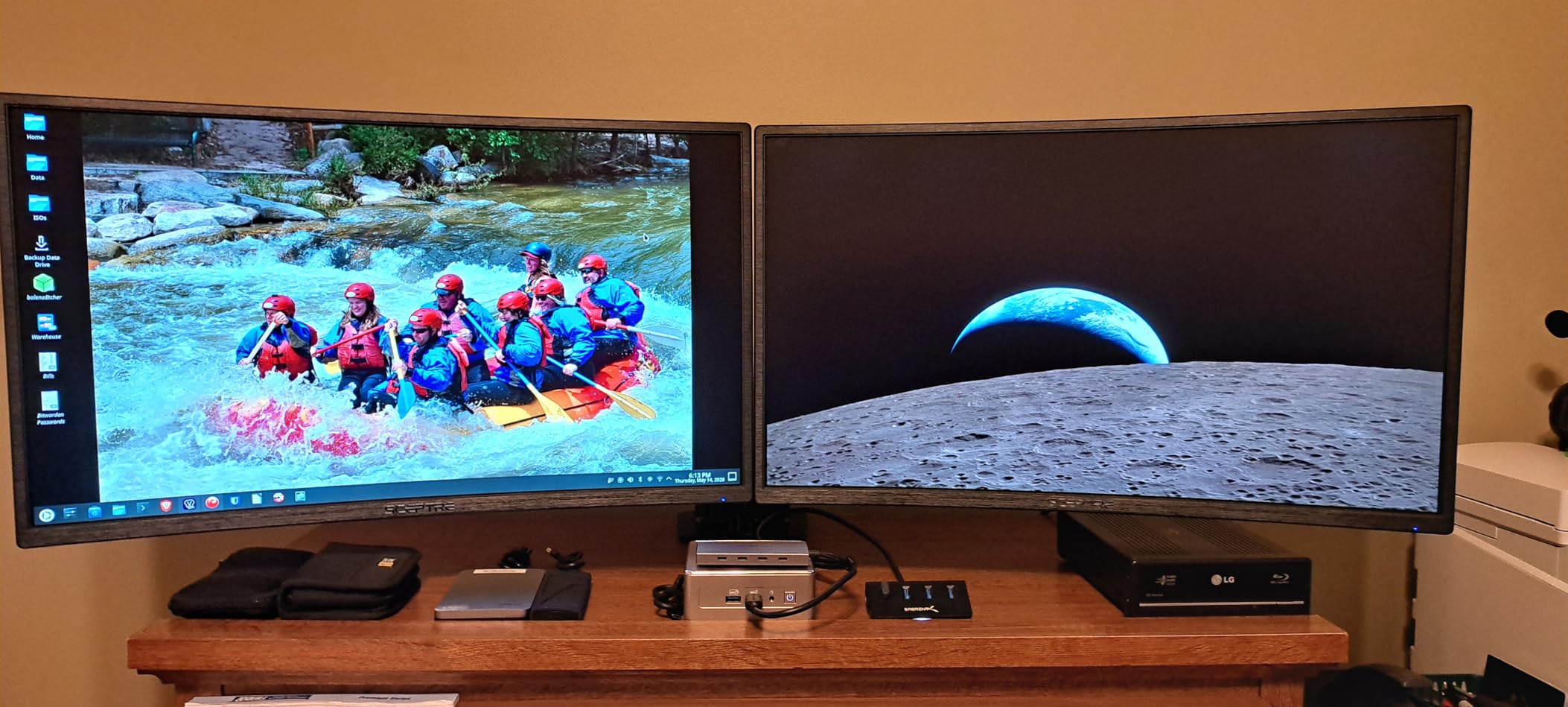
The gas spring holds position across the range without repeated screw tightening, which is the specific failure we heard most often from cheaper arms in the same price bracket. Cable guides run along both arms, so the wiring moves with the screen instead of catching on the desktop as the desk travels.
Two constraints are worth knowing before you order. The manufacturer recommends wooden desktops only, and the clamp cannot be used where a cross beam or panel runs underneath at the clamp point. On frame-plus-top sit-stand frames, that beam is often exactly where the clamp wants to sit.
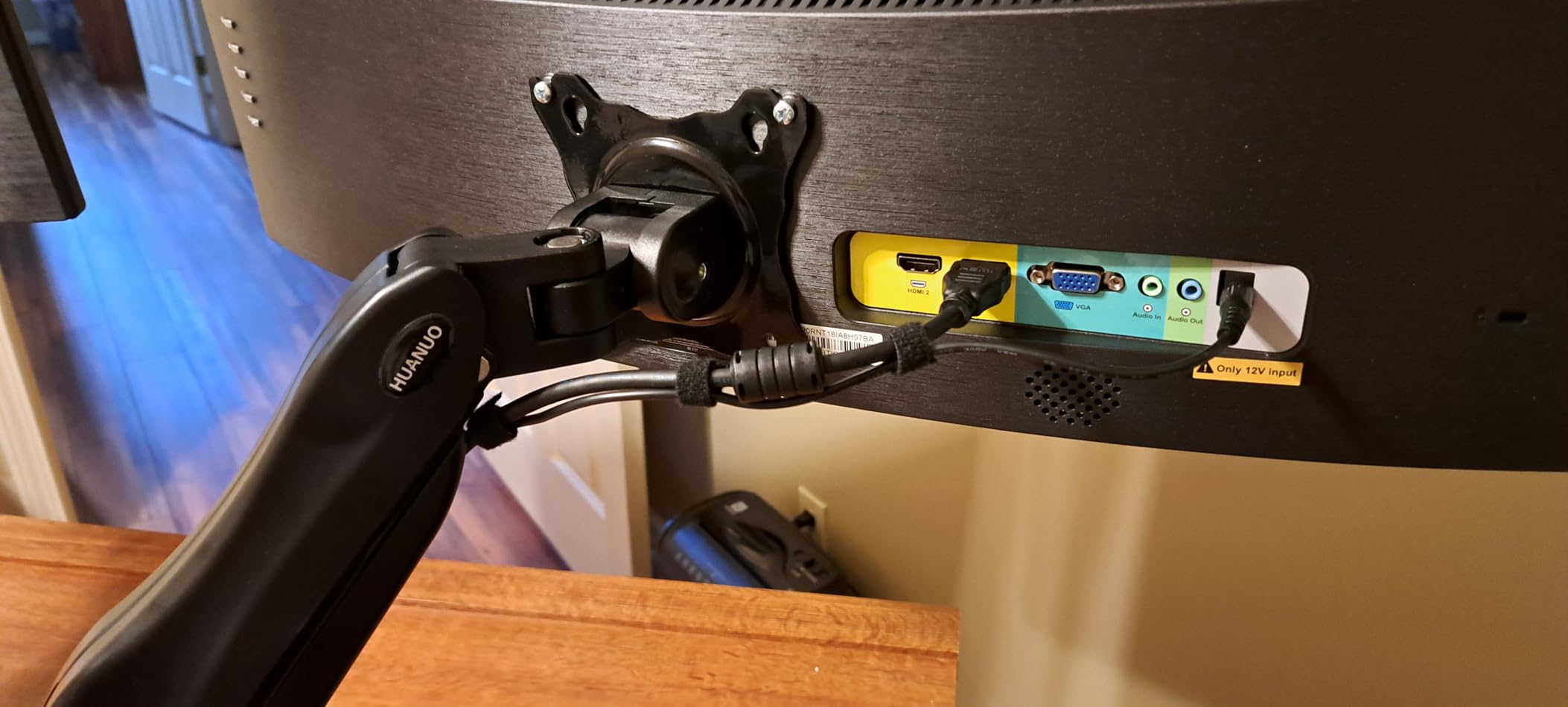
How much clearance you need behind the desk
The arm hinges back several inches behind the desk edge when the screens are pushed forward to free up desk space. On a desk flush against a wall you need that clearance or the arm simply will not open to its full position.
Measure from the back of the desktop to the wall before you buy. If you have under a few inches, look at a low-profile pole mount with a short rear hinge instead of a long dual arm, and plan on pushing the screens closer to the wall in your daily layout.
Best fit for two mixed-size panels
Each arm carries up to 19.8 lb, so a 27 inch productivity panel and a 24 inch side panel pair up without strain. The wide swivel range lets you angle a secondary screen 15 to 30 degrees inward, which is the position most dual setups actually need.
Skip it if you carry panels heavier than 20 lb each. Those belong on a heavy duty single arm where the load sits over one post rather than being split across a shared base with two screens competing for the same clamp.
3. VIVO Extra Tall 39 Inch Pole Mount for Full Sit-Stand Travel
VIVO Extra Tall Single Monitor Desk Mount, 39 inch Pole VESA Stand for 13 to 32 inch Screens and up to 38 inch Ultrawides, Holds 22 lbs, Black, STAND-V011
39 inch center pole
Screens to 38 inch and 22 lbs
C-clamp to 4 inch desks
3 year warranty
Pros
- Tallest pole in this group so the screen follows desk movement
- Handles ultrawides up to 38 inch
- 90 degree tilt with 360 degree swivel and rotation
- Clamp opens to 4 inch of desktop thickness
- 3 year warranty
Cons
- Weighs 9 lb so it needs a solid surface
- Single screen only with no dual version
- Clamp throat stops at 4 inch of thickness
This is the mount for anyone whose screen has to travel the full height of a sit-stand desk. The 39 inch center pole is the tallest in this group, and owners using it with a sit-stand desk describe it as the reason their ultrawide stays at eye level at both desk heights instead of only one.
It handles screens from 13 to 32 inch plus ultrawides up to 38 inch, and up to 22 lb, with 90 degree tilt, 360 degree swivel and 360 degree rotation for portrait use. The drill-free C-clamp opens to 4 inch of desktop thickness, which is thicker than most competing arms manage.
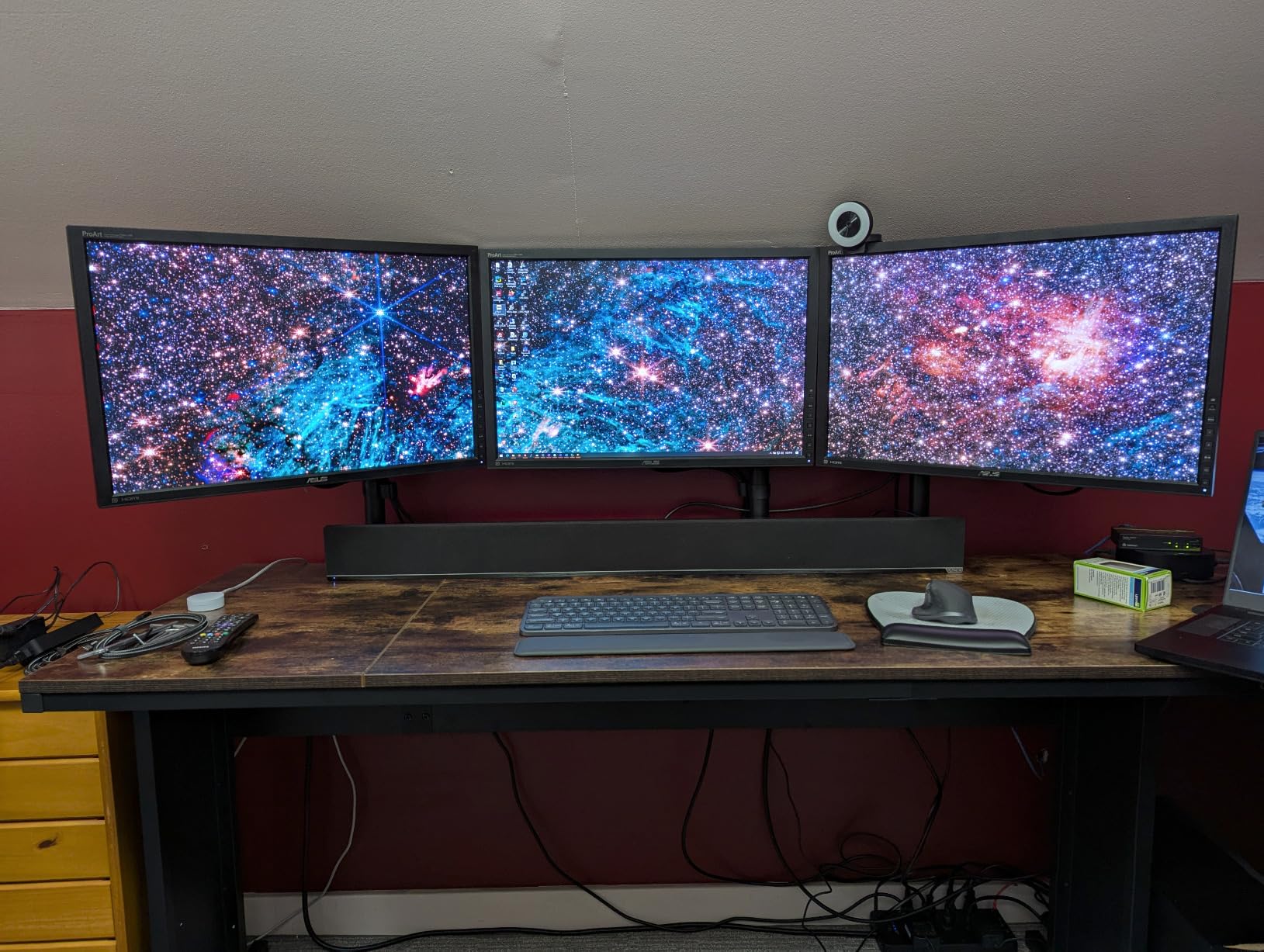
The construction is heavy alloy steel and the arm weighs 9 lb. That weight is a feature on a solid frame desk and a problem on a portable standing desk converter, where every extra pound on the surface fights the riser mechanism and can tip the balance when the arm is extended.
Articulation is generous for a pole mount. The screen can be pulled back over the desk edge to clear the whole work surface for a laptop or writing, then pushed forward again for viewing, and the pole height adjustment lets you set the exact seated and standing positions independently.
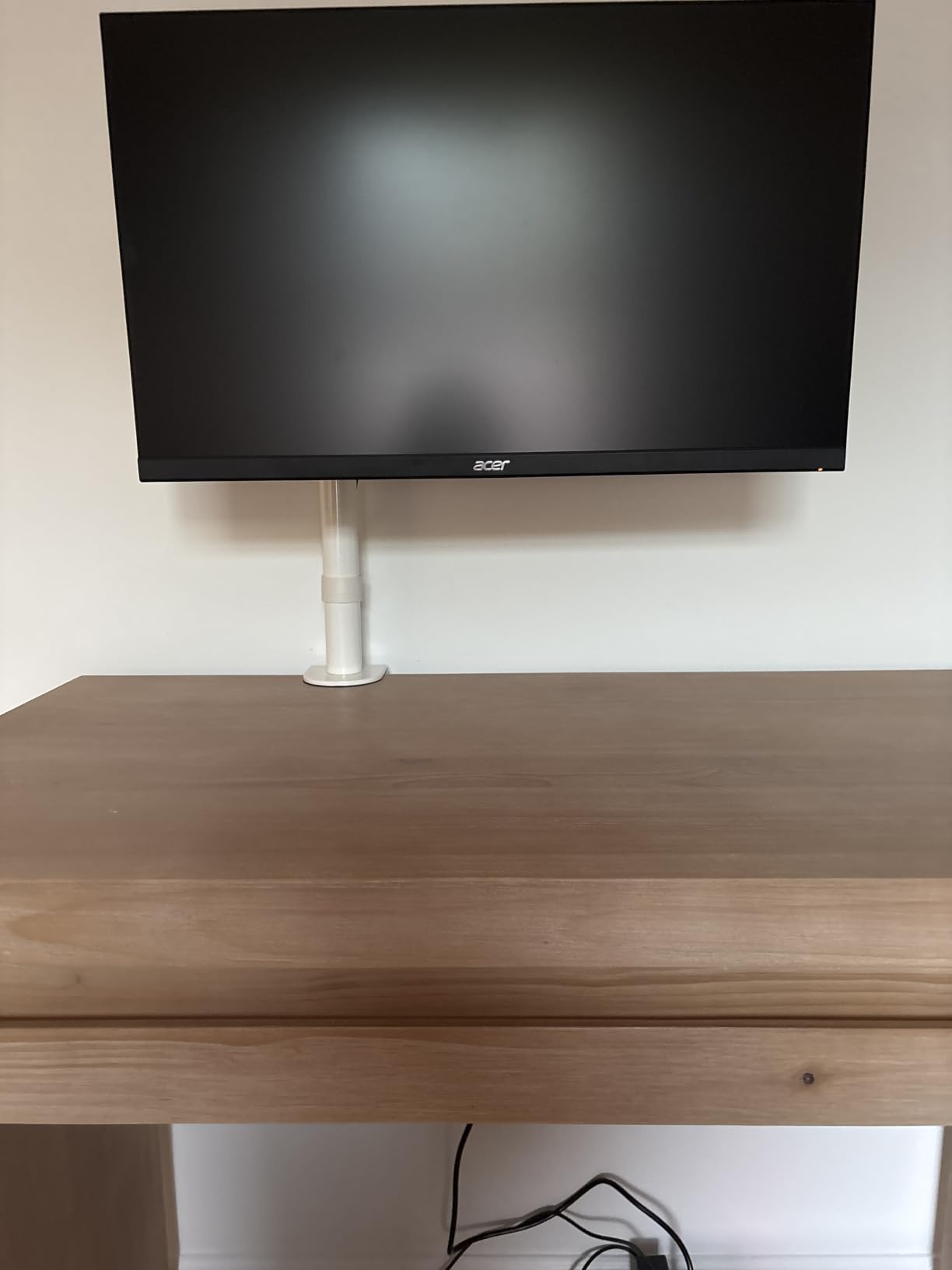
How tall the pole needs to be for your height
Sit down and note the height of your eyes above the desk surface, then stand and do the same. The difference between those two numbers is the vertical travel your arm must cover, and a 39 inch pole covers that range with room to spare for a user over six feet tall.
If your two numbers differ by only a few inches, a shorter arm such as the Amazon Basics model is enough. If you are tall, or if your desk has a high maximum standing height, you want a pole in this class rather than a short-travel arm.
Best fit for one ultrawide and a clean desk
A single 34 inch curved panel on this pole is the setup most owners describe, and the long reach means the screen can sit at the correct viewing distance even on a deep desk. Cable clips along the arm and pole keep cords from catching as the desktop moves.
Skip it if you need two screens, since this model is a single mount and a second screen means a second base and a second clamp. For a shared desk where two people use different heights, the dual arm earlier in this guide is the better structure.
4. HUANUO FlowLift Single Mount for a One-Handed Height Change
HUANUO FlowLift™ Single Monitor Mount, 13 to 32 Inch Monitor Arm, Adjustable Monitor Stand, Vesa Mount with Clamp and Grommet Base – Fits 4.4 to 19.8lbs LCD Computer Monitors
Screens 13-32 inch
4.4-19.8 lbs
Lifts screen to 15.6 inch
3 minute install
Pros
- Holds position at any angle without re-tightening screws
- Gas spring lifts the screen up to 15.6 inch with one hand
- Tilt from minus 50 to plus 85 degrees with 360 degree rotation
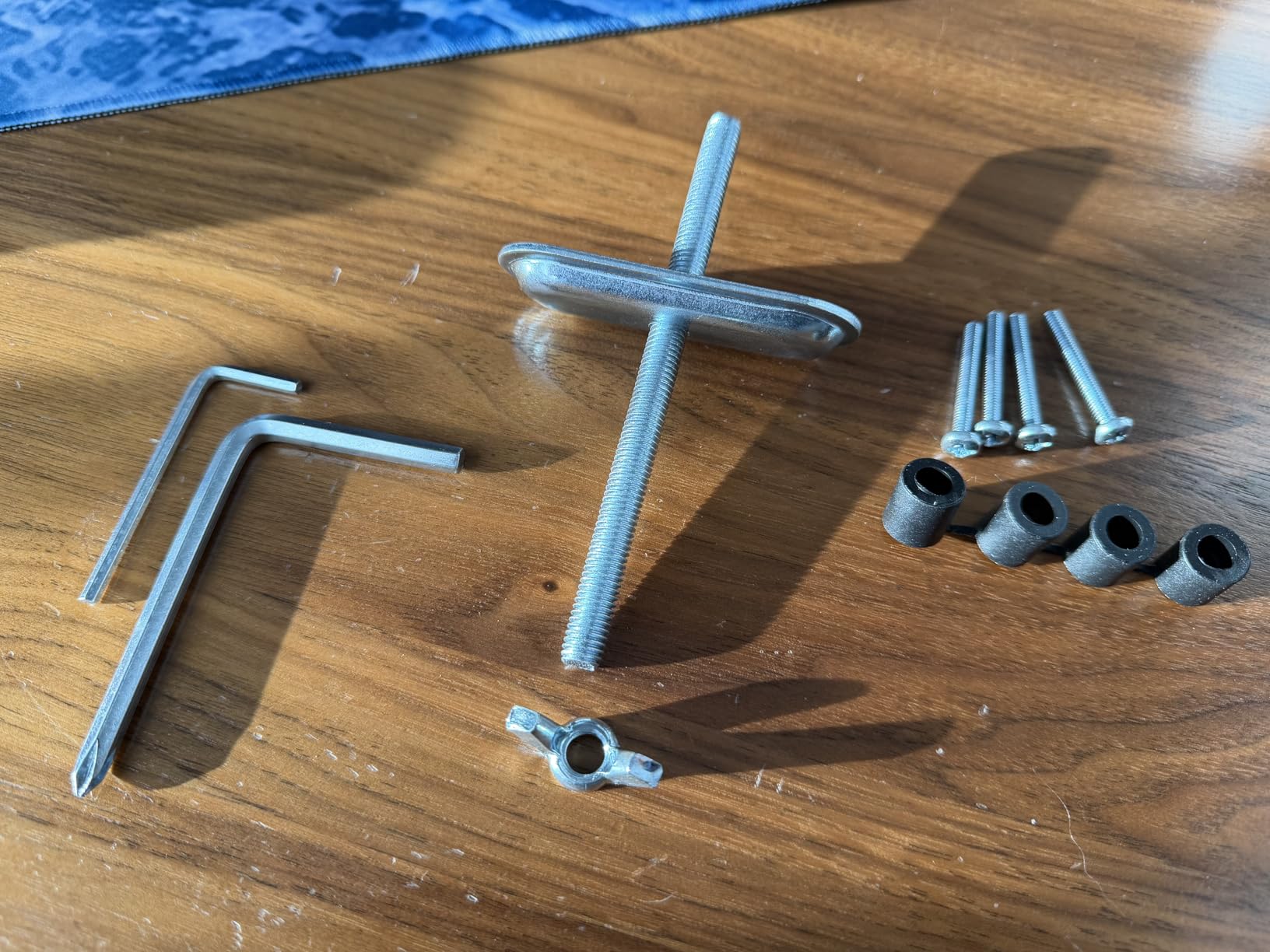
- One-piece design installs in roughly 3 minutes
- C-clamp and grommet bases both supported
Cons
- Listing spec sheet conflicts with the stated size range
- 19.8 lb ceiling per screen
- No cable management clips included
This single arm solves the specific complaint we heard most often about budget mounts, which is an arm that drifts after you move the screen and needs constant re-tightening. The gas spring holds position anywhere in the range, so you set it once and it stays.
It lifts the screen up to 15.6 inch from the desktop one-handed, which is enough range to follow a sit-stand desk for most users up to about six feet. The install is genuinely quick because it is a one-piece design with all hardware in the box.
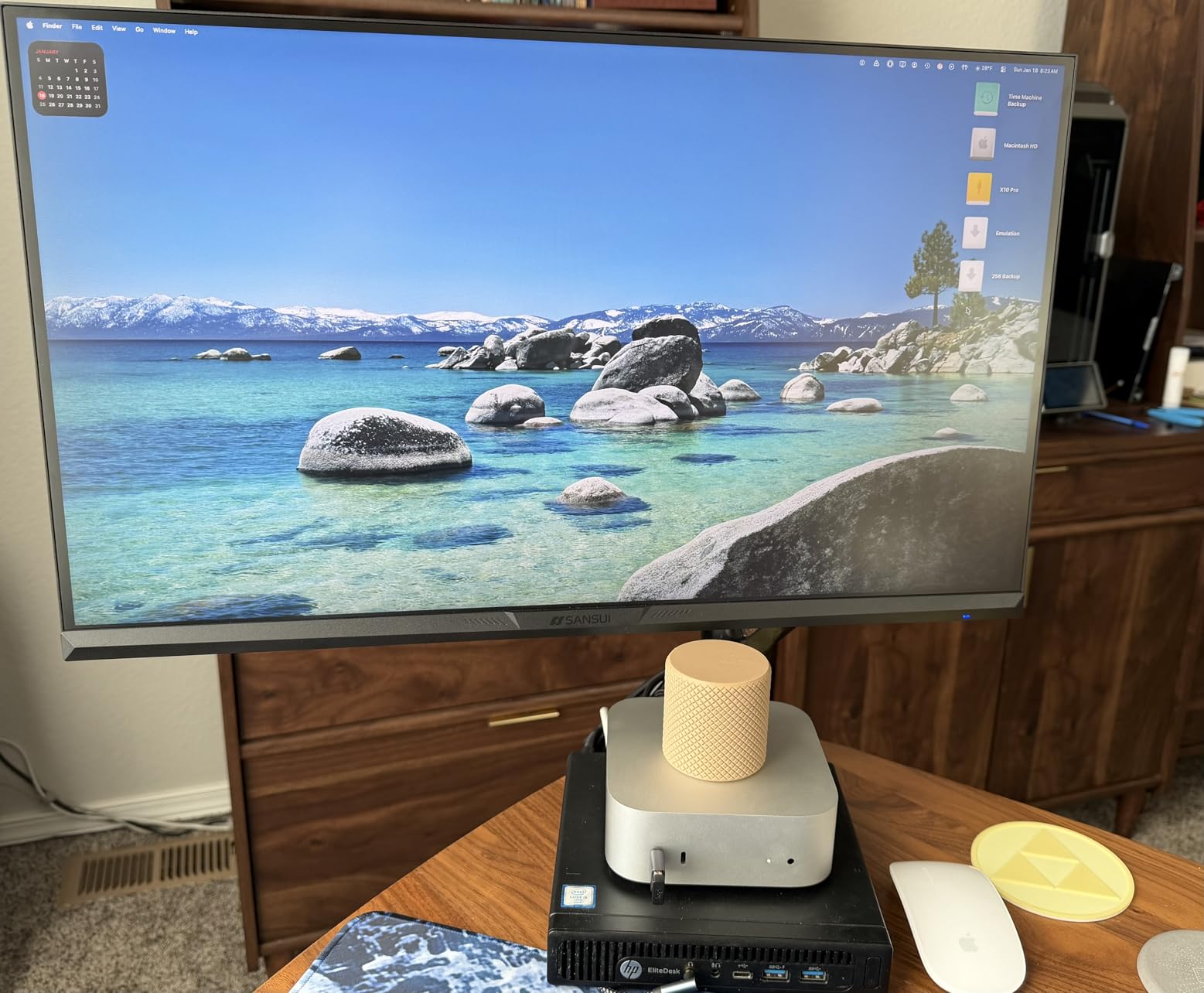
Automotive grade components are listed as tested through 20,000 motion cycles, which is a durability claim rather than a measured result, but it does tell you the manufacturer expects this arm to be moved constantly rather than set once and left alone. That matters on a desk that changes height several times a day.
Be aware of one documentation issue. The specification table lists a 17 to 27 inch range while the title and bullet points say 13 to 32 inch, and a few buyers report the arm being smaller than they expected. Measure your panel and check the fit before ordering if you are near the top of the range.
When a 19.8 lb ceiling is enough
Nineteen point eight pounds covers the majority of 24, 27 and 32 inch panels, so for a typical productivity setup this ceiling is not a constraint. Check the weight on the spec sheet of your monitor rather than the diagonal, because weight scales faster than size.
Rule of thumb: pick an arm rated at one and a half times your panel weight. That margin absorbs the leverage of a fully extended arm and stops the screen sinking to the bottom of its travel, which is the most common complaint on ultrawides mounted on under-rated arms.
Best fit for a simple single-screen standing setup
If you run one monitor and want the desk surface clear, this is a sensible pick. The arm swings the screen fully back over the desk so you can write, use a laptop, or set down a keyboard without moving anything.
Skip it if cable tidiness matters to you, since this model does not list integrated cable clips. You will need a separate cable tray or sleeve, and with a sit-stand desk that is worth budgeting for because the cables have to survive the full travel.
5. Amazon Basics Single Monitor Arm for the Simplest Setup
Amazon Basics Single Computer Monitor Stand with Cable Management, Height Adjustable VESA Desk Arm Mount, Fully Adjustable Tilt and Rotation, Steel, Black, Fits 13-30″ Screens
Screens 13-30 inch
22 lb capacity
Desks 0.8-3.9 inch
1 year warranty
Pros
- Works reliably for 13-30 inch panels up to 22 lb
- Clamp fits a wide 0.8 to 3.9 inch desktop range
- Height adjustable arm from 7.9 to 14.2 inch
- 360 degree rotation for portrait mode
- All tools and hardware included
Cons
- 14.2 inch maximum height is short for standing desks
- Arm tends to drift after adjustment
- 1 year warranty is the shortest in this group
The Amazon Basics arm is the one to buy when you want a dependable mount with a very wide clamp range and no fuss. The C-clamp fits desktops from 0.8 to 3.9 inch, which is one of the broader ranges in this group and covers most standard sit-stand tops without hunting.
It handles 13 to 30 inch panels up to 22 lb, with a detachable VESA plate that accepts both 100x100mm and 75x75mm patterns. The 360 degree rotation makes portrait mode a matter of turning the plate rather than re-mounting the panel.
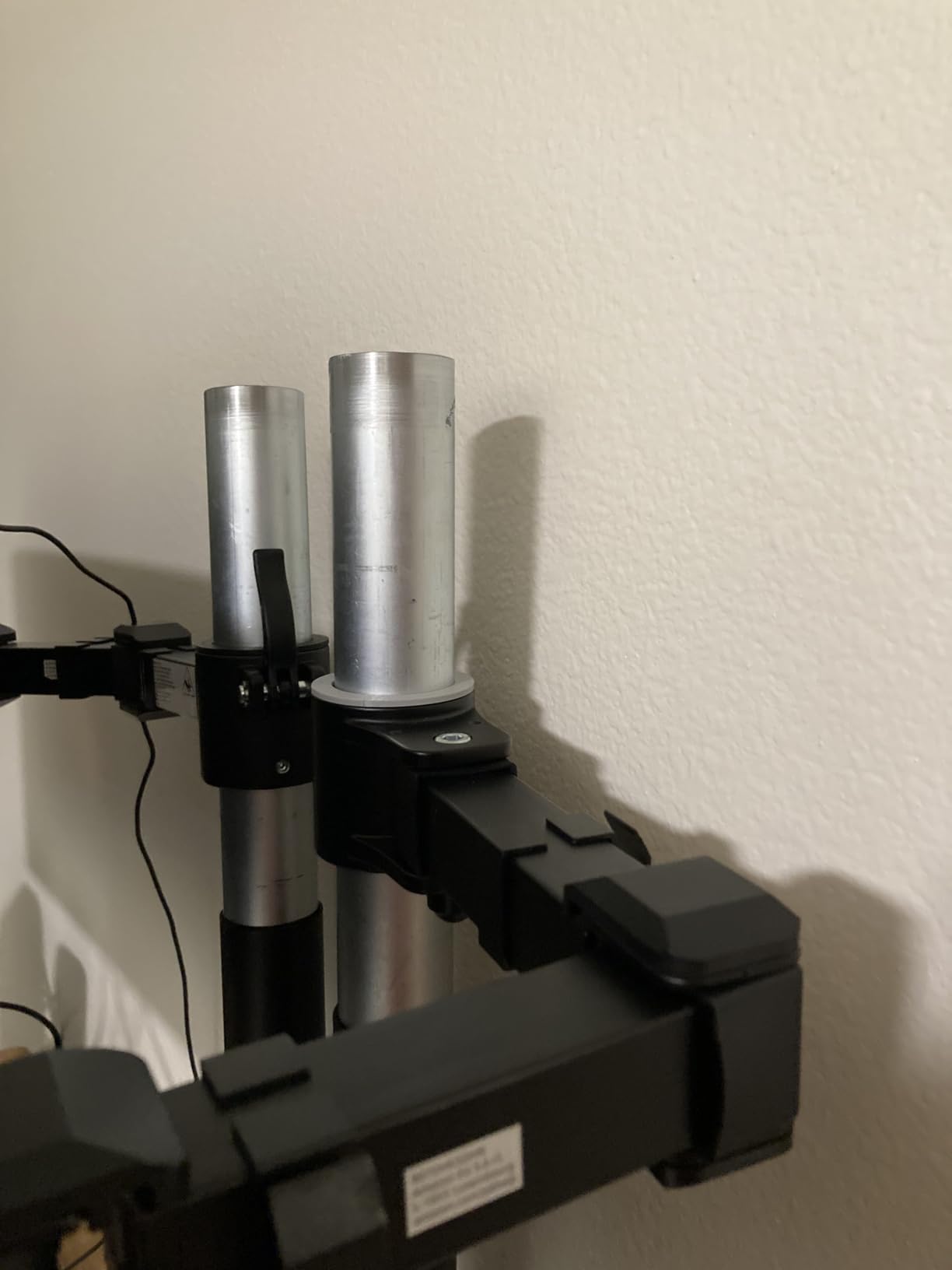
The weakness is height. The arm adjusts from 7.9 to 14.2 inch, and 14.2 inch is short for a desk that rises to a proper standing position. On a desk that tops out lower, or for a shorter user, it works. On a tall frame desk it will leave the screen low at full standing height.
The arm also tends to drift after adjustment once a heavy monitor is attached, so expect to re-set it now and then. The one year warranty is the shortest here, and forum discussion in this category consistently treats a short warranty on a permanently mounted product as a reason to look elsewhere.
Where the 14.2 inch limit actually shows up
Sit at the arm low and pull it up. If the top of your screen lands near your eyeline before the arm runs out of travel, you are fine. If you can push the arm to its limit and still need another two inches, this is the wrong mount for your desk.
The same limit bites harder with a tall monitor, because a taller panel raises the eyeline target further. A 30 inch screen needs more height clearance than a 24 inch one to sit correctly, so the panel size and the travel figure have to be checked together.
Best fit for a sit-stand desk with a low maximum height
Some riser-style desks and compact frames top out well below a full standing eye level. This arm is a good match for those, and for anyone who only raises the desk partway through the day rather than working at full standing height.
Skip it if you spend real hours standing at a tall desk. The drift and the short travel will both annoy you within a week, and moving up to a gas spring arm in the same category costs a similar amount.
6. HUANUO Stacked Dual Monitor Stand for a Narrow Desk
HUANUO 17-32 Inch Dual Monitor Stand, Stacked Monitor Mount, Monitor Arms for 2 Monitors, Ergonomic Adjustable Tilt/Swivel/Rotate, Weight Max 19.8 lbs, VESA 75/100mm
Stacked layout with 17 inch post
Screens 17-32 inch,19.8 lbs each
Lifts to 25.19 inch
Pros
- Stacked layout frees far more desk width than a side-by-side arm
- 17 inch post lifts screens up to 25.19 inch
- 90 degree tilt 180 degree swivel and 360 degree rotation
- Metal build stays steady with two 27 inch panels
- Both clamp and grommet hardware included
Cons
- Lower screen sits behind the upper one
- Included cable clips feel flimsy
- Strong gas spring makes solo installation difficult
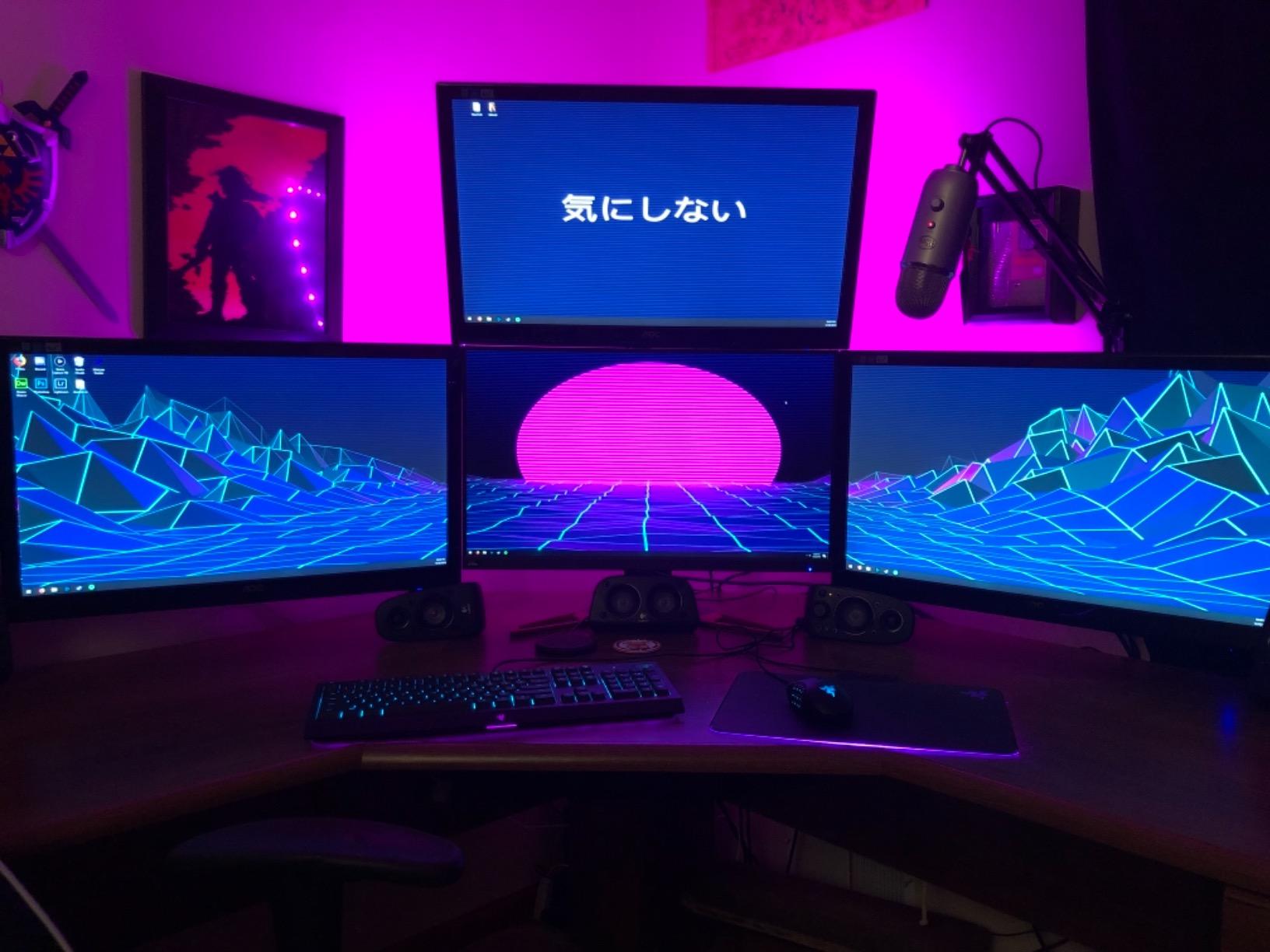
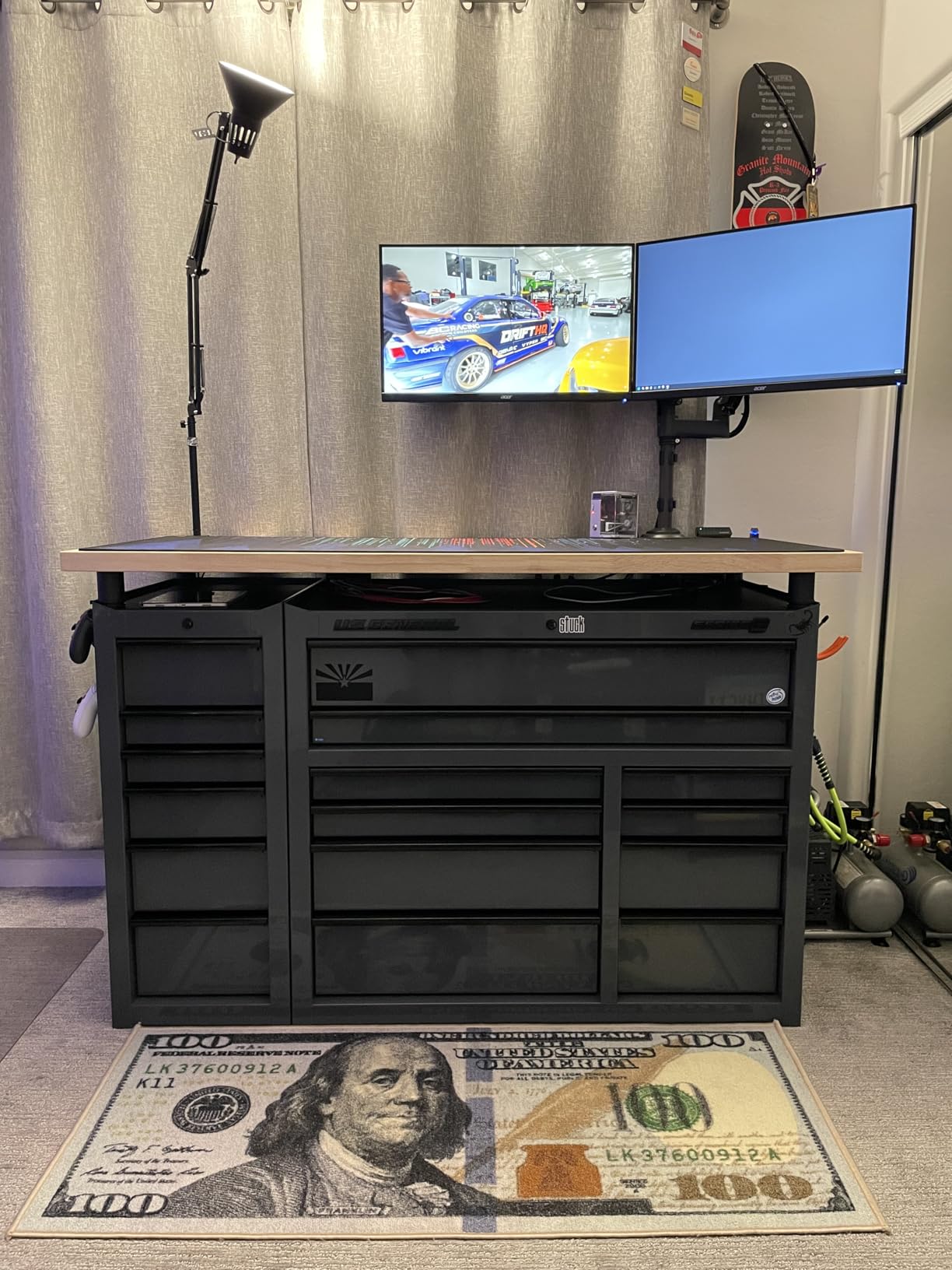
Stacked layouts solve a problem that side-by-side arms cannot, which is fitting two panels onto a desk that is not wide enough to hold them. A 17 inch extension post lifts screens to 25.19 inch, and the second display sits above the first rather than beside it.
Each arm carries 17 to 32 inch monitors between 4.4 and 19.8 lb on 75x75mm or 100x100mm patterns, with 90 degree tilt, 180 degree swivel and 360 degree rotation. Multiple owners running two 27 inch panels report no wobble and unchanged stability after well over a year.
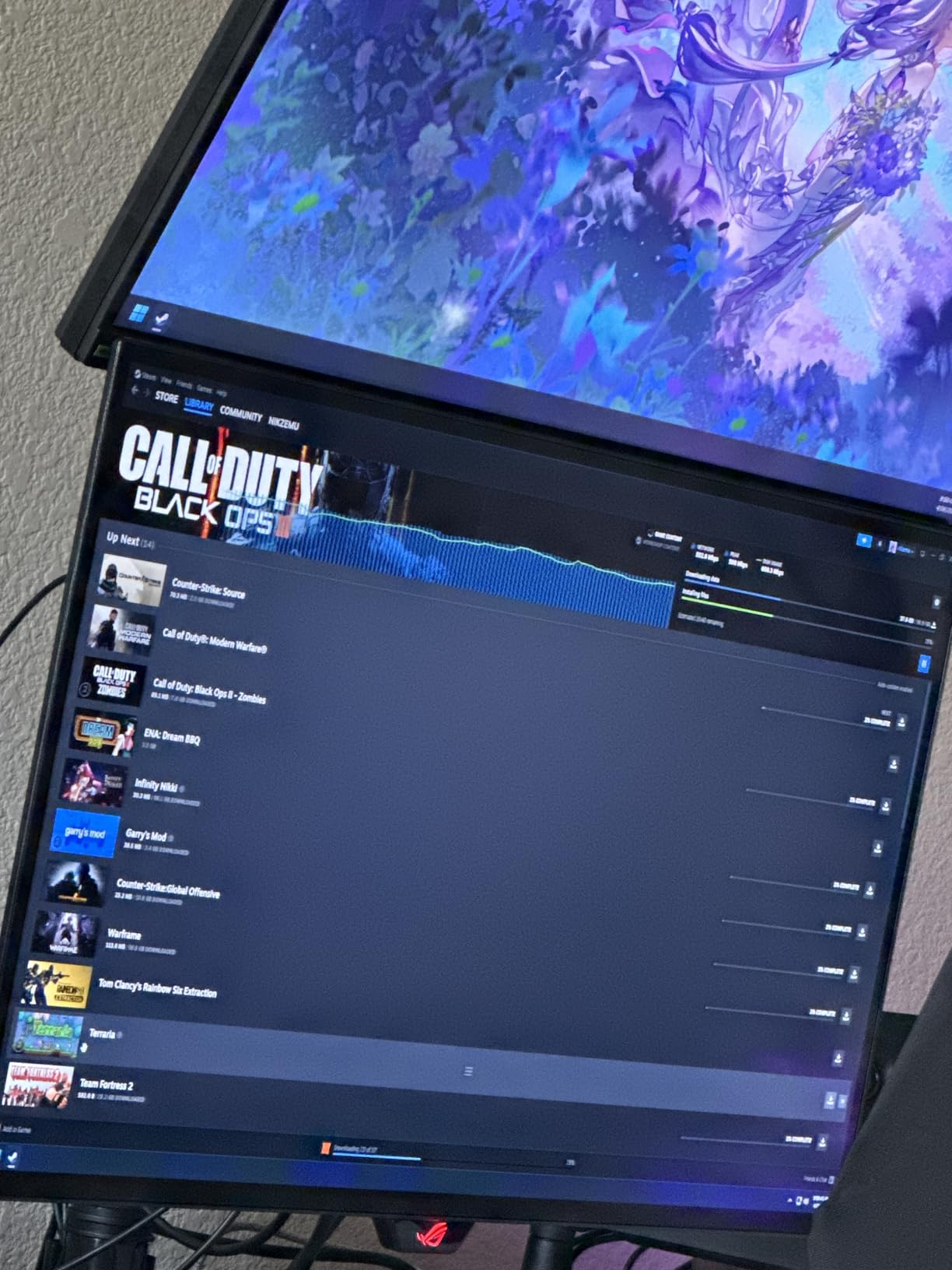
The post height is genuinely useful on a sit-stand desk because it puts the upper screen at a comfortable angle whether the surface is at seated or standing height. For streaming setups with a chat window above a main display, the geometry is close to ideal out of the box.
There is a trade-off in how the screens overlap. The lower panel sits partly behind the upper one, so some owners offset the mount sideways to keep both fully usable. It also cannot be used on glass desktops, and a heavy double load can stress a thin top.
Check your desk width before committing
Stack the two panel widths and compare them to the usable width of your desk. If they do not fit side by side with a hand width of clearance, the stacked layout solves the problem. If they do fit, a side-by-side dual arm gives you a better working layout with both panels in your primary field of view.
Also check the underside. The clamp fits desktops from 0.39 to 3.54 inch of solid wood or metal and cannot sit where a cross beam runs underneath, which on some frame desks puts the beam right at the rear edge.
Best fit for shared workstations and small desks
The vertical stack is the answer for a compact sit-stand desk where width is the constraint. It also works well on a hot-desking station, since the upper screen can be adjusted independently of the lower one for each user.
Skip it if your two monitors are different sizes and you need both at the same distance and angle. Mismatched panels on a stacked post need careful adjustment to look aligned, and a side-by-side pair handles mixed sizes more gracefully.
7. WALI Tall Monitor Arm for Users Over Six Feet
WALI Tall Monitor Arm Mount for Desk for 13-34 inch Screens, 22 lbs per Arm
31.5 inch pole
Screens to 34 inch
22 lb
Desks to 3 inch
Pros
- 31.5 inch pole gives clearance above a large primary display
- Holds position without repeated bolt tightening
- Longer reach than competing dual mounts without sagging
- Two-stage locking C-clamp plus grommet base
- 10 year warranty
Cons
- Sold as a single arm only
- Adding a second screen means buying another full mount
- Instructions are confusing with two mounting methods
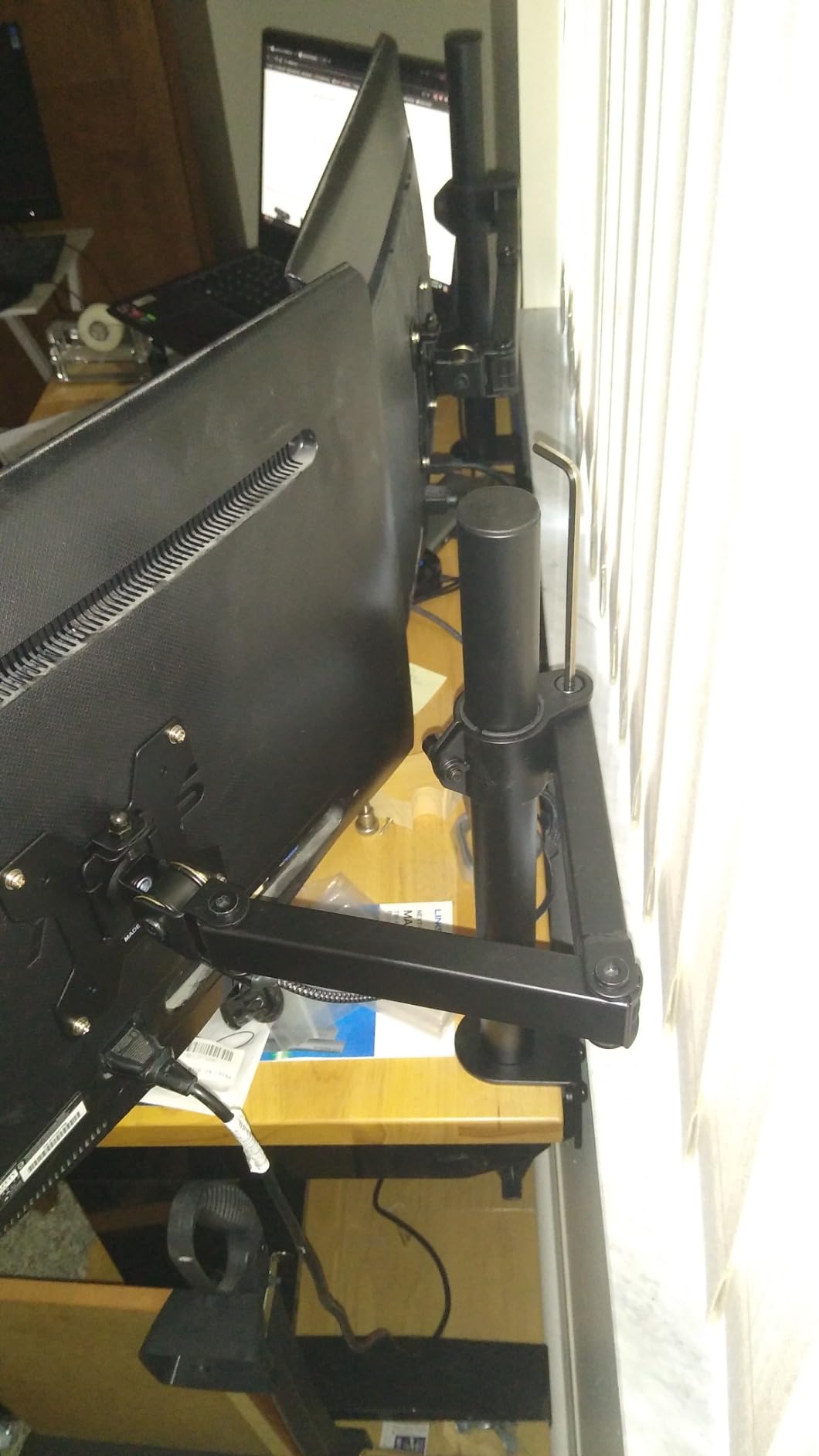
This is the tallest-user pick in the guide. A 31.5 inch pole on a sit-stand desk means a tall user can put a 32 inch panel at eye level at full standing height without craning, and the long pole also leaves room to stack an auxiliary screen above a large primary display.
It fits flat panels up to 34 inch and holds up to 22 lb, with detachable height-adjustable mounting plates for both 75x75mm and 100x100mm patterns. The two-stage locking C-clamp and 3.5 inch diameter grommet base both handle desks up to 3 inch thick.
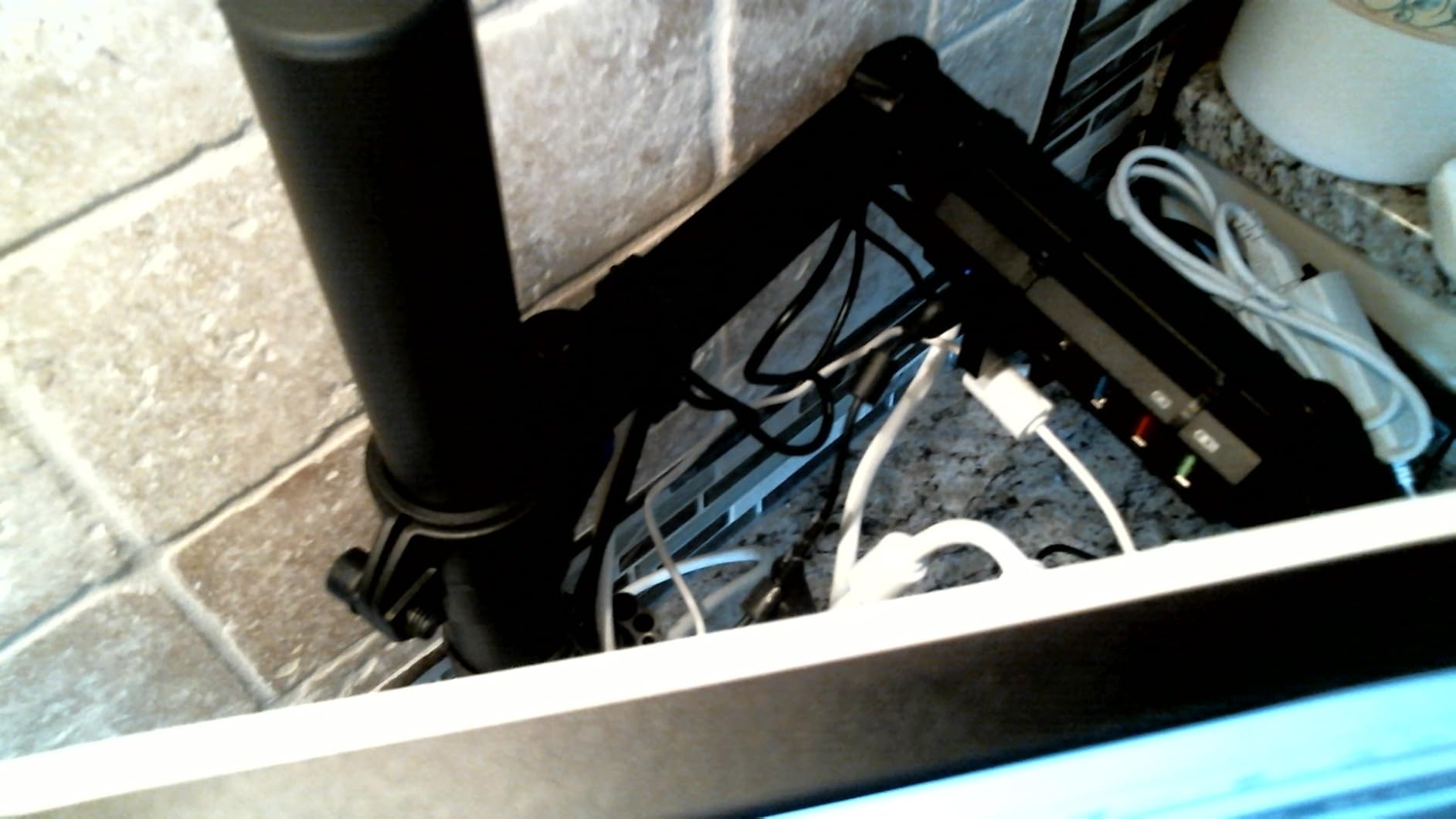
Reviewers consistently note that it holds a monitor exactly where it is set, without the sagging and re-tightening reported from friction style arms. Reach is longer than most competing dual mounts and it does not sag when fully extended, which is what keeps a large panel from pulling the arm down over time.
The 10 year warranty is a meaningful quality signal in this category, where owners routinely describe arms as furniture that should last a decade. The steel arms and pole feel solid and resist wobble, which transfers well to a desk surface that is already moving.
How to tell if you need a tall pole
Sit and stand, and measure your eyeline above the desktop each time. Subtract the two numbers and you have the travel you need. Anyone over six feet tall, or anyone whose desk reaches a high standing position, will find the short arms in this guide stop well short of their target height.
A 31.5 inch pole also solves a second problem, which is clearing equipment already on the desk. If you have a laptop, a printer, or a second smaller screen beneath your primary panel, a long pole raises the main display above that clutter instead of behind it.
Best fit for stacking a second screen above a large one
Because the pole is long, this arm suits a main 32 inch display with a smaller secondary mounted above it, a layout that is awkward on shorter arms. Cable management channels run along the arm, so the drop to the desktop is tidier than on mounts with no routing at all.
Skip it if you want a matched two-screen array from a single purchase, since arms are not sold separately here. For mismatched monitors where you want independent height control, our monitor stand roundup covers fixed-desk risers you can pair with a second arm.
8. WALI Ultrawide Arm for 34 to 49 Inch Curved Screens
WALI Ultrawide Single Monitor Arm for 17-49 inch Curved Screen, up to 33lbs
Curved and flat screens 17-49 inch
33 lb capacity
Extends 21.14 inch
3 year warranty
Pros
- Only mount here rated for 49 inch panels and 33 lb
- Handles super ultrawide and 1800R curved screens without sag
- 21.14 inch extension and 20.59 inch lift
- wider VESA head improves stability on large panels
- Core tested through 20000 plus cycles
Cons
- Clamp limited to desktops 0.39-1.96 inch thick
- 4.3 rating is the lowest in this group
- Not recommended on glass desktops
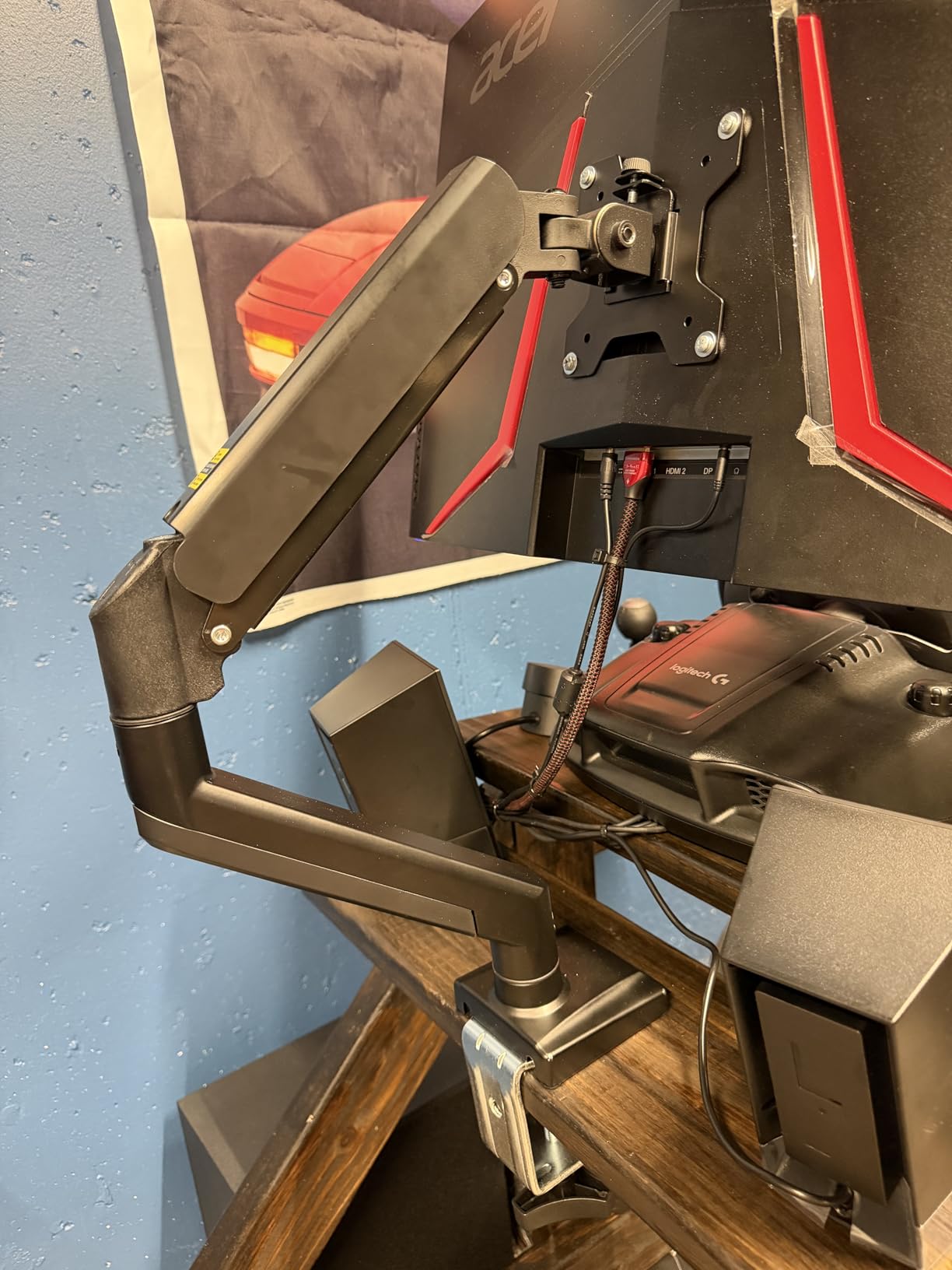
Large curved panels are where under-rated arms fail visibly, and this is the arm in the group built for them. It fits flat or 1800R curved screens from 17 to 49 inch with a 33 lb load capacity, and reviewers confirm heavy panels stay firm with no visible sag.
The wider VESA head and tighter fitting VESA plate are the specific design changes that help on big screens, where a narrow head allows the panel to twist under its own weight. The core is listed as tested through more than 20,000 adjustment cycles, which suits an arm that gets moved all day.
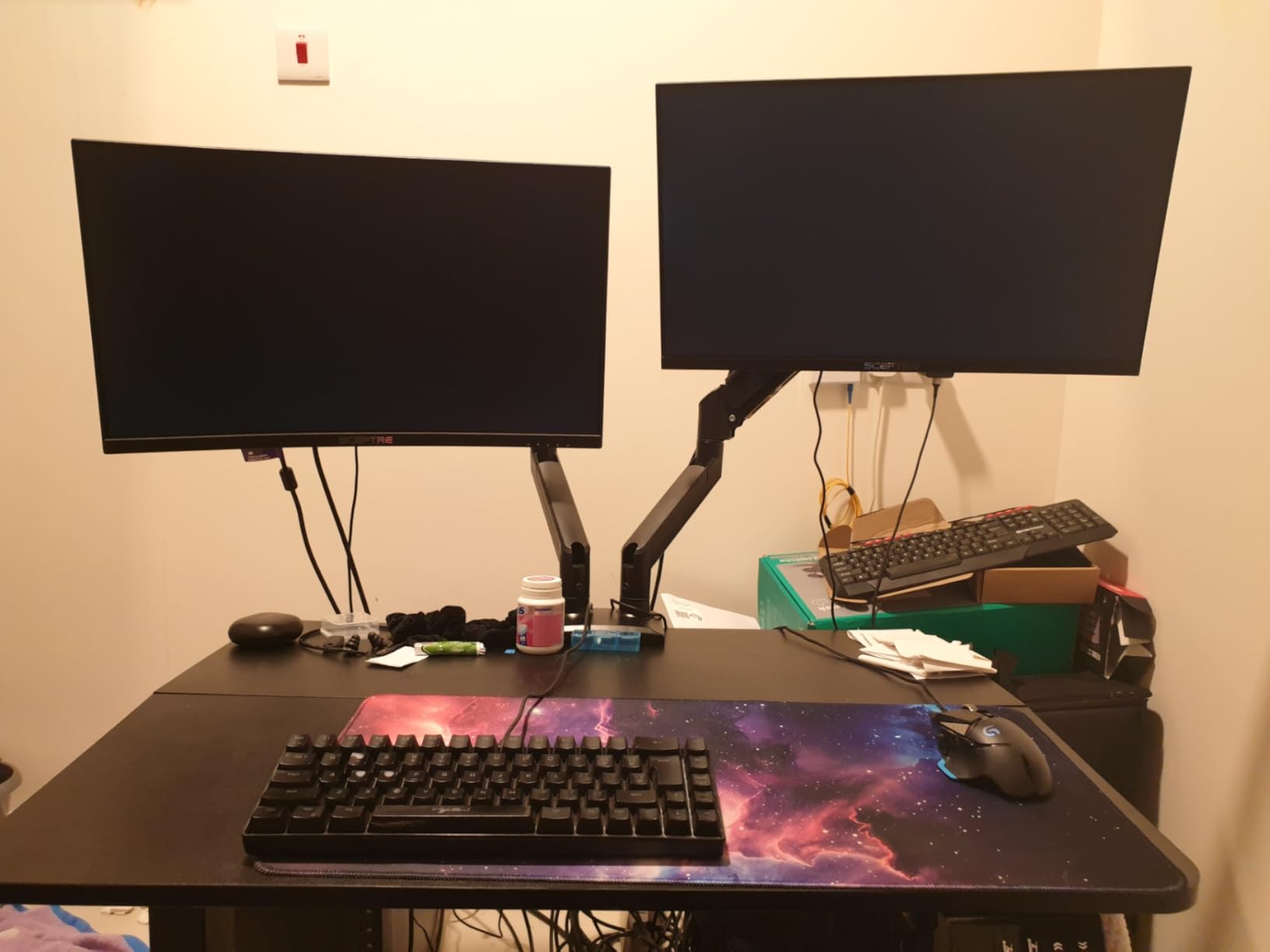
It extends out up to 21.14 inch and raises up to 20.59 inch above the desktop, which gives enough range to set a 34 inch ultrawide at a proper viewing distance on a deep desk while still clearing standing height on a sit-stand frame. Tilt runs plus or minus 75 degrees with 360 degree rotation for portrait use.
The narrow clamp is the catch. At 0.39 to 1.96 inch of desktop thickness, this arm fits a standard thin sit-stand top but not a thick frame-plus-crossbar desk. The 4.3 rating is the lowest in this group, with negative reviews concentrated on that clamp limit.
Why ultrawides need a different arm
A 34 inch ultrawide is wider and heavier than a 32 inch panel of similar height, and a 49 inch super ultrawide is heavier again. Mounted on an arm rated near the panel weight, the extra leverage at full extension pulls the screen down over weeks until it sits at the bottom of its travel.
Rated capacity of one and a half times the panel weight is the safe rule. This arm at 33 lb covers a wide range of large panels, and its 21.14 inch extension means you can pull the screen back over the desk when you are not looking at it.
Best fit for a single big screen with a thick top
Pick this when you have one large curved display and a standard thin sit-stand top. If your desktop is thicker than two inches, move to a heavy duty arm with a wider clamp rather than trying to make this one fit.
It is also a good second screen arm if you already own a pole mount and want a matching ultrawide on the opposite side, since both come from the same brand and use the same clamp and grommet hardware. Budget for a six foot cable run, because the extension range needs slack.
9. WALI Single Monitor Arm for the Widest Swivel Range
WALI Adjustable Single Monitor Arm for 13-34 inch Screens, up to 26.4 lbs
Screens to 34 inch
26.4 lb flat and 19.8 lb curved
19.3 inch reach
10 year warranty
Pros
- Plus or minus 180 degree swivel is wider than most gas spring arms
- Covers curved panels with a 26.4 lb flat and 19.8 lb curved rating
- 19.3 inch extension and 17.3 inch lift for sit-stand desks
- 10 year warranty
- Wider VESA head and tight fitting plate add stability
Cons
- Curved screen weight limit drops to 19.8 lb
- Clamp reaches only 2.76 inch of desktop thickness
- Bolt heads can strip if tension is adjusted repeatedly
Most gas spring arms swivel through about 90 degrees in each direction. This one runs plus or minus 180 degrees, which lets you swing a panel all the way around to face the other side of the desk, share a screen with someone sitting opposite you, or reposition from a side-on seat without moving the base.
It fits flat or curved LCD and LED screens up to 34 inch, with regular screens up to 32 inch. Load capacity is 26.4 lb for flat panels and 19.8 lb for curved ones, and the 19.3 inch extension with 17.3 inch lift gives usable range across a sit-stand cycle.
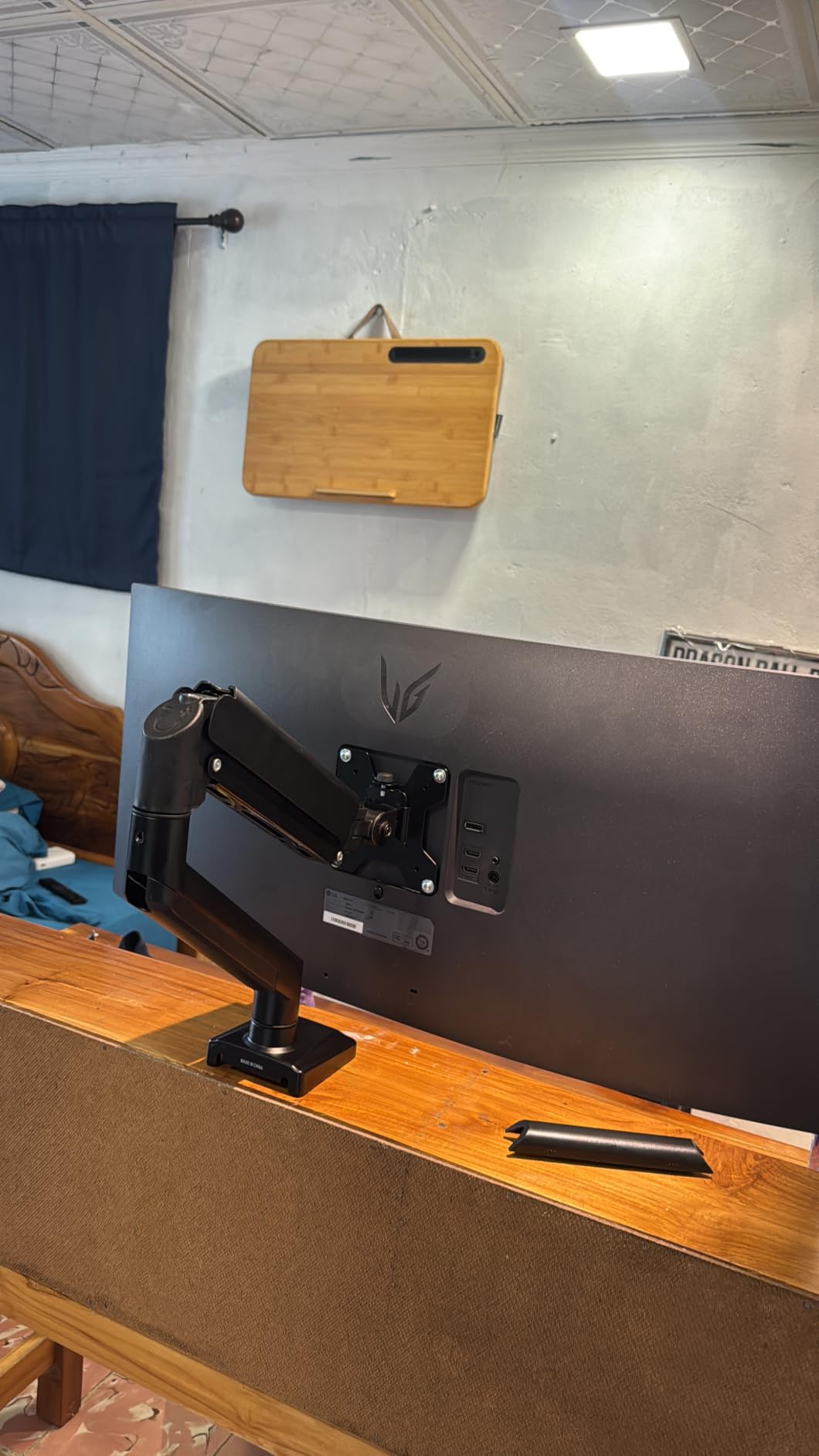
Buyers generally find it does more than the price bracket suggests, with smooth motion and a clean look once cables are routed along the arm. The 10 year warranty is the longest in this group, which is why it still makes the list despite a 4.3 rating.
The complaints are specific and worth weighing. The bolt heads can strip if you adjust the gas spring tension repeatedly, the clamp reaches only 2.76 inch of desktop thickness, and the curved panel rating drops well below the flat panel figure.
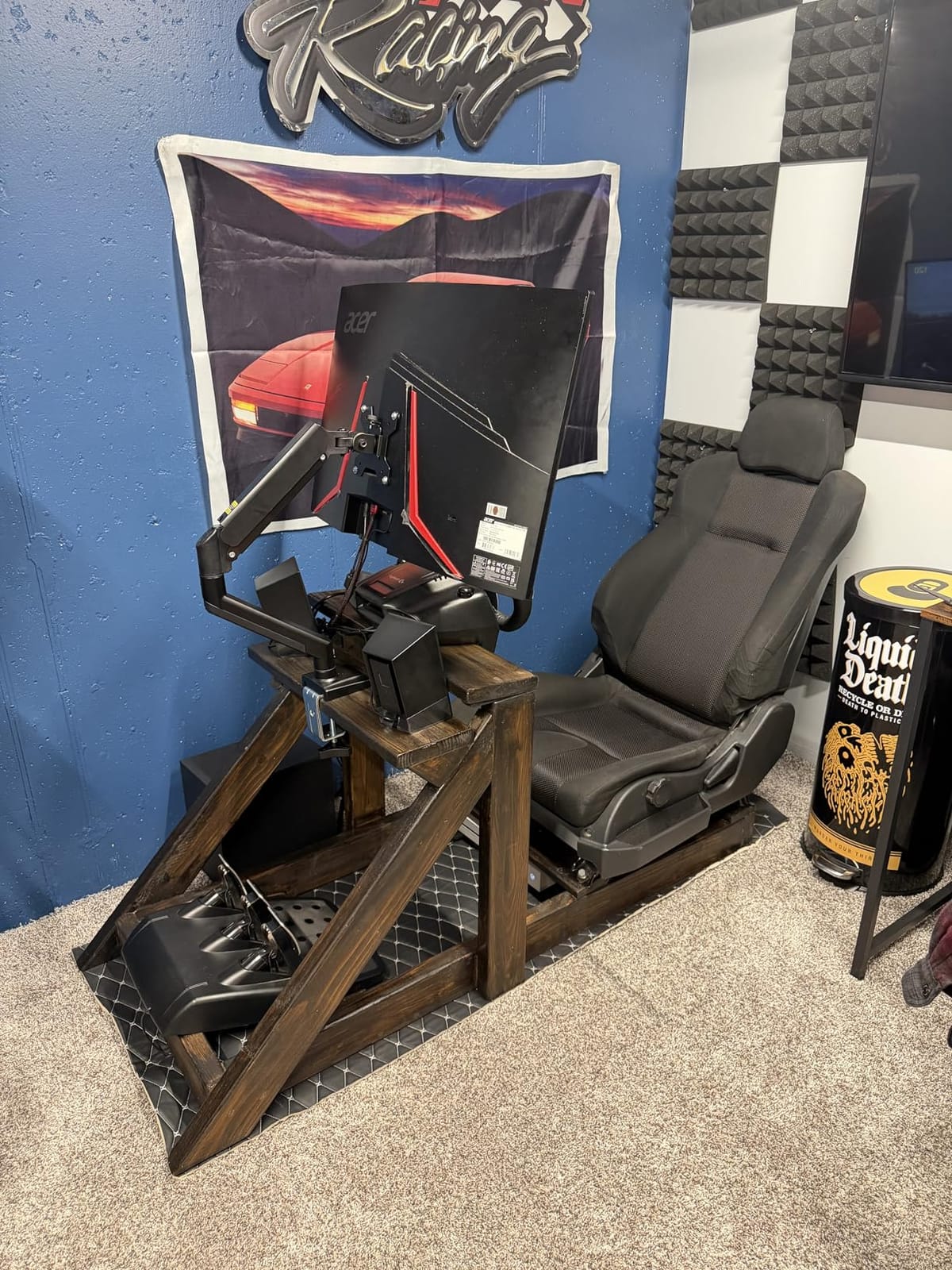
When a full swivel actually helps
A plus or minus 180 degree swivel earns its place when the desk is used from more than one seat, when a second person shares the workstation, or when you want to pull a screen around to the edge of a large desk for a colleague across the table. For a single-user desk facing a wall, it is a nice extra rather than a necessity.
Pay attention to the tension adjustment. Because repeated tuning can strip the bolt heads, set the gas spring once for your panel weight rather than adjusting it every time you change the screen angle.
Best fit for a two-person or shared desk
Combined with the long extension, the swivel makes this the pick for a shared sit-stand station where the same desk serves two people at different times. A single owner with one screen and a wall behind the desk will get more from one of the tall pole mounts earlier in this guide.
Skip it if your desktop is thicker than 2.76 inch or if you carry a heavy curved panel, since the 19.8 lb curved rating is a hard ceiling. Those setups suit a heavy duty arm with a 37.4 lb rating and a wider clamp.
10. ErGear Heavy Duty Monitor Arm for the Heaviest Screens
ErGear Heavy Duty Monitor Arm for 13-49″ Ultrawide Screens, 37.4 lbs Capacity, Full Motion Monitor Desk Mount, Rock-Solid Support, Dual C-Clamp & Grommet Mount, VESA 75×75/100x100mm
Screens 13-49 inch
37.4 lb capacity
Lifts 22.2 inch
10 year warranty
Pros
- 37.4 lb load capacity with a dual C-clamp that spreads the load
- Covers 13 to 49 inch screens on one arm
- Thickened steel arm stays planted while typing
- 22.2 inch lift and 21.2 inch extension
- 10 year durability warranty
Cons
- Not recommended on glass desktops
- Height adjustment needs a screwdriver
- Gas spring tension needs initial tuning
This is the load capacity leader in the group at 37.4 lb, and the reason is a dual C-clamp base that spreads the load across the desktop edge instead of concentrating it. Several reviewers single out that base as the reason the arm stays planted while typing.
It covers the widest size range here, from 13 to 49 inch, on VESA 75x75mm and 100x100mm patterns. It extends up to 21.2 inch and raises up to 22.2 inch above the desktop, which is the tallest lift figure in this guide and the best fit for a sit-stand desk driven hard to full standing height.
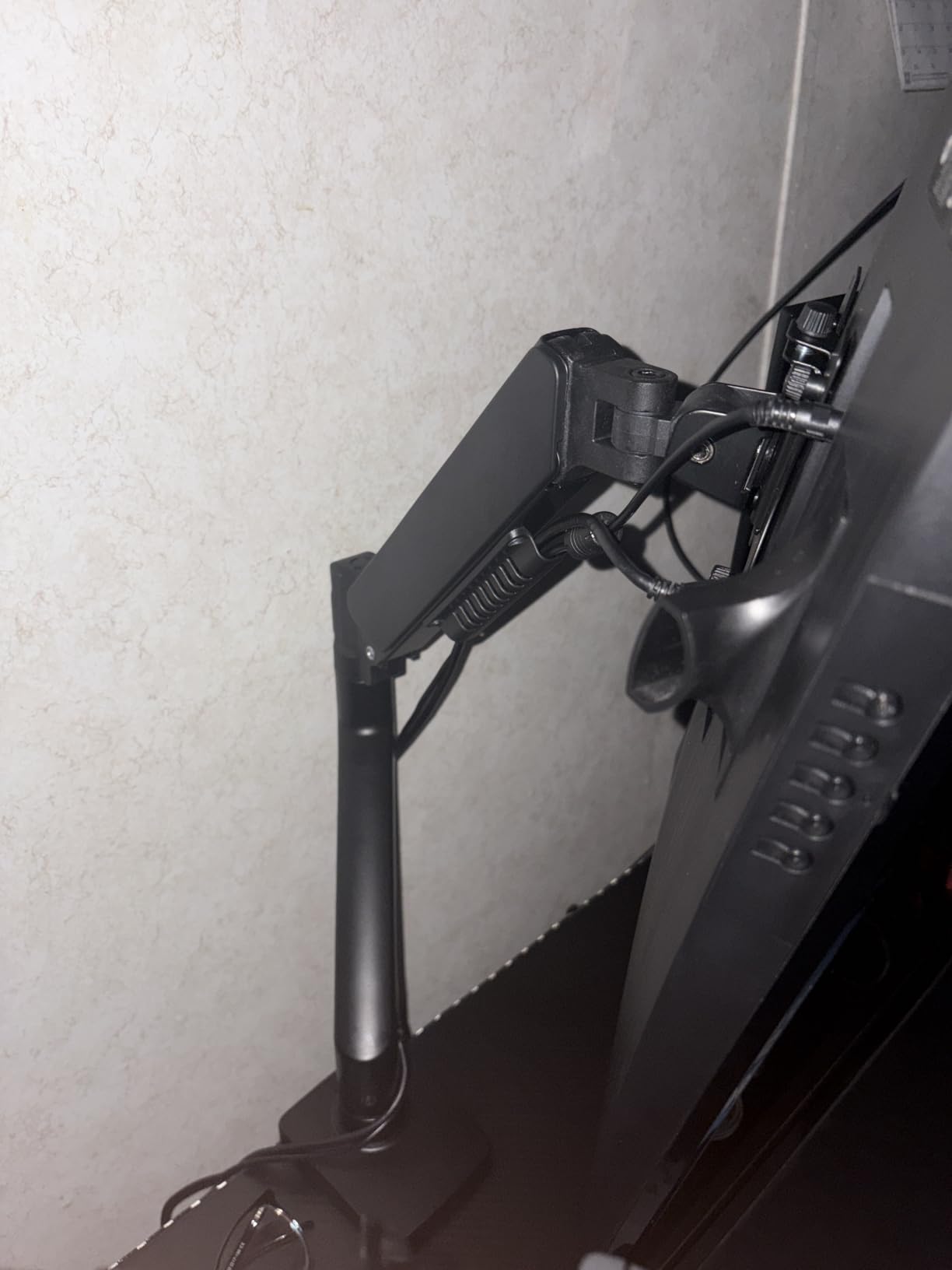
Adjustment is plus or minus 70 degree tilt, plus or minus 90 degree swivel and 360 degree rotation. The design ships pre-assembled with a clear step by step install and all tools included, so the setup is less fiddly than arms that arrive as loose joints and a bag of bolts.
Two practical notes. Height adjustment takes a screwdriver rather than being tool-free, and the clamp is not recommended for glass desktops because of the clamping pressure. The grommet alternative covers desktops from 0.39 to 2 inch and the C-clamp from 0.39 to 3.15 inch.
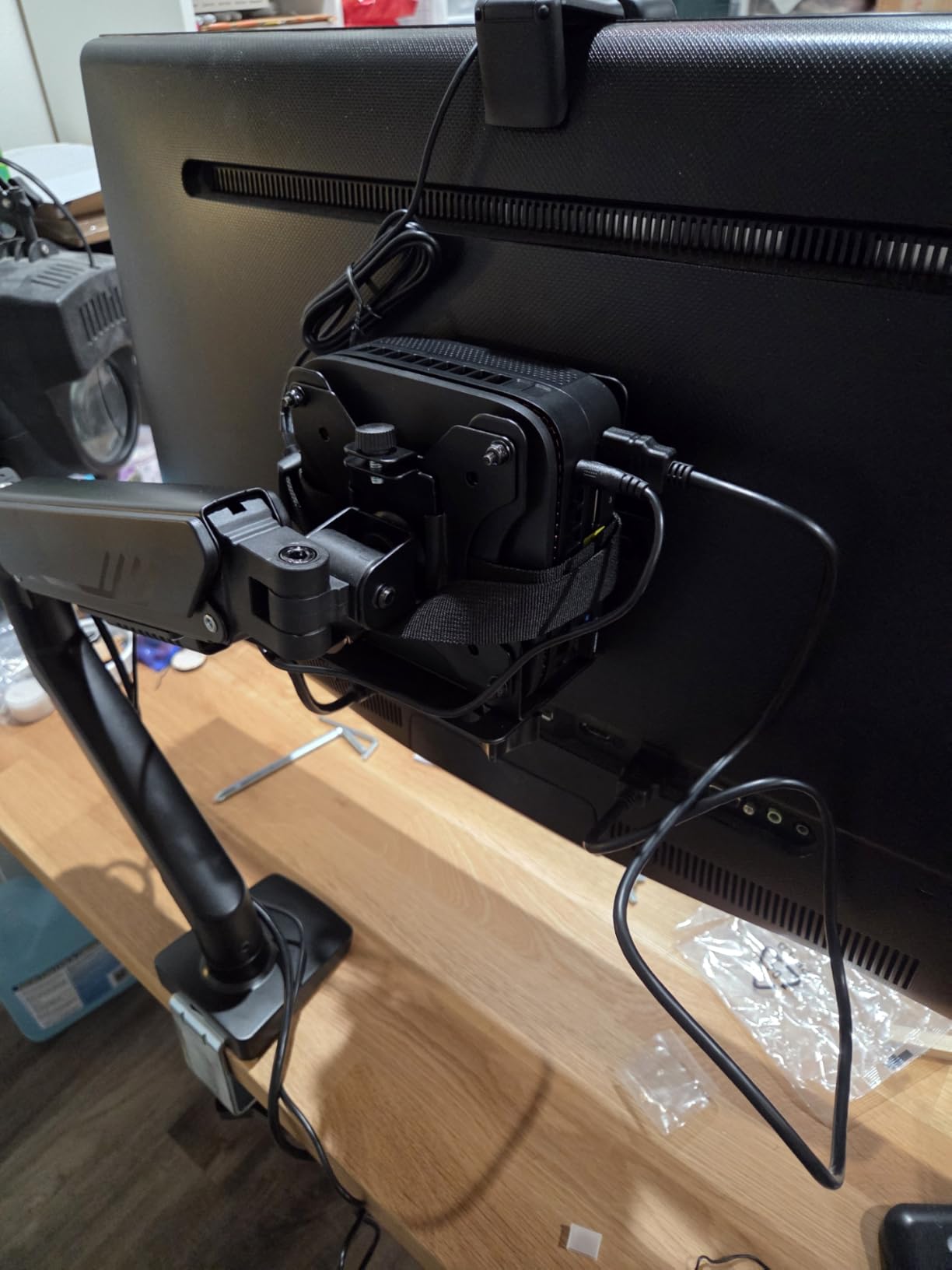
How much lift you need at full standing height
Measure from the desktop to your eyeline when the desk is at its tallest position. If that number is close to 20 inch or more, a short arm simply cannot get there, and a 22.2 inch lift gives you the room plus a little adjustment on the way up.
Watch the rear clearance while you are at it. This arm extends 21.2 inch, so the screen hinge sits well behind the desk edge when pushed forward. On a desk against a wall, confirm you have that space or the arm will not open fully.
Best fit for heavy ultrawides and thick tops
If you run a 38 or 49 inch panel, this is the arm rated to hold it with margin to spare. The 3.15 inch clamp range is also one of the broader ones here, which makes it a candidate for thicker sit-stand tops that a lot of arms cannot grip.
It is still not the answer for frame-plus-crossbar desktops, where effective thickness can reach five or six inches. Those setups need a clamp that opens past four inches, and no mount in this group reaches that far, so a different mounting approach is required.
How to Measure Your Standing Desk Before You Buy
Five measurements take about ten minutes and determine whether an arm works at all. Doing them first prevents the two most common returns in this category, which are a clamp that cannot open wide enough and an arm that cannot reach standing eye level.
- Measure desktop thickness including any frame member or crossbar directly under the rear edge. Measure the total stack where the clamp will sit, not just the top board.
- Measure eye level sitting and standing from the desktop surface to your eyes in each position. The difference is the vertical travel your arm needs.
- Check the monitor weight and VESA pattern on the spec sheet. The bolt pattern is usually 75x75mm or 100x100mm, printed near the mount plate.
- Measure rear clearance from the back of the desktop to the wall. An arm needs several inches there when the screen is pushed forward.
- Check the underside for beams with a flashlight. A clamp cannot seat where a cross beam runs underneath, which is common on frame-plus-top sit-stand desks.
If you are still choosing the desk itself, our standing desk picks for students cover the frame styles that change the thickness math. Thickness and clearance are the two numbers to carry into every product page from here.
Grommet or Clamp: Which Mount Type Fits a Sit-Stand Desk
A grommet mount bolts through a hole in the desktop and is the most stable option because the load goes into the board itself. A C-clamp grips the desk edge with no drilling, which is what most people want on a sit-stand top they may never move again. For most setups, the clamp is the right answer because it is reversible and it fits a wider range of desk types.
The clamp is also the right answer for thick frame-plus-crossbar desks, which is the highest frequency question in standing desk communities. A recurring thread on r/StandingDesk asks about mounts for a Fezibo double-door stand, where the top plus the crossbar pushes effective thickness to roughly five or six inches. No arm in this group reaches that far, and the honest answer is that such a desk needs a clamp designed for it or a grommet mount fitted through the top.
A thin top with a single pole is the easy case. A thick frame desk with a beam under the rear edge is the hard case, and it is worth measuring before you buy anything. Users also caution that a clamp can slide on smooth or bamboo surfaces if tightened insufficiently, so torque matters more than raw force.
One Dual Arm or Two Single Arms on a Standing Desk
Two single arms are the better answer on a sit-stand desk. Independent height control is the entire point of an adjustable desk, and a single dual arm forces both screens to move together, so one person at a tall seated position and the next at a lower standing position cannot both be comfortable.
Two single arms also handle mismatched monitors better. A 32 inch ultrawide paired with a 24 inch panel can be aligned independently on two posts, where a shared-base dual arm tends to leave the smaller screen at an awkward angle. The cost is two clamps and two bases taking up more desk width.
A single dual arm makes more sense when both monitors are the same size and height, when desk width is very tight, or when you want one clamp and one cable run instead of two. In a stacked configuration, the dual arm wins outright, because the vertical arrangement is the whole point.
Monitor Size and Weight to Minimum Arm Capacity
Use the panel weight from the manual, not the diagonal. As a working reference, aim for an arm rated at one and a half times the monitor weight, and check that the arm’s stated range also covers your screen size.
- 24 inch and lighter panels usually fall under 10 lb. Any arm in this group handles them, and the shorter travel models are fine at low desk heights.
- 27 inch productivity panels commonly run 10 to 15 lb. A 19.8 lb rating is comfortable, and 22 lb gives extra margin at full extension.
- 32 inch panels and 34 inch ultrawides often run 17 to 22 lb. Pick 22 lb or higher, because leverage at full extension adds load the rating does not print.
- 38 inch and larger curved panels can exceed 22 lb. Look for the 33 lb and 37.4 lb ratings in this group rather than a 22 lb ceiling.
Curved panels often carry a lower rating than flat panels on the same arm. One mount here handles 26.4 lb flat but only 19.8 lb curved, so check which figure applies to your specific screen before you commit.
How to Mount a Monitor Arm on a Sit-Stand Desktop
Plan on one screwdriver or hex key, the included hardware, and a second pair of hands. Tensioning a gas spring while holding a monitor up is genuinely difficult alone, and the spring will win that contest.
- Lower the desk to its minimum and clear the area behind the clamp point. Working low means you are not holding a screen overhead at head height.
- Position the clamp so the screw pad lands on solid material away from the desktop edge, and away from any beam underneath.
- Attach the VESA plate to the monitor first on a padded surface. Doing it flat is far easier than doing it with the panel on its stand.
- Fit the arm to the plate and lift the monitor on, supporting the weight with one hand while you tighten the plate bolts with the other.
- Tune the gas spring for the panel weight, then check the arm holds position everywhere in the range before you let go.
- Run the cables with slack before you finalise the position. Standard three foot monitor cables pull taut or disconnect at full desk extension.
Budget for six foot cables as a minimum. The cable has to cover the desk travel plus the arm extension plus the drop behind the desktop, and a cable that is too short is the most common cause of a monitor being yanked off a desk mid-movement.
Why Premium Monitor Arms Cost More
Premium monitor mounts cost more because of the parts you cannot see: the counterbalance spring, the steel gauge, the cycle testing, and the warranty behind them. Two arms that look identical on a desk can differ by years of service life, and a mount is one of the few desk items you might never replace once installed.
The measurable differences show up in three places. Load ratings are higher, so a 37.4 lb arm holds what a 19.8 lb arm cannot. Cycle testing is documented, with two mounts here listing internals tested through 20,000 or more adjustment cycles. And warranty length is longer, with 10 year terms on three of the picks here against a one year term on the budget option.
In standing desk communities the reasoning is consistent: owners treat arms as furniture and expect them to last a decade, so they prioritise warranty length and build quality over saving a modest amount. The r/StandingDesk crowd also leans toward gas spring arms specifically because the desk height changes throughout the day.
Fixing Wobble, Sag and Clamp Marks
Visible shake while typing usually means a light arm under a heavy panel, or a clamp that is not seated on solid material. Check the screw pad first, then look at the weight rating. Moving up a size class is usually the fix, and pairing a heavy arm with a thick desktop also reduces the effect.
Flex in the rear of the desktop is common on sit-stand tops and has been reported by owners running two 32 inch monitors on arms with an Ikea Idasen desk. Torque from a cantilevered arm is the cause, so pulling the screen closer to the desk edge, lowering the arm extension, and using a metal spreader plate under the clamp all reduce the leverage.
Clamp marks on soft tops happen with particle board, bamboo and hollow-core surfaces. Tighten only until the arm holds, add a spreader plate, and check periodically that the clamp has not crept. On a glass top, skip clamping entirely and use the grommet base.
Cables disconnecting at full height means the run is too short. Add slack, a cable guide, or replace the cable with a longer one. On a standing desk converter, remember that a heavy arm extended off one side works against the riser and can affect stability, so keep the load centred.
Frequently Asked Questions
What is the best monitor mount for a standing desk?
A gas spring arm with at least 15 inches of vertical travel, a clamp that fits your desktop thickness, and a load rating at least 1.5 times your monitor weight. Tall pole mounts suit users over six feet, while a wide swivel arm is useful on shared desks. Check the underside for cross beams before ordering, since a clamp cannot sit where a beam runs underneath.
Do I need a monitor arm for a standing desk?
Yes, if you switch between sitting and standing. A fixed monitor stand holds one height, so the screen ends up below your eyeline when the desk is raised, which is the posture problem the desk was meant to solve. The arm also lets you push the screen fully back to free the desk surface, which owners in standing desk communities cite as a main reason for owning one.
Is a grommet or clamp better for a standing desk?
A clamp is usually better because it needs no drilling and fits a wider range of desk types, and it is reversible if you ever move the desk. A grommet mount is more stable because the load goes through the board, and it is the only workable option on a thick frame-plus-crossbar desk where effective thickness reaches five or six inches. Check the underside for beams before clamping.
Can I use a dual monitor arm with a standing desk?
Yes, as long as the clamp fits your desktop thickness and the weight rating covers each panel. Two single arms are usually better on a sit-stand desk because each screen can be set at a different height for different users. A single dual arm works well when both monitors are the same size or when you want a stacked vertical layout in a narrow desk space.
Why are premium monitor arms so expensive?
The cost sits in the counterbalance spring, the steel gauge, the cycle testing and the warranty. Higher-rated arms carry more load, some are documented as tested through 20,000 or more adjustment cycles, and the longest warranties here run 10 years against one year on the cheapest option. Forum owners treat arms as furniture and expect a decade of service.
Will a monitor arm damage my standing desk?
It can, on soft tops. C-clamps can dent particle board, bamboo and hollow-core surfaces, especially on sit-stand tops that flex under load. Tighten only until the arm holds position, fit a metal spreader plate under the clamp, and check periodically that the clamp has not crept. Skip clamping on glass and use the grommet base instead.
Which Monitor Mount Wins in 2026
The VIVO Dual Monitor Desk Mount STAND-V002 is the best monitor mount for standing desks in 2026 for most people. It carries two panels, has the most reviews of anything we tested, and stays steady while the surface underneath it moves. For a tall user, the VIVO 39 inch pole or the WALI 31.5 inch pole puts the screen at the right height. For a single ultrawide, the WALI 49 inch arm or the ErGear heavy duty arm carries the load.
Measure your desktop thickness, your eye level sitting and standing, and your rear wall clearance before you order. Those three numbers decide whether an arm fits, and no amount of adjustment range will fix a clamp that cannot open.