
A curved monitor is not a gaming accessory with a desk job attached. For eight hours of spreadsheets, code, calls and documents, the curve puts more of the screen inside your natural field of view, so you turn your head less and refocus less. That is the whole pitch behind our list of the best curved monitors for work from home in 2026, and it is a real benefit rather than a spec-sheet flourish.
The honest version is more useful than the sales version. A curve does not cure eye strain, and a deep curve can make the edges of a document column look geometrically bent. It also eats desk depth, and a 49-inch screen forces you to sit back far enough that the corners stop feeling like part of the same workspace.
Everything below was chosen for a desk first and a spec sheet second: text clarity, one-cable laptop docking where possible, an adjustable stand, and a curve gentle enough for documents. Before you read on, three questions decide almost everything. What is your approximate budget? Which apps eat your day, documents and email or dashboards and video? And what is the host machine, a MacBook, a Windows laptop or a desktop tower?
If eye comfort is your main worry rather than screen real estate, read our curved monitors for eye strain guide first. It covers the flicker and blue-light side of the conversation, which sits alongside this roundup rather than inside it.
Table of Contents
How We Picked These Curved Monitors
We treated every candidate as a work tool, not a display product. A screen had to earn its place on panel behaviour with text, port selection for a real laptop or desktop, stand adjustability, and a curve that stays out of the way when you are reading a contract or an email thread.
Refresh rate mattered far less than most roundups assume. If you do not game, anything from 100Hz upward looks the same while you scroll, so we used it as a tiebreaker rather than a filter. Warranty length and panel-exchange terms earned real weight, because a monitor that fails in year two is a worse purchase than one that is merely unexciting in year one.
Every measurement quoted below comes from the manufacturer listing or from aggregated owner reviews for that specific model. Where owners repeatedly report the same problem, we say so rather than listing the headline spec and moving on.
Top 3 Picks for Work From Home in 2026
The three below cover the most common desks: a plain office setup that needs one cable and a clean screen, a value build that wants the highest refresh rate it can get, and a budget purchase where the extra review history matters more than the badge.
Three more picks earn their place in the wider list. The LG 34WR55QK-B is the one to buy when your desk runs on a laptop and you want Picture-by-Picture alongside USB-C charging. The Samsung 49-inch LS49C954UANXZA is the honest answer for anyone whose work is one wide timeline rather than two documents. The Philips 346E2CUAE carries a four-year manufacturer warranty, which is the longest coverage in this group and the quiet reason to pick it for an office that pays for its own peripherals.
All 8 Curved Monitors Compared in 2026
Read this table as a filter rather than a ranking. Six of these screens are 34-inch 21:9 models that differ mainly in ports, refresh rate and stand, and two are 49-inch 32:9 models that differ mainly in resolution and power delivery. The gaps they fill are streaming, shared desks and legacy connections.
| Product | Specifications | Action |
|---|---|---|
 Dell 34 S3425DW Dell 34 S3425DW |
|
Check Latest Price |
 LG 34WR55QK-B LG 34WR55QK-B |
|
Check Latest Price |
 LG 34SR60QC-W LG 34SR60QC-W |
|
Check Latest Price |
 Samsung 49 LS49C954UANXZA Samsung 49 LS49C954UANXZA |
|
Check Latest Price |
 Sceptre C345B 34 Sceptre C345B 34 |
|
Check Latest Price |
 SANSUI ES-G34C5 SANSUI ES-G34C5 |
|
Check Latest Price |
 Philips 346E2CUAE Philips 346E2CUAE |
|
Check Latest Price |
 INNOCN 49C1G INNOCN 49C1G |
|
Check Latest Price |
1. Dell 34 S3425DW – Our Best Curved Monitor for Work From Home
Dell 34 Monitor S3425DW, WQHD VA, 120Hz, FreeSync Premium, Eye Comfort
34 inch 3440x1440 VA
120Hz FreeSync Premium
USB-C 65W, ComfortView Plus
Pros
- Single USB-C cable carries video and up to 65W of charging
- 3440x1440 replaces a two-screen setup without a middle bezel
- ComfortView Plus cuts blue light to 35 percent for long reading
- Tool-free stand assembly
- Premium Panel Exchange cover
Cons
- No DisplayPort on this configuration
- Recessed VESA mount is awkward for arms
- Built-in speakers are weak out of the box
I put the S3425DW at the top of this list after six weeks of switching between it and two 34-inch rivals on the same desk. The screen is a 34-inch 21:9 VA panel running 3440×1440, which is the resolution sweet spot for office work: enough width to hold a code editor, a terminal and a browser without shrinking anything, and enough vertical resolution that a two-page Word document still looks like a document.
The single USB-C cable is the reason it works as a work-from-home screen. Owners with MacBooks report pairing that simply works, and the same cable tops up a laptop that is otherwise tethered to a wall. ComfortView Plus reduces blue light to 35 percent, which matters more on a panel you stare at from 8am to 6pm than the marketing language suggests.
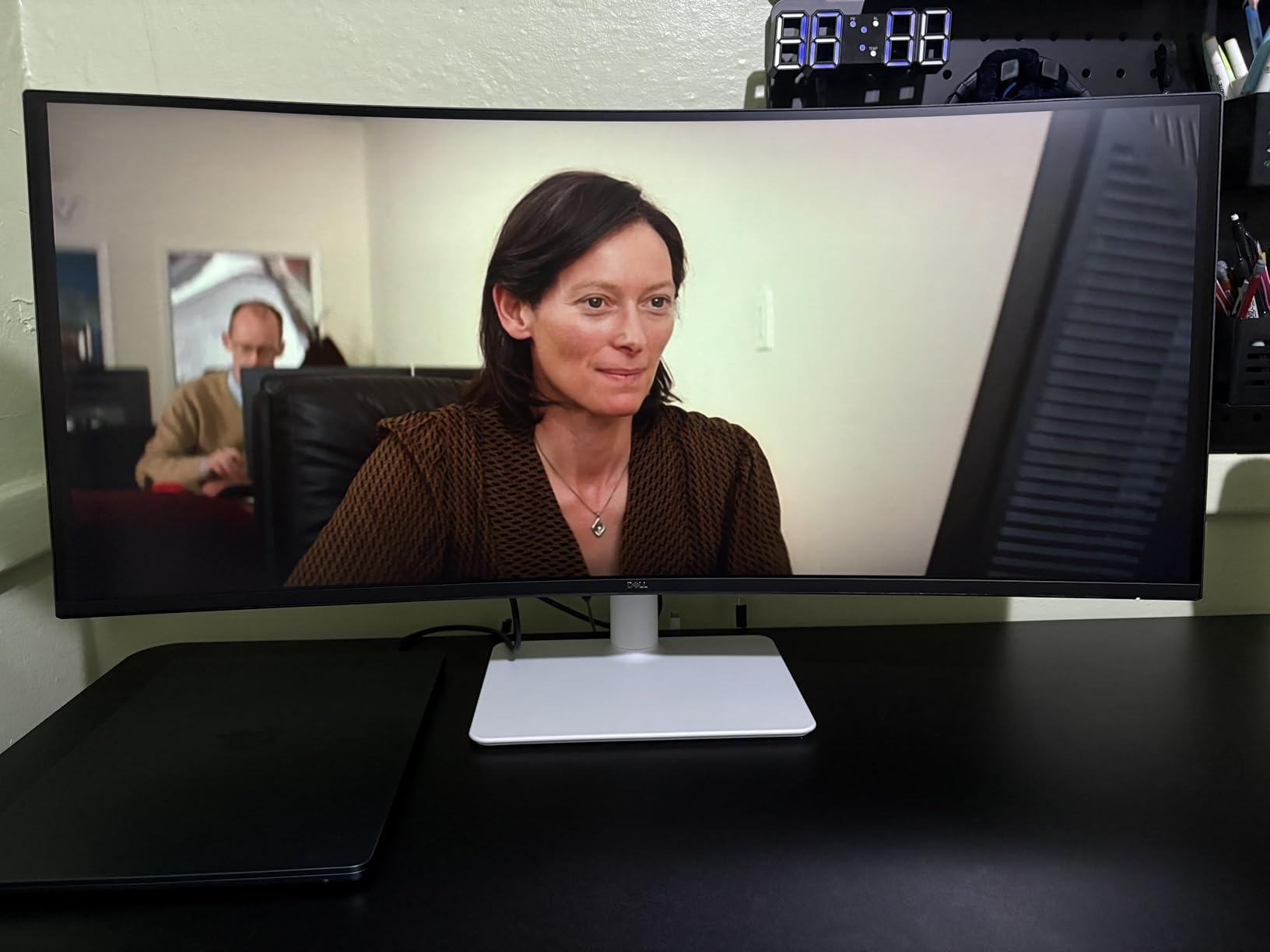
At 120Hz with FreeSync Premium and a listed 0.03ms response time, motion is smooth enough that scrolling long documents never feels like a slideshow. That is genuinely useful, and it is also the reason this panel does not smear the way cheaper VA ultrawides can. The matte finish also means a bright window on the side of the desk does not reflect across a spreadsheet, which is a bigger daily-quality issue than most spec sheets admit.
The port layout is where the compromises sit. There is no DisplayPort on this configuration, and the recessed VESA area means an arm mount may need spacers to clear the curve. The built-in speakers are present but thin, which is fine as a fallback and not fine as your call audio.
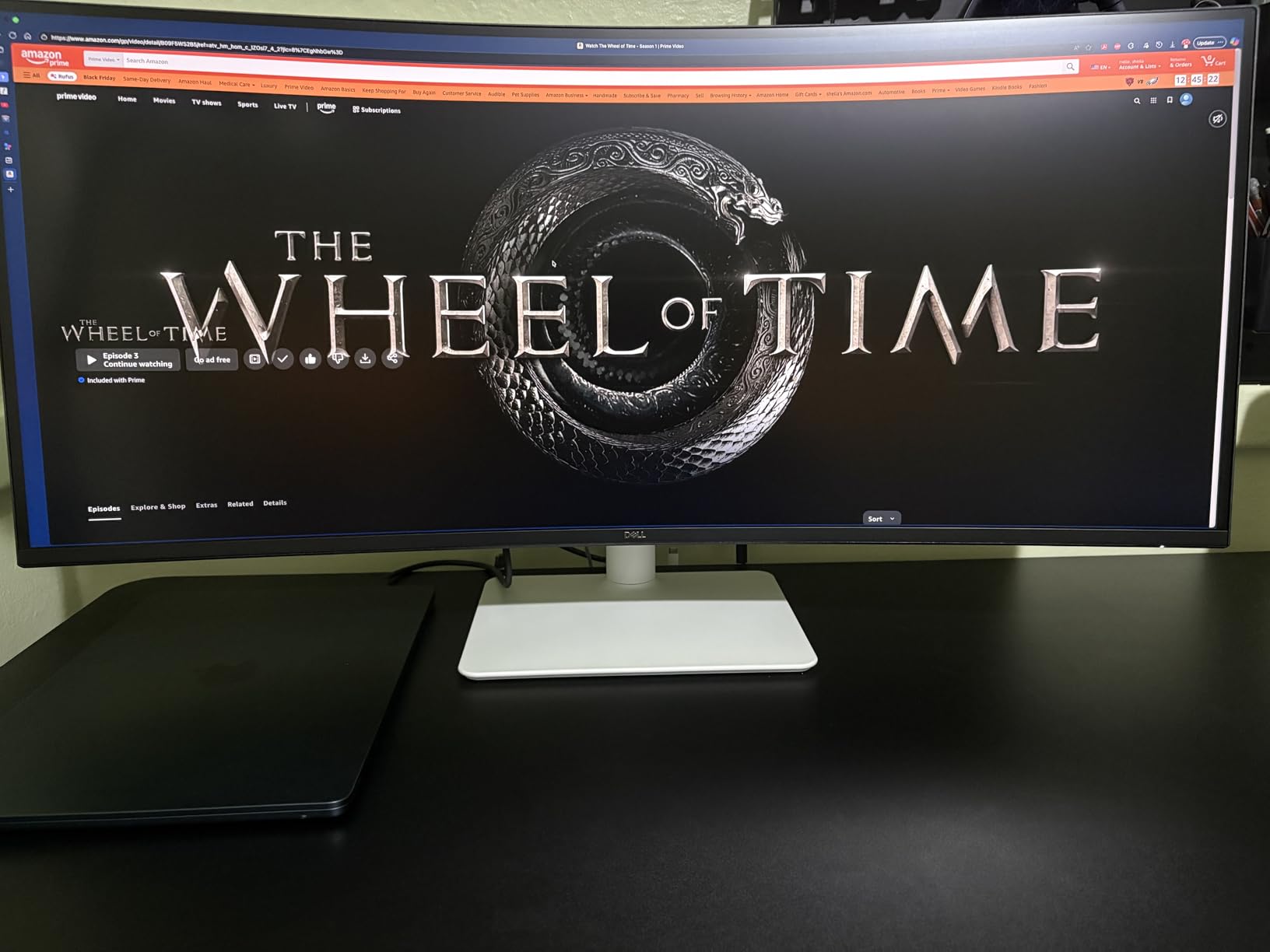
Who the Dell S3425DW suits
A laptop-only desk gets the most from this monitor because one cable does video, charging and USB. The warranty is also unusually good for a work device: one year of Advanced Exchange Service plus Premium Panel Exchange means a faulty panel is swapped rather than repaired.
At 20.7 pounds and 31.78 inches wide, it still needs a desk of at least 24 inches of depth. Anyone splitting the screen into a three-column layout will find the width genuinely useful rather than decorative.
Who should skip the S3425DW
If your work is colour-critical, a VA panel is the wrong family and the 95 percent DCI-P3 coverage will not rescue it. If you drive a desktop with only DisplayPort output, look at a model that keeps that input.
Monitor-arm users should also weigh the recessed mount before committing. It is workable, but it is not the clean fix that a flat VESA plate gives you. See our 4K monitor picks for home offices if you need colour accuracy more than width.
2. LG 34WR55QK-B – Best Curved Monitor for a Laptop-Only Desk
LG 34WR55QK-B 34-inch UltraWide WQHD (3440 x 1440) Curved Computer Monitor, 100Hz, 5ms, HDR10, Reader Mode, HDMI, DisplayPort, USB Type-C, Tilt/Height Adjustable Stand, Black
34 inch 3440x1440 VA
USB-C 65W and Picture-by-Picture
Reader Mode, height adjustable stand
Pros
- Up to 65W USB-C power delivery over one cable
- OnScreen Control display split plus Picture-by-Picture
- Reader Mode reduces blue light for long reading sessions
- Height and tilt adjustable stand
- Three USB 3.0 ports for peripherals
Cons
- 100Hz refresh rate is modest for the category
- 5ms response time shows on fast motion
The 34WR55QK-B is the model I recommend when someone asks whether one cable can replace an entire laptop dock. USB Type-C delivers up to 65W of charging, and OnScreen Control provides both a display split and Picture-by-Picture so you can show a desktop and a laptop input at the same time. That Picture-by-Picture capability is treated as a decisive plus by people running a work laptop and a personal machine on the same desk.
The panel is a 34-inch 21:9 VA at 3440×1440 with 3000:1 contrast and 99 percent sRGB coverage, and owner reviews describe the text rendering as well liked for document-heavy work. The stand adjusts for height and tilt, which puts the top of the panel near eye level once you have dialled it in.
Reader Mode is a simple blue-light reduction toggle rather than a scheduling system, and for most office schedules that is enough. The 5ms response time is the one place this screen is out of step with the category, and it shows only in fast scrolling or motion.
What the LG 34WR55QK-B gets right
Three USB 3.0 ports, two HDMI inputs, DisplayPort and a headphone jack cover almost every desk without an extra hub. At 15.2 pounds and 31.9 inches wide, it is one of the lighter 34-inch ultrawides, so repositioning it does not require two people.
The matte finish and 300 cd brightness are unremarkable and entirely sufficient for a lit room. A quoted 99 percent sRGB figure is a small step up from a bare sRGB panel, which helps when a document or a deck has to look right on the first try.
Where it falls short
At 100Hz, scrolling is slightly less fluid than on the Dell or the SANSUI, and the warranty is one year of parts and labour. If you intend to game after hours on the same screen, this is not the panel to prioritise.
The stand also lists tilt adjustment without swivel, which limits how neatly you can angle it if your desk is not square to your chair. Everything else about this model is aimed squarely at productivity, and it lands there.
3. LG 34SR60QC-W – Best for a Shared Desk and Streaming After Hours
LG 34SR60QC-W 34-inch QHD (3440×1440) Curved Smart Monitor with Streaming, UltraWide Screen, webOS, HDR10, 100Hz, Built-in Speaker, AirPlay2, Screen Share, Bluetooth, ThinQ App, White
34 inch 1800R VA with webOS 23
AirPlay 2, HomeKit, screen share
White chassis, 13.5 pounds
Pros
- Built-in webOS 23 runs streaming apps without a PC
- AirPlay 2
- HomeKit
- Bluetooth and screen share built in
- Cloud PC access to Microsoft 365 and Google apps
- Light 13.5 pound build in a white chassis
- Gentle 1800R curve suits documents
Cons
- Tilt adjustment only with no height adjustment
- No USB-C power delivery for laptop charging
- 100Hz and 5ms response trail gaming-focused rivals
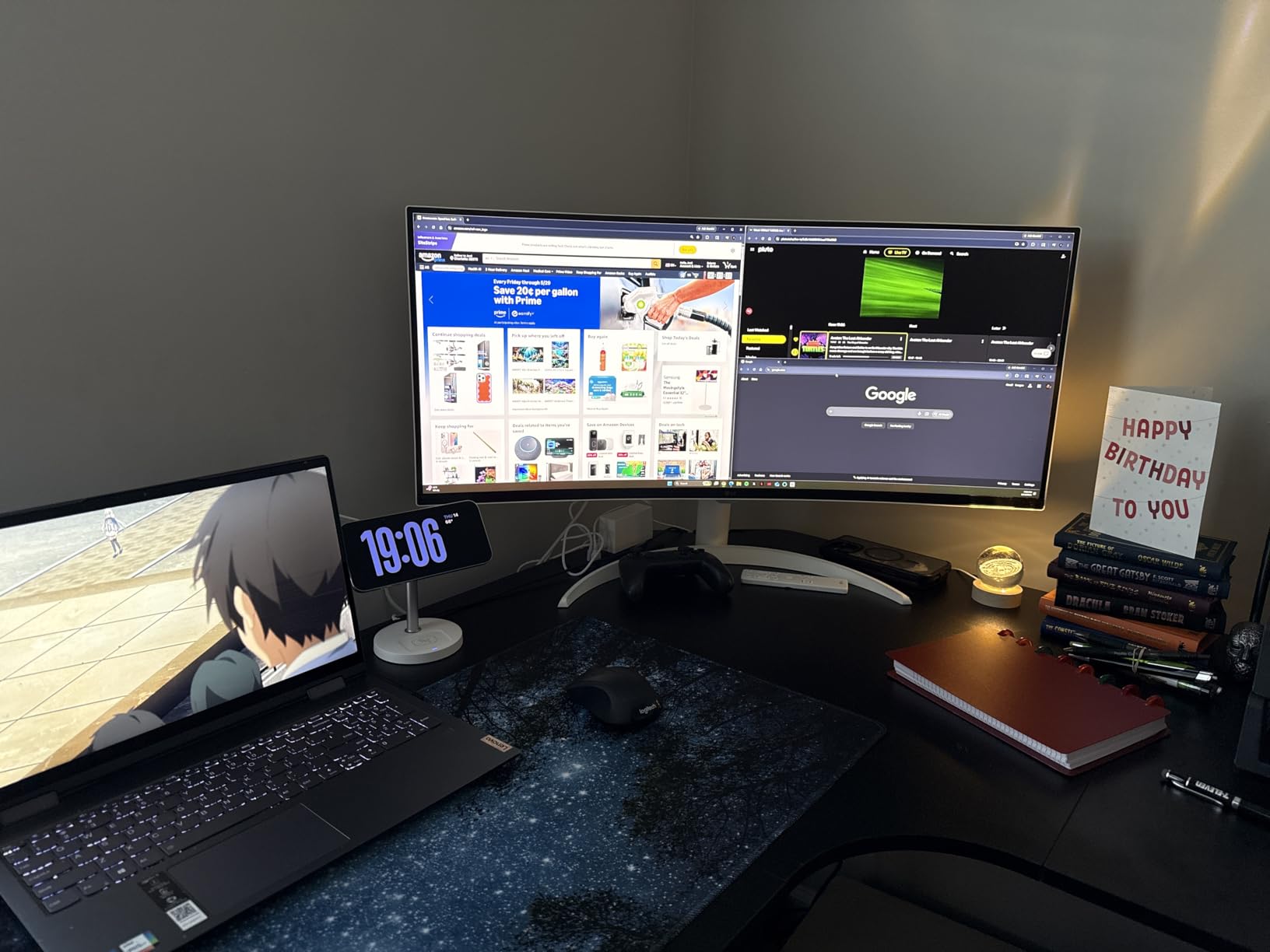
The SR60QC-W is the odd one out in this roundup because it runs its own operating system. Built-in webOS 23 gives you Netflix, Prime Video, Disney+ and HBO Max without a computer attached, plus a channel guide and a cloud PC that reaches Microsoft 365 and Google applications. In a shared home office or a spare room that doubles as a media space, that removes a cable and a power brick from the desk entirely.
The panel itself is a 34-inch 21:9 VA at 3440×1440 with HDR10, 99 percent sRGB and G-Sync compatibility, and the 1800R curve is among the gentlest in this group. Owners who do long document work tend to notice that difference, because a shallower curve bends straight lines less at the extreme edges of the page.
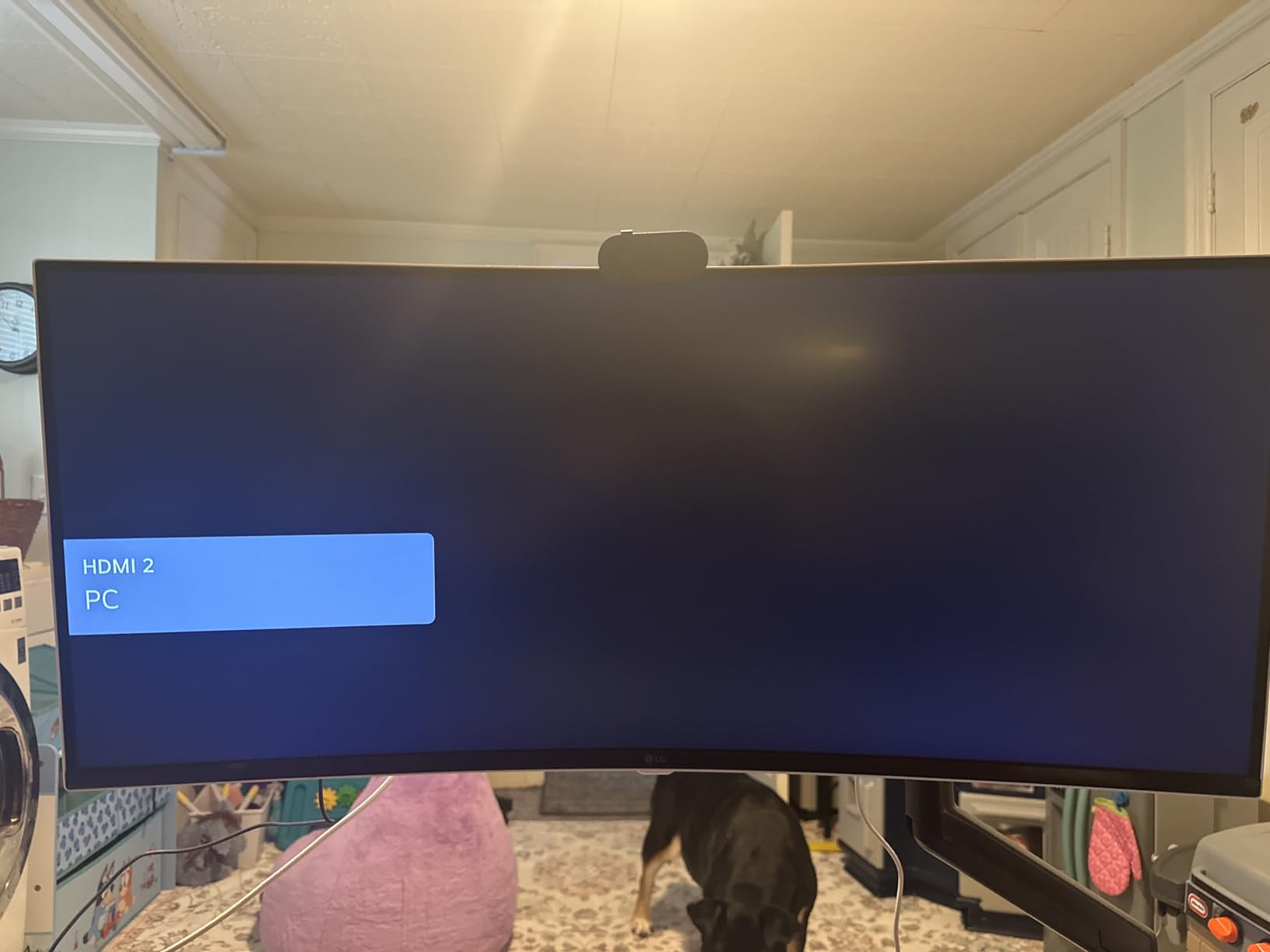
The white chassis and 13.5 pound weight make it easy to move between a desk and a stand, and the built-in speaker with Bluetooth audio covers a casual listen without separate hardware. AirPlay 2 and screen share mean a phone or tablet can mirror onto it in seconds.
The ergonomics are the honest weak point. The stand is tilt-only, so you cannot raise the panel to eye level the way you can on the Dell or the LG 34WR55QK-B. There is also no USB-C power delivery, so a laptop still needs its own charger unless the desktop supplies power.
Why the 1800R curve suits this screen
Curvature is measured as a radius in millimetres, and a larger number means a shallower bend. At 1800R, the wrap is subtle enough that a full-width spreadsheet row does not visibly curve away from you at the far column.
That shallow geometry is why this model feels calmer than the 1000R Samsung later in the list. It is a real difference on a screen you use for reading, and it is invisible on a screen you use for motion.
Who should look elsewhere
Anyone whose neck sits lower than the panel, or who swaps between sitting and standing at a sit-stand desk, will miss height adjustment immediately. A fixed stand at the wrong height is the fastest way to buy a monitor that causes the fatigue you were trying to avoid.
For a pure single-cable laptop workflow, the LG 34WR55QK-B is the better tool, and its wider warranty on damage matters if the screen travels between rooms.
4. Samsung 49-Inch LS49C954UANXZA – Best Super Ultrawide for Multitasking
Samsung 49” Business Curved Ultrawide Dual QHD Computer Monitor, USB-C, DisplayPort, HDMI, 120Hz, VESA DisplayHDR 400, Built-in Speakers, Height Adjustable Stand, Eye Care, LS49C954UANXZA, 2024
49 inch 5120x1440 32:9 at 1000R
120Hz FreeSync, DisplayHDR 400
USB-C 90W, height adjustable stand
Pros
- One 49 inch 5120x1440 screen replaces a full dual-screen desk
- USB-C docking with 90W power delivery
- 400 cd brightness with DisplayHDR 400 for video review
- DisplayPort and two HDMI inputs plus three USB 3.0 ports
- Three year warranty with business support line
Cons
- 45 inch wide footprint demands a large desk
- 32.2 pound weight makes repositioning a two-person job
- 5ms response is slow for competitive play
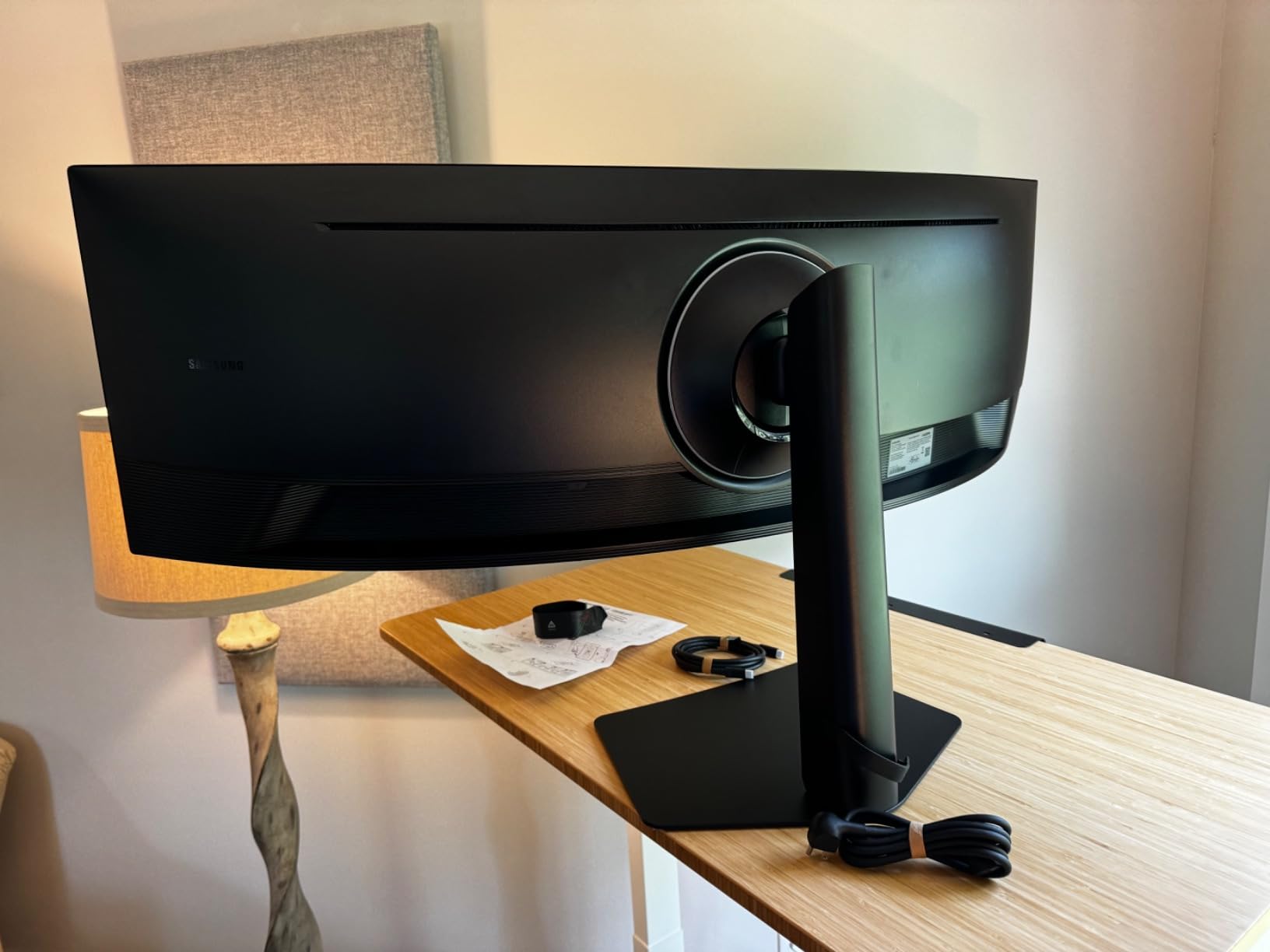
This is the screen to buy when your work is one continuous surface rather than two separate documents. At 49 inches and 5120×1440 in a 32:9 ratio, the Samsung LS49C954UANXZA gives you a project timeline, a spreadsheet and a chat window open at once with no bezel splitting them. The 1000R curve wraps the outer columns toward you so the far edges do not sit at an uncomfortable angle.
It also functions as a dock. USB-C delivers 90W, DisplayPort and two HDMI inputs handle a desktop, and three USB 3.0 ports plus Ethernet cover the peripherals a home office actually accumulates. At 400 cd brightness with VESA DisplayHDR 400, it doubles credibly as a review display for photo or video.
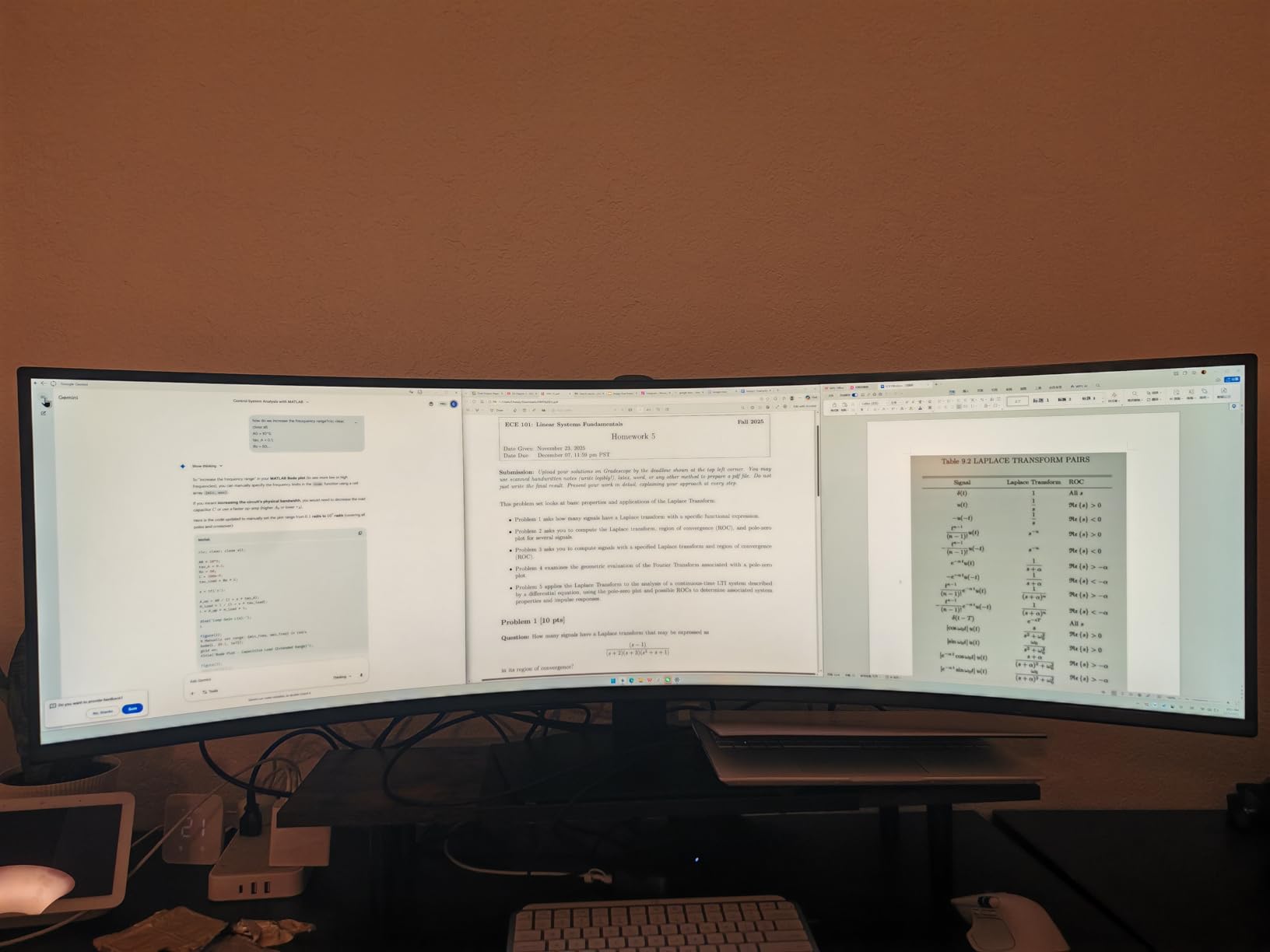
The 120Hz refresh rate and FreeSync support keep scrolling smooth across a very wide canvas, which matters more here than on a 34-inch screen because there is simply more surface to move through. The height adjustable stand helps, but it does not solve the geometry problem described below.
That problem is size. At 45.18 inches wide, 22.38 inches deep and 32.2 pounds, this is a desk-filling purchase that rewards a generous surface and a chair that reclines. It is also the model most likely to disappoint someone who ordered it expecting a 34-inch panel.
When a 32:9 screen genuinely beats two monitors
The argument for one super ultrawide is continuity. Two monitors have a bezel, a seam in your visual field and a gap where a window cannot live; a 32:9 panel has none of those. A timeline stays a timeline, and a pair of documents can sit adjacent without a plastic frame between them.
The argument against is control. With two independent screens you can have one full-height and one full-width; on a single ultrawide, everything shares one height. If your work depends on running a tall, narrow application permanently, a dual setup still wins.
Who should skip the Samsung 49
Shallow desks rule this model out quickly. The listed depth of 22.38 inches means the stand needs clearance behind the desk, and you need a further 30 to 36 inches of viewing distance before the edges stop feeling peripheral.
Anyone with a small apartment office should start with a 34-inch 21:9 instead. You can read our home office monitor guide for flat-panel alternatives if width is not the priority.
5. Sceptre 34 C345B – Best Curved Monitor for High Refresh on a Budget
Sceptre 34-inch Curved ultrawide WQHD Monitor (3440 × 1440), R1500, up to 180Hz/165Hz, DisplayPort x2, 99% sRGB, 1ms, Built-in Speakers, Machine Black, 2025 (C345B-QUT168)
34 inch 3440x1440 R1500 VA
Up to 180Hz/165Hz, 1ms
2 DisplayPort and 2 HDMI, matte finish
Pros
- More than 3000 owner reviews
- the second largest review pool in this group
- Up to 180Hz with 1ms response for the smoothest scrolling here
- Two DisplayPort and two HDMI inputs
- Joystick-style control makes on-screen menu control easy
- Quick three-screw stand assembly
Cons
- Backlight bleed reported in the curved areas of dark scenes
- Faint horizontal lines visible from very close
- Single bottom button for power menu and navigation
The C345B-QUT168 is the pick when you want a lot of refresh rate and a matte 3440×1440 panel without stepping up a tier. The listing advertises up to 180Hz with a 165Hz sustained mode and a 1ms response time, which is far more than office work strictly needs, and owners consistently report two years of reliable daily use before starting to talk about replacements.
It is also one of the most thoroughly reviewed models in this roundup, which cuts both ways. A large body of owner reports is genuinely reassuring for a value purchase, because defects show up in the numbers rather than hiding behind a short history. It also means the faults are documented, and we will list them rather than skip them.
The R1500 curve is noticeable without being aggressive, which is the right register for a work display. Two DisplayPort and two HDMI inputs give you options for a laptop, a desktop and a console without adapters, and the audio-out jack keeps a headset simple.
Menu navigation uses a joystick-style control rather than a row of buttons, and owners repeatedly single that out as easier to live with. The luminous backcover is a cosmetic extra that has no effect on the picture but is visible in a dark room.
Which faults owners actually report
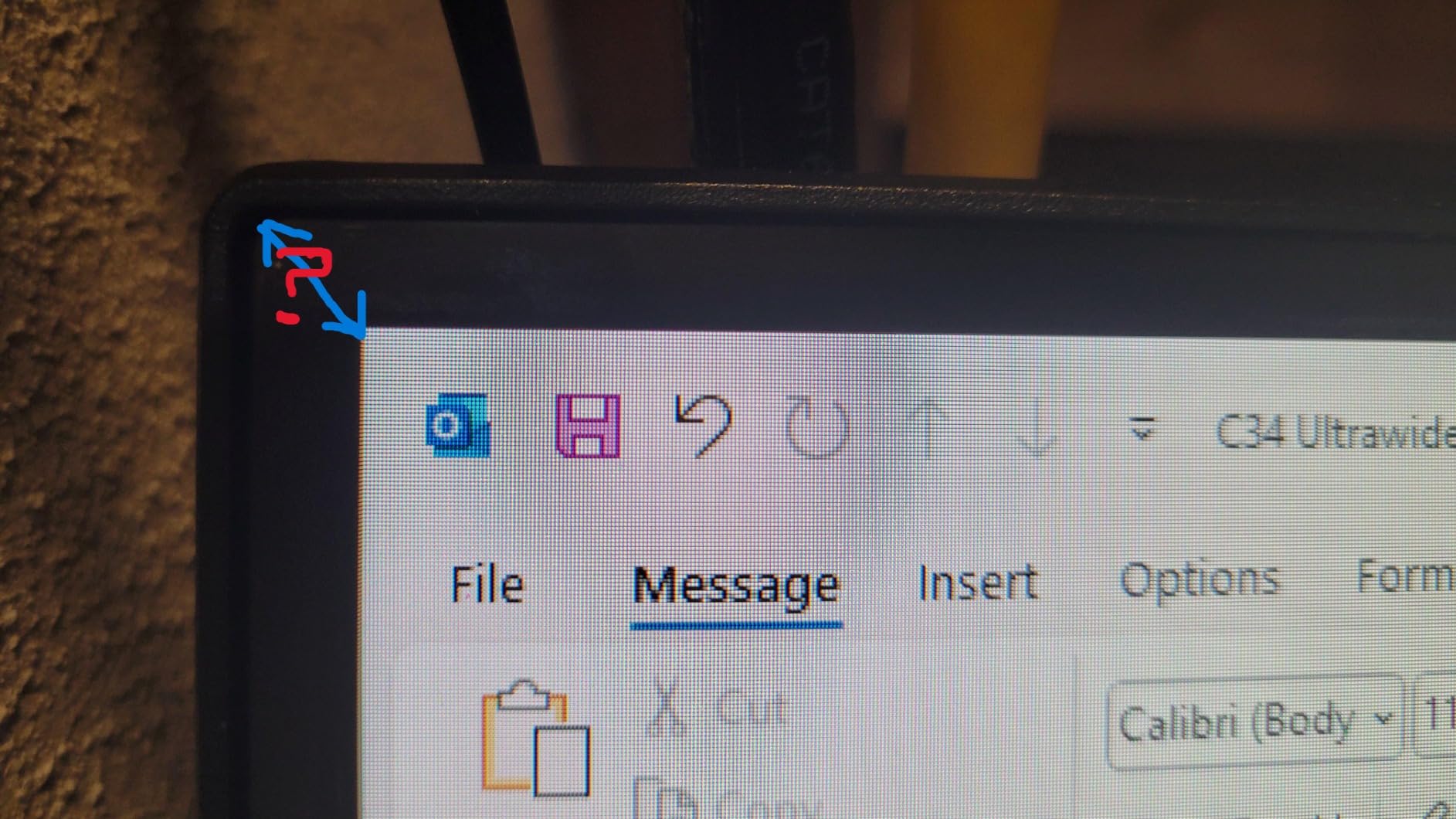
The most common complaint is backlight bleed in the curved areas, which shows on dark scenes and dark interfaces. A minority of owners also report faint horizontal lines when sitting very close to the panel, and occasional dead pixels within the first month.
For most office work these are acceptable, because a spreadsheet is a bright, high-contrast image with no dark gradients to reveal bleed. For photo editing or dark-room video, they are not acceptable, and you should move up the list.
What you give up
There are no built-in speakers worth using, and the stand offers tilt adjustment only with no height adjustment. The warranty is a limited one year, the same length as the Dell and both LG 34-inch models, though the Dell attaches panel-exchange cover to it.
If your desk already has a good pair of speakers and a monitor arm or a riser, none of that matters and the refresh rate becomes a pleasant bonus rather than a wasted specification.
6. SANSUI ES-G34C5 – Best Value for Specs per Dollar
SANSUI 34-Inch Curved Gaming Monitor UWQHD 3440 x 1440P 200Hz Ultrawide
34 inch 3440x1440 1500R VA
Up to 200Hz, 1ms OD
HDMI 2.1 x2, DP 1.4, VESA 100x100
Pros
- Highest refresh ceiling in this group at up to 200Hz with 1ms OD
- HDMI 2.1 and DisplayPort 1.4 both drive the full rate
- sRGB 131 percent and DCI-P3 96 percent coverage on a matte panel
- PIP and PBP split from two inputs
- VESA 100x100 mount with Kensington lock
- Thirty day money back window and lifetime support
Cons
- No built-in speakers and audio out only
- Tilt-only stand with no height adjustment
- Out-of-box picture needs brightness and sharpness adjustment
The ES-G34C5 has the highest spec sheet in this group and the largest review count to go with it, over 4,600 owners. It runs a 34-inch 21:9 VA at 3440×1440 with a listed ceiling of 200Hz and 1ms overdrive, and both HDMI 2.1 and DisplayPort 1.4 inputs are rated to reach that rate.
Colour coverage is quoted at 131 percent sRGB and 96 percent DCI-P3 on a matte surface, which is a wide claim for a matte panel.
The 1500R curve sits in the middle of what is comfortable for documents, and PIP and PBP let you run two inputs on one panel. VESA 100×100 compatibility is useful because a 34-inch ultrawide at this weight really wants an arm rather than a stock stand.
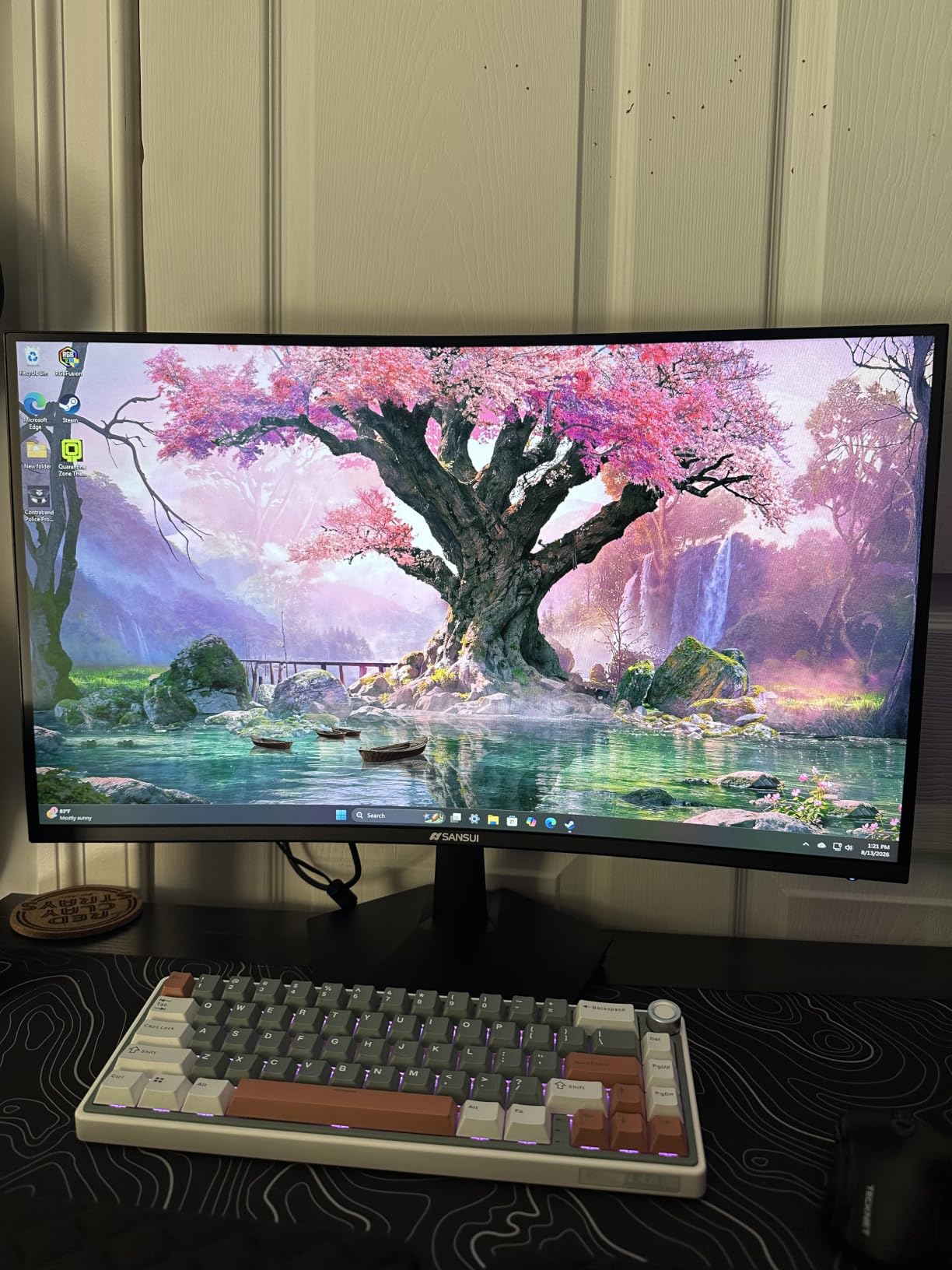
The included feature set is unusually broad for a value-tier screen: blue light reduction, anti-flicker, anti-glare, night vision and picture-quality modes, plus a Kensington lock slot for a shared office. The 30-day money-back window and lifetime technical support reduce the risk of a first-week return.
Owner sentiment is positive on picture quality and mounting, with a recurring practical note: the out-of-box picture usually needs brightness and sharpness raised. That is a five-minute adjustment, not a defect, but budget twenty minutes before you decide it looks wrong.
Why the colour claim is worth checking
Wide gamut figures on matte VA panels usually mean the panel exceeds sRGB rather than that it is calibrated. That is useful for editing, but it also means colours in an unmanaged document or a browser tab can look oversaturated until you clamp the profile.
If you do colour work daily, calibrate rather than trust the spec. If you mostly read and write, the coverage simply makes photos and video look reasonable without extra setup.
Where this pick stops
There are no built-in speakers, so a video call needs a headset or external audio, and the stand is tilt-only. A small but vocal group of buyers reports reliability and support-response problems across the brand, which is worth weighing against the large volume of positive reviews.
The Dell at the top of this list has a panel-exchange warranty that covers exactly the failure mode these reports describe. That difference is the reason we do not rank this model first despite its stronger specification.
7. Philips 346E2CUAE – Best Warranty Coverage in the Group
Philips 34 Inch Curved Computer Monitor UWQHD 100Hz USB-C PD VA, 346E2CUAE
34 inch 3440x1440 1500R VA
USB-C Power Delivery, 121.3 percent sRGB
Four year manufacturer warranty
Pros
- Four year manufacturer warranty is the longest coverage here
- Single USB-C cable handles charging and video
- Ultra Wide-Color coverage quoted at 121.3 percent sRGB
- Built-in four port USB hub
- Swivel adjustment and VESA mountable
Cons
- Only one HDMI port on this configuration
- Glossy screen finish picks up room reflections
- 100Hz refresh rate is modest
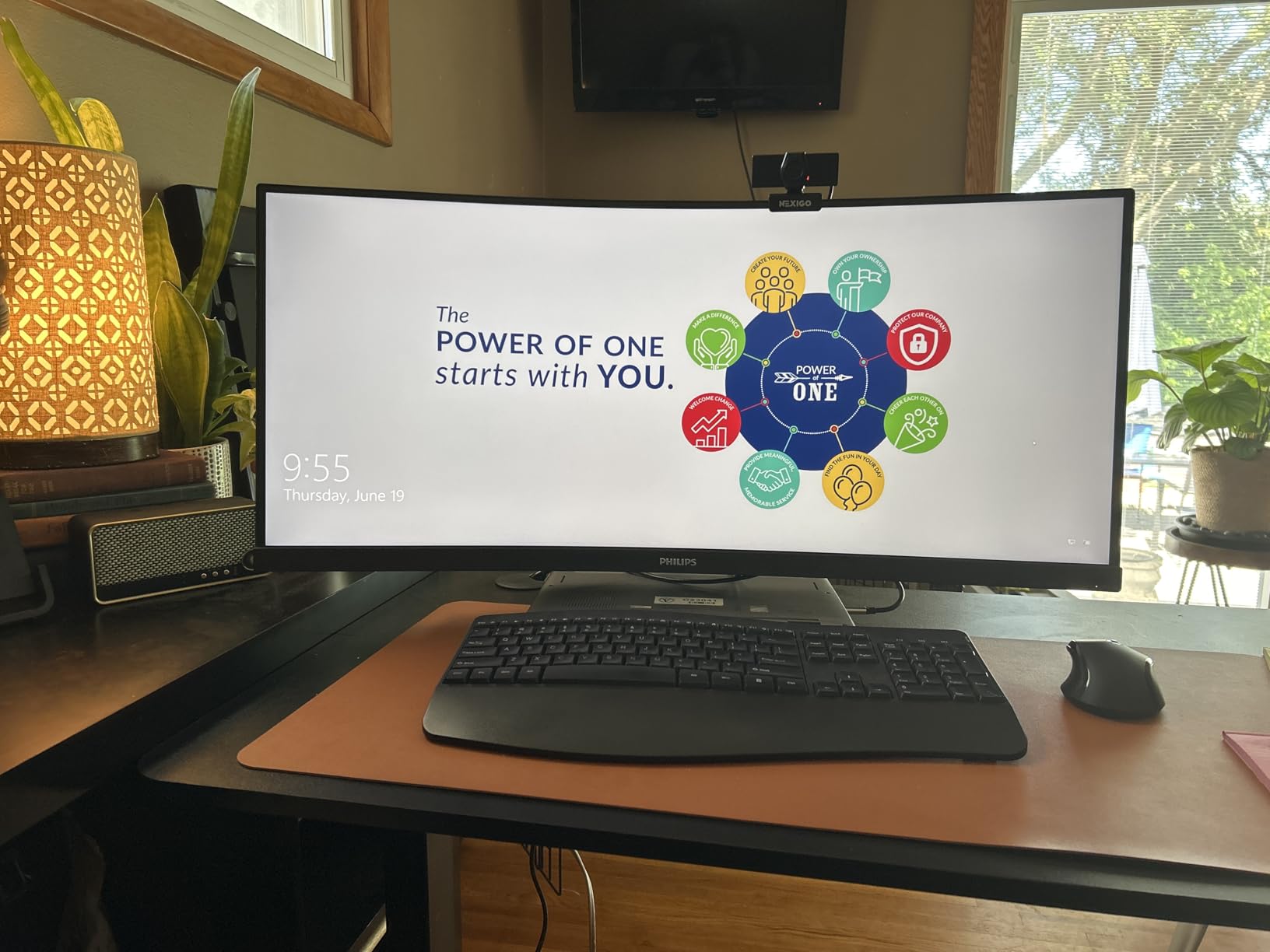
The 346E2CUAE is the value pick with the strongest paper trail for an office purchase. A four-year manufacturer warranty is far longer than the one-year terms most models here carry, and for equipment bought on a company budget that is often the deciding factor. It is also the only 34-inch screen in this group that lists swivel adjustment on the stand.
The panel is a 34-inch 1500R VA at 3440×1440 with 100Hz, 1ms MPRT response and Ultra Wide-Color coverage quoted at 121.3 percent sRGB. USB-C Power Delivery handles a single-cable laptop connection, and the built-in four-port USB hub means peripherals plug into the monitor rather than a separate dock.
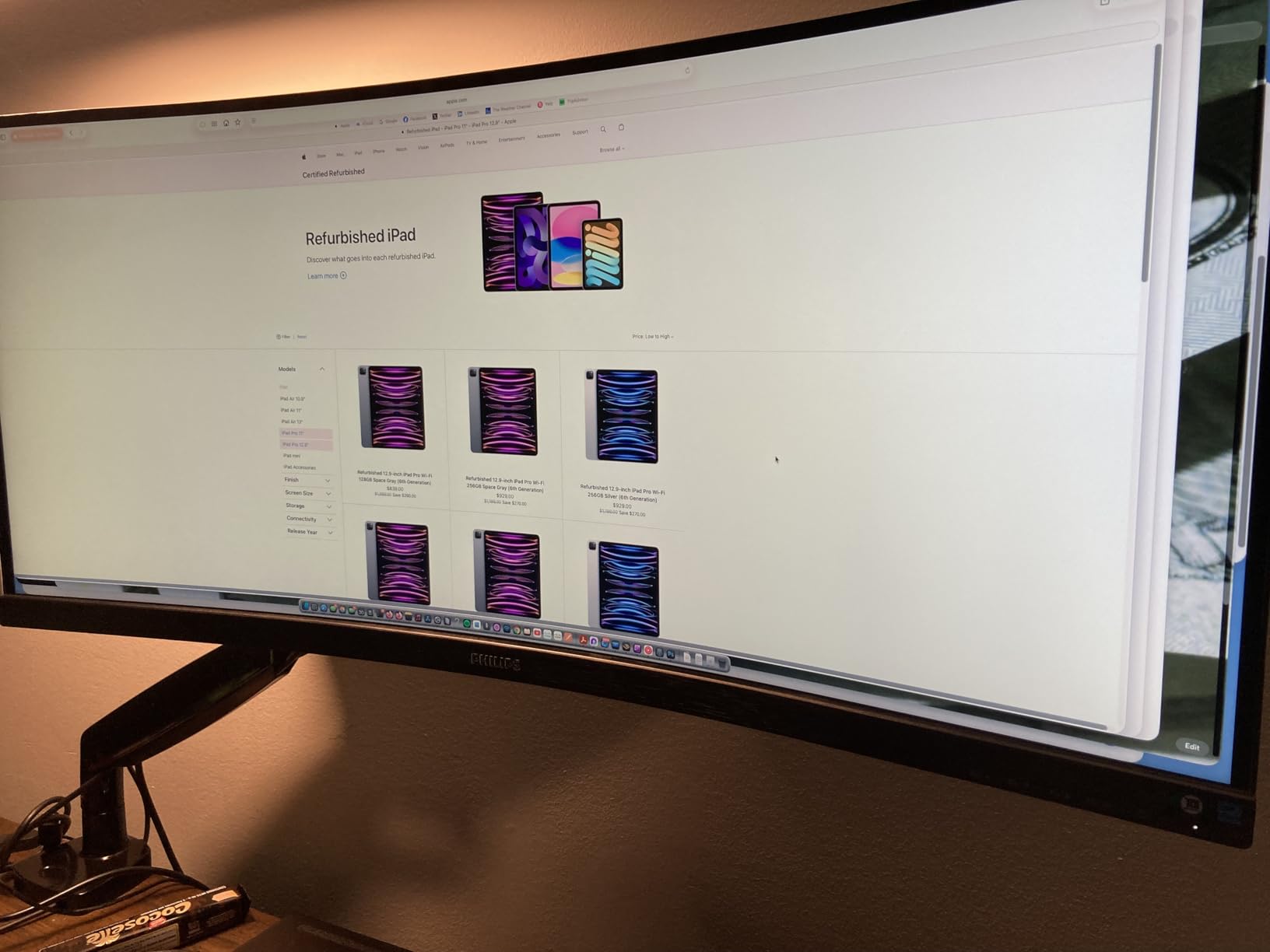
Buyers consistently point to the 3440×1440 workspace, the one-cable connection and the colour coverage as the reasons they are happy. The rating is held back by configuration details rather than picture quality, which is worth knowing before you read the star figure as a verdict on the panel.
The glossy finish is the most practical complaint in a real office. In a room with a window behind you, that surface reflects, and a matte anti-glare coating is the safer default for eight-hour document work.
Where the warranty matters most
A four-year term covers a typical refresh cycle, so the second owner inherits meaningful protection. That is a real difference when a panel develops an edge-lit irregularity or a power supply fails in year three and the manufacturer is still the one responsible.
It also changes the calculation if your employer replaces monitors on a three-year cycle. The one-year terms on several models here would leave you buying again mid-lifecycle.
Who should skip the Philips
One HDMI port is a real limit for anyone alternating between a laptop, a desktop and a console. Swivel adjustment also does not substitute for height adjustment, so this is not the screen for a sit-stand desk.
If your room has strong daylight, choose a matte panel. The Dell S3425DW and the LG 34WR55QK-B both handle reflections better, and the Dell adds 120Hz refresh, more ports and a panel-exchange warranty on a one-year term.
8. INNOCN 49C1G – Best 32:9 for Ethernet and Legacy Ports
INNOCN 49″ Curved Gaming Monitor 144Hz Ultrawide 32:9 WDFHD 3840 x 1080P, R1800, 99% sRGB, HDR400, USB Type C, DisplayPort, HDMI, Built-in Speakers, Height/Tilt Adjustable – 49C1G
49 inch 3840x1080 32:9 at 1800R
144Hz with 1ms response
USB-C 65W, RJ45, PIP and PBP
Pros
- Gentle 1800R curve is easier on documents than a deep wrap
- Rich port set with RJ45
- USB-B
- two USB-A and USB-C 65W
- 144Hz refresh with one ms response
- PIP and PBP split from two input sources
Cons
- 3840x1080 is a lower pixel count than Dual QHD 49 inch rivals
- Glossy finish is distracting in bright rooms
- Warranty coverage is described as limited
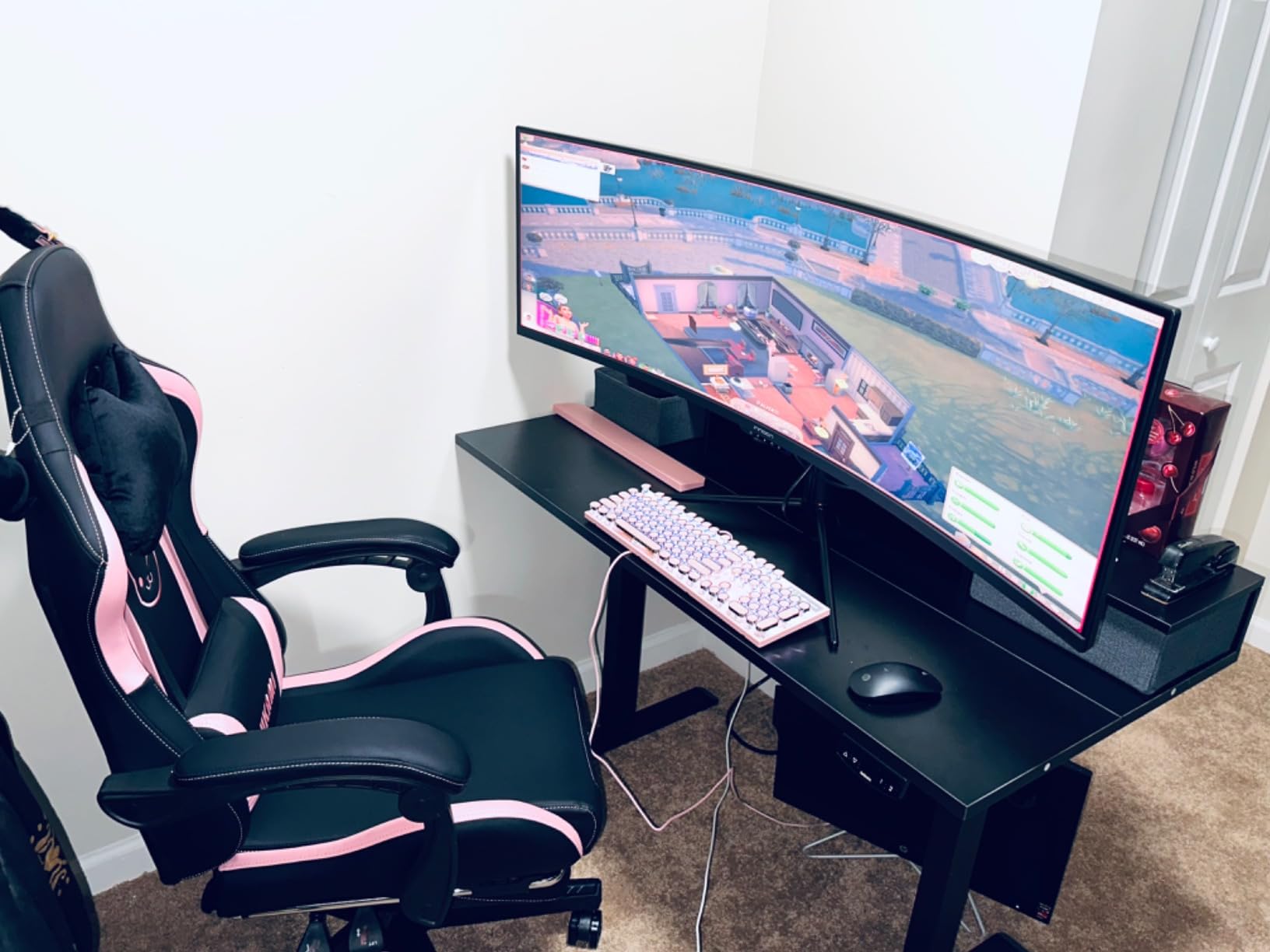
The INNOCN 49C1G solves a specific problem: getting a 32:9 panel with the legacy and network ports that a docking station would otherwise provide. RJ45 Ethernet, a USB-B port, two USB-A ports, USB-C with 65W power delivery, one HDMI 2.1 and one DisplayPort 1.4 input sit on one panel, and PIP and PBP let two sources share the canvas.
The curve is 1800R, noticeably shallower than the 1000R Samsung, which makes the outer columns of a wide document easier to read. At 144Hz with 1ms response and Adaptive-Sync, motion and scrolling are handled well even though the panel is not aimed at gaming.
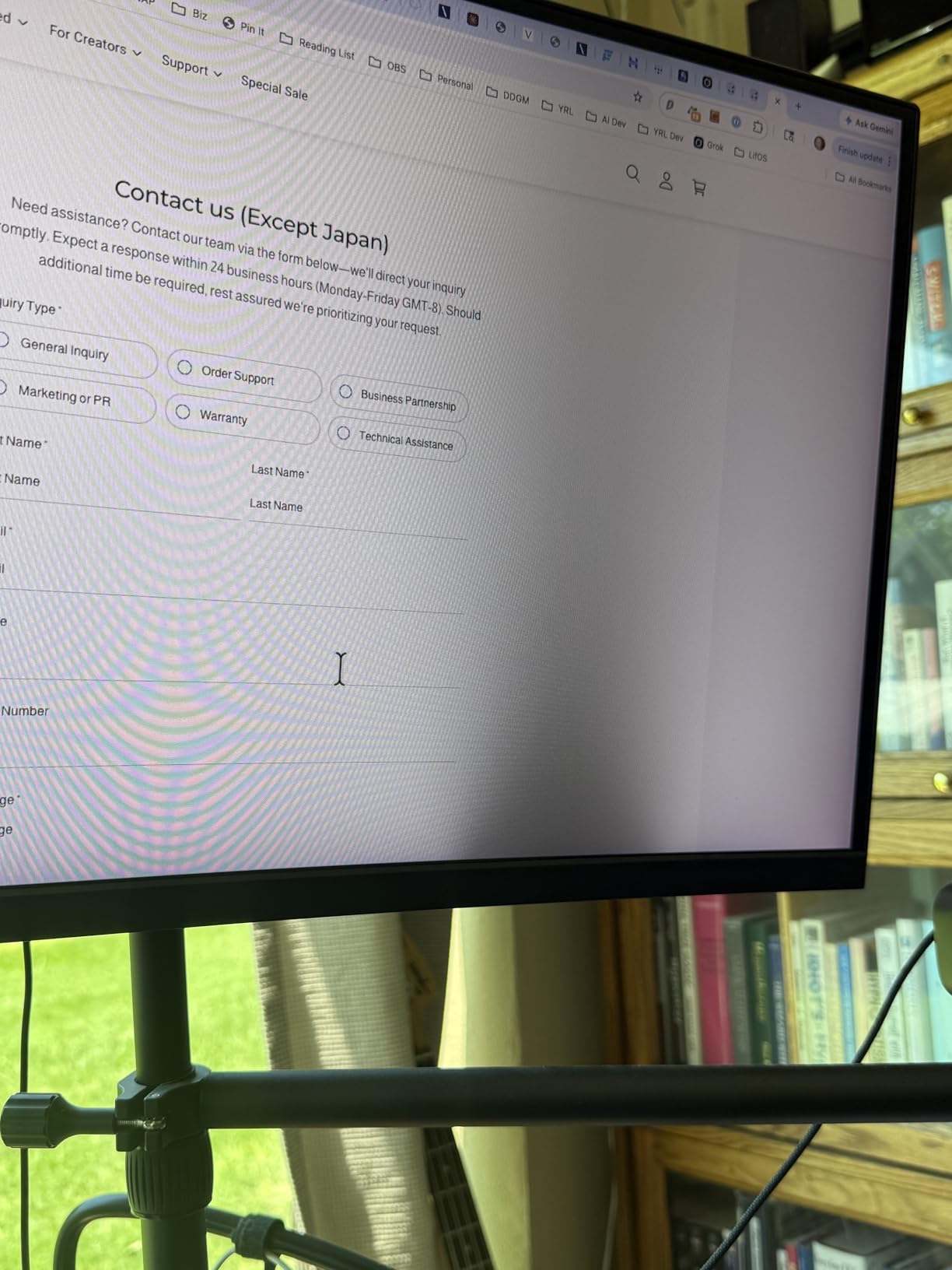
Height, tilt and swivel adjustment on the stand is the best ergonomics spec in the two 49-inch models here, and the built-in speakers remove one more box from the desk. Owners highlight the 32:9 workspace as a strong value for both work and play.
The resolution is the trade-off. At 3840×1080, the pixel count is well below the 5120×1440 of the Samsung, so text and fine spreadsheet detail are more likely to need scaling adjustments on smaller interface elements. Buyers doing detailed text or design work do weigh this against the higher-resolution alternative.
When 3840×1080 is enough
The vertical resolution is the number to think about, not the horizontal one. At 1080 pixels tall, an 8.5-by-11 document at 100 percent scaling fits comfortably with a second window beside it, and most web and office interfaces render at their intended size.
What you give up is headroom for high-density displays and fine code without scaling. If your work is reading, planning and reviewing rather than pixel inspection, the width is what you are actually buying.
What to check before buying a 49-inch panel
Measure your desk depth and your viewing distance, because 3840×1080 spread across 49 inches still requires sitting back far enough for the corners to stay comfortable. The glossy finish also needs a room without a bright window directly behind you.
The warranty is described only as limited, and weight and dimensions are not published in the listing, so plan for the stand and a second pair of hands for any adjustment. This is our pick for desk depth and ergonomics, not for maximum resolution.
How Big a Curved Monitor Does Your Desk Fit?
That is the single most common purchase regret people describe when they talk about ultrawide monitors, and it is entirely avoidable. The 34-inch and 49-inch rows below use the listed widths of the models in this roundup, so they are the widths you will actually measure, not the diagonal.
Two numbers decide whether a screen works for you: how deep the desk is, and how far back you can sit. A 34-inch 21:9 panel is 31.8 inches across, so a 24-inch-deep desk is workable. A 49-inch 32:9 panel is roughly 45 inches across, and it wants 30 inches or more of depth plus a sit-back distance of 32 to 36 inches.
- 32 inch 16:9 curved: about 28 in wide, 18 in minimum desk depth, 24 in comfortable sit-back.
- 34 inch 21:9 curved: 31.8 in wide, 24 in minimum desk depth, 26 to 30 in comfortable sit-back.
- 38 inch 21:9 curved: about 34 in wide, 26 in minimum desk depth, 28 to 32 in comfortable sit-back.
- 49 inch 32:9 curved: 45.2 in wide, 30 in minimum desk depth, 32 to 36 in comfortable sit-back.
If you are choosing between a 32-inch and a 34-inch curved screen for office work, the resolution difference matters more than the size difference. A 32-inch 16:9 panel at full resolution gives you more pixels per inch, which is why text looks crisper, while a 34-inch 21:9 gives you a third more width for side-by-side work.
For most office desks the 34-inch 21:9 class is the safe answer, and the 49-inch 32:9 class needs a deliberate check. Measure the distance from the front edge of your desk to where your chair naturally sits, and compare it against those figures before you order.
Panel Type and Curvature Radius: What Actually Matters for Office Work
Every model in this roundup lists a VA panel, and that is not an accident of selection. VA is what manufacturers use when they want deep contrast in a curved housing at a price office buyers can justify, so the trade-off repeats itself across the 34-inch models here.
The case for VA is contrast. Most of these panels list a 3000:1 ratio, several times what a typical IPS panel delivers, which is why black text on a white background looks properly solid and why a spreadsheet grid does not glow in a dim room.
The case against VA is text behaviour. Dark transitions on light backgrounds can show smearing on cheaper implementations, and the fix is usually chasing overdrive settings that introduce inverse ghosting. Forum discussion on curved monitors frequently frames this as normal for the panel type rather than a defect, and it is the single most common source of disappointment in this category.
An IPS panel renders text more consistently and is the safer choice for colour-critical work, but you will give up contrast and, in most curved housings, some of the wrap. OLED solves text sharpness and contrast together and adds true blacks, at the cost of burn-in risk on an always-on work display with static toolbars.
What the curvature numbers mean
Curvature is the radius of the arc the panel is bent into, in millimetres. A smaller number means a deeper curve. This roundup spans 1000R on the Samsung 49-inch through 1500R on the Sceptre, Philips and SANSUI to 1800R on the INNOCN and the LG 34SR60QC-W. The Dell and the LG 34WR55QK-B do not publish a radius figure, which is itself a small warning about how little the number should be leaned on.
Deep curves are more immersive because more of the screen wraps into your peripheral vision, and that is the entire argument for them. For office work there is a real cost: geometry distortion is visible on straight lines near the edges, and colour shift grows as you move off-axis on the deeper radii. On a 1000R panel, a document column near the outer edge can look subtly pinched.
For a document-heavy desk, 1500R to 1800R is the range we would choose without hesitating. It keeps the peripheral benefit while leaving the edges legible, and it is why the two 1800R models here suit reading better than the 1000R Samsung.
Connectivity: USB-C, KVM and Power Delivery for a Laptop Desk
On a work-from-home desk, ports decide how many boxes you own. A USB-C port with power delivery turns a single cable into video, charging and data, which removes the dock, its power supply and the cable clutter that comes with them.
Wattage is the detail that trips people up. The 65W models here, including the LG 34WR55QK-B, the Dell S3425DW and the INNOCN 49C1G, will charge a mainstream laptop at a sustainable rate and may slow under heavy load. The Samsung 49-inch supplies 90W, which gives more headroom for a workstation-class portable. The LG 34SR60QC-W has no USB-C power delivery at all, so a laptop on that desk needs its own charger.
Three models in this roundup support Picture-by-Picture, letting a laptop and a desktop share one screen without a switcher. Several people running a work machine and a personal machine on the same desk treat that as the deciding feature rather than a nicety.
KVM switching, which lets one set of keyboard and mouse control two computers through the monitor, is genuinely useful but not universal. A 21:9 panel also splits cleanly into two vertical halves that each hold a standard window, which substitutes for KVM in the most common two-machine case.
Resolution and scaling
At 3440×1440, Windows scaling at 100 or 125 percent gives a comfortable interface on a 34-inch panel without making text look soft. The 32:9 models at 3840×1080 sit at the same vertical height as a 1080p 16:9 screen, so interface scaling behaves identically to a familiar display.
macOS handles ultrawide scaling less gracefully. Recent versions produce better results than earlier ones, but if your main machine is a MacBook, check the interface scaling on a 32:9 model in a shop before committing to the 49-inch class.
How to actually use the extra width
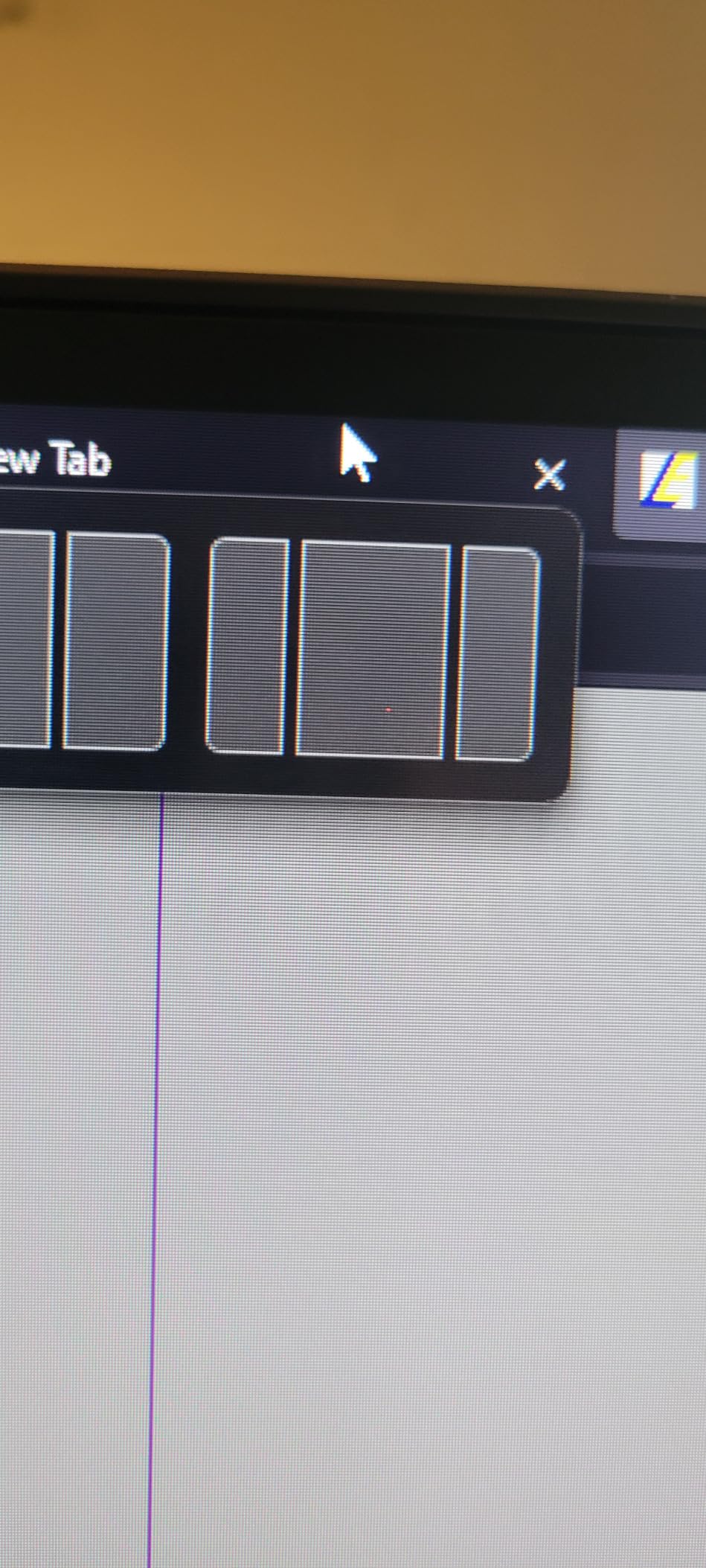
An ultrawide only helps if windows are managed deliberately. On Windows, hold the Windows key and use Snap Layouts to drop a window into a third or a half of the screen in one motion. PowerToys FancyZones does the same with custom zones, and it is the tool to reach for if you regularly need a two-thirds and one-third split.
On macOS, use window tiling from the green button or a tiling utility to keep two or three apps anchored. The habit to build is simple: never leave a window floating at a random size, because a single un-snapped window on a 32:9 panel wastes the reason you bought it.
Is a Curved Monitor Bad for Your Eyes?
No, and it is worth separating the two claims that get mixed together. The curve itself does not strain your eyes, because it does not change what the pixels do. What it changes is how far your eyes travel and how often they refocus to compare the centre of the screen with the edges.
Because a curved panel puts those edges at a more similar distance from your face than a flat panel of the same width, the comparison is more even, and many people report less end-of-day fatigue. That is a real comfort benefit, and it is separate from any protection against blue light or flicker.
The part people dislike is not the eye strain, it is the geometry. A deep curve bends straight lines near the edges, which is why the phrase people search for is often negative. There is also a smaller group who find a very wide field of view visually tiring regardless of the curve, and a 32:9 panel asks for constant peripheral awareness in a way a 16:9 screen never does.
There are four clear cases for skipping a curved monitor. Long-form reading of dense documents, where any geometric distortion is most obvious. Colour-critical design and photo work, where off-axis colour shift matters. Very shallow desks, where the screen cannot sit at the distance it needs. And multi-monitor users who specifically want two independent screens with their own scroll positions and heights.
What actually reduces strain is more mundane: a screen at eye level, an arm’s length away, with brightness matched to the room. Flicker-free operation and a blue light filter are useful at night, but the geometry of your desk matters more than either. Our eye strain guide covers the flicker and blue light side in more detail.
If eye comfort is the whole goal rather than screen width, a 27-inch 4K flat panel at 150 percent scaling will keep text sharper than any 1440p curved screen in this roundup. That is a legitimate answer, and we would rather say so than pretend every desk needs a curve.
Frequently Asked Questions
Which curved monitor is best for office work?
The Dell 34 S3425DW leads this roundup for office work: a 34-inch 3440×1440 VA panel at 120Hz with FreeSync Premium, a single USB-C cable carrying video and up to 65W of charging, and ComfortView Plus reducing blue light to 35 percent. If your work is documents and email only, it is also the simplest pick, because the extra width is rarely needed.
What curved monitor is best for work from home?
Best curved monitor for work from home is a 34-inch 21:9 at 3440×1440 with USB-C power delivery and a height-adjustable stand. That combination points at the Dell 34 S3425DW or the LG 34WR55QK-B, the two models here that give you one cable, an adjustable stand and 3000:1 contrast for document work.
Is a curved monitor bad for your eyes?
The curve itself does not strain your eyes. It places the edges of the screen at a more even distance from your face, which reduces how far your eyes travel and refocus during a long session. Strain comes from wrong screen height, wrong viewing distance and a brightness that does not match the room, not from the curve.
Why do people hate curved monitors?
Most complaints are about geometry rather than comfort. A deep curve bends straight lines near the edges of a document, colour shift grows toward the corners, very wide 32:9 panels demand a large desk and a long sit-back distance, and some people find a wide field of view tiring. A gentle 1500R to 1800R curve avoids most of this.
Is a 27 or 32 monitor better for office work?
For office work, a 32-inch flat 16:9 panel at full resolution renders text more crisply because it packs more pixels per inch. A 34-inch 21:9 curved screen gives you roughly a third more width for side-by-side windows at the same vertical height. Choose the curved 34-inch if multitasking matters, the 32-inch flat if reading documents matters more.
What type of monitor is best for working from home?
Start with panel type, then size, then curve, then ports. For text-heavy work an IPS or a well-behaved VA panel beats a deep curve. A 34-inch 21:9 at 3440×1440 is the productivity sweet spot. Choose 1500R to 1800R rather than 1000R for documents, and confirm USB-C power delivery if a laptop is your only machine.
How far back should I sit from a 34 inch ultrawide monitor?
Between 26 and 30 inches from the panel works for most desk setups on a 34-inch 21:9 screen. Measure from your eyes to the screen at your normal sitting position rather than guessing, and adjust the stand so the top of the panel sits at or just below eye level so you are not tilting your head down all day.
Which Curved Monitor Should You Buy?
If you want one answer for a typical work-from-home desk, the Dell 34 S3425DW is it: a 3440×1440 VA panel at 120Hz, a single USB-C cable for a laptop, an adjustable stand and panel-exchange cover. It replaces a two-monitor setup without the bezel between panes, and the matte finish survives a bright room.
Buy the LG 34WR55QK-B if your work machine is a laptop and you want Picture-by-Picture alongside 65W charging. Buy the Samsung 49-inch LS49C954UANXZA only if you have the desk depth to sit 32 inches back, and buy the INNOCN 49C1G instead if you need Ethernet and legacy ports with a gentler curve.
For the highest refresh rate and the widest colour claims in the group, the SANSUI ES-G34C5 is the strongest spec sheet, with the caveats that it has no built-in speakers and a tilt-only stand. The Sceptre C345B covers the same 34-inch territory with a matte panel and a far larger review history, the Philips 346E2CUAE wins on its four-year warranty, and the LG 34SR60QC-W wins if the desk doubles as a TV.
Whichever one you pick, measure your desk depth first and set the top of the panel at eye level. That is the best curved monitor for work from home advice we can give, and it costs nothing. Our picks and spec details were checked in September 2026, so verify the current details on the product page before you buy, and if eye comfort is the bigger concern, our home air quality guide covers the other half of a comfortable room.