
The best laptops for programming students in 2026 are the Apple MacBook Air 13-inch with the M5 chip, the Acer Nitro V 16S AI for machine learning work, and the HP 255 G10 for students who just need a dependable machine that will not fall apart in year two. That is the short answer. Everything below is the long version, built around the one question that actually decides this purchase: will the laptop still be useful in four years?
Coding puts unusual demands on a laptop. You are running an integrated development environment, a terminal, a browser with twenty tabs open to documentation, a version control client, and usually a database and a container stack at the same time. A machine that feels fast for web browsing can feel slow the moment a build takes six minutes instead of ninety seconds. So the specs that matter are multi-core processor speed, memory, fast storage, and a display tall enough to show you real code without constant scrolling.
Here is the 30-second version. If you are starting a computer science degree and you want one machine that handles Xcode, Docker, a local language model, and a full day of lectures without a charger, buy the MacBook Air 13-inch M5. If your coursework includes CUDA, computer vision, or Unreal Engine, the discrete NVIDIA GPU is not optional and you want the Acer Nitro V 16S AI. If you are on a tight budget, the HP 255 G10 gives you 32GB of RAM and a 1TB SSD, which is more memory than most students will ever need.
If you are still deciding between general-purpose machines, our guide to the best laptops for college students covers the wider market, and our engineering student picks go deeper on CAD and simulation workloads.
Table of Contents
Minimum Specs for Programming Students in 2026
Before the individual picks, here is the baseline we judge every machine against. If a laptop misses one of these, it will still compile code, but you will feel it.
- Processor: a Core Ultra 5 or 7, a Core i5 or i7, a Ryzen 5 or 7, or an Apple M-series chip. Eight cores is the comfortable floor for a four-year degree.
- Memory: 16GB is the true minimum, and 32GB is the sweet spot if the price gap is small. Integrated graphics borrow from system memory, so 8GB is never enough in 2026.
- Storage: 512GB minimum, 1TB preferable. Node modules, Docker images, Android emulators and virtual machines eat storage fast.
- Display: a 16:10 or 3:2 aspect ratio at 1920×1200 or above. The taller panel shows more lines of code per scroll.
- Keyboard: a full-size backlit keyboard with at least 1.5mm of key travel. You will type ten thousand words on it this year.
Top 3 Picks for Programming Students in 2026

Every Pick at a Glance in 2026
All ten laptops below, in one place. Use this to narrow the field before you read the full write-ups.
| Product | Specifications | Action |
|---|---|---|
 Apple MacBook Air 13-inch M5 Apple MacBook Air 13-inch M5 |
|
Check Latest Price |
| Apple MacBook Pro 14-inch M5 |
|
Check Latest Price |
 Acer Nitro V 16S AI Acer Nitro V 16S AI |
|
Check Latest Price |
 HP 255 G10 HP 255 G10 |
|
Check Latest Price |
 Acer Nitro V 15 Acer Nitro V 15 |
|
Check Latest Price |
 Dell Inspiron 14 Plus 7440 Dell Inspiron 14 Plus 7440 |
|
Check Latest Price |
 Lenovo ThinkPad E16 Lenovo ThinkPad E16 |
|
Check Latest Price |
 Dell Inspiron 15 Touchscreen Dell Inspiron 15 Touchscreen |
|
Check Latest Price |
 Alienware 16 Aurora Alienware 16 Aurora |
|
Check Latest Price |
 MSI Cyborg 17 MSI Cyborg 17 |
|
Check Latest Price |
How We Picked These Laptops
We built this list around what a CS student actually does for four years, not around benchmark charts. Every specification on this page comes from the manufacturer’s own published technical data or from the aggregated owner feedback attached to each product, and every rating and review count shown is the current Amazon figure at the time of writing. We do not publish battery or benchmark numbers we cannot source.
Three filters did most of the work. First, processor and memory had to clear the baseline above, with a preference for machines where RAM is user-upgradeable. Second, we weighted the display aspect ratio heavily, because a 16:10 or 3:2 panel changes how much code you can see at once. Third, we asked whether the machine can plausibly survive four years of daily carry, which is why the ThinkPad E16 and the HP 255 rank as highly as they do despite average screens.
We also drew on what students actually say. One recurring theme in the r/utarlington threads is worth repeating because it shaped our durability section: “Personally I like Lenovo ThinkPads as they are very durable, and with the on-site warranty, they will literally come to your house and repair.” That is exactly the kind of practical advantage a spec sheet never shows. If you want the wider student-budget context, our budget laptop guide for students is a useful companion read.
1. Apple MacBook Air 13-inch M5 – The Best Overall Laptop for Programming Students
Apple 2026 MacBook Air 13-inch Laptop with M5 chip: Built for AI, 13.6-inch Liquid Retina Display, 24GB Unified Memory, 1TB SSD, 12MP Center Stage Camera, Touch ID, Wi-Fi 7; Midnight
M5 chip with Neural Engine
24GB unified memory, 1TB SSD
2.71 pounds, fanless design
Pros
- Up to 18 hours of stated battery life
- Fanless and silent at 2.71 pounds
- 24GB and 1TB handle local AI workloads
- Sharp 13.6-inch Liquid Retina display
Cons
- Only two Thunderbolt 4 ports plus MagSafe
- Some owners wish they had chosen the 15-inch model
- Fanless design means sustained heavy workloads throttle
This is my overall pick for programming students, and the reason is the intersection of three things that rarely arrive together: an 18-hour stated battery, a completely silent fanless chassis, and 24GB of unified memory with a 1TB SSD. That is a laptop you can carry from a 9am lecture to a library session to a late-night pair-programming call without thinking about a charger.
The M5 chip pairs a faster CPU with unified memory and a next-generation GPU, and owners consistently describe it as very fast for everyday work, multitasking, and AI-powered applications. The 24GB and 1TB configuration is specifically called out as handling local AI workloads such as LM Studio, which means a student experimenting with a small language model does not need to rent cloud compute to get started.
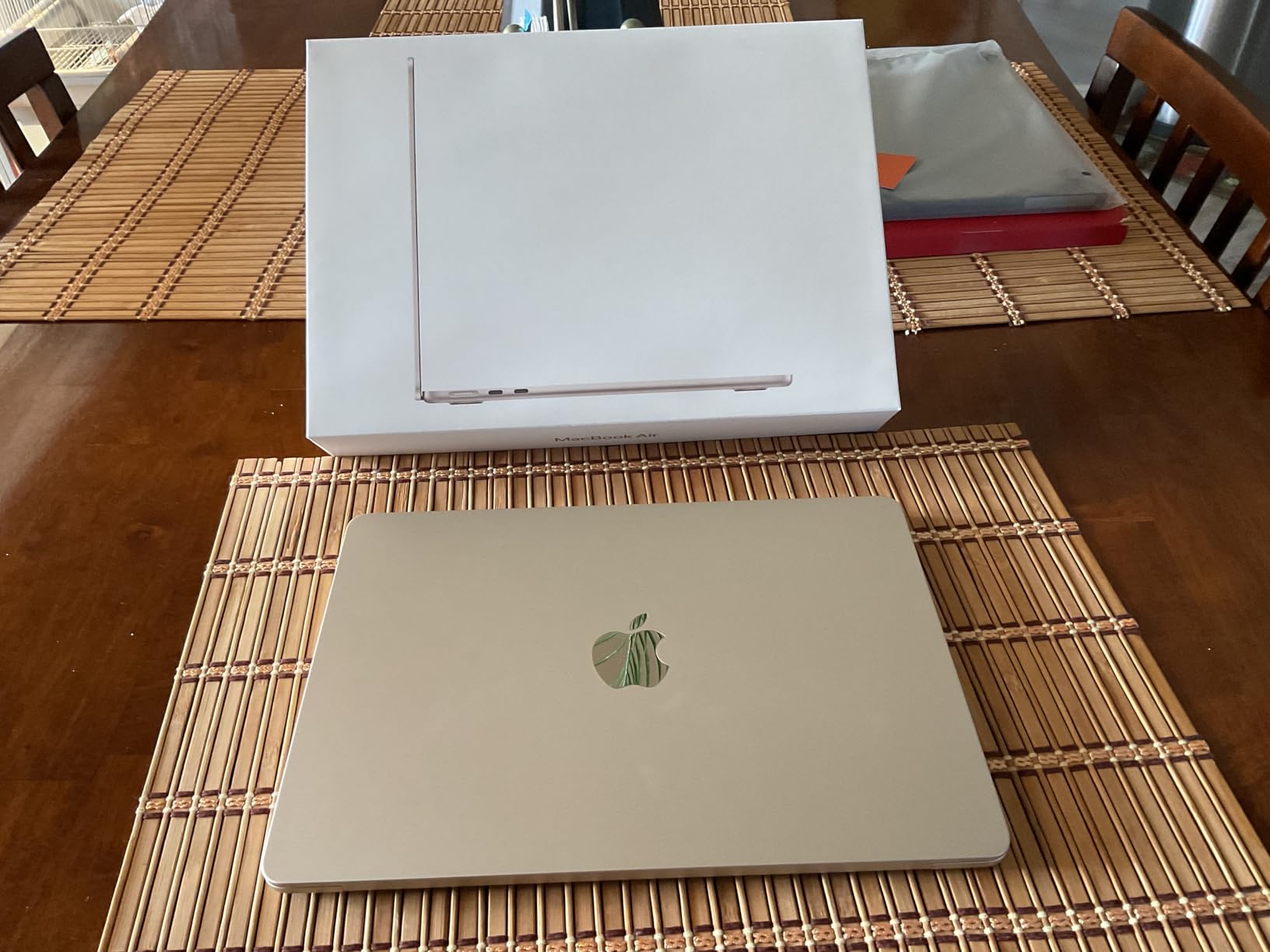
The Liquid Retina display on the 13.6-inch panel renders a billion colours, and owners single out the keyboard and precise trackpad with Touch ID as daily quality-of-life wins. The 12MP Center Stage camera with Desk View is a small thing that matters a lot if you sit in online lectures and screen-share your editor. Wi-Fi 7 and Bluetooth 6 are current-generation, not legacy.
There are two real limitations. The port count is minimal at two Thunderbolt 4 ports, a MagSafe charger, and a headphone jack, so a dual-monitor desk setup needs a dock. And because the design is fanless, sustained heavy workloads throttle, which is exactly the scenario the Pro 14 handles better. Several owners also say they wish they had chosen the 15-inch model instead, so if you want maximum screen real estate in the same family, look there.
Why this survives a full day of classes
The battery figure is the headline, but the mechanism matters. A fanless machine has no vents to clear, and the M5’s efficiency means the system idles at a fraction of the power a discrete GPU laptop burns just sitting in a lecture hall. Reviewers consistently describe it as lasting a full day of classes, which is precisely the anxiety that shows up again and again in student laptop threads.
At 2.71 pounds with a thickness of 0.44 inches, this is also the machine in the roundup that disappears into a bag. If your degree involves moving between buildings, commuting, or working from a café between labs, the Air is the least physically demanding option here. Nothing else in this list combines that portability with this much memory.
Who should skip it
Skip it if your course list includes CUDA-dependent machine learning, computer vision, or Unreal Engine work. There is no discrete GPU, and the fanless design will slow down a sustained training run. If you also need to drive two external displays for a side project, budget for a dock or step up to the Pro 14, which has a fuller port set.
It is also worth asking whether your program is Apple-first. macOS handles Xcode, Swift, and a lot of server-side development beautifully, and Windows Subsystem for Linux covers most Linux coursework. But if you are doing kernel development, penetration testing labs, or driver-level work, a Windows machine with WSL 2 and a native toolchain is a safer bet.
2. Apple MacBook Pro 14-inch M5 – The Best Laptop for iOS Development
Apple 2025 MacBook Pro Laptop with Apple M5 chip with 10‑core CPU and 10‑core GPU: Built for AI, 14.2-inch Liquid Retina XDR Display, 24GB Unified Memory, 1TB SSD Storage; Silver
M5 with 10-core CPU and 10-core GPU
24GB unified memory, 1TB SSD
14.2-inch XDR display, 1600 nits peak
Pros
- Highest rated in this roundup with 92% five-star ratings
- Full port selection including HDMI and SDXC
- Identical performance on battery and plugged in
- XDR display reaches 1600 nits peak brightness
Cons
- Costs more than the Air and mainstream Windows alternatives
- Heavier than the 13-inch Air at 3.41 pounds
- Supports only up to two external displays
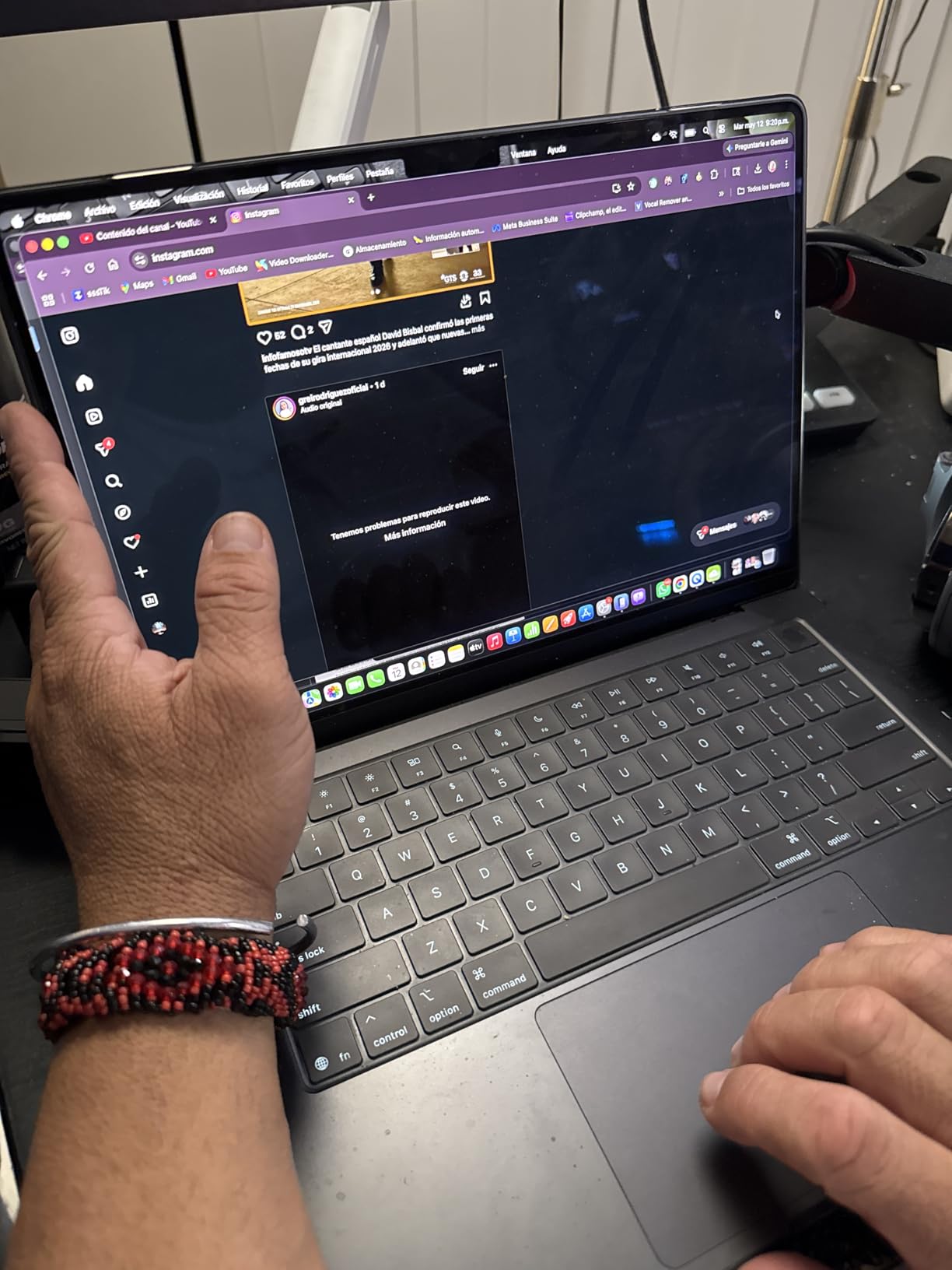
The M5 MacBook Pro is the machine I would put in a student’s hands with no caveats attached. It carries a 10-core CPU and a 10-core GPU, 24GB of unified memory, and a 1TB SSD, and the owner feedback is emphatic: this configuration draws 92% five-star ratings across 425 reviews, the strongest showing in this roundup. Xcode, JetBrains IDEs, Docker Desktop, and a local language model running through LM Studio all fit comfortably inside that envelope.
What separates it from a fast Air is sustained behaviour. Owners repeatedly note that performance is identical whether the machine is on battery or plugged in, which matters in a library with no spare outlet. The 14.2-inch Liquid Retina XDR panel hits 1600 nits peak brightness, so a dark-mode editor at midnight is easier on the eyes than on a dim 250-nit business panel.
The port selection is the quiet hero. Three Thunderbolt 4 ports, MagSafe 3, an SDXC slot, and HDMI mean you can run a dual-monitor desk at home without a single dongle, and you can read a camera card straight from a robotics project. Reviewers also confirm the toolchain feel: Microsoft 365, Adobe Creative Cloud, and Xcode-class applications all run fast on Apple silicon without translation layers.
The trade-offs are honest ones. It costs more than the Air and more than most Windows machines in this list, and at 3.41 pounds it is a real weight to carry across a full campus day. It also tops out at two external displays, so a three-monitor setup needs a different answer. None of that is a dealbreaker for a student who wants one machine for four years of Xcode, Swift, and general study.
What Xcode and iOS students should know
If your degree touches iOS, macOS, or server-side Swift, this is the pick with no caveats. Xcode builds are fast, the battery survives a full day of paired programming, and the display renders code and interface previews accurately enough for design work. Reviewers describe Microsoft 365 and Adobe tools running without friction, which matters if your coursework slips outside pure development.
The single external display limit is the one practical constraint. A student who wants three screens for a web development project will need the Air or a Windows machine with a dock, or will need to accept two panels. Everything else about the Pro 14 is aimed squarely at the person who codes for a living and will still be coding after graduation.
Where the cheaper options win
If your workload is web development, data science, or general coursework, the Air 13-inch delivers most of this experience for less money and at roughly 0.7 pounds lighter. The Pro earns its premium on ports, peak display brightness, and headroom for heavy local AI work rather than on everyday coding speed. If none of those three things matter to your degree, the extra spend is hard to justify.
There is also the value argument. The Windows picks here give you 32GB of RAM, a discrete GPU, and repairable internals for less. The Pro trades all of that for a build that feels better, runs cooler, and holds resale value. Both are defensible; the question is whether your course load is Apple-first.
3. Acer Nitro V 16S AI – The Best Laptop for Machine Learning Students
Acer Nitro V 16S AI Gaming Laptop | AMD Ryzen 7 260 Processor | NVIDIA GeForce RTX 5060 Laptop GPU (572 AI Tops) | 16″ WUXGA IPS 180Hz Display | 32GB DDR5 | 1TB Gen 4 SSD | Wi-Fi 6 | ANV16S-41-R2AJ
Ryzen 7 260, 8 cores to 5.1 GHz
RTX 5060 Laptop GPU with 8GB GDDR7
32GB DDR5, 1TB Gen 4 SSD
Pros
- RTX 5060 provides 572 AI TOPS for local AI and CUDA work
- 32GB DDR5 and a second M.2 slot give real headroom
- 16-inch 180Hz 100% sRGB IPS display
- Protective sleeve included in the box
Cons
- 4.6 pound chassis is heavy to carry
- 1920x1200 resolution is modest for a 16-inch panel
- RAM tops out at 32GB and the slot layout may limit upgrades
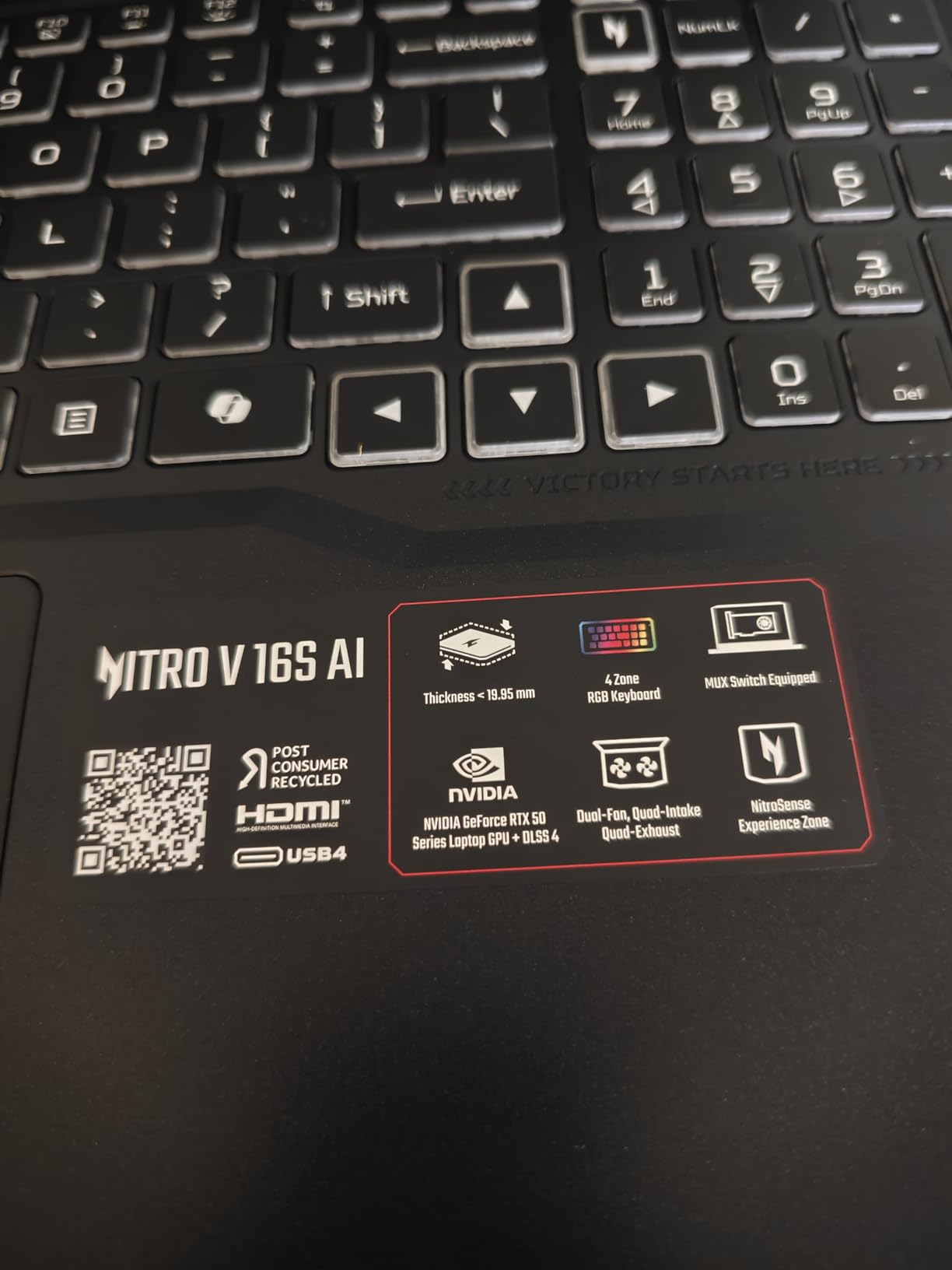
If any course in your degree mentions CUDA, this is the laptop. The NVIDIA GeForce RTX 5060 Laptop GPU with 8GB of GDDR7 and 572 AI TOPS is the entire reason to buy it, and it is a Blackwell architecture part with DLSS 4, ray reconstruction, and frame generation behind it. Paired with 32GB of DDR5 and a 1TB PCIe Gen 4 SSD, it handles notebooks, training scripts, and an Unreal Engine prototype without argument.
The Ryzen 7 260 provides 8 cores up to 5.1 GHz with a 24MB L3 cache, and contributes up to 38 overall AI TOPS on its own. Memory is the underrated story here: 32GB DDR5 5600MHz across two slots means you are not fighting an 8GB ceiling in your second year when a class assigns a Docker Compose stack with five services and an IDE indexing the whole repository.
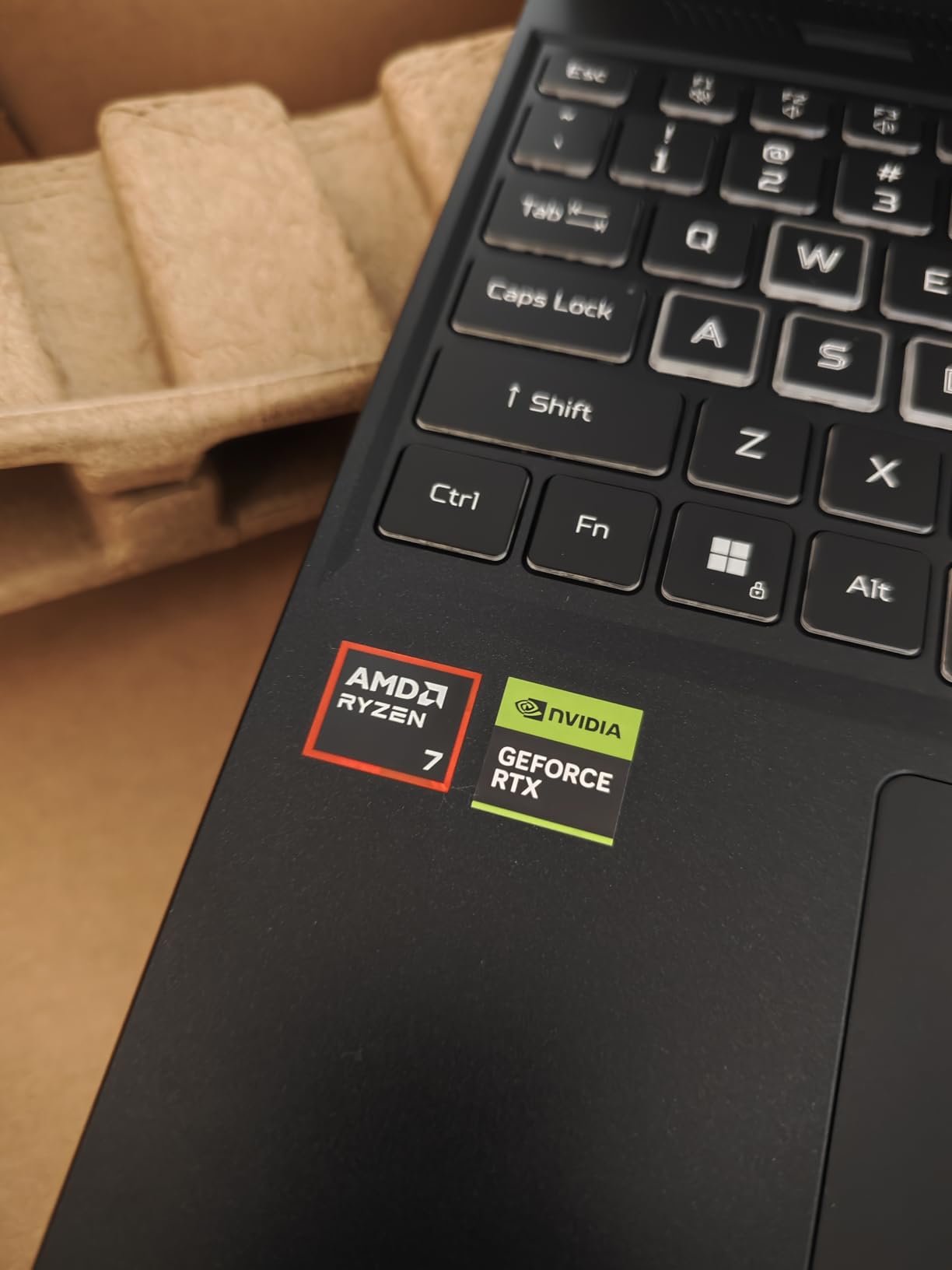
Display quality is a genuine strength for a gaming-class panel: 16-inch WUXGA 1920×1200 IPS at 180Hz with 100% sRGB. Owners praise it as smooth and colour-accurate, and the backlit keyboard includes a numeric keypad, which some engineering students will appreciate. A protective sleeve is included, a small touch that matters when you are moving a 16-inch machine around campus.
Storage is expandable via a second M.2 slot, which is the piece of foresight that pays off across four years when a Unity project plus a large dataset fills your first drive. The honest drawbacks: at 4.6 pounds it is not a bag-friendly laptop, and 1920×1200 on a 16-inch panel is less sharp than the 2.8K and 2.5K displays elsewhere in this roundup. Nine percent of ratings are one star, mostly citing fan noise and thermal load under sustained gaming, which is the price of that GPU.
What the RTX 5060 actually unlocks
CUDA is the whole story. A student who trains a small neural network, runs a diffusion model, or compiles a CUDA extension cannot do it on integrated graphics, and Apple silicon does not offer CUDA at all. The 8GB of GDDR7 VRAM is the ceiling that matters, and it is enough for coursework-scale models while being too small for serious local training.
DLSS 4 with Multi Frame Generation is a gaming feature rather than a development one, but the 572 AI TOPS figure translates to real on-device inference speed in PyTorch and TensorRT. The backlit keyboard with numeric keypad and the second storage slot round out a machine that is genuinely usable as a daily driver, not a weekend toy.
Where it is the wrong choice
It is the wrong choice if you do not need a discrete GPU. Students consistently say on forums that a dedicated GPU is not a priority because they are doing data structures, algorithms, and web development rather than model training, and they are largely right. For that workload you are carrying 4.6 pounds and a fan that spins to pay for capability you will not use.
The fan noise and thermal load under sustained work are also the most common complaint in the one-star reviews, and a warm chassis in a lecture is a real distraction. If your degree is generic computer science rather than ML, game development, or graphics, the HP 255 G10 or the Dell Inspiron 15 give you more than enough for a fraction of the carry weight.
4. HP 255 G10 – The Best Value Laptop for a Computer Science Degree
HP 255 G10 15.6″ FHD Business Laptop, AMD Ryzen 7 7730U, 32GB RAM, 1TB PCIe SSD, Numeric Keypad, Webcam, Wi-Fi 6, HDMI, Windows 11 Pro, Black
Ryzen 7 7730U, 8 cores and 16 threads
32GB DDR4, expandable to 64GB
1TB PCIe M.2 SSD, second slot free
Pros
- 32GB RAM at this price is excellent for VMs and containers
- Two memory slots with headroom to 64GB
- Light at 3.4 pounds with a numeric keypad
- Windows 11 Pro adds remote desktop and BitLocker
Cons
- 250-nit 45% NTSC panel is dim with weak colour
- Integrated Radeon graphics cannot handle GPU-heavy work
- Some reports of Bluetooth pairing and screen freezing
- Build quality described as low-end by some owners
The HP 255 G10 answers the question students ask most often on forums: can a mid-tier machine genuinely last a CS degree? The answer here is yes. It pairs a Ryzen 7 7730U with 8 cores and 16 threads, 32GB of DDR4 across two slots that expand to 64GB, and a 1TB PCIe M.2 SSD with another M.2 slot free. Reviewers consistently call the 32GB at this price excellent for compiling large projects and running virtual machines.
Windows 11 Pro is a genuine advantage over Home, and it is free on this machine. You get remote desktop, BitLocker, and single sign-on, which matter if you connect to a lab server or run a home lab for a networks or security class. At 3.4 pounds with a numeric keypad and an anti-glare FHD screen, it is easy to carry and practical for long study sessions.
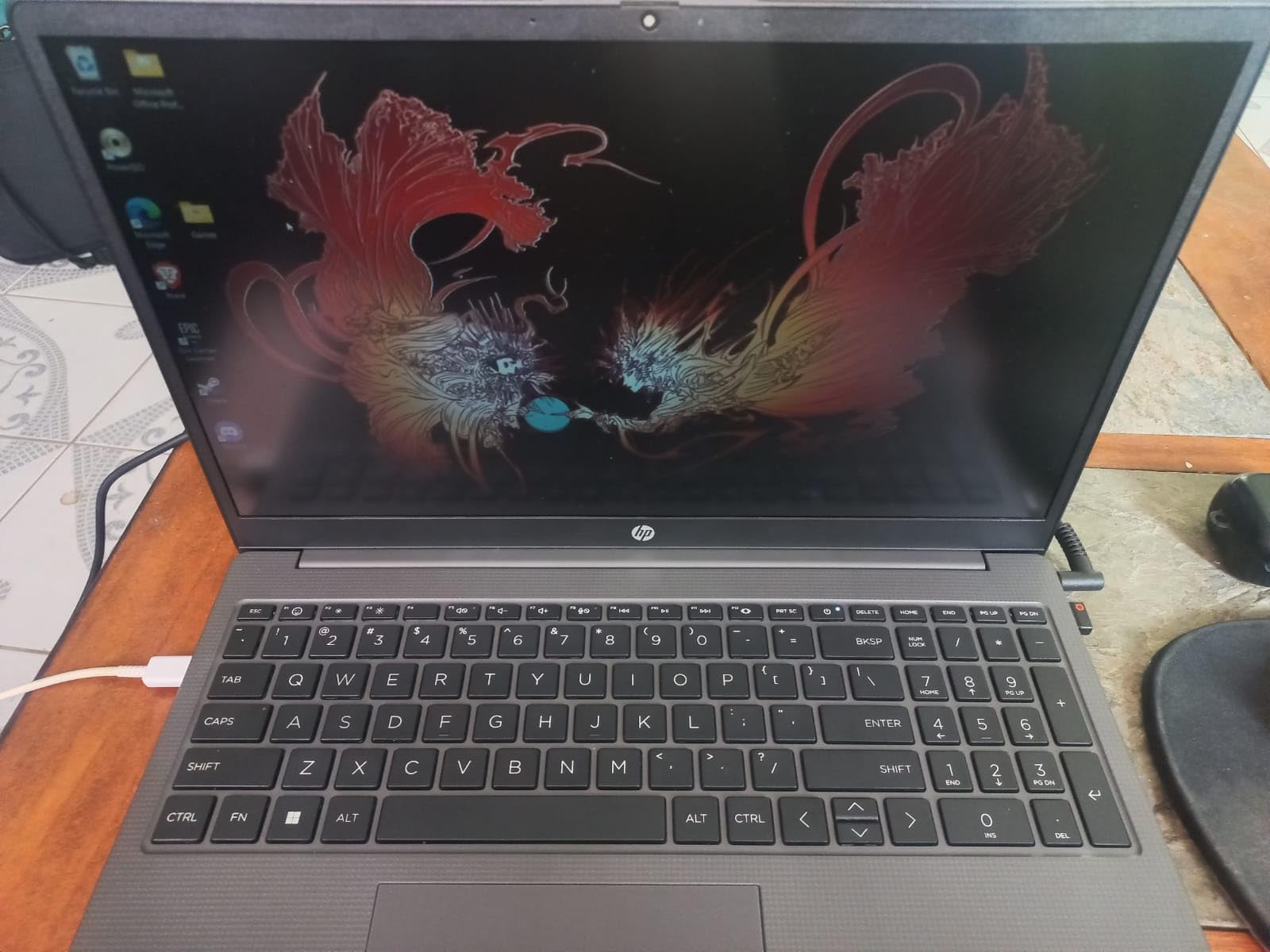
Setup is described as fast and easy, with snappy everyday performance and quick startup. One reviewer specifically praises it for virtual machine and cybersecurity work, which is exactly the kind of task that punishes a thin machine. The 41 watt-hour battery and 2.0GHz base clock with up to 4.50GHz turbo give a reasonable daily profile, though this is not an all-day battery champion.
The display is the weak point and the review data is blunt about it: a 250-nit 45% NTSC panel has limited colour accuracy and brightness. Integrated Radeon Graphics will not accelerate a GPU-heavy build or a modern game. There are also isolated reports of Bluetooth pairing failures, a low-resolution webcam, screen freezing, and owners describing the build quality as low-end. Expect a functional machine, not a premium one.
Why the memory matters more than the display
For a CS degree, memory is the spec that determines whether year three feels smooth or frustrating. An IDE indexing a large repository, a browser with documentation tabs, a WSL 2 instance, and a database running together will stall an 8GB machine. Two memory slots with room to 64GB means this laptop can grow with your coursework rather than boxing you in on day one.
The anti-glare coating also deserves credit even at 250 nits. A matte panel in a bright lecture hall is easier to read than a glossy one, and for long study sessions that matters more than the specification sheet suggests. Bring a cheap external monitor for desk work if colour accuracy is important to your work.
What you give up to save
You give up colour-accurate display, GPU capability, and premium build feel. If your coursework is web development, algorithms, data structures, or security labs, none of those cost you anything real. If you plan to do machine learning, game development, or anything GPU-bound, this machine simply cannot follow you there.
Durability is the other open question. The warranty is one year limited, and the build is described as low-end by some owners, so a protective sleeve and careful handling are worth the small investment. Our guide to laptops for students on the smallest budgets covers what to prioritise if this tier is still above your ceiling.
5. Acer Nitro V 15 – The Best Laptop for Raw Compile Power
Acer Nitro V Gaming Laptop | Intel Core i9-13900H Processor | NVIDIA GeForce RTX 5060 Laptop GPU | 15.6″ FHD IPS 165Hz Display | 16GB DDR4 | 1TB Gen 4 SSD | Wi-Fi 6 | Backlit KB | ANV15-52-98KV
Core i9-13900H with 14 cores to 5.4 GHz
RTX 5060 Laptop GPU, 8GB GDDR7
76 watt-hour battery, 165Hz IPS panel
Pros
- 14-core i9 handles heavy compiles and demanding workloads
- Upgradeable to 32GB RAM with room for a second drive
- Thunderbolt 4
- HDMI 2.1 and RJ-45 Ethernet
- Only draws about 135W keeping power costs manageable
Cons
- Ships with 16GB of DDR4 rather than DDR5
- Fan noise is loud under sustained load
- Runs warm with roughly 5 hours of battery life
When you care about one number and one number only, it is core count. The Core i9-13900H here has 14 cores boosting to 5.4 GHz, which is the highest clock speed in this roundup, and it pairs with an RTX 5060 Laptop GPU. Reviewers describe it as handling heavy compiles and demanding AAA titles, and call the price-to-performance strong for the hardware on offer.
Memory is the one place to be careful. It ships with 16GB of DDR4 across two slots that top out at 32GB, and the review data notes this is DDR4 rather than DDR5, which is slower and less future-proof. That ceiling is the main reason this machine sits at the bottom of our ratings despite the processor. If you are a first-year student, expect to add memory within a year.
The rest is well specified for a developer. You get Thunderbolt 4 USB-C, three USB 3.2 ports, HDMI 2.1, RJ-45 Ethernet, and a Kensington lock, plus a 165Hz 300-nit matte IPS display that is bright enough for indoor use. Dual-fan cooling with NitroSense control lets you manage thermals manually, and a 76 watt-hour battery is unusually large for a 15.6-inch gaming machine.
The heat is the trade-off. Owners report loud fan noise under sustained load, a chassis that runs warm even during light tasks, and roughly five hours of real battery life. Several one-star reviews cite system errors, crashes, and units that did not match the listed specifications, so check the configuration carefully before you commit. Some users also report needing to manually switch to the discrete GPU for full performance.
When a 14-core chip actually pays off
Parallel builds are the case. Compiling a large C++ or Rust project, building a container image, rendering a Unity scene, or running a virtual machine with several services all scale with available cores. At 5.4 GHz turbo and 14 cores, this machine finishes those jobs faster than anything else here, and the RTX 5060 keeps CUDA in play for ML coursework.
RJ-45 Ethernet is worth calling out too. It is increasingly rare in thin laptops, and for a networking or security student running packet capture and local servers, a wired connection beats Wi-Fi reliability. Combine that with HDMI 2.1 and Thunderbolt 4 and you have the easiest dual-monitor and docking setup in the roundup.
Who this is wrong for
It is wrong for anyone who values quiet, cool, or long-lasting battery behaviour, which is to say most of a typical student’s day. Five hours of real battery, a warm chassis, and loud fans in a shared study space add up fast. It is also the lowest-rated machine here at 4.2 stars, and the 32GB memory ceiling is a genuine constraint for a four-year degree.
Students doing data structures and web development will notice no difference between this and the Ryzen 7 260 machine. Save the flagship processor for coursework that genuinely parallelises, and put the budget into memory or a better display instead if it does not.
6. Dell Inspiron 14 Plus 7440 – The Best Laptop for Reading Code on a 2.8K Display
Dell Inspiron 14 Plus 7440 Laptop- 14-inch 16:10 2.8K (2880×1800) Display, Intel Core Ultra 7-155H, 32GB LPDDR5X RAM, 1TB SSD, Intel Arc Graphics, Windows 11 Home, Onsite & Migrate Service- Ice Blue
Core Ultra 7-155H with 16 cores
32GB LPDDR5X at 6400 MHz
14-inch 2.8K 2880x1800 at 90Hz, 16:10
Pros
- Sharp 2.8K 16:10 display is excellent for code and documentation
- 32GB LPDDR5X at 6400 MHz gives strong headroom
- Onsite warranty service and military-grade testing
- 3.9 pound chassis with a 0.67 inch profile
Cons
- Only 37 ratings so long-term reliability feedback is limited
- LPDDR5X memory is soldered and not upgradeable
- Integrated Intel Arc graphics suit light work only
- No touchscreen despite the premium panel
The Inspiron 14 Plus is the display pick, and for programming that is not a trivial distinction. A 14-inch 2.8K 2880×1800 panel at 16:10 with a 90Hz refresh rate and matte anti-glare finish shows substantially more text at a comfortable size than a 1920×1200 screen. Owners single out the sharp resolution for code and documentation, and the 90Hz makes scrolling long files noticeably smoother.
Underneath, the Core Ultra 7-155H has 16 cores up to 4.8 GHz with a 24MB cache, and the NPU unlocks on-device AI features such as auto-framing and eye-contact correction for online lectures. Memory is 32GB of LPDDR5X at 6400 MHz, which is fast, generous, and permanently soldered to the board. Storage is 1TB SSD.
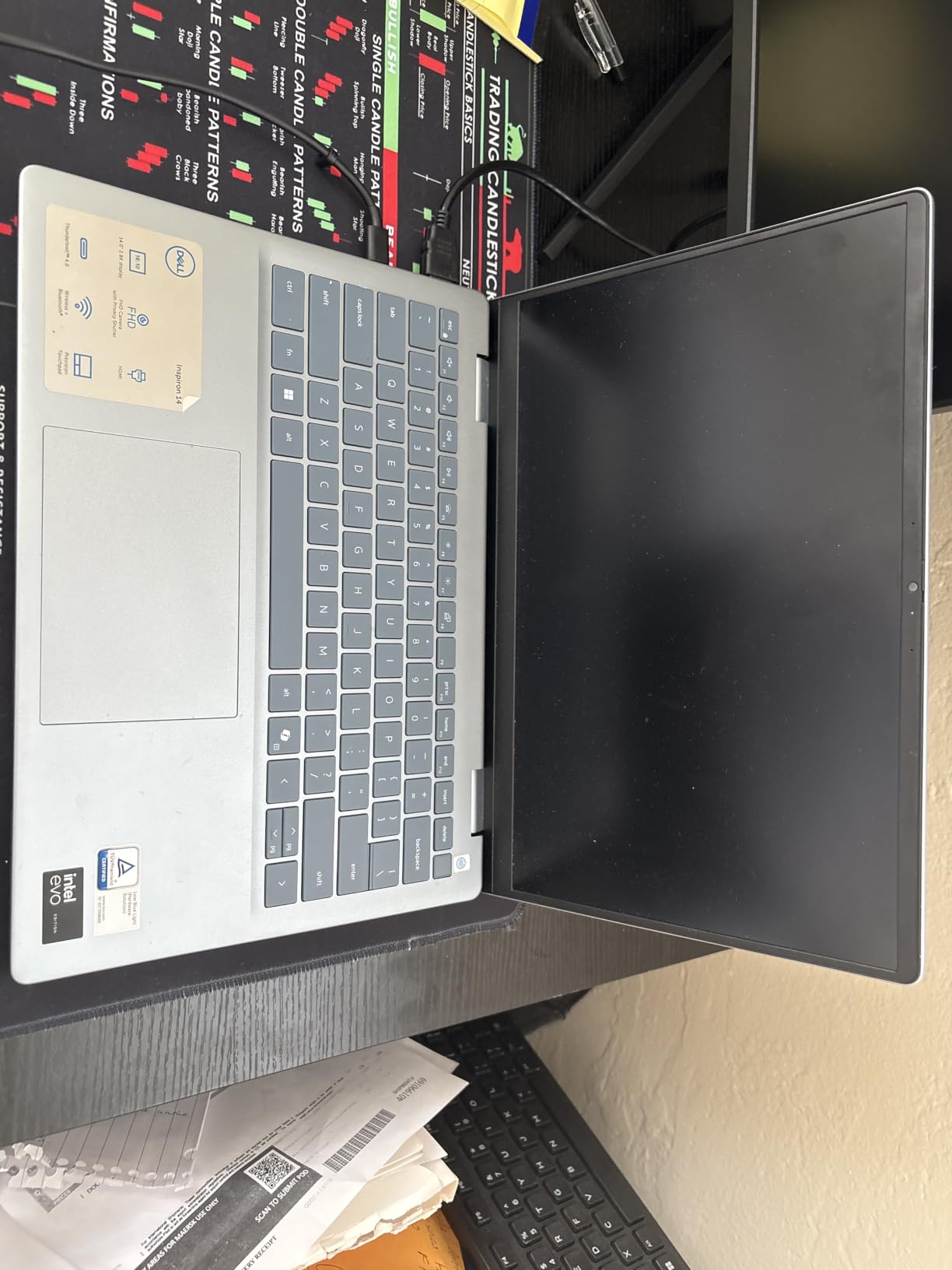
Two things make this a genuinely student-friendly machine. The warranty is one year of hardware service with onsite and in-home service plus six months of Dell Migrate, which shortens downtime if something fails mid-semester. The 3.9-pound chassis with a 0.67-inch profile and a fingerprint reader and TPM built in feels more premium than the price suggests, with Dolby Atmos and Waves MaxxAudio Pro speakers.
Two things count against it. Only 37 ratings means long-term reliability feedback is limited, so you are buying on specification rather than on an established owner record. And the 32GB of LPDDR5X cannot be upgraded, so whatever you buy is what you keep for four years. Integrated Intel Arc graphics will not satisfy a CUDA workload or heavy GPU compilation.
Why 16:10 changes how much code you see
Aspect ratio is an unglamorous spec that quietly determines your day. A 16:9 screen at the same diagonal is shorter, so you scroll more and see less code per glance. A 16:10 or 3:2 panel gains vertical space, and on this machine that vertical space is also 2880 pixels tall at 90Hz, which means documentation, a terminal, and your editor can sit side by side without squinting.
The matte anti-glare coating is the underrated part. In a lecture hall with overhead lighting, a glossy panel reflects the ceiling lights directly into your eyes. This one does not, and combined with the resolution it is the most comfortable panel here for long reading sessions.
Where you will feel the limits
Integrated Intel Arc graphics shared from system memory mean this is not a machine for machine learning, game development, or GPU-accelerated compilation. If your degree avoids all three, the integrated part is more than adequate for Visual Studio Code, JetBrains IDEs, browsers, and a WSL 2 development environment.
Soldered memory is the decision to think hardest about. Thirty-two gigabytes is a lot, and LPDDR5X is quick, so you are unlikely to need more. But there is no upgrade path, so treat that 1TB SSD as the only swappable component. Pair it with a large external drive and the constraint stops mattering.
7. Lenovo ThinkPad E16 – The Most Durable Laptop for a Four-Year Degree
Lenovo ThinkPad E16 Laptop, Intel Ultra 7 255H, 32GB DDR5 RAM, 1TB SSD
Intel Core Ultra 7 255H, 16 cores
32GB DDR5 upgradeable to 64GB
16-inch WUXGA 1920x1200 IPS display
Pros
- 32GB DDR5 is upgradeable to 64GB
- Windows 11 Pro with BitLocker and remote desktop
- Security stack with fingerprint reader and TPM 2.0
- 16-inch display gives a large workspace for code
Cons
- Standard 1920x1200 IPS panel with no high-resolution option
- Integrated Intel Arc graphics only
- Only 91 ratings compared to competitors
The ThinkPad E16 is the pick I make when the question is survival. It ships with 32GB of DDR5 that is user-upgradeable to 64GB, a 1TB SSD plus a bundled 500GB portable hard drive, and a 16-inch WUXGA display that gives you a large workspace for code and data analysis. That upgradeable memory matters more than any benchmark in year three.
The security stack is unusually complete for a student machine: a fingerprint reader, Firmware TPM 2.0, a Kensington lock, and a 1080p camera with a privacy shutter. Windows 11 Pro adds BitLocker encryption, remote desktop, and management tools. Backlit keyboard and a 3.8-pound weight keep it practical to carry between buildings.
The forum consensus lines up with the specification. As one r/utarlington poster put it, “Personally I like Lenovo ThinkPads as they are very durable, and with the on-site warranty, they will literally come to your house and repair.” Durability and on-site repair access, not peak performance, is what students repeatedly say decides this purchase.
The reservations are real. The display is a standard 1920×1200 IPS panel with no high-resolution or high-refresh alternative, so you are trading screen quality for durability. Graphics are integrated Intel Arc only with no discrete GPU option listed, ruling out CUDA work. The review pool is small at 91 ratings, and the rating distribution includes a 10% three-star share, which points to some quality inconsistency between units.
Why repair access beats raw speed for four years
A faster laptop that dies in year two costs more than a slower one that lasts. On-site repair means a technician comes to you, so a failed component does not cost you a week of lectures. The fingerprint reader and TPM 2.0 also matter for a degree that will include security coursework, where you will be asked to reason about exactly this kind of hardware trust boundary.
The bundled 500GB portable hard drive is a small detail that shows the design intent. Someone building a machine for a business or academic user expects large project files, datasets, and virtual machine images, and a secondary drive keeps them off the main volume. For a student running a home lab, that is a useful head start.
Where you will feel the compromise
You will feel the 1920×1200 panel every day if you read a lot of code. Compared with the 2.8K 16:10 screen in the Dell Inspiron 14 Plus, the difference is obvious side by side, and it is the one thing that cannot be upgraded later. If your work is documentation-heavy rather than compute-heavy, that trade is harder to justify.
The integrated graphics also close the door on machine learning, game development, and GPU-accelerated work. And at 91 ratings, you have less owner history to draw reassurance from than with the Apple or HP machines here. This is a durability bet, and the payoff is that the machine is still fine in year four.
8. Dell Inspiron 15 Touchscreen – The Best Budget Laptop for First-Year Students
Dell Inspiron 15 Touchscreen Laptop Computer for Student Study and Business, 13th Intel i5-1334U (Beat i7-1250U), 32GB DDR4 RAM, 1TB PCIe SSD, 15.6″ FHD, WiFi 6, Windows 11 Pro
Intel Core i5-1334U, 10 cores to 4.6 GHz
32GB DDR4 at 3200 MHz
1TB PCIe NVMe SSD, 15.6-inch FHD touchscreen
Pros
- Lowest cost here while still offering 32GB RAM and a 1TB SSD
- Windows 11 Pro is a real advantage for coursework and internships
- 15.6-inch FHD touchscreen is useful for note-taking
- Light 3.6 pound chassis with up to 555 minutes of stated battery
Cons
- Intel Iris Xe cannot handle GPU-accelerated development
- DDR4 is slower and less future-proof than DDR5
- 60Hz 1080p panel is basic next to higher-resolution rivals
- 1.3GHz base clock means sustained heavy work throttles
If the number on the screen is the thing stopping you buying, this is the answer. The Dell Inspiron 15 pairs a 13th generation Core i5-1334U with 10 cores up to 4.6 GHz, 32GB of DDR4, and a 1TB PCIe NVMe SSD, and it does so at the lowest cost of anything in this roundup. That is simply more memory and storage than most first-year students need for algorithms and data structures.
Windows 11 Pro is the quiet differentiator. Reviewers call it a genuine advantage for coursework and internships, and in practice the Pro features you will notice first are remote desktop into a lab machine and BitLocker for a machine you carry around campus all day. The 15.6-inch FHD touchscreen is useful for note-taking during lectures, and the 3.6-pound chassis is light for a 15.6-inch machine.
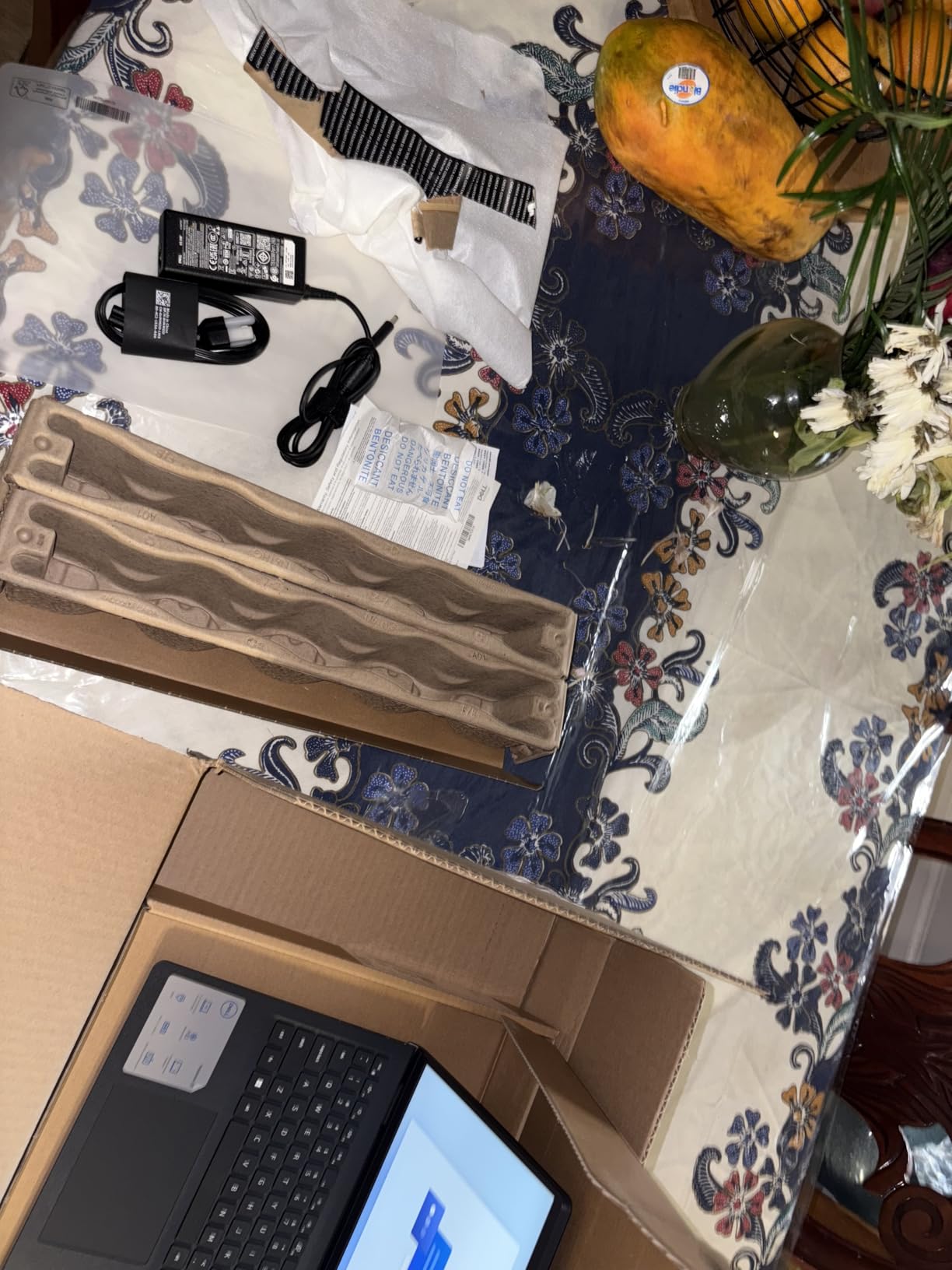
Battery is stated at up to 555 minutes, roughly nine hours, which reviewers judge suitable for full days of classes. The port selection is wide for the money, including Ethernet, HDMI, three USB ports, and an SD card reader, so you can connect to a wired network in a lecture hall and read a camera card from a hardware project without adapters.
The limits are all in the display and the graphics. Intel Iris Xe is integrated and cannot handle GPU-accelerated development or serious gaming. The panel is a 60Hz 1080p LCD, which is basic next to the higher-resolution machines here. And a 1.3GHz base clock means sustained heavy workloads throttle, so long compiles will feel slower than the core count suggests.
What 32GB buys a first-year student
More than most expect. The realistic first-year stack is Visual Studio Code or a JetBrains IDE, a terminal, a browser with documentation tabs, Git, and occasionally WSL 2. That fits in 16GB comfortably, but memory is rarely released back to the system, and by second year you will add a database, a container stack, and an Android emulator. Having 32GB from day one removes a class of problem you cannot fix later.
Storage follows the same logic. A 1TB PCIe NVMe drive is a large amount of room for Docker images, virtual machines, and cloned repositories, and it is the component you can least afford to run out of. A 512GB drive plus a second drive is workable, but 1TB in a single volume removes the maintenance entirely.
When to step up a tier instead
Step up if you already know you will do machine learning, game development, or video work, because Iris Xe closes those doors permanently. Step up if you want a display you can read documentation on for six hours a day without fatigue. And step up if you intend to keep this machine past graduation, since the 1.3GHz base clock and DDR4 memory are both dated foundations.
For a student buying their first programming laptop on a limited budget, though, this configuration is hard to argue with. Faculty and staff at universities reportedly buy mid-tier machines with 16GB RAM and 512GB SSDs as adequate for programming students, and this one doubles the memory for a comparable outlay. The HP 255 G10 is the step up if the display bothers you; the MacBook Air is the step up if you want a machine you will still want in four years.
9. Alienware 16 Aurora – The Best Laptop for CUDA Workloads on a Big Screen
Alienware 16 Aurora Gaming Laptop, NVIDIA RTX 5060, Intel Core 7 240H
RTX 5060 Blackwell with 8GB GDDR7
16-inch WQXGA 2560x1600 at 16:10
Intel Core 7 240H up to 5.2 GHz
Pros
- 16:10 2560x1600 display is sharp at 300 nits with anti-glare
- RTX 5060 Blackwell adds real value for CUDA ML work and game dev
- Wi-Fi 7 with Ethernet and 4x USB ports
- One year of Dell onsite service included
Cons
- Heaviest machine here at 5.5 pounds
- 10 percent of ratings are one star mostly on fans and thermals
- Only 16GB of base RAM for this price bracket
- Requires the bulky 180 watt power adapter
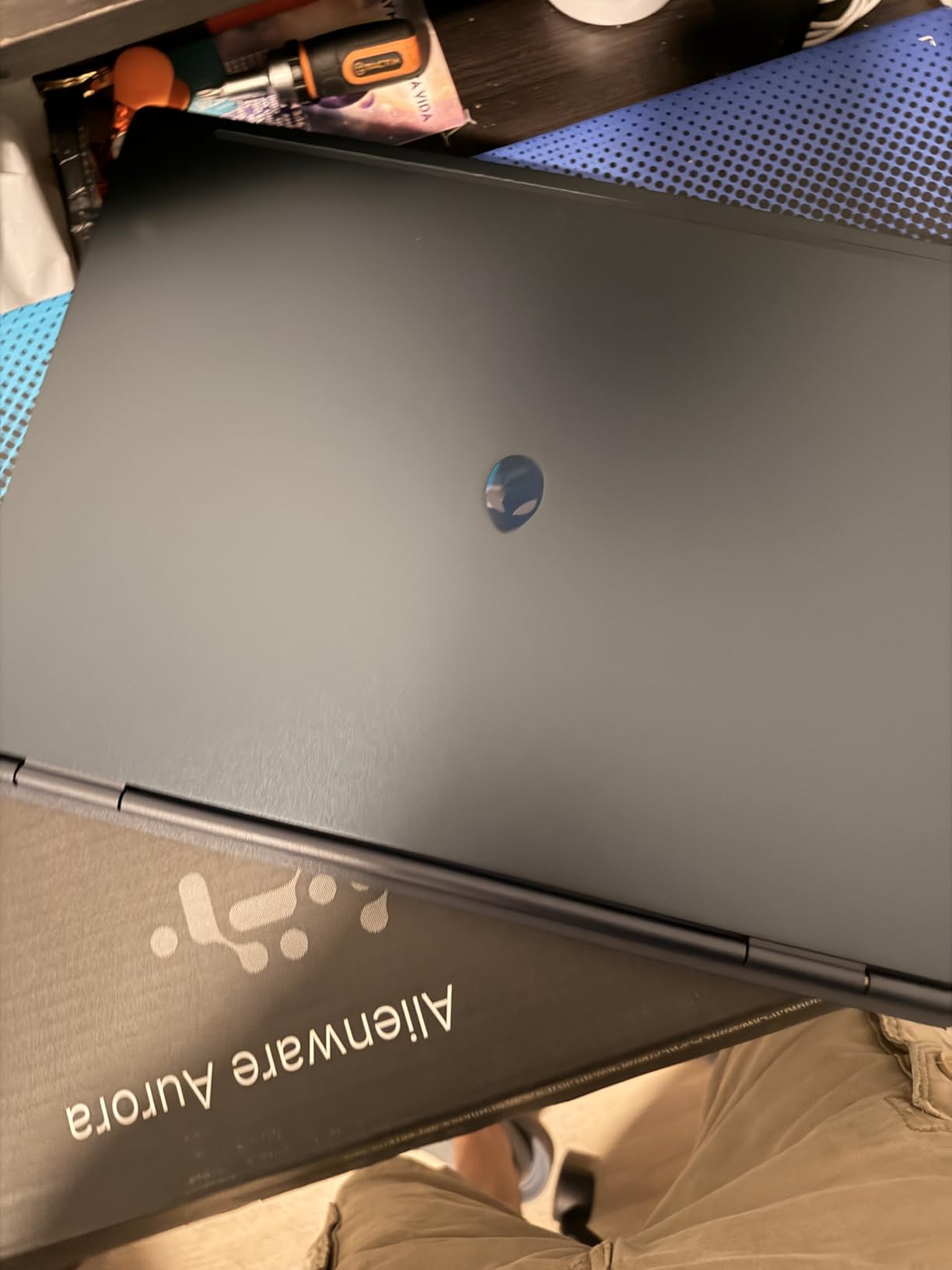
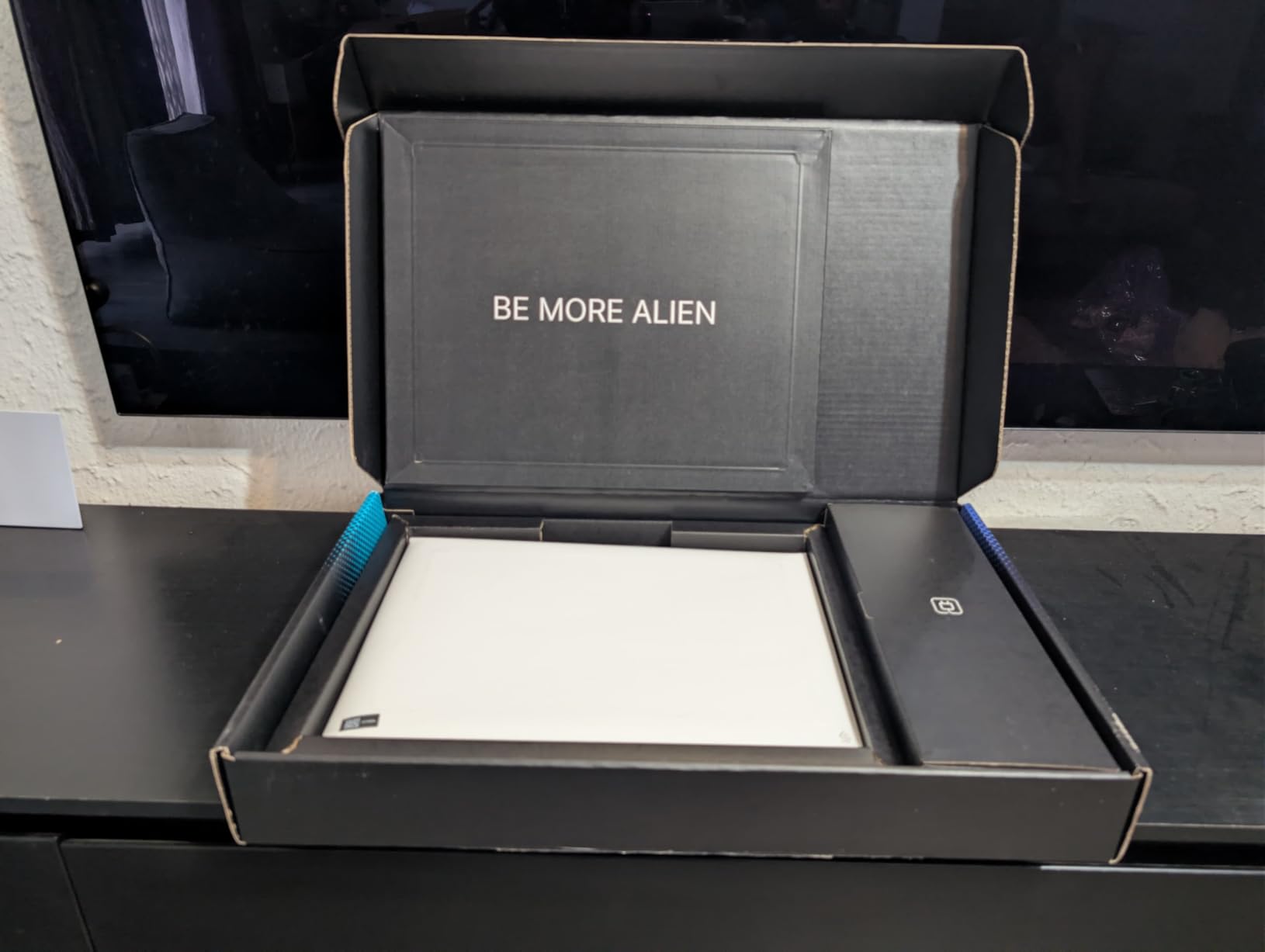
The Alienware 16 Aurora is the rare gaming laptop that also happens to have a genuinely good display. The 16-inch WQXGA 2560×1600 panel at 16:10 with 300 nits and an anti-glare coating is the sharpest screen on any gaming-class machine here, and 16:10 means more vertical code than a 16:9 panel of the same size. Owners call it unusually crisp, and they are right.
Underneath, the NVIDIA GeForce RTX 5060 with 8GB GDDR7 on Blackwell architecture is what students doing computer vision, PyTorch coursework, or Unreal Engine prototyping are paying for. The Intel Core 7 240H Series 2 has 10 cores up to 5.2 GHz, and the Cryo-Chamber airflow structure keeps thermals manageable without a rear shelf. Connectivity is strong: Wi-Fi 7, Ethernet, HDMI, and four USB ports.
Memory is the compromise, at 16GB of DDR5 5600 MHz across two slots upgradeable to 32GB. For a machine at this price bracket, reviewers flag the base configuration as thin, and we agree: treat an immediate memory upgrade as part of the purchase. Storage is listed simply as SSD, so check the capacity at purchase rather than assuming.
The 5.5-pound weight is the heaviest in this roundup, and it is the reason this is not our top pick. Ten percent of ratings are one star, with fans and thermals the most common complaint, and there is no fingerprint reader despite the premium chassis. You will also carry the bulky 180 watt adapter. One year of Dell onsite service is included, which is a meaningful hedge on a machine this size.
Why the 16:10 panel changes GPU work
When you are staring at a TensorBoard training curve in one window, a code editor in another, and a terminal in a third, vertical pixels are worth more than horizontal ones. A 2560×1600 16:10 display at 300 nits gives you a tall, bright, glare-free workspace that a 1080p 16:9 panel simply cannot match, and the anti-glare coating matters in a dorm room with a desk lamp behind you.
The RTX 5060 Blackwell is the reason to buy it for ML specifically. Eight gigabytes of GDDR7 VRAM is the practical ceiling for local model work, but it is enough for coursework-scale training and inference, and the same card handles game engine rendering. A backlit keyboard with numeric keypad and Dolby Audio round out a machine that works as a daily driver.
Who should pick something else
Anyone who carries their laptop between buildings should pick something lighter. At 5.5 pounds plus a 180 watt adapter, this is a desk machine that occasionally travels, and the fan noise complaints in the one-star reviews will be constant if you use it in a library. Students doing pure web development gain nothing from the discrete GPU.
The honest comparison is with the Acer Nitro V 16S AI, which is lighter, ships with 32GB of memory as standard, and has a second storage slot. If your workload is ML or game development and you care about upgrade headroom, the Nitro is the better buy. The Aurora wins on display sharpness and Wi-Fi 7.
10. MSI Cyborg 17 – The Best Big-Screen Laptop with Maximum RAM Headroom
msi Cyborg 17 17.3″ FHD 144Hz Gaming Laptop: Intel Core 7-240H, NVIDIA Geforce RTX 5060, 16GB DDR5, 1TB NVMe SSD, Type C, Wi-Fi 6E, Win 11 Home: Translucent Black B2RWFKG-074US
17.3-inch FHD 144Hz matte display
Intel Core 7-240H up to 5.2 GHz
RTX 5060 with 16GB DDR5
Pros
- Largest display here at 17.3 inches with a 144Hz refresh rate
- 16GB DDR5 is upgradeable to 96GB with reported success to 32GB
- Thin at 0.83 inches for a 17-inch chassis
- Wi-Fi 6E plus RJ-45 Ethernet is a rare combo
Cons
- Only one USB-C and two USB-A ports which several owners find insufficient
- All ports sit on the right side
- Single SSD slot so there is no second drive
- Needs the MSI IRST driver on a fresh Windows install and bundled USB drivers are slow
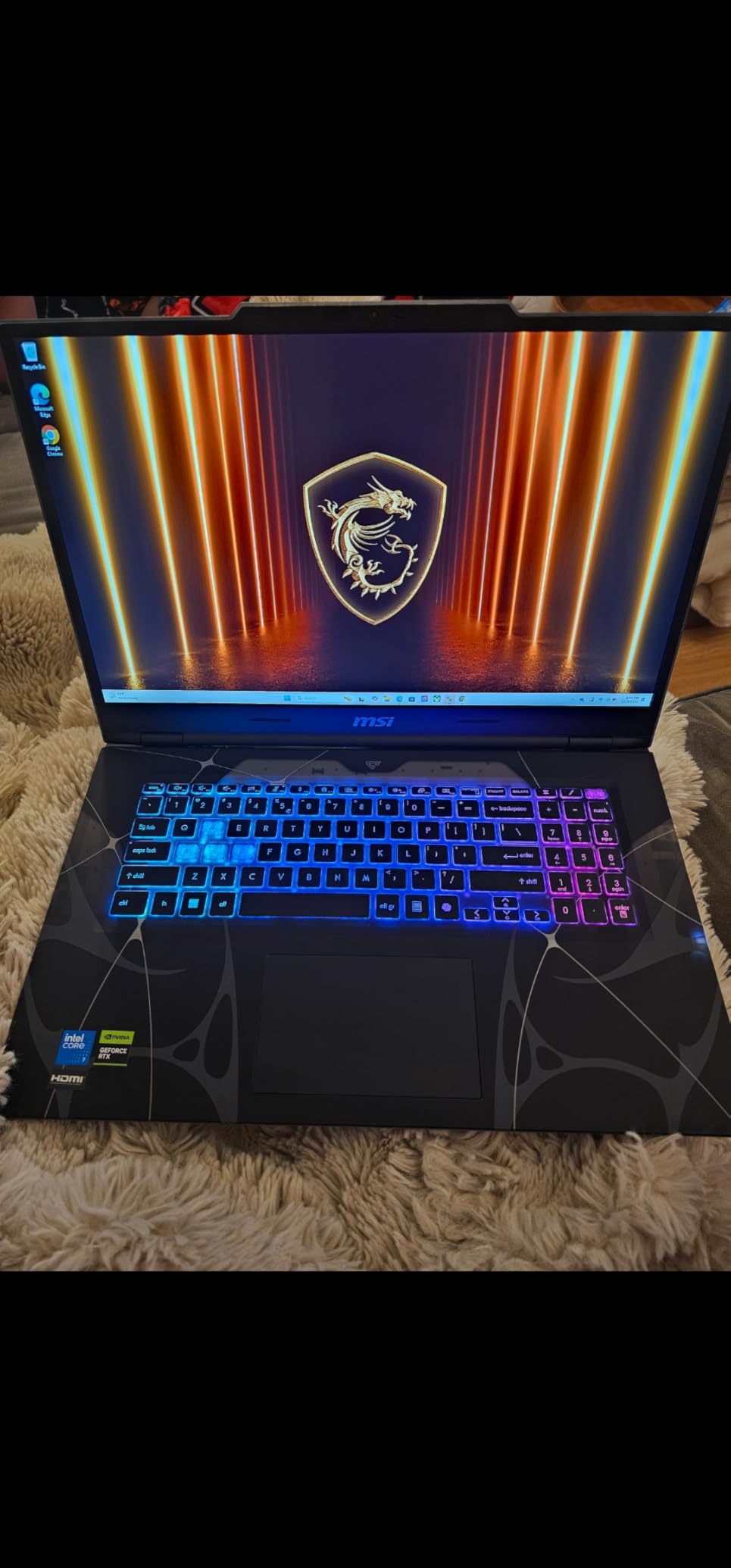
The Cyborg 17 is the odd one out in this list and that is its appeal. It gives you a 17.3-inch FHD 144Hz matte display, the largest panel here, in a chassis 0.83 inches thick. Owners call it relatively thin and light for a 17-inch machine, and if you want three panes of code visible at once without an external monitor, nothing else in this roundup does it.
Memory is the sleeper feature: 16GB DDR5 5600 MHz across two slots that support up to 96GB, and one buyer successfully upgraded to 32GB. That is more headroom than any other machine here, which means a machine-learning student running several Jupyter notebooks alongside an IDE, a virtual machine, and a local model has room to grow for the whole degree.
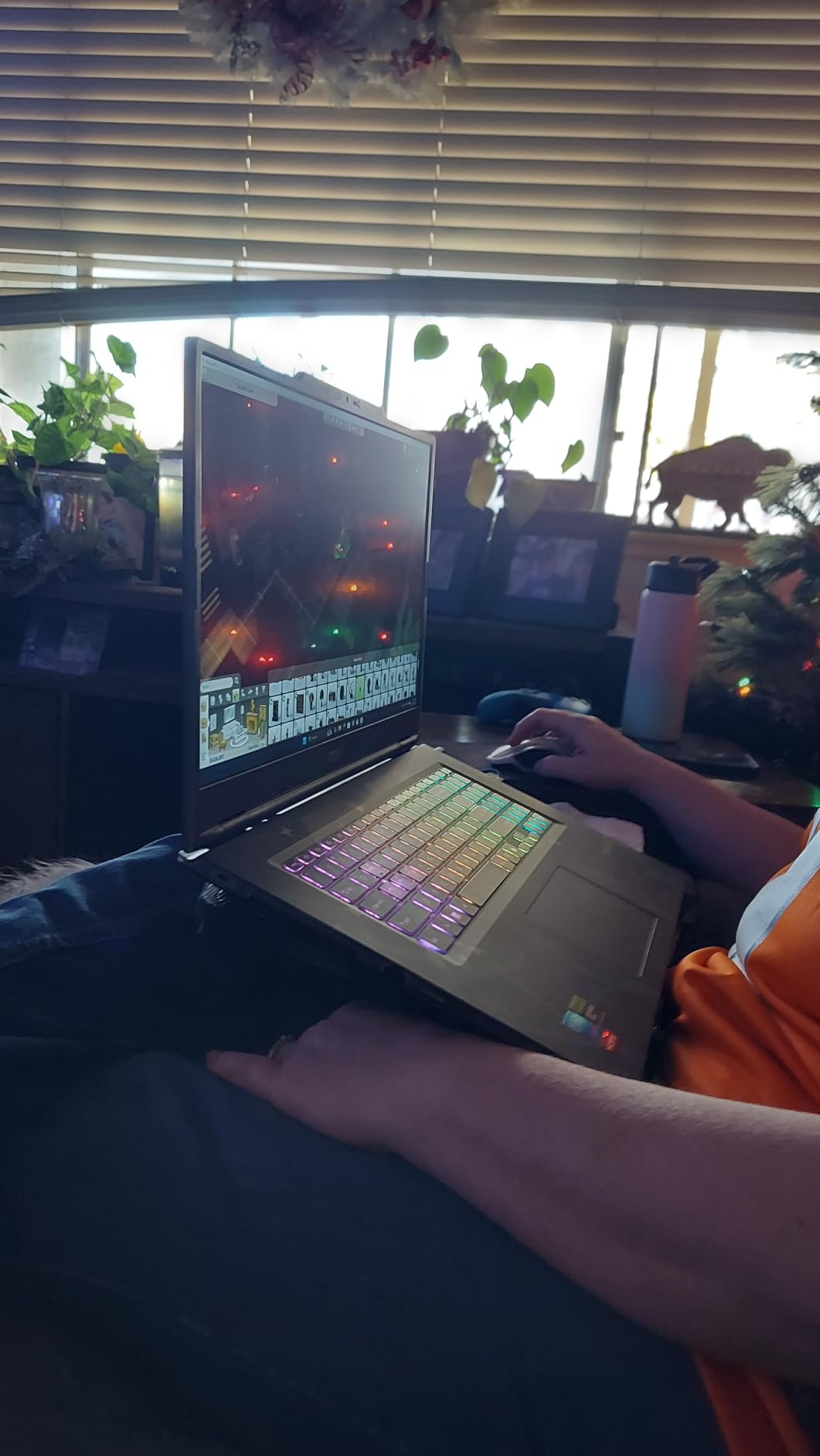
The RTX 5060 with 8GB GDDR7 brings real-time ray tracing and DLSS 4, and the Intel Core 7-240H hybrid architecture reaches 5.2 GHz. Cooler Boost shared-pipe thermal design holds temperatures in check through long sessions, and the translucent black chassis is genuinely distinctive next to a field of grey business laptops. Wi-Fi 6E with RJ-45 Ethernet is a combination we rarely see.
The port layout is the weak point and it is worth being specific. There is one USB-C and two USB-A ports, several buyers consider that insufficient, and every port plus the 3.5mm jack sits on the right side, which is poor ergonomics for right-handed mouse users. Storage has a single M.2 slot, so a second drive means replacing the first. A fresh Windows 11 install also needs the MSI IRST driver, and the bundled USB drivers are very slow out of the box.
Who benefits from a 17.3-inch panel
Big-screen work rewards specific workflows. Split-screen code review with a diff on one side and the terminal on the other, a wide Unreal Engine viewport, a data science notebook with plots beside the analysis, or a virtual machine window beside the editor all gain from the extra inches. The 144Hz matte panel also stays smooth and readable for long sessions, which reviewers highlight.
The 96GB memory ceiling is the under-rated argument. Almost no other machine at this spend lets you add memory over a four-year degree without replacing the existing modules, and several students keep large virtual machine images that grow every semester. Combined with ray tracing for Unreal or Unity work, this is a strong engine for a game development or graphics track.
What to fix before you rely on it
Install the current chipset, graphics, and IRST drivers from the MSI support page before you start coursework, because reviewers specifically flag slow out-of-box USB performance. Then switch MSI Center from the default hybrid performance mode to performance mode, which several owners say is required to get the full specification out of the chip. Neither takes long, and both fix common first impressions.
With only 41 ratings, long-term reliability feedback is thin, and a small group of one-star reviews report severe slowness and load-time problems. Weigh the port layout honestly too: if you use a wired external drive, a USB-C dock, and a wired mouse, you will be counting ports repeatedly. For everyone else, the screen and the memory ceiling justify the machine.
Specs You Can Skip as a Student
This is where students waste money, and the forum consensus is unusually clear about it. Asked whether a dedicated GPU matters, students doing data structures, algorithms, and web development repeatedly say no, because they are “not into gaming” and their work is light ML at most. Here is what you can safely ignore.
Skip the discrete GPU unless your course list names machine learning, computer vision, game development, or 3D rendering. CUDA simply does not exist on integrated graphics or on Apple silicon, so those tracks have no alternative, but a web development or systems course will never touch it.
Skip colour-accurate panels above 300 nits unless you do design or video. A dim 250-nit anti-glare screen with good text rendering is genuinely usable for reading code, and reviewers treat the HP 255’s panel as a fair trade rather than a dealbreaker.
Skip 4K displays. For code, resolution past roughly 2880×1800 on a 14-inch panel produces scaling artefacts and smaller text. Aspect ratio matters more than pixel count: 16:10 or 3:2 beats extra pixels at 16:9.
Do not buy 32GB you will never use — unless it is free, as it is on the HP 255 G10 and the Dell Inspiron 15. Sixteen gigabytes is the honest floor and 32GB is comfortable, but paying a large premium to jump from 16GB to 32GB is a poor trade when you could put that money into a 1TB SSD or a better panel.
Do not buy 8GB. This is the one place to spend rather than save. Memory is rarely returned to the system, and a machine that cannot be upgraded because the board is soldered will limit you for the whole degree. If your budget forces a choice, upgrade the memory before you upgrade anything else.
Which Operating System Should You Buy?
Tie this to your course requirements before your hardware, because it is the decision you cannot change later. macOS, Windows, and Linux are all viable for programming students in 2026, and the honest answer depends more on your programme than on the machine.
Choose macOS if your programme teaches Swift, iOS, or server-side Swift, or if you want the longest battery life and the quietest operation with the least configuration. Xcode is macOS-only, so an iOS track effectively settles the question. WSL 2 also covers most Linux coursework from macOS reasonably well.
Choose Windows if you need .NET, Visual Studio, game engines, or anything touching drivers, kernel modules, or security tooling natively. Windows 11 Pro is worth having over Home for remote desktop and BitLocker, and WSL 2 makes Linux development a first-class experience. Every gaming-class machine here runs Windows, which matters if your coursework needs an NVIDIA driver.
Choose Linux or ChromeOS only with a reason. Linux is the correct answer for a systems or security student who wants a real kernel under the machine, and it is free. ChromeOS is genuinely not a programming machine: a Chromebook can teach you the basics, but it will not run your IDE, a virtual machine, or a local model without moving you into a Linux development environment first. If you are starting a CS degree, skip it.
A common student anxiety is that macOS will limit you if an internship requires Windows tooling. In practice WSL 2 covers a very large share of that work. What macOS cannot do is run CUDA, so if machine learning is on your transcript, that decides it.
Will It Survive a Four-Year Degree?
A CS degree runs four years. A laptop that fails in year two costs more than a slightly slower one that lasts, so durability and repairability deserve the same weight as any benchmark.
Buy repairable when you can. Two memory slots that accept larger modules, a spare M.2 slot, and a standard serviceable design all reduce the chance of an out-of-warranty failure ending your semester. The HP 255 G10 expands to 64GB, the ThinkPad E16 to 64GB, the Nitro V 16S has a second storage slot, and the Cyborg 17 reaches 96GB. The Dell Inspiron 14 Plus and both MacBooks are soldered, which is the price of their build quality.
Prioritise on-site warranty. This is the single most-cited factor in student recommendations. A technician who comes to your door costs you a morning, not a week. The Dell Inspiron 14 Plus and Alienware 16 Aurora both include onsite service, and the ThinkPad line is the one students name most often for exactly this reason.
Count the four-year cost, not the sticker. Add the likely cost of a battery replacement, one storage upgrade, and a repair or two, then subtract what the machine will be worth at graduation. A machine with upgradeable RAM and SSD may cost more up front and less over four years, because you are buying components rather than replacing whole machines.
Protect the machine you carry. Every pick in this roundup that is carried between classes benefits from a sleeve, which is why the Acer Nitro V 16S includes one. A 16-inch machine in a backpack without protection is the most common way students destroy an otherwise fine laptop in their first year.
Which Laptop for Which Major
Match the machine to your declared course load, not to your major title. A generic computer science degree needs the baseline specs and nothing more; the specialisations are where the real hardware demands come from.
Algorithms, data structures, systems, and general CS: any machine in this roundup with 16GB or more of memory. The HP 255 G10 and the Dell Inspiron 15 cover this entirely, and the Lenovo ThinkPad E16 is the choice if you want it to still be running in year four.
Web development and full-stack work: prioritise memory and a 16:10 display. The Dell Inspiron 14 Plus gives you a 2.8K 16:10 panel and 32GB, which is close to ideal for reading documentation beside a terminal. The MacBook Air wins if you want a silent machine with a long battery.
iOS and macOS development: the MacBook Pro 14 or the MacBook Air 13, without question. Xcode requires macOS, and the M5 configurations here handle it with room to spare. If you also want CUDA for a side project, you will need a second machine or a cloud instance.
Data science and machine learning: the Acer Nitro V 16S AI or the Alienware 16 Aurora, both of which carry an RTX 5060 with 8GB of GDDR7. The Nitro is lighter and ships with 32GB; the Alienware has the better display. Either one runs Jupyter notebooks and PyTorch workloads that integrated graphics cannot.
Game development and graphics: the Acer Nitro V 15 with its 14-core i9, or the MSI Cyborg 17 for the biggest screen and most memory headroom. Both have RTX 5060 graphics with DLSS 4 and ray tracing, which is what Unity and Unreal Engine expect.
Cybersecurity and networking: prioritise Ethernet, upgradeable memory, and a quiet machine. The Acer Nitro V 15 has RJ-45 Ethernet plus Thunderbolt 4 and HDMI 2.1, and the HP 255 G10 gives you 32GB of RAM with two slots for running VMs and a home lab.
Frequently Asked Questions
Which laptop is best for programming and coding students?
The Apple MacBook Air 13-inch with the M5 chip is the best all-round choice, because 24GB of unified memory, a 1TB SSD, silent fanless operation and up to 18 hours of stated battery cover Xcode, Docker, a browser full of documentation tabs and a full day of lectures. If your coursework needs a discrete GPU, the Acer Nitro V 16S AI is the pick, and if your budget is tight the HP 255 G10 gives you 32GB of RAM and a 1TB SSD.
What is the best laptop for a programming student?
The best laptop for a programming student needs a fast multi-core processor, 16GB of RAM at minimum, a 512GB or 1TB SSD, and a 16:10 display. A discrete GPU is only needed for machine learning, computer vision or game development. Everything else in your course load runs on integrated graphics. Durability matters as much as speed because the machine has to survive four years of daily carry.
How do I choose a laptop for coding?
Choose in this order: processor first, looking for at least eight cores from a Core Ultra 5 or 7, Core i5 or i7, Ryzen 5 or 7, or Apple M-series. Then memory, 16GB minimum and 32GB if affordable, preferring two upgradeable slots. Then storage, 512GB minimum and 1TB ideal. Then a 16:10 or 3:2 display at 1920×1200 or above. Finally check battery life, keyboard feel and port selection.
What is the best durable laptop for college students?
The Lenovo ThinkPad E16 is the durability pick in this roundup, with a business-class chassis, 32GB of upgradeable DDR5 that can reach 64GB, a fingerprint reader and TPM 2.0, and a serviceable design. The Dell Inspiron 14 Plus and Alienware 16 Aurora also include onsite warranty service. What matters most is not the badge but whether RAM is swappable and whether repairs happen at your door.
What laptop has the best durability?
ThinkPad laptops are the most commonly recommended durable option for a four-year degree, valued for build quality and on-site warranty coverage, and the ThinkPad E16 in this list extends that with upgradeable memory and a large workspace. Look for a metal chassis, a MIL-STD tested build, at least two memory slots, a spare M.2 storage slot, and a warranty that covers accidental damage if your programme allows it.
What is the best laptop brand for computer science students?
Apple and Lenovo are the strongest all-round choices for a computer science degree, with Apple for Xcode, battery life and resale value, and Lenovo ThinkPad for durability, repair access and upgradeable memory. Dell and HP cover the value and repairability tiers well, and Acer and MSI cover students who need a discrete NVIDIA GPU for machine learning or game development. Match the brand to your course load rather than to brand reputation alone.
What laptop lasts the longest lifespan?
The laptop that lasts longest is the one you can still repair and upgrade in year four. Prioritise two or more memory slots with headroom above 32GB, a spare M.2 storage slot, a standard serviceable chassis, and a warranty with onsite or in-home repair. Budget for one battery replacement and one storage upgrade across four years, and choose a machine that will still be worth something when you graduate.
The Verdict: Which Laptop Should You Buy?
The best laptops for programming students in 2026 come down to one honest question: what does your course load actually require? If it is general computer science, algorithms, and web development, the MacBook Air 13-inch M5 is the best overall pick and the HP 255 G10 is the best value. If it names CUDA, computer vision, or Unreal Engine, you want a discrete GPU, and the Acer Nitro V 16S AI is our recommendation. If you are starting an iOS track, the MacBook Pro 14 M5 is the machine to buy and the question is settled.
Whatever you choose, spend your extra money on memory and storage rather than a faster chip or a prettier display. Get 16GB minimum and two slots if you can, get 1TB of storage, and get a 16:10 or 3:2 display. Then buy the machine that will still be working in year four. We update this guide as new models arrive and prices move, so check the ratings before you commit, and start with our laptop picks for dyslexic students if reading comfort is part of your decision.