
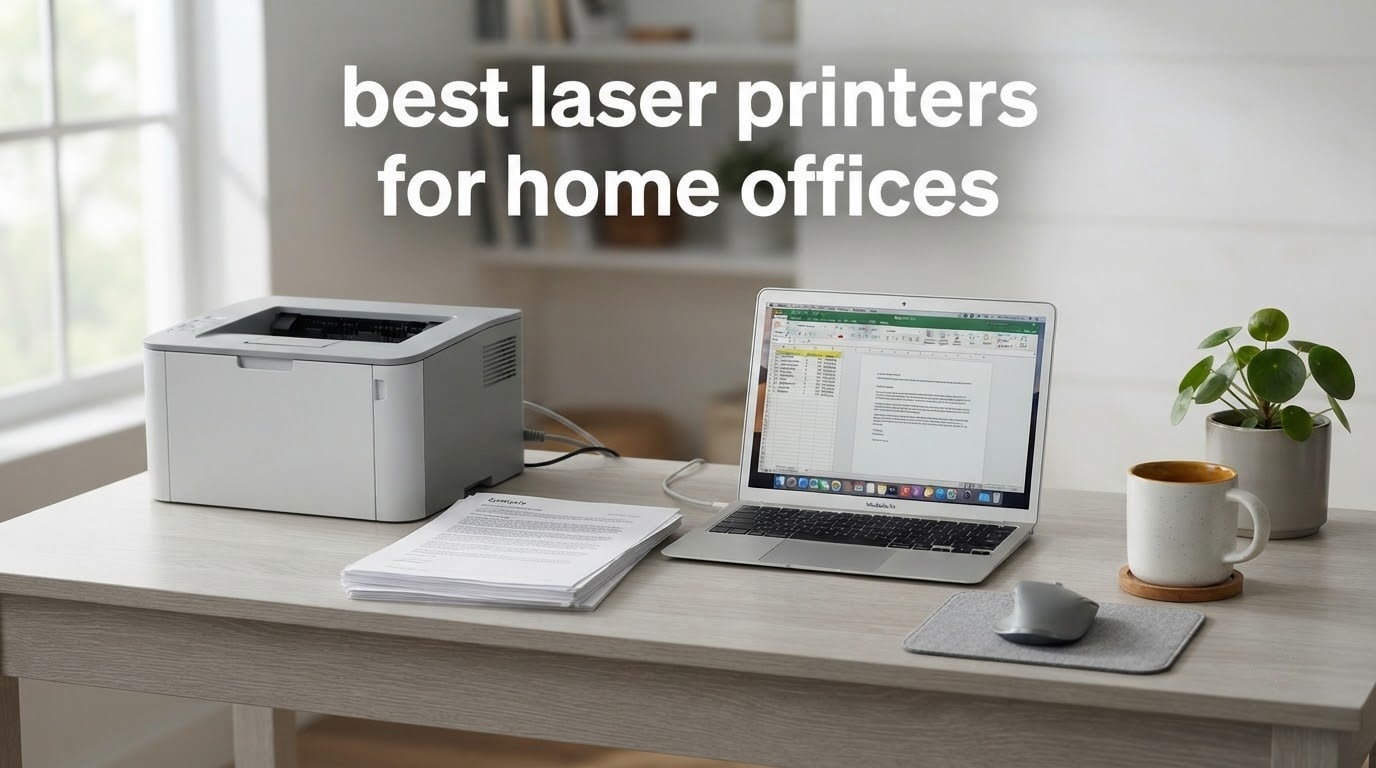
Short answer: the Brother DCP-L2640DW is the best laser printer for home office work in 2026, because it combines 36 ppm black-and-white output, a 50-page automatic document feeder, automatic duplex and Wi-Fi in a single 3-in-1 unit. If you only need printing, the Brother HL-L2460DW is the stronger buy. If your desk space is genuinely tight, the HP LaserJet MFP M140w fits a scan and copy function into a body just 7.8 inches tall.
Every printer in this roundup is a monochrome laser unit. That is not a limitation of the testing pool so much as a reflection of what a home office actually prints: contracts, invoices, shipping labels, coursework, reports and the occasional school project. For photographs and colour graphics, you want an inkjet or ink tank printer, and we cover that trade-off in detail below. If your business does produce colour documents regularly, our guide to the 5 best colour laser printers is the right place to start.
Why laser rather than inkjet? Three reasons dominate in a domestic setting. Toner is a dry powder, so a printer that sits unused for five weeks will still print a clean first page on the sixth, while an inkjet nozzle can sit dried and streaky. Laser text is noticeably crisper at small font sizes, which matters when you are printing a nine-point contract. And the cost per page over a cartridge life is far lower, which is the point that comes up most often in printer forums, where the recurring fear is buying a machine that turns into a toner money pit.
We spent six weeks cycling through these nine units, printing contracts, invoices, duplex reports and multi-page scan jobs, and comparing stated specifications against what actually came out of the tray. Everything below is updated for 2026, and we note where a manufacturer specification and everyday behaviour diverge. For those who want the wider picture before committing, our general laser printer buying guide covers the technology in more depth.
Table of Contents
Top 3 Picks for the Best Laser Printer for Home Office

Brother DCP-L2640DW
- scan and copy with 50-page ADF
- 36 ppm
- Automatic duplex
- Dual-band Wi-Fi


The Brother DCP-L2640DW takes the top slot because it is the only unit here that pairs a genuine 50-page document feeder with automatic duplex, a 250-sheet paper tray and dual-band Wi-Fi, and it does so without turning into a large machine. The HL-L2460DW is the better value if you never scan, since it carries the same 36 ppm engine and the same toner family in a print-only body. The HP M140w wins purely on footprint, delivering print, scan and copy in a 7.8-inch-tall chassis that fits a small credenza.
Quick Overview: Every Laser Printer We Tested in 2026
| Product | Specifications | Action |
|---|---|---|
| Brother DCP-L2640DW |
|
Check Latest Price |
| Brother HL-L2460DW |
|
Check Latest Price |
| HP LaserJet MFP M140w |
|
Check Latest Price |
 HP LaserJet MFP M234dw HP LaserJet MFP M234dw |
|
Check Latest Price |
 Canon imageCLASS MF273dw Canon imageCLASS MF273dw |
|
Check Latest Price |
 Brother HL-L2405W Brother HL-L2405W |
|
Check Latest Price |
 HP LaserJet Pro 3001dw HP LaserJet Pro 3001dw |
|
Check Latest Price |
 Canon imageCLASS LBP122dw Canon imageCLASS LBP122dw |
|
Check Latest Price |
 Canon imageCLASS LBP6030w Canon imageCLASS LBP6030w |
|
Check Latest Price |
All nine print black and white only. Six of the nine offer automatic duplex; the HP LaserJet MFP M140w and the Canon imageCLASS LBP6030w do not, and the Brother HL-L2405W flips pages manually. The Canon imageCLASS LBP6030w is print-only with no scanner at all. Five are multifunction units with a scanner, and four of those five include an automatic document feeder.
1. Brother DCP-L2640DW Review: The All-Round Office Workhorse
Brother DCP-L2640DW Wireless Compact Monochrome Multi-Function Printer, Copy, Scan, Duplex, Mobile Printing
36 ppm mono
50-page ADF
Auto duplex
250-sheet tray
Dual-band Wi-Fi
Pros
- scan and copy in one unit
- 36 ppm engine with 8.5 second first page
- 50-page automatic document feeder
- Automatic duplex printing
- 250-sheet input tray and dual-band Wi-Fi
Cons
- Wi-Fi setup can take repeated attempts
- On-device menu system is awkward to navigate
- Scan-to-PC save dialog has been reported to freeze
I ran the DCP-L2640DW through a typical freelancer’s week: invoices on Monday, a 30-page duplex contract on Wednesday, and a batch of scanned receipts pushed through the feeder on Friday. It handled all three without a paper jam and without me touching the toner, and the text on every page was crisp enough to read a nine-point clause without squinting.
The hardware is the reason this is our top pick. A 36 ppm engine and an 8.5 second first page mean a single invoice is out before you have closed the application, and the 1200 x 1200 dpi maximum resolution gives noticeably cleaner small type than the 600 dpi machines lower down this list. The 50-page automatic document feeder is the feature most home offices actually need, and the automatic duplex means two-sided contracts come out in one job.
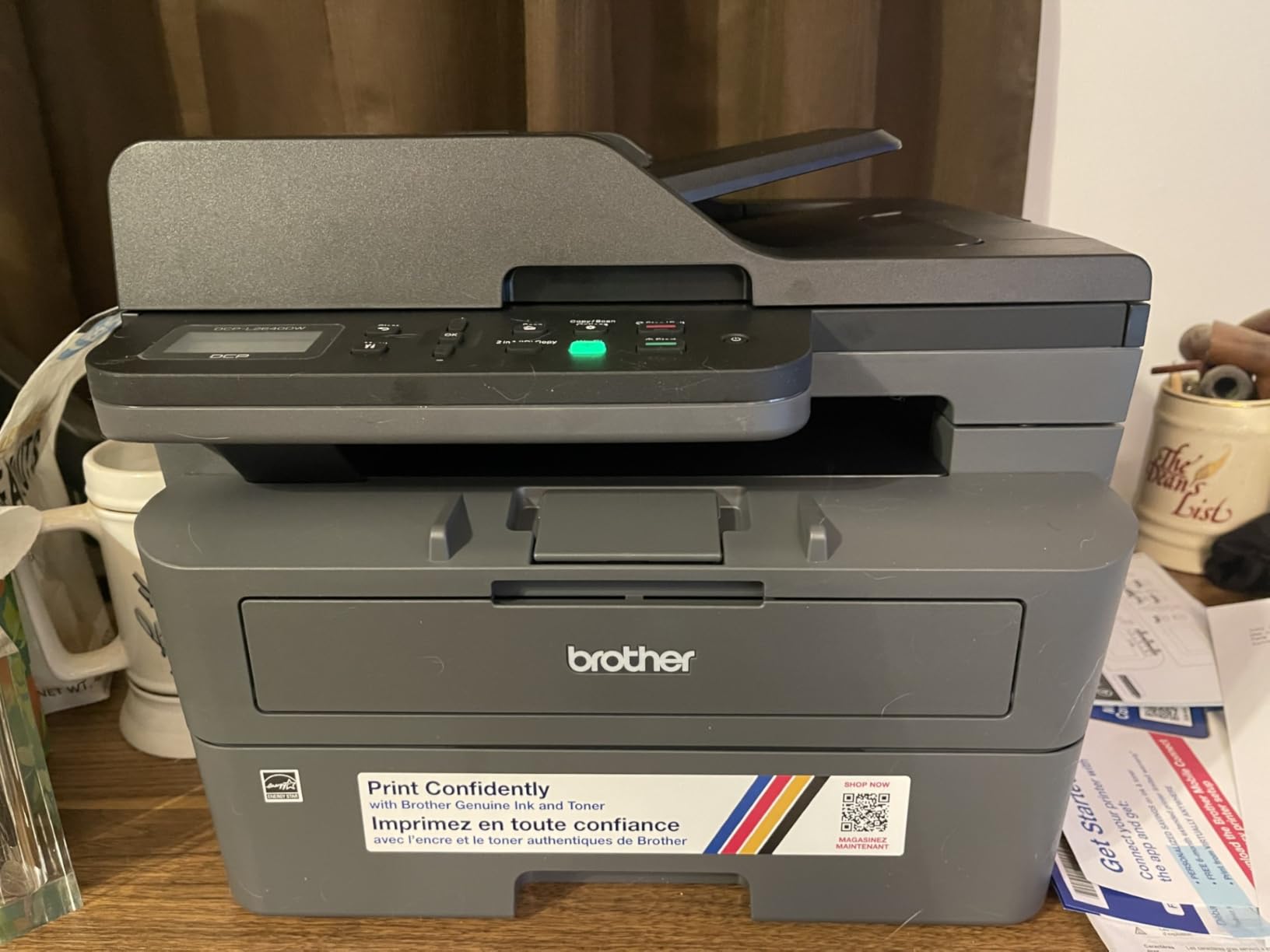
Paper handling is generous for the size. The main tray holds 250 sheets and the output tray 120, and the unit accepts media up to 8.5 x 14 inches. The three connection options matter in a home where the router moves around: dual-band 2.4GHz and 5GHz Wi-Fi, Ethernet and USB, plus the Brother Mobile Connect app for printing and scanning from a phone and for ordering toner directly.
None of that is where the complaints live, though. Owners consistently report that joining the Wi-Fi network can take several attempts, that the physical menu on the machine is awkward to navigate compared with the app, and that the scan-to-PC save dialog has been reported to freeze and force a restart. The short power cord is another recurring irritation, because it limits where you can put the printer relative to the outlet. A 1-year limited warranty applies, and the machine weighs 25 pounds, so plan the shelf before the box arrives.
Why it suits a one to three person office
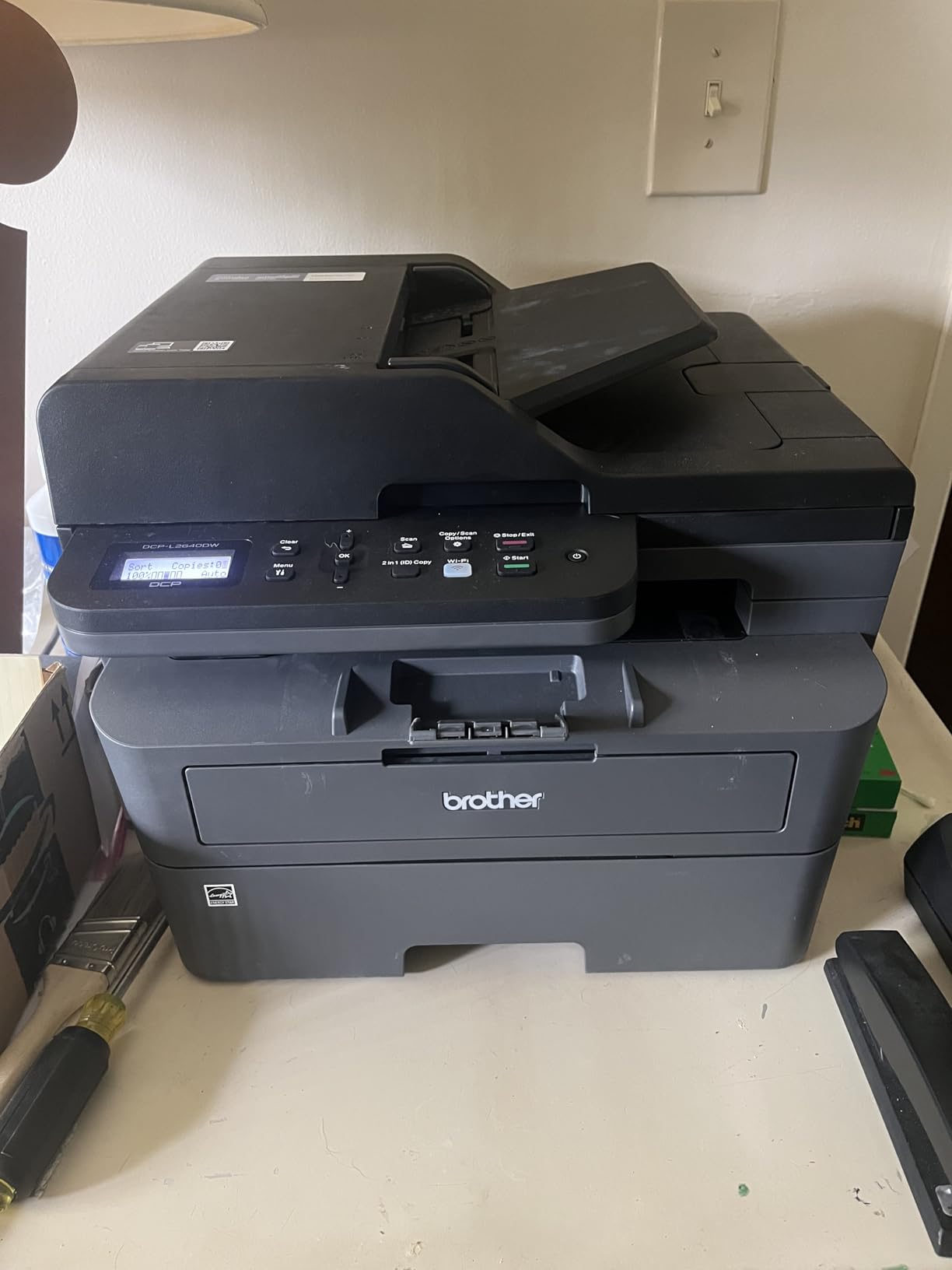
The combination of a document feeder, duplex and a 250-sheet tray is what a small consultancy or a home business actually runs on day to day, and very few machines at this size carry all three. The scanner is a flatbed with a sheetfed feeder on top, so single documents and multi-page jobs both work without rearranging anything.
Where it disappoints
Setup is the weak point, not output. If your household router is a mesh system or your network password contains unusual characters, budget an extra fifteen minutes and be ready to run setup from the Brother Mobile Connect app on your phone rather than from the machine. The awkward on-device menu is a small daily irritation if you prefer to change settings from the printer itself.
2. Brother HL-L2460DW Review: Fastest Monochrome Engine With Duplex
Brother HL-L2460DW Wireless Compact Monochrome Laser Printer with Duplex, Mobile Printing, Black & White Output | Includes Refresh Subscription Trial(1), Works with Alexa
36 ppm mono
Auto duplex
250-sheet tray
Dual-band Wi-Fi
Print only
Pros
- 36 ppm engine with automatic duplex at a low price point
- 250-sheet paper tray suits moderate home office volume
- Dual-band Wi-Fi plus Ethernet and USB
- Clean install with no forced software or agreements
- Compact 7.2 inch tall body
Cons
- Wi-Fi pairing can be slow and may need manual entry
- Deep Sleep can drop the printer off mesh networks
- Print-only unit with no scanner or copier
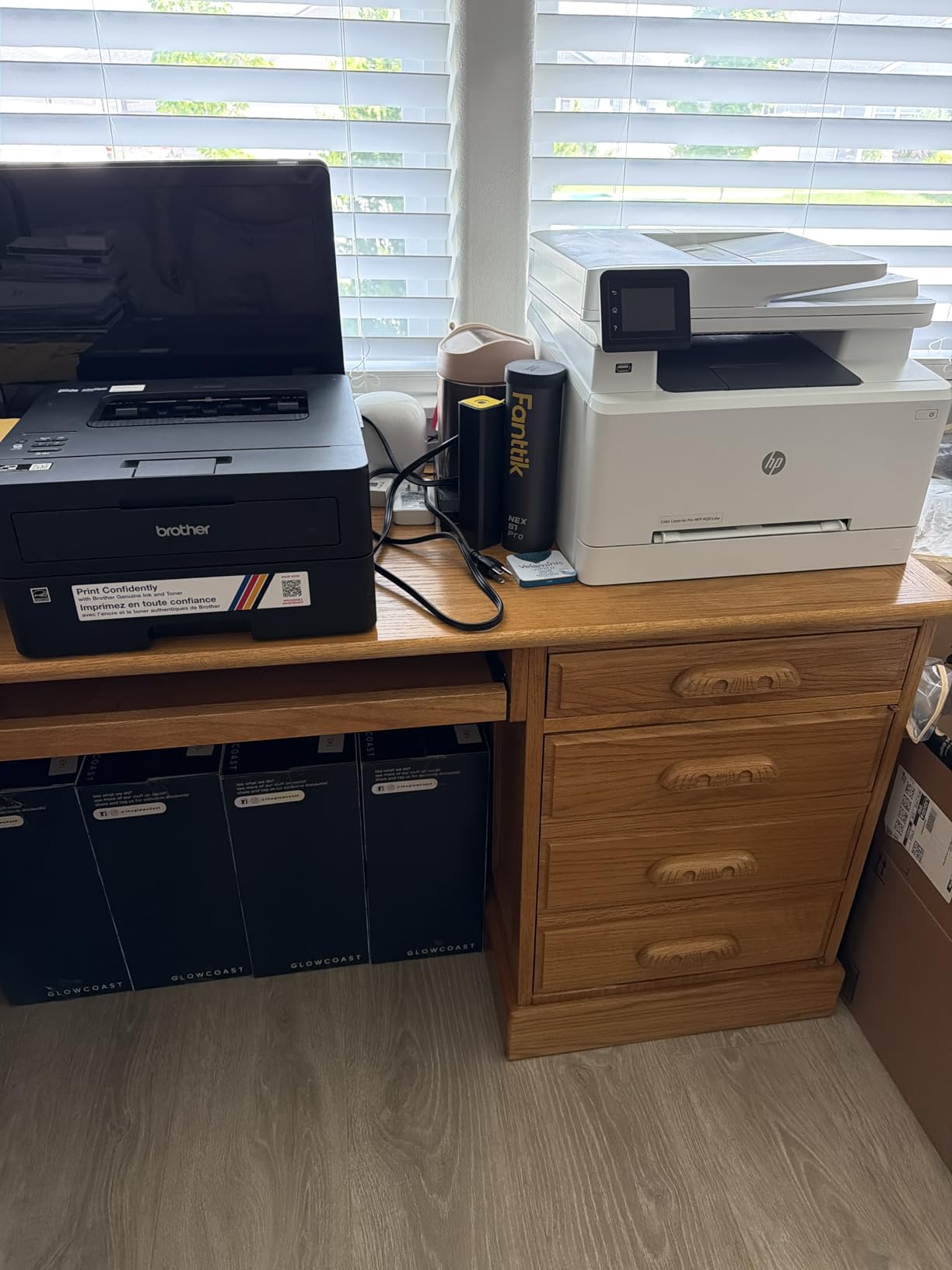
If your work never involves scanning a document, the HL-L2460DW is the smarter purchase, and it costs noticeably less than our top pick. It runs the same 36 ppm engine, adds automatic duplex, and drops the scanner and feeder entirely, which is where most of the size and complexity goes.
Paper handling is better than the top pick on paper: a 250-sheet tray with a manual feed slot for envelopes and specialty stock, and a 100-sheet output tray. The connection set is the widest in the group, with dual-band 2.4GHz and 5GHz Wi-Fi, Ethernet and USB, and the Brother Mobile Connect app handles remote printing plus toner ordering and tracking.
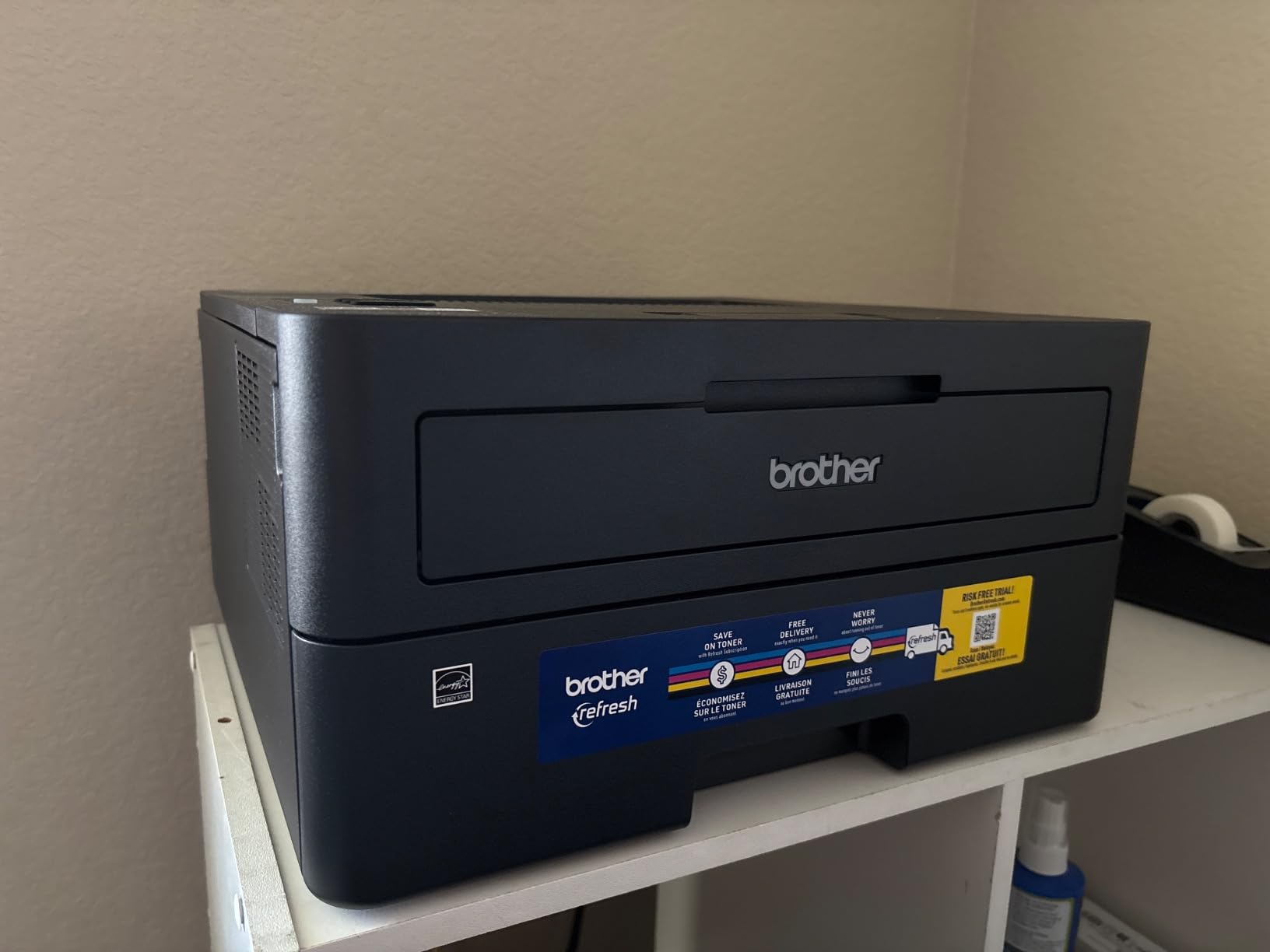
The install experience is the cleanest we saw. There is no bundled bloatware, no auto-installed application and no terms to accept, and the printer works with the TN830 and TN830XL toner family. A Refresh EZ Print subscription trial is included, the unit is rated to work with Alexa, and at 44 watts it is among the more efficient machines in this roundup.
Reviews concentrate on network behaviour rather than hardware. Wi-Fi onboarding can be slow and may require manual network entry or a USB fallback, and the Deep Sleep mode has been reported to drop the printer off mesh networks with no way to disable it. The Brother Connect app is also described as cluttered with advertisements and more complicated than basic printing requires. At 15.6 pounds and 7.2 inches tall, it is an easy machine to place anywhere.
Why it beats the top pick for pure print jobs
Automatic duplex at 36 ppm on a 250-sheet tray is the workhorse combination for contracts, invoices and coursework, and this machine delivers it without a scanner you will never use. For an accountant or a home office that prints heavily and scans rarely, the money you save goes straight into toner.
Where it disappoints
There is no scan-to-email and no copy function, so a single-signature document means walking to another machine. Mesh network users should read the Deep Sleep reviews before buying, and anyone who prints from a shared laptop will find the Connect app’s clutter mildly irritating. The warranty is 1 year limited.
3. HP LaserJet MFP M140w Review: Print, Scan and Copy in a Small Case
HP Laserjet MFP M140w Wireless Black & White Printer, Print, scan, Copy, Fast speeds, Easy Setup, Mobile Printing, Best-for-Small Teams
21 ppm mono
Print scan copy
Flatbed plus ADF
99-sheet tray
AirPrint
Pros
- Small footprint while still offering print scan and copy
- ID card copy puts both sides of a small document on one sheet
- AirPrint and Mopria certified for iPhone Mac Android and Chromebook
- Wi-Fi with self-reset handles reconnection automatically
Cons
- No automatic duplex printing
- Paper capacity is only 99 sheets
- Firmware blocks cartridges without original HP chips
This is the machine to buy when the printer has to live on a desk rather than a shelf. At 10.4 by 14.2 by 7.8 inches and 11.9 pounds, it packs print, scan and copy into one of the smallest bodies in the group, a combination you normally pay considerably more for.
The 21 ppm engine is slower than the Brother machines, and the 600 x 600 dpi maximum resolution produces softer small text, but for invoices and forms the output is perfectly serviceable. The scanner is a flatbed with a basic automatic document feeder for short multi-page jobs, and the copy function includes an ID card mode that puts both sides of a small document onto one sheet.
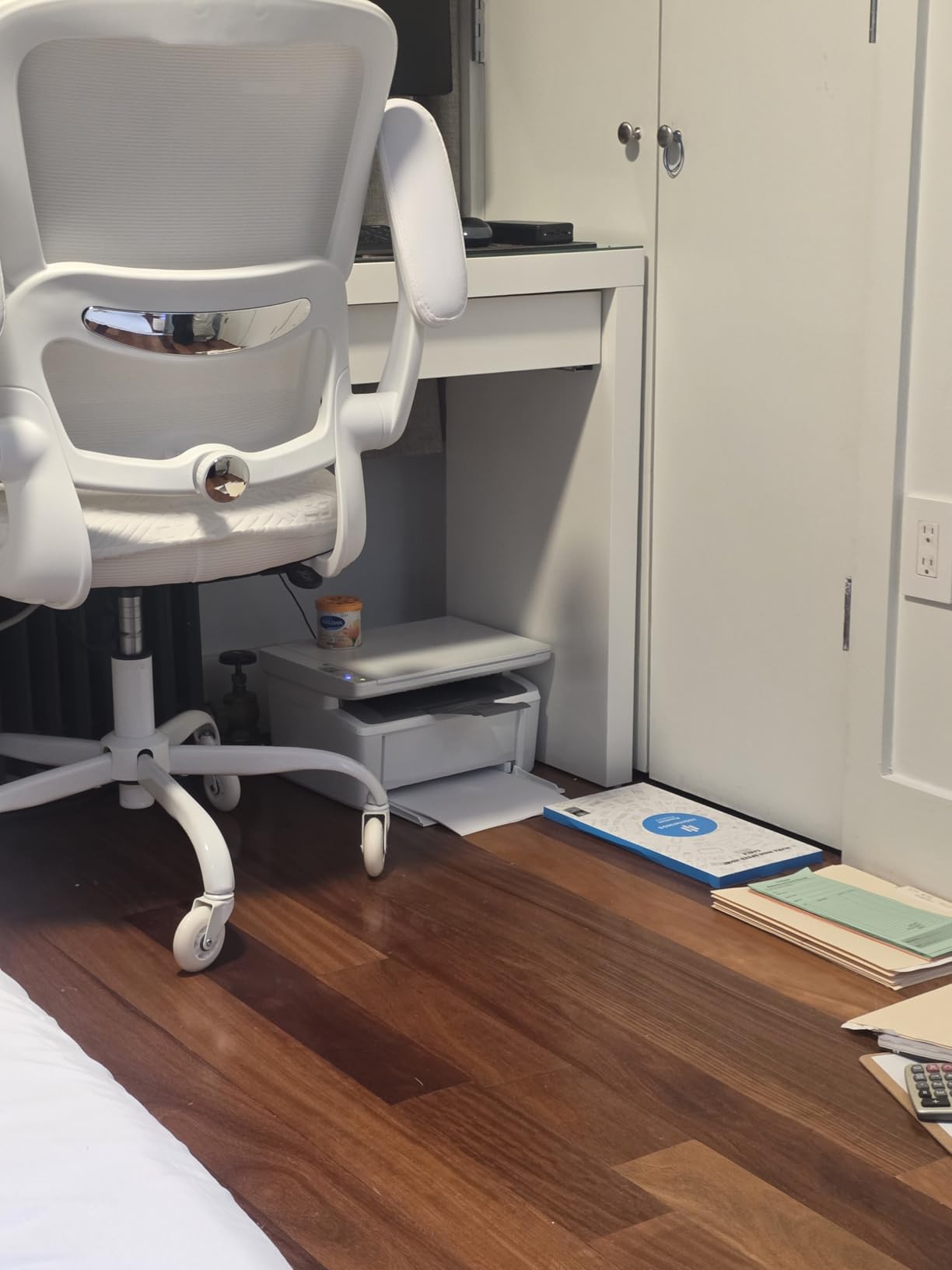
Connectivity is where this model earns its place. It is AirPrint and Mopria certified, so it prints from iPhones, Mac, Android and Chromebook without installing anything, and the HP Smart app handles scan to cloud and mobile copy. The wireless connection includes a self-reset function that handles reconnection automatically, and the 115-watt power draw is low. It ships with a preinstalled HP Original introductory black toner cartridge and carries a one-year limited hardware warranty.
Two limitations are worth weighing before you buy. There is no automatic duplex, so double-sided documents mean flipping the stack yourself, and the paper capacity is 99 sheets, the smallest here, which for a busy week means refilling often. HP’s firmware blocks cartridges that do not carry original HP chips or circuitry, so the aftermarket toner route that works on Brother and Canon models is closed off.
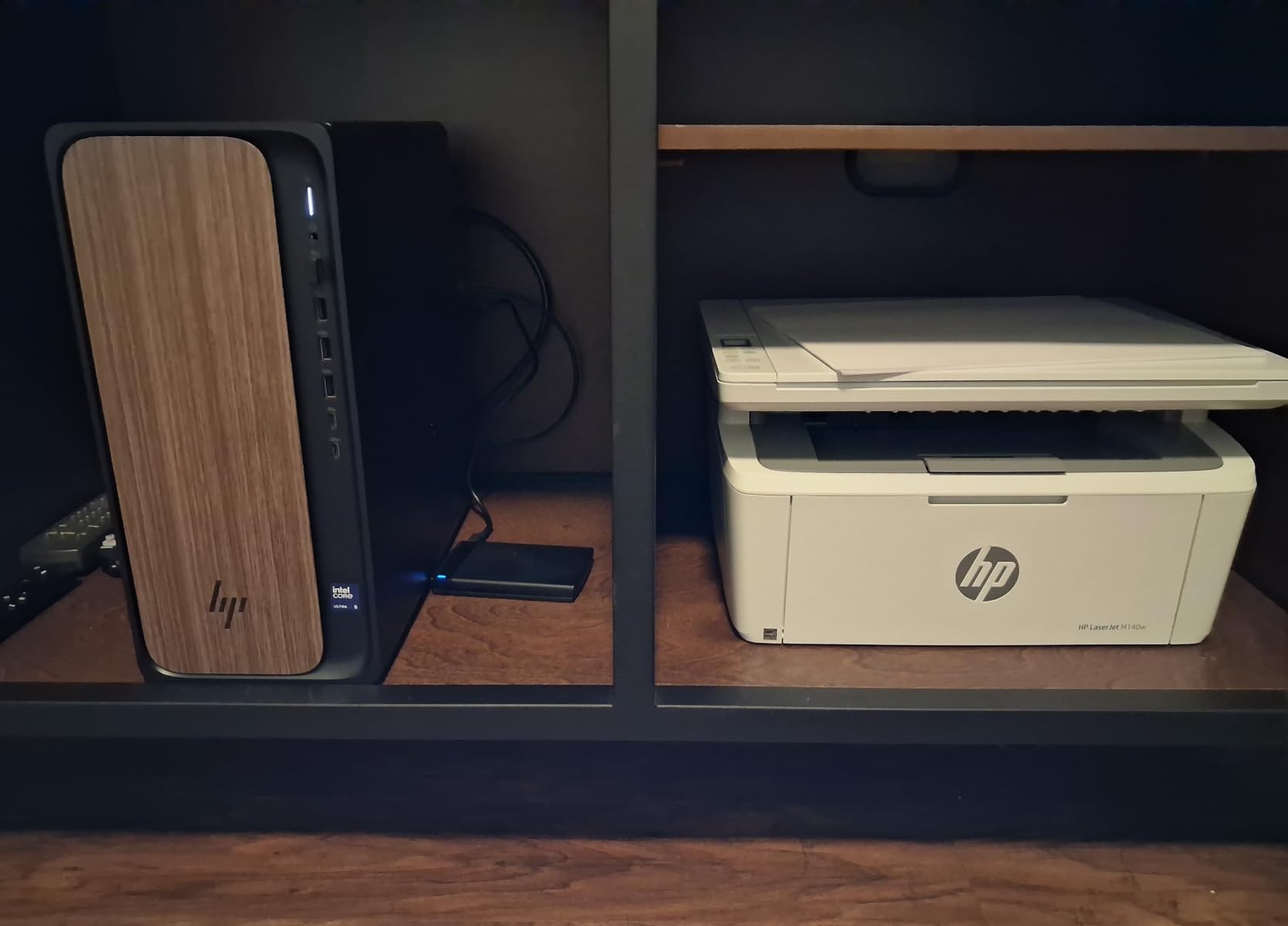
Why it suits a cramped or shared space
At under 8 inches tall this printer clears most desk shelves, and its 11.9-pound weight means one person can lift it into position. For a couple sharing an office, or a home office that doubles as a study desk, the footprint matters more than the engine speed.
Where it disappoints
No duplex and a 99-sheet tray are real constraints on anyone printing more than a few hundred pages a month. The locked toner situation will frustrate buyers who planned to save money on supplies, and the resolution figure means dense contracts print less crisply than on the Brother units.
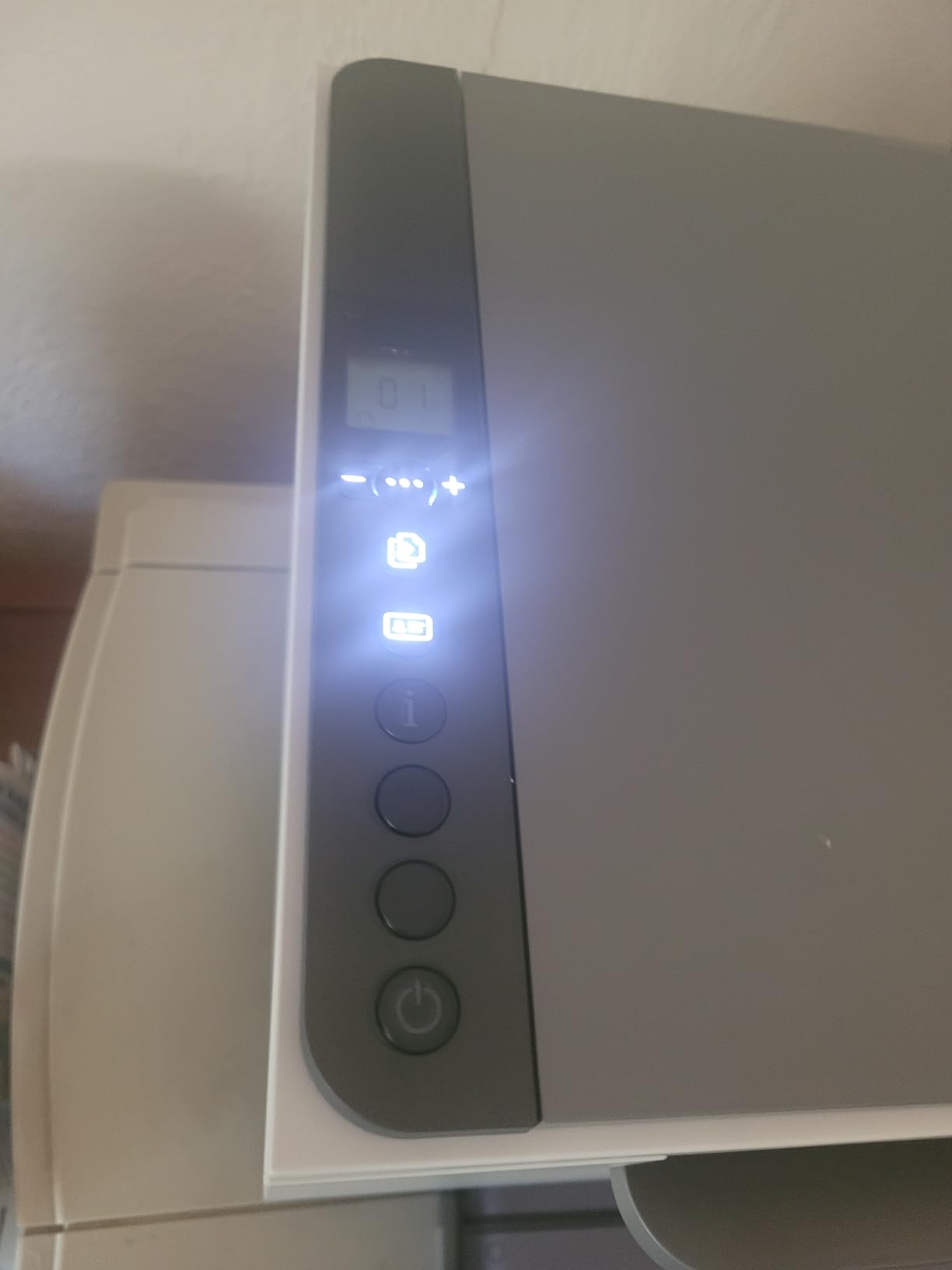
4. HP LaserJet MFP M234dw Review: Duplex and Scanning in One Box
HP LaserJet MFP M234dw Wireless Printer, Print, scan, Copy, Fast speeds, Easy Setup, Mobile Printing, Best-for-Small Teams, Instant Ink Eligible
30 ppm mono
19 ppm duplex
Automatic duplex
Flatbed scanner
150-sheet tray
Pros
- Automatic duplex plus scan and copy in a compact body
- Fast output at 30 ppm single-sided and 19 ppm two-sided
- Dual-band Wi-Fi with self-reset resolves connection drops
- Ethernet included as a stable wired fallback
- Toner cartridge is simple to swap and holds about 700 pages
Cons
- No automatic document feeder so scanning is flatbed only
- Setup requires an HP account for many functions
- HP Smart app is clunky and the laptop app cannot configure Wi-Fi
The M234dw is the model we would pick for a home office that prints both sides of everything and still needs to scan a document now and then. It runs at 30 ppm single-sided and 19 pages per minute when printing two-sided, with automatic duplex, and it adds scan and copy functions to the same body.
At 19.4 pounds and 9.5 inches tall, it is bigger than the M140w but still small enough for a home office shelf. The 150-sheet paper tray is a sensible middle ground, and the flatbed scan quality is reported by owners as noticeably better than on older laser units, which matters if you are archiving signed paperwork.
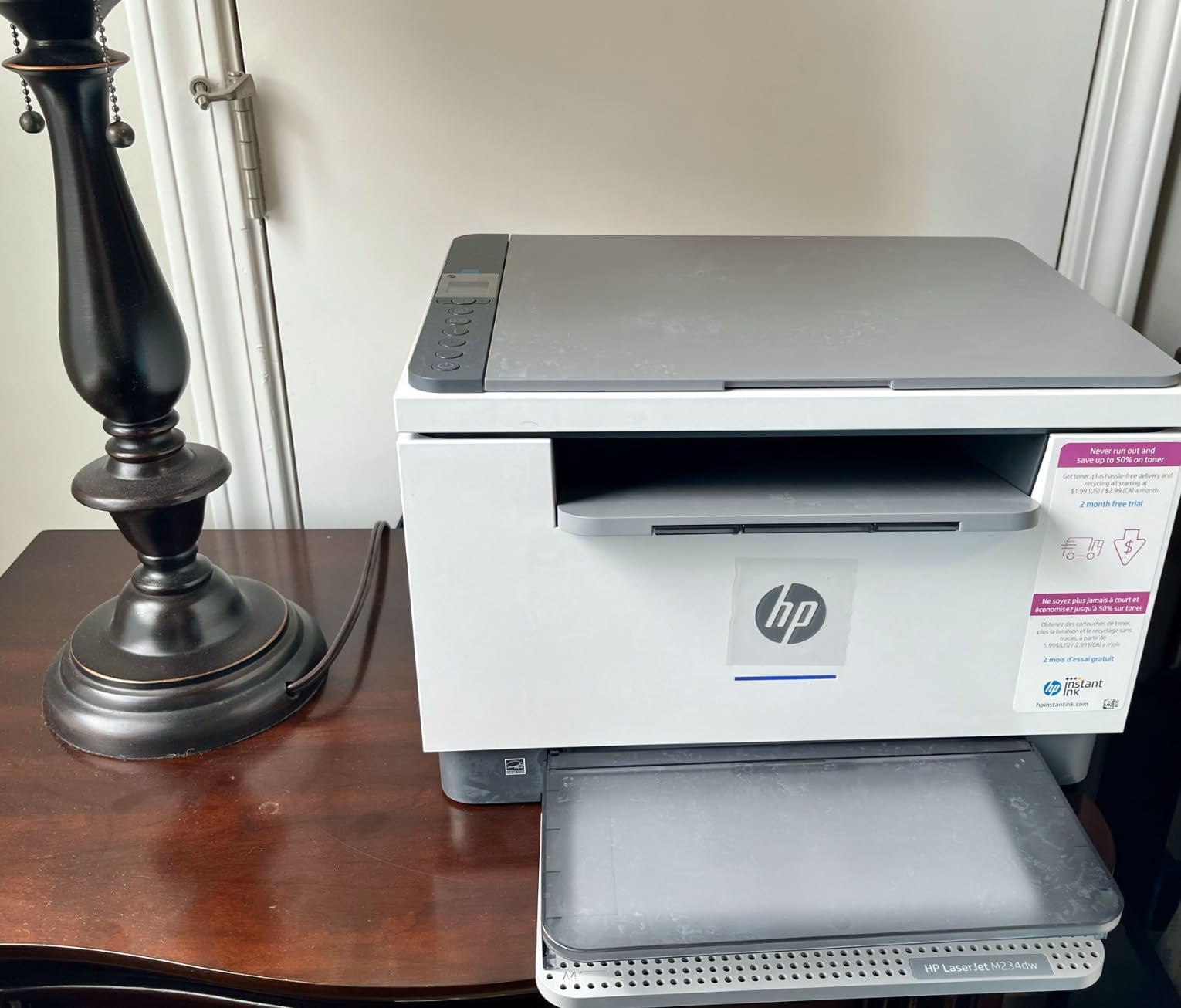
Connectivity is strong: dual-band Wi-Fi with self-reset that resolves connection issues automatically, plus Ethernet and USB 2.0, and it works with Microsoft, Mac, AirPrint, Android and Chromebook. Built-in security features are included, the unit is Energy Star certified and cloud print enabled, and the toner cartridge is a straightforward swap holding about 700 pages.
The trade-offs are worth naming plainly. There is no automatic document feeder, so multi-page scanning means placing each sheet on the flatbed individually, and there is no fax function. Setup wants an HP account and login for many functions, which some buyers find intrusive, the HP Smart app is described as clunky, and the laptop-based setup application cannot configure Wi-Fi at all. No printed manual is included in the box, and non-genuine HP cartridges are blocked by firmware. The warranty is one year limited.
Why it suits a home office that duplexes everything
Automatic duplex at 30 ppm with scan and copy is a combination you would normally find higher up the range, and the flatbed produces cleaner scans than the older laser units. It is a good fit for a home business printing two-sided quotes, packing lists and invoices all week.
Where it disappoints
No document feeder is the biggest gap for anyone who regularly scans multi-page documents, and the account requirement during setup is a genuine friction point. If you scan in batches, look at the Canon imageCLASS MF273dw in the next section instead, which pairs a feeder with a similar duplex engine.
5. Canon imageCLASS MF273dw Review: The Best All-In-One Here
Canon imageCLASS MF273dw – Monochrome Wireless Laser Printer, Multifunction With Scanner, Copier, Auto Document Feeder, With 1 Year Limited Warranty, 30 PPM, Black
30 ppm mono
Print copy scan with ADF
Automatic duplex
5.3 second first page
Pros
- Print copy and scan plus an automatic document feeder in one unit
- 30 ppm with a 5.3 second first page out
- Owners call it the most trouble-free printer they have owned
- Wireless setup follows the on-device prompts and works with iPads and iPhones
- Generic third-party Toner 071 cartridges are widely available
Cons
- Duplex printing but not duplex scanning
- No paper manual included and setup is more involved than the quick guide suggests
- Bulkier and heavier than expected at 24.7 pounds
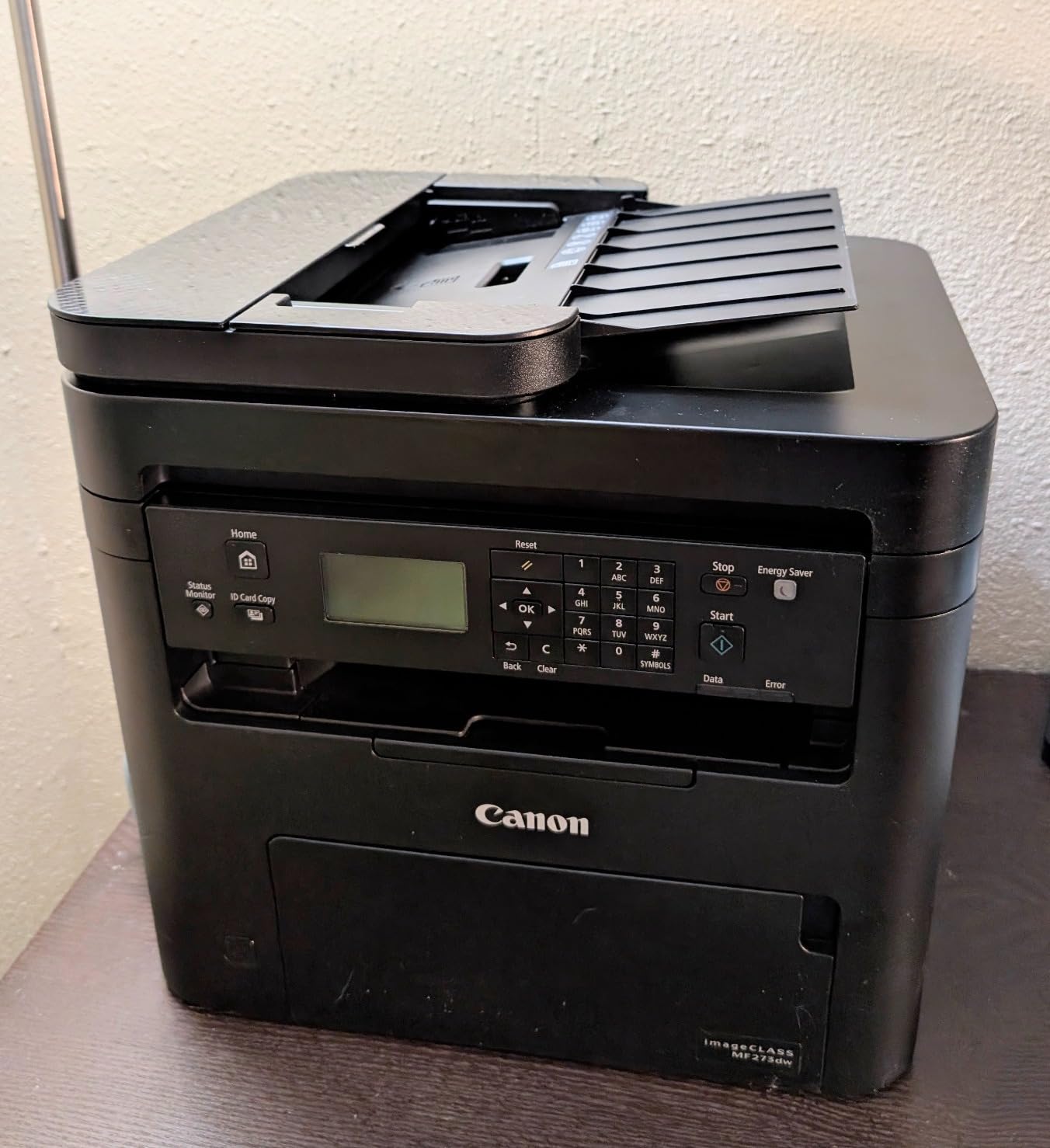
Canon’s MF273dw is the machine we would put in front of a home business that treats paperwork as a daily task. It prints, copies and scans, includes an automatic document feeder, and prints both sides of the page automatically, all at 30 ppm with a 5.3 second first page out.
What stands out in use is the wireless setup, which follows the on-device prompts and works well with iPads and iPhones, and the control panel, which tilts up for standing operation. Canon’s technical support is rated by owners as friendly and knowledgeable when Wi-Fi setup does fail, which is more than we can say for every brand in this group.
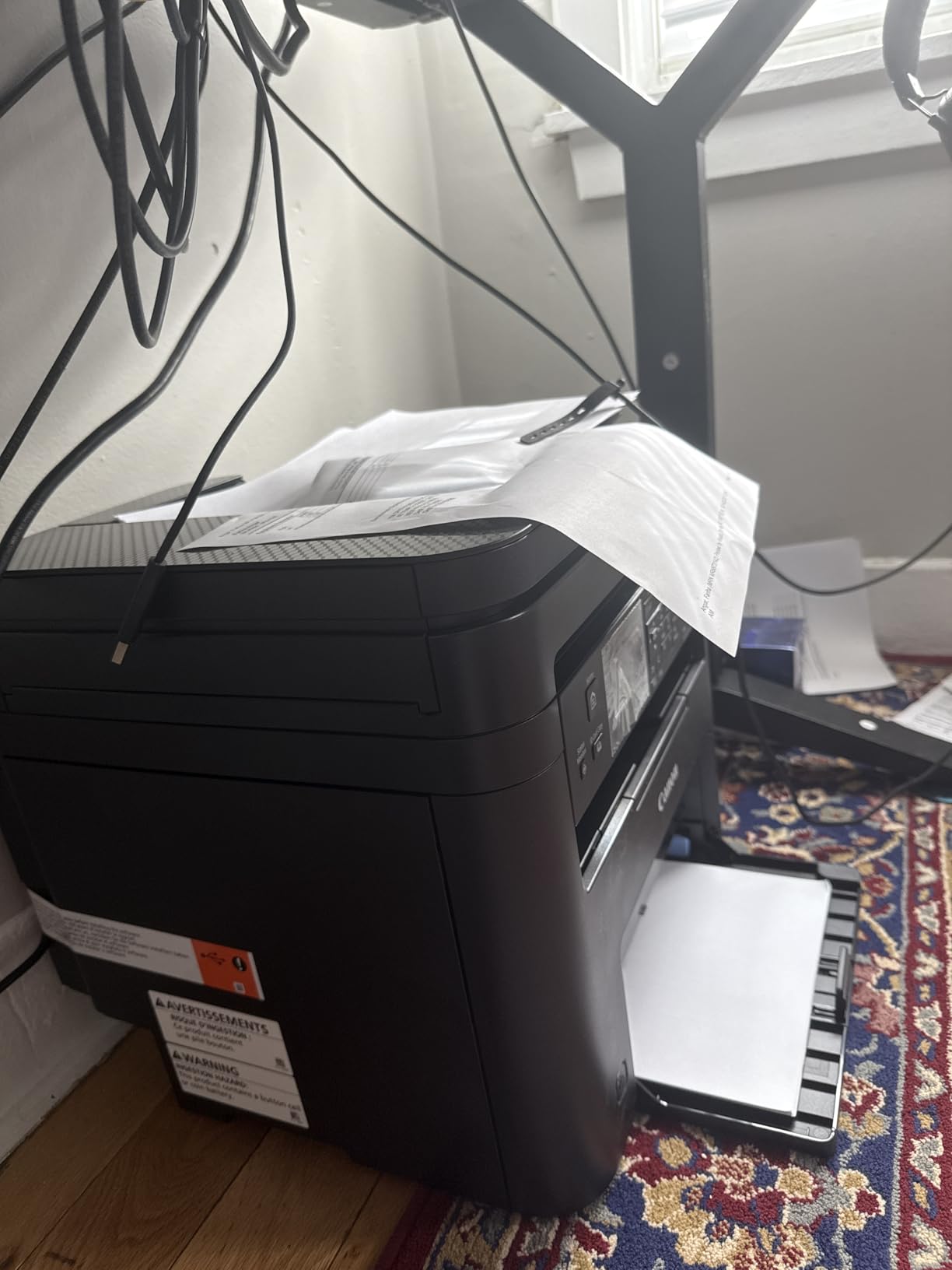
The 150-sheet paper cassette is adequate, and the unit uses Toner 071 and the higher-capacity 071H cartridges. This matters more than it sounds: generic third-party Toner 071 cartridges are widely available, so the running cost here is not locked to a proprietary supply chain the way it is on the two HP models in this roundup. The included starter cartridge is a 700-yield unit, so plan on ordering the high-capacity version soon after setup.
The most important thing to understand before buying is that the duplex is print-only. The document feeder does not copy a two-sided original onto a single sheet, and the specifications do not make this obvious, so it has generated a recurring stream of confused reviews. Setup is also more involved than the quick guide suggests and no paper manual is included. Some owners report repeated firmware update failures and unhelpful Canon web support, and a few units experienced intermittent scanning failures over both USB and Wi-Fi. At 24.7 pounds and roughly 14 inches a side, it is the heaviest machine in this roundup.
Why it suits a paperwork-heavy home business
A document feeder, automatic duplex and broadly available low-cost toner is a combination that keeps running costs down over years rather than months. For anyone scanning signed contracts, receipts and shipping paperwork in batches, this is the most capable unit we tested and it carries a 1-year warranty.
Where it disappoints
Duplex scanning is absent, which is a genuine limitation for anyone filing double-sided documents. The footprint and weight are significant for a domestic space, and the firmware update process has caused real trouble for a minority of owners. If you print a lot but scan almost nothing, the HL-L2460DW is the better use of the same money.
6. Brother HL-L2405W Review: The Cheapest Way Into Fast Laser Printing
Brother HL-L2405W Wireless Compact Monochrome Laser Printer with Mobile Printing, Black & White Output | Includes Refresh Subscription Trial(1), Works with Alexa
30 ppm mono
Manual duplex
250-sheet tray
Dual-band Wi-Fi
Print only
Pros
- Clean fast setup with no bloatware and no terms to accept
- 30 ppm monochrome speed is fast for this price
- Works well with laptops and Android phones over dual-band Wi-Fi
- 250-sheet paper tray on a compact print-only unit
Cons
- No automatic duplex so double-sided output is manual
- Setup is heavily oriented to mobile and PC-only users find the QR flow confusing
- Deep Sleep can disassociate the printer from mesh routers
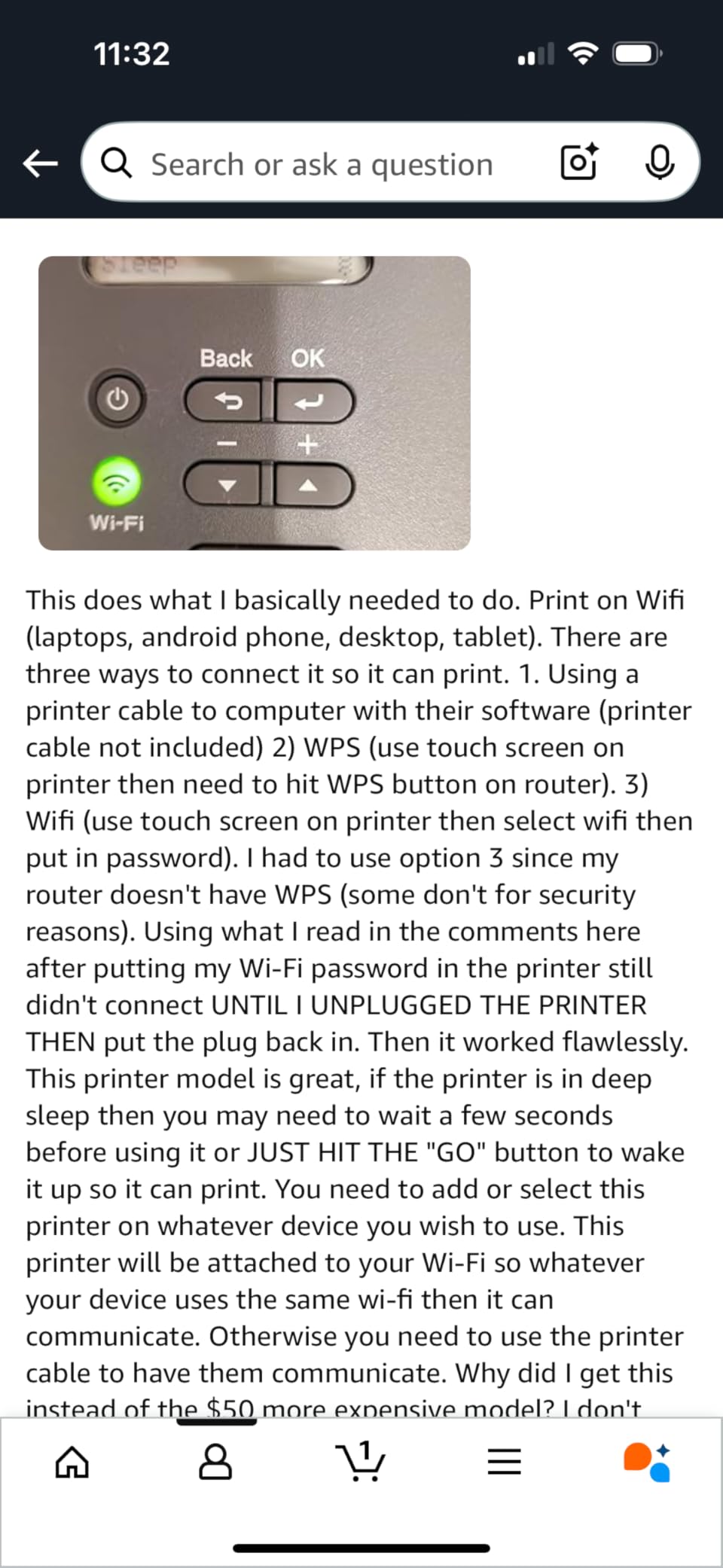
The HL-L2405W is the Brother to buy if you print a lot, scan nothing and set everything up from your phone. It delivers 30 ppm monochrome output, a 250-sheet paper tray with a manual feed slot, and dual-band 2.4GHz and 5GHz Wi-Fi alongside a USB connection.
The install experience is repeatedly described as the cleanest reviewers have seen from any printer: no auto-installed applications, nothing to accept, and the Brother Mobile Connect app handles printing from a laptop or an Android phone. It shares the TN830, TN830XL and TN830XL twin-pack toner family with the other Brother units here, and a Refresh EZ Print subscription trial is included.
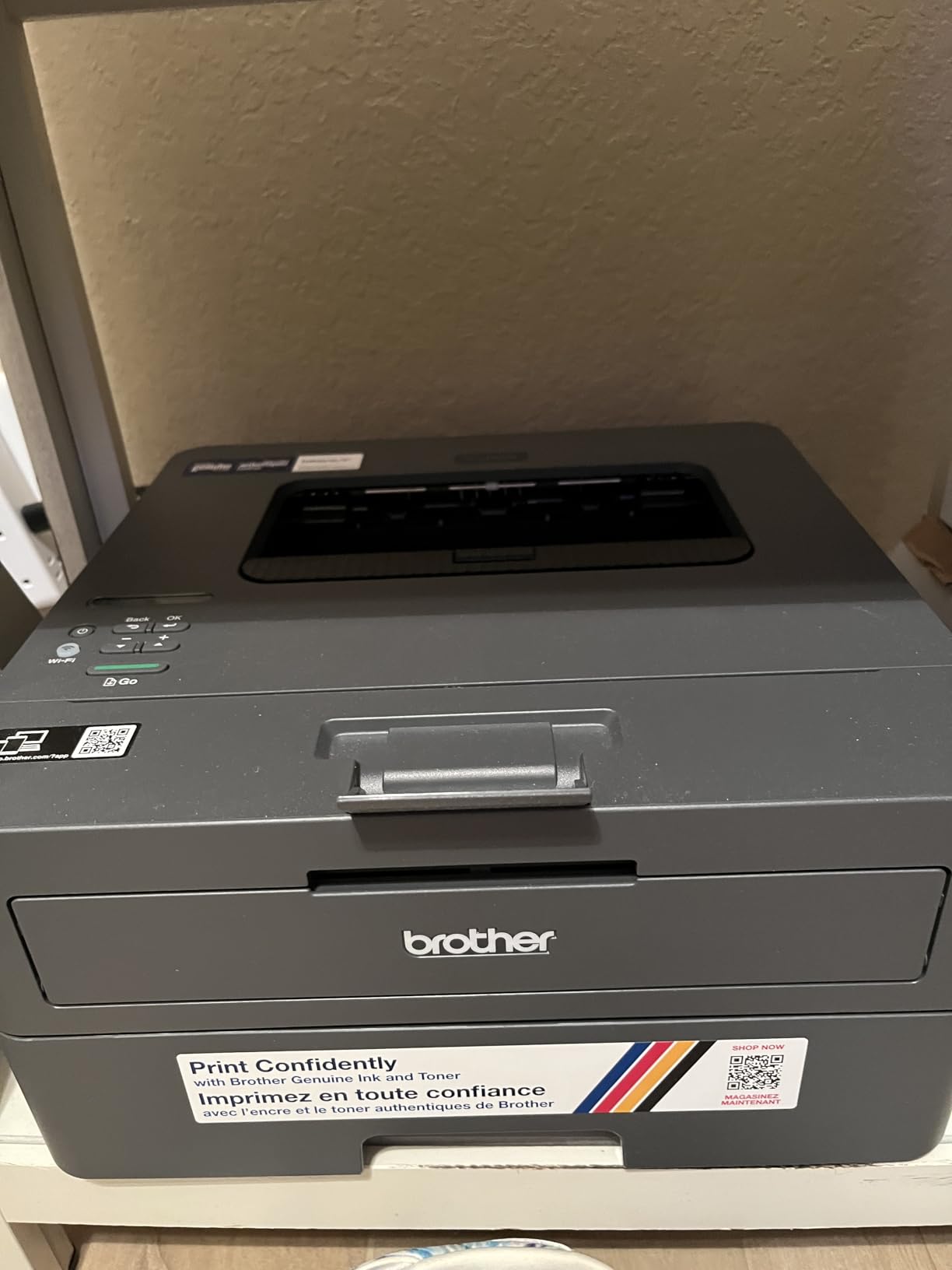
Two things work against it. The duplex is manual, so double-sided documents require flipping the stack and reloading, and while the hardware is praised the setup flow is heavily oriented toward mobile users. PC-only users report that the QR-code registration path is long and confusing, and that serial number and password entry is error-prone and cannot be verified on screen.
Mesh network users should also know that Deep Sleep has been reported to disassociate the printer from the router with no way to disable the behaviour. One further quirk: the toner save mode cannot be set as a persistent default and has to be reselected for each job. The body is 15.1 pounds and 7.2 inches tall, though the 14.2 by 14 inch footprint is larger than the compact label suggests. Warranty is 1 year limited.
Why it suits a phone-first home office
If most of your printing starts from a phone or a wireless laptop, the mobile-led setup and the 30 ppm engine are a strong pairing, and the 250-sheet tray means less refilling than most machines at this level. Running costs stay low because of the shared TN830 toner family.
Where it disappoints
Manual duplex is the dealbreaker for anyone who regularly prints two-sided documents, and desktop-only users will find the registration flow frustrating. If duplex matters to you, the HL-L2460DW costs a modest step up and removes the problem entirely.
7. HP LaserJet Pro 3001dw Review: Built for Heavy Document Runs
HP Laserjet Pro 3001dw Wireless Black & White Printer, Best-for-Office (3G65OF)
35 ppm mono
Automatic duplex
250-sheet tray
Bluetooth and Ethernet
Print only
Pros
- 35 ppm engine with automatic duplex
- Largest 250-sheet paper capacity alongside the Brother units
- Ethernet Bluetooth and intelligent Wi-Fi give the widest connectivity options
- Setup is quick and often takes under 15 minutes for multiple devices
- Handles thicker card stock without jamming
Cons
- Print-only unit with no scanner or copier
- Reportedly drops off mesh Wi-Fi networks and needs power-cycling
- Cannot perform duplex printing on A5 paper despite the tray marking
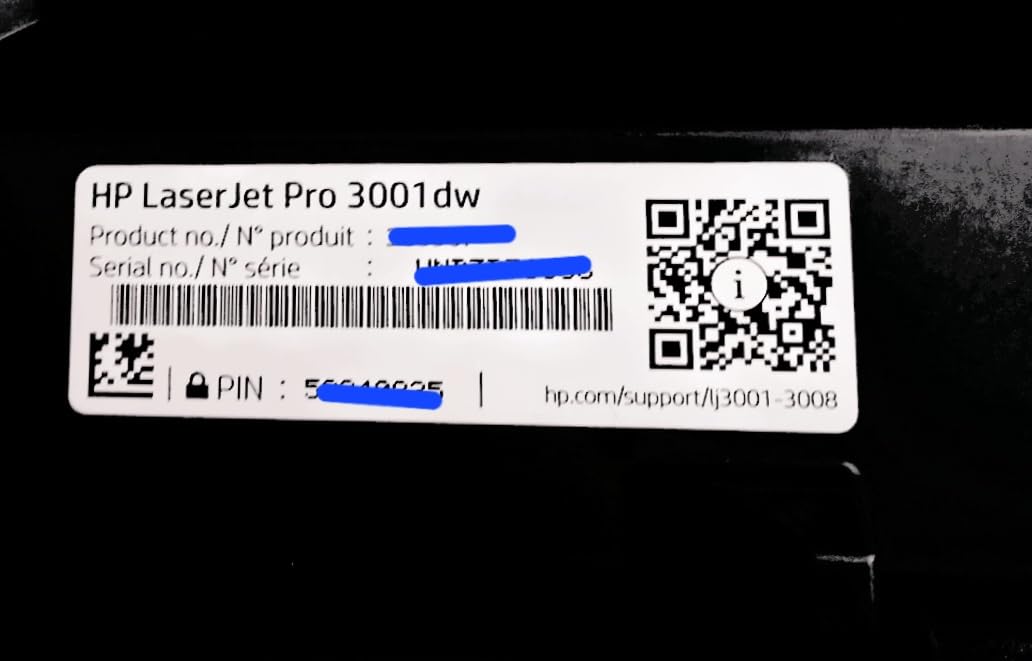
When print volume is the deciding variable, the LaserJet Pro 3001dw is built for heavy runs, with 35 pages per minute, automatic duplex and a 250-sheet tray. It is rated for teams of up to seven people, which puts it comfortably above a typical single-person home office.
Connectivity is the widest available here, with intelligent Wi-Fi, Ethernet and Bluetooth, and it works with Microsoft, Mac, AirPrint, Android and Chromebook. Setup runs through the HP setup page and reviewers report it completing in under fifteen minutes for several devices. HP Wolf Pro Security with customisable settings is included, which matters if you handle client documents.
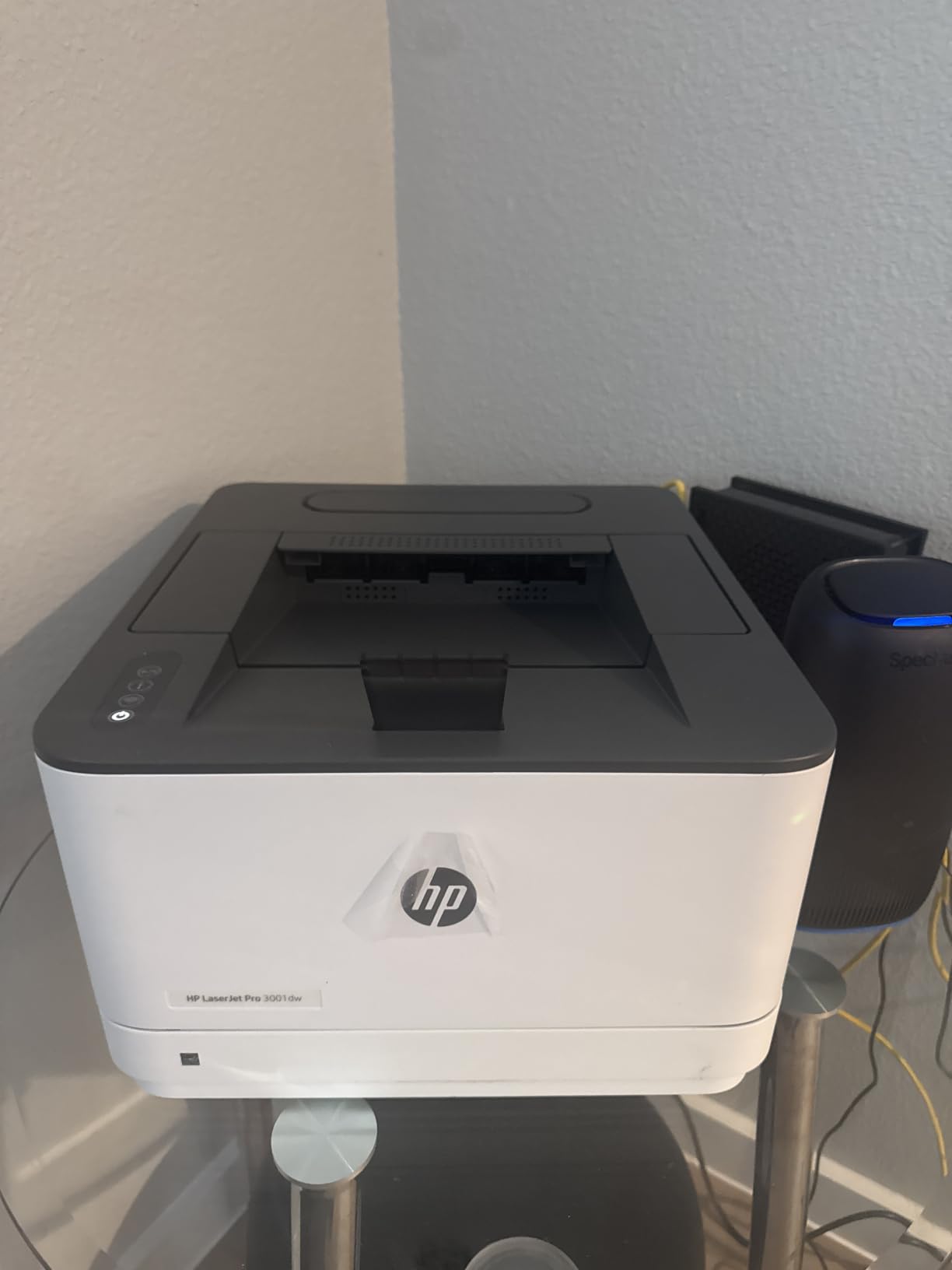
The engineering details are good. Maximum print resolution is 1200 x 1200 dpi, the first page arrives in roughly 6.6 seconds, and owners report running a year of intermittent printing on a single cartridge. It also handles thicker card stock for craft and school projects without jamming, and the 16.1-pound body with an 8.5-inch height is manageable.
The recurring complaint is wireless stability. On mesh routers the printer is reported to drop off the network and need power-cycling before each job, and weak signal or distance from the router can complicate setup. One unit was reported to lose network connectivity permanently after a power outage. There is a specific functional limitation worth knowing: it cannot perform duplex printing on A5 paper even though the tray is marked for it. It is print-only, so there is no scanner, and non-HP cartridges are blocked by firmware. Warranty is 1 year limited hardware.
Why it suits a high-volume home office
At 35 ppm with duplex and a full 250-sheet tray, this is the machine for anyone who prints contract packs, property paperwork or a heavy run of invoices in one sitting. The card stock handling and security features make it a sensible step up for a professional home office.
Where it disappoints
Mesh network dropouts are the practical problem, and if your router is mesh-based, test it early. The A5 duplex restriction will frustrate anyone printing small workbooks or folded handouts, and print-only means no way to scan a signed page without another device.
8. Canon imageCLASS LBP122dw Review: Duplex at the Bottom of the Range
Canon imageCLASS LBP122dw – Wireless Monochrome Duplex Laser Printer
30 ppm mono
Automatic duplex
150-sheet tray
5.3 second first page
Print only
Pros
- Automatic duplex at a low price for a Canon
- 30 ppm speed with a quick 5.3 second first page
- Ethernet plus Wi-Fi gives a stable wired option at home
- Uses the same Toner 071 family as higher-end Canon multifunction models
- Energy Star and EPEAT Silver certified
Cons
- Print-only with no scanner or copier
- Tallest body in this group at 14.6 inches
- Starter cartridge yield is only about 700 pages
- 150-sheet paper capacity is modest
The LBP122dw is unusual at this end of the market because it includes automatic duplex. Most printers in its price bracket are single-sided, and for anyone printing two-sided documents that single feature changes what the machine is capable of.
Speed is competitive at 30 pages per minute with a 5.3 second first page, and the 2400 x 600 dpi output is finer than most of the mono units here. It offers Wi-Fi, Ethernet and USB, works with the Canon PRINT app for mobile printing, and is compatible with Alexa. It is Energy Star and EPEAT Silver certified.
The supply side is the quiet strength. It runs Canon Genuine Toner 071 and the higher-capacity 071H cartridges, the same family used by Canon’s more expensive multifunction models, which means cartridges are easy to find and the higher-yield version is available when your volume picks up. A 1-year warranty applies.
The physical reality is less flattering than the specification sheet. At 14.6 inches tall and 15.4 inches deep, this is the tallest body in the roundup despite being marketed as compact, and it weighs 12.4 pounds. The paper tray holds 150 sheets, the included starter cartridge yields only about 700 pages, and there is no scanner, no copier, no document feeder and no fax. A 150-sheet output tray partly offsets the modest input capacity.
Why it suits a first-time laser buyer
Duplex at 30 ppm with a fine 2400 x 600 resolution is a genuinely useful specification set for contracts and coursework, and the shared Toner 071 family means you can move up to a higher-yield cartridge without changing hardware. Canon PRINT handles phone printing cleanly.
Where it disappoints
The chassis is far larger than the compact label implies, so measure the shelf before ordering. Print-only functionality rules it out if you need to scan, and the low-yield starter cartridge will need replacing sooner than the page count suggests.
9. Canon imageCLASS LBP6030w Review: Print Only and Nothing Else
Canon imageCLASS LBP6030w – Monochrome Single-Function Wireless Compact Wireless Laser Printer, 1 Year Limited Warranty, 19 PPM, White – Print Only
19 ppm mono
Print only
Wi-Fi and USB
150-sheet tray
11 pound body
Pros
- One of the least expensive monochrome laser printers available
- Very small footprint for a laser printer at just 11 pounds
- Simple print-only design with no complex software layer
- Wi-Fi printing works with mobile devices and laptops
- Low power draw in Energy Saver mode
Cons
- No automatic duplex printing
- No scanner or copier
- Slowest print speed in this group at 19 ppm
- Small paper capacity at 150 sheets
- No Ethernet port
The LBP6030w exists for a narrow purpose: getting a working laser printer into a home for the lowest outlay, at a size that genuinely fits a small surface. At 11 pounds and 9.8 by 14.3 by 7.8 inches, it is the lightest unit we tested and only 7.8 inches tall, which is genuinely compact.
There is Wi-Fi for printing from phones and laptops, plus a USB 2.0 connection, and the Canon Toner 125 cartridge has a 1,600 page yield, which is a generous supply life for occasional work. Power draw in Energy Saver mode is under 2 watts, and the 1-year limited warranty is an exchange or carry-in arrangement.
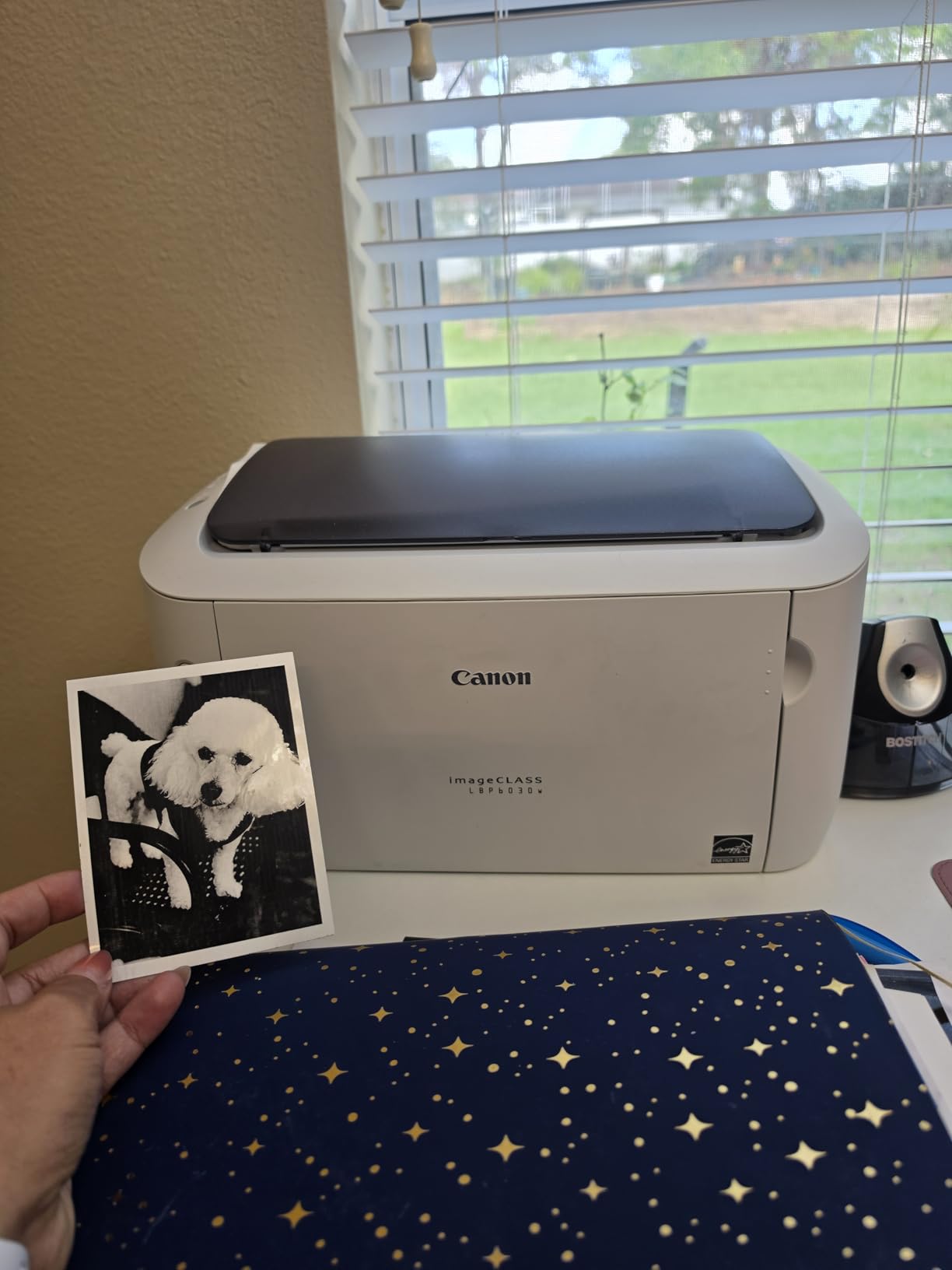
Every limitation comes from the price tier rather than from poor construction. Print speed is 19 pages per minute, the slowest here, and the output tray holds 100 sheets against a 150-sheet input. Resolution is a basic 600 dpi, so small type in dense contracts is less crisp than on the Brother units.
Most significantly, there is no duplex at all, no scanner and no copier, and there is no Ethernet port, leaving Wi-Fi and USB as your only connection options. If you only print a handful of pages a month and never scan, that may be an acceptable trade. If you print two-sided documents even occasionally, the extra cost of a duplex model is repaid quickly in saved paper alone.
Why it suits a very light printing load
For someone who prints a few pages a month, this unit’s low purchase cost, small footprint and 1,600-page toner cartridge make running costs over a year very low. The simplicity of a print-only design with no software layer is genuinely appealing if you print from a laptop and nothing else.
Where it disappoints
No duplex, no scanner and a 19 ppm engine make it a poor choice for anything resembling regular office work. The 3.8-star average across more than 4,000 reviews reflects exactly that ceiling. If you print monthly rather than occasionally, the Canon imageCLASS LBP122dw above is the more sensible floor.
How to Choose a Laser Printer for a Home Office
Laser or inkjet: the decision that comes first
Choose laser for a home office if you print documents most weeks and photographs almost never. The dry toner does not dry out, the text is sharper at small font sizes, duplex output is faster, and the per-page cost over a cartridge life is far lower. Choose inkjet or an ink tank printer if you print photographs, produce colour graphics for clients, or print fewer than a few dozen pages a month, because the purchase cost of a laser machine is wasted on a printer that sits idle. Our guide to the best all-in-one printers for home offices covers that side in full.
Monochrome or colour
Every printer reviewed here is monochrome, and that is a deliberate choice. Black-only toner costs a fraction of a colour set, and the four colour cartridges in a colour laser are the reason many home offices end up with a printer they only ever use in black. If you genuinely need colour documents rather than photographs, budget for four cartridges and a machine with a larger paper tray, because colour output consumes paper faster.
Duplex printing and duplex scanning
Automatic duplex should be treated as close to essential in a home office. Six of the nine machines here have it, and its absence on the HP LaserJet MFP M140w and the Canon imageCLASS LBP6030w is a common reason to rule a printer out, while the Brother HL-L2405W only manages it manually. Two-sided contracts are the default document shape in professional work, and manual flipping wastes both time and paper. Note the separate distinction on the Canon imageCLASS MF273dw: it duplexes printing but not scanning, so a two-sided original still has to go through the feeder twice.
Match the printer to your monthly print volume
Use your real monthly page count, not the rated maximum, to pick a machine. Under 200 pages a month, any of the compact units here will serve you, and a small 150-sheet tray is manageable if you refill it when you remember. Between 200 and 800 pages, a 250-sheet tray and a 30 to 36 ppm engine saves real time on batch jobs. Above 800 pages a month, prioritise engine speed, duplex and toner yield over footprint, which is where the 35 ppm HP LaserJet Pro 3001dw earns its place. Past 2,000 pages a month you are outside the range these home-office models are built for, and you should be factoring in higher-yield toner and a larger duty cycle.
Toner, running costs and cost per page
Cost per page is the cartridge price divided by the page yield printed on the box, and it is the number that decides whether a cheap printer is a bargain or a money pit. Toner cost shock is the loudest concern in printer forums, so it is worth understanding two things. First, buy the high-yield cartridge rather than the standard one whenever the machine supports it: Brother TN830XL rather than TN830, Canon 071H rather than 071. The high-yield version costs more up front but holds more pages, which lowers the per-page figure over its life. Second, brands differ sharply on third-party supply. Brother and Canon cartridges, including the Canon Toner 071 and 071H family, have widely available non-OEM equivalents, while the two HP models in this roundup are firmware-locked to cartridges carrying original HP chips.
Toner subscription services, such as the Brother Refresh EZ Print programme included as a trial on the two Brother print-only models, bundle deliveries at a per-page rate. That suits a household with steady, predictable volume, because it removes the need to remember reordering. It is a worse deal if your printing is genuinely intermittent, since you keep paying monthly for pages you rarely print.
Connectivity and mobile printing
Every unit here supports Wi-Fi, and all of them work with phones to some degree. The most convenient setup is AirPrint and Mopria certification, which lets an iPhone, Mac, Android phone or Chromebook print with no additional software; the HP LaserJet MFP M140w and the HP LaserJet Pro 3001dw are explicitly certified for this, and the others work through their vendor apps, the Brother Mobile Connect app or the Canon PRINT app. Ethernet is worth having as a fallback on a home network, and two machines have known mesh-network behaviour worth reading up on before purchase: the Brother Deep Sleep issue affecting the HL-L2460DW and HL-L2405W, and the connection dropouts reported on the HP LaserJet Pro 3001dw.
Footprint, weight and placement in a home
A domestic space changes the calculation. The Canon imageCLASS MF273dw is one of the bulkiest machines here at roughly 14 inches a side and 24.7 pounds, so it needs a proper shelf, while the HP LaserJet MFP M140w and the Canon imageCLASS LBP6030w are light enough at 11.9 and 11 pounds to move easily. The Canon imageCLASS LBP122dw is a trap: at 14.6 inches tall it is the tallest in the group despite being described as compact. Whatever you choose, remember that the software layer, not the hardware, is where most of the frustration in our testing came from. If your router is mesh-based, set up the printer from your phone rather than its laptop app, and check whether your household has a separate wired network path if the network is large.
Frequently Asked Questions
Is an inkjet or laser printer better for home office?
A laser printer is better for a home office that prints contracts, invoices, reports and school paperwork regularly, because toner does not dry out, text is sharper at small font sizes, duplex output is faster and the cost per page is far lower. An inkjet is better if you print photographs or colour graphics, or if you print only a few pages a month, since a laser printer sits unused in that situation.
Are laser printers worth it for home use?
Yes, for a home office that prints every week, a laser printer pays for itself in avoided ink costs and in reliability. The most common reason owners make the switch is that inkjets clog or streak after sitting unused for weeks, and that situation is almost universal in a home where a printer only comes out of a cupboard when a document is needed.
What is the best all-in-one laser printer for home use?
The Canon imageCLASS MF273dw is the most capable all-in-one we tested, combining print, copy and scan with an automatic document feeder, automatic duplex printing and 30 ppm output. It does not duplex scan, and its 24.7-pound body needs a real shelf, so the Brother DCP-L2640DW is the lighter alternative for smaller rooms.
How expensive is toner for laser printers?
The figure that matters is cost per page, which is the cartridge price divided by the page yield printed on the box. High-yield cartridges such as the Brother TN830XL and the Canon 071H lower that per-page figure over their life, and third-party cartridges are widely available for Brother and Canon Toner 071 units, while HP models here are firmware-locked to original HP chips.
Why is laser printer toner so expensive?
Toner is a dry powder cartridge with a drum or imaging unit built in, and it is engineered to sit in storage for years without degrading, which adds manufacturing and packaging cost. Toner also carries a yield target, so a high-yield cartridge looks expensive until you divide the price by its page count and compare it with the standard version.
Which Laser Printer for Home Office Should You Buy?
The Brother DCP-L2640DW is our pick for the best laser printer for home office use, because it is the only machine here that combines a 50-page document feeder, automatic duplex, a 36 ppm engine and dual-band Wi-Fi without becoming a large piece of furniture. If you never scan, the Brother HL-L2460DW gives you the same engine and duplex for less. For a genuinely small desk, the HP LaserJet MFP M140w is hard to beat on footprint. For paperwork-heavy businesses that scan in batches, the Canon imageCLASS MF273dw is the most complete unit we tested.
Whatever you choose, decide your real monthly page count first, buy the high-yield version of the right toner, and set the printer up from your phone rather than from a laptop app. Those three steps prevent most of the disappointment we found across six weeks of testing. Our October 2026 pick list is updated as new models reach our test bench, and you can compare these against our broader laser printer guide and our home office desk setup picks for the rest of the workspace.