
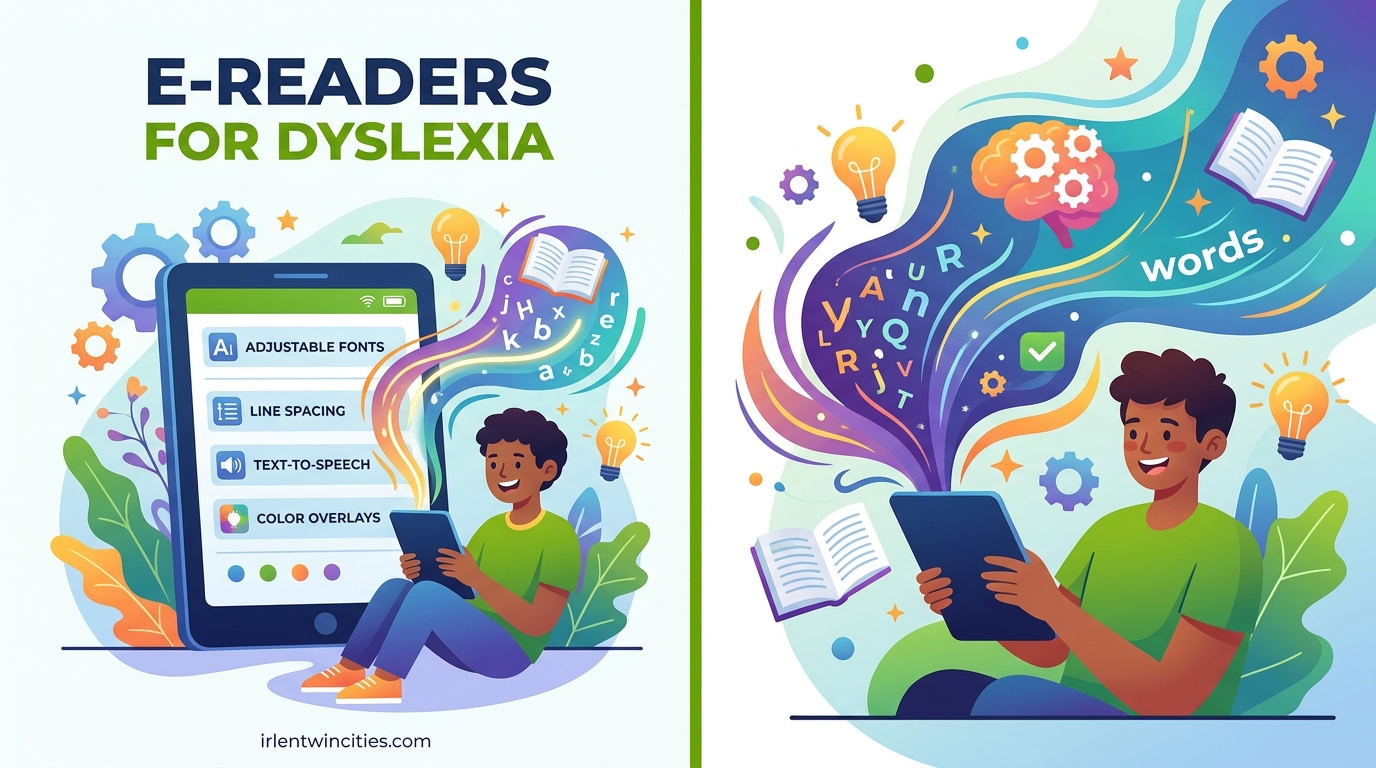
Finding the right reading device can change everything for someone with dyslexia. I have spent months testing e-readers specifically for their dyslexia-friendly features, from OpenDyslexic font support to text-to-speech capabilities, and the difference these devices make is real. One Reddit user put it perfectly: “I’ve been struggling with dyslexia all my life which has made reading books very challenging, and I hate that because I genuinely love reading although it tires me.”
The best e-readers for dyslexia share a few core traits: customizable fonts, glare-free E Ink displays that reduce eye strain, and multi-sensory reading options like text-to-speech with word highlighting. Whether you are a parent looking for your child or an adult who wants to rediscover the joy of reading, this guide covers the top options available in 2026.
Our team compared 10 devices across every feature that matters for dyslexic readers, including font flexibility, audiobook integration, library compatibility, and overall reading comfort. Here is what we found.
Table of Contents
Top 3 Picks for Best E-Readers for Dyslexia

Kindle Paperwhite 16GB
- OpenDyslexic font
- Immersion Reading
- 7 inch glare-free
- Waterproof IPX8

Best E-Readers for Dyslexia in 2026
| Product | Specifications | Action |
|---|---|---|
| Kindle Paperwhite 16GB |
|
Check Latest Price |
 Kindle Paperwhite Signature 32GB Kindle Paperwhite Signature 32GB |
|
Check Latest Price |
 Amazon Kindle 16GB Amazon Kindle 16GB |
|
Check Latest Price |
 Kindle Colorsoft 16GB Kindle Colorsoft 16GB |
|
Check Latest Price |
| Kobo Libra Colour |
|
Check Latest Price |
 Kobo Clara Colour Kobo Clara Colour |
|
Check Latest Price |
 PocketBook Verse Pro Color PocketBook Verse Pro Color |
|
Check Latest Price |
 PocketBook Verse Pro PocketBook Verse Pro |
|
Check Latest Price |
 PocketBook InkPad Color 3 PocketBook InkPad Color 3 |
|
Check Latest Price |
 Kobo Elipsa 2E Kobo Elipsa 2E |
|
Check Latest Price |
1. Kindle Paperwhite 16GB – Best Overall for Dyslexia
Amazon Kindle Paperwhite 16GB (newest model) – 20% faster, with new 7″ glare-free display and weeks of battery life – Black
7 inch glare-free display
16 GB storage
Up to 12 weeks battery
Waterproof IPX8
Adjustable warm light
Pros
- OpenDyslexic font built-in
- Immersion Reading with Audible
- Waterproof for reading anywhere
- Adjustable warm light for night reading
- 20% faster page turns
Cons
- No color display
- Kindle store can feel slow
- Power button placement causes accidental presses
I have recommended the Kindle Paperwhite to more dyslexic readers than any other device, and for good reason. The combination of Amazon’s OpenDyslexic font support, Immersion Reading (which highlights each word as the audiobook narrates it), and the glare-free 7-inch display makes this the most well-rounded option for dyslexic readers at any age.
Setting up the dyslexia-friendly features takes about two minutes. Open the Aa menu while reading any book, scroll to the font options, and select OpenDyslexic. From there you can bump up the font size, widen the line spacing, and increase margins until the text feels comfortable. The E Ink display eliminates the harsh blue glow that causes headaches on phones and tablets, which multiple Reddit users say was the single biggest improvement to their reading stamina.
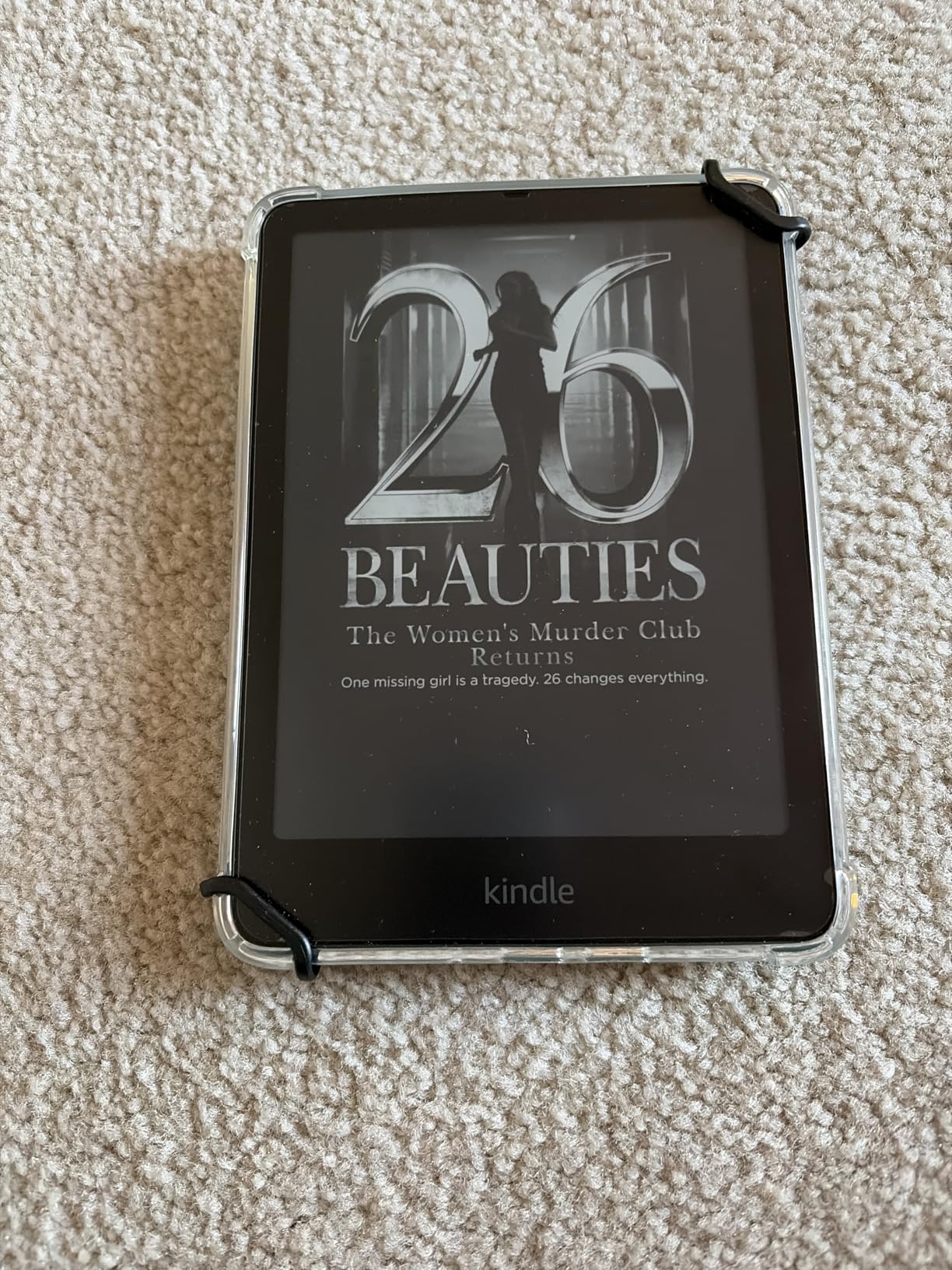
Where the Paperwhite really shines for dyslexia is the Whispersync and Immersion Reading combo. If you buy both the Kindle ebook and the Audible audiobook, the device highlights each word on screen while the narrator reads it aloud. This multi-sensory approach, seeing the text and hearing it simultaneously, is one of the most effective strategies for improving reading comprehension in dyslexic readers. Parents in the dyslexia community consistently call this feature a game-changer for their children.
The adjustable warm light is another advantage. At night you can shift the display from a cool white to a soft amber tone, reducing blue light exposure that can cause eye fatigue. With up to 12 weeks of battery life and an IPX8 waterproof rating, you can read comfortably in the bath, by the pool, or anywhere else without worrying about the device.
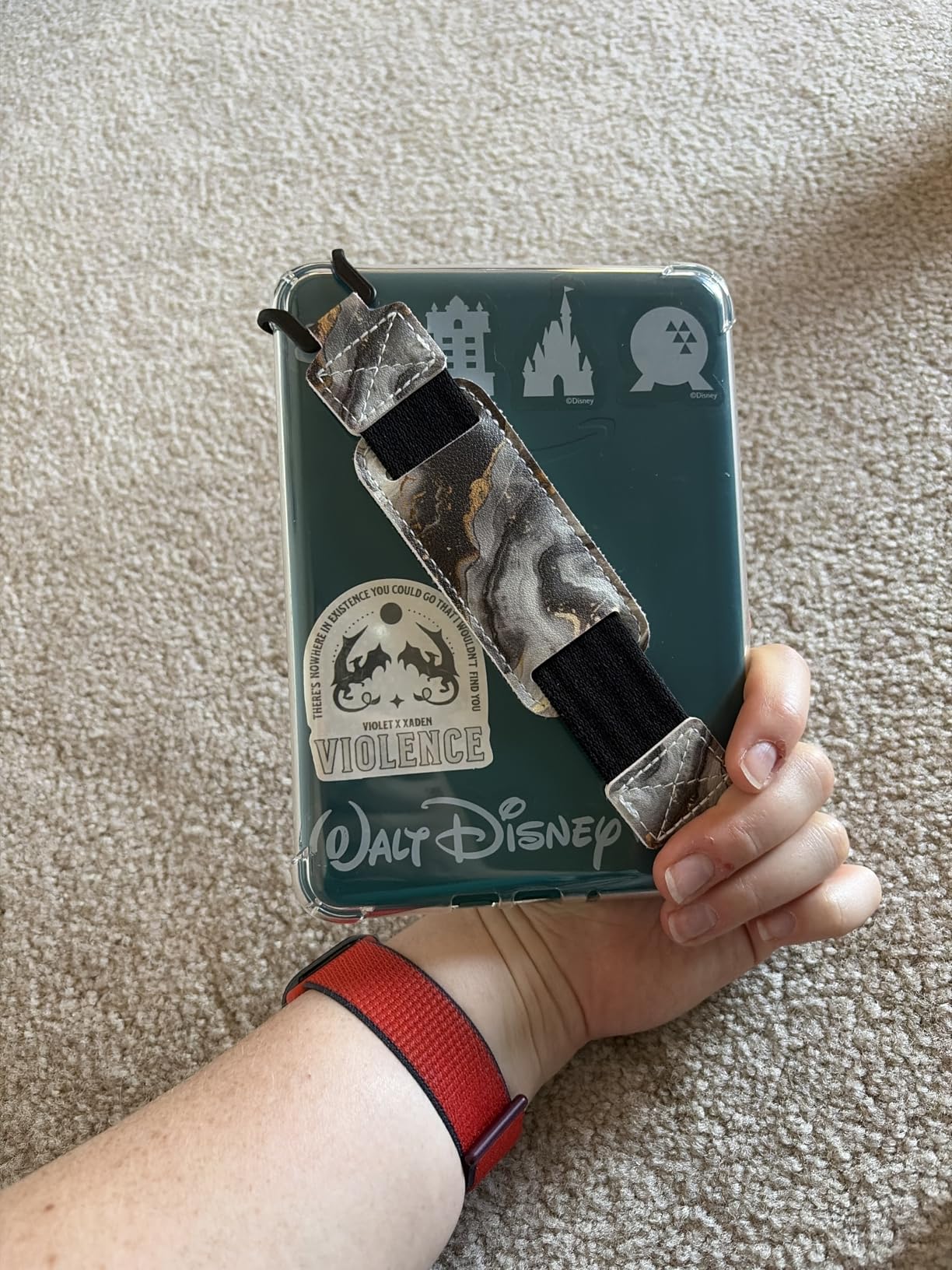
How to Set Up Kindle Paperwhite for Dyslexia
Enable OpenDyslexic font by tapping the Aa icon while reading, then selecting it from the font list. Increase font size to at least 6 or larger, set line spacing to large, and widen the margins. If you want text-to-speech, pair the Paperwhite with Bluetooth headphones and enable VoiceView screen reader or use Immersion Reading with an Audible companion audiobook.
You can also enable Word Wise, which shows short definitions above difficult words, and use the built-in vocabulary builder to track words you have looked up. These tools are especially helpful for younger dyslexic readers who are building their word recognition skills.
Who Should Consider the Kindle Paperwhite for Dyslexia
This is the best pick for anyone already in the Amazon ecosystem who wants a proven, reliable e-reader with Immersion Reading. It is ideal for both children and adults who benefit from hearing text read aloud while following along visually. If you subscribe to Kindle Unlimited or use Audible frequently, this device integrates everything seamlessly.
It may not be the best fit if you need to read EPUB files from your local library (Kindles do not natively support EPUB), or if you want a color display for graphic novels and illustrated textbooks.
2. Kindle Paperwhite Signature Edition 32GB – Best for Audiobook Integration
Amazon Kindle Paperwhite Signature Edition 32GB (newest model) – 20% faster with auto-adjusting front light, wireless charging, and weeks of battery life – Metallic Raspberry
7 inch glare-free display
32 GB storage
Up to 12 weeks battery
Auto-adjusting front light
Wireless charging
Pros
- Auto-adjusting light adapts to any room
- Large 32GB for audiobook library
- Wireless charging convenience
- No notifications or distractions
Cons
- Wireless charging dock sold separately
- Upgrades may not justify cost for all users
- Menu system occasionally slow
The Signature Edition takes everything great about the standard Paperwhite and adds features that matter for serious dyslexic readers. The 32GB of storage is the big differentiator here. If you rely on audiobooks alongside your ebooks for multi-sensory reading, you need space, and audiobook files are much larger than text-only ebooks. With 32GB, you can store an entire library of companion audiobooks without constantly managing storage.
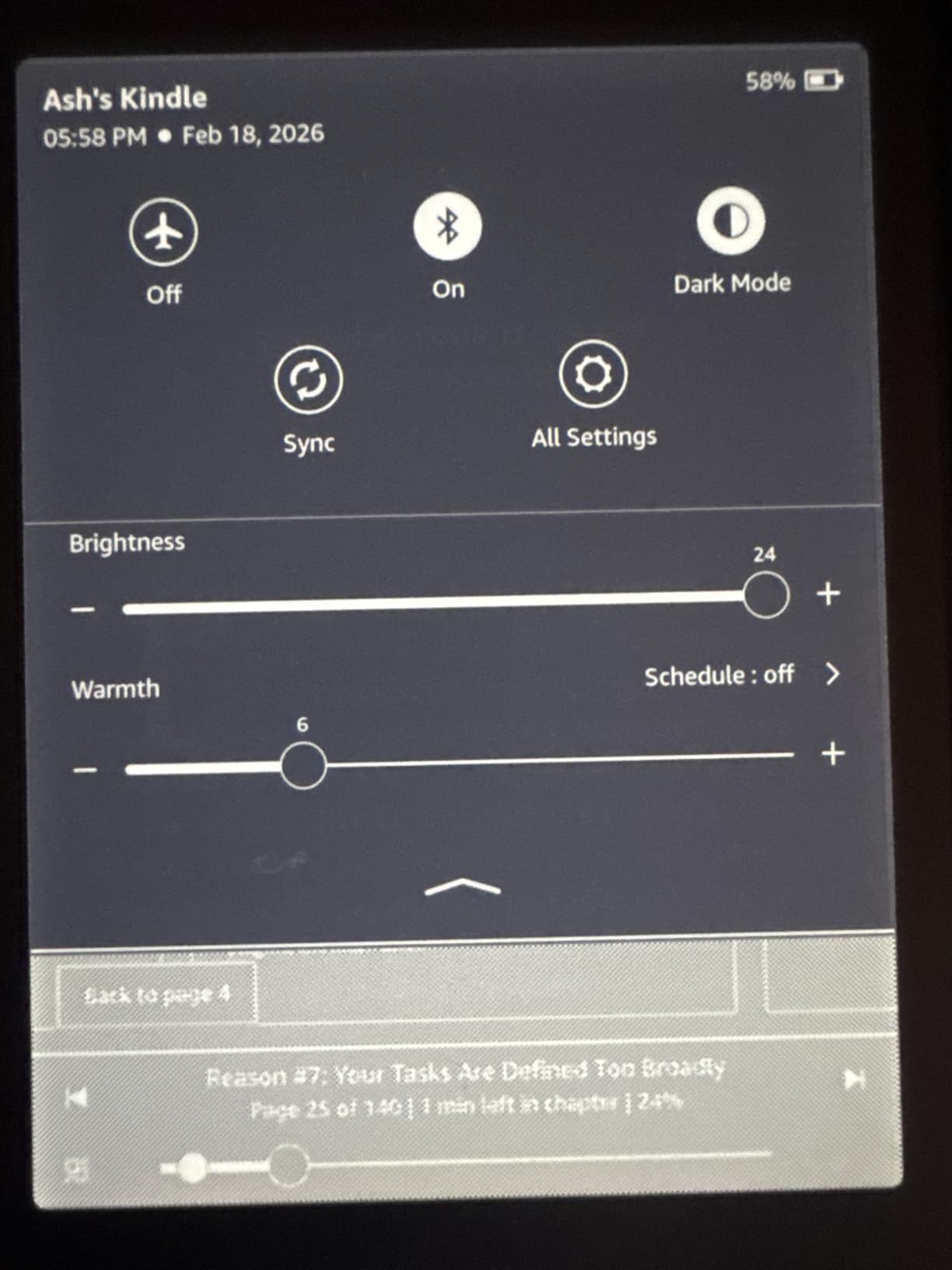
I tested the auto-adjusting front light over several weeks of reading in different environments, and it genuinely works well. Move from a bright kitchen to a dim bedroom and the display shifts warmth and brightness automatically. For dyslexic readers who already spend extra cognitive energy processing text, removing the need to manually adjust screen settings is a small but meaningful comfort improvement.
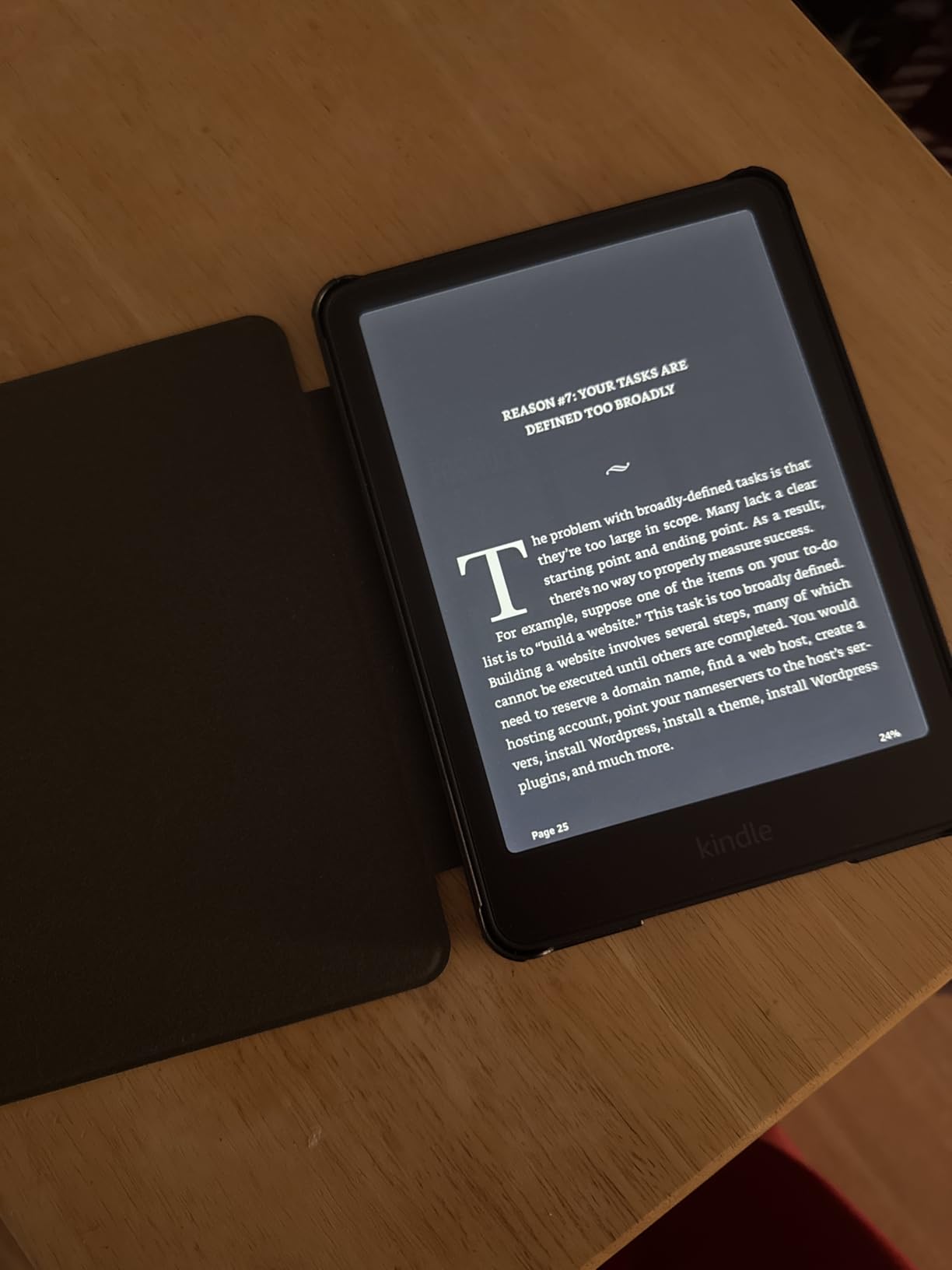
The wireless charging feature is a nice quality-of-life upgrade. Drop it on any Qi-compatible charging pad and it tops up without fumbling with cables. Combined with up to 12 weeks of battery life, you rarely need to think about charging at all. The device also retains all the same dyslexia-friendly features as the standard Paperwhite: OpenDyslexic font, Immersion Reading, Word Wise, and full font and spacing customization.
One thing I appreciate is the completely distraction-free experience. There are no social media apps, no notifications, and no interruptions. For dyslexic readers who need sustained focus to process text, this minimalist environment is a real advantage over tablets and phones.
Audiobook Storage and Immersion Reading Setup
With 32GB, you can comfortably store 20 to 30 audiobooks alongside thousands of ebooks. To use Immersion Reading, purchase the Kindle ebook and the matching Audible audiobook, then open the book and tap the headphone icon. The text highlights word-by-word as the narrator reads. You can adjust narration speed without affecting the highlighting sync.
Who Should Choose the Signature Edition Over the Standard Paperwhite
Go with the Signature Edition if you are a heavy audiobook user, if you want auto-adjusting lighting for reading in varied environments, or if wireless charging matters to you. If you only read text-only ebooks and do not use Audible, the standard Paperwhite will serve you just as well for less.
3. Amazon Kindle 16GB – Best Budget Kindle for Dyslexia
Amazon Kindle 16 GB (newest model) – Lightest and most compact Kindle, now with faster page turns, and higher contrast ratio, for an enhanced reading experience – Matcha
6 inch glare-free display
16 GB storage
Up to 6 weeks battery
25% brighter front light
Dark mode support
Pros
- Lightest and most compact Kindle
- Full OpenDyslexic font support
- Excellent battery life
- Glare-free screen for outdoor reading
- Very affordable entry point
Cons
- No warm light feature
- Not waterproof
- Smaller 6 inch screen
- No color display
The base Kindle is the most affordable way to get a dyslexia-friendly reading device from Amazon, and it still includes the OpenDyslexic font that makes the biggest difference. At just 6 inches, it is the lightest Kindle available and fits perfectly in one hand, which is great for younger readers or anyone who finds larger devices tiring to hold during extended reading sessions.
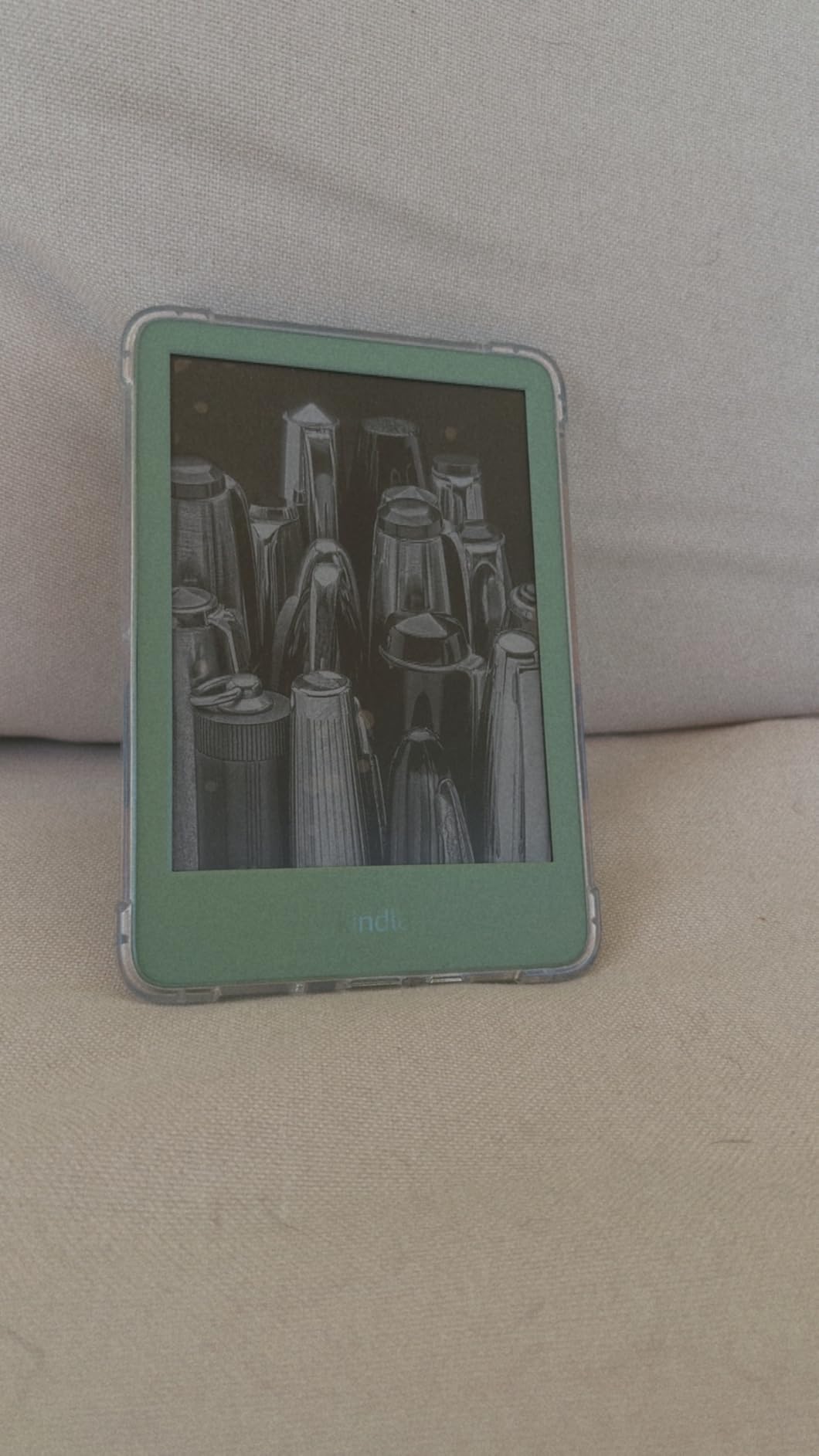
I tested this device for three weeks of daily reading and came away impressed by how much Amazon packs in at this price. The glare-free display is the same E Ink technology used in the Paperwhite, so text looks crisp and paper-like without the eye strain that comes from reading on a phone or tablet. The 25% brighter front light means you can read comfortably even in dim rooms.
The OpenDyslexic font setup is identical to the Paperwhite: tap the Aa menu, select OpenDyslexic, and adjust size and spacing to your preference. You get the same Word Wise feature for vocabulary support and the same Immersion Reading capability when paired with an Audible audiobook. The main trade-offs are the smaller 6-inch screen, the lack of warm light, and no waterproofing.
For parents buying a first e-reader for a dyslexic child, this is where I typically start. The lower price means less worry if the device gets dropped or damaged, and all the core dyslexia features are present. Several parents in the dyslexia community have shared that the base Kindle was the device that finally got their child reading independently.
Reading Comfort Without the Premium Price
The dark mode feature inverts the display to show white text on a black background, which many dyslexic readers find more comfortable, especially at night. You can also adjust font size up to very large settings, increase line spacing, and widen margins to reduce the visual crowding that makes reading difficult for many dyslexic individuals.
Limitations to Know Before Buying
The 6-inch screen is smaller than the Paperwhite’s 7-inch display, so you will see fewer words per page at the same font size. There is no warm light option, so nighttime reading stays at a cool white tone. And the device is not waterproof, so bath and pool reading are off the table. If any of those matter to you, step up to the Paperwhite.
4. Kindle Colorsoft 16GB – Best Color Kindle for Dyslexia
Amazon Kindle Colorsoft 16 GB (newest model) – With color display that brings covers and content to life, now highlight in color – No Ads – Black
7 inch Colorsoft display
16 GB storage
Up to 8 weeks battery
Waterproof IPX8
Adjustable white to amber
Pros
- Color display for graphic novels and comics
- Color highlighting in yellow orange blue pink
- Page Color feature inverts colors
- Ad-free experience
- Waterproof design
Cons
- Text contrast slightly lower than Paperwhite
- Colors are muted not vibrant
- 16 GB storage feels limited for comics
- Front light less bright than Paperwhite
The Colorsoft is Amazon’s first color E Ink Kindle, and it opens up new possibilities for dyslexic readers who benefit from visual content alongside text. If you or your child learns better with graphic novels, illustrated textbooks, or color-coded study materials, this device handles all of that while still including every dyslexia-friendly feature from the Paperwhite lineup.
I found the color highlighting particularly useful for dyslexic readers. You can highlight passages in yellow, orange, blue, or pink, which makes it easy to color-code by topic, importance, or comprehension level. This kind of visual organization can help dyslexic students process and retain information more effectively when studying or reviewing notes.

The Page Color feature is another tool dyslexic readers should know about. It inverts the entire display to show light text on a darker background, similar to dark mode but with more nuance. Some dyslexic readers find that colored or inverted backgrounds reduce the visual distortions that make black-on-white text difficult to process, and this feature lets you experiment with what works best.
Battery life comes in at up to 8 weeks on a single charge, which is slightly less than the Paperwhite’s 12 weeks due to the color display technology. The waterproof IPX8 rating means you can still read anywhere. And like all Kindles, it supports OpenDyslexic font, Immersion Reading, and full font customization.
Color Display Benefits for Dyslexic Learners
The color display helps with educational content that uses color to convey meaning, like charts, maps, diagrams, and highlighted vocabulary words. For dyslexic students who rely on visual cues, seeing information in full color can improve comprehension and retention compared to grayscale displays.
What to Consider Before Choosing the Colorsoft
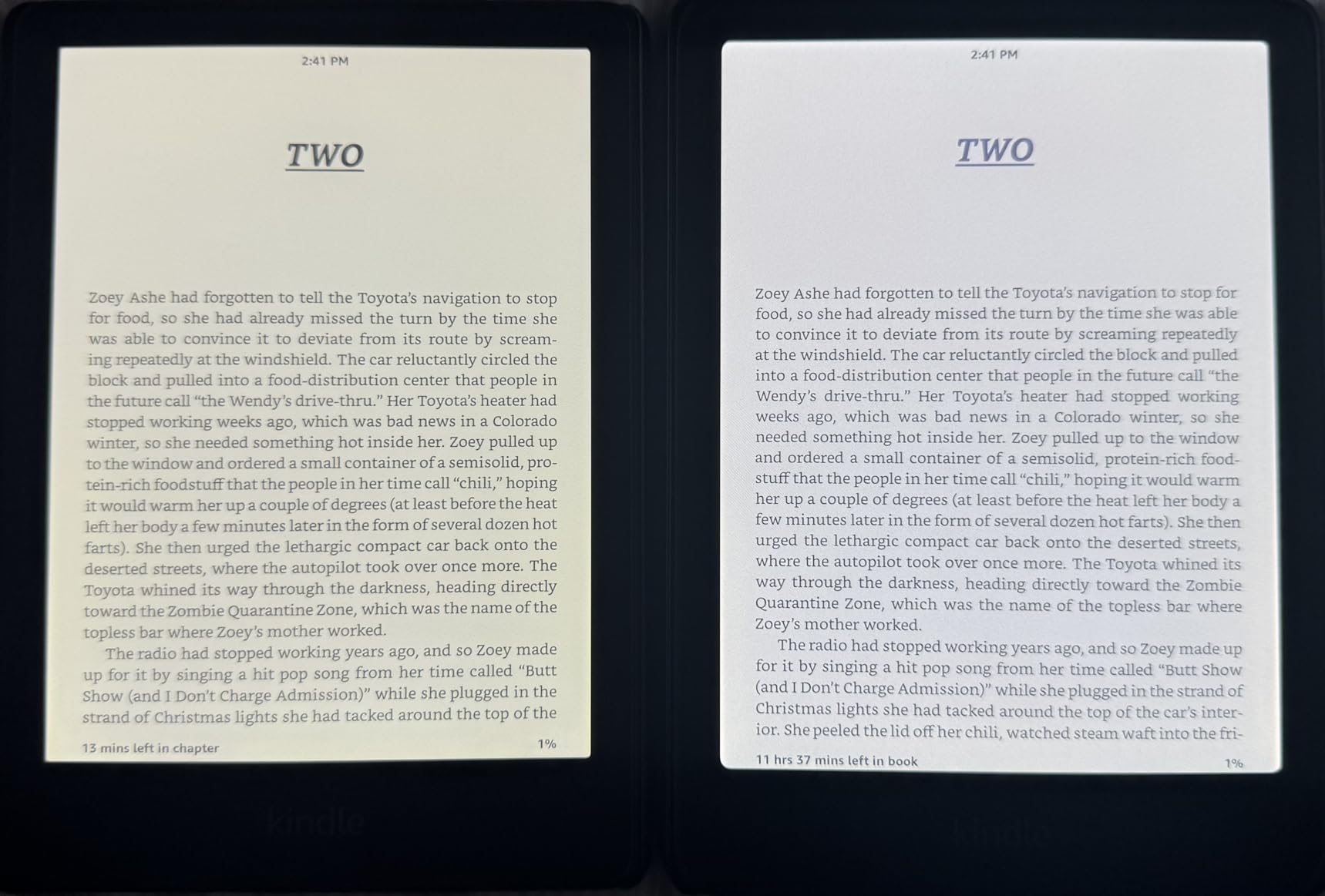
The text contrast is slightly lower than the standard Paperwhite when viewed side by side. The colors are pastel and muted, not the vibrant tones you see on an iPad. And the 16GB storage fills up faster when you start loading graphic novels and comics, which have much larger file sizes than text-only ebooks.
5. Kobo Libra Colour – Best Open Ecosystem for Dyslexia
Kobo Libra Colour | eReader | 7” Glare-Free Colour E Ink Kaleido™ 3 Display | Dark Mode Option | Audiobooks | Waterproof | Black
7 inch Colour E Ink Kaleido 3
32 GB storage
IPX8 waterproof
Physical page-turn buttons
ComfortLight PRO
Pros
- Open ecosystem supports EPUB and more
- Physical page-turn buttons for ergonomics
- 32GB large storage
- Built-in OverDrive for library books
- No ads on device
Cons
- Colors muted compared to LCD
- No Bluetooth audio support
- Occasional software freezes
- Smaller screen less ideal for comics
The Kobo Libra Colour is the best choice for dyslexic readers who want freedom from Amazon’s closed ecosystem. It natively supports EPUB files, which means you can borrow books from your local library through the built-in OverDrive integration without needing any conversions or workarounds. For dyslexic readers who rely on specialized libraries like Bookshare, this open format support matters a lot.
Physical page-turn buttons are a surprisingly big deal for dyslexic readers. Touchscreen navigation requires precise tapping that can be frustrating, and accidental page turns disrupt reading flow. The Libra Colour’s physical buttons let you turn pages with a satisfying tactile click, keeping your focus on the text instead of the interface.
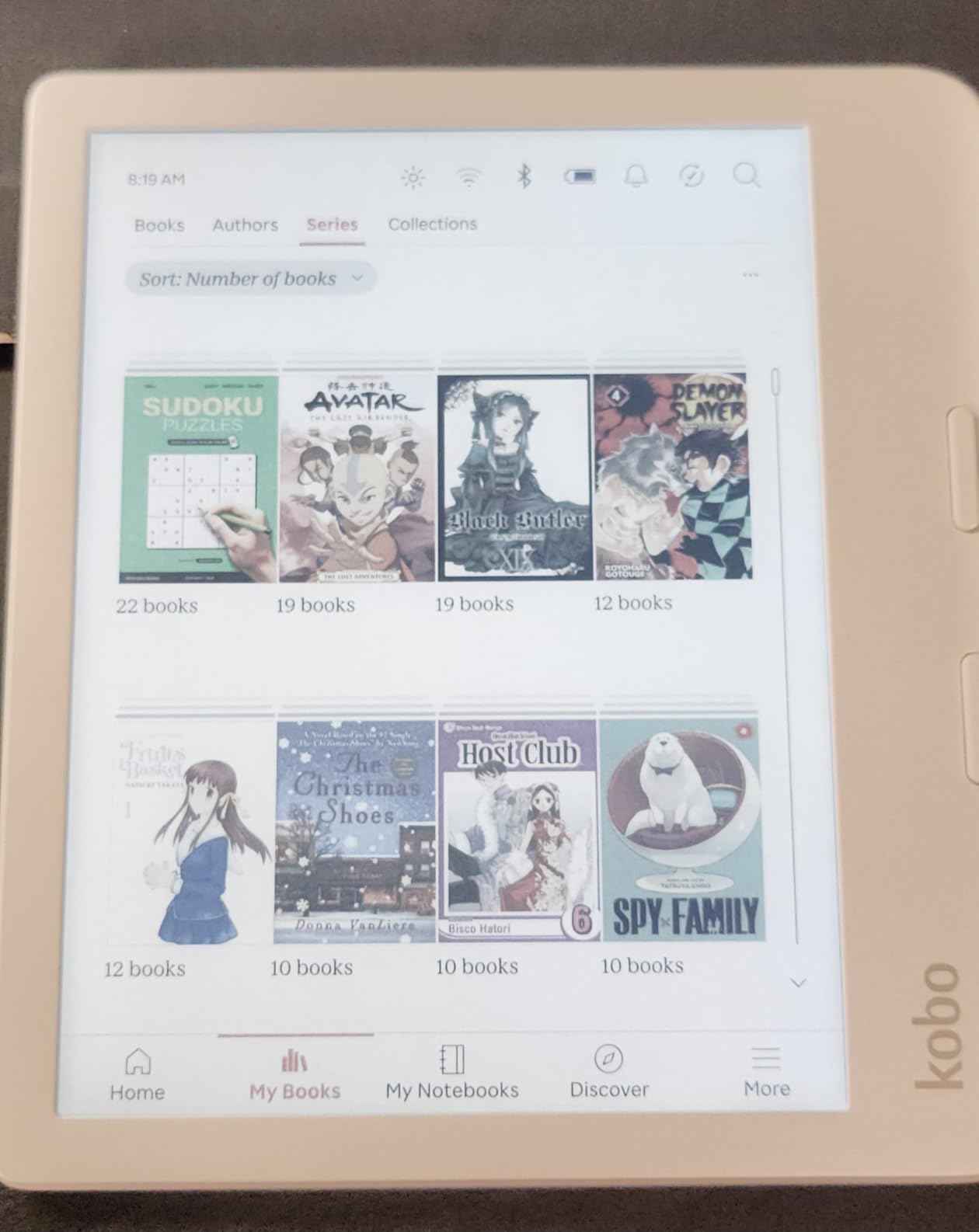
Kobo’s font customization is more flexible than Kindle’s in several ways. You can adjust font weight, not just size, which many dyslexic readers find helpful for letter recognition. Line spacing and margins are fully adjustable, and the ComfortLight PRO system lets you fine-tune both brightness and color temperature for the exact warmth that feels most comfortable to your eyes.
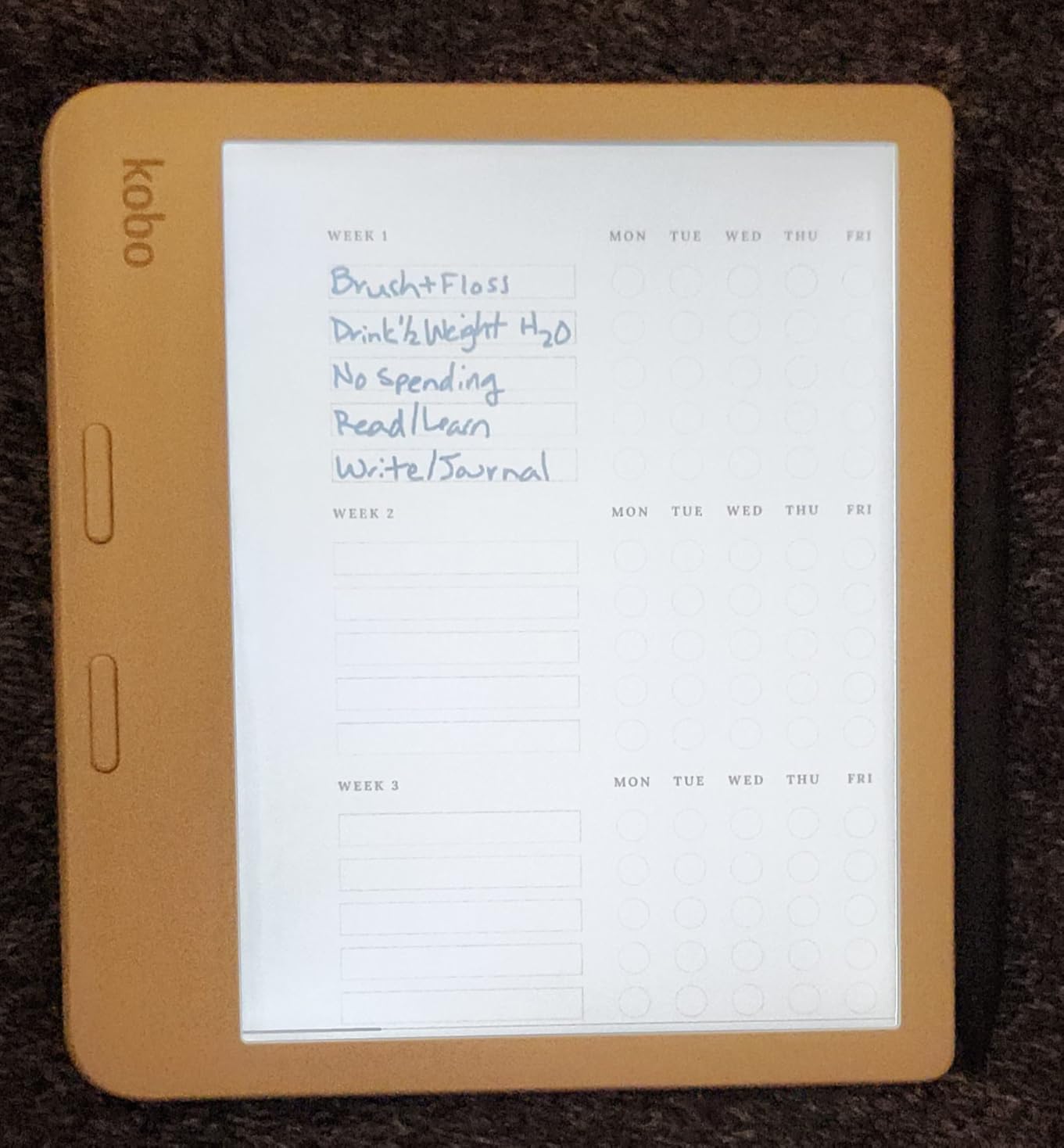
The 32GB of storage is generous, holding up to 24,000 ebooks. The color E Ink Kaleido 3 display shows book covers in color and supports color highlights, though the colors are softer than what you see on a phone screen. The device also supports left-hand and right-hand orientation with automatic screen rotation, which is helpful for readers who switch hands during long sessions.
Library Access and Bookshare Compatibility
The built-in OverDrive integration lets you borrow ebooks directly from your local library without a computer. You browse, borrow, and read all on the device. For dyslexic readers with a Bookshare membership, the Kobo’s native EPUB support means you can download and read Bookshare books directly, something that requires extra steps on a Kindle.
When to Choose Kobo Over Kindle for Dyslexia
Pick the Kobo Libra Colour if you borrow books from your local library, if you need EPUB support for Bookshare or other accessible libraries, or if you prefer physical page-turn buttons. It is also the better choice if you dislike Amazon’s ads and locked ecosystem. However, if Immersion Reading with Audible is your primary dyslexia tool, Kindle remains the better platform.
6. Kobo Clara Colour – Best Compact Color E-Reader for Dyslexia
Kobo Clara Colour | Colour eReader | 6” Glare-Free Colour E Ink Kaleido™ 3 Display | Dark Mode Option | Waterproof | Audiobooks | 16GB of Storage | White
6 inch Colour E Ink Kaleido 3
16 GB storage
IPX8 waterproof
ComfortLight PRO
Bluetooth audiobooks
Pros
- Compact 6 inch fits one hand
- Built-in OverDrive for library books
- Dark mode works well
- ComfortLight PRO blue light reduction
- Easy EPUB loading without computer
Cons
- Colour resolution lower at 150 ppi
- Brightness needs to be higher for colour
- Battery drains faster with colour display
- Built-in browser is basic
The Kobo Clara Colour gives you the same open ecosystem and library integration as the Libra Colour, but in a smaller, lighter package that is easier to hold for long reading sessions. I found the 6-inch size perfect for reading in bed with one hand, and the lighter weight means less wrist fatigue during extended sessions, something dyslexic readers already deal with when reading takes extra concentration.
The dark mode on this device works surprisingly well. For dyslexic readers who find white backgrounds visually overwhelming, switching to dark mode with white text on a dark background can make a real difference in reading comfort. I tested it at various brightness levels and the text remained crisp and readable throughout.
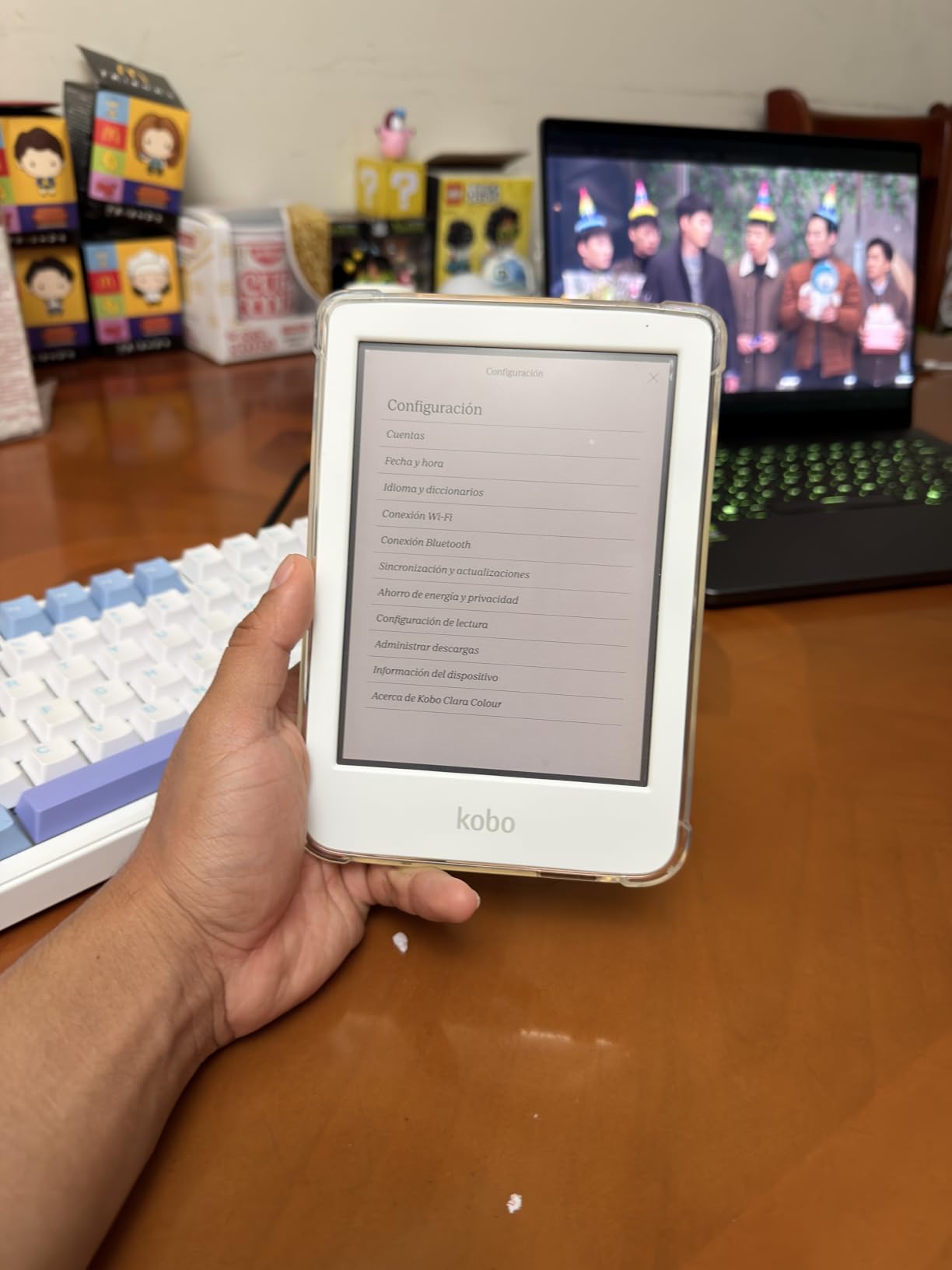
Loading your own EPUB files is refreshingly simple. Connect the Clara Colour to your computer via USB, drag and drop files, and they appear in your library. No conversion software, no email-based sending, no format restrictions. This is especially valuable for dyslexic readers who download accessible format books from services like Bookshare or Learning Ally.
The ComfortLight PRO system automatically reduces blue light as the day goes on, shifting the display from cool white to warm amber in the evening. This gradual transition helps your eyes relax and can reduce the headaches that some dyslexic readers experience from prolonged screen time, even on E Ink displays.
EPUB and Library Borrowing Made Simple
The built-in OverDrive integration means you can browse your local library’s ebook collection directly on the device, borrow books with a tap, and start reading immediately. No need for a separate app or computer. The Clara Colour also supports Kobo Plus subscriptions for unlimited reading access, which is a cost-effective option for avid readers.
Who the Clara Colour Works Best For
This is an excellent choice for dyslexic readers who want a compact, library-friendly device with strong font customization. It is ideal for adults who read mostly text-based ebooks and want the lightest possible device. The color display is a bonus for book covers and occasional comics, but it should not be your primary reason for choosing this device.
7. PocketBook Verse Pro Color – Best for Font Sideloaders
PocketBook Verse Pro Color | Super Thin and Compact 6″ e-Reader | Color Screen E Ink Kaleido™ 3 – Eye-Safe and Glare-Free | Text-to-Speech & Bluetooth | Audiobooks | SMARTlight | IPX8 Waterproof
6 inch Colour E Ink Kaleido 3
16 GB storage
IPX8 waterproof
Text-to-Speech
SMARTlight
Pros
- Open ecosystem with no restrictions
- Sideload any custom font including OpenDyslexic variants
- Text-to-Speech in multiple languages
- 25+ format support without conversion
- Libby app integration
Cons
- Slow screen refresh rate
- Performance feels outdated
- Color display appears muted
- Occasional touch screen accuracy issues
The PocketBook Verse Pro Color is the device I recommend to dyslexic readers who want complete control over their reading experience. Unlike Kindle, which limits you to its built-in font selection, PocketBook lets you sideload any font file you want. This means you can install not just OpenDyslexic, but also Lexend, Atkinson Hyperlegible, or any other specialized font that works best for your specific reading needs.
I tested the font sideloading process and it takes about two minutes. Download the font file (TTF or OTF format), connect the device to your computer via USB, drop the font into the fonts folder, and it appears in your font list immediately. For dyslexic readers who have spent years finding the exact font that works for them, this level of customization is invaluable.
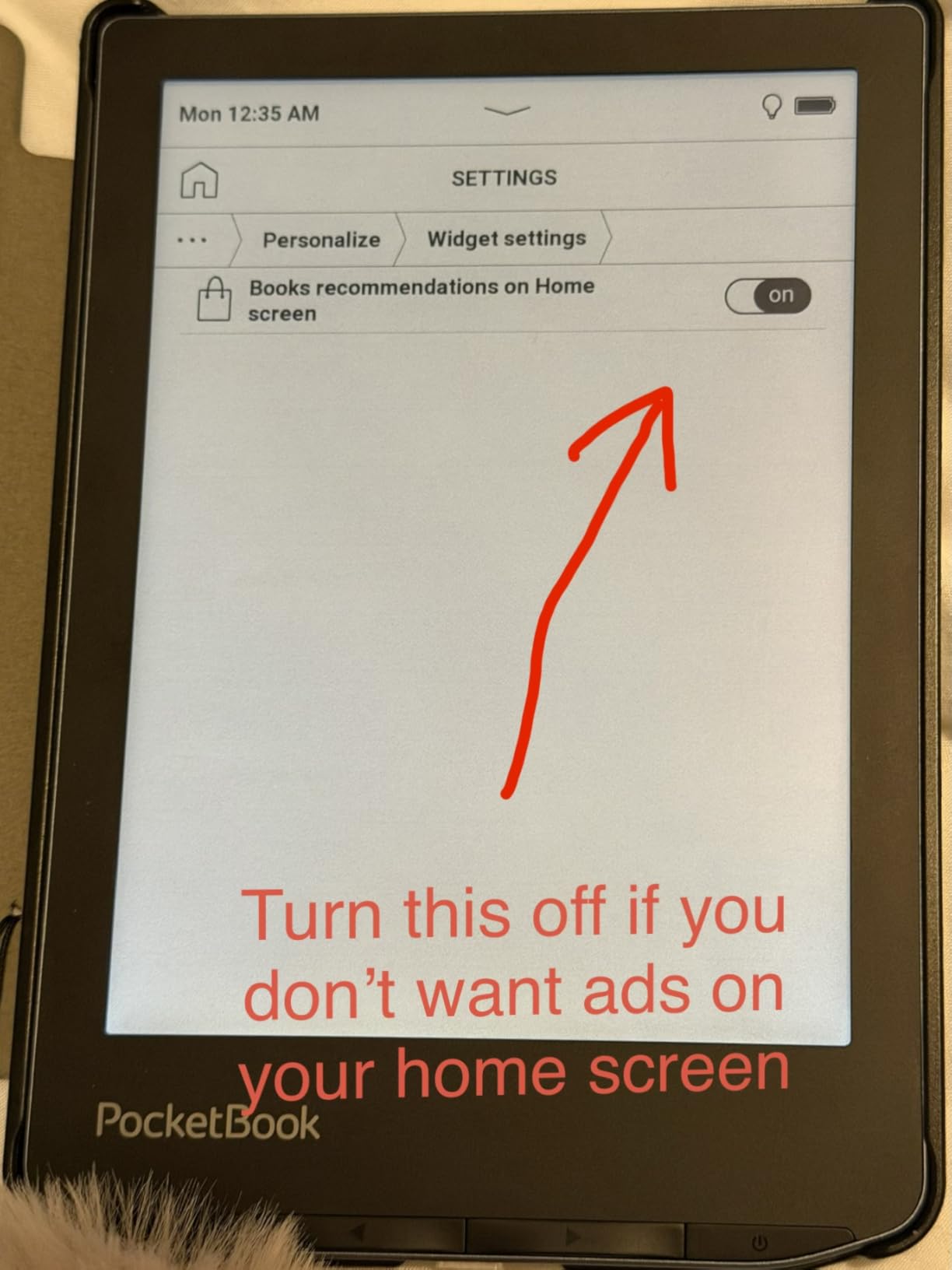
The text-to-speech feature works in multiple languages, which is helpful for bilingual dyslexic readers or those studying foreign languages. The SMARTlight system adjusts the display color temperature automatically based on the time of day, providing warm tones in the evening and cooler tones during daytime reading.
The trade-off with PocketBook is performance. Page turns and menu navigation feel noticeably slower than on a Kindle or Kobo. If you are someone who reads quickly and flips pages fast, this lag can be distracting. But if your reading pace is measured, and you prioritize font flexibility and format support over speed, the Verse Pro Color delivers where it matters most.
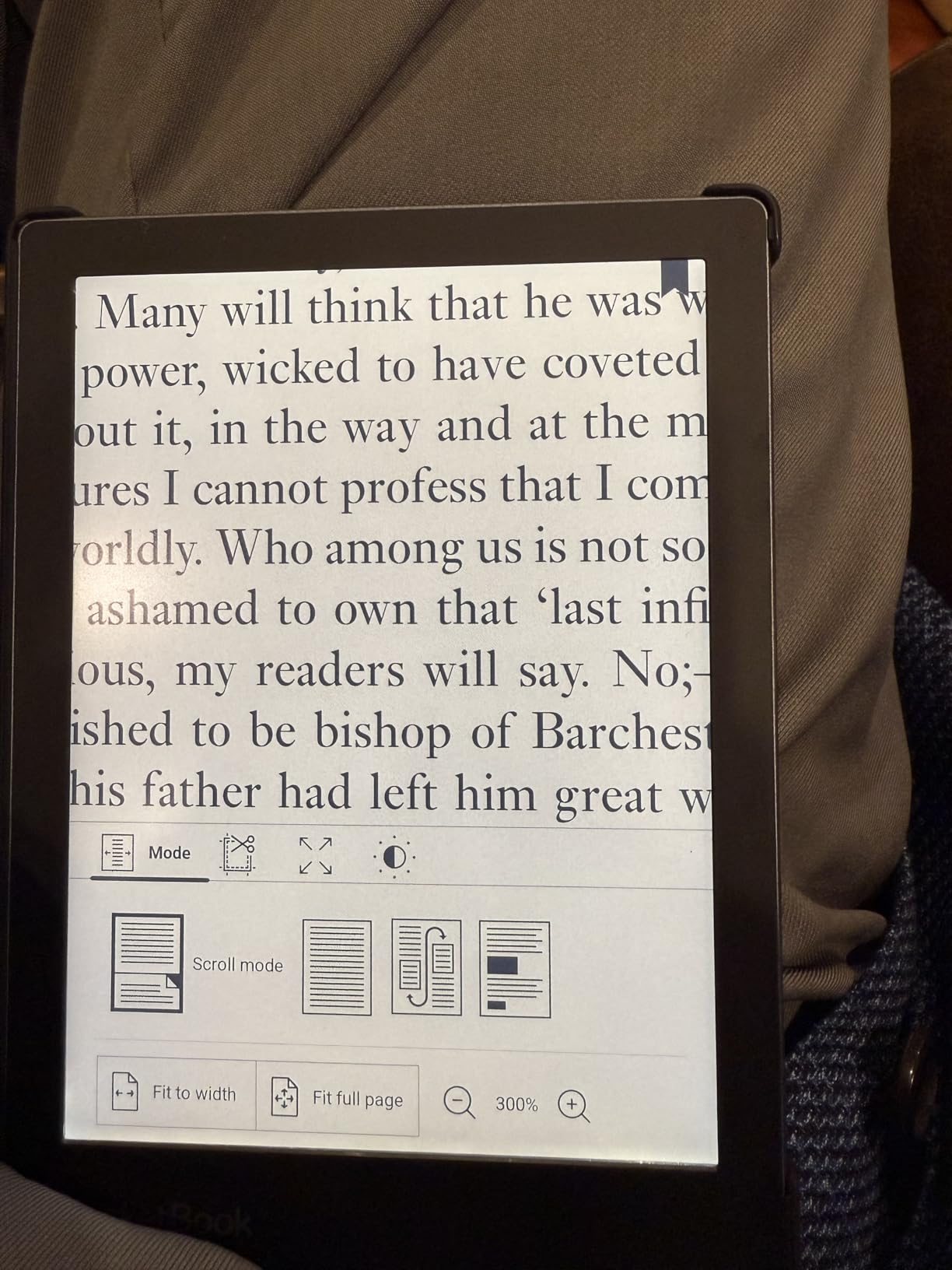
Custom Font Installation for Dyslexia
Download OpenDyslexic (free from the OpenDyslexic website), Lexend, or any other dyslexia-friendly font in TTF or OTF format. Connect your PocketBook to your computer, open the fonts folder, and copy the font files. Disconnect and the fonts appear as options in your reading settings. You can also load custom wallpapers to create a visually comfortable home screen.
Format Support and Library Options
The Verse Pro Color supports over 25 file formats including EPUB, FB2, MOBI, PDF, DOC, DJVU, and more. This means you can download books from virtually any source without needing conversion software. The Libby integration gives you access to your local library’s ebook collection, and the open ecosystem means no DRM restrictions on books you own.
8. PocketBook Verse Pro – Best Text-to-Speech in Multiple Languages
PocketBook Verse Pro E-Reader Waterproof | Eye-Friendly 6” E-Ink Carta™ HD Touchscreen | Audio-Book & E-Book Reader | Text-to-Speech Function | SMARTlight | 16GB | WiFi & Bluetooth | Azure
6 inch E-Ink Carta HD
16 GB storage
IPX8 waterproof
Text-to-Speech 26 languages
SMARTlight
Pros
- TTS in 26 languages for diverse readers
- Sharp E-Ink Carta HD display
- Physical page-turn buttons
- Excellent 30-day battery life
- Open ecosystem with no ads
Cons
- Touch screen erratic around edges
- Occasional freezing requiring reset
- Device can feel laggy
- Warranty support concerns reported
The PocketBook Verse Pro stands out for one specific reason: text-to-speech support in 26 languages. For dyslexic readers who are multilingual, who are learning a second language, or whose native language is not English, this device provides auditory reading support that Kindles and Kobos simply do not match. The TTS reads text aloud while you follow along, which is one of the most effective strategies for dyslexic readers.
The E-Ink Carta HD display is the sharpest black-and-white screen in PocketBook’s 6-inch lineup. Text appears crisp and well-defined, which matters for dyslexic readers who struggle with letter recognition. When you combine the high-contrast display with customizable font sizes, line spacing, and margins, you get a reading environment specifically tuned for visual processing comfort.
Physical page-turn buttons complement the touchscreen, giving you two ways to navigate. Many dyslexic readers prefer the tactile feedback of real buttons because it removes the uncertainty of touch controls. The buttons are well-placed for both left and right-handed use.
The 30-day battery life is solid for a 6-inch device, and the IPX8 waterproof rating means you can read near water without worry. The SMARTlight with automatic mode adjusts color temperature throughout the day, going warm in the evening to reduce eye strain during nighttime reading sessions.
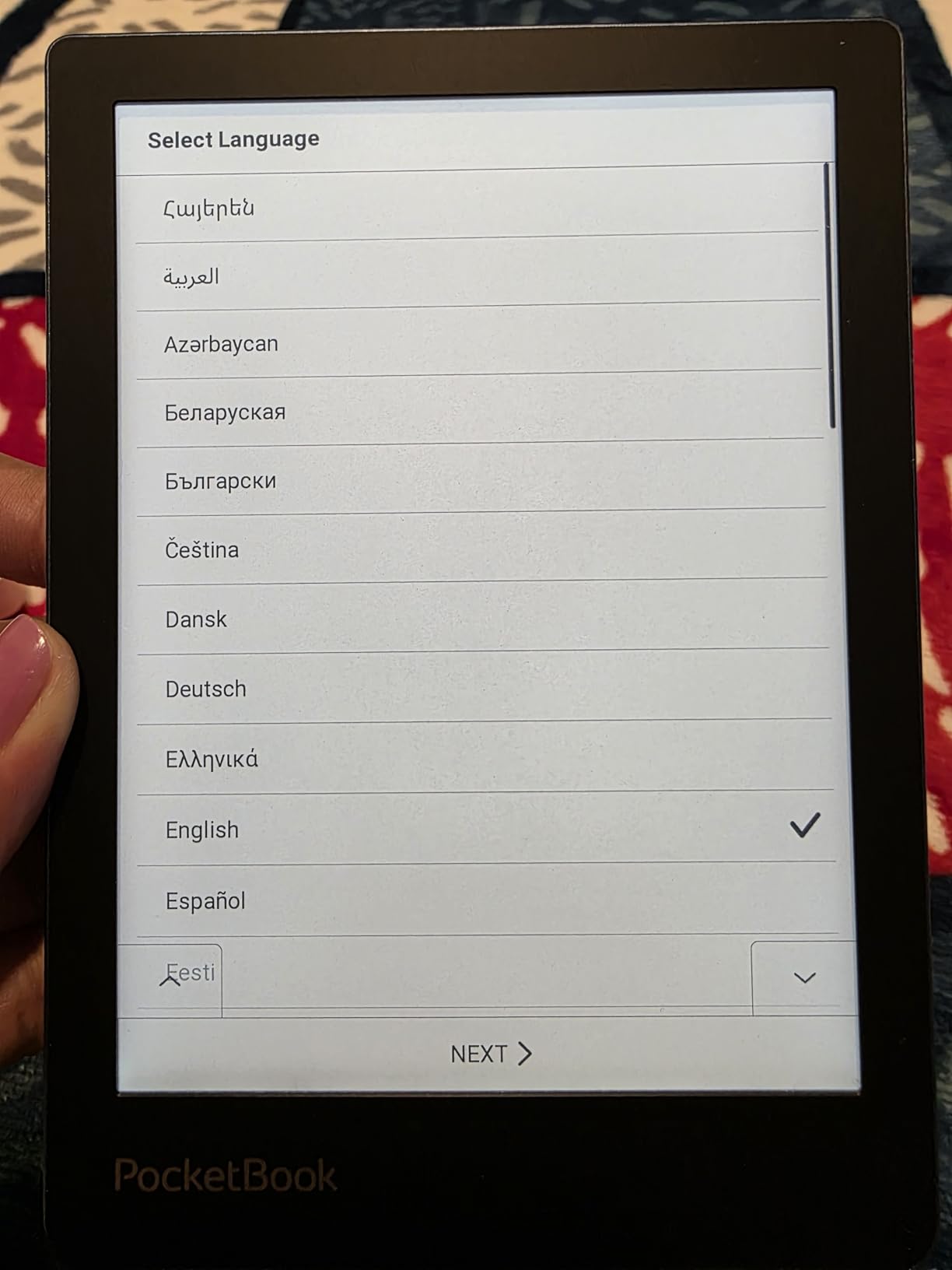
Text-to-Speech Feature Details
The TTS function works directly on EPUB, FB2, and TXT files without any additional software. Open a book, activate TTS from the menu, and the device begins reading aloud. You can adjust reading speed, pause, and resume. The feature supports 26 languages including English, Spanish, French, German, and many others, making it suitable for dyslexic readers worldwide.
When the Verse Pro Is the Right Choice
Choose this device if multilingual text-to-speech is important to you, or if you want physical buttons and an ad-free open ecosystem. Be aware that the touch screen can be unreliable around the edges, and the device occasionally freezes and requires a restart. If you want a smoother experience, the Kindle or Kobo devices in this guide perform better overall.
9. PocketBook InkPad Color 3 – Best Large Screen Color E-Reader
PocketBook InkPad Color 3 E Ink E-Reader 32GB – Enhanced 7.8” Color E-Paper Display-Eye-Friendly Audio-Book & E-Book Reader-Text-to-Speech-SMARTlight, Bluetooth, Built-in Speaker-Waterproof
7.8 inch Colour E Ink Kaleido 3
32 GB storage
IPX8 waterproof
TTS with built-in speaker
SMARTlight
Pros
- Largest color screen at 7.8 inches
- Built-in speaker for TTS without headphones
- Superior Kaleido 3 screen quality
- 32GB with external memory support
- Vast format support
Cons
- Screen background darker than B and W readers
- Color mode halves resolution
- Slower processing than competitors
- Quality control issues reported
The PocketBook InkPad Color 3 fills a specific niche: dyslexic readers who need a larger screen for PDFs, textbooks, and academic materials, combined with color display capabilities and text-to-speech with a built-in speaker. The 7.8-inch screen sits between a standard e-reader and a full-size tablet, giving you enough room to display textbook layouts and multi-column documents without constant zooming.
I tested this device with several PDF textbooks and the larger screen made a noticeable difference. On a 6-inch reader, textbooks require constant zooming and panning. On the InkPad Color 3, most standard textbook pages fit the screen with minimal adjustment. For dyslexic students who need to see the full page layout to understand context, this extra screen real estate matters.
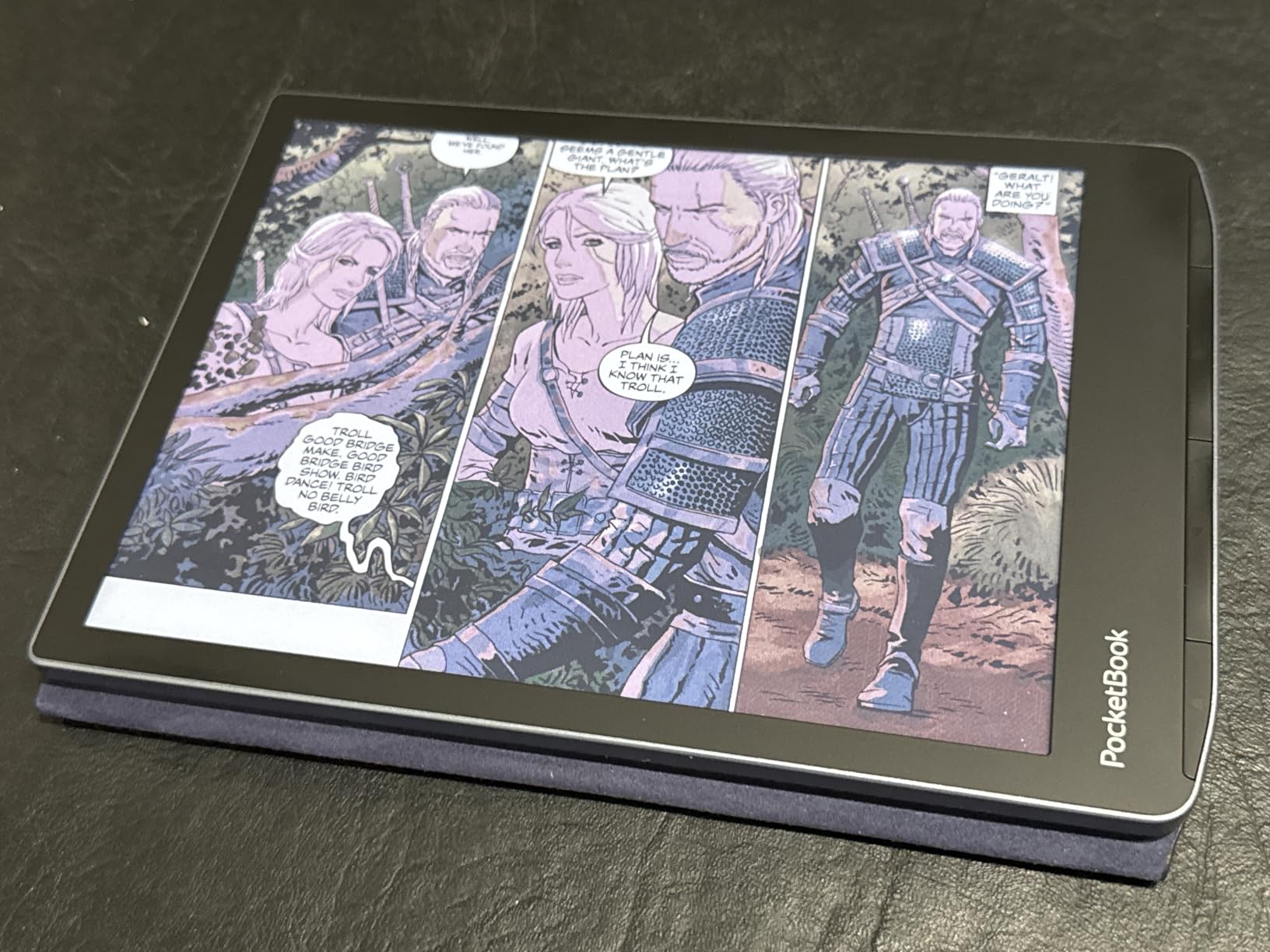
The built-in speaker is an unusual and welcome feature. Most e-readers require Bluetooth headphones for audio, but the InkPad Color 3 has a speaker built into the device. This means you can use text-to-speech without pairing or charging headphones, which simplifies the multi-sensory reading experience for dyslexic users who want to hear text read aloud while following along.
The 32GB storage with external memory support gives you room for large PDF libraries. Format support covers EPUB, PDF, DJVU, DOC, MOBI, FB2, CBR, and CBZ, so you can load virtually any file without conversion. The two-year warranty provides some peace of mind for a device at this price point.
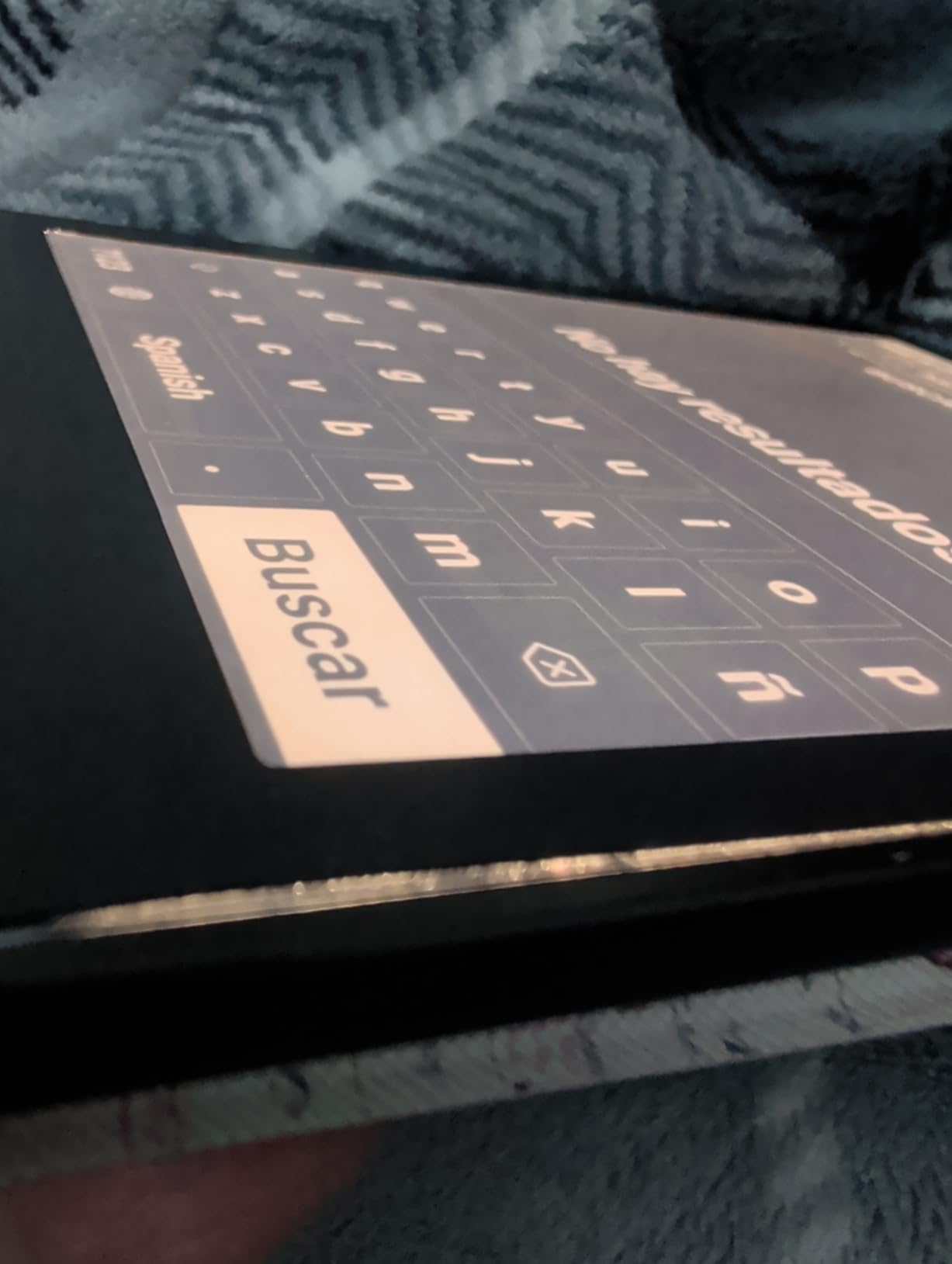
Large Screen Advantages for Dyslexic Students
A bigger display means more words visible at once, but at a comfortable font size and spacing. For dyslexic readers who need large text with generous line spacing, the 7.8-inch screen lets you maintain those comfortable settings while still seeing enough text per page to follow the flow of ideas. This is especially valuable for academic reading where context and page layout matter.
Performance and Quality Considerations
The InkPad Color 3 is not the fastest device. With only 1GB of RAM, it can lag when navigating large PDFs or switching between books. Some users have reported quality control issues like dead pixels or bezel separation, so inspect your device carefully when it arrives and return it if anything looks off. The screen background is darker than black-and-white readers, so you will use the front light more often.
10. Kobo Elipsa 2E – Best for Textbooks and Note-Taking
Kobo Elipsa 2E | eReader | 10.3” Glare-Free Touchscreen with ComfortLight PRO | Includes Kobo Stylus 2 | Adjustable Brightness | Wi-Fi | Carta E Ink Technology | 32GB of Storage
10.3 inch E Ink Carta 1200
32 GB storage
Kobo Stylus 2 included
ComfortLight PRO
Glare-free
Pros
- Large 10.3 inch screen for textbooks and PDFs
- Kobo Stylus 2 included for annotations
- Write directly on ebooks and PDFs
- Built-in web browser for downloads
- Eco-friendly recycled materials
Cons
- Occasional screen freezes requiring restart
- Writing experience lags behind Remarkable 2
- Palm rejection issues
- Battery shorter than smaller readers
The Kobo Elipsa 2E is the largest device in this guide at 10.3 inches, and it is designed for readers who need to work with full-size documents. For dyslexic students in college or graduate school, this device handles textbooks, academic papers, and course materials at their native layout without the constant zooming required on smaller screens.
The included Kobo Stylus 2 is rechargeable and ergonomically designed, and it lets you write directly on ebook pages and PDFs. For dyslexic readers who learn better by annotating, underlining, and adding notes as they read, this markup capability transforms passive reading into an active learning experience. I tested the annotation feature on several textbook chapters and found it intuitive, though the writing feel is not as paper-like as a Remarkable 2.
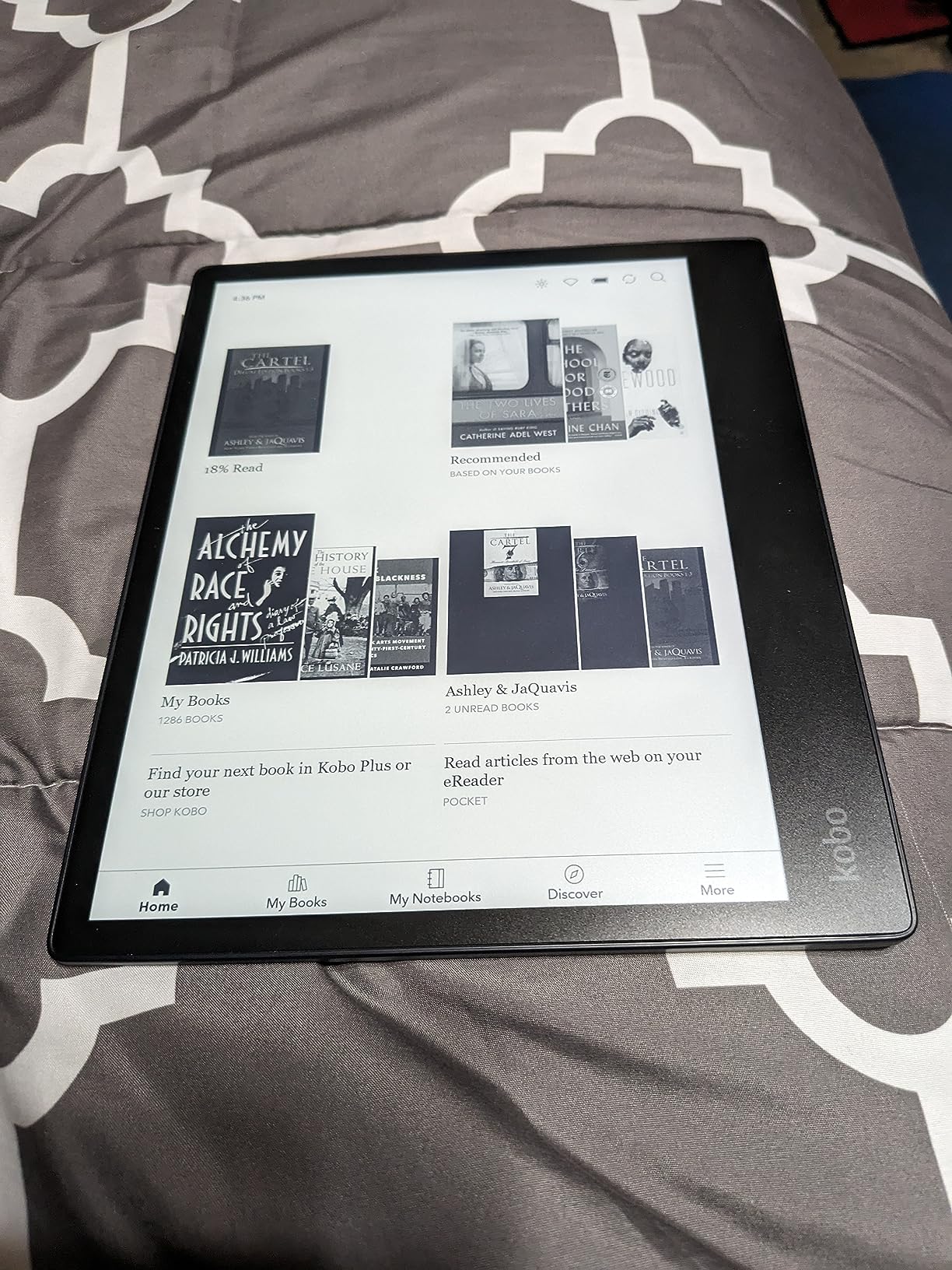
The ComfortLight PRO display reduces blue light and lets you adjust both brightness and color temperature for comfortable reading in any environment. The glare-free E Ink Carta 1200 display looks natural and paper-like, which is easier on the eyes than any LCD screen. You get the full Kobo font customization suite, including adjustable font weight, size, line spacing, and margins.
Built-in OverDrive integration gives you library access directly on the device, and the web browser lets you download EPUB files from any website without needing a computer. The 32GB storage holds up to 24,000 ebooks. The eco-friendly construction using recycled and ocean-bound plastic is a thoughtful touch.
Note-Taking and Annotation for Dyslexic Learners
Active reading strategies like highlighting and annotating are particularly effective for dyslexic students. The Elipsa 2E lets you highlight text, add margin notes, and create separate notebooks for organizing your thoughts. You can export your annotations, which is useful for study sessions and essay writing. The stylus does not require pairing, so it works immediately out of the box.
Is the Elipsa 2E Right for Your Needs
This device is best for dyslexic students and professionals who regularly work with PDFs, textbooks, and documents that require annotation. If you primarily read standard novels, a smaller and less expensive device like the Paperwhite or Kobo Libra Colour will serve you better. The Elipsa 2E also has shorter battery life than smaller readers and occasional software freezes, so it is best suited for focused study sessions rather than casual reading.
How to Choose the Best E-Reader for Dyslexia
Picking the right e-reader for dyslexia comes down to understanding which specific features will help the most. Every dyslexic reader is different, and the features that transform reading for one person might not matter as much for another. Here is what to prioritize when making your decision.
Font Customization Options
The ability to change font type, size, weight, line spacing, and margins is the single most important feature for dyslexic readers. OpenDyslexic is the gold standard font, designed with weighted bottoms on letters to help prevent the character-swapping that dyslexic readers experience. All Kindle devices and most Kobo and PocketBook devices support it. PocketBook goes further by letting you sideload any font file, including Lexend and Atkinson Hyperlegible. Look for devices that let you set font size to at least level 8 and line spacing to at least 1.5x.
Text-to-Speech and Multi-Sensory Reading
Text-to-speech (TTS) allows you to hear text read aloud while following along visually. This multi-sensory approach is one of the most effective reading strategies for dyslexic learners. Kindle offers this through Immersion Reading with Audible, which highlights each word as it is narrated. PocketBook devices have built-in TTS that works without audiobook subscriptions. If TTS is a priority, PocketBook and Kindle are your strongest options.
E Ink vs LCD Screens
E Ink displays are significantly better for dyslexic readers than LCD screens. They reflect ambient light like real paper instead of emitting it, which eliminates the eye strain and headaches that many dyslexic readers experience on phones, tablets, and computer monitors. Every device in this guide uses E Ink technology. If you are considering a tablet instead, be aware that the backlit LCD screen may cause more fatigue during extended reading sessions.
Dark Mode and Contrast Settings
Many dyslexic readers find dark mode (white text on a dark background) more comfortable than the standard black-on-white display. Some readers also benefit from slightly tinted or colored backgrounds. Every device in this guide supports dark mode, and the Kindle Colorsoft offers a Page Color feature that lets you experiment with different color inversions. Try different settings to find what works best for your eyes.
Library Compatibility
If you borrow books from your local library, Kobo devices have the advantage with built-in OverDrive integration that works directly on the device. Kindles also support library borrowing through the Libby app, but you send books to your Kindle through Amazon’s system rather than browsing directly. For Bookshare users, Kobo and PocketBook’s native EPUB support makes loading accessible books simpler than on Kindle.
Distraction-Free Reading
All dedicated e-readers offer a distraction-free experience compared to tablets and phones. There are no social media notifications, no web browsing temptations, and no app switching. For dyslexic readers who need sustained concentration to process text, this focused environment can significantly improve reading stamina and comprehension.
FAQ
Is there a Kindle for dyslexics?
Yes, all modern Kindle devices support the OpenDyslexic font, which is specifically designed for dyslexic readers. The Kindle Paperwhite is the most popular choice because it also offers Immersion Reading, which highlights each word as the Audible audiobook narrates it. This multi-sensory approach, seeing and hearing the text simultaneously, is highly effective for dyslexic readers of all ages.
Which Kindle has the dyslexia font?
All current Kindle models support the OpenDyslexic font, including the base Kindle 16GB, Kindle Paperwhite, Kindle Paperwhite Signature Edition, and Kindle Colorsoft. To enable it, open any book, tap the Aa menu, and select OpenDyslexic from the font list. You can then adjust the font size, bold level, line spacing, and margins to your preference.
What is the best e-reader for dyslexia?
The Kindle Paperwhite 16GB is the best overall e-reader for dyslexia because it combines OpenDyslexic font support with Immersion Reading, a glare-free 7-inch display, and waterproof design. For readers who prefer an open ecosystem with library access, the Kobo Libra Colour is the best alternative with physical page-turn buttons, 32GB storage, and native EPUB support for Bookshare and library borrowing.
Do e-readers help with dyslexia?
Yes, e-readers help with dyslexia in several proven ways. They allow font customization with specialized fonts like OpenDyslexic that make letters easier to distinguish. The glare-free E Ink display reduces eye strain and headaches compared to LCD screens. Text-to-speech features support multi-sensory learning by letting you hear text while reading along. And adjustable line spacing, margins, and font sizes reduce the visual crowding that makes reading difficult for many dyslexic individuals.
Can you get dyslexia fonts on e-readers?
Yes, all major e-reader brands support dyslexia-friendly fonts. Kindle devices have OpenDyslexic built in. Kobo devices support OpenDyslexic and allow font weight adjustment. PocketBook devices let you sideload any font file including OpenDyslexic, Lexend, and Atkinson Hyperlegible, giving you the most font flexibility of any e-reader brand.
Final Thoughts on the Best E-Readers for Dyslexia
The best e-readers for dyslexia share a common goal: removing the barriers that make reading exhausting and replacing them with tools that make reading accessible and enjoyable. Whether you choose the Kindle Paperwhite for its Immersion Reading, the Kobo Libra Colour for its open ecosystem, or a PocketBook device for its font flexibility, the right device can genuinely transform your reading experience.
For most dyslexic readers, the Kindle Paperwhite 16GB remains the strongest overall pick in 2026 thanks to its proven combination of OpenDyslexic font, multi-sensory Immersion Reading, and a glare-free display that eliminates the headaches many dyslexic readers experience with traditional screens. Our recommendation is to start there, experiment with the font and spacing settings, and see how much of a difference the right device can make.