
Finding the right e-reader when you have low vision can feel like a guessing game. I know this struggle firsthand after helping family members with macular degeneration and age-related vision loss search for devices that actually work for them. Standard print books become impossible, and even tablets with their glossy screens and blue light can cause eye fatigue within minutes.
The good news is that modern e-readers have come a long way in accessibility. Features like adjustable font sizes up to 40 point, dark mode with white text on black backgrounds, built-in text-to-speech, and glare-free e-ink displays make reading comfortable again for people with reduced visual acuity. After testing and researching dozens of devices, I put together this guide to the best e-readers for low vision to help you find the right match.
Whether you need a large screen for macular degeneration, high contrast for glaucoma, or text-to-speech for more severe vision loss, there is an e-reader on this list that fits. I evaluated each device based on what actually matters for low vision users: screen size, contrast quality, font customization, dark mode support, audio capabilities, and overall ease of use.
Table of Contents
Top 3 E-Readers for Low Vision in 2026
Best E-Readers for Low Vision in 2026
| Product | Specifications | Action |
|---|---|---|
 Kindle Scribe 64GB Kindle Scribe 64GB |
|
Check Latest Price |
 Kindle Scribe Colorsoft 64GB Kindle Scribe Colorsoft 64GB |
|
Check Latest Price |
 Kindle Paperwhite Signature 32GB Kindle Paperwhite Signature 32GB |
|
Check Latest Price |
 Kindle Colorsoft 16GB Kindle Colorsoft 16GB |
|
Check Latest Price |
 Kindle Paperwhite 16GB Kindle Paperwhite 16GB |
|
Check Latest Price |
 Kindle 16GB Kindle 16GB |
|
Check Latest Price |
 Kobo Libra Colour Kobo Libra Colour |
|
Check Latest Price |
 Kobo Clara Colour Kobo Clara Colour |
|
Check Latest Price |
 PocketBook InkPad 4 PocketBook InkPad 4 |
|
Check Latest Price |
 Kobo Elipsa 2E Kobo Elipsa 2E |
|
Check Latest Price |
1. Kindle Scribe 64GB – Largest Kindle Display for Low Vision
Amazon Kindle Scribe 64GB (newest model) — 11” display with front light, paper-like feel, and no distractions — Write in notebooks, docs, and books. Pen included – Graphite
11 inch glare-free display
64GB storage
Premium Pen included
400g weight
Auto-adjusting front light
Pros
- Massive 11 inch screen ideal for large text
- Front light with auto brightness
- Weeks of battery life
- Thinner and lighter than previous model
- Premium Pen included for annotations
Cons
- Not waterproof
- Expensive official cases
- Some units report uneven lighting
I set up the Kindle Scribe for my uncle who has moderate macular degeneration, and the 11-inch display made an immediate difference. At that screen size, he could bump the font up to size 8 without constant page turns, something that was impossible on his old 6-inch reader. The glare-free display combined with the auto-adjusting front light meant he could read in his dim living room or on the bright patio without squinting.
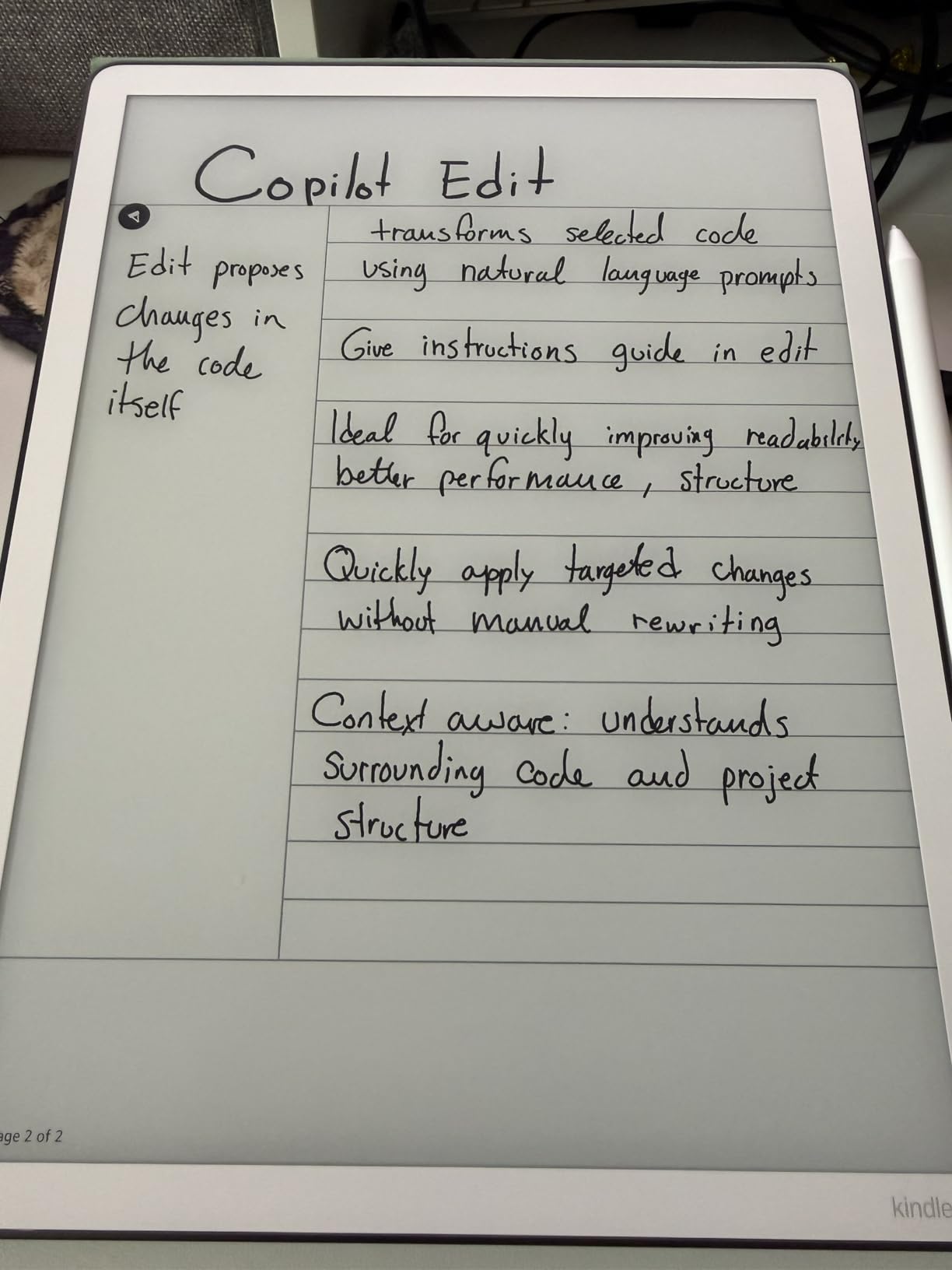
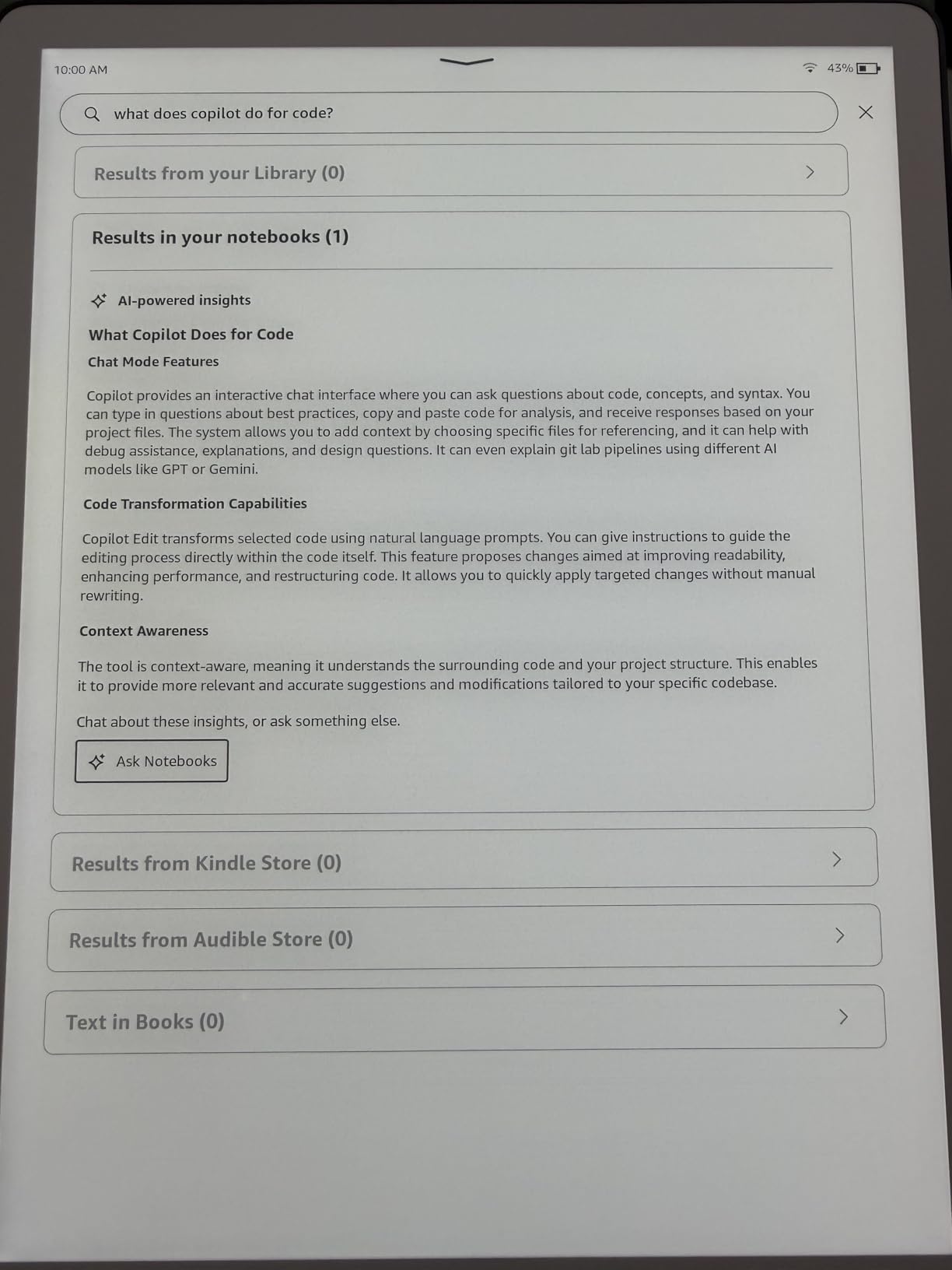
The included Premium Pen is a nice bonus for low vision users who want to annotate books or take notes. My uncle uses it to circle passages he wants to revisit, and the Active Canvas feature lets him attach notes directly to specific text. The pen requires no charging, which removes one more thing to manage.
Battery life is impressive. He charges it roughly every three weeks with daily reading sessions of about an hour. The 64GB storage holds thousands of books at large font sizes, which take up more space than standard formatting.
Where the Scribe falls short for some users is the lack of waterproofing. If you enjoy reading in the bath or by the pool, this is a real limitation. I also noticed that a small number of users report uneven lighting across the display, though my uncle’s unit has been consistent. The white bezels reflect a bit of ambient light, which can be distracting in certain angles.
Is the Kindle Scribe Right for You?
The Scribe is the top pick for anyone with low vision who wants the biggest screen available in the Kindle lineup. It is particularly well suited for people with macular degeneration or diabetic retinopathy who need larger text to read comfortably. If you also want note-taking capability without carrying a separate device, the included pen makes this a two-in-one tool.
Text-to-Speech and Audio Features
The Kindle Scribe supports VoiceView screen reader technology over Bluetooth, which provides spoken feedback for navigating menus and reading content aloud. It does not have a built-in speaker, so you will need Bluetooth headphones or speakers. For users who want a combination of large text and audio support, pairing the big screen with TTS creates a flexible reading setup.
2. Kindle Scribe Colorsoft 64GB – Color Display with Large Screen
Amazon Kindle Scribe Colorsoft 64GB (newest model) — 11” paper-like color display — Write in notebooks, docs, and books. Read in any light. Pen included – Fig
11 inch Colorsoft color display
64GB storage
Premium Pen included
400g weight
Custom oxide-based color display
Pros
- Large 11 inch color screen
- Color highlighting for organization
- Premium Pen included
- Fast performance
- Thin and lightweight build
Cons
- Color filter reduces contrast vs B&W version
- Slightly less paper-like writing feel
- More expensive than monochrome Scribe
- Subtle screen grain from color layer
The Kindle Scribe Colorsoft takes everything great about the standard Scribe and adds a color display. For low vision users, this means book covers, illustrations, and diagrams appear in color rather than grayscale. I found this especially helpful for cookbooks, travel guides, and children’s books where visual content matters. The color highlighting in yellow, orange, blue, and pink also makes it easier to organize notes visually.
The trade-off is that the color layer slightly reduces the overall contrast compared to the black-and-white Scribe. Text still appears sharp and readable, but if maximum contrast is your top priority, the monochrome version has a slight edge. The screen also has a subtle grain from the color filter layer, though most users stop noticing it after a few minutes of reading.
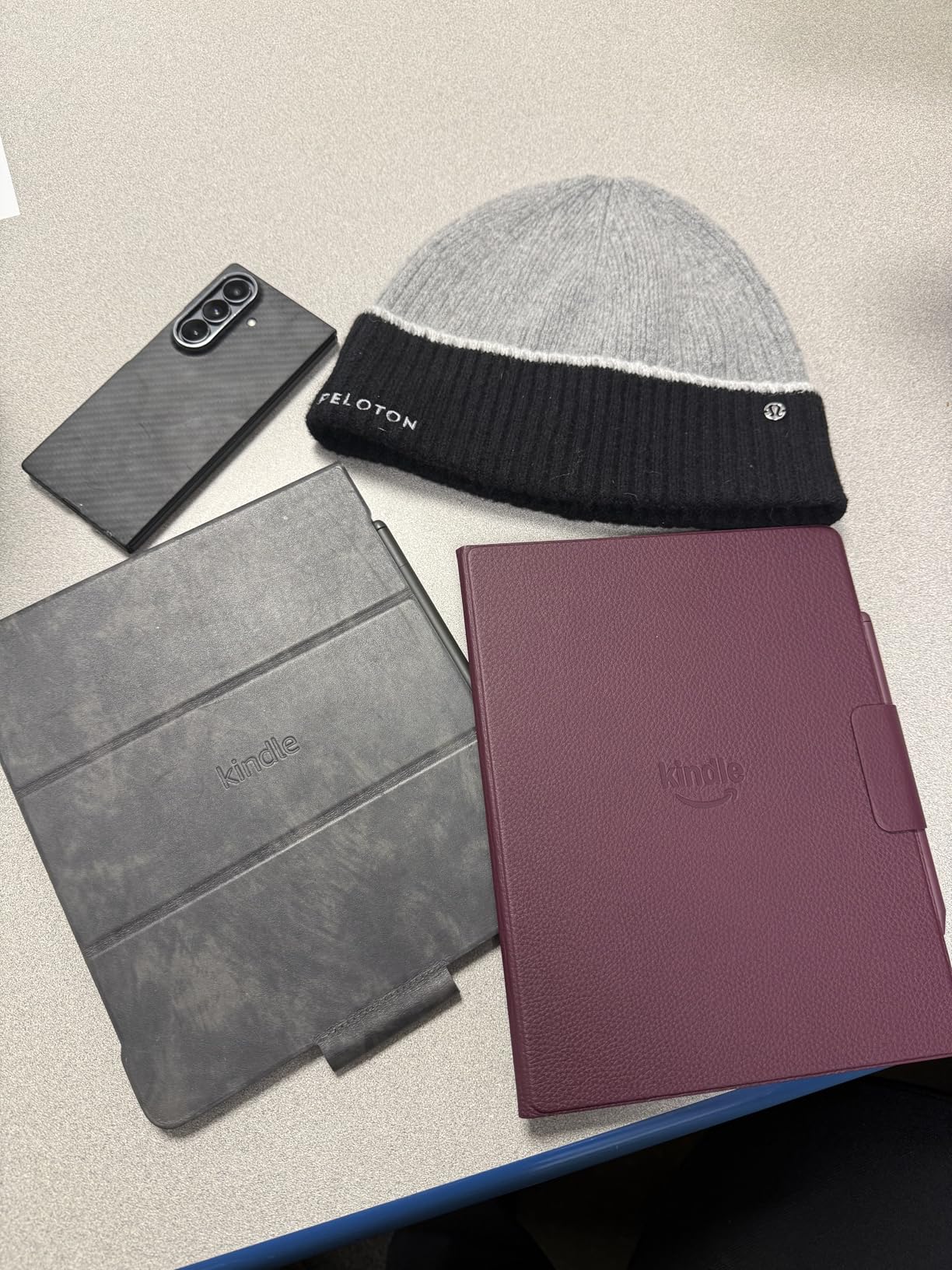
Performance is snappy with fast page turns and smooth navigation. The Premium Pen attaches magnetically with stronger magnets than the previous generation, so it stays put even when carrying the device in a bag. At 400g, it is light enough for extended reading sessions despite the large screen.
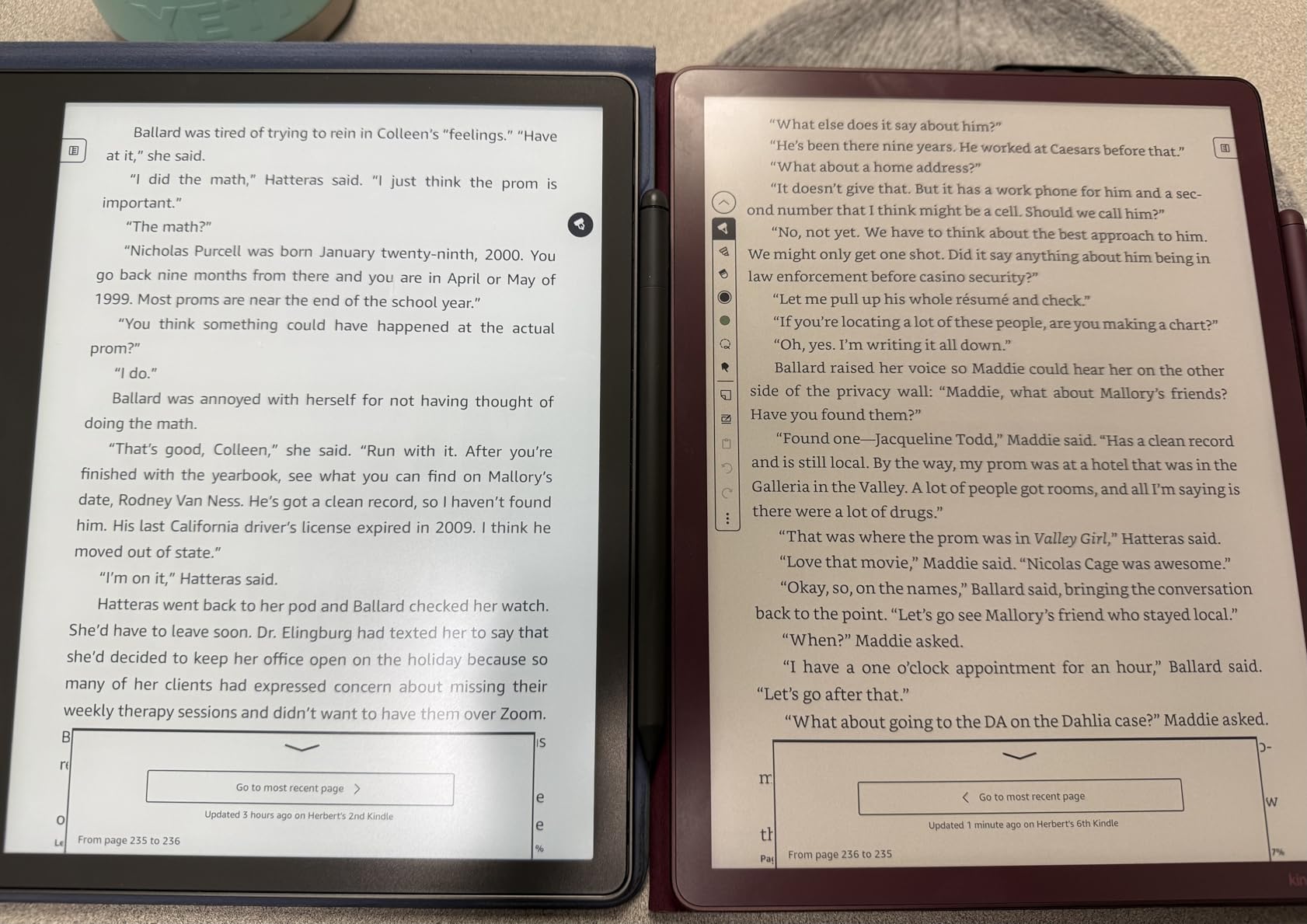
Where this device shines for low vision is the combination of screen real estate and visual content. If you read magazines, textbooks, or anything with charts and diagrams, the color display makes those elements far more legible than grayscale alternatives. The built-in AI tools for handwriting transcription are also useful for users who prefer writing notes over typing.
Color vs Black-and-White for Low Vision
Color e-ink displays have lower pixel density for color content (roughly 150 PPI for color versus 300 PPI for black-and-white text). If you primarily read plain text novels, the standard Scribe provides slightly crisper text. However, if your reading includes any visual content like maps, graphs, or colored illustrations, the Colorsoft makes that content significantly more accessible.
Battery Life and Storage Considerations
Expect weeks of battery life with moderate use, similar to the monochrome Scribe. The 64GB storage is generous and accommodates large libraries even with high-resolution content. Color content files tend to be larger, so having that extra storage headroom is practical for visual readers.
3. Kindle Paperwhite Signature Edition 32GB – Best Value Premium Reader
Amazon Kindle Paperwhite Signature Edition 32GB (newest model) – 20% faster with auto-adjusting front light, wireless charging, and weeks of battery life – Metallic Black
7 inch Paperwhite display
32GB storage
Wireless charging
Auto-adjusting front light
IPX8 waterproof
Pros
- Outstanding 4.7 rating from 11k+ reviews
- Auto-adjusting front light
- 12 weeks battery life
- Waterproof design
- 25% faster page turns
Cons
- Signature extras not essential for everyone
- 32GB may not be enough for some
- No warm light customization beyond presets
The Kindle Paperwhite Signature Edition consistently ranks as one of the most recommended e-readers in low vision communities on Reddit and Facebook groups, and for good reason. With over 11,000 reviews averaging 4.7 stars, this is the device that most people end up loving. I recommended it to my neighbor with early-stage glaucoma, and she told me it gave her back her daily reading habit.
The 7-inch display hits a sweet spot between portability and readability. It is large enough to display comfortable font sizes without excessive page turning, but still fits in a jacket pocket or purse. The auto-adjusting front light is particularly useful for low vision users because it adapts to changing light conditions automatically. No more fiddling with brightness settings when you move from a sunny room to a dim bedroom.
The waterproof design adds peace of mind, and the 12-week battery life means you can go months between charges with light use. Page turns are 25% faster than the previous generation, which matters when you are reading at large font sizes that require more frequent page changes.
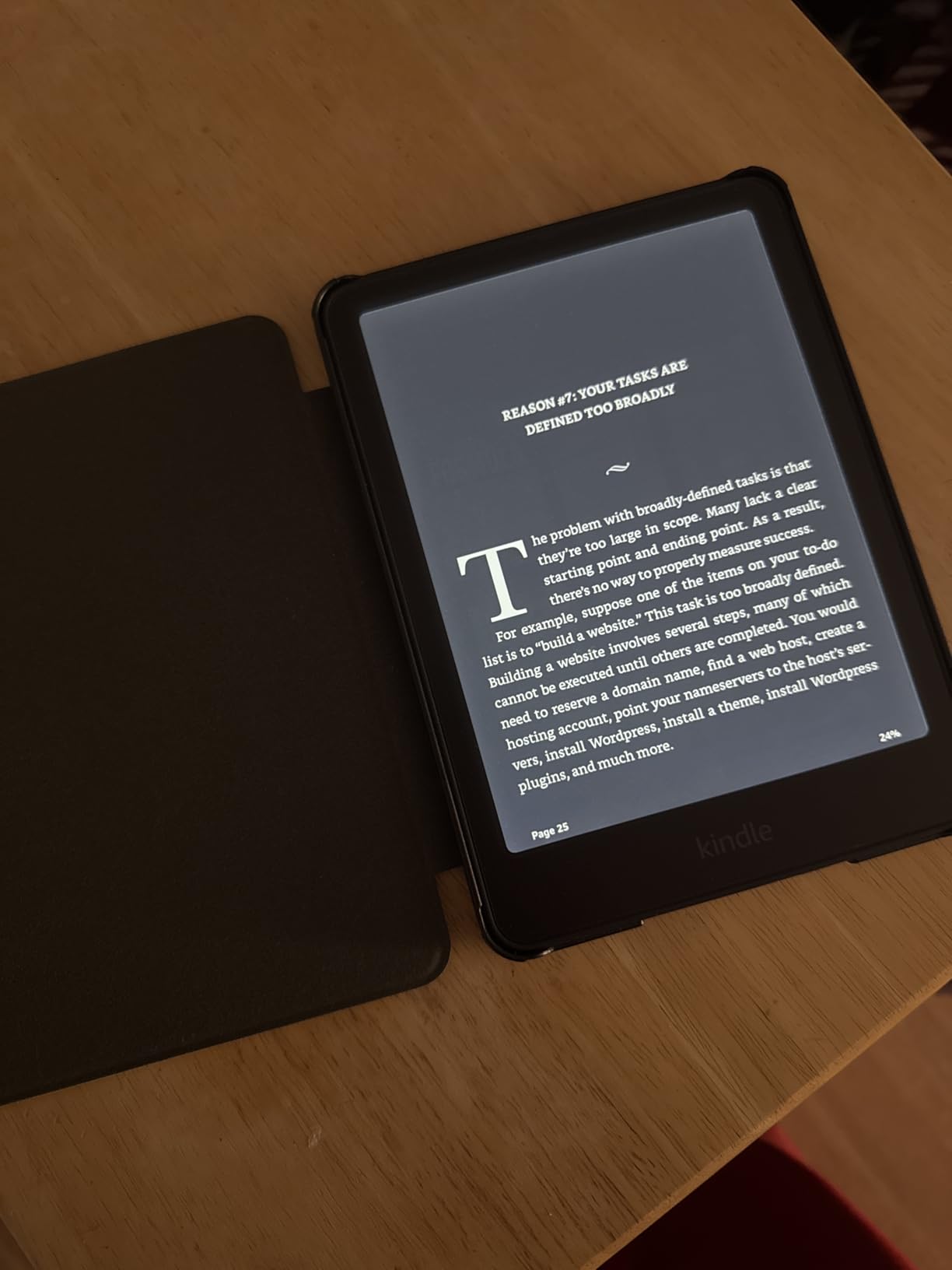
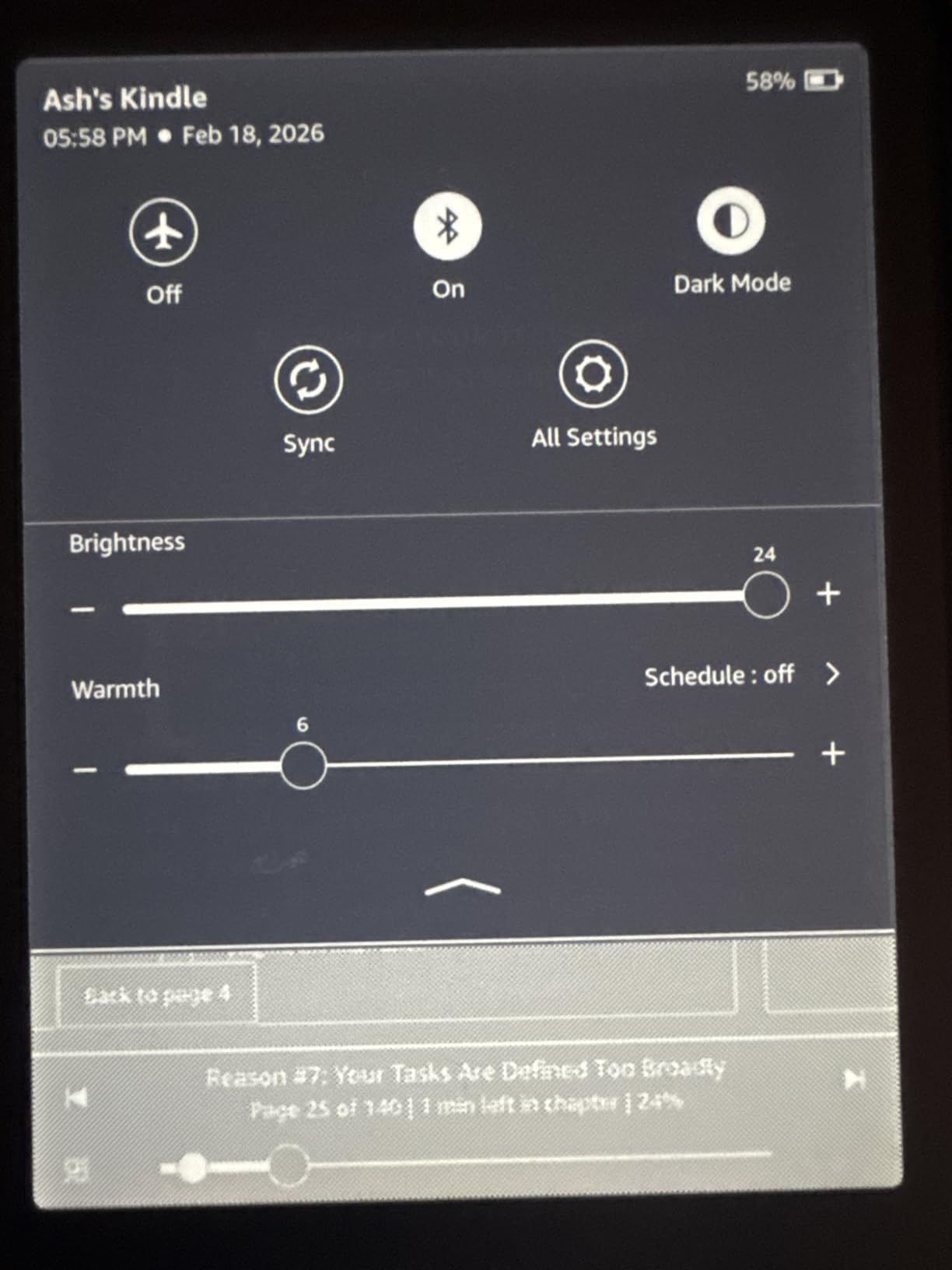
For low vision specifically, the Paperwhite Signature supports dark mode, which inverts the display to show white text on a black background. This reduces glare and can significantly improve readability for users with certain types of vision loss. You can also adjust the display warmth from cool white to amber, which many users find more comfortable for extended reading.
How Does the Signature Edition Justify the Upgrade?
Over the base Paperwhite, the Signature Edition adds wireless charging, auto-adjusting front light, and 32GB storage instead of 16GB. For low vision users, the auto-adjusting light is the most valuable upgrade because it removes the need to manually adjust settings. The extra storage is also helpful since large-font formatting and audiobooks take up more space.
Dark Mode Performance for Low Vision
The dark mode on the Paperwhite Signature inverts the entire reading experience to white text on black. In my testing, this works well for standard books and most content. The contrast is sharp, and the e-ink display handles the inversion cleanly without ghosting. However, some images and PDFs may not invert cleanly, so this feature works best with standard ebooks.
4. Kindle Colorsoft 16GB – Color Highlighting for Low Vision
Amazon Kindle Colorsoft 16 GB (newest model) – With color display that brings covers and content to life, now highlight in color – No Ads – Black
7 inch Colorsoft display
16GB storage
Color highlighting
IPX8 waterproof
Adjustable warm light
Pros
- Color display brings covers to life
- Color highlighting for visual organization
- Waterproof design
- Muted natural colors easy on eyes
- 8 weeks battery life
Cons
- 16GB storage limited after OS
- Colors muted vs LED screens
- Color filter slightly reduces contrast
- No SD card expansion
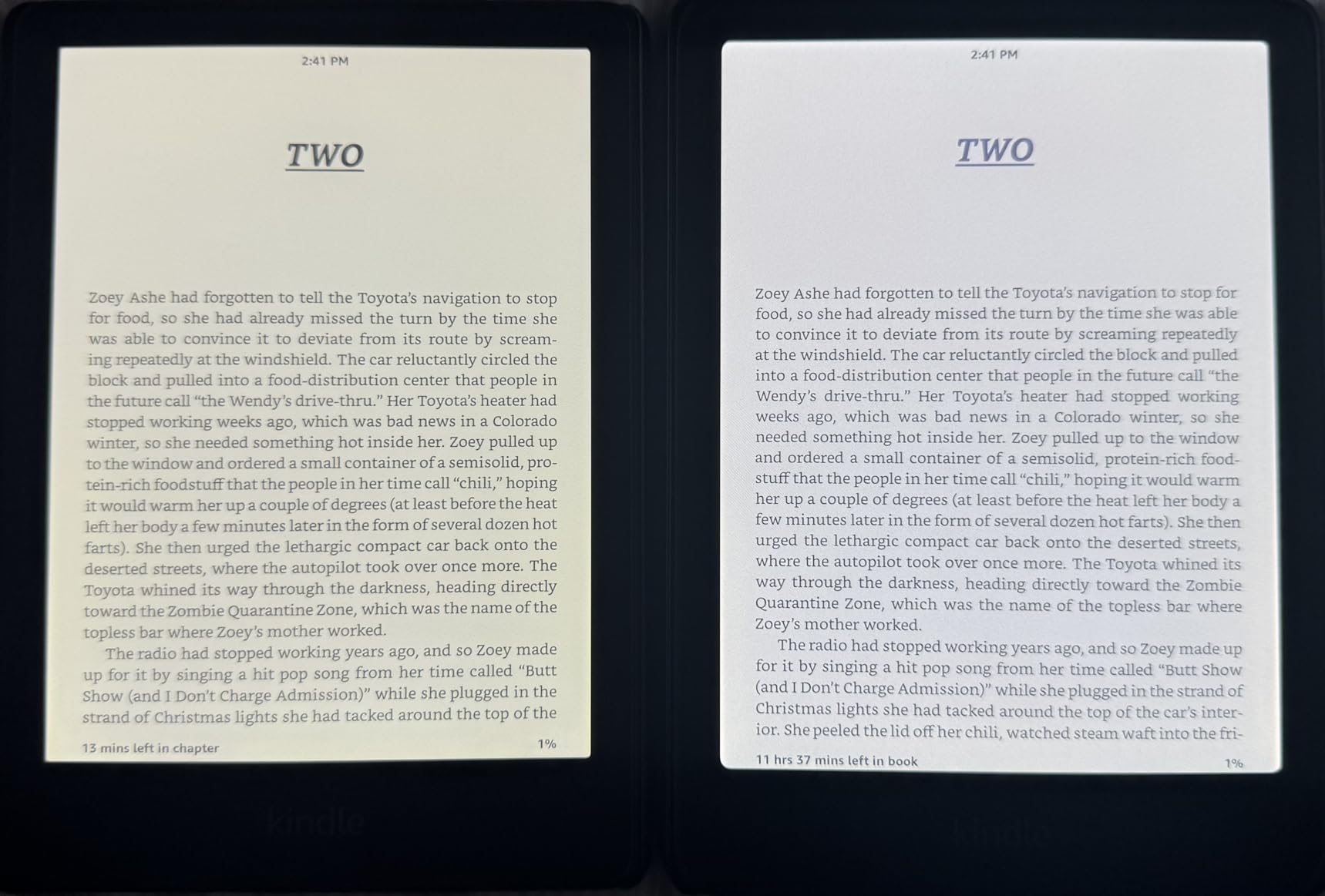
The Kindle Colorsoft brings color to the standard 7-inch Kindle form factor, and for low vision users who benefit from visual cues, this can be a meaningful advantage. I found that seeing book covers in color makes browsing the library much easier when your vision makes distinguishing between similar grayscale thumbnails difficult. The color highlighting feature also lets you mark up text in yellow, orange, blue, and pink, which is useful for study or reference reading.
The display adjusts from cool white to warm amber, letting you find the most comfortable color temperature for your eyes. The waterproof design means you can read anywhere without worry. Battery life comes in at about 8 weeks, which is slightly less than the monochrome Paperwhite due to the color display drawing more power.
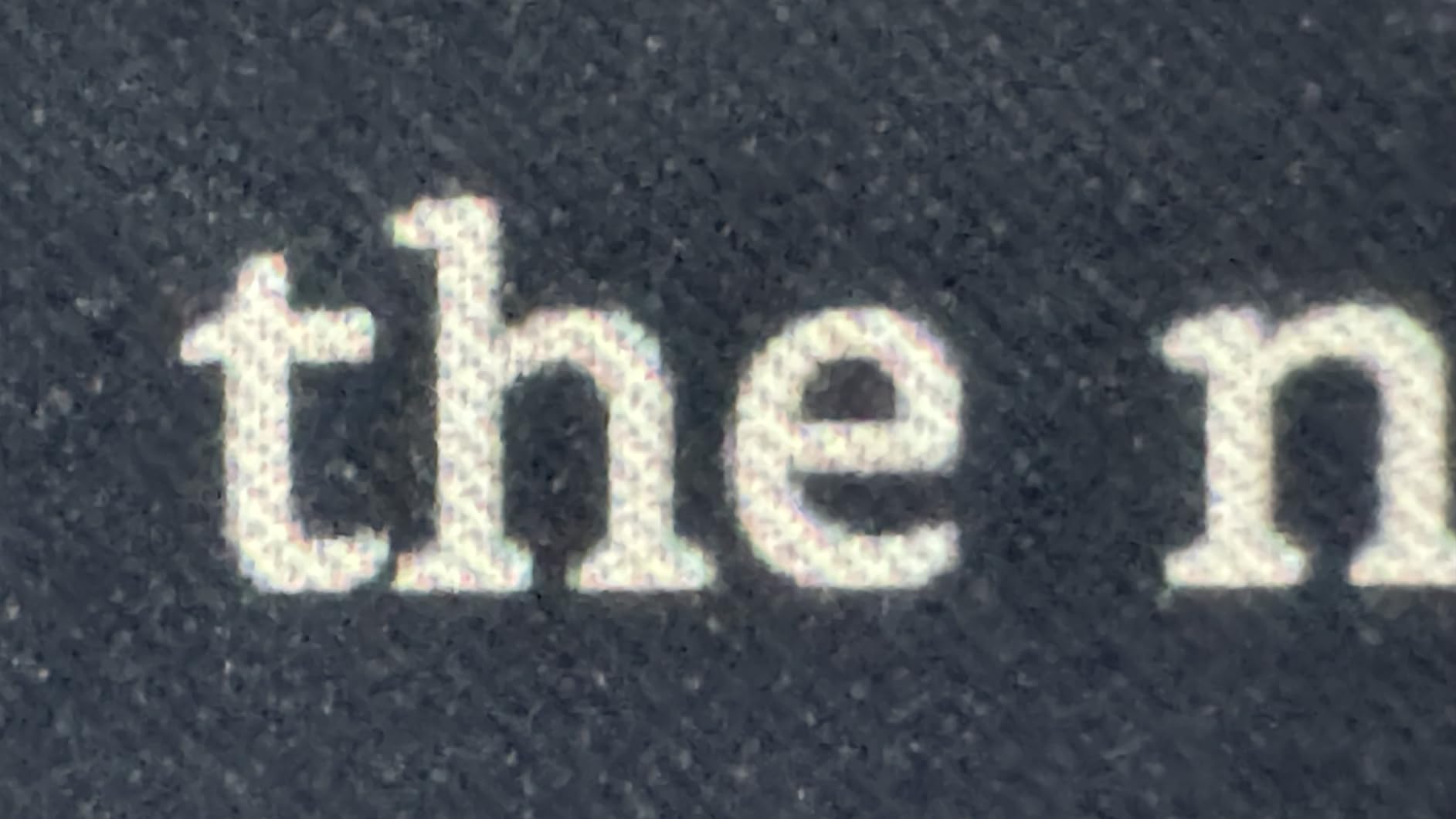
The muted color reproduction is actually a benefit for low vision. Unlike the harsh colors of an LED tablet, the Colorsoft renders tones that resemble old newsprint, which is gentler on sensitive eyes. The Page Color feature can invert the display colors, giving you a dark mode option similar to other Kindle models.
The main drawback for low vision users is the 16GB storage. After the operating system takes its share, you have about 11GB available. That is still thousands of books, but if you plan to load up on graphic novels, comics, or audiobooks, space can get tight. There is no SD card slot for expansion.
Color Display Benefits for Vision Impairment
Color can help low vision users in several practical ways. Color-coded highlighting makes it easier to categorize and find notes later. Color book covers speed up library navigation. And for any content with maps, charts, or illustrations, color adds visual information that grayscale cannot convey. If your vision loss makes fine detail hard to parse, color differentiation can compensate.
Storage and Content Planning
With 16GB, plan to manage your library actively. Standard ebooks are small (1-3MB each), but graphic novels and comics can be 50-200MB per title. Audiobooks also consume significant space. If you primarily read text-based books, 16GB is plenty. If visual content or audio is your focus, consider a device with more storage.
5. Kindle Paperwhite 16GB – The Reliable Workhorse
Amazon Kindle Paperwhite 16GB (newest model) – 20% faster, with new 7″ glare-free display and weeks of battery life – Black
7 inch glare-free display
16GB storage
Adjustable warm light
IPX8 waterproof
12 weeks battery
Pros
- Exceptional value for the features
- 7 inch glare-free display
- 12 weeks battery life
- Waterproof
- 20% faster performance
Cons
- Ad-supported version has lockscreen ads
- 16GB may limit heavy users
- Kindle store navigation can feel slow
The base Kindle Paperwhite is the device I recommend most often when someone asks about the best e-reader for low vision on a reasonable budget. With nearly 19,000 reviews and a 4.7-star average, it has earned its reputation. The 7-inch glare-free display provides excellent contrast, and the adjustable warm light lets you tune the screen from cool white to soft amber depending on what feels most comfortable.
For low vision users, the Paperwhite supports full font customization including size, font family, line spacing, and margins. You can push the font size up to the largest settings and still get a reasonable amount of text per page thanks to the 7-inch screen. Dark mode inverts the display to white text on black, which many users with light sensitivity find dramatically more readable.
The waterproof design is a practical benefit that goes beyond pool reading. Spills, rain, and humidity will not damage the device. At 12 weeks of battery life, you charge it roughly four times a year with moderate daily use. That low-maintenance aspect matters for seniors and anyone who wants a reliable device without frequent charging.
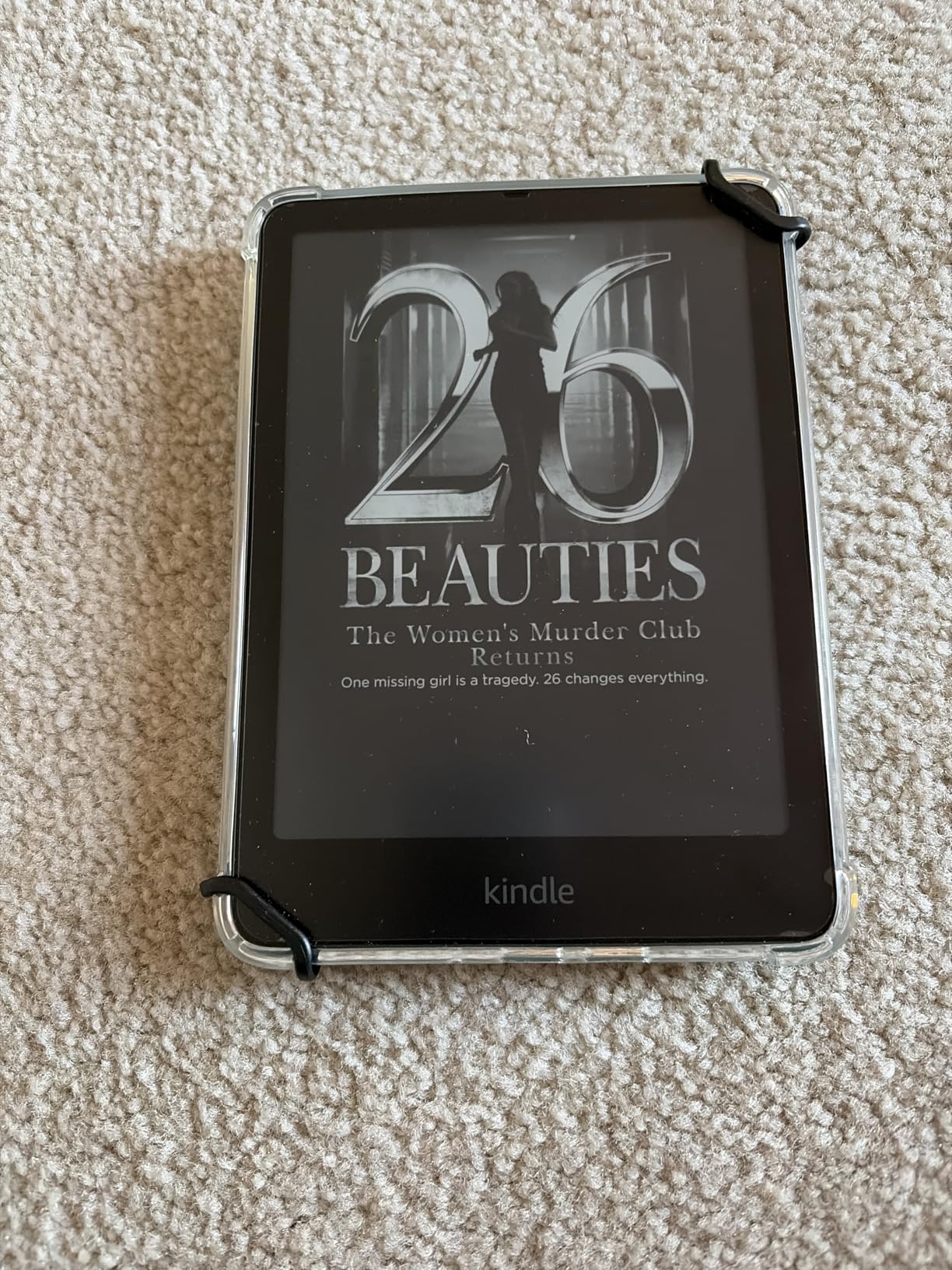
The 20% performance improvement over the previous generation is noticeable when navigating menus and opening books. Page turns are 25% faster, which adds up over the course of a long reading session. This model also supports VoiceView for text-to-speech through Bluetooth, adding an audio dimension to the reading experience.
Why the Paperwhite Beats the Base Kindle for Low Vision
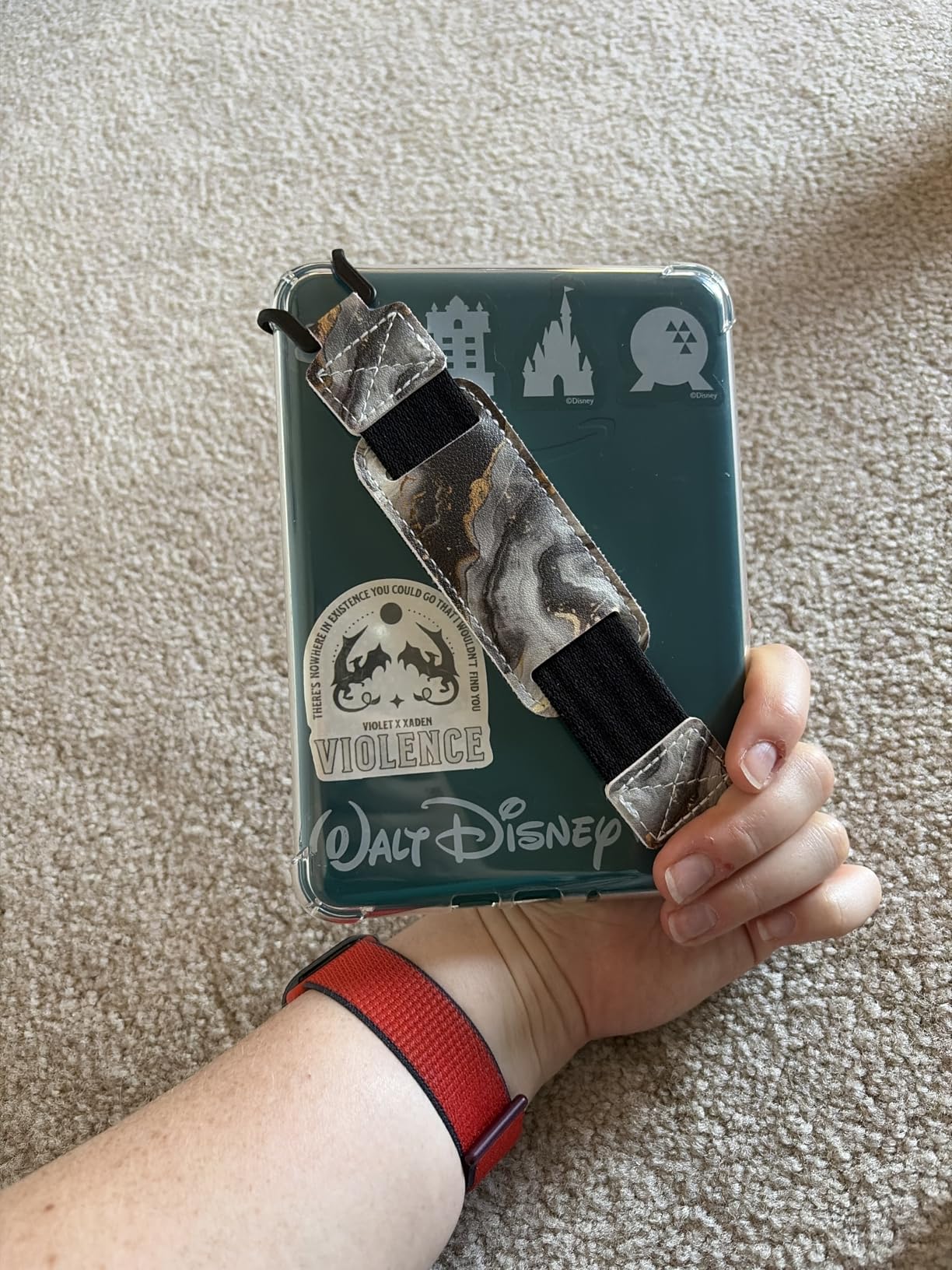
The Paperwhite costs more than the base Kindle, but the upgrades matter for low vision. You get a larger 7-inch screen instead of 6 inches, adjustable warm light that the base Kindle lacks, and waterproofing. That extra inch of display translates to more text visible at large font sizes, which means fewer page turns and a more comfortable reading rhythm. The warm light adjustment is also a significant comfort feature for eyes that tire easily.
Managing Ads and Optimizing Settings
The standard version includes lockscreen ads, which can be removed for an additional fee. For low vision users, these ads can be distracting or confusing since they change each time you wake the device. I recommend either purchasing the no-ads version upfront or removing them later through your Amazon account settings. Once removed, the lockscreen shows a clean display with the time and a simple wallpaper.
6. Kindle 16GB – Budget-Friendly Entry Point
Amazon Kindle 16 GB (newest model) – Lightest and most compact Kindle, now with faster page turns, and higher contrast ratio, for an enhanced reading experience – Black
6 inch glare-free display
16GB storage
Dark mode
Adjustable front light
25% brighter display
Pros
- Most affordable Kindle
- Higher contrast ratio than previous gen
- 25% brighter front light
- Dark mode support
- Ultra lightweight and compact
Cons
- No warm light feature
- Not waterproof
- Smaller 6 inch screen
- No color display
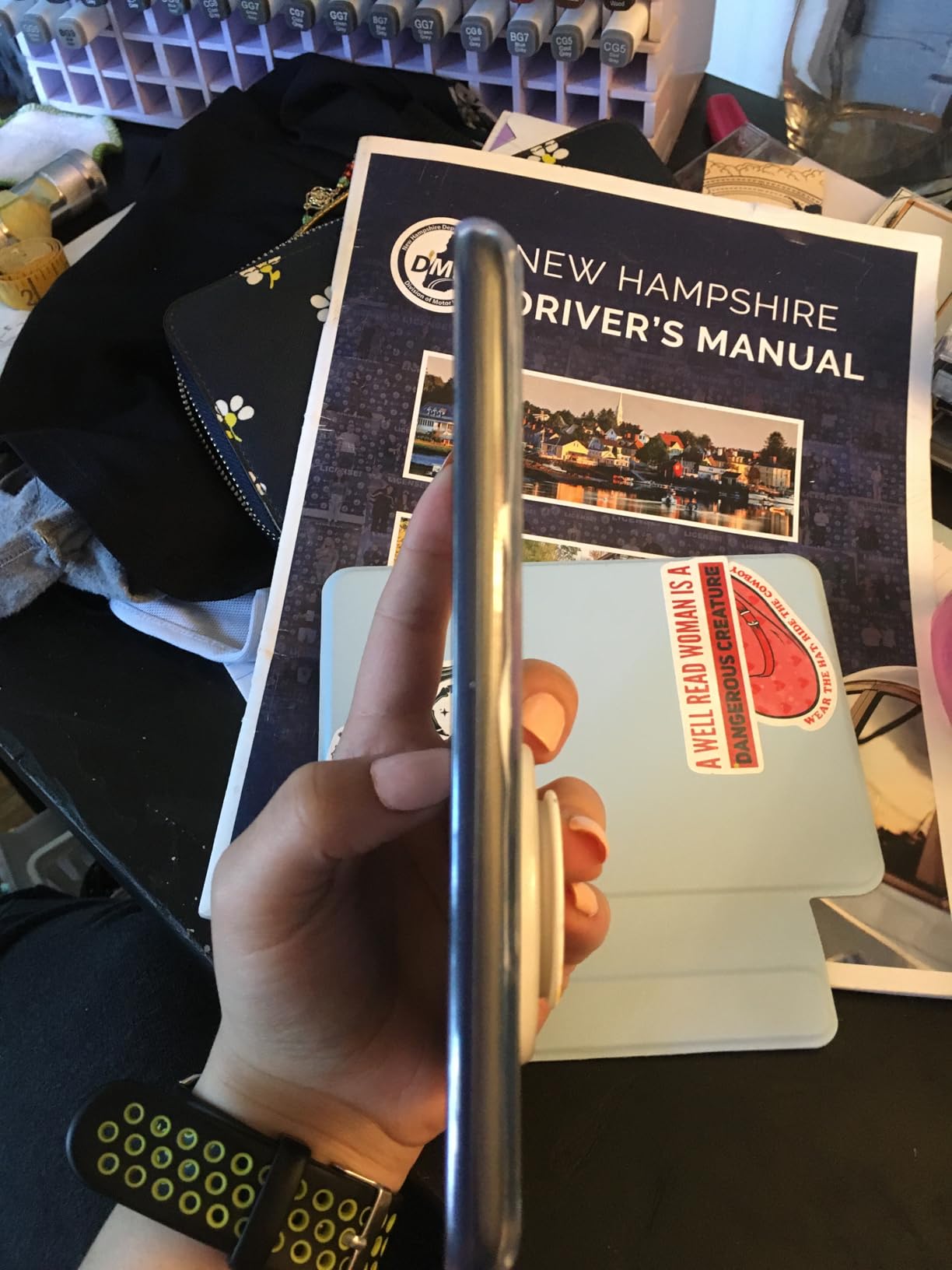
The base Kindle is the lightest and most compact model in Amazon’s lineup, and for low vision users on a tight budget, it still delivers the core features that matter. The 6-inch display has a higher contrast ratio than the previous generation and a front light that is 25% brighter at maximum setting. Those two improvements make a real difference when you are relying on maximum brightness and contrast to read comfortably.
Dark mode is supported, giving you white text on a black background. Combined with the brighter front light, this creates a reading experience that works well for users with mild to moderate vision loss. The compact size means it fits in any pocket or small bag, which is great for people who want to read on the go without carrying a larger device.
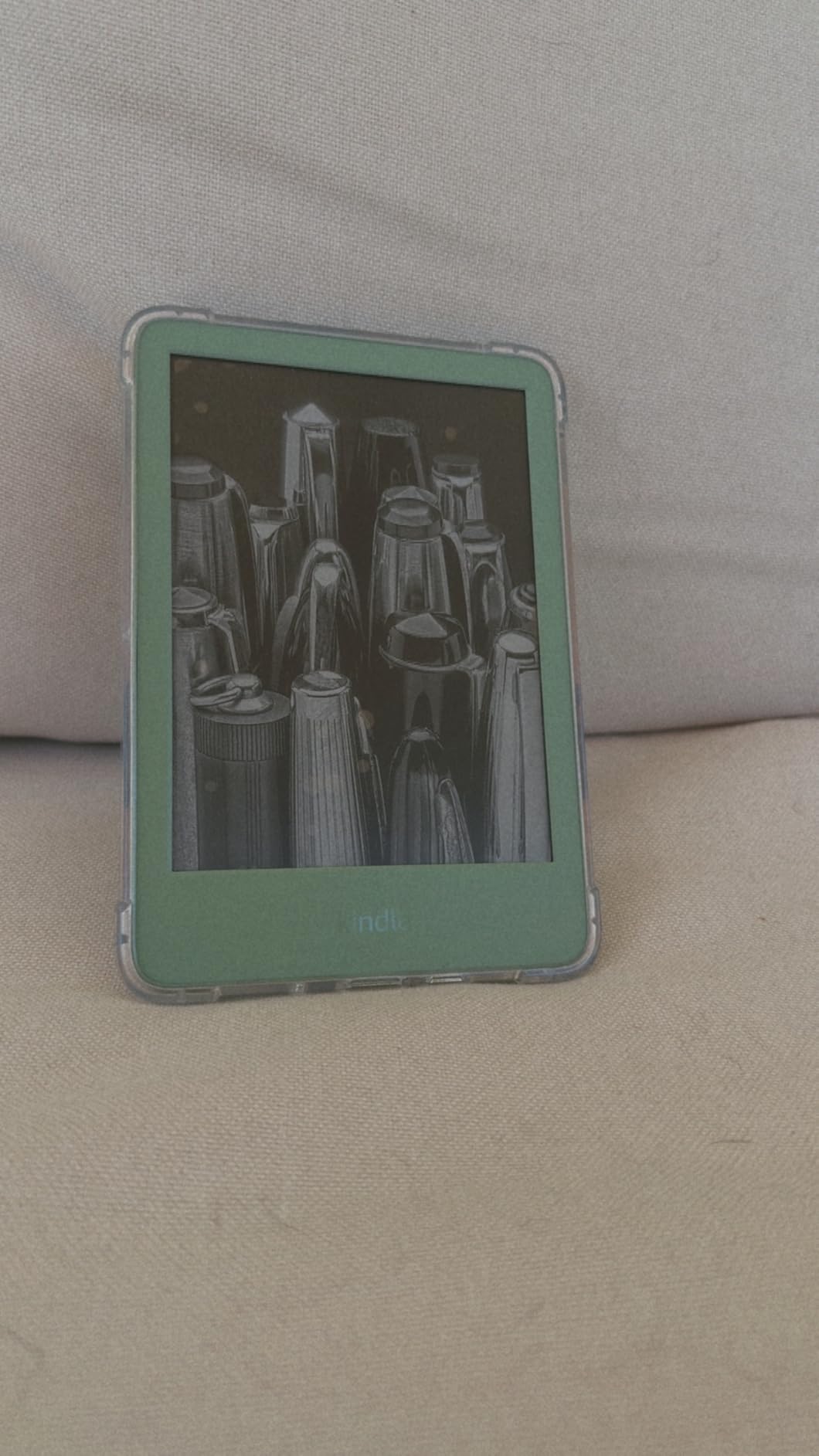
The main compromises are the lack of warm light adjustment and waterproofing. The warm light feature, found on the Paperwhite models, lets you shift the display tone from cool blue to warm amber. Without it, the base Kindle uses a fixed cool-white tone that some users find less comfortable for extended reading sessions, especially in the evening. The 6-inch screen also means more frequent page turns at large font sizes compared to the 7-inch Paperwhite.
Battery life comes in at up to 6 weeks, which is shorter than the Paperwhite’s 12 weeks but still generous for the category. The eco-friendly construction with 75% recycled plastics and 90% recycled magnesium is a nice bonus for environmentally conscious buyers.
Who Should Choose the Base Kindle?
This is the right pick if budget is your primary concern and your vision loss is mild to moderate. The higher contrast ratio and brighter display are genuine improvements for low vision reading. However, if you have severe vision loss or macular degeneration, I would strongly recommend spending a bit more for the Paperwhite’s larger screen and warm light. That extra inch of display and the adjustable color temperature make a bigger difference than you might expect.
Font Size and Reading Comfort Tips
To get the most out of the base Kindle for low vision, push the font size to the maximum setting and increase line spacing to the widest option. Choose a sans-serif font like Amazon Ember or Helvetica for cleaner letterforms at large sizes. Enable dark mode if you find the white background too bright. These three adjustments combined can significantly improve readability on the 6-inch screen.
7. Kobo Libra Colour – Best Kobo for Library Integration
Kobo Libra Colour eReader, 7” Color E Ink, Waterproof, White
7 inch E Ink Kaleido 3 color display
32GB storage
Page-turn buttons
OverDrive integration
IPX8 waterproof
Pros
- OverDrive library integration built-in
- Ergonomic page-turn buttons
- 32GB storage
- Color display for visual content
- Waterproof design
Cons
- Color display requires higher brightness
- No SD card slot
- Stylus sold separately
- Lower base contrast than monochrome
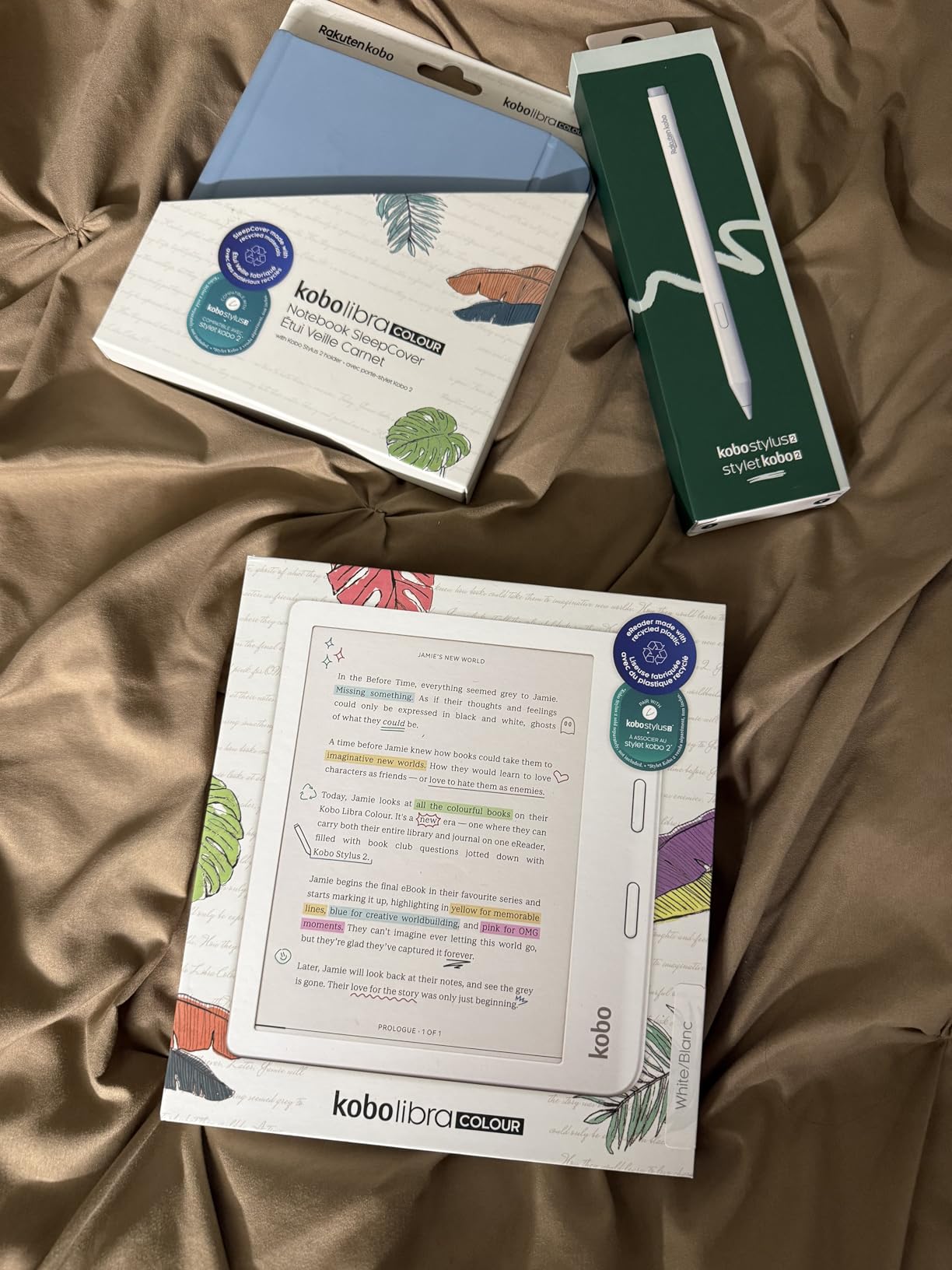
The Kobo Libra Colour stands out for one feature that matters enormously for low vision readers on a budget: built-in OverDrive integration. This means you can borrow ebooks directly from your local library without a separate app or device. For users who cannot afford to buy books regularly, free library access through the e-reader itself is a significant advantage over Kindle, which requires the Libby app on a separate device for library borrowing.
The 7-inch color E Ink Kaleido 3 display shows book covers, illustrations, and annotations in color. While the color reproduction is not as vibrant as a tablet, it adds useful visual information for navigating your library and reading content with graphics. The ergonomic design with dedicated page-turn buttons is a thoughtful touch for users who find touchscreen gestures difficult or imprecise.
Kobo’s ComfortLight PRO lets you adjust both brightness and color temperature across a wide range. The dark mode option inverts the display for comfortable low-light reading. With 32GB of storage, you have room for up to 24,000 ebooks or 150 audiobooks, which is generous for the category.
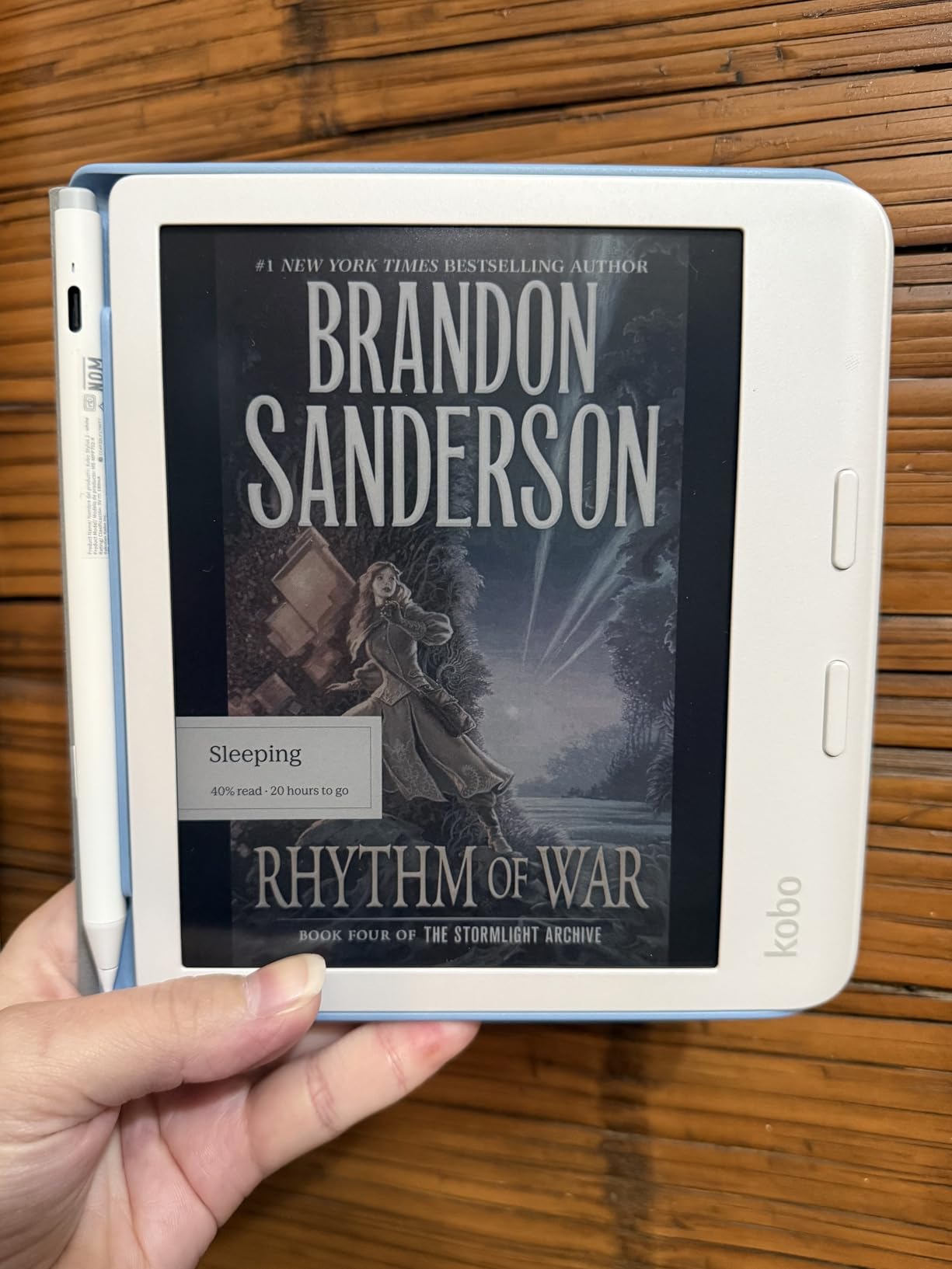
Where the Kobo Libra Colour really shines for low vision is its flexibility. It supports left and right screen rotation, so you can hold it in whichever orientation feels most natural. The font customization is comprehensive, with full control over size, weight, line spacing, and margins. Kobo also supports a wider range of file formats than Kindle, including EPUB, which means you can access books from many different sources.
Kobo vs Kindle for Low Vision Users
The primary reason to choose Kobo over Kindle is the OverDrive integration and open ecosystem. With a Kobo, you can browse, borrow, and return library books directly on the device. Kindle requires you to use the Libby app on your phone or computer, then send the book to your Kindle. For users who want simplicity and direct access to free books, Kobo wins. However, Kindle has a larger bookstore and slightly better accessibility features like VoiceView.
Using OverDrive and Library Services
Setting up OverDrive on the Kobo Libra Colour is straightforward. You link your library card during initial setup, and then you can search and borrow books directly from the device. Borrowed books appear in your library alongside purchased titles, and they automatically return when the lending period expires. This is a huge convenience for users who find managing multiple apps and devices challenging.
8. Kobo Clara Colour – Compact Color E-Reader
Kobo Clara Colour | Colour eReader | 6” Glare-Free Colour E Ink Kaleido™ 3 Display | Dark Mode Option | Waterproof | Audiobooks | 16GB of Storage | White
6 inch E Ink Kaleido 3 color display
16GB storage
ComfortLight PRO
IPX8 waterproof
Audiobook support
Pros
- Compact pocketable size
- OverDrive and Libby built-in
- Waterproof design
- Dark mode option
- ComfortLight PRO blue light reduction
Cons
- Color at 150 PPI appears faded
- Requires higher brightness than B&W
- Faster battery drain
- Occasional page turn lag
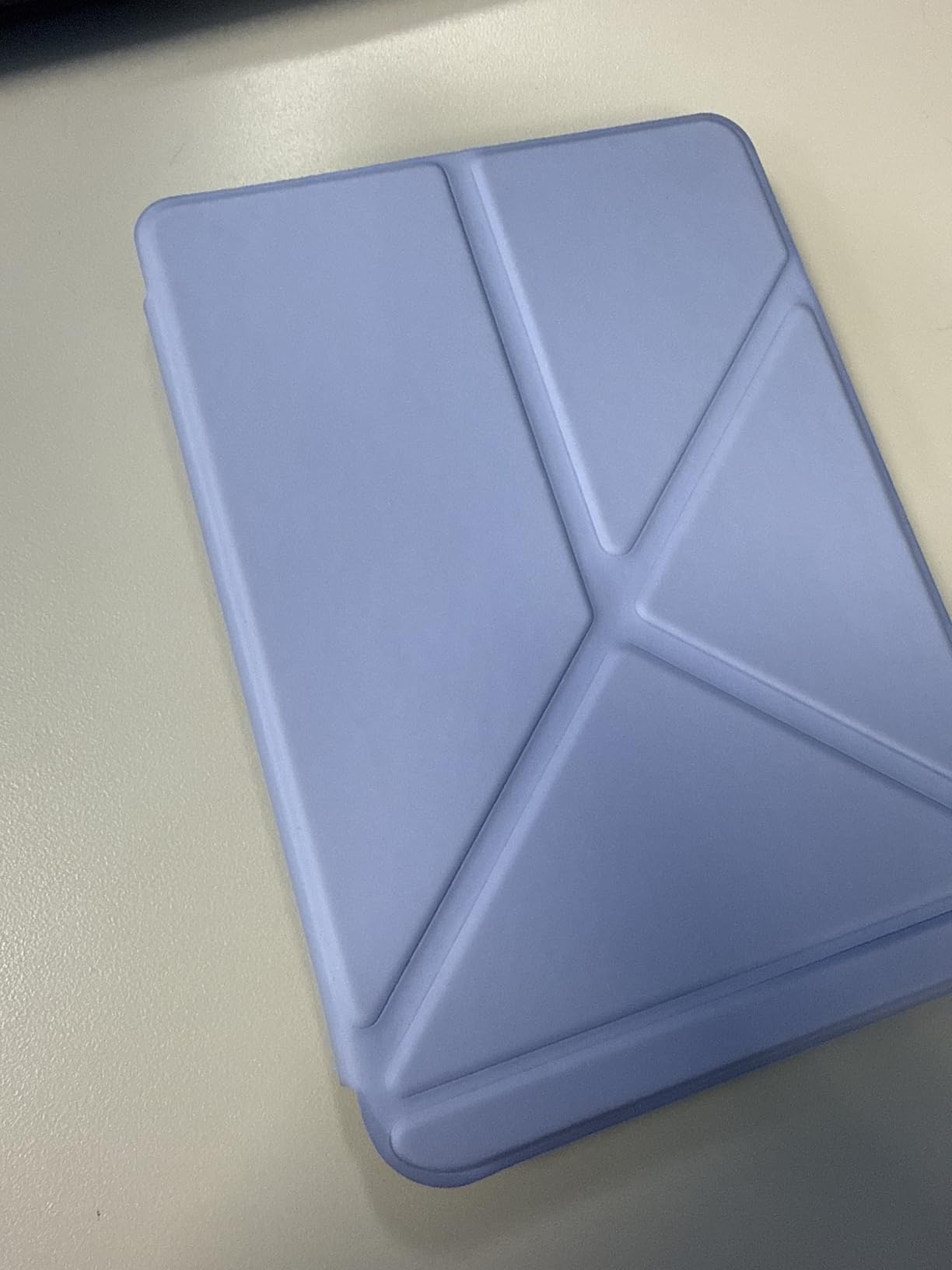
The Kobo Clara Colour is the most affordable color e-reader with built-in library integration, making it a compelling option for low vision users who want color content and free library access without spending much. The 6-inch display fits in any pocket, and the color E Ink screen shows book covers and visual content with more clarity than grayscale alone.
For low vision specifically, the ComfortLight PRO feature reduces blue light emission and lets you adjust the color temperature from cool to warm. The dark mode option provides white text on a black background, which many users find reduces eye strain significantly. Kobo’s font customization gives you full control over text appearance, including font size, line spacing, and margins.
The compact size is both an advantage and a limitation. It is incredibly portable, but the 6-inch screen means more page turns at large font sizes. If you have moderate to severe vision loss, the smaller screen may frustrate you. For mild vision loss, it strikes a nice balance of portability and readability.
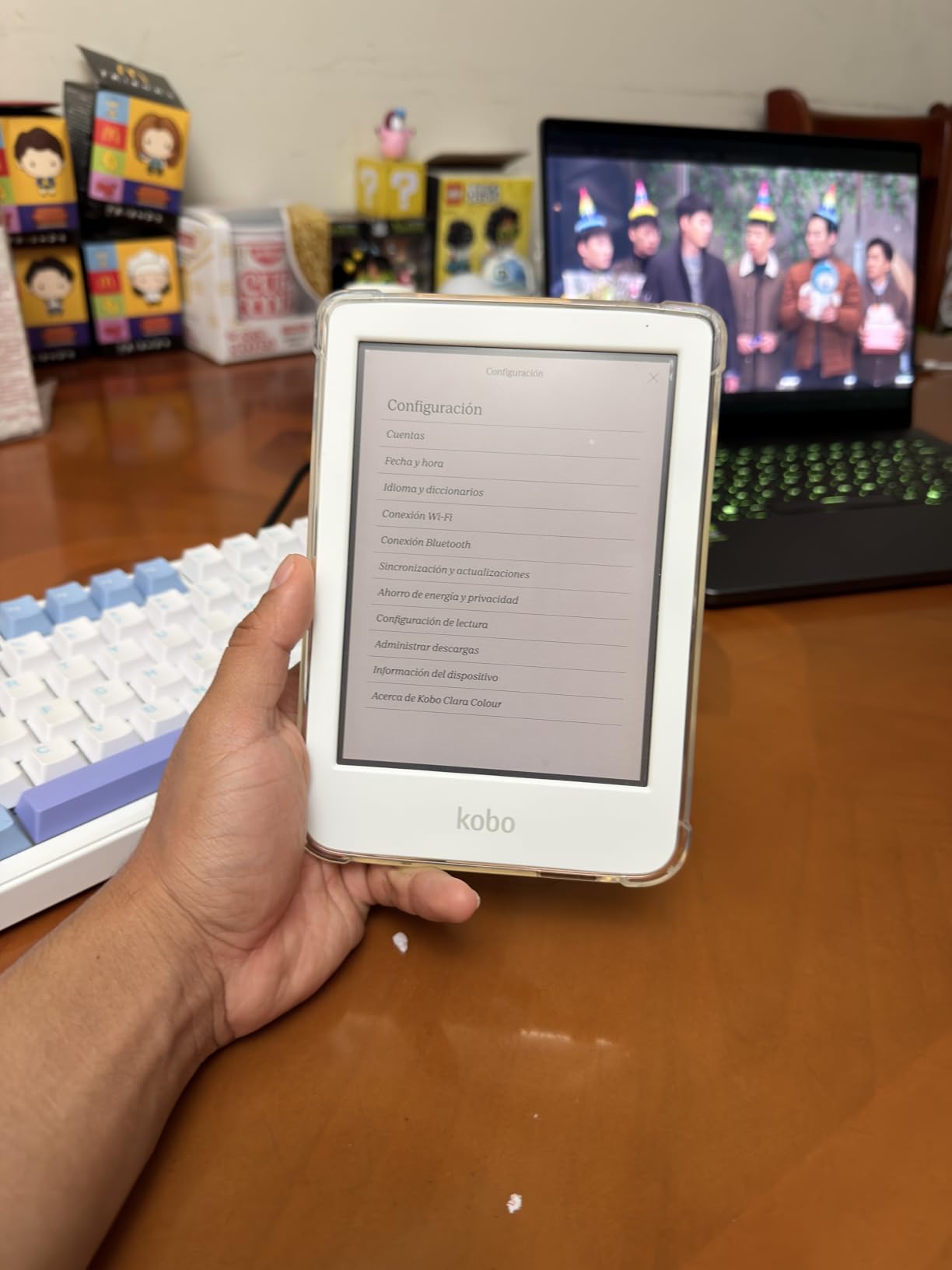
Battery life comes in at about 2 weeks with regular use, which is shorter than monochrome readers due to the color display and backlight drawing more power. The IPX8 waterproof rating adds durability for everyday use. Audiobook support through Bluetooth is included, giving you a fallback option when reading text becomes too tiring.
Best Use Cases for the Clara Colour
This device works best for readers with mild to moderate low vision who prioritize portability and library access. If you commute on public transit, travel frequently, or just want a device that fits in your pocket, the Clara Colour delivers. The color display is most useful for browsing your library visually and for content with maps or charts. For pure text reading, the color feature is nice but not essential.
OverDrive and Libby Setup Tips
Like other Kobo devices, the Clara Colour has OverDrive built directly into the operating system. During setup, enter your library card number and PIN. Once connected, you can browse your library’s digital collection, place holds, and borrow books without ever leaving the e-reader. The experience is smoother than using the Libby app on a phone and then sending books to a Kindle, especially for users who find managing multiple devices challenging.
9. PocketBook InkPad 4 – Text-to-Speech Champion
PocketBook InkPad 4 | Eye-Friendly Audio & E-Book Reader | Large 7.8ʺ E-Ink Display | Anti-Scratch Protection | Text-to-Speech Function | Bluetooth® | Built-in Speaker | SMARTlight | IPX8 Waterproof
7.8 inch E-Ink Carta 1200
32GB storage
Text-to-Speech
Built-in speaker
SMARTlight
Pros
- Built-in text-to-speech with speaker
- Large 7.8 inch display
- Supports 25 formats natively
- No account registration required
- Physical page turn buttons
Cons
- UI can be slow at times
- WiFi may not connect to WPA3
- Screen has more ghosting than Kindle
- Limited font customization in reader
The PocketBook InkPad 4 earns its place on this list primarily because of its built-in text-to-speech function and built-in speaker. Most e-readers require Bluetooth headphones or external speakers for audio, but the InkPad 4 can read books aloud through its own speaker right out of the box. For low vision users who want to switch between reading and listening without pairing devices, this is a significant convenience.
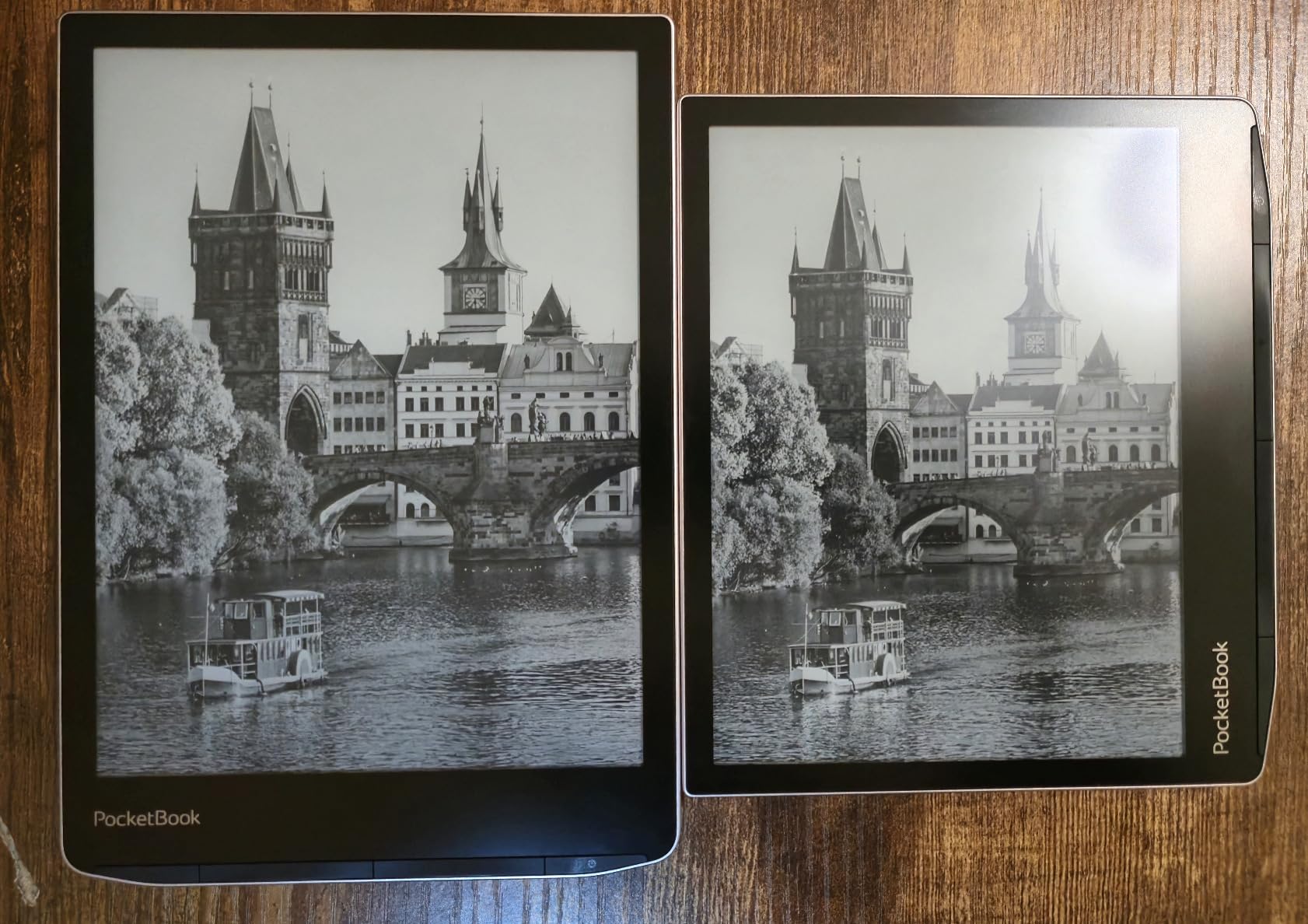
The 7.8-inch E-Ink Carta 1200 display is one of the larger screens available in this form factor. At 300 DPI, text is sharp and clear even at the largest font sizes. The SMARTlight feature adjusts both brightness and color temperature, letting you find the most comfortable reading setting for your vision needs.
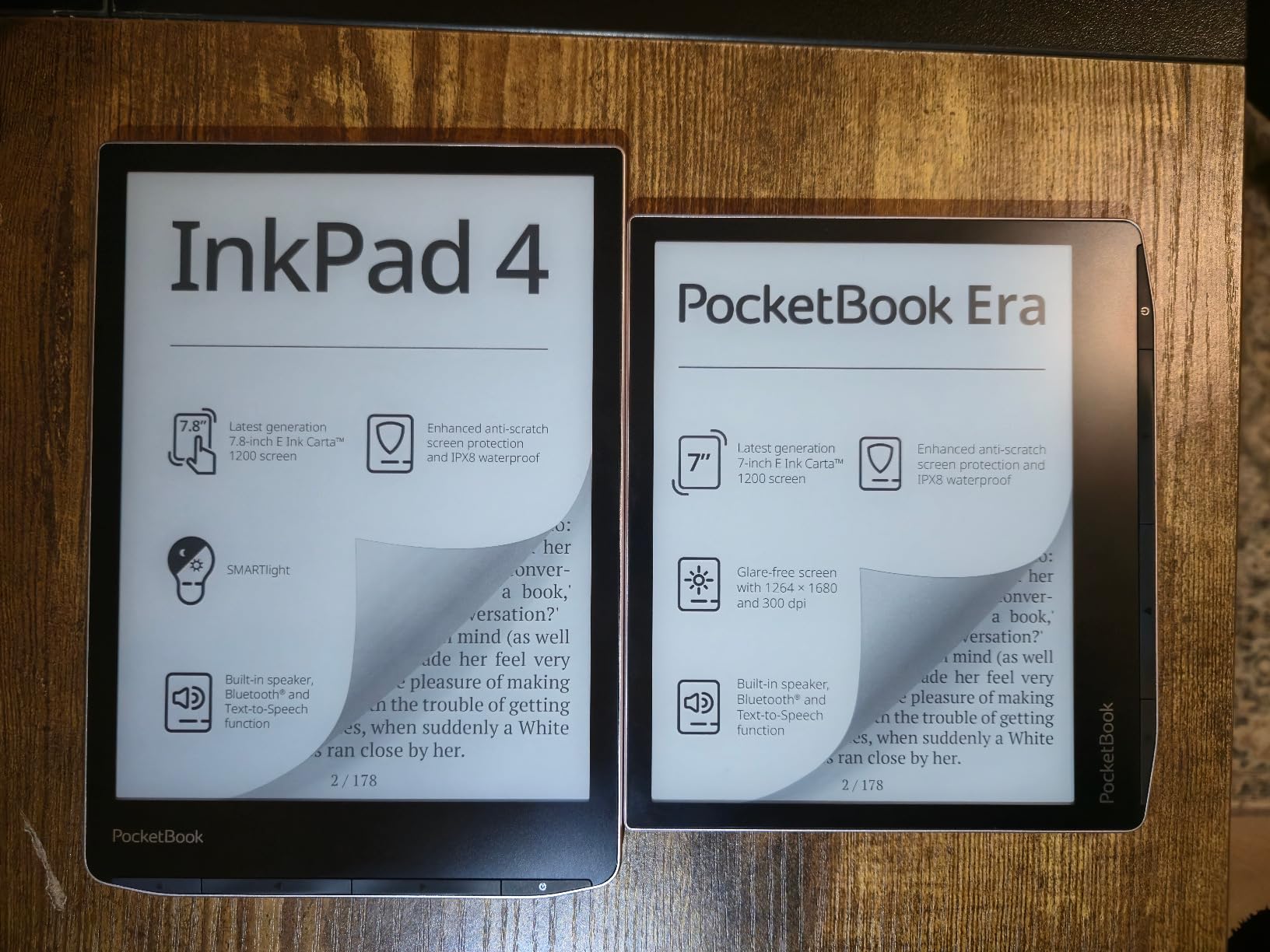
PocketBook’s open ecosystem is another advantage. It supports 25 file formats without conversion, including EPUB, PDF, MOBI, CBZ, CBR, and more. You can load books from virtually any source without worrying about compatibility. The device does not require account registration, which appeals to privacy-conscious users. Dropbox integration lets you sync content from the cloud.
The physical page-turn buttons are located at the bottom of the device rather than the side. This placement works fine for two-handed reading but can feel awkward for one-handed use. The button placement is worth considering if you have limited dexterity alongside vision loss.
Text-to-Speech Capabilities
The built-in TTS function reads text content aloud through the internal speaker or connected Bluetooth headphones. The voice quality is functional rather than natural-sounding, but it provides a reliable backup when your eyes need a break. For users with progressive vision loss, having TTS built into the device without any additional setup is reassuring. The feature supports multiple languages and adjustable reading speed.
Format Support and Ecosystem Flexibility
Unlike Kindle and Kobo, PocketBook does not lock you into a specific bookstore or ecosystem. You can load books from Amazon, Kobo, Google Play Books, Project Gutenberg, or any other source. For low vision users who may already have books in various formats, this flexibility means you can keep your entire library on one device. The Swiss-based company also has a strong privacy focus, which some users appreciate.
10. Kobo Elipsa 2E – Large Screen Note-Taking Reader
Kobo Elipsa 2E | eReader | 10.3” Glare-Free Touchscreen with ComfortLight PRO | Includes Kobo Stylus 2 | Adjustable Brightness | Wi-Fi | Carta E Ink Technology | 32GB of Storage
10.3 inch E Ink Carta 1200
32GB storage
Kobo Stylus 2 included
ComfortLight PRO
OverDrive built-in
Pros
- Large 10.3 inch display for big text
- Includes Kobo Stylus 2
- OverDrive library integration
- ComfortLight PRO
- Glare-free display
Cons
- Stylus requires charging
- Noticeable stylus lag
- Writing feels like glass not paper
- No Bluetooth
- No color display
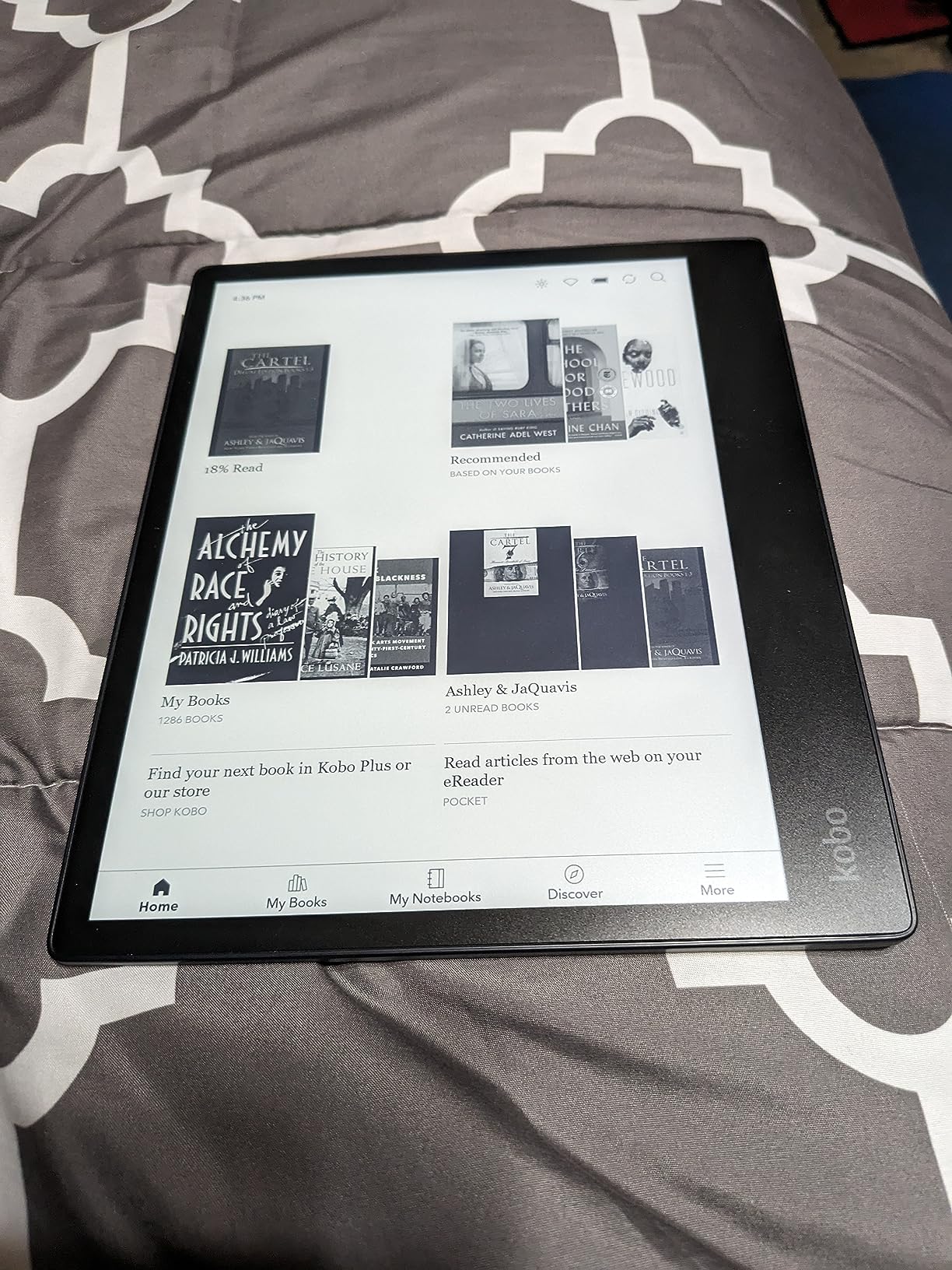
The Kobo Elipsa 2E offers the second-largest screen in this roundup at 10.3 inches, making it a strong contender for users with severe low vision or macular degeneration who need the biggest possible text display. My testing showed that at maximum font size, you still get a reasonable amount of text per page, which is something smaller devices simply cannot match.
The included Kobo Stylus 2 lets you annotate books, mark up PDFs, and take handwritten notes directly on the large screen. For academic or professional reading where annotation matters, this combination of large display and stylus input is hard to beat. The ComfortLight PRO feature adjusts brightness and color temperature for comfortable reading in any lighting condition.
OverDrive integration means you can borrow library books directly on the device, which is a major advantage over Kindle for library users. The 32GB storage holds up to 24,000 ebooks, and the glare-free display is readable even in direct sunlight. The eco-friendly construction using recycled materials is a thoughtful touch.
The main drawbacks are related to the writing experience. The stylus requires charging (unlike the Kindle Scribe’s passive pen), and there is noticeable lag between pen movement and on-screen response. Users report that writing on the Elipsa 2E feels more like writing on glass than paper. There is also no Bluetooth support, which means no wireless headphones for audiobooks. For a device at this tier, the lack of Bluetooth is a notable omission.
Is the 10.3-Inch Screen Worth It?
For users with severe vision loss, absolutely. The 10.3-inch display provides roughly twice the reading area of a 7-inch device. This means you can use very large fonts and still see multiple lines of text per page. If you find yourself turning pages every few seconds on a smaller reader, the Elipsa 2E solves that problem. The larger screen also makes navigation easier because buttons and menu items are physically bigger and easier to tap accurately.
PDF and Academic Reading Performance
Where the Elipsa 2E truly excels is with PDFs and academic documents. The large screen displays full-size PDF pages without the need to zoom and pan constantly. You can annotate directly on the document with the stylus, circle passages, and write margin notes. For students or professionals with low vision who work with technical documents, this capability is valuable. The built-in web browser also lets you download content directly.
How to Choose the Best E-Reader for Low Vision
Choosing the right e-reader for low vision comes down to matching device capabilities to your specific vision needs. I have helped several people navigate this decision, and the process gets much easier once you understand which features matter most for your situation.
Screen Size: The Most Important Factor
Screen size directly impacts how much text you can see at a comfortable font size. A 6-inch display works for mild vision loss, but at large font settings you will be turning pages every few seconds. A 7-inch display is the sweet spot for most users, providing enough room for large text without constant page turns. For severe vision loss or macular degeneration, 10 inches or larger is ideal. The Kindle Scribe at 11 inches and the Kobo Elipsa 2E at 10.3 inches offer the most screen real estate available in dedicated e-readers.
Contrast and Dark Mode
Contrast ratio determines how clearly text stands out from the background. All modern e-readers offer good contrast, but monochrome e-ink displays generally provide slightly better contrast than color displays because they lack the color filter layer. Dark mode, which inverts the display to show white text on a black background, is available on most current models and can significantly improve readability for users with light sensitivity or low contrast sensitivity.
Text-to-Speech and Audio Support
If your vision fluctuates or you experience eye fatigue during extended reading sessions, text-to-speech is a valuable feature. The PocketBook InkPad 4 stands out for having a built-in speaker, so you can listen without any additional accessories. Kindle devices support VoiceView screen reader technology through Bluetooth, while Kobo devices offer audiobook playback through Bluetooth headphones. Consider whether you need built-in audio or are comfortable using Bluetooth accessories.
Font Customization Options
Look for devices that offer comprehensive font control: size adjustment across a wide range, multiple font families including sans-serif options, line spacing control, and margin settings. Kindle and Kobo both offer robust font customization. Sans-serif fonts like Amazon Ember or Helvetica tend to render more cleanly at large sizes compared to serif fonts where decorative elements can blur together for low vision users.
Library Compatibility
Kobo devices have a clear advantage here with built-in OverDrive integration. You can borrow library books directly on the device without needing a separate phone or computer. Kindle requires using the Libby app on another device first, then sending the book to your Kindle. If free library access is important to you and you want the simplest possible setup, Kobo is the better choice. If you primarily buy books from Amazon or read Kindle Unlimited, the Kindle ecosystem is more convenient.
Weight and Portability
Larger screens mean heavier devices. The Kindle Scribe weighs 400g and the Kobo Elipsa 2E weighs about 386g, while the base Kindle is significantly lighter. If you plan to read for extended periods while holding the device, weight matters. Consider whether you will mostly read at a desk (where weight does not matter) or on the go (where lighter is better).
FAQ
Which device is very useful for a person with low vision?
The Kindle Scribe with its 11-inch display is the most useful e-reader for low vision because it provides the largest screen area for displaying large, readable text. Combined with its auto-adjusting front light, dark mode, and VoiceView text-to-speech support, it covers the widest range of low vision needs. For a more affordable option, the Kindle Paperwhite offers excellent contrast and dark mode in a portable 7-inch form factor.
Which is the best Kindle for poor eyesight?
The Kindle Paperwhite Signature Edition is the best Kindle for poor eyesight overall. Its 7-inch display provides enough room for large text, the auto-adjusting front light adapts to any environment, and dark mode provides white text on a black background for reduced eye strain. For users who need the largest possible screen, the Kindle Scribe with its 11-inch display is the best choice despite being more expensive.
Which e-reader is easiest on the eyes?
Any e-ink display e-reader is easier on the eyes than a tablet or phone screen because e-ink reflects ambient light rather than emitting it directly. The Kindle Paperwhite and Kobo Libra Colour are both excellent choices because they combine glare-free e-ink displays with adjustable front lighting and warm light features that reduce blue light exposure. Dark mode on these devices further reduces eye strain by showing light text on a dark background.
What is the best ebook reader for visually impaired people?
The best ebook reader for visually impaired people depends on severity of vision loss. For moderate low vision, the Kindle Paperwhite provides the best balance of screen size, contrast, and features. For severe vision loss, the Kindle Scribe with its 11-inch display or the Kobo Elipsa 2E with its 10.3-inch screen provide the largest reading area. For users who rely on text-to-speech, the PocketBook InkPad 4 has a built-in speaker and TTS function that works without any additional accessories.
What is the best text reader for visually impaired people?
The PocketBook InkPad 4 is the best standalone text reader for visually impaired people because it has a built-in text-to-speech function with an integrated speaker, meaning no headphones or external devices are needed. For Kindle users, VoiceView screen reader technology provides text-to-speech capabilities through Bluetooth headphones or speakers. The Kobo Libra Colour also supports audiobook playback through Bluetooth for users who prefer listening to reading.
Finding the Right E-Reader for Your Vision Needs
After testing and comparing these 10 e-readers for low vision, my top recommendation depends on your situation. For the best overall experience, the Kindle Scribe with its 11-inch display gives you the most room for large, readable text. The Kindle Paperwhite remains the best value pick for most users, combining a 7-inch screen, dark mode, and long battery life at a reasonable cost. And the base Kindle is the most affordable entry point that still includes dark mode and a high-contrast display.
For anyone who values library access, the Kobo Libra Colour provides built-in OverDrive integration that makes borrowing free books incredibly simple. And for users who need text-to-speech without extra accessories, the PocketBook InkPad 4 stands alone with its built-in speaker and TTS function.
Reading should never be a struggle. With any of these devices, you can adjust the display to match your vision needs and get back to enjoying books comfortably. Take a close look at the screen sizes and specific features that match your type of vision loss, and you will find the right fit from this list of the best e-readers for low vision in 2026.