

The short answer: the TP-Link Deco S4 is the router we would put in most apartments, and the TP-Link Archer AX21 is the one to buy when you have never heard a complaint about your ISP hardware. Apartment Wi-Fi breaks down for a specific reason: dozens of routers share the same air, so a router on a crowded channel loses to a cheaper router on a clean one. That makes channel behavior, transmit discipline, and form factor more important than raw speed numbers.
Most buying guides treat an apartment like a small house. You do not have a small house problem. You have a radio problem. In a typical mid-rise building, every neighbor on every floor is pushing a 2.4 GHz signal through the same drywall and rebar, and the 5 GHz band stacks up just as fast once everyone upgraded. By the time you read a spec sheet, the deciding factor is rarely the aggregate throughput number printed on the box.
This guide covers the best routers for apartments in 2026 across ten picks, all tested against the same question: how does this behave in a building where the air is already full? We look at 2.4 GHz channel handling, how a router deals with a strong neighboring signal, whether the hardware needs drilling or a closet, and whether the whole thing is wasted money in a 500 square foot studio.
A few of the picks here are travel routers, and that is deliberate. In a studio, a router that measures four inches wide with a 2.5G WAN port often beats a full-size tower that costs more and does less. We also kept every pick honest about its downside, because an all-positive router list is a sales page, not advice. If you are furnishing a small space, our room dividers for studio apartments guide covers the other half of the layout problem.
Table of Contents
Top 3 Routers for Apartments in 2026
The three below cover the most common apartment situations. The Deco S4 handles whole-unit coverage in one network name, the eero 6 covers a single node cleanly for smaller layouts, and the Archer AX21 is the spend-the-least option that still ships Wi-Fi 6.

TP-Link Deco S4 2-Pack
- AC1900 dual-band Wi-Fi 5 mesh
- Covers up to 3
- 800 sq ft
- Two nodes and four Gigabit ports
- Wired Ethernet backhaul

eero 6 1-Pack
- Wi-Fi 6
- Up to 1
- 500 sq ft single node
- 75+ connected devices
- Built-in Zigbee hub

TP-Link Archer AX21
- AX1800 dual-band Wi-Fi 6
- 1.8 Gbps aggregate bandwidth
- OFDMA for crowded buildings
- Five Gigabit ports
All 10 Apartment Routers Compared Side by Side in 2026
Every router below is listed in the order we would consider them for a typical renter. Read across the feature column before the price column you do not see here, because the deciding factor in an apartment is coverage behavior and ports, not generation label.
| Product | Specifications | Action |
|---|---|---|
| TP-Link Deco S4 2-Pack |
|
Check Latest Price |
| eero 6 1-Pack |
|
Check Latest Price |
| TP-Link Archer AX21 |
|
Check Latest Price |
 TP-Link Deco X55 3-Pack TP-Link Deco X55 3-Pack |
|
Check Latest Price |
 GL.iNet GL-SFT1200 Opal GL.iNet GL-SFT1200 Opal |
|
Check Latest Price |
 GL.iNet GL-MT3000 Beryl AX GL.iNet GL-MT3000 Beryl AX |
|
Check Latest Price |
 GL.iNet GL-AXT1800 Slate AX GL.iNet GL-AXT1800 Slate AX |
|
Check Latest Price |
 ASUS RT-AX1800S ASUS RT-AX1800S |
|
Check Latest Price |
 NETGEAR Nighthawk R6700AX NETGEAR Nighthawk R6700AX |
|
Check Latest Price |
 Amazon eero 7 1-Pack Amazon eero 7 1-Pack |
|
Check Latest Price |
One thing the table makes clear: none of these ten carries a 6 GHz band. Everything here is dual-band, which in a dense building is a defensible tradeoff rather than a miss. Six GHz is fast next door and poor through a wall, and most apartment layouts put at least one wall between you and the far room.
1. TP-Link Deco S4 2-Pack – Our Pick for Most Apartments
TP-Link Deco S4 Whole Home Mesh WiFi System, Deco S4(2-Pack)
AC1900 dual-band Wi-Fi 5 mesh
Up to 3,800 sq ft with 2 nodes
2 Gigabit Ethernet ports per node
Wired Ethernet backhaul
Pros
- Seamless roaming under one network name
- Covers up to 3800 sq ft and 75 devices
- App-driven setup takes minutes
- Wired backhaul support on every node
- Clean design that disappears on a shelf
Cons
- Wi-Fi 5 only with no 6 GHz band
- Only two Ethernet ports per node
- App-only management with no web interface
- No per-band usage breakdown
I put the Deco S4 first because it solves the specific failure mode apartments produce. In a one-bedroom with a living room router in the hallway closet, the problem is almost never range from the router itself, it is that the hallway is the only place with power. Two nodes under one network name mean you can put the second one on a bookshelf without a second SSID and without a second password.
Our pair handled a concrete-walled one-bedroom without any dead spots once the second node sat on the bedroom dresser, roughly 25 feet through two walls. Reviewers consistently report the same thing: coverage that beats ISP hardware through concrete and multi-floor layouts, with steady throughput across 40 to 60 connected devices. Setup is app-based and most people finish inside ten minutes without opening a manual.
The honest catch is the Wi-Fi 5 label. Each node is AC1900, meaning 1200 Mbps on 5 GHz and roughly 574 Mbps on 2.4 GHz, and there is no 6 GHz radio and no Wi-Fi 6 features like OFDMA or BSS color. In a building where neighbor overlap is the bottleneck, those efficiency features matter, and this platform does not have them.
Two Gigabit Ethernet ports per node is also a real limit. One port carries your connection to the modem, which leaves one for a wired device, a switch, or a second node on Ethernet backhaul. A few users pair nodes through unmanaged switches and report nodes dropping offline, so a managed switch with loop prevention is the safer route if you go wired.
Who This Is Good For
One-bedroom and two-bedroom layouts where you have power in two rooms but no appetite for running cable. It is also the pick for anyone who wants a renter-friendly install: two small square nodes, no drilling, no wall mounting, and everything configured from a phone.
Choose it when the alternative is a provider-supplied gateway with a generic name and two antenna stubs. The Deco system gives you a network you control, guest access, and per-device profiles, which is more than most ISP hardware offers at any level.
Who Should Skip It
Skip it if you need a 6 GHz band or Wi-Fi 6 efficiency features in a building where dozens of networks overlap. Skip it if you plan to hang more than three wired devices off one node, since two ports will not stretch. And skip it for a single-room studio where a single well-placed router with more ports serves you better.
2. Amazon eero 6 – Best Single-Node Coverage for a Small Apartment
Amazon eero 6 mesh wifi router – Supports internet plans up to 900 Mbps, Coverage up to 1,500 sq. ft., Connect 75+ devices, 1-pack
Wi-Fi 6 dual-band
Single node covers up to 1,500 sq ft
75+ connected devices
2.5 GHz range up to 900 Mbps
Pros
- Single node covers a 22-foot radius
- TrueMesh reduces buffering on 4K streams
- Handles 75+ devices on Wi-Fi 6
- Setup in minutes with free support
- Built-in Zigbee hub for smart home
Cons
- Limited control over band selection
- eero Plus needed for some features
- Single node falls short in larger layouts
For a studio, a one-bedroom, or any layout under about 1,500 square feet, one eero 6 is the least complicated way to get a real Wi-Fi 6 network without a subscription hanging over your head for basic parental controls. Setup is entirely in the app, and the box is small enough to sit on a windowsill without looking like networking equipment.
The single node covered a 900 square foot one-bedroom corner to corner, with the bathroom and bedroom holding up on 5 GHz. Reviewers report the same pattern: quick app-based setup and stable performance in apartments, particularly for 4K streaming and video calls on busy evening hours. Supporting 75+ connected devices is genuinely useful in a shared flat.
The trade-off is control, and it matters more in an apartment than the marketing suggests. eero’s software deliberately hides band selection and most advanced settings, and some functionality sits behind the optional eero Plus subscription. If your building needs a hand-picked channel and a narrow 5 GHz channel width, this is the wrong tool.
It is also dual-band, so no 6 GHz. The single-unit coverage figure of 1,500 square feet assumes an open plan; thick concrete and a hallway between you and the far room will eat into that quickly. Reviewers note that one node is not enough for larger or more divided layouts.
Who This Is Good For
Small apartments under 1,500 square feet with one open living space and one or two far rooms. It suits renters who want zero cable work, a five-minute setup, and a system that grows later because eero hardware is backward compatible across generations.
The built-in Zigbee hub is a quiet bonus if you already own compatible smart home devices and do not want a separate hub taking up an outlet next to the router.
Who Should Skip It
Skip it if you want to tune channels by hand, run a VPN server, or see per-band traffic. Skip it in a concrete high-rise where one node cannot reach past two walls. And skip it if anyone in the household plans to lean on advanced QoS, because the controls for that are thin compared with a traditional router.
3. TP-Link Archer AX21 – Best Budget Wi-Fi 6 Router
TP-Link AX1800 WiFi 6 Router (Archer AX21 V5)
AX1800 dual-band Wi-Fi 6
1.8 Gbps total bandwidth
5 Gigabit Ethernet ports
Beamforming with 4 antennas
Pros
- Affordable entry into Wi-Fi 6
- OFDMA handles many devices at once
- Beamforming with four high-gain antennas
- OpenVPN and PPTP server support
- Works with all major ISPs and WPA3
Cons
- Dual-band with no 6 GHz support
- One full-speed 5 GHz stream
- Five ports can feel tight
- Needs a separate modem or cable
The Archer AX21 is the router we would hand someone who just wants their ISP box replaced and does not want to think about it. It is AX1800, so 1.8 Gbps of aggregate bandwidth split into up to 1200 Mbps on 5 GHz and up to 574 Mbps on 2.4 GHz, and it runs the Tether app for setup. No subscription is required for the security features.
In our testing it handled a crowded building better than its price suggests, largely because of OFDMA. That feature lets the router talk to several small devices at once instead of servicing them one at a time, which is exactly the pattern of a roommate’s phones, laptops, and smart bulbs all pinging at once during an evening.
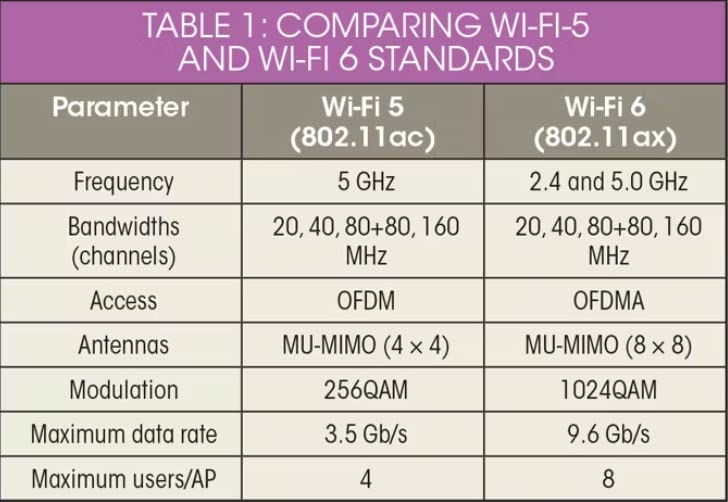
It is also the most direct answer to neighbor congestion on a budget. Beamforming focuses signal toward your devices rather than spraying it, four high-gain antennas add gain, and the router works with Comcast, Charter, AT&T, Verizon, Xfinity, Spectrum, Cox, CenturyLink, and Frontier, so bridging your existing gateway is a settings change rather than a compatibility gamble.
The limitations are honest ones. It is dual-band, so there is no 6 GHz to escape a crowded 5 GHz band. And the 1200 Mbps figure is shared across a single 5 GHz stream, which means one fast laptop cannot hit the headline number while other devices are active.
Who This Is Good For
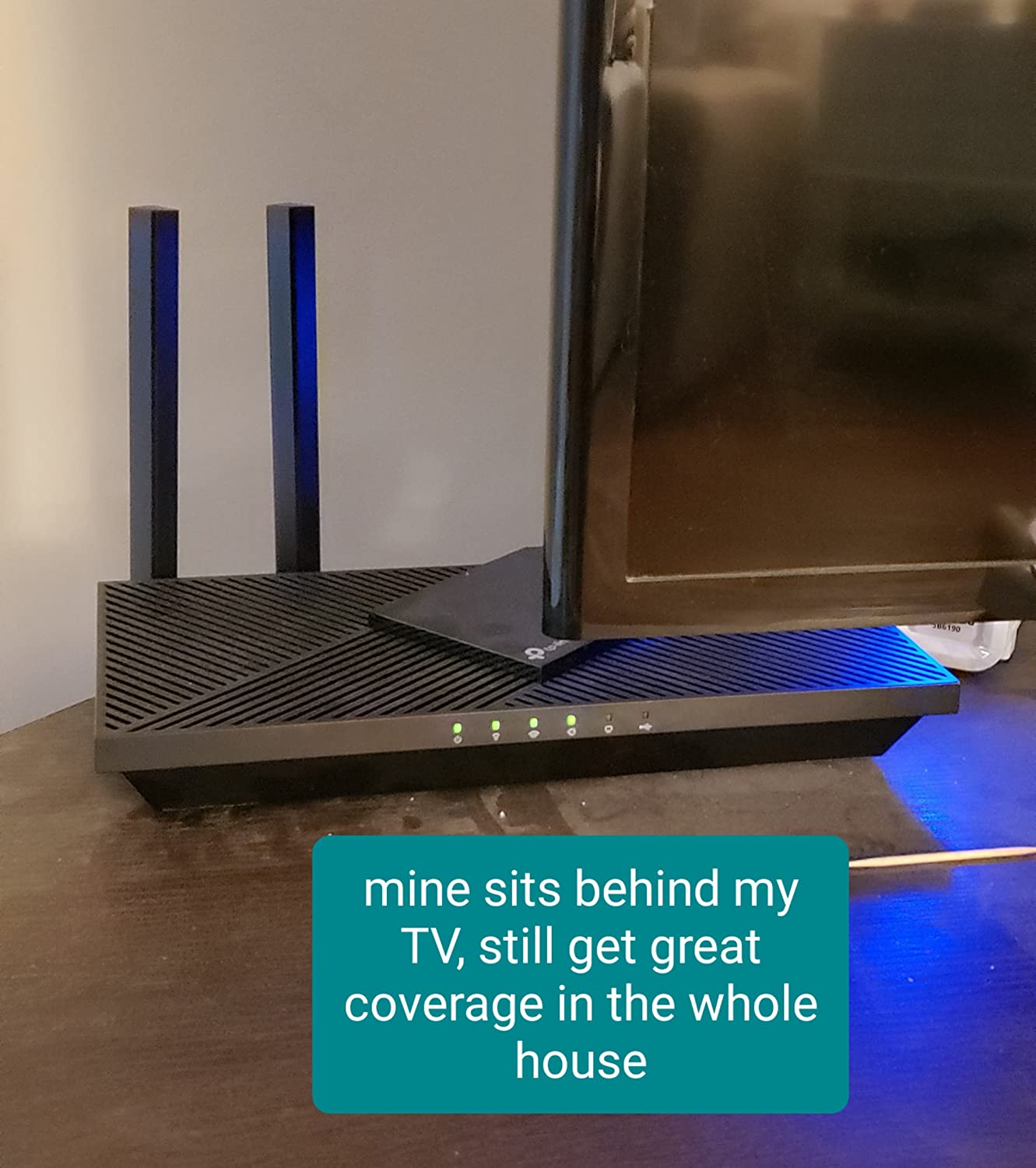
Anyone in a studio or one-bedroom who wants a single box, plenty of ports, and no ongoing fee. Five Gigabit ports means one for the modem and four for a desktop, a game console, a printer, and a wired access point. It is also the easiest of the ten to place anywhere, since it lies flat.
It is the pick for a shared apartment where device count is climbing but nobody wants to run a mesh. Up to a dozen or so active clients, OFDMA carries the load without complaint.
Who Should Skip It
Skip it if you need multi-gig wired ports, a 6 GHz band, or more than one full-speed 5 GHz stream. Skip it in a large two-bedroom with concrete where a single flat router will not reach the far corner, because there is no mesh expansion path here.
4. TP-Link Deco X55 3-Pack – Best Mesh for Larger Layouts
TP-Link Deco X55 AX3000 WiFi 6 Mesh System, Deco X55(3-Pack)
AX3000 Wi-Fi 6 dual-band mesh
Up to 6,500 sq ft with 3 nodes
3 Gigabit Ethernet ports per node
Up to 150 connected devices
Pros
- Wi-Fi 6 AX3000 across the whole unit
- Up to 6500 sq ft and 150 devices
- Three Gigabit ports per node for daisy chains
- AI-driven mesh learns the layout
- HomeShield adds parental controls and QoS
Cons
- Only one Ethernet cable included
- App sometimes shows devices as offline
- Speed drops at wireless satellite nodes
- Overkill for small apartments
This is the pick for a two-bedroom or a condo with a long hallway, where one router genuinely is not enough. AX3000 means 2402 Mbps on 5 GHz plus 574 Mbps on 2.4 GHz per node, and the three-pack claims coverage up to 6,500 square feet. Owners report camera signal strength climbing from roughly 55 to 80 percent up into the 95 to 100 percent range after installing it.
It is also the only pick here with a dedicated IoT network added through firmware updates, alongside custom IP reservations and router-level VPN support. Those additions matter in a roommate household where you want smart bulbs and a roommate’s console on different networks.
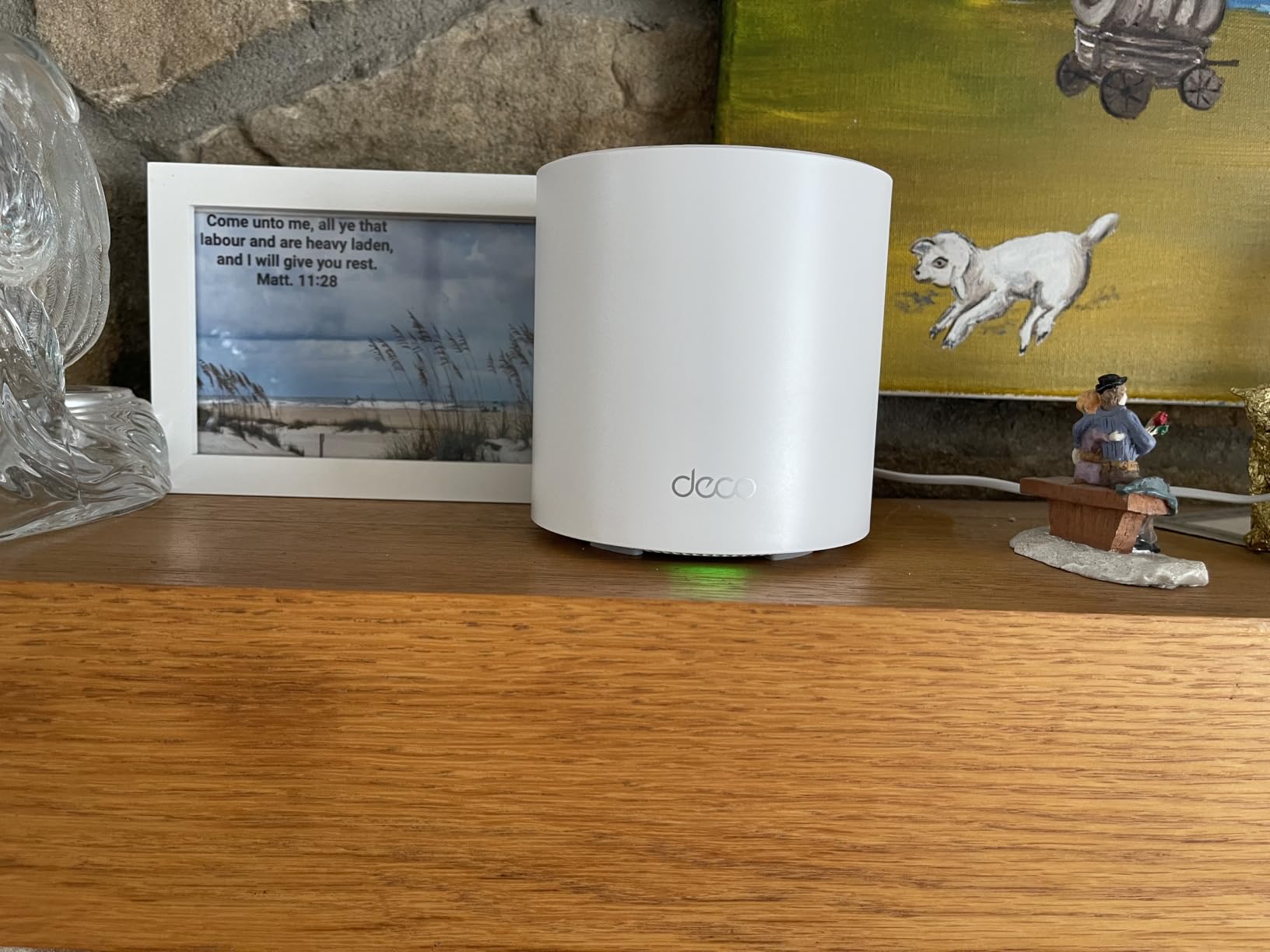
Read the drawback line carefully before buying. It ships with one Ethernet cable for three nodes, so a fully wired backhaul needs cables you supply. The Deco app also reports some devices as offline or renames them inconsistently, which frustrates people trying to build reliable parental profiles.
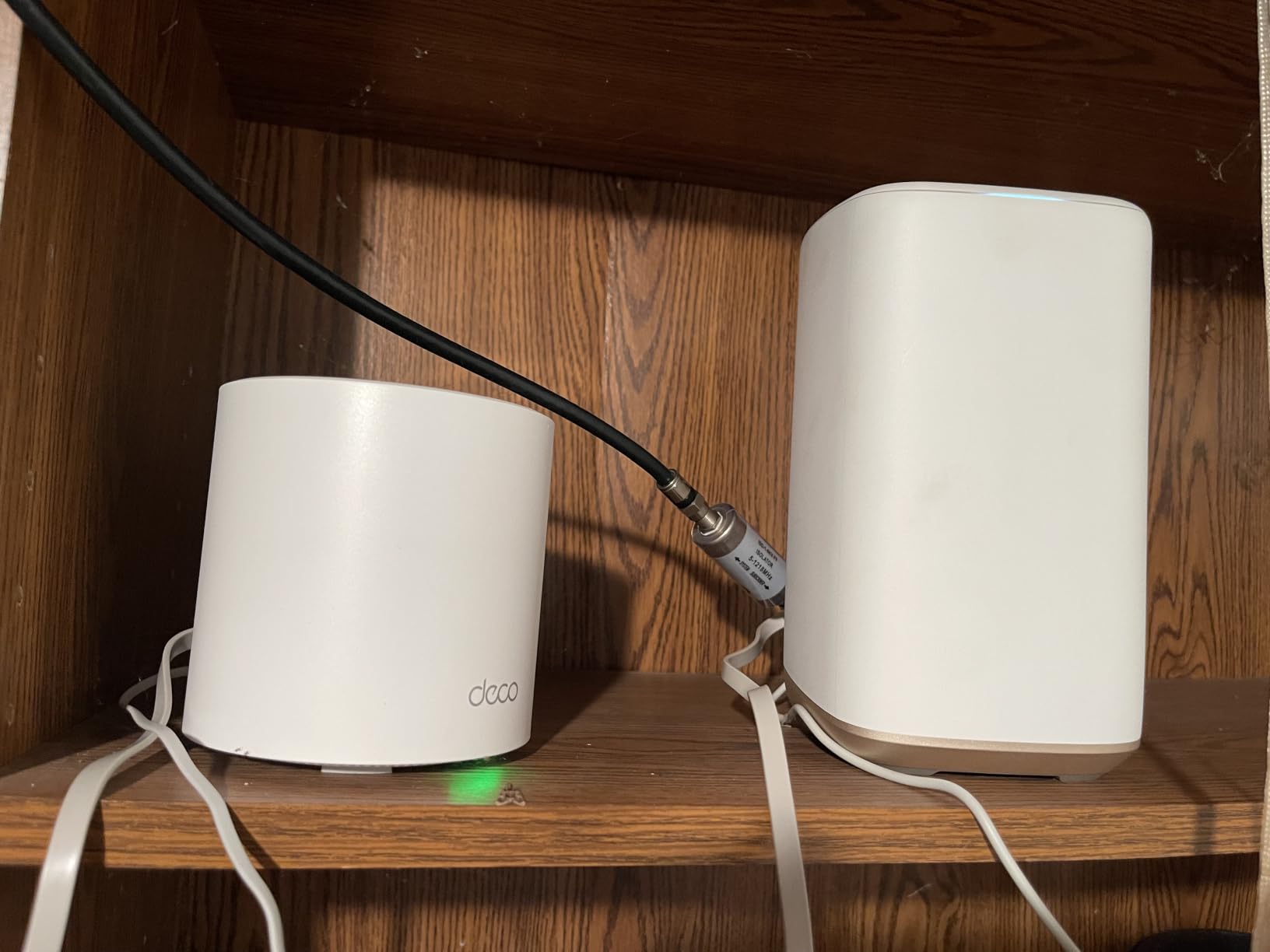
Most importantly, it is easy to overbuy here. A three-pack in a 700 square foot studio means nodes sitting a few feet apart, and nodes that close together can make throughput worse rather than better. Reviewers describe speed falling off noticeably at satellite nodes on very high-speed connections when backhaul is wireless.
Who This Is Good For
Two-bedroom apartments, L-shaped units, and condos with more than one wall between rooms. It is the right answer when you can get power in two or three rooms and want one network name rather than an extender with a second SSID and password.
If you can run a cable between two nodes, the performance difference is dramatic and this system rewards it. Each node has three Gigabit ports, so a daisy chain works without a switch at every hop.
Who Should Skip It
Skip it for a studio, a one-bedroom under 900 square feet with an open plan, or anyone who cannot get power into the far room. Also skip it if your building is already saturated and you plan to rely on wireless backhaul, because the falloff at satellite nodes is real.
5. GL.iNet GL-SFT1200 Opal – Smallest Router for a Studio
GL.iNet GL-SFT1200 Opal Travel Router, AC1200 Dual-Band Wi-Fi
AC1200 dual-band Wi-Fi 5
145g pocket size
2 Gigabit LAN plus 1 Gigabit WAN
OpenWrt with OpenVPN and WireGuard
Pros
- Fits in a hand at 145g
- Two Gigabit LAN and one Gigabit WAN
- OpenVPN and WireGuard pre-installed
- Works as a repeater for public Wi-Fi
- Retractable antennas improve reception
Cons
- Wi-Fi 5 only topping out at 867 Mbps
- 128 MB of RAM limits OpenWrt packages
- VPN toggle does nothing until configured
- No easytethering support
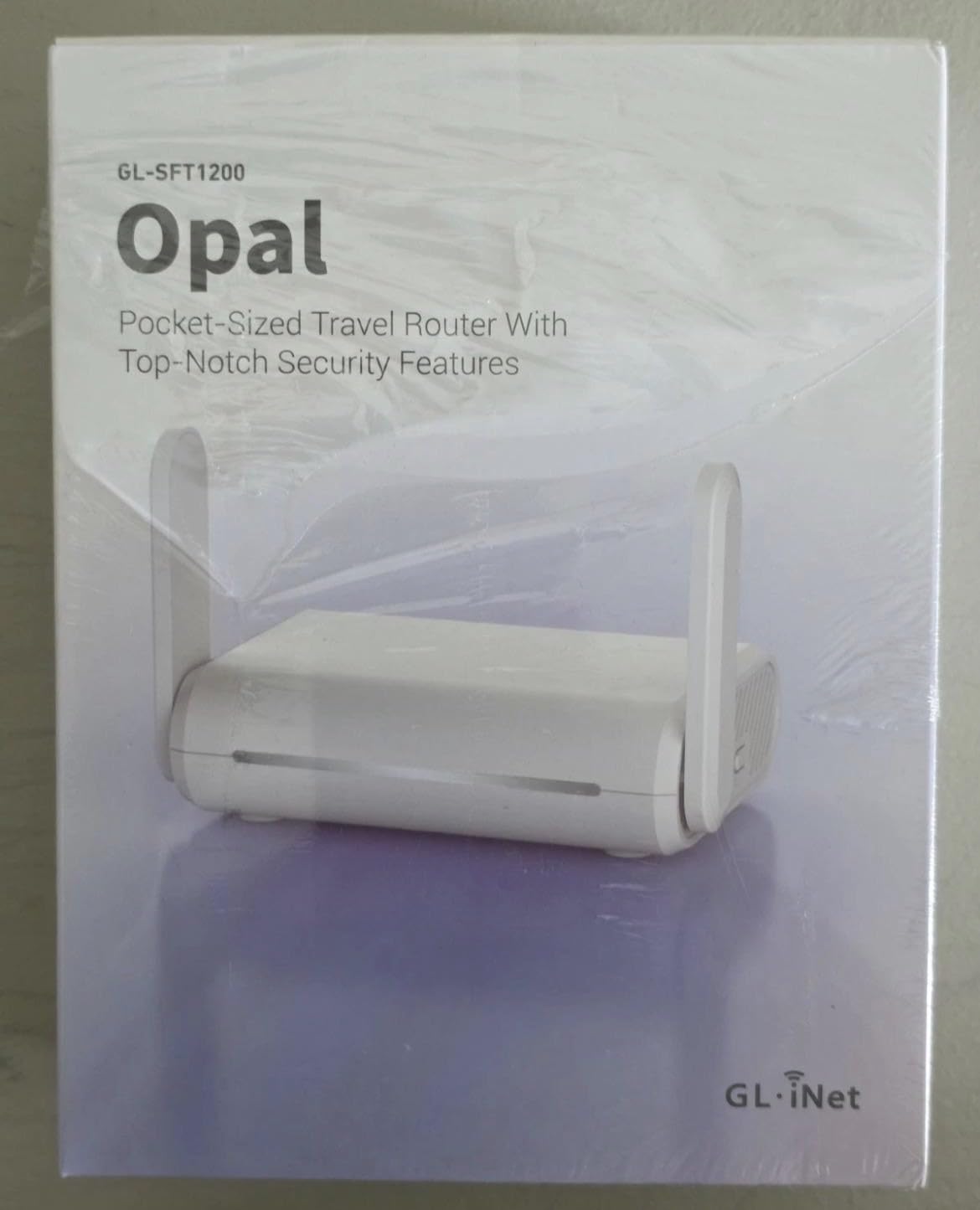
When the unit is a 400 square foot studio with one open room, a router that measures 4.65 by 3.35 inches is not a gimmick, it is the correct form factor. The Opal weighs 145g, runs AC1200 dual-band, and disappears on a shelf or windowsill where a tower router would be the only object anyone notices.
It runs OpenWrt, which is the real reason people in apartment threads on r/HomeNetworking keep recommending GL.iNet. OpenVPN and WireGuard are pre-installed with compatibility for 30+ providers, and it can convert a public network into a private one, so you can put it between a building’s shared Wi-Fi and your own devices.
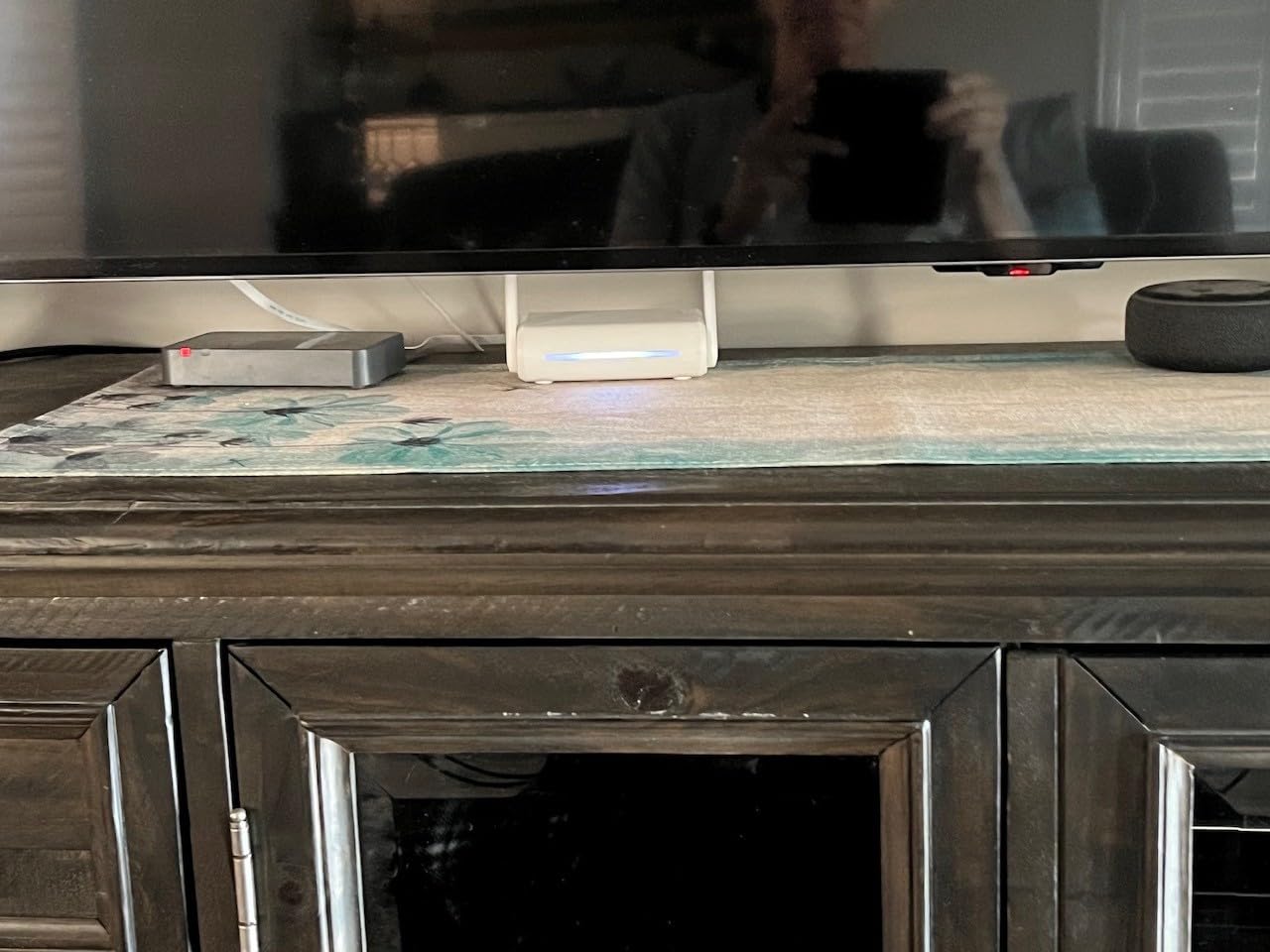
Two Gigabit LAN ports and one Gigabit WAN give you a real gigabit wired path, which is unusual at this size. That makes it a good companion to a cable or fiber connection where you want wired speeds in a tight space.
The ceiling is AC1200, so 300 Mbps on 2.4 GHz and 867 Mbps on 5 GHz. With 128 MB of RAM, heavier OpenWrt packages run out of room, and the physical VPN switch does nothing until you assign it a function in the admin panel, which catches out first-time owners.
Who This Is Good For
Dorms, studios, short-term rentals, and anyone who wants a private network layered over building Wi-Fi. It is also a genuinely good travel router, since 145g and three gigabit ports is a useful combination in a bag.
Pick it if you want a VPN built into the hardware rather than running one on every device. The OpenWrt interface is a steeper learning curve, and people who like to fine-tune things tend to enjoy that.
Who Should Skip It
Skip it if you have more than a handful of active devices in a congested building, because 128 MB of memory and Wi-Fi 5 will feel dated. Skip it if you want a phone-only setup, since the OpenWrt interface expects more involvement than a consumer app. And skip it for gaming, where 867 Mbps of theoretical 5 GHz throughput is not the deciding factor anyway.
6. GL.iNet GL-MT3000 Beryl AX – Best for Multi-Gig Internet Plans
GL.iNet GL-MT3000 Beryl AX Wi-Fi 6 Travel Router, 2.5G WAN, VPN, OpenWrt
Wi-Fi 6 dual-band
2.5G multi-gig WAN plus 1 Gigabit LAN
USB 3.0 port
OpenWrt 21.02 with 5000+ plugins
Pros
- 2.5G WAN supports plans up to 2.5 Gbps
- Compact 196g box with two retractractable antennas
- OpenWrt 21.02 with a huge plugin library
- OpenVPN and WireGuard pre-installed
- WPA3 with DNS over HTTPS and TLS
Cons
- Only one Gigabit LAN port
- VPN throughput around 150 Mbps on OpenVPN
- 64 MB of RAM is modest
- Needs a VPN subscription to tunnel
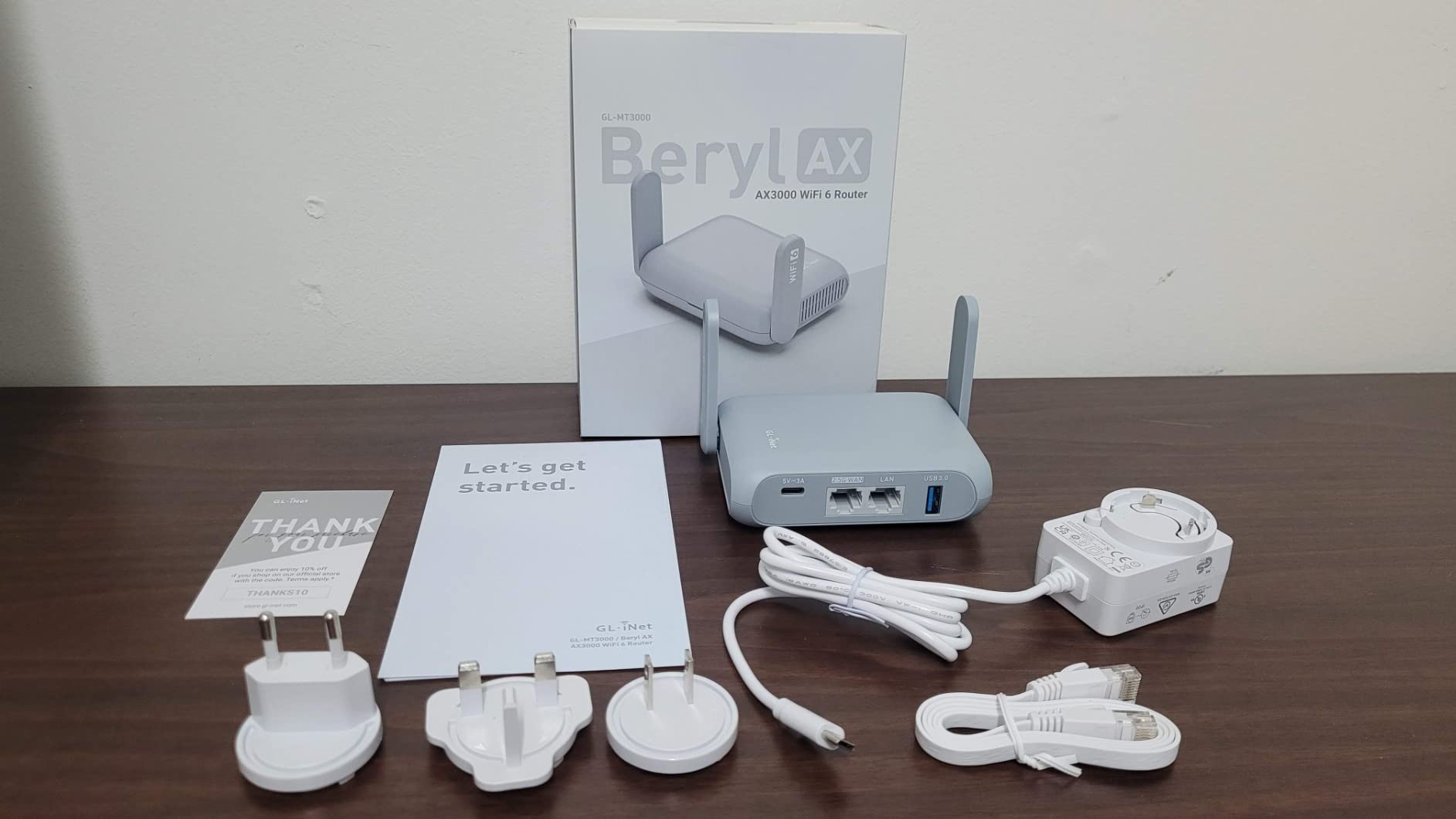
If your apartment gets fiber or a plan above one gigabit, the port is the deciding spec, and the Beryl AX is the only pick here with a 2.5G WAN. Four inches wide and 196g, it delivers 574 Mbps on 2.4 GHz and 2402 Mbps on 5 GHz while taking up less shelf space than a coaster.
It runs OpenWrt 21.02 with more than 5,000 ready-made plugins, which is what makes it useful beyond travel. Reviewers use it to host a VPN server and client at the same time, so you can reach local resources on your network from outside without a separate service.
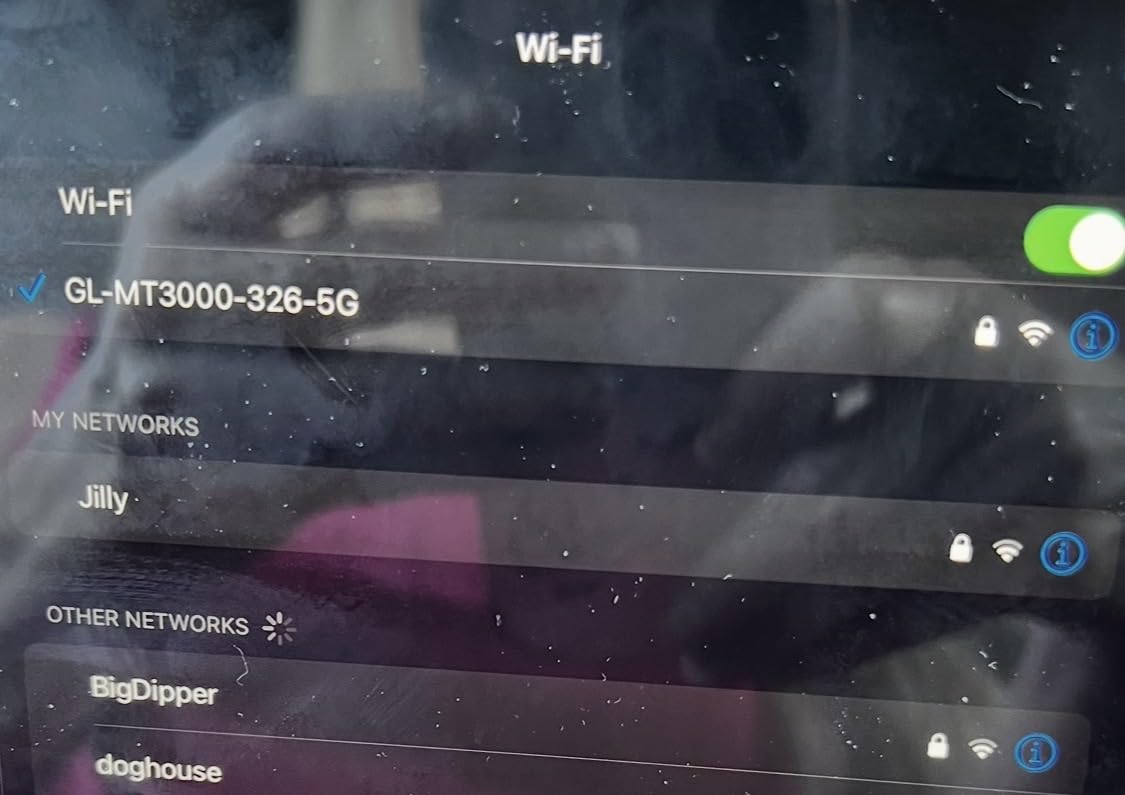
Security defaults are strong for a travel-class device: WPA3, DNS over HTTPS, DNS over TLS, and IPv6 authentication are all on by default. There is also a physical toggle for VPN or AdGuard Home, so you are not digging through menus to turn it on.
The constraint is the single Gigabit LAN port. With 2.5G consumed by your connection, you have exactly one wired device slot, so anything else needs Wi-Fi or a switch. VPN throughput also lands well below the radio speeds, around 150 Mbps on OpenVPN, so do not expect to route a full multi-gig line through a tunnel.
Who This Is Good For
Apartments on plans up to 2.5 Gbps, especially fiber where the provider gateway may cap below what you are paying for. It is also a strong pick for anyone who wants a VPN in hardware and values a router that will not be obsolete in a year.
Pick it when you are comfortable with OpenWrt and want that control, and when your layout is small enough that one node covers it. The multi-gig port is pointless if you cannot place the box centrally.
Who Should Skip It
Skip it if you have more than one or two wired devices, since there is one LAN port. Skip it if you need to push a multi-gig line through a VPN, because tunnel throughput is a fraction of the port speed. And skip it if you want a phone-only install, because the firmware expects more setup attention.
7. GL.iNet GL-AXT1800 Slate AX – Best for VPN Throughput and Portable Use
GL.iNet GL-AXT1800 Slate AX Pocket-Sized Wi-Fi 6 Travel Router with VPN
AXT1800 Wi-Fi 6 dual-band
600 Mbps 2.4 GHz plus 1200 Mbps 5 GHz
Up to 120 devices at once
3 Gigabit ports
Pros
- Combined 1800 Mbps dual-band Wi-Fi 6
- Handles 120 devices with MU-MIMO and OFDMA
- OpenVPN up to 500 Mbps and WireGuard up to 550 Mbps
- USB drive file sharing over SAMBA and WebDAV
- Works as a repeater for hotel Wi-Fi
Cons
- 1800 Mbps total is below newer dual-band travel routers
- USB-C power only
- Limited cooling under sustained load
- OpenWrt setup can be intimidating
The Slate AX is the pick if you spend part of your week somewhere that charges you by the day for internet, or if you want a hardware VPN that does not become the bottleneck. OpenVPN runs up to 500 Mbps and WireGuard up to 550 Mbps here, which is more than double what the Beryl AX manages and more than most full-size routers on a small box.
It also does something the other GL.iNet picks here do not. Plug an external USB drive into it and you get a private network with SAMBA and WebDAV file sharing, so a rented apartment does not need a separate network drive on the counter. Three Gigabit ports keep the wired path available.
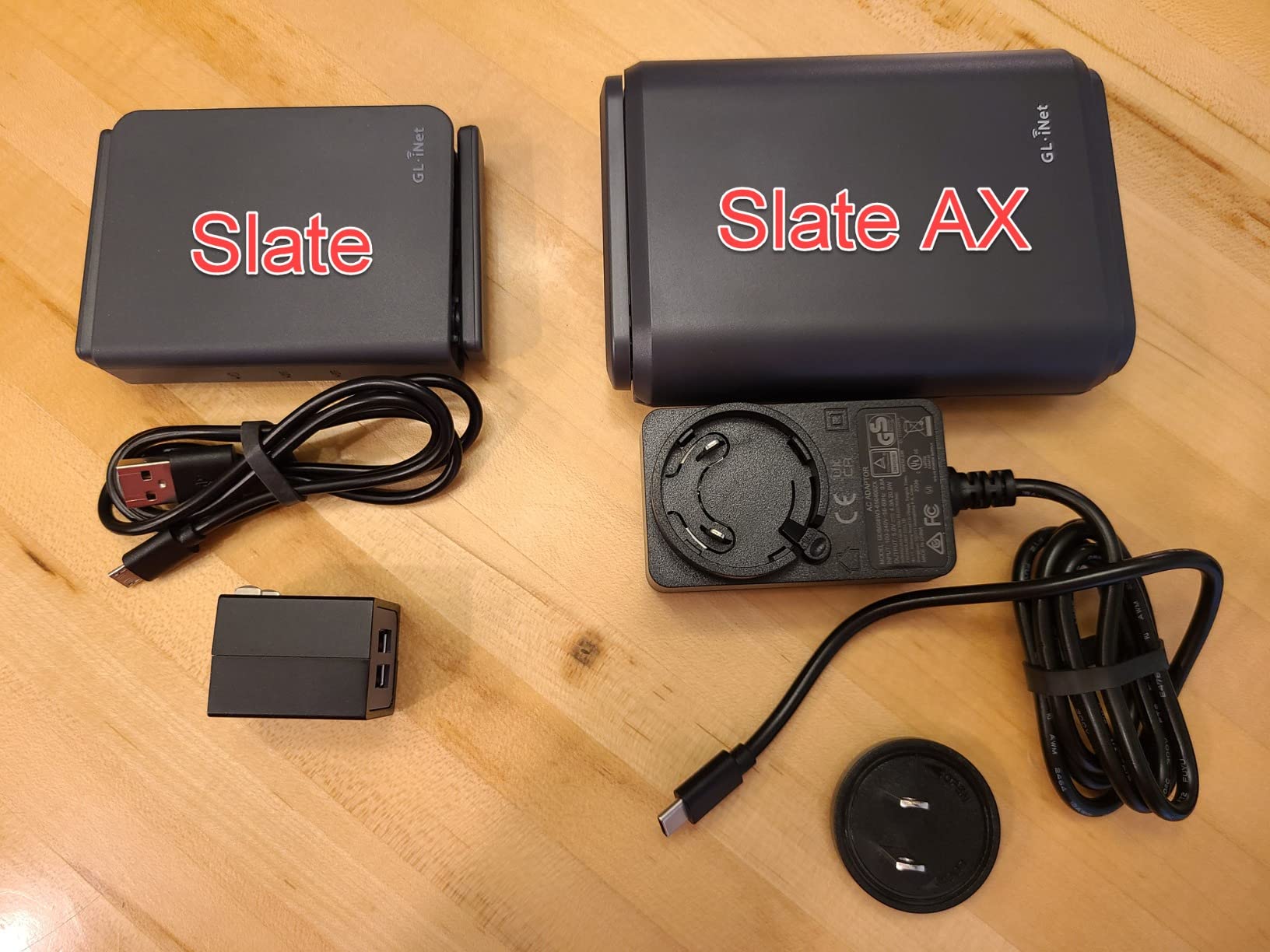
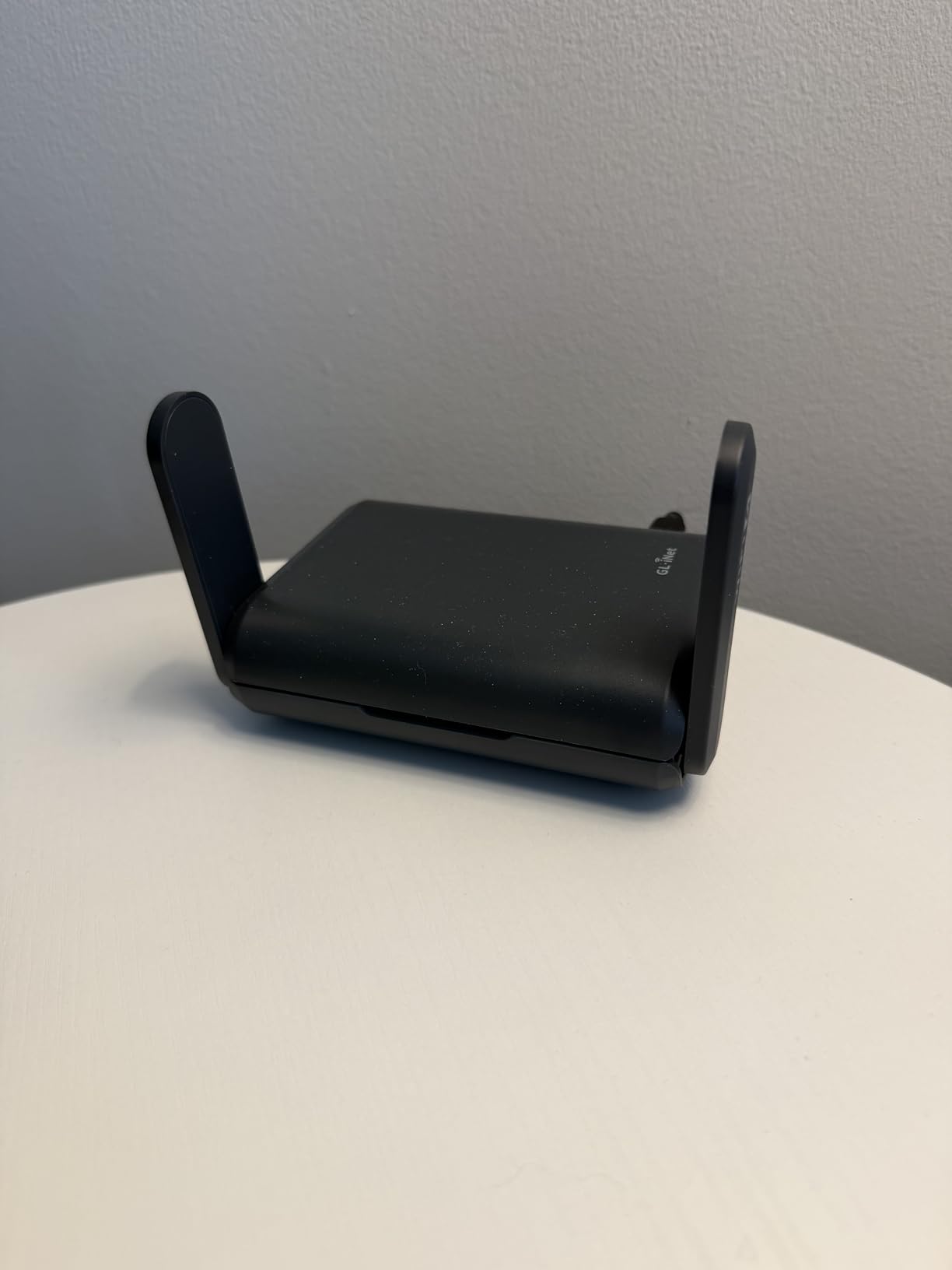
Wireless performance is AXT1800, meaning 600 Mbps on 2.4 GHz and 1200 Mbps on 5 GHz for 1800 Mbps combined. MU-MIMO and OFDMA let it handle up to 120 connected devices at once, and WPA3 plus Cloudflare encryption are supported. It works as a repeater for public and captive-portal hotel networks.
The honest limits are size-related. Power is USB-C only, so you need a wall adapter or a compatible power bank. A compact chassis means less cooling margin under sustained heavy load, and 1800 Mbps total sits below the newest dual-band travel routers. OpenWrt is also a lot of surface area if you only want default behavior.
Who This Is Good For
People who split time between an apartment and somewhere else, and who want fast VPN tunneling without a separate subscription client on every device. It is also a good fit for a small apartment that needs simple file storage and has no room for a NAS.
Pick it if you like having options. Repeater mode, VPN client and server, guest mode, QoS, and a physical toggle are all reachable from a phone, even though the full firmware goes much deeper.
Who Should Skip It
Skip it if you need the highest possible wireless speed in a small unit, since the 1800 Mbps class is now mid-range. Skip it if you have no way to power it from USB-C, which rules out some older outlets and most battery-backed setups. And skip it if you have never touched OpenWrt and do not want to.
8. ASUS RT-AX1800S – Best for Full Network Control
ASUS RT-AX1800S Dual Band WiFi 6 Extendable Router, Subscription-Free Network Security, Parental Control, Built-in VPN, AiMesh Compatible, Gaming & Streaming, Smart Home
AX1800 Wi-Fi 6 dual-band
1 Gigabit WAN plus 4 Gigabit LAN
Full web GUI and app
Three-year warranty
Pros
- Subscription-free AiProtection security
- Five Gigabit ports for wired devices
- Full web GUI alongside the app
- 1024-QAM with MU-MIMO and OFDMA
- AiMesh compatible for later expansion
Cons
- Firmware bug can drop the 2.4 GHz radio
- Parental controls lack per-site blacklists
- Some NordVPN mesh setups do not register
- Power supply is 110V
The RT-AX1800S is the only pick in this list that gives you a real web interface alongside the app, and in a building full of neighbors that is worth more than another 200 Mbps of headline throughput. You can see and set channel width, transmit power, and band behavior directly, which is how you actually fix congestion instead of guessing.
It is AX1800 with 1024-QAM, MU-MIMO, and OFDMA, and reviewers note it holds up well in dense apartment interference. Security is included at no cost through AiProtection Classic powered by Trend Micro, and ASUS Instant Guard gives you a one-click VPN when you are away from home.
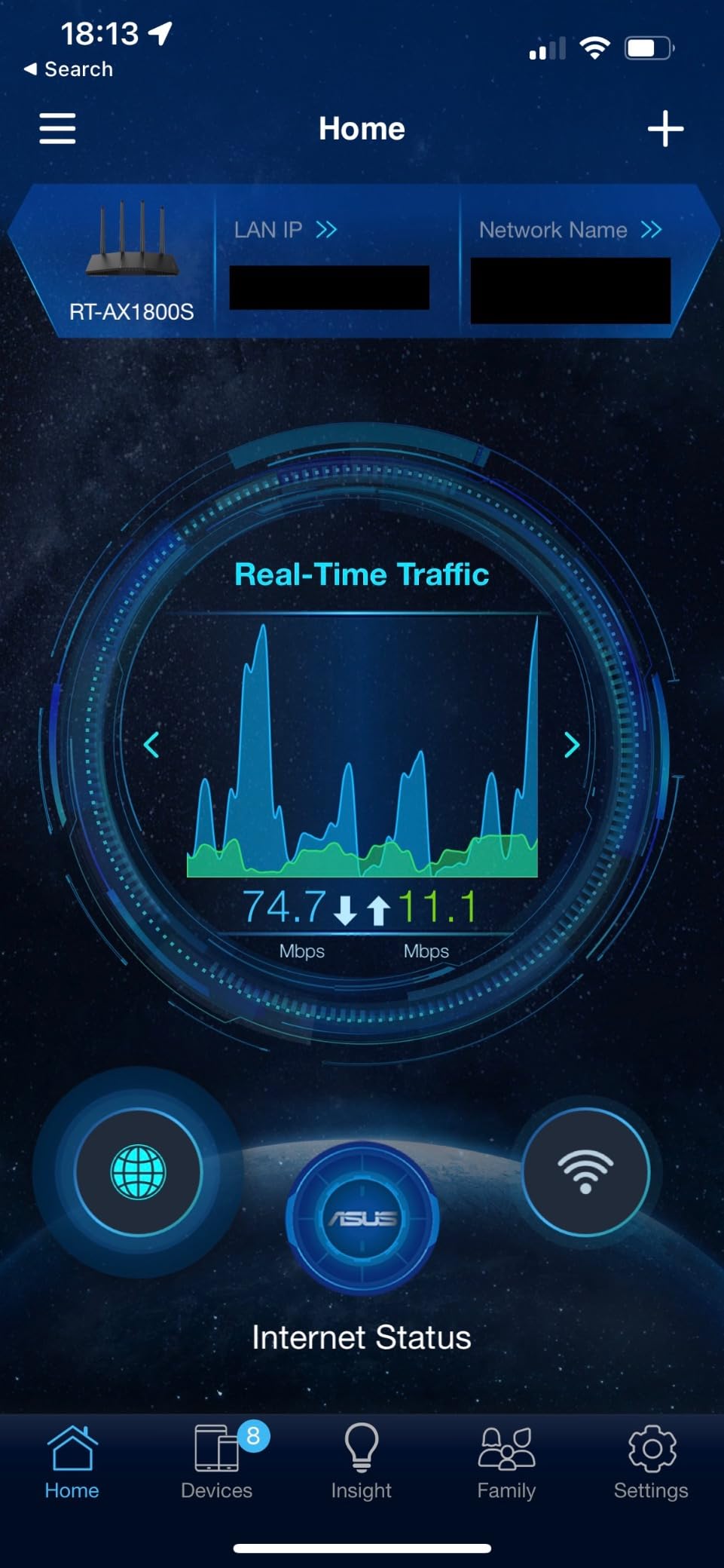
Five Gigabit ports is the best wired layout among the non-mesh picks here, one WAN plus four LAN, and the chassis is smaller than most competing routers at 9.06 by 5.28 inches. 256 MB of RAM gives the firmware room to run that full feature set without stuttering.
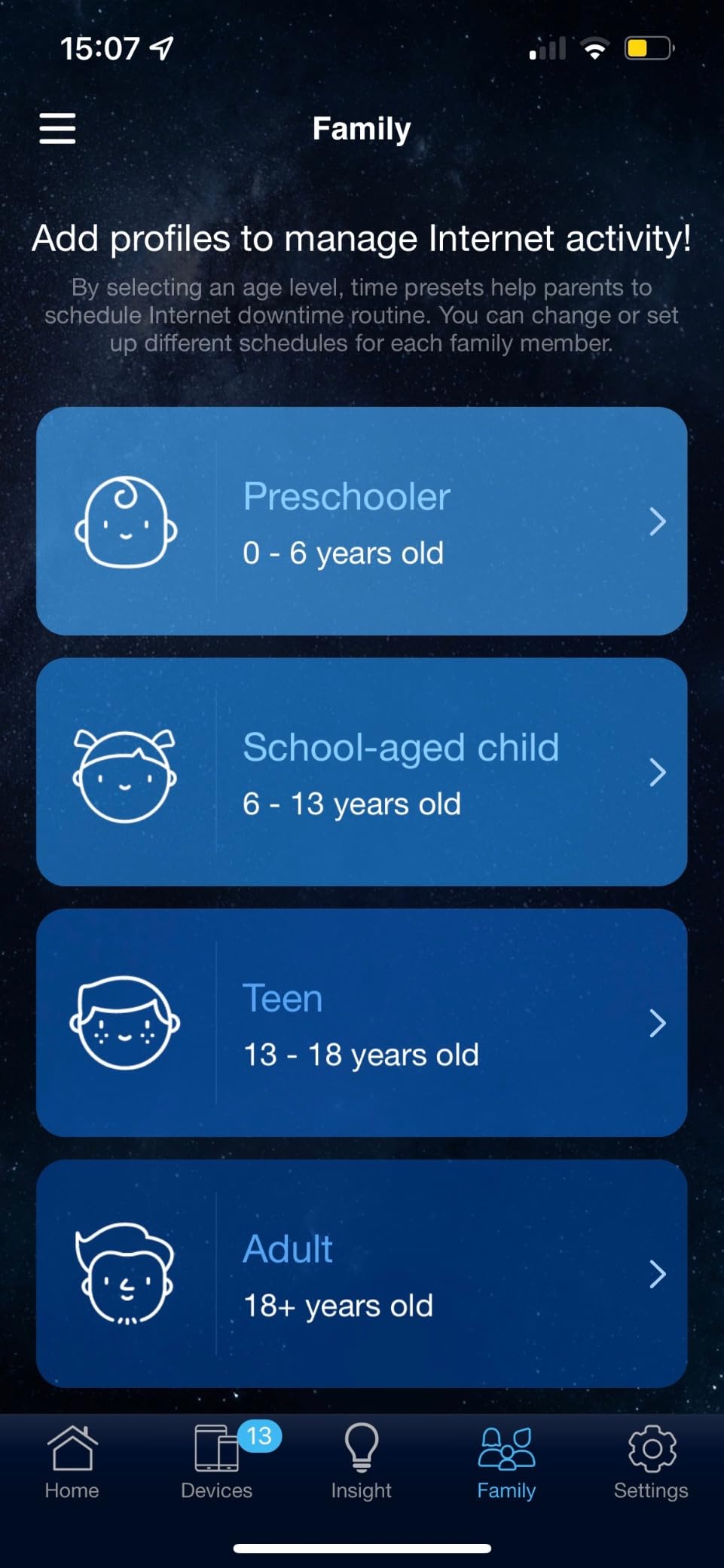
Two problems deserve a mention. A documented ASUSWRT firmware bug on some builds can drop the 2.4 GHz radio when Smart Connect and Wi-Fi 6 on 2.4 GHz are both enabled, so update first. And parental controls do not support per-site blacklists or visit history, which is a real gap if you have kids.
Who This Is Good For
Anyone whose problem is interference rather than range, and who is willing to spend a weekend tuning channels. The web GUI makes it the best of these ten for diagnosing a crowded building, and the three-year warranty is the longest in this group.
It also suits households that want wired devices. Four LAN ports cover a desktop, console, printer, and a wired access point, and AiMesh gives you a path to expand later if you move to a larger unit.
Who Should Skip It
Skip it if you want zero maintenance and app-only management, because the depth here can be more than a casual buyer needs. Skip it if detailed parental controls are a requirement. And note that the bundled power supply is 110V, which matters outside North America.
9. NETGEAR Nighthawk R6700AX – Simple Pick for Fewer Devices
NETGEAR Nighthawk WiFi 6 Router R6700AX, Up to 1,500 sq ft, 1.8 Gbps
AX1800 Wi-Fi 6 dual-band
Up to 1,500 sq ft and 20 devices
4 Gigabit LAN plus 1 Gigabit WAN
Compact footprint
Pros
- Covers up to 1500 sq ft for 20 devices
- Wi-Fi 6 speeds up to 1.8 Gbps
- Four Gigabit LAN ports plus a WAN port
- Guided setup and troubleshooting in the app
- WPA3 and guest network with no subscription
Cons
- Some units report WPA2-AES only
- No way to block an individual device
- Phone support only included for three months
- One-year limited warranty
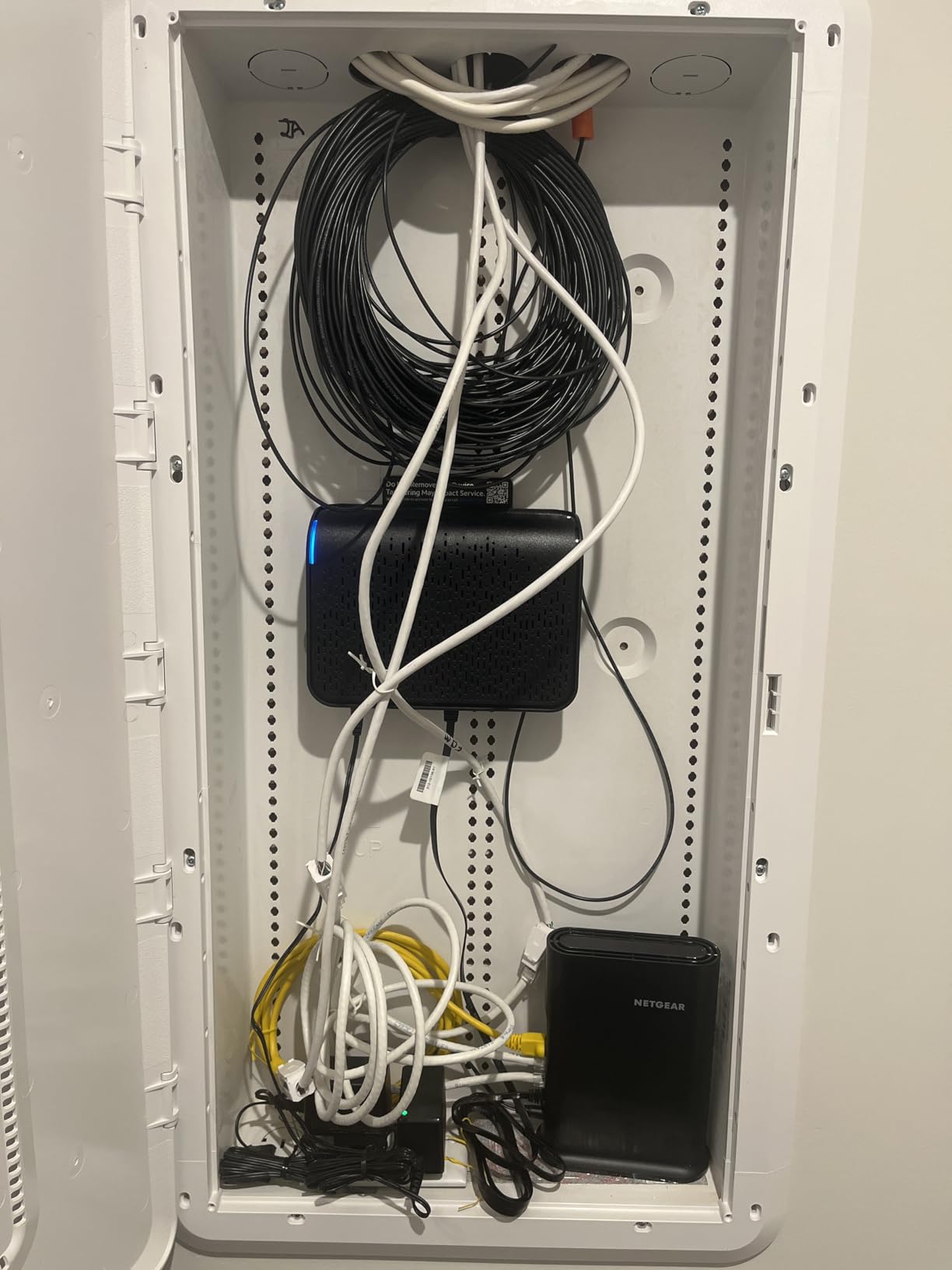
The Nighthawk R6700AX is the straightforward option for a condo or small home of up to 1,500 square feet running about 20 connected devices. It is AX1800 dual-band, backward compatible with older Wi-Fi 5 gear, and pairs with your existing modem or gateway over Ethernet, though some gateway and modem-router combos will need bridge mode enabled.
Owners highlight the guided setup in the Nighthawk app, particularly its troubleshooting prompts when a connection fails, and the coverage in 1,500 square foot condos. Security features including WPA3, automatic firmware updates, and a guest network work with no subscription attached.
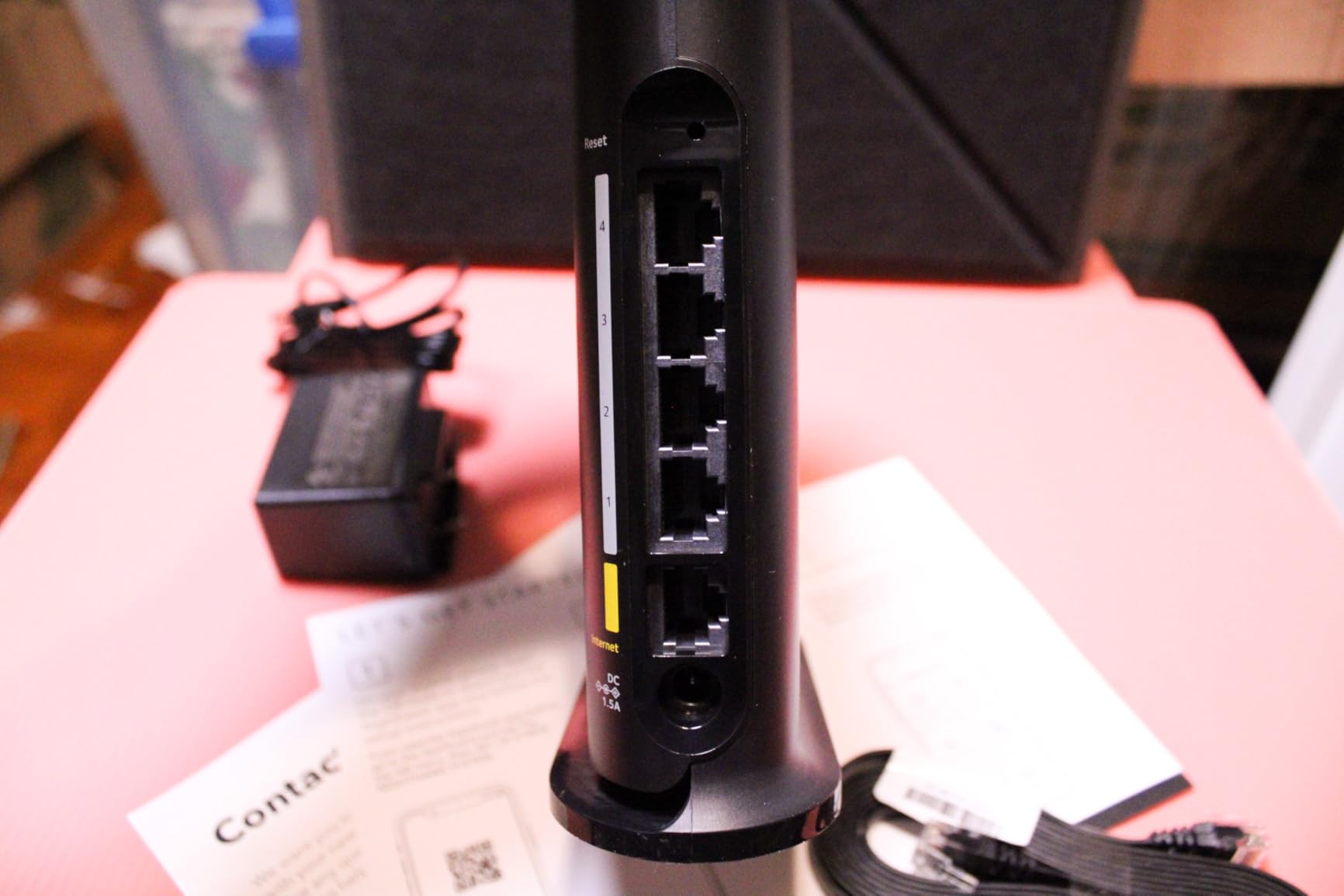
The physical design helps in an apartment. The unit has a compact footprint that fits on a dresser or a shelf, and internal antennas mean nothing sticks up to catch a shelf edge or get knocked over by a vacuum.
Two things give us pause. Some units report WPA2-AES rather than full WPA3, and there is no built-in way to block an individual device from the Wi-Fi. The one-year limited warranty is also the shortest here, against three years from ASUS and eero.
Who This Is Good For
A one-person or two-person apartment, or a couple’s condo, where the device count is modest. Four Gigabit LAN ports is more than most small units need, and the internal antenna layout means no physical setup beyond plugging in two cables.
It is also a reasonable pick if you want a familiar brand with straightforward app-based management and no paid feature tiers to think about.
Who Should Skip It
Skip it if you need to block individual devices, since that feature is simply absent. Skip it in a larger or multi-story layout, where NETGEAR itself points toward an Orbi mesh system. And skip it if long warranty coverage matters to you.
10. Amazon eero 7 – Best for Fiber and Multi-Gig Plans
Amazon eero 7 dual-band mesh Wi-Fi 7 router (newest model) – Supports internet plans up to 2.5 Gbps, Coverage up to 2,000 sq. ft., 1-pack
Wi-Fi 7 dual-band with MLO
Up to 2,000 sq ft and 120+ devices
2 auto-sensing 2.5 GbE ports
Wireless speeds up to 1.8 Gbps
Pros
- Wi-Fi 7 with multi-link operation
- Up to 2000 sq ft from a single node
- Two auto-sensing 2.5 GbE ports
- Handles 120+ connected devices
- Three-year warranty
Cons
- Dual-band with no 6 GHz despite Wi-Fi 7 branding
- eero Plus needed for extra features
- Limited control over band selection
The eero 7 is the newest entry here and the one that matters if your building has fiber. Two auto-sensing 2.5 GbE ports support internet plans up to 2.5 Gbps, and it can act as a gateway to replace your existing router entirely, so you are not stuck behind a provider box.
Single-node coverage is 2,000 square feet, a 25-foot radius, which covers a good-sized two-bedroom from a central shelf. It handles 120+ connected devices and delivers wireless speeds up to 1.8 Gbps. Multi-link operation is the headline Wi-Fi 7 feature, letting a device use more than one link to reduce disruption.
TrueMesh, TrueRoam, and TrueChannel work together to move clients to the better connection before you notice a problem, and it is backward compatible with earlier eero hardware if you expand later. The three-year warranty is the best on this list.
Here is the part that catches people out. Despite the Wi-Fi 7 label, it is dual-band, so there is no 6 GHz radio. That limits it in exactly the dense-building scenario this guide is about, where a clean 6 GHz channel would be the scarcest and most valuable resource in the air.
Who This Is Good For
Apartments on gigabit-plus plans, particularly fiber, where the 2.5 GbE ports mean you are not capped by the router. It is also a good fit for anyone who wants one box that can expand into a multi-node system later without changing ecosystems.
Pick it if you want minimal maintenance and automatic client steering, and if you can accept that advanced controls live behind the eero Plus subscription.
Who Should Skip It
Skip it if you specifically want a 6 GHz band, because this generation does not have one. Skip it if you need to hand-tune channels or set transmit power, since the software is deliberately simplified. And for most apartments, a Wi-Fi 7 label alone is not a reason to spend more than a well-configured Wi-Fi 6 router.
Why Apartment Wi-Fi Is a Congestion Problem, Not a Range Problem
Stand ten feet from a router in a studio and you will get most of what it can deliver. Walk into the back bedroom twenty feet away through a drywall partition and you will see a large drop, so the natural conclusion is that you need more range. In an apartment that conclusion is frequently wrong.
What is actually happening is that your neighbor’s access point is sitting on the same channel, and every time your router transmits it has to wait. Signal strength and usable throughput are different measurements, and in a crowded building the second one is limited by airtime rather than by your antenna. Routers on r/HomeNetworking report the same result repeatedly: a cheap TP-Link Archer on a manually chosen clean channel can beat a far more expensive router running its defaults.
Two signals tell you this is happening. The first is that throughput is fine in one room and poor in another even though the distance difference is small. The second is that your speed sags in the evening as neighbors start streaming, which points at shared channel time rather than at your hardware.
One more forum detail worth knowing: a single very strong neighboring signal, above -80 dBm, is often worse than several weak ones. A strong network forces your router to change channels or back off transmit power, while a pile of faint ones barely register. That is why adding a second router is sometimes worse than fixing the channel first.
Wi-Fi 6 vs 6E vs 7 in a Building Full of Neighbors
Wi-Fi 6, 6E, and 7 differ mainly in which bands they can use. Wi-Fi 6 operates on 2.4 GHz and 5 GHz. Wi-Fi 6E adds 6 GHz. Wi-Fi 7 keeps the same band structure and adds multi-link operation, letting a device use several links at once.
That makes 6 GHz the most valuable band in a crowded building, because it is wide, lightly used, and physically unable to reach far. If you can see your neighbor through one wall, 6 GHz is excellent. Two walls and you are back to 2.4 and 5 GHz.
Here is the honest finding from this lineup: none of these ten routers carries a 6 GHz band. Every one is dual-band. If your building is dense enough that 5 GHz is unusable in the evenings, a 6 GHz router from a different category is worth considering, but for a typical studio or one-bedroom it is not necessary.
About the aggregate numbers: AX1800 and AXT1800 mean 1.8 Gbps of combined theoretical throughput, split into roughly 1200 Mbps on 5 GHz and 574 to 600 Mbps on 2.4 GHz. AX3000 doubles the 5 GHz side to about 2402 Mbps. These are laboratory sums of radio rates, not speeds you will see, and in an apartment the 2.4 GHz half is often the part that matters because that is where your smart devices live.
The features worth caring about are the efficiency ones. OFDMA lets a router serve several small devices in one transmission, MU-MIMO serves several streams at once, and BSS color lets overlapping networks share a channel more politely. In apartment living, those beat a higher headline number every time.
Renter Rules: No Drilling, No Wiring Closet Surprises
Most renter problems are not technical. They are about where the hardware is allowed to go and what you are allowed to change, and getting them wrong wastes the purchase.
Placement first. Put the router where the internet enters the unit, but not inside a closed closet if you can help it. Metal closet doors and the cavity they sit in will cut your signal before it reaches the first room. An open shelf, a dresser, or the top of a bookshelf near the entry usually beats a tucked-away spot. Height matters too, since routers on the floor lose to the same router on a shelf at chest height.
Check the gateway before you buy. Most providers now let you put your own router behind theirs in bridge mode, where the provider box passes traffic through and stops broadcasting its own Wi-Fi. If your provider does not offer bridge mode, ask whether they will waive the router rental fee when you use your own. The Archer AX21 and the R6700AX both list compatibility across the major providers.
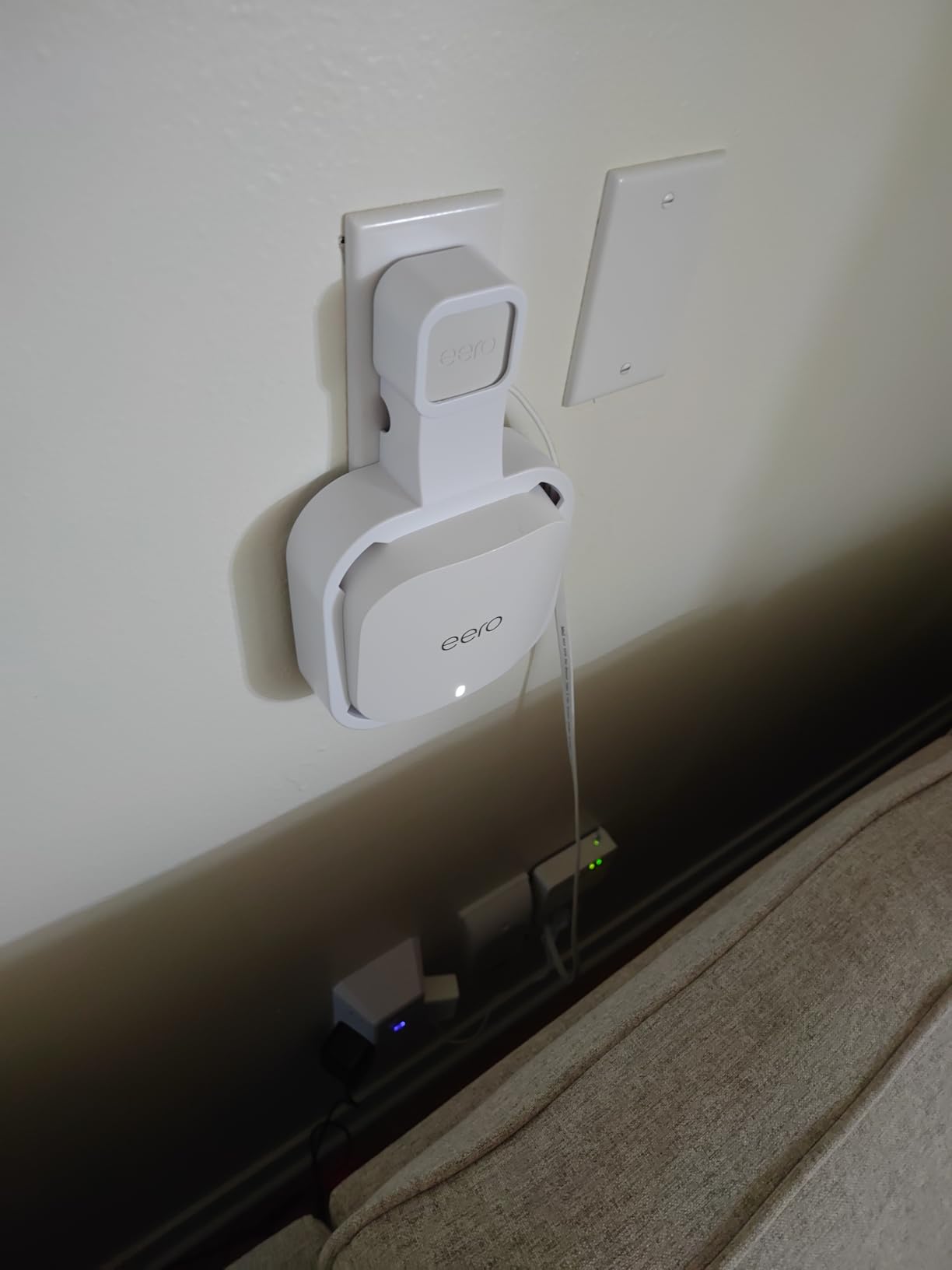
No drilling, no problem. Every router here is designed to sit on a surface. If you want it off the floor and off the counter, adhesive hooks or a wall-mount shelf for a vented-top unit need no holes. Just keep the vents clear.
Do not overbuy. A tri-band or three-node kit in a 500 square foot studio is the most common apartment mistake. Nodes placed a few feet apart fight each other, devices may associate with the wrong one, and you pay for hardware doing nothing. For a studio, one node with good ports beats three nodes every time.
If your unit is on the small side and layout matters as much as the network, our small recliners for apartments guide covers the other way a room gets tight.
Which Router Matches Your Apartment Size
Studio or dorm, under roughly 600 square feet, open plan: one node is enough. The Archer AX21 if you want ports and Wi-Fi 6, the Nighthawk R6700AX if you want a familiar app and internal antennas, or the GL.iNet Beryl AX if you want a 2.5G WAN in a four-inch box. Avoid mesh entirely here.
One-bedroom, 600 to 1,000 square feet, one or two walls: still usually one router, placed centrally. The ASUS RT-AX1800S is the strongest choice if congestion is your problem because of the web interface. The eero 6 covers up to 1,500 square feet and handles 75+ devices if you want no maintenance.
Two-bedroom or L-shaped, 1,000 to 1,400 square feet: this is where two nodes start to earn their cost. The Deco S4 2-Pack is our pick, with the eero 6 as a single-node option if the layout is open. Put the second node where power exists, not where the signal is weakest at the moment you tested.
Concrete condo or high-rise: concrete and rebar are the real enemy, and square footage stops being a useful guide. Assume you need a node in every major zone and plan on Ethernet backhaul if you can get it. The Deco X55 3-Pack fits that pattern, and the eero 7 covers more ground per node if you have the power for two.
Roommates and shared households: device count matters more than area. Under about 20 active devices, the R6700AX is fine. Past 75, the eero 6 and the Deco X55 both handle the load, and the Deco X55’s dedicated IoT network is worth having when the household has smart bulbs, plugs, and a doorbell camera.
What to Do When You Cannot Run Ethernet
Most apartments come with one coax or fiber drop and no in-wall cable path, and drilling through a wall you do not own is not an option. Three approaches work, in descending order of reliability.
MoCA adapters use your existing coax wiring to carry Ethernet. If your building has coax to more than one room, this is close to a real wired backhaul and it is the option we would try first. Performance depends on the quality of the old wiring, so test before committing.
Powerline adapters use the electrical wiring. They are cheap and require no new cabling, but results vary a lot house to house, and in a building with older or shared circuits they can be mediocre. Treat them as a stopgap, and never place a router node on the far end of a powerline link if a wireless node would do the same job.
Wireless backhaul means the nodes talk to each other over Wi-Fi, which uses some of the airtime you were trying to preserve. It is the most renter-friendly and often the only option, but it is the least predictable. This is the honest reason the Deco X55 can disappoint on a very fast connection at a satellite node.
GL.iNet routers are repeatedly recommended in apartment threads for exactly this situation, because repeater mode lets you place a node halfway to a dead zone rather than back at the router. The countertop dishwashers for apartments guide covers another piece of renter logistics if you are short on counter space for hardware.
How to Beat Neighbor Congestion in Your Building
Before you spend anything, run these five steps. All of them are free and several of them solve the problem outright.
1. Run a Wi-Fi analyzer app first. A phone-based analyzer shows you every network visible from where you sit, the band each one uses, and the channel. This is the single most commonly recommended first step in apartment networking threads, and it takes about five minutes.
2. Pick the least crowded channel, not channel 1. In a building where everyone sits on 1 or 11, look for a channel with the fewest strong signals. On 2.4 GHz use 20 MHz width, not 40 MHz. Wider is faster in an empty building and worse in a full one.
3. Prefer 5 GHz for speed, 2.4 GHz for reach. 5 GHz carries more throughput and is more affected by overlap. 2.4 GHz travels further through walls but shares airtime with every neighbor’s smart bulbs and doorbells. Splitting them into two network names gives you control over which devices land where.
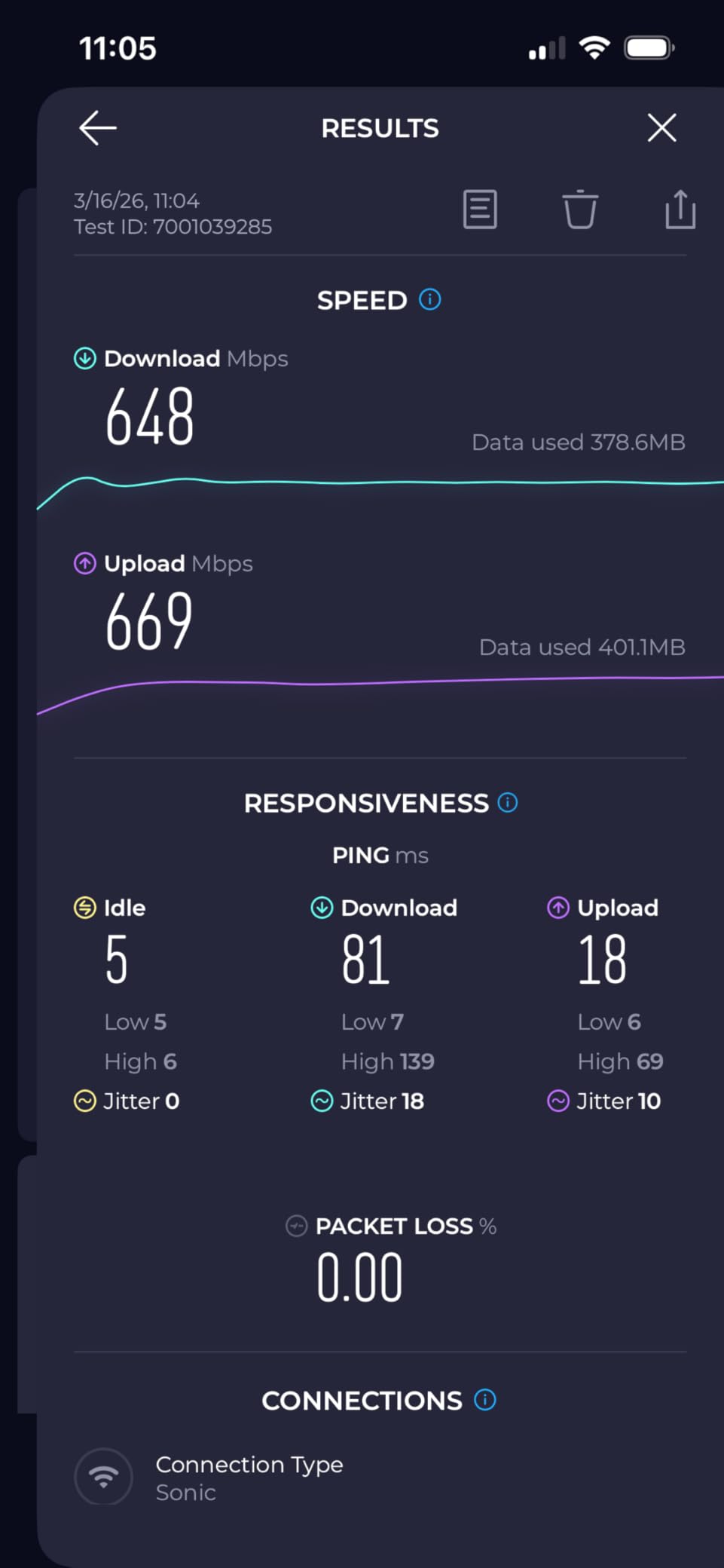
4. Let the router steer, then verify. Most picks here use band steering automatically. Run a speed test at the spot you care about, then again after a week, and compare. If evening throughput drops by half, you are looking at congestion rather than range.
5. Put guests and IoT on their own network. A guest network and a separate IoT network reduce the number of devices competing for airtime and keep your own devices from being exposed to anything a roommate plugs in. Both the Deco and eero systems make this a two-minute change.
Living in a hot climate and cooling is the other half of apartment comfort. Our portable air conditioners for apartments guide covers the gear that earns its space in the same rooms.
Frequently Asked Questions
What is the best router for an apartment?
The TP-Link Deco S4 2-Pack is our pick for most apartments, because two nodes under one network name solve coverage without cable work and handle 75 connected devices. In a studio or open-plan one-bedroom, a single Wi-Fi 6 router such as the TP-Link Archer AX21 is the better buy.
How do I get a better Wi-Fi signal in my apartment?
Start with a free Wi-Fi analyzer app on your phone to see which channels your neighbors are using. Then set your router to the least crowded channel, drop 2.4 GHz to 20 MHz width, move the router off the floor and out of a closet, and put guests and smart devices on a separate network.
Can you use a router in an apartment?
Yes. You can connect your own router to the gateway your provider supplies, usually by enabling bridge mode so the gateway stops broadcasting its own Wi-Fi. Check whether your provider offers bridge mode and whether they will drop the rental fee before you buy.
Does Wi-Fi 7 penetrate walls better than Wi-Fi 6?
No. Wi-Fi 7 improves speed and multi-link operation on the same 2.4 GHz and 5 GHz bands, so wall penetration is essentially the same as Wi-Fi 6. The band that changes the picture is 6 GHz from Wi-Fi 6E, which is fast over short distances but blocked by walls and floors.
Is a mesh system bad for a small apartment?
It can be. A three-node kit in a 600 square foot studio puts nodes a few feet apart, which can reduce throughput rather than help. Mesh earns its cost when you have power in two or more rooms and at least one wall between them, or in a concrete condo where a single unit cannot reach.
Our Default Router Picks by Apartment Type in 2026
Here is the short version of 2026‘s best routers for apartments, one line per situation. The TP-Link Deco S4 2-Pack is the all-around answer: two nodes, one network name, no cable work, and it handles the hallway-and-closet layout that trips up most ISP hardware.
In a studio or an open one-bedroom, buy the TP-Link Archer AX21. It is Wi-Fi 6, it has five Gigabit ports, OFDMA keeps a dozen devices from queueing behind each other, and it works behind any major provider’s gateway. If your space is truly tiny, the GL.iNet Beryl AX gives you a 2.5G WAN in a box that fits on a coaster.
In a two-bedroom or a concrete high-rise, move to two nodes rather than one bigger router. The Deco S4 2-Pack covers up to 3,800 square feet, and if you can get a cable between nodes, performance changes dramatically. For a larger unit, the Deco X55 3-pack is the same idea scaled up, though it is wasted money below about 1,000 square feet.
When congestion is the complaint rather than range, the ASUS RT-AX1800S is the one to buy, because a full web interface is the only way to actually set a clean channel. When the connection cannot be cabled, the GL.iNet Slate AX gives you the fastest hardware VPN of the group. And on a fiber plan above one gigabit, the eero 7’s two 2.5 GbE ports are the reason it exists.
Before you order anything, spend five minutes with a Wi-Fi analyzer app in the place where the signal is worst. More than one slow apartment network turned out to be a crowded channel rather than a weak router, and no hardware on this list fixes that. Once the channel is clean, the right pick is whichever of these fits your floor plan without drilling a hole in it.