
The short answer: the NexiGo N930AF has the best autofocus for online teaching right now — it is a true autofocus lens on a 1080p sensor, it has shipped with the same plug-and-play routine for years, and 27k+ owners have logged enough hours on it to make its behaviour predictable. If you want 4K, the EMEET NOVA uses phase-detection autofocus at a fraction of the cost of the premium options.
Most webcam roundups rank a camera by resolution. That is backwards for teachers. A teacher is not a still subject; they lean in to read a passage, step back to write on a whiteboard, hold a printed worksheet up to the lens, and drift back to the desk between activities. Every one of those movements changes the distance between your face and the sensor, and a fixed-focus webcam that looked fine during a product photo will go soft the moment you stand up.
That is why autofocus is the filter for this list. Every camera below has real autofocus — phase detection, time-of-flight, or all-pixel AF — and each one is judged on how it behaves under those specific teaching motions. Fixed-focus and manual-focus budget models are excluded entirely, and I explain at the end when one of those is still fine for you.
I also spent time with the machines these cameras land on. If you are still choosing the laptop too, our best laptops for online classes guide covers the port and webcam constraints that decide whether a USB camera is even an option.
Table of Contents
Why Autofocus Matters More When You Teach
Autofocus is not a luxury spec on a webcam. It is the difference between a legible lesson and a lesson where students squint.
To rank these cameras consistently, I used the same five movements on every one of them, because these are the movements a live class is built from.
1. Leaning in. You come forward to read a line of text or check a detail on screen. A short minimum focus distance wins here.
2. Stepping back. You stand up and move to the board. This is where many autofocus systems collapse, because they were tuned for a face at desk distance.
3. Holding a prop. A worksheet, a physical prop, a textbook page, or a piece of student work moves into the foreground. Good phase-detection AF holds; contrast-based systems often hunt.
4. Hand gestures. Your hands cross the frame constantly while you teach. This is the single most common trigger for focus pumping.
5. The 60-minute test. A five-minute demo tells you nothing. I want to know whether the camera still behaves at the end of a period, including whether the body runs hot.
That last point matters more than it sounds. Long-session heat is a real complaint across the category, and a camera that gets uncomfortably warm mid-lesson will be the one your students see.
For a broader view of meeting use rather than classroom use, our guide to the best webcams for Zoom meetings covers the same hardware from a different angle.
Top 3 Webcams With Autofocus for Online Teaching
These three cover the range most teachers actually need: a proven default, a premium option for moving around, and a low-cost 4K option with phase-detection focus.

NexiGo N930AF
- True autofocus at 7cm close focus
- 1080p 30fps CMOS
- Privacy cover
- Plug and play on Windows macOS Linux

OBSBOT Tiny 2
- 0.3 second all-pixel autofocus
- 1/1.5 inch sensor 4K
- Motorized PTZ with AI tracking
- Whiteboard and desk modes

EMEET NOVA 4K
- PDAF autofocus over 7.9 to 118 inch
- 4K at 30fps
- 73 degree field of view
- Dual omni microphones
All 12 Webcams With Autofocus Compared in 2026
Every camera in this list has genuine autofocus. The table below covers all twelve, with the autofocus technology named rather than the generic word.
| Product | Specifications | Action |
|---|---|---|
| NexiGo N930AF |
|
Check Latest Price |
 NexiGo N960E Plus NexiGo N960E Plus |
|
Check Latest Price |
| EMEET NOVA 4K |
|
Check Latest Price |
 EMEET S600 4K EMEET S600 4K |
|
Check Latest Price |
| OBSBOT Tiny 2 |
|
Check Latest Price |
 EMEET C950 4K EMEET C950 4K |
|
Check Latest Price |
 OBSBOT Tiny PTZ OBSBOT Tiny PTZ |
|
Check Latest Price |
 Acer 4K Webcam Acer 4K Webcam |
|
Check Latest Price |
 NexiGo N680E Pro NexiGo N680E Pro |
|
Check Latest Price |
 N newline 4K N newline 4K |
|
Check Latest Price |
 Galyimage 4K Galyimage 4K |
|
Check Latest Price |
 Hollyland Lyra Hollyland Lyra |
|
Check Latest Price |
1. NexiGo N930AF — Best Autofocus Webcam for Online Teaching Overall
NexiGo N930AF Webcam with Microphone for Desktop, Autofocus, Webcam for Laptop, Computer Camera, 1080p HD USB Web Camera, Compatible with Zoom/Switch 2/Teams/Webex
True autofocus
1080p 30fps
2MP CMOS
47.5 degree view
7cm close focus
Pros
- Real autofocus that holds at close range
- 27k+ reviews of long-term classroom use
- No drivers needed on Windows macOS or Linux
- Privacy cover included
Cons
- Autofocus can hunt when you move quickly
- Weak built-in microphone
- Privacy cover is a stick-on slider
This is the camera I recommend first to almost any teacher. The N930AF has a genuine autofocus lens with a 7cm minimum focus distance, which means when you lean forward to read from a textbook or check a line of text, the image tightens instead of dissolving.
What earns it the top spot is not a single spec. It is the volume of long-term use behind it: 27k+ reviews averaging 4.5 stars, and owners consistently describing the same setup routine taking about a minute with no driver install on Windows, macOS or Linux.
Zoom, Teams, Google Meet and Canvas all treat it as a standard UVC camera, so a school IT team can roll it out without a device-management exception. That matters more than people expect when you are provisioning a classroom set.
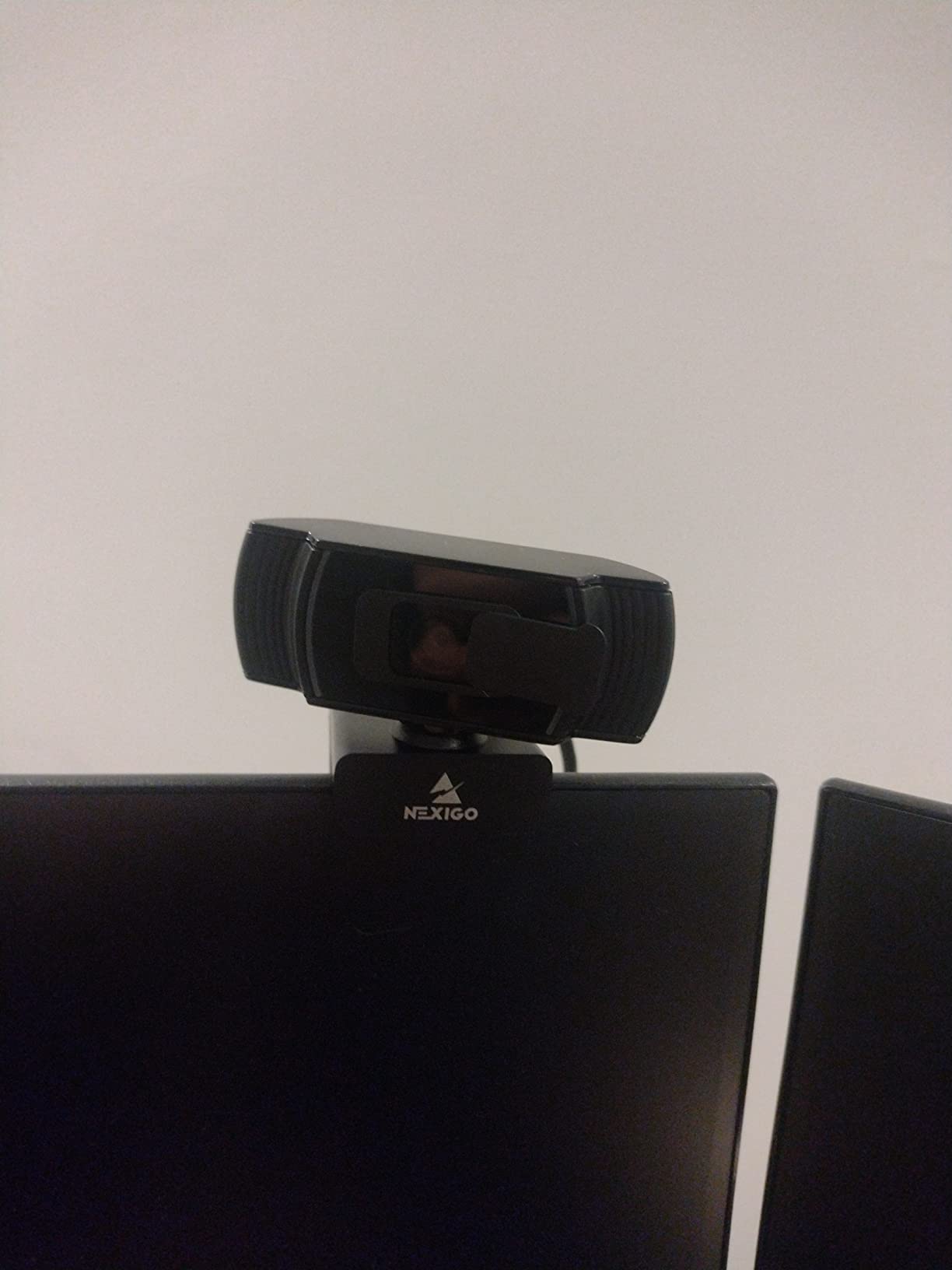
Autofocus here is a conventional contrast-based system rather than phase detection, and that shows in one specific way. Move quickly and the lens will hunt and briefly re-frame, which is the focus pumping teachers complain about most. Move at normal teaching speed and it holds.
The 47.5 degree field of view is tighter than most competitors, and for a desk-based lesson that is a feature rather than a limitation. You get your head and shoulders with a little desk, not the whole room including the washing pile.
The one compromise owners mention constantly is the microphone. For a recorded course or a lecture hall with hard surfaces, pair it with an external mic. For a one-to-one tutoring call from a quiet room, it is adequate.
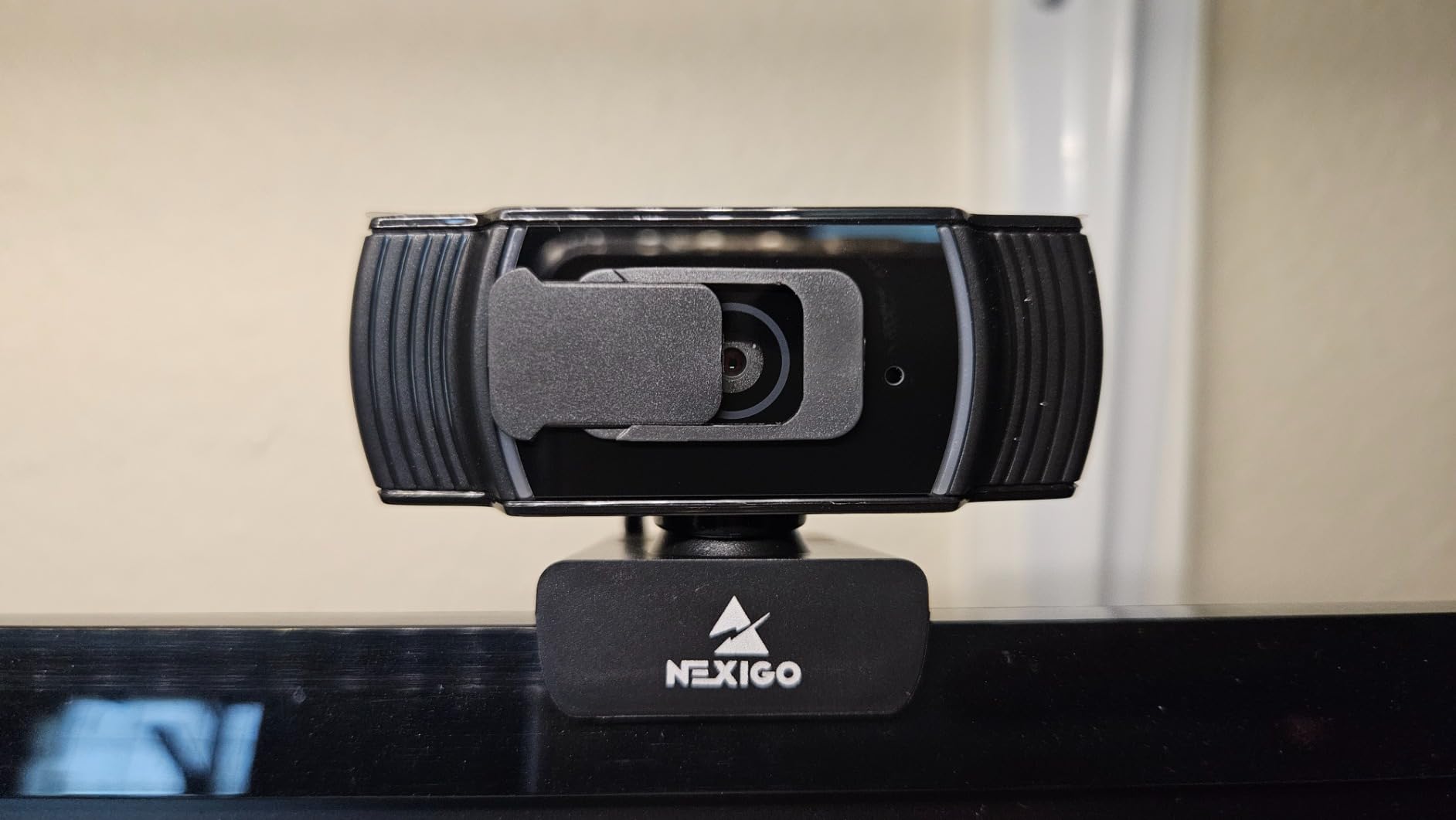
What it is like to teach a full class on it
Set it on a monitor, lean in and out a few times during a lesson, and it does what you need. The image stays sharp across the range a seated-with-occasional-standing teacher actually uses.
It runs cool, stays quiet, and the clip mount holds a full school day without creeping. If you teach from the same spot every day, that predictability is worth more than any tracking feature.
Where it falls short
It is 1080p, not 4K, so if you record reusable course material for later, or your students screenshot slides, you are leaving some detail on the table.
It has no motorized movement. If your teaching style involves crossing the room constantly, a PTZ camera with AI tracking handles that better than a fixed lens ever will.
2. NexiGo N960E Plus — Best Value for 4K With a Ring Light
NexiGo N960E Plus 4K Webcam with Ring Light & RF Remote, ToF Autofocus, OSD Menu, 1080p 60FPS, 4X Digital Zoom, Noise-Canceling Mics, Privacy Cover, USB Web Camera for Streaming, Video Calls& Meetings
Time-of-flight autofocus
4K30 and 1080p 60fps
1/2.5 inch CMOS
Ring light and RF remote
Pros
- Time-of-flight focus locks fast without hunting
- 4K plus 1080p 60fps on one sensor
- Stepless tri-tone ring light fixes dim rooms
- Remote control for framing mid-class
Cons
- Autofocus and tracking can fail to lock on some firmware
- OSD menu takes time to learn
- Runs warm during long sessions
The N960E Plus is interesting because of one technology choice. Its time-of-flight autofocus measures distance rather than hunting for contrast, so in practice it locks onto a subject faster than most contrast-detect systems at the same tier.
That matters for a specific teaching moment: reaching forward to place a printed handout in front of the camera. Distance-based focus handles the jump in depth without the visible pumping you get from a system that has to search.
You also get 4K at 30fps and 1080p at 60fps on a 1/2.5 inch CMOS sensor, plus a tri-tone ring light with stepless brightness control. The ring light alone can rescue a teaching space that has no window and one overhead lamp.
The built-in flash memory is a small touch that earns its place. Your framing and light settings follow the camera to a different computer, which matters if you teach from a school desk, a library, and your own study.
At 18k+ reviews and a 4.4 average, the recurring complaint is not the focus motor. It is the software: autofocus and auto-tracking occasionally fail to lock on certain firmware revisions, the on-screen menu is larger than it needs to be, and zoom cannot be set precisely for framing.
Reviewers also report the body running warm in extended use. For a 45-minute period that is manageable. For a 90-minute lecture, keep an eye on it.
Why the ring light changes the outcome
No webcam fixes a badly lit room, and that is a rule I apply to every pick here. But an integrated ring light is the cheapest way to add a controlled front source without buying a separate lamp and finding somewhere to put it.
Stepless dimming also means you can match the ring to a bright window and avoid the blown-out face that ruins a morning class.
Where it falls short
The AI tracking and autofocus are the two features you are most likely to notice failing. Owners describe the camera occasionally failing to lock on at all, and firmware updates changing behaviour.
The remote control is genuinely useful, but it is also a reminder that the framing changes happen through an on-screen menu rather than a physical dial. Budget a few minutes with the manual before class.
3. EMEET NOVA 4K — Best Budget 4K With Phase Detection Autofocus
EMEET NOVA 4K Webcam for PC, Ultra 4K HD, PDAF Autofocus, Dual Omni Mics
PDAF autofocus
4K at 30fps
73 degree view
7.9 to 118 inch focus range
Pros
- Phase detection focus reacts fast without hunting
- Genuinely detailed 4K output
- Good low-light performance and auto light adjustment
- Two year warranty
Cons
- No manual focus override
- Color washes out in strong window light
- Older Windows 10 machines may need a hub
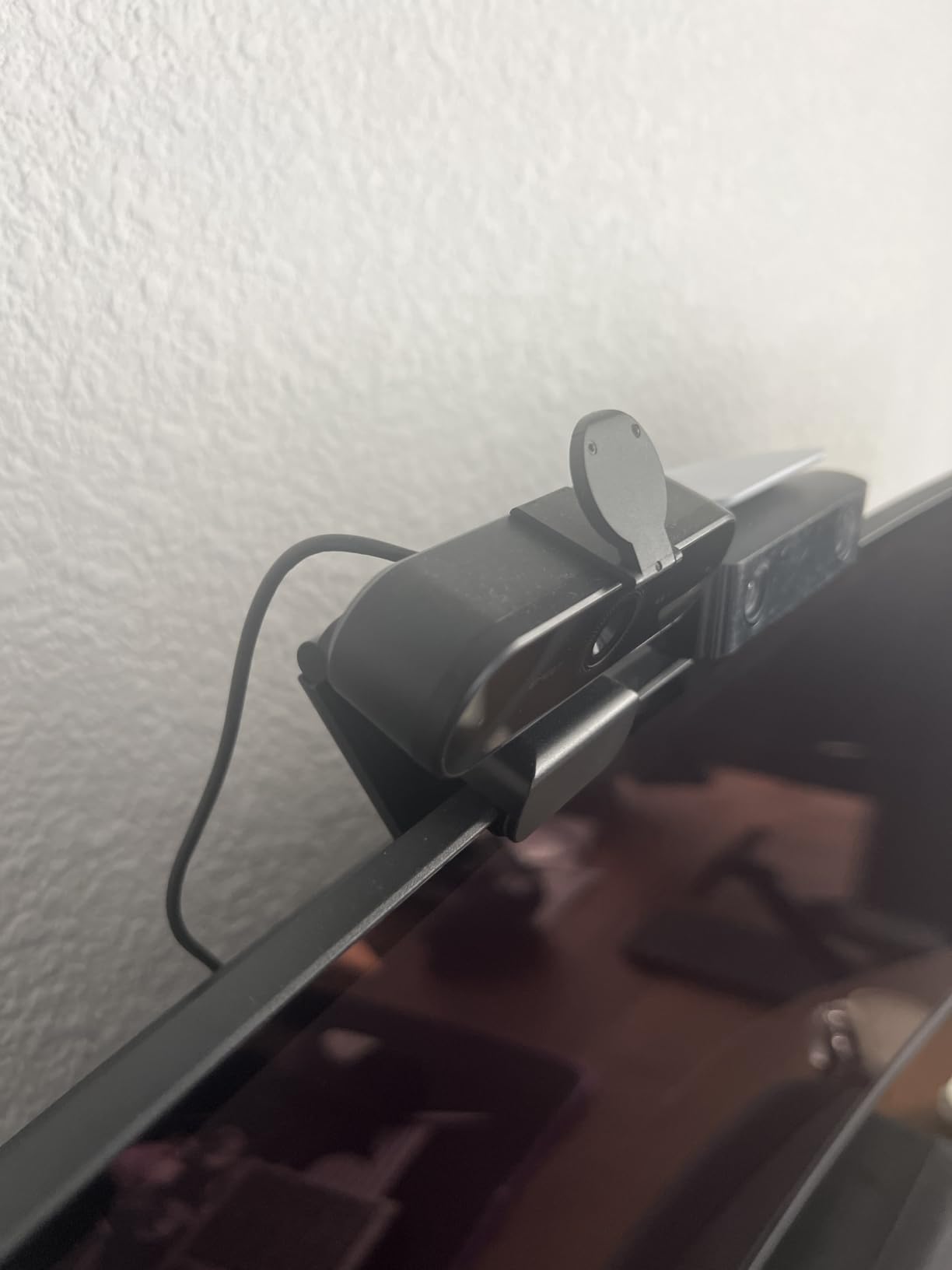
The NOVA is the most surprising camera in this list, and it is the one I would hand to a teacher on a strict budget who refuses to compromise on focus. Its phase-detection autofocus reacts quickly and, according to owners, does not display the constant hunting that cheaper contrast-based systems show.
Phase detection compares light arriving at different points on the sensor to work out distance, so it can lock before the subject is fully in focus. That is why it holds together when you move rather than pumping while it searches.
You get 4K at 30fps, a 73 degree field of view that frames a desk user without showing the whole room, and two omnidirectional microphones with pickup out to 8 feet. It also carries a two year warranty, which is the longest in this roundup.
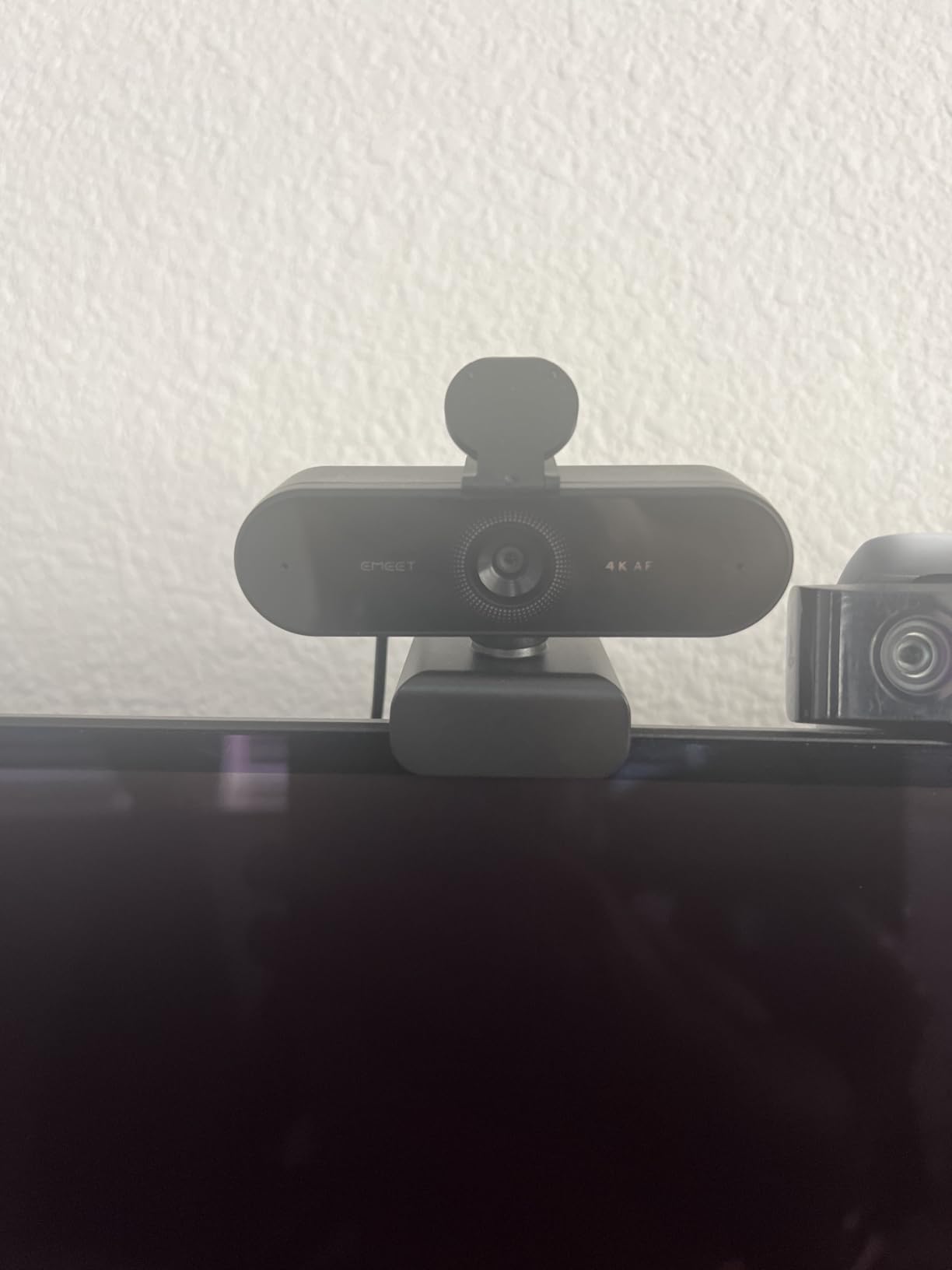
Teachers, freelancers and streamers describe the image as sharp with natural colour, and report that autofocus needs only occasional nudges. In a 60-minute class that is a good sign.
Two limitations are worth planning around. There is no manual focus option, so once it locks it stays locked within its 7.9 to 118 inch range. And in strong window light or backlighting, colour balance washes out and the image over-exposes.
That second point is about your room rather than the camera. Position the screen perpendicular to a window rather than facing it, and the exposure problem largely disappears.
How it behaves when you move around
Because the focus range covers roughly 7.9 to 118 inches, you can lean over your desk, stand, and crouch down to your students’ level without a manual adjustment. That range is wider than most autofocus webcams at this level.
There is no AI tracking here, so the framing does not follow you. If you move beyond the 73 degree frame, you leave the shot.
Where it falls short
Older Windows 10 hardware sometimes needs the EMEET native software and a USB 3.0 hub before the camera is recognised. If your school runs a mixed fleet, test on the oldest machine you have.
There is no facial tracking and no adjustable field of view. If you teach a group rather than a class, the framing is what it is.
4. EMEET S600 4K — Best for Teachers in Variable Light
EMEET S600 4K Webcam for Streaming, Sony 1/2.55” Sensor, PDAF Autofocus
PDAF autofocus
Sony 1/2.55 inch sensor
4K30 and 1080p 60fps
40 to 73 degree FOV
Pros
- Sony sensor gives sharp and accurate colour
- 1080p 60fps is rare at this level
- Stable PDAF focus with auto light balance
- Built-in twist privacy shutter with indicator
Cons
- No manual focus option
- Companion software is very basic
- Some connection drops in Discord
The S600 is the pick for a teaching space that changes. A Sony 1/2.55 inch sensor gathers more light than the smaller sensors used by most budget webcams, and the automatic light balance rebalances exposure as the room shifts through the day.
In practice that means a morning class lit from one side and an afternoon class with the blinds closed still look like they were shot on the same day. For a teacher in a converted spare room, that consistency is the point.
Autofocus is phase detection, and owners describe it as fast and stable, without the drift you see on contrast-based systems. There is no manual override, so it commits to the subject in frame.
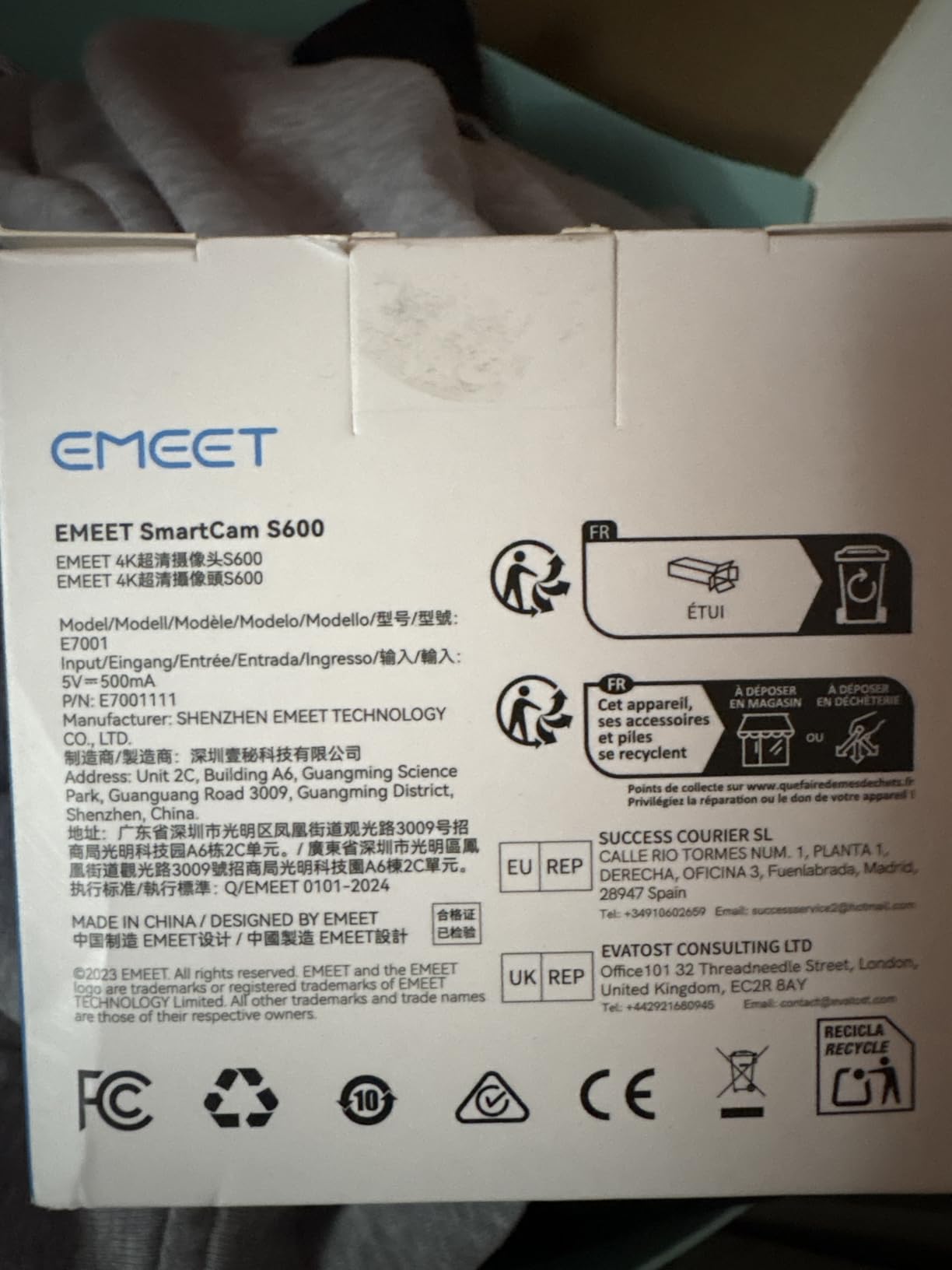
The field of view is adjustable from 40 to 73 degrees at 1080p, which is genuinely useful for teaching. Pull it in to 40 degrees for a head-and-shoulders talking head; open it to 73 when you want a wider demonstration in frame.
At 4K the field of view is fixed at 73 degrees, so if you plan to record in 4K you should frame for the wider shot from the start.
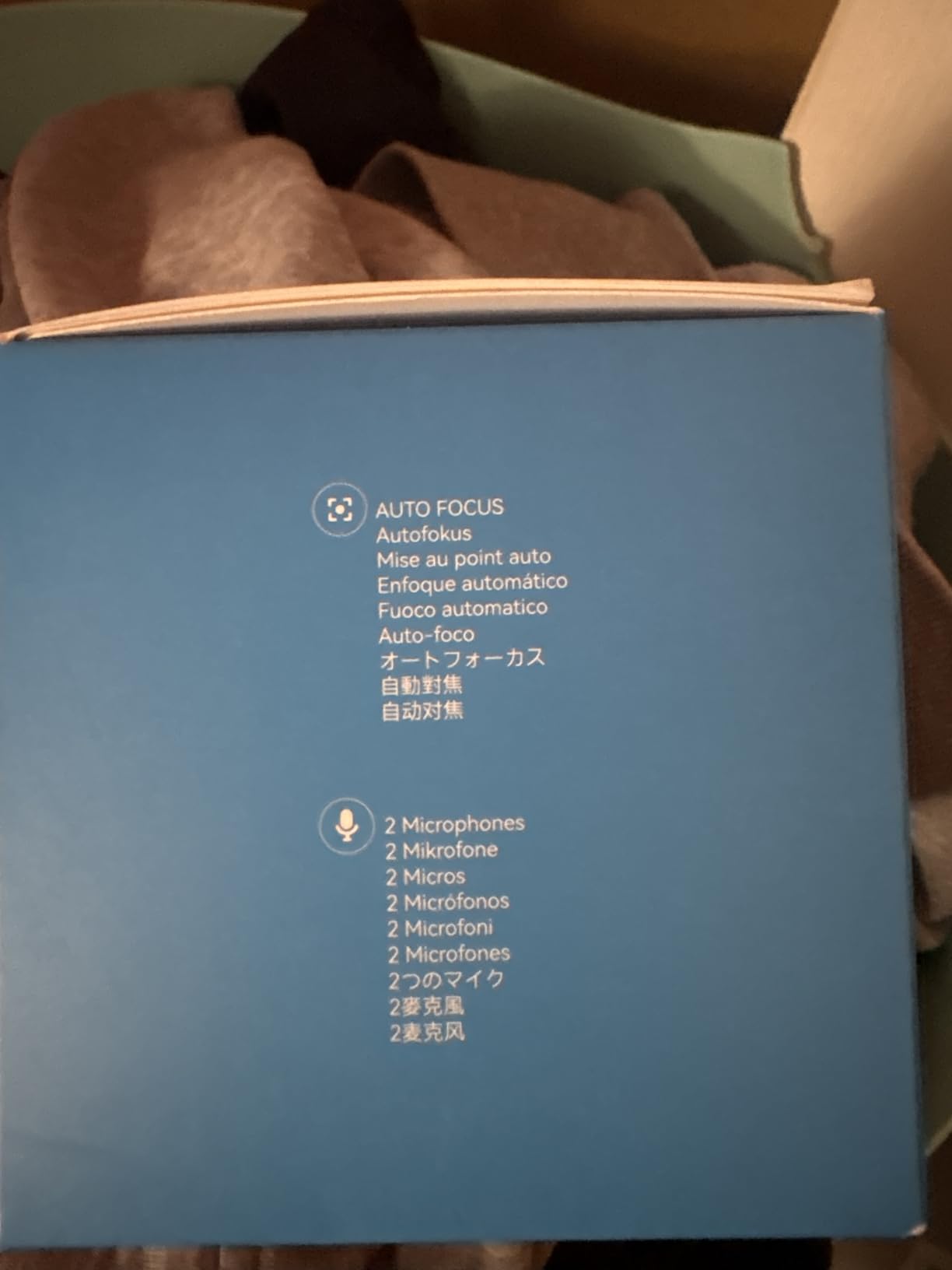
The built-in twist-to-open privacy shutter is a solid, mechanical-feeling cover with a recording indicator light. In a shared household or a shared office, that is worth more than software toggles.
What 1080p 60fps does for a lesson
Frame rate matters more in teaching than most people expect, because motion is constant. Writing on a whiteboard, gesturing, picking up a prop, all of it looks calmer at 60fps than at 30fps.
The trade is resolution for smoothness. At 1080p 60fps you lose pixel detail; at 4K 30fps you keep detail but motion judders slightly. For live classes, most teachers prefer 1080p 60fps. For recorded course material, 4K 30fps is the better trade.
Where it falls short
The EMEETLINK software is very basic, and resolution has to be changed in operating system settings rather than in the app. If you teach across several machines, that is a small recurring annoyance.
Some users report connection drops in Discord while other applications work fine. If Discord is your teaching platform, test it before the term starts.
5. OBSBOT Tiny 2 — Best Premium Pick for Teachers Who Move
OBSBOT Tiny 2 Webcam 4K Voice Control PTZ, AI Tracking Multi-Mode & Auto Focus, Web Camera with 1/1.5″ Sensor, Gesture Control, 60 FPS, HDR Light Correction, Webcam for PC, Streaming, Meeting, etc.
0.3 second all-pixel autofocus
1/1.5 inch sensor 4K
Motorized PTZ
143 g body
Pros
- Fastest autofocus here at 0.3 seconds
- Large sensor handles dim rooms well
- PTZ and AI tracking follow a moving teacher
- Whiteboard and desk modes built in
Cons
- Built-in microphone is only adequate
- Tracking confuses multi-person scenes
- Companion app has a steep learning curve
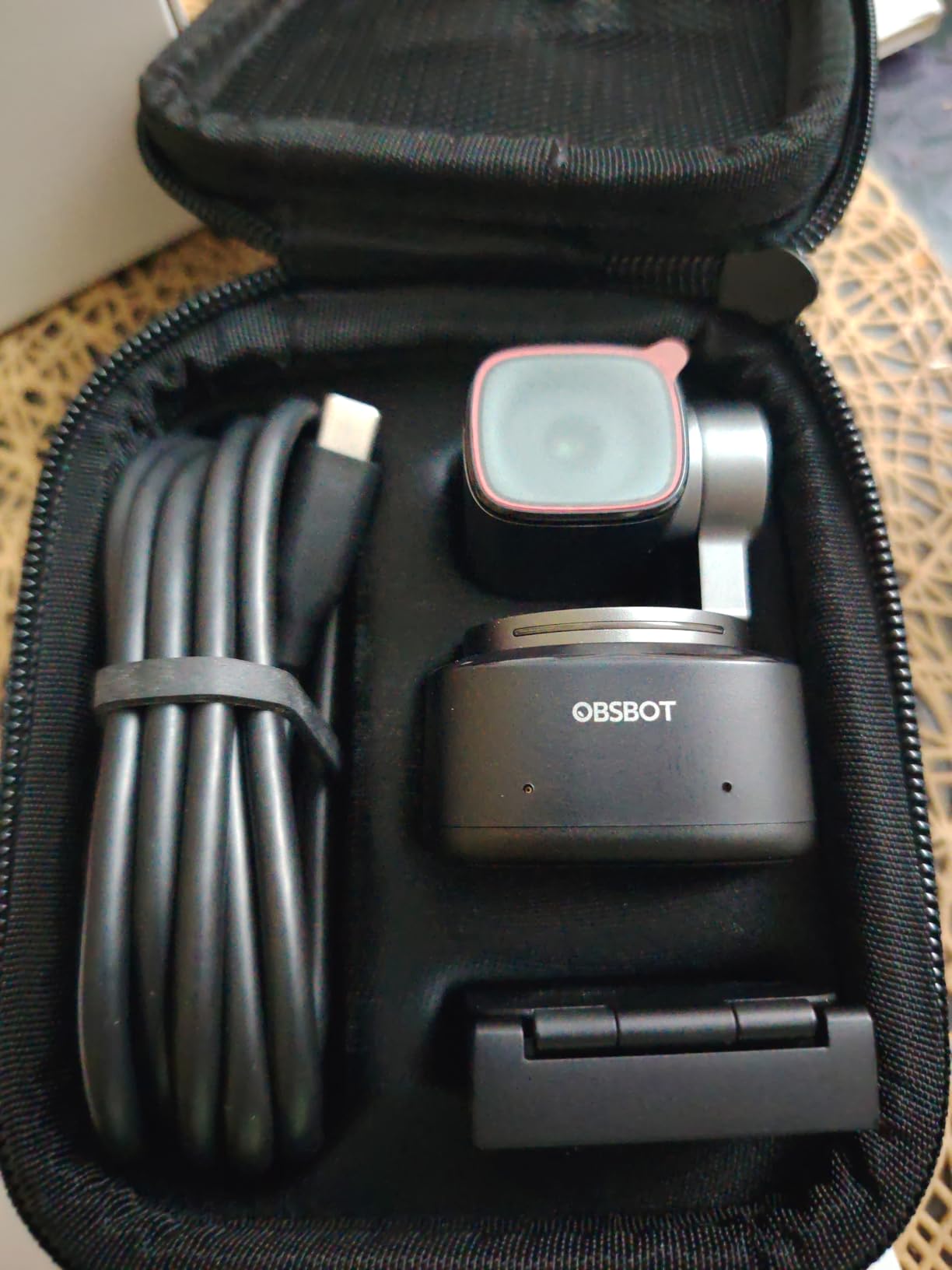
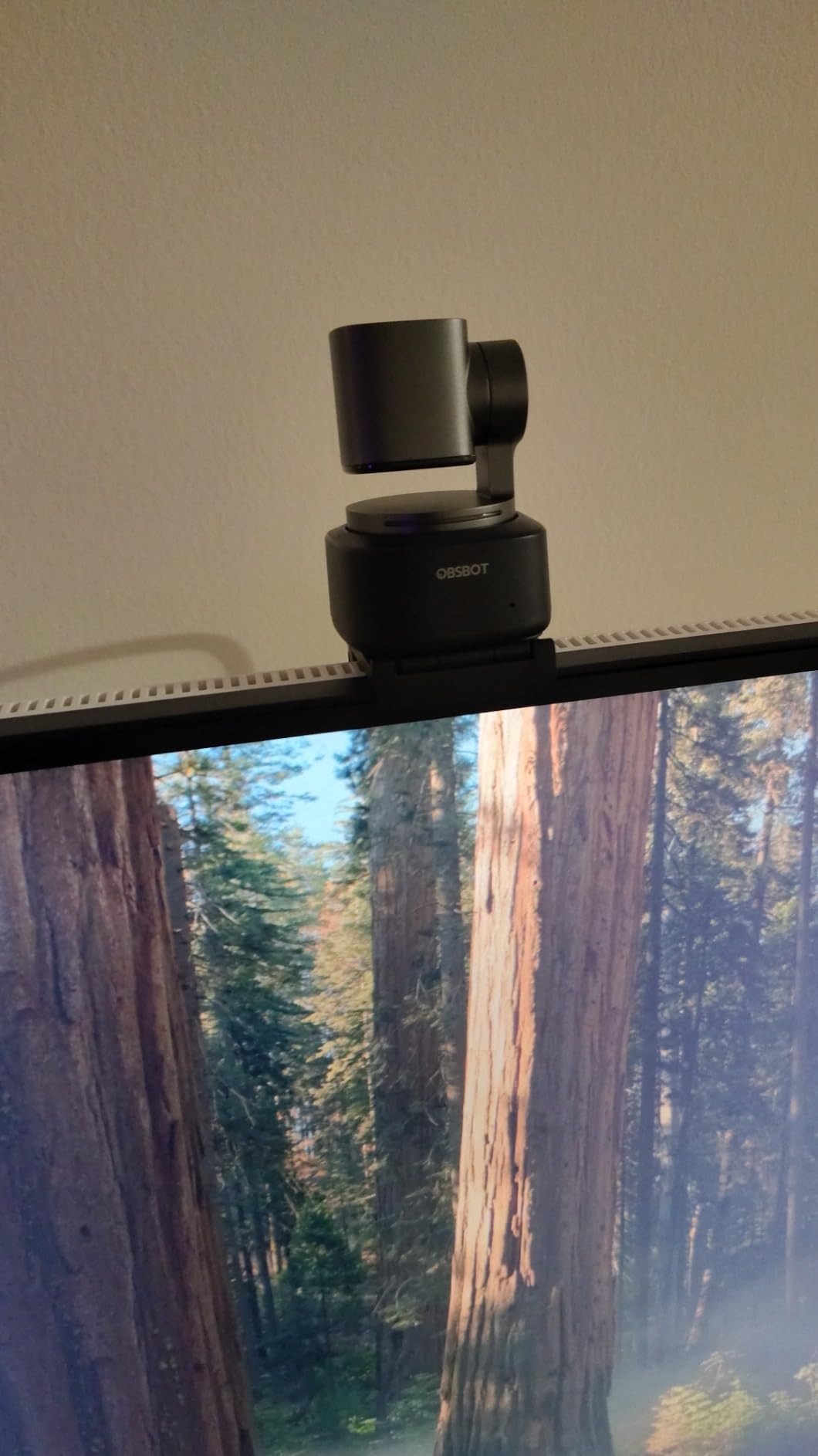
If your teaching style involves standing up and moving, this is the camera built for it. The Tiny 2 combines a 1/1.5 inch sensor, 0.3 second all-pixel autofocus, and a motorized pan-tilt-zoom head that follows you through the frame.
That combination matters because autofocus and tracking solve different problems. Autofocus keeps the image sharp. Tracking keeps you in the shot. When you walk to the whiteboard, the head turns; when you lean in, the focus tightens. Most webcams can do one of those.
The sensor is the reason the image holds up. A 1/1.5 inch sensor with an f/1.8 aperture gathers far more light than the sensors in most 4K webcams, so a dim evening class does not turn grainy.
The shooting modes are the feature that surprised me most. There is a dedicated whiteboard mode, a desk mode, a close-up mode and a group mode, each of which reframes the camera for that specific teaching situation rather than leaving you to crop manually.
It is also very small at 143 g with a magnetic mount, so it moves between a study desk and a classroom lectern without any fuss.
Owners consistently praise the smooth, silent pan and the tracking that works without installing anything first. Tracking is genuinely good when there is one person in frame.
When AI tracking beats good autofocus
Tracking substitutes for autofocus when the problem is framing rather than sharpness. If you teach standing and moving across a room, a camera that follows you solves a problem a better lens cannot.
It does not substitute for autofocus in the opposite direction. The moment you hold a prop close to the lens, you want focus, not reframing. This camera does both, which is why it tops the list for movement-heavy teaching.
Voice commands and gesture control let you zoom and toggle tracking remotely, so you can adjust the shot mid-lesson without walking back to the desk.
Where it falls short
The built-in microphone is only adequate. For a lecture hall or recorded course, add an external mic, and the community consensus is firmly that the bundled audio is not the reason to buy it.
Tracking gets confused with multiple people in frame or with heavy hand gestures, and the companion app is feature-heavy with a steep learning curve. Owners in community groups also report occasional app friction and lag during live calls.
6. EMEET C950 4K — Best for a Tight Desk Setup
EMEET C950 4K Webcam for PC, PDAF Autofocus, USB Webcam with Microphone
PDAF autofocus
4 inch to 10 foot focus
70 degree view
No drivers required
Pros
- Autofocus is quick and avoids hunting
- Clear 4K image with accurate colour
- 70 degree view keeps clutter out of frame
- Truly plug and play with no app
Cons
- No tripod thread on the bottom
- Adhesive privacy cover must be fitted yourself
- Struggles with strong window light
The C950 does one thing simply and well: it keeps a seated teacher sharp. The autofocus is specified for 4 inch to 10 feet, which is exactly the range of a desk-based lesson, and owners report it locks quickly without the hunting that cheaper cameras show.
The 70 degree field of view is deliberately restrained. You get your head, shoulders and a bit of desk, and the rest of the room stays out of frame, which matters when you are teaching from a kitchen table.
It is also the simplest option here in terms of setup. No drivers, no companion app required, standard UVC mode on Windows, macOS and Android TV. Clamp it and teach.
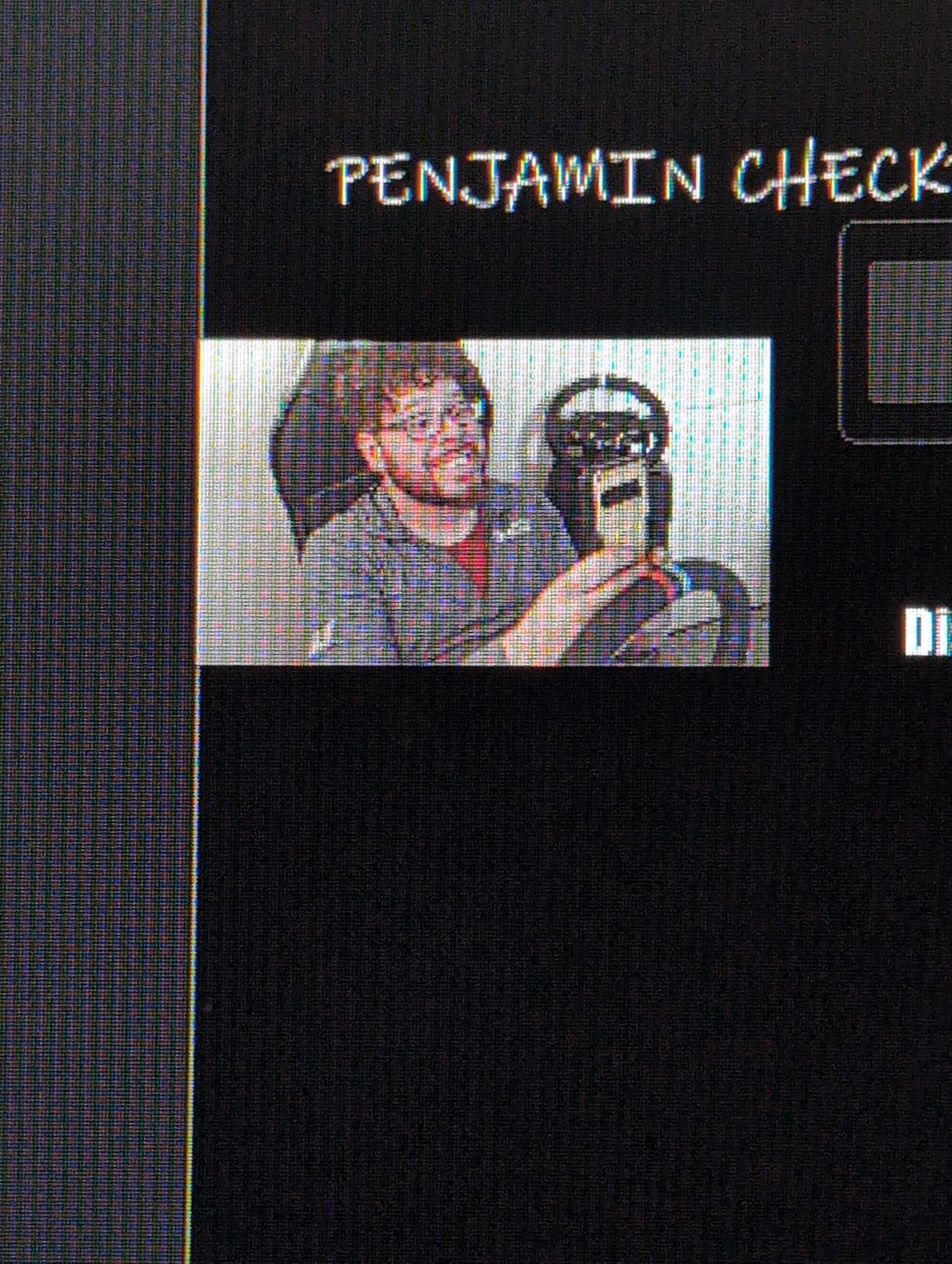
At just over a thousand reviews the feedback is consistent: sharp image, working autofocus, and true plug-and-play behaviour. The 4.3 average reflects real physical limits rather than disappointing performance.
Those limits are worth knowing. There is no tripod mounting hole on the bottom, so the monitor clip is your only mounting option, and the mount hinge can loosen over time on a thick monitor.
The privacy cover is a self-adhesive piece you fit yourself rather than an integrated shutter. It does the job, but it is not the same thing, and it is the first thing to check if you teach from a shared room.
Why 4K matters less here than you would think
Most teaching platforms compress what they receive. If your class runs over a platform that downsamples to 1080p, a 4K sensor gives you a cleaner starting point but not a visibly sharper result for students.
Where 4K does pay off is recorded material. If you film lessons once and reuse them, students scrubbing through a recording on their own screen benefit from the extra detail far more than they do in a live call.
You also get 1080p at 60fps, which is the mode I would actually use for live classes where movement is constant.
Where it falls short
Strong window light washes the image out with hot spots. Face the screen away from a window rather than toward it, and this camera performs like a much more expensive one.
The audio is unremarkable, and the bracket tilt range of 15 degrees forward and 90 degrees backward is not enough to aim the camera at a whiteboard.
7. OBSBOT Tiny PTZ — Best for Roaming Around a Room
OBSBOT Tiny PTZ 4K Webcam, AI Tracking & Autofocus, Video Conference Camera
AI tracking with autofocus
Sony 1/2.8 inch sensor
4K and 1080p 60fps
Two-axis motorized PTZ
Pros
- Tracking follows a teacher moving around a room
- Sharp 4K in backlit and low-light rooms
- Runs over long USB 3.0 cables without dropping frames
- Gesture control for tracking and zoom
Cons
- Tracking drops out when hands are waved
- Average onboard microphone
- Companion app scatters features across tabs
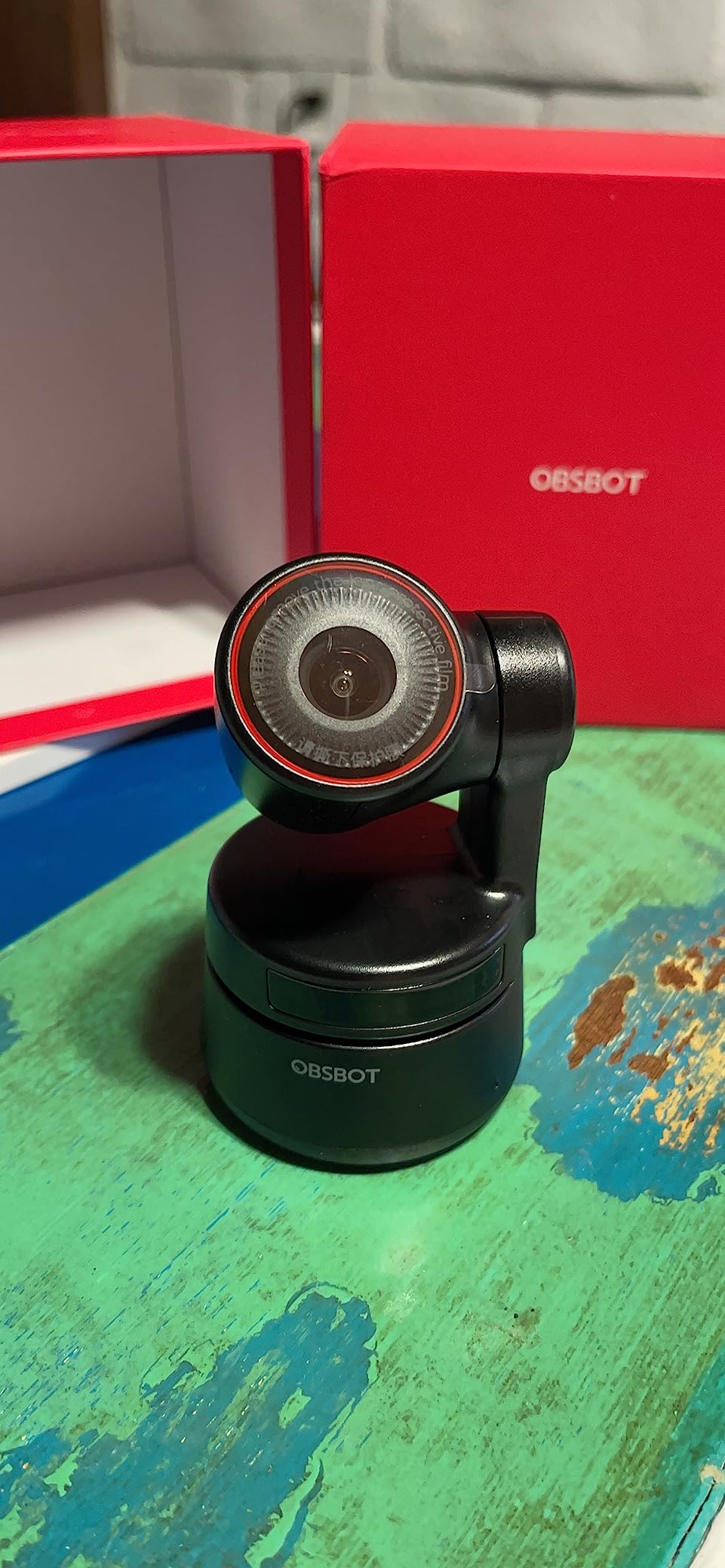
The Tiny PTZ is built for a specific job: following a person who will not sit still. Physical therapy trainers, yoga instructors and travelling teachers rely on the AI tracking to follow them around a room, and the user reports in the same vein describe it as a laptop camera replacement rather than an upgrade.
It runs on a Sony 1/2.8 inch sensor with HDR automatic light correction, and owners report the 4K image stays sharp in backlit, front-lit and low-light conditions. That range of lighting is realistic for a home teaching space.
Gesture control lets you start and stop tracking and zoom without touching the camera, which means you are not walking back to the desk mid-demonstration to adjust the shot.
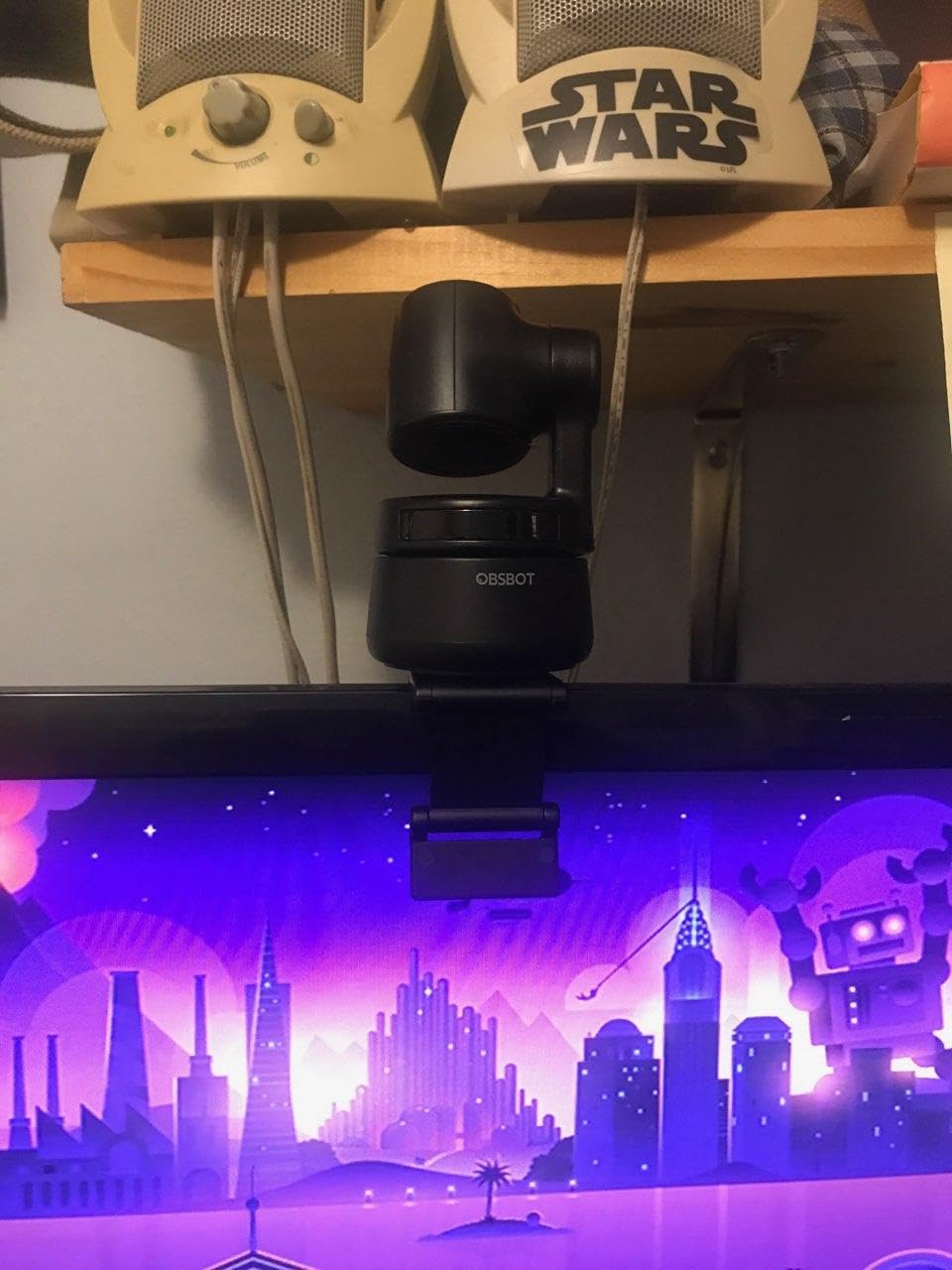
One underappreciated detail: it runs video over long USB 3.0 cables without dropping frames. If your laptop is not right next to where you teach, that cable run is the difference between a usable setup and a stuttering one.
Autofocus is present and pairs well with tracking, though it is a more conventional system than the Tiny 2 all-pixel AF. It is competent rather than remarkable.
At just under 900 reviews the sample is smaller than most of this list, so treat the consensus carefully. One owner reports the camera becoming unusable after a firmware update with no resolution from support.
When tracking replaces a second camera
Tracking solves the problem of a fixed camera losing you. If you move to the whiteboard and out of frame, a PTZ camera with tracking turns toward you and the lesson continues uninterrupted.
It does not replace autofocus. When you bring a worksheet up to the lens, you need focus to hold, and the focus system on this camera is competent but not the fastest here.
If you teach a wide age range and often crouch down to their level, a PTZ head handles that vertical range far better than any fixed mount.
Where it falls short
Tracking drops out when hands are waved or you move suddenly, which in a teaching context means gesturing at a board. The fix is a wider tracking zone rather than a tighter default.
The built-in microphone is fine for calls and not for recording, and the companion app spreads useful features across many tabs with a set of beauty modes that most owners ignore.
8. Acer 4K Webcam — Best Metal Build That Stays Cool
Acer 4K Webcam for PC/Mac with All-Metal Unibody Sculpted, Sony 1/2″ Sensor, PDAF, 2 Noise Reduction Mics, Privacy Cover for Switch 2/Zoom/Teams/Facetime/YouTube/Google Meet
PDAF autofocus
Sony 1/2 inch sensor
83 degree view
50 g body
Pros
- Quick PDAF focus that does not visibly hunt
- Sharp 4K with rich colour in low light
- All-metal body dissipates heat over long sessions
- Very small and light at 50 g
Cons
- Detached magnetic privacy cover is fiddly
- 83 degree view is wide for tight framing
- Mics are for calls not recording
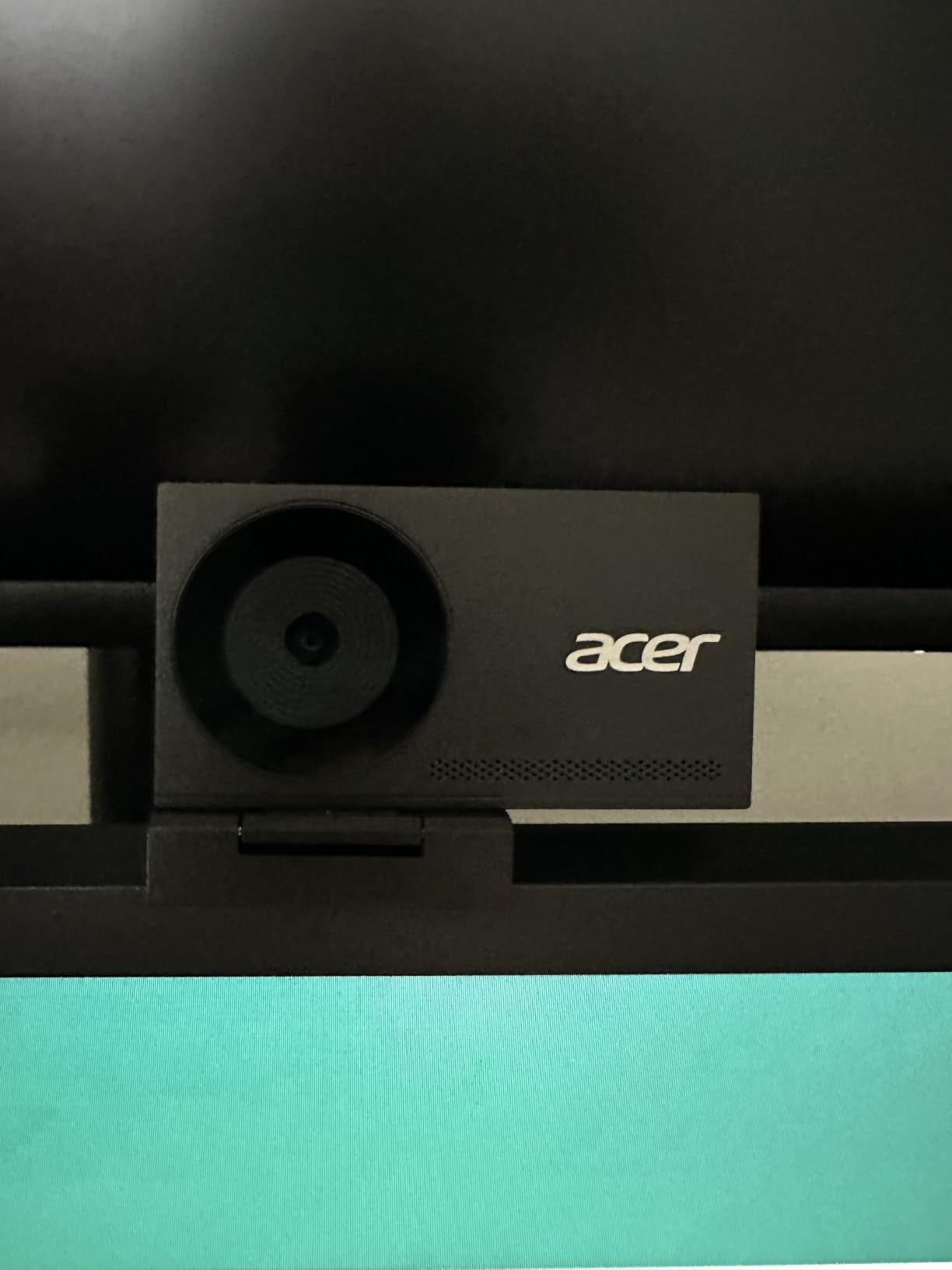
The Acer webcam is the smallest one here at 50 g and the only one built from a solid aerospace-grade aluminium unibody. That is not a styling detail. Metal dissipates heat, and the long-session test is where most plastic webcams start to disappoint.
Its phase-detection autofocus is quick and does not visibly hunt, and the Sony 1/2 inch sensor with an f/1.8 aperture gives a sharp 4K image with rich colour and good low-light performance for a camera this small.
The dual noise-reducing microphones capture voice clearly out to 2.5 meters, which covers most home teaching setups without an external mic.
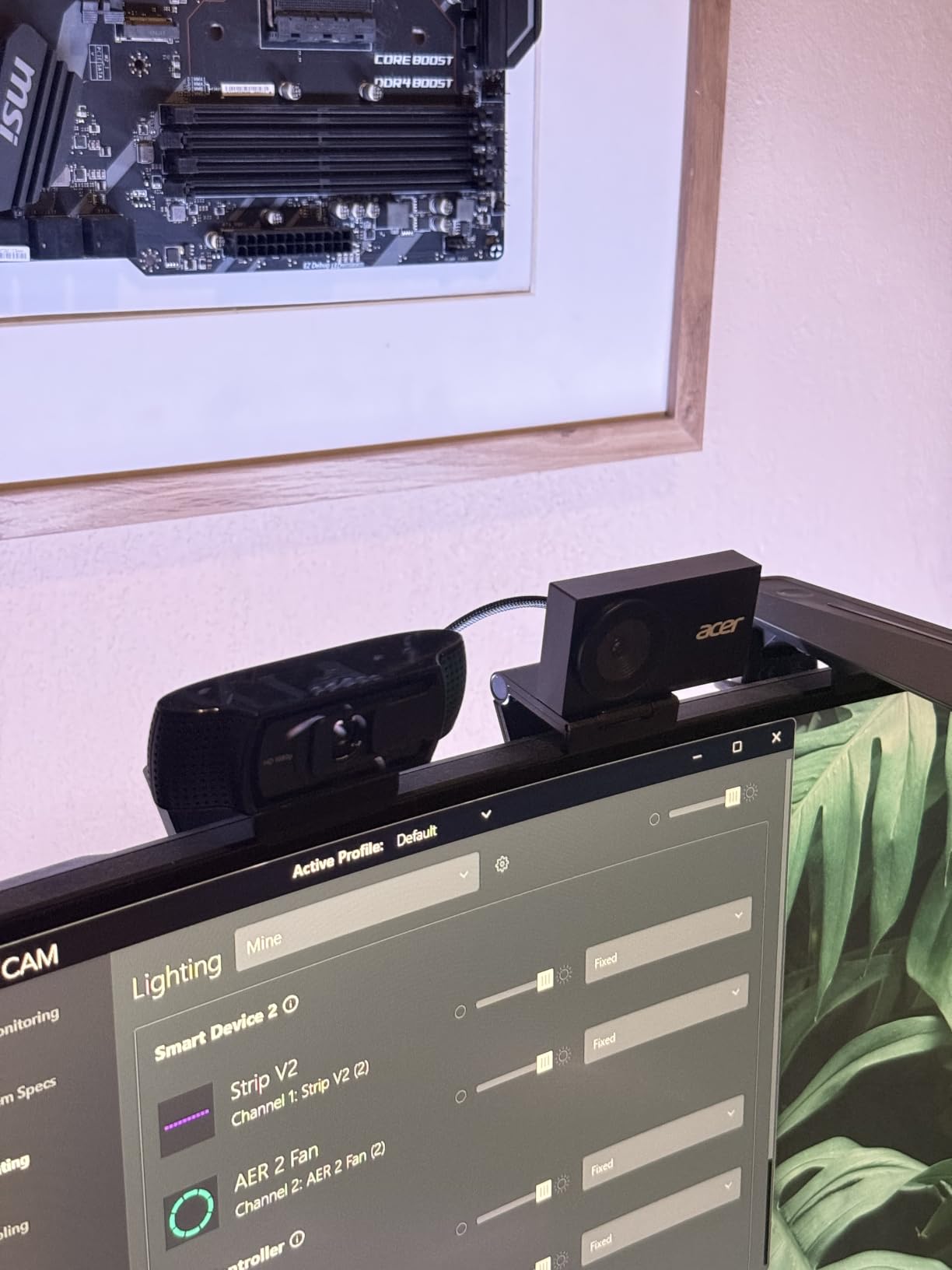
At 4.6 stars this is the highest-rated camera in the roundup, though the 221-review sample is one of the smallest. Owners frequently call it the best value in 4K webcams, and the recurring nit is a single one: the privacy cover.
That privacy cover is a detached magnetic disc held by 12 embedded magnets. It snaps securely, but it is a separate object you have to fumble for and store, rather than a twist or slider mechanism integrated into the body.
The 83 degree field of view is the widest in this list. That is useful for demonstrations with your hands in frame, and wrong for anyone who wants a tight talking head. There is no way to narrow it.
What a metal body actually buys you
Heat is the quiet failure mode of long teaching sessions. Owners of some plastic-bodied cameras report devices running warm to the touch well before the end of a period, and a warm camera also produces more image noise as its sensor works harder.
A metal unibody spreads that heat away from the sensor. It is a physical advantage, not a cosmetic one, and it shows up in the second hour of a double period rather than the first five minutes.
At 50 g with an adjustable stand, moving between a home study and a classroom lectern is trivial.
Where it falls short
The 83 degree field of view cannot be adjusted, so if you teach mostly from a fixed desk position you will be framing manually every time rather than dialling the framing in.
The microphones are fine for calls and not for recording. If you produce reusable course material, this is not the camera to build a recording workflow around.
9. NexiGo N680E Pro — Best for Teaching in a Dim Room
NexiGo N680E Pro 4K Webcam with Ring Light, PDAF Autofocus, 1080p 60FPS, Dual Noise-Canceling Mics, Privacy Shutter, USB Plug-and-Play for Zoom, Teams, Twitch, Google Meet
PDAF autofocus
Sony 1/2.5 inch sensor
Tri-tone ring light
80 degree view
Pros
- Very sharp 4K with no macroblocking
- Stepless ring light handles dark rooms well
- Fast and accurate PDAF focus at close range
- Solid build with a 1/4 inch tripod mount
Cons
- Field of view is tight with no zoom out
- 4K output shows graininess while 1080p looks sharper
- Privacy shutter lever is small
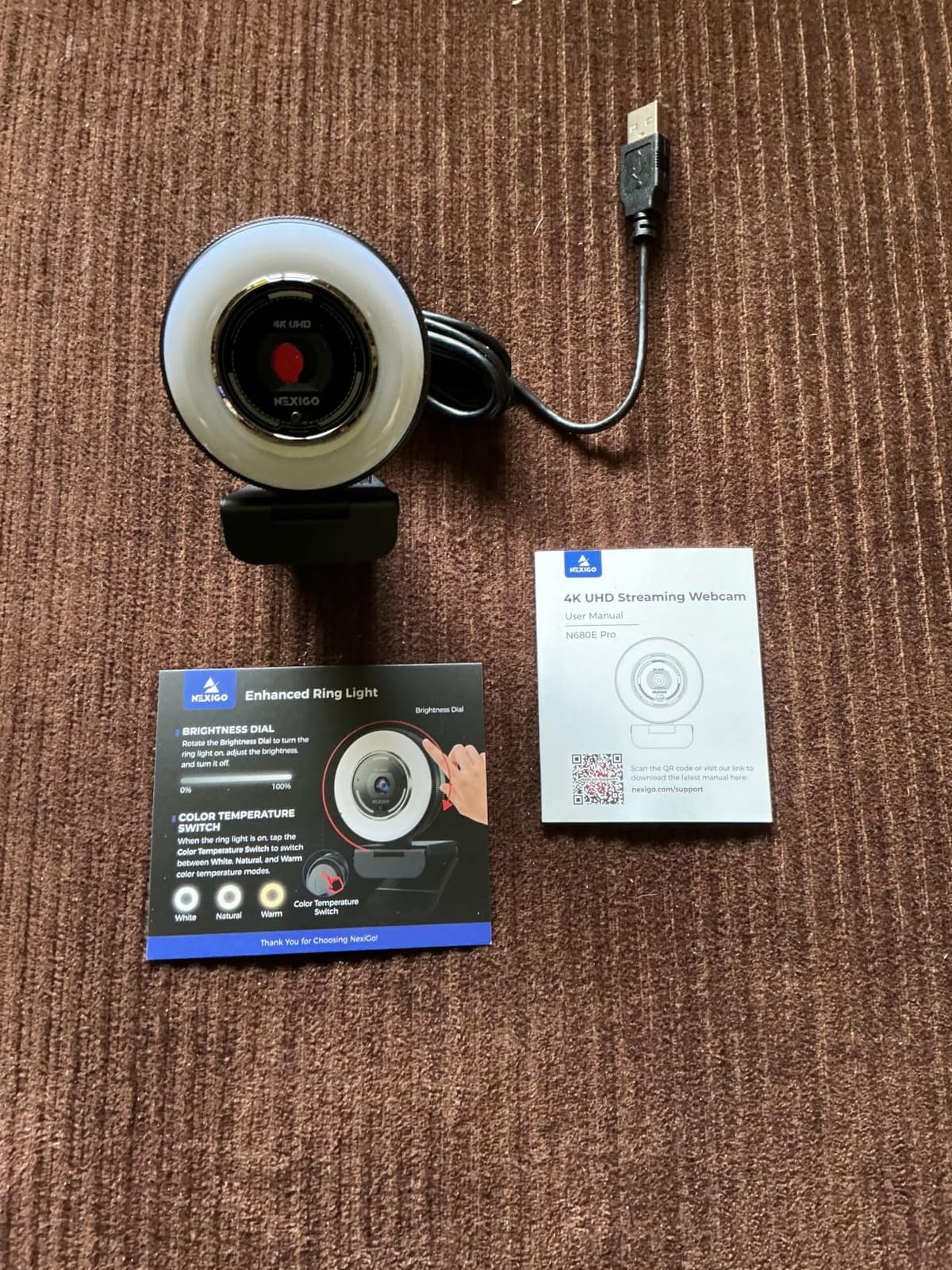
If your teaching space has no window, the ring light on the N680E Pro is the reason to look at it. A tri-tone light with stepless dimming on the outer dial gives you a controlled front source, and owners single it out as genuinely useful rather than a gimmick.
Autofocus is phase detection and is fast and accurate even at close range, which matters when you hold a worksheet near the lens and want the text readable rather than soft.
You get 4K at 30fps and 1080p at 60fps on a Sony 1/2.5 inch sensor, and it plugs in with no drivers and no app.
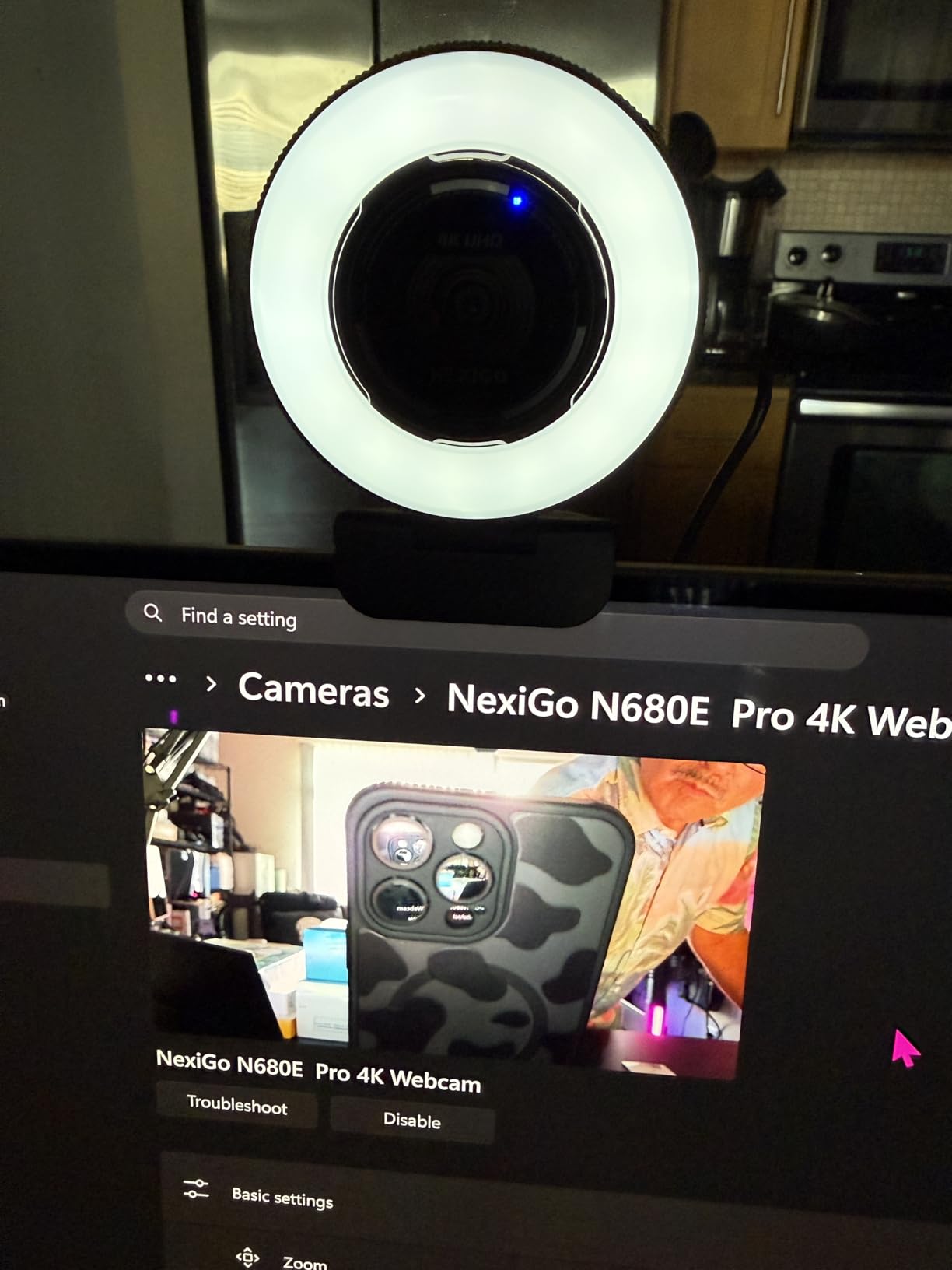
There is a counter-intuitive finding in the reviews worth acting on: several owners say the 4K output shows graininess and lag while 1080p looks noticeably sharper. At around 200 reviews the sample is modest, but the pattern is consistent.
If you take one practical note from this entry, it is to shoot at 1080p 60fps for live classes. You get a cleaner image and smoother motion, and the extra pixels of 4K may not survive the platform’s compression anyway.
The 1/4 inch tripod mount is unusual at this tier and useful if you want to put the camera on a small tripod rather than a monitor clip.
Ring light versus a separate lamp
An integrated ring light is centred on the lens, so it produces even, shadow-free illumination on your face. A desk lamp is off to one side, which means one side of your face is lit and the other is in shadow all lesson.
That difference is more visible to students than any resolution upgrade. If your room is dim, fix the light before you spend on a more expensive camera.
The stepless dial also means you can match the ring to a changing room rather than being stuck with two brightness settings.
Where it falls short
The 80 degree field of view is tight and cannot be zoomed out beyond its default framing. If you need a wider shot to show a full whiteboard, this is the wrong camera.
The privacy shutter lever is very small and awkward to operate, and the ring light dial rotates indefinitely with no defined minimum or maximum, which makes it easy to overshoot in a dim room.
10. N newline 4K — Best for Wide Framing Without Adjustment
N newline 4K Webcam for PC with PDAF Autofocus, Privacy Cover, Dual Microphones, 4K@30FPS & 1080P@60FPS, Auto Light Correction, Plug & Play USB Camera for Laptop, Mac & Desktop, Streaming
PDAF autofocus
Sony 1/2.5 inch sensor
79 degree view
1 second focus acquisition
Pros
- 4K image often praised above costlier options
- Fast PDAF focus with no hunting or lag
- Auto light correction handles changing rooms
- Dual noise-cancelling mics out to 10 feet
Cons
- Auto light correction can over-brighten bright rooms
- A few users report clarity below expectations
The N newline sits at the interesting end of the list: 4.6 stars with an image quality that owners repeatedly compare favourably against cameras costing several times more. On a Sony 1/2.5 inch sensor with an f/1.8 aperture, that is a real result rather than a marketing one.
Autofocus is phase detection with roughly one second focus acquisition, and owners describe it as keeping the subject sharp with no hunting and no lag. One second is quick enough that a prop brought into frame is sharp by the time students notice it.
The automatic light correction balances shadows and highlights, which is useful in a room that changes through the day, and the two noise-cancelling microphones pick up voice out to about 10 feet.
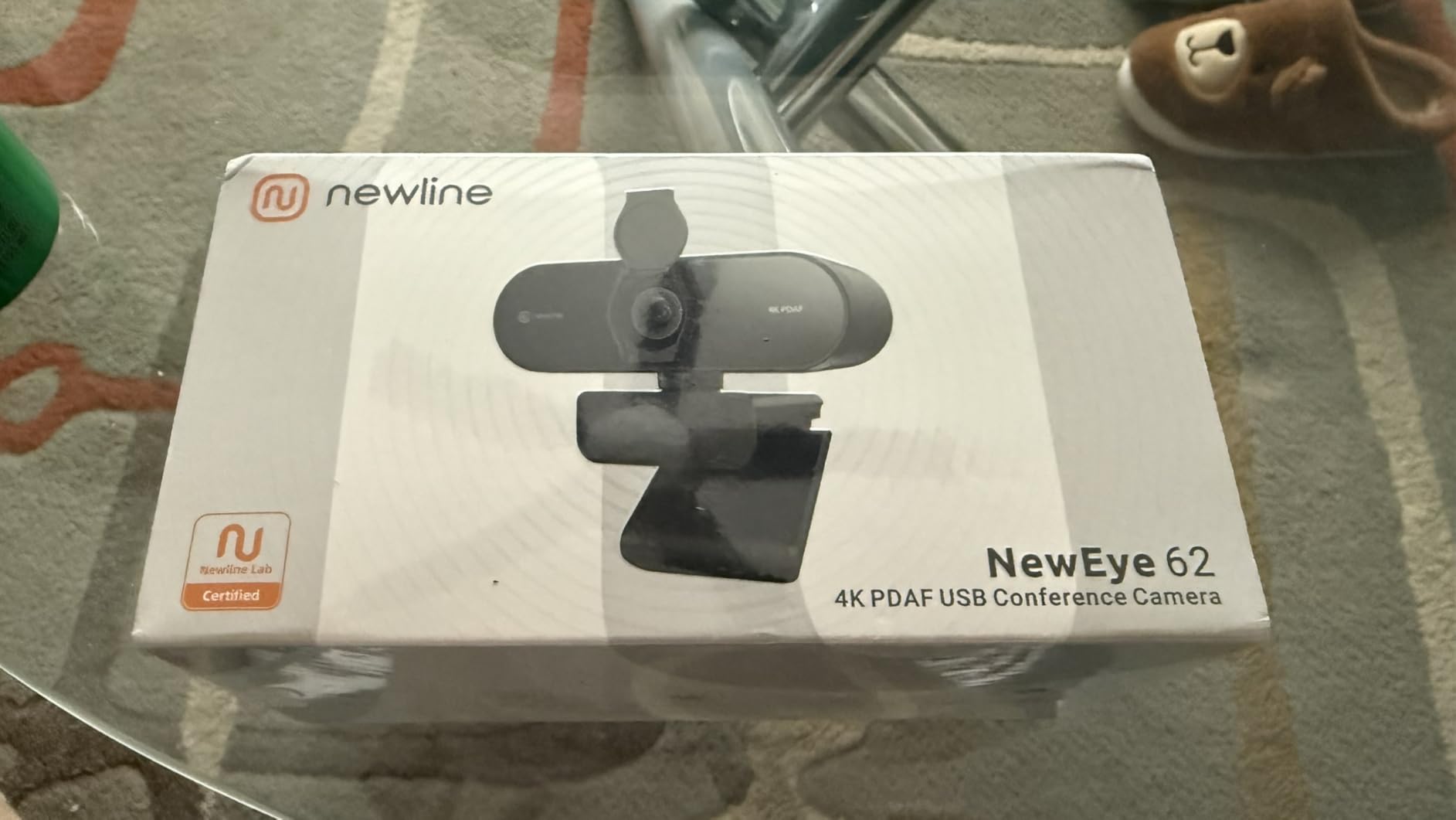
At 211 reviews this is a small sample, so the 4.6 average is encouraging rather than proven. What the reviewers do agree on is image quality, clean audio and reliable autofocus at a budget-level cost.
Two complaints recur. The auto light correction can over-brighten in a strongly lit room, and a few users report the image looking less clear than they expected. Neither is a focus problem, and both are room-dependent.
The 79 degree field of view is the widest practical option in this list, and it sits in a useful place: wide enough for demonstrations with your hands in frame, narrow enough to exclude most of a cluttered room.
Why the field of view is the deciding number
Field of view is measured in degrees and it decides what students can see. Around 70 degrees frames a head and shoulders. Around 80 degrees gets your upper body and hands in. Beyond 100 degrees starts showing the room behind you, which is rarely what you want.
Teachers who demonstrate with physical materials need the wider end of that range, because your hand entering frame with a prop is the moment that makes a lesson click.
Teachers who read aloud from a desk are well served by anything at 70 degrees or tighter, and gain nothing from a wider lens.
Where it falls short
There is no manual focus option here, so the focus range is entirely the camera’s decision. If you work very close to the lens, that is a limit you cannot adjust around.
The 79 degree view is fixed. If you alternate between a tight talking head and a wide demonstration, you will be repositioning the camera physically each time.
11. Galyimage 4K — Best for On-Camera Framing Controls
4K Webcam for PC Computer PDAF Autofocus with Built-in Microphone Windows
PDAF autofocus
4K30 and 1080p 60fps
78 degree view
Touch 1x to 8x zoom
Pros
- PDAF focus tracks a moving subject and holds
- 4K detail from a 1/2.5 inch sensor with coated lens
- Touch control for brightness contrast and zoom
- Magnetic privacy shutter covers the lens
Cons
- Defaults to 1080p and 4K must be enabled manually
- Zoom is disabled in 4K 60fps and YUY2 modes
- Stand sold separately
The Galyimage stands out for a reason no other camera in this list has: real touch controls on the body. Brightness, contrast and a 1x to 8x zoom are adjusted from the camera itself, without opening an application mid-lesson.
For a teacher who needs to tighten the framing on a moment, that is a meaningful difference. You tap, the frame changes, the lesson continues.
Autofocus is phase detection and tracks a moving subject, keeping the image sharp and stable when you shift position. The 78 degree field of view is tuned for portrait framing rather than showing a full room.
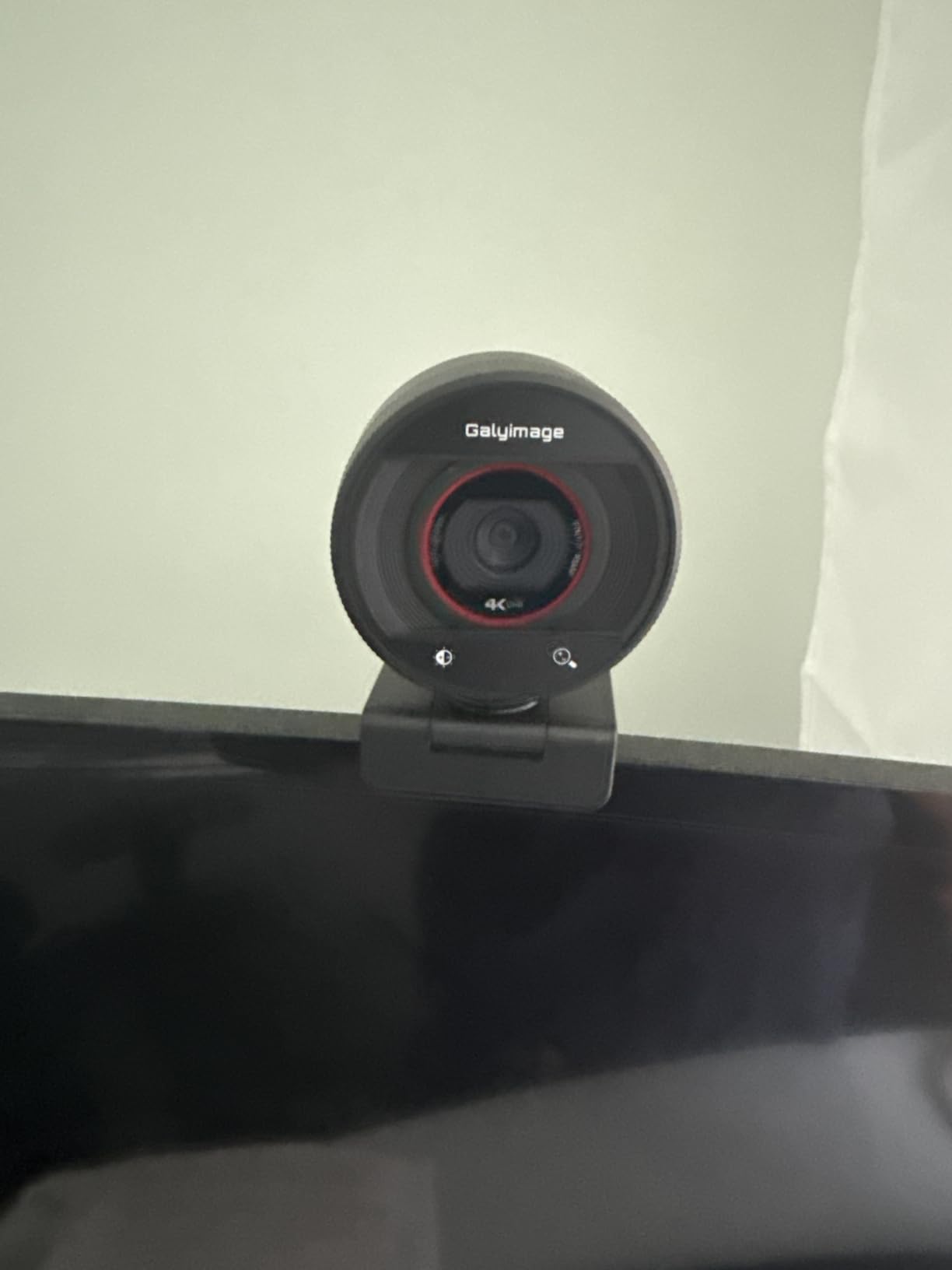
The 4K image comes from a 1/2.5 inch sensor with a five-layer coated lens for light transmission, and the dual noise-cancelling microphones give clear voice pickup for meetings and online learning.
There is one setup step that catches people out. The camera defaults to 1080p output and 4K has to be switched on manually in software or in an application such as OBS. If you buy it for 4K, do that once before your first class rather than during it.
Zoom is unavailable in 4K, 60fps and YUY2 modes, so the touch zoom and the higher frame rates are mutually exclusive choices rather than combined features.
The magnetic privacy shutter fully covers the lens, which is a better mechanism than an adhesive cover and about as easy to operate one-handed.
When 60fps beats 4K on a teaching call
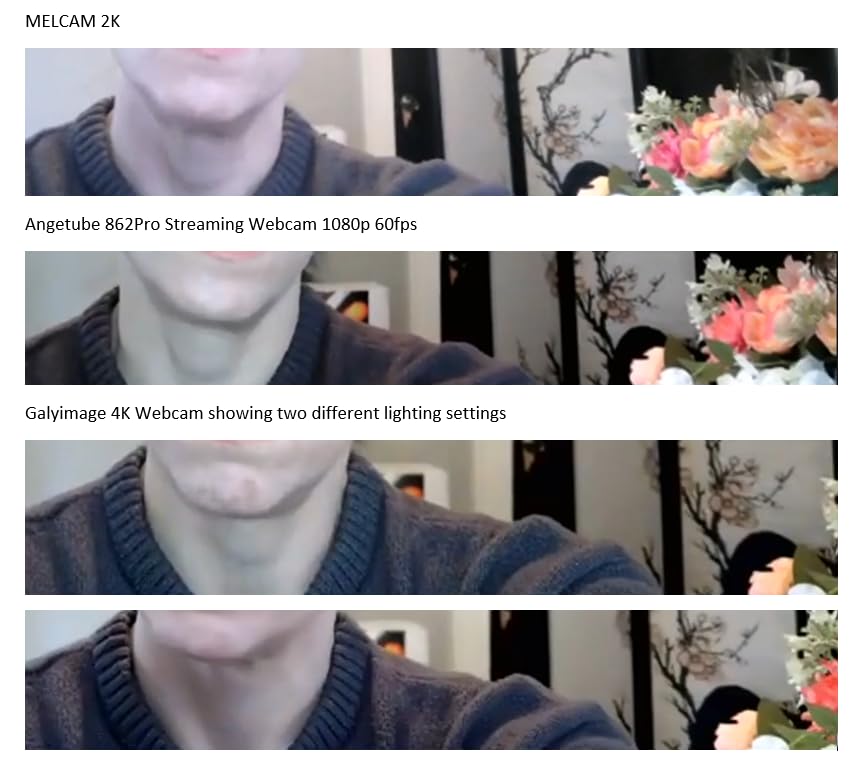
Choose based on what students actually receive. If your platform compresses the stream, a 1080p 60fps feed often looks noticeably better than a 4K 30fps one, because the smoother motion survives compression more gracefully than fine detail does.
For recorded and reused course material, flip that: 4K 30fps gives students detail they can scrub through and zoom into on their own screen.
This camera supports both, and the touch controls make switching the framing the only genuinely fiddly part.
Where it falls short
The tripod or stand is sold separately, so if you do not want a monitor clip, budget for that before you order.
The 8x zoom is digital, so beyond a certain point you are cropping rather than magnifying, and the image softens. Treat it as a framing tool, not an optical zoom.
12. Hollyland Lyra — Best With Built-In Wireless Mic Pairing
Hollyland Lyra 4K Webcam with 1/1.5″ Sensor, 50MP PDAF Autofocus, AI Tracking & Auto-Framing, Direct Wireless Mic Support, Privacy Shutter, PC/Mac Camera for Zoom, TikTok & Streaming
PDAF autofocus
1/1.5 inch sensor
4K at 30fps
f/1.8 aperture
Pros
- PDAF locks quickly and stays sharp without hunting
- Large sensor and f/1.8 handle uneven lighting
- HDR corrects monitor and window glare
- Direct wireless pairing with a lavalier mic
Cons
- Body runs very hot during operation
- Low light performance drops in dim rooms
- Weak magnetic mount needs a support
The Lyra is the only camera here that solves the audio problem rather than adding to it. It pairs directly with a wireless lavalier microphone, and the noise cancellation on that microphone is a genuine upgrade for a teacher who moves away from the desk.
Video quality is premium tier. A 1/1.5 inch sensor with an f/1.8 aperture produces clean images and handles uneven lighting, and HDR corrects the overexposure caused by monitor and window glare, which is the most common lighting problem in home teaching spaces.
Autofocus is phase detection, locks on quickly and stays sharp without hunting. AI tracking and multi-person auto-framing keep the speaker centered and reframe when someone else joins.
Ten savable preset camera angles are a quietly excellent feature for teaching. Set your desk framing, your whiteboard framing and your standing demonstration once, and switch between them with a single press instead of physically repositioning the camera.
It also records lossless 4K30 direct to drive while streaming, so you can produce course material and run a live class from one device.
At around 110 reviews this is the smallest sample in the roundup, and owners describe it as a genuine audio upgrade alongside very good autofocus and HDR handling.
The heat problem and the 60-minute class
The dominant complaint here is heat. Owners report the body running very hot during operation, and some unplug it immediately after use. If your teaching day includes back-to-back periods, test this camera through a full double period before committing.
Related: the companion app’s higher modes drop frame rate badly, so the app is best avoided for anything you rely on during a live class.
Low-light performance also degrades noticeably in dim rooms without a window, which makes it a poor match for a dark corner despite the large sensor.
Where it falls short
The magnetic mount is not strong enough to hold the camera securely on its own, so it needs something to sit in. Do not plan to stick it to a monitor and leave it there for a term.
macOS support is limited to basic parameter adjustments. The green screen and skin tools are Windows-only, which matters if you work across both platforms.
How to Choose a Webcam With Autofocus for Teaching
Here is the order I would work through. Start with autofocus technology, because it is the only spec on this list that cannot be added later.
Autofocus technology: PDAF versus contrast versus all-pixel
Phase detection autofocus compares light arriving at different points on the sensor to calculate distance. It can lock before the subject is fully sharp, so it holds together during movement and rarely hunts.
Contrast detect autofocus looks for maximum edge sharpness. It is accurate when still and will hunt or pump when you move fast, which in a lesson means whenever your hands cross the frame.
All-pixel autofocus is the more expensive implementation of the same phase-detection idea, applied across the whole sensor. It is the fastest and is what you get in the premium tier.
Time-of-flight autofocus measures distance with an infrared emitter. It is very quick and good at holding a subject, but the implementation quality varies more than the label suggests.
Field of view: the number most teachers get wrong
Field of view decides what students see. Around 70 degrees frames a head and shoulders. Around 80 degrees includes your upper body and hands, which is what you want when demonstrating with props. Wider than 100 degrees starts showing the room behind you.
Choose based on how you actually teach, not on which sounds more impressive. A teacher reading at a desk gains nothing from a 90 degree lens.
Resolution: when 4K helps and when it does not
Most teaching platforms compress what they receive, and many downsample high-resolution feeds for typical calls. That means 4K on a live class often delivers a cleaner image rather than a visibly sharper one.
Where 4K pays off is recorded material. If you produce course content that students watch later on their own screens, the extra detail survives because nothing is compressing it in real time.
1080p at 60fps is the mode most teachers should actually use for live classes, because constant motion looks calmer at 60fps than at 30fps.
Sensor size over megapixels
A 1/1.5 inch sensor gathers far more light than a 1/2.5 inch sensor of the same resolution. In a dim teaching room that difference shows up as a cleaner image with less noise, and it is often the reason a camera looks good in the evening and bad at midday.
Sensor size also affects how hard autofocus has to work. A larger sensor with a wider aperture can hold a shallower focus range, so check the stated focus range in inches or feet rather than assuming.
Audio: the spec teachers skip and regret
Built-in webcam microphones are designed to be adequate, not good. In a room with hard floors and bare walls, the echo will be the first thing your students mention.
Our guidance is blunt: if you teach in anything other than a treated room, buy a separate microphone. The Hollyland Lyra is the only pick here with direct wireless mic pairing built in. Every other camera on this list is a video-first purchase, and you should treat audio as a second purchase.
Our guide to the best webcams for video conferencing covers the meeting side of the same hardware, which overlaps heavily with a teaching setup.
Mounting, privacy and platform fit
A webcam that creeps on its clamp is a webcam you will find at a bad angle every morning. Check the mount type: a monitor clip with a tightening screw beats a friction hinge, and a 1/4 inch tripod thread gives you the most placement freedom.
Privacy matters in shared homes and shared offices. A twist or slider shutter integrated into the body is better than a detachable disc or an adhesive cover, because a detachable one ends up in a drawer by week two.
For platform compatibility, every camera here is a standard USB webcam that appears as a normal camera in Zoom, Microsoft Teams, Google Meet, Canvas and Google Classroom with no driver. The exception worth checking is older Windows 10 hardware, where one camera in this list needs a hub to be recognised.
For fixed-camera recording rather than live classes, our webcams for streaming guide covers the frame rate and mount priorities that differ from teaching.
Fixed-Focus and Manual-Focus Cameras We Excluded
Not every teacher needs autofocus, and honesty here is more useful than a rigid rule. A fixed-focus 1080p camera produces a perfectly sharp image for a teacher who sits in one position, at one distance, for a talking-head lesson. It is cheaper, and it never hunts.
What it cannot do is follow you. The moment you stand up, hold something near the lens, or move to a board, the image goes soft and stays soft. That is why none of them appear in this list.
Manual-focus cameras with a physical focus ring belong in the same bucket. They give you precise control at one distance, which is genuinely useful for macro shots of documents, but the adjustment is manual every time you move.
Our test for inclusion was simple: if the camera can be trusted to stay sharp through a lean in, a step back and a prop held up, it belongs here. If it cannot, it does not.
Frequently Asked Questions
Which webcam has the best autofocus?
The NexiGo N930AF is the most dependable all-round choice, with true autofocus down to a 7cm close focus and 27k+ reviews of long-term classroom use. For 4K, the EMEET NOVA uses phase-detection autofocus that locks quickly without hunting. If you teach standing and moving around a room, the OBSBOT Tiny 2 pairs 0.3 second all-pixel autofocus with a motorized PTZ head that follows you.
What is the best webcam for teaching online classes?
It depends on how you teach. Sit at a desk reading aloud and the NexiGo N930AF is the safest pick. Move around a room and the OBSBOT Tiny 2 wins because its PTZ head follows you. Teach in a dim room and a model with a ring light or a large sensor matters more than resolution. Record reusable course material and a 4K sensor is worth the extra pixels.
Is autofocus important on a webcam for online teaching?
It matters if you move. Autofocus is what keeps the image sharp when you lean in to read, stand up, or hold a worksheet near the lens. A fixed-focus camera works fine for a static talking head and goes soft the moment you change position, which is why every pick in this guide has real autofocus. For a desk-bound teacher, it is a nice-to-have rather than essential.
Is it worth having a 4K webcam for teaching?
For live classes, usually not. Most teaching platforms compress incoming video, so a 4K feed often looks only slightly better than 1080p, and 1080p at 60fps looks better in motion because constant movement is calmer at a higher frame rate. For recorded course material that students watch later, 4K does pay off because nothing compresses it in real time.
What are the common problems with autofocus on teaching webcams?
Three come up repeatedly. Focus pumping, where the lens hunts when your hands cross the frame, is worst on contrast-detect systems and best avoided by phase detection or all-pixel AF. Back-focus collapse happens when you step back beyond the camera’s stated focus range, often beyond 10 feet. A third issue is locking onto the background when the subject is off-centre or the room is dim.
Do I also need a separate microphone for online teaching?
In most rooms, yes. Built-in webcam microphones are designed to be adequate, not good, and a classroom with hard floors and bare walls will show that in the first minute. If you teach in a treated room and stay close to the camera, the built-in microphone on any pick here will do. The Hollyland Lyra is the only camera in this roundup with direct wireless microphone pairing.
Which Webcam to Buy for Your Teaching Situation in 2026
The best webcams with autofocus for online teaching are not one camera. They are four cameras, chosen by how you teach.
Teach from a fixed desk, mostly reading and talking? The NexiGo N930AF is the pick. Real autofocus, a tight 47.5 degree frame, 27k+ reviews of long-term use, and no setup to speak of.
Stand up and move during lessons? The OBSBOT Tiny 2. Its 0.3 second all-pixel autofocus and motorized PTZ head handle movement better than any fixed-focus camera can, and the whiteboard mode is a real time-saver.
Teaching on a tight budget but refusing fixed focus? The EMEET NOVA 4K. Phase-detection autofocus, a genuine 4K sensor, and a two year warranty at a price most schools can absorb across a class set.
Teaching in a dim room? The NexiGo N680E Pro with its ring light, or the Acer 4K with its metal body and large sensor. Fix the lighting first either way.
One last thing. A webcam will not rescue a badly framed, badly lit shot, and no autofocus system can fix bad framing. Set your camera at eye level, put your light in front of you rather than behind, and give the camera a desk distance it was designed for. Get those three right and any of these twelve will carry a class.