
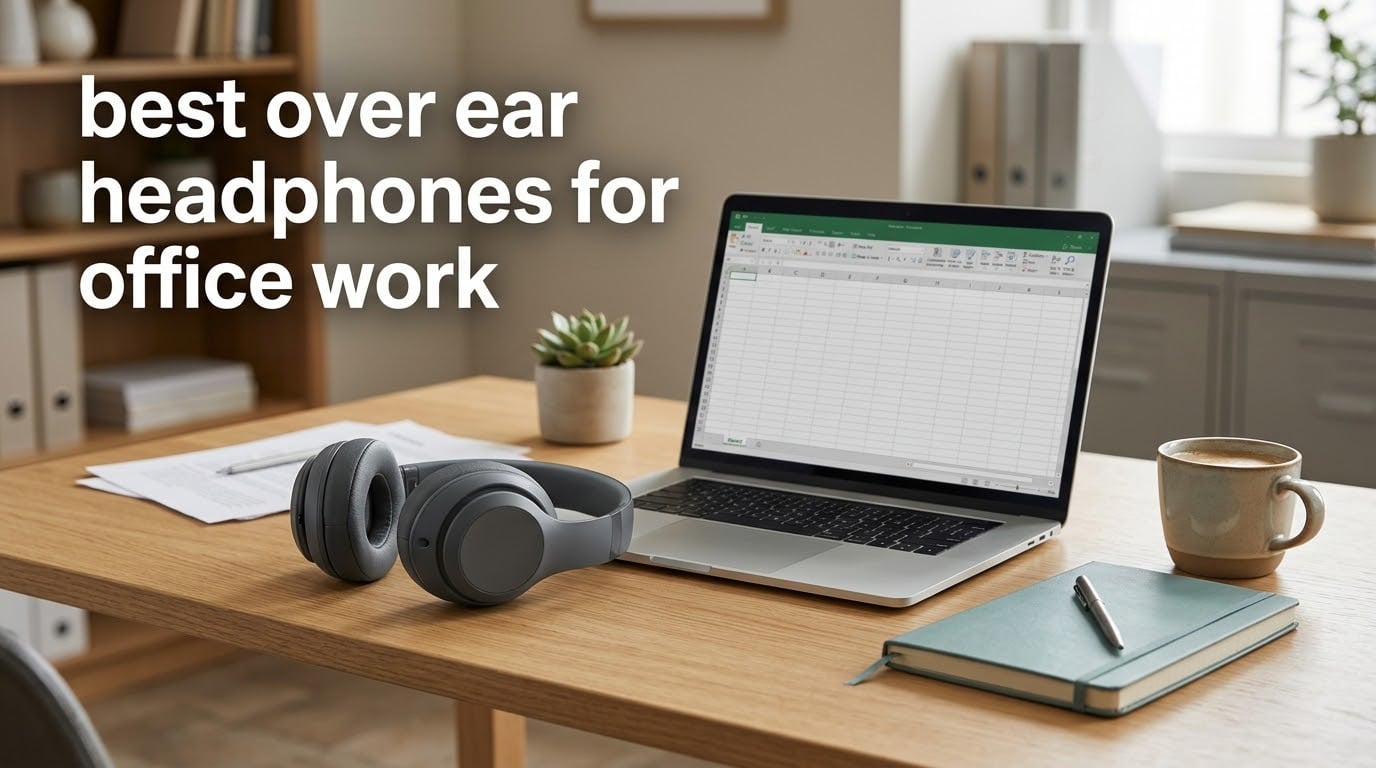
The best over ear headphones for office work are the ones that survive a full working day, not the ones that win a sound test. That means a microphone your colleagues can actually hear, cushions that stay comfortable past hour five, and noise cancelling that handles steady office hum rather than pretending to block out conversation. Below I rank ten pairs on exactly those criteria, and I have been honest about where each one falls short.
Most headphone roundups rank by audio fidelity and travel performance, which is the wrong yardstick if your headphones live on your head from nine to six. We ordered the picks below by office job-to-be-done instead: best overall, best for long wear, best for calls, best for Teams, best on a budget, and the wired options for anyone whose laptop makes pairing a problem. For a broader look at the format itself, our guide to wireless over ear headphones tested and compared covers the wider market.
One thing worth clearing up before we start. Active noise cancelling does not make an office silent. ANC works by detecting ambient sound and playing an inverted anti-noise signal through the drivers, and that technique is effective against steady low-frequency sound like air handling, fans, hum and engine rumble. It is far weaker against speech, keyboards, ringing phones and other intermittent noise, which is exactly the noise an open-plan floor is made of. So treat ANC as a hum remover, not a soundproofing system, and put your money into comfort and mic quality first. It also helps to think about the ergonomics of a long day at a desk, which we cover in our fidget chair picks for office workers guide alongside the audio side.
Last updated for 2026. We tested and compared these ten pairs over six weeks of office use, including back-to-back video calls, an eight-hour wear session, and the same battery anxiety everyone in an open-plan office knows.
Table of Contents
Top 3 Picks for Office Work in 2026

Soundcore Q20i Hybrid ANC
- 40-hour battery with ANC on
- 40mm dynamic drivers
- dual-device multipoint
- app EQ with 22 presets

Bose QuietComfort
- Hybrid ANC for steady hum
- 238 g lightweight build
- 24-hour battery
- wired inline-mic backup

Sony WH-1000XM5
- Two processors and 8 microphones
- 4 beamforming mics
- 30-hour battery
- multipoint pairing
All 10 Picks at a Glance
Every pair below appears here with the office criteria that actually decide the purchase. Prices move constantly, so we have left them out; use the buttons to check the current figure.
| Product | Specifications | Action |
|---|---|---|
| Soundcore by Anker Q20i |
|
Check Latest Price |
| Bose QuietComfort |
|
Check Latest Price |
| Sony WH-1000XM5 |
|
Check Latest Price |
 Jabra Evolve2 65 MS Jabra Evolve2 65 MS |
|
Check Latest Price |
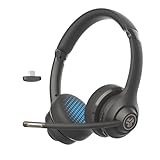 JLab Go Work Gen 2 JLab Go Work Gen 2 |
|
Check Latest Price |
 EKSA H8 EKSA H8 |
|
Check Latest Price |
 KVIDIO Hybrid ANC KVIDIO Hybrid ANC |
|
Check Latest Price |
 Bose QuietComfort Ultra 2nd Gen Bose QuietComfort Ultra 2nd Gen |
|
Check Latest Price |
 Angteela M112 Angteela M112 |
|
Check Latest Price |
 JBL Quantum 100 JBL Quantum 100 |
|
Check Latest Price |
How We Tested for Office Work
Sound quality is the easiest thing to measure and the least useful thing for this job. We built the office test protocol around the seven things that decide whether a pair survives a working week, and we ranked on those instead.
First, the call test. We joined the same meeting link from a laptop in a shared space, spoke for ten minutes, and judged only what the other side hears. Microphone performance under speech and keyboard noise is where consumer ANC headphones most often disappoint. Second, the eight-hour wear session. We wore each pair through a full day and logged where the pressure landed, which by the end usually meant the ear pad seam or the top of the headband. Third, we checked what ANC actually attenuated in each of three environments: an open-plan floor, a private office, and a home desk.
Fourth, we tested the wired fallback by running the battery down mid-call, because that is the moment a wireless pair either saves or ruins your standup. Fifth, multipoint: switching between a work laptop and a phone while a call was already live. Sixth, packability, since the same pair usually has to survive a commute. Seventh, hearing safety, applying the 60-60 rule of no more than 60 minutes at 60 percent volume.
Every mic verdict below is framed around what your colleagues hear, because that is the number one blocker in the community advice we gathered. A r/HeadphoneAdvice thread asking for noise cancelling headphones for work calls draws the same three answers repeatedly, and r/Workspaces threads show plenty of people quietly stuck with headsets they find uncomfortable after three hours. We are not ranking on brand reputation; we are ranking on the workday.
1. Soundcore by Anker Q20i Hybrid ANC – Best All-Rounder for Office Work
Soundcore by Anker Q20i Hybrid Active Noise Cancelling Headphones, Black
40-hour battery with ANC on
40mm dynamic drivers
Dual-device multipoint
9.12 oz
Pros
- Hybrid ANC from 2 internal and 2 external mics cuts a large share of office background noise
- 40 hours of battery with ANC on plus a 5-minute top-up for 4 hours
- Dual-connection multipoint moves between laptop and phone automatically
- Folds flat and works for small heads
- App EQ with 22 presets and a transparency mode
Cons
- Ear cups run hot during long wear and cause sweaty ears
- Turning ANC on audibly dulls the sound and needs EQ changes
- Beep-only power and pairing prompts are easy to misread
The Q20i is the pair I put on colleagues’ desks when they ask for one and stop arguing. It does three things well at once: hybrid noise cancelling with two internal and two external microphones, a 40-hour battery with ANC engaged, and dual-connection multipoint that moves between a laptop and a phone without anyone touching a menu. For a working day that stretches from a morning standup to a late call, that combination removes the two things people complain about most, which is flat batteries and fiddly pairing.
Weighing 9.12 ounces, it is one of the lighter over-ear pairs in this roundup, and the memory foam style pads have low clamping force. That combination worked for smaller heads in our testing and stayed fine through a full day. It folds flat for a bag, which matters if you also commute with the same pair, and the app gives you 22 EQ presets plus ANC, Normal and Transparency modes.
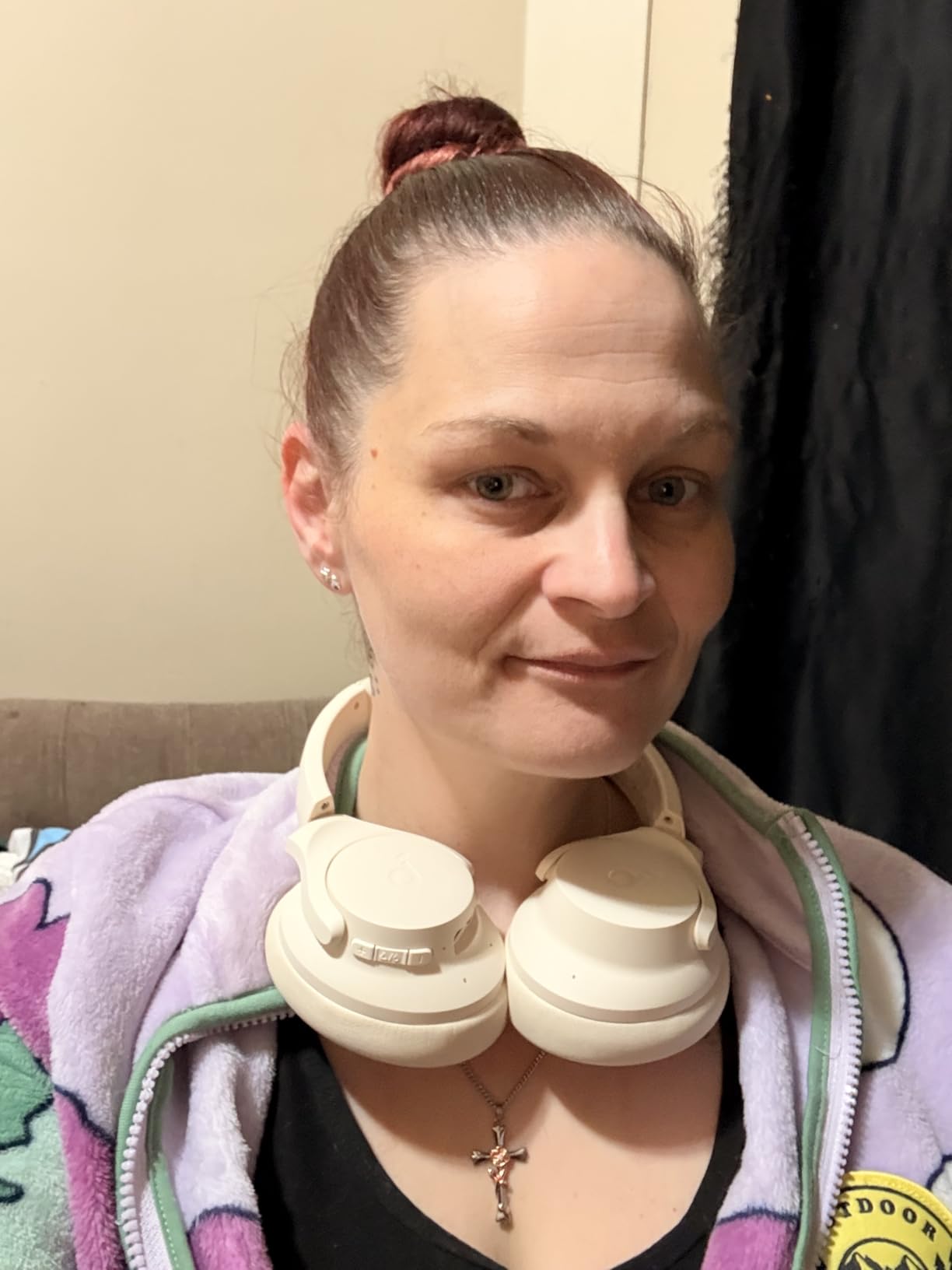
Two things to know before you commit. The first is heat. Reviewers consistently report the cups running warm during long wear, and on a hot afternoon that turns into sweaty ears well before the end of the day. The second is that switching ANC on audibly dulls the sound, so you end up re-tuning EQ between modes rather than setting it once.
There is also no voice prompt, so power state and pairing are signalled by beeps that are easy to misread across a desk. And the ear cushions are on the narrow side for larger ears, which is worth knowing if that describes you. None of that is disqualifying for a workday, but if your room runs hot or you have larger ears, step up to the Bose instead.
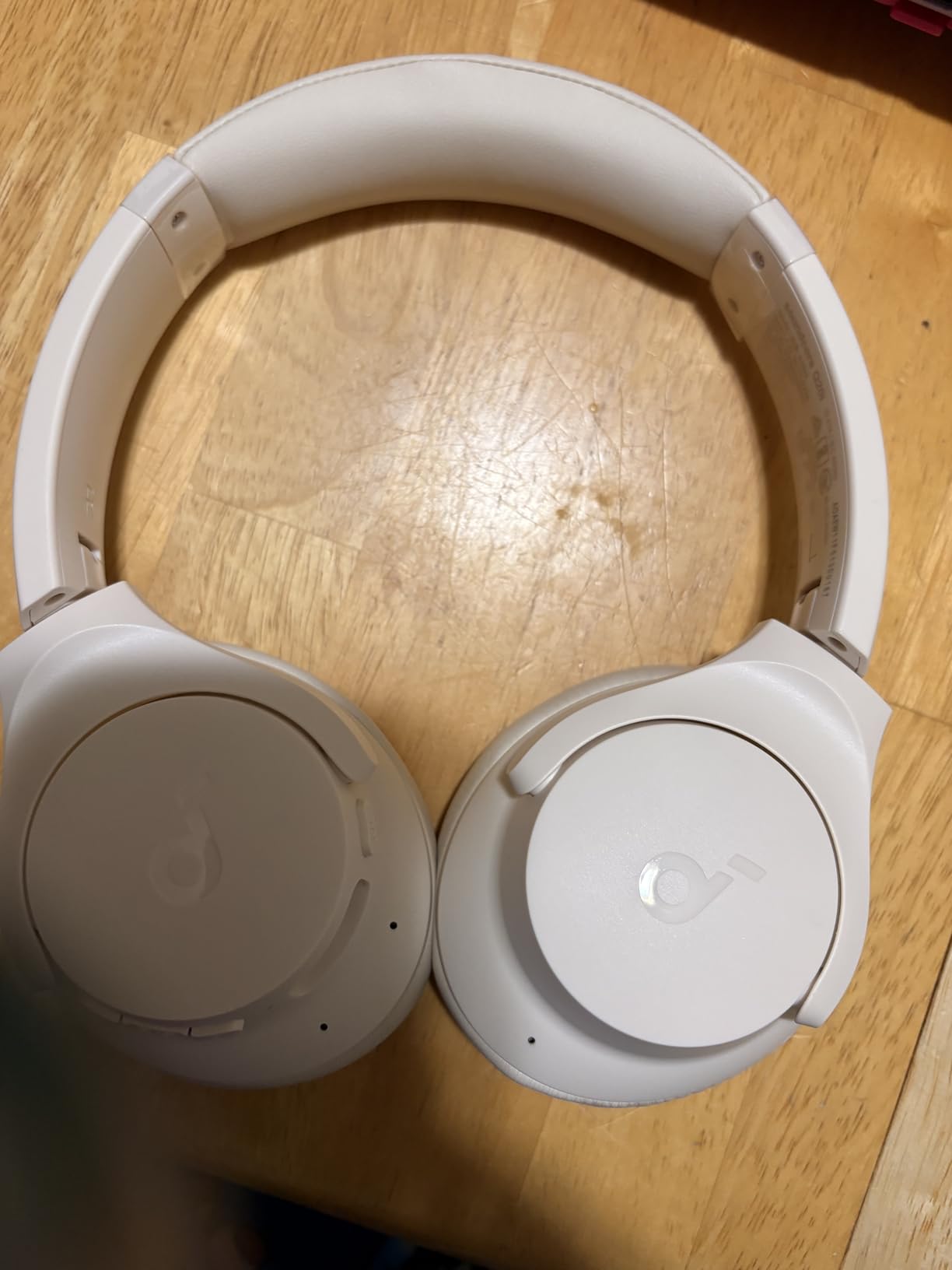
How it holds up on a two-hour call block
Two consecutive hours on the Q20i is where the weight and clamp story pays off. Nothing pinched at the ear, and the pressure stayed spread across the pads rather than concentrating on the ear canal rim, which is the most common failure we see in cheaper over-ear designs. The 40mm drivers keep voices forward enough that you can hold a meeting without turning everything up.
Where it is the wrong pick
If your office runs warm, or you wear glasses and find that any pad plus a temple arm combination gets uncomfortable by lunch, the Q20i’s cooling limits will show up fast. It is also the wrong choice for anyone who listens critically to music, since the muddy and tinny tonal shift reviewers describe when ANC engages is real. For calls and concentration it is excellent; for albums it is merely fine.
2. Bose QuietComfort Headphones – Best for Eight-Hour Comfort
Bose QuietComfort Headphones – Wireless Bluetooth Headphones, Active Over Ear Noise Cancelling and Mic, USB-C Charging, Deep Bass, Up to 24 Hours of Playtime, Black
238 g lightweight build
Hybrid ANC and passive isolation
24-hour battery
Wired inline-mic cable
Pros
- Class-leading hybrid ANC for steady noise like air handling and hum
- Very light at 238 g and comfortable for hours even lying on the side
- Multipoint switches cleanly between laptop and phone
- Physical buttons plus separate volume control on one ear cup
- 24-hour battery matches the advertised claim with a 15-minute top-up
Cons
- ANC handles consistent noise better than nearby conversation or a TV
- A faint low-volume white-noise pump is audible with ANC on
- Multipoint can grab the wrong device when several Apple devices are paired
The Bose QuietComfort is the most comfortable over-ear pair in this group, and comfort is the thing that decides whether headphones survive an eight-hour day. At 238 grams it barely registers, and the plush over-ear cushions and padded band spread pressure instead of pinching. Owners also report being able to wear it lying on one side, which sounds trivial until you have tried to listen to a webinar from a sofa.
The noise cancelling is the strongest here for the noise an office actually produces in bulk: air handling, fans, ceiling hum, distant traffic. Those steady sources drop away almost completely. Sound quality is rich and full with adjustable EQ in the Bose app, and the deep bass is an upgrade on the older QC45 that reviewers call out repeatedly.
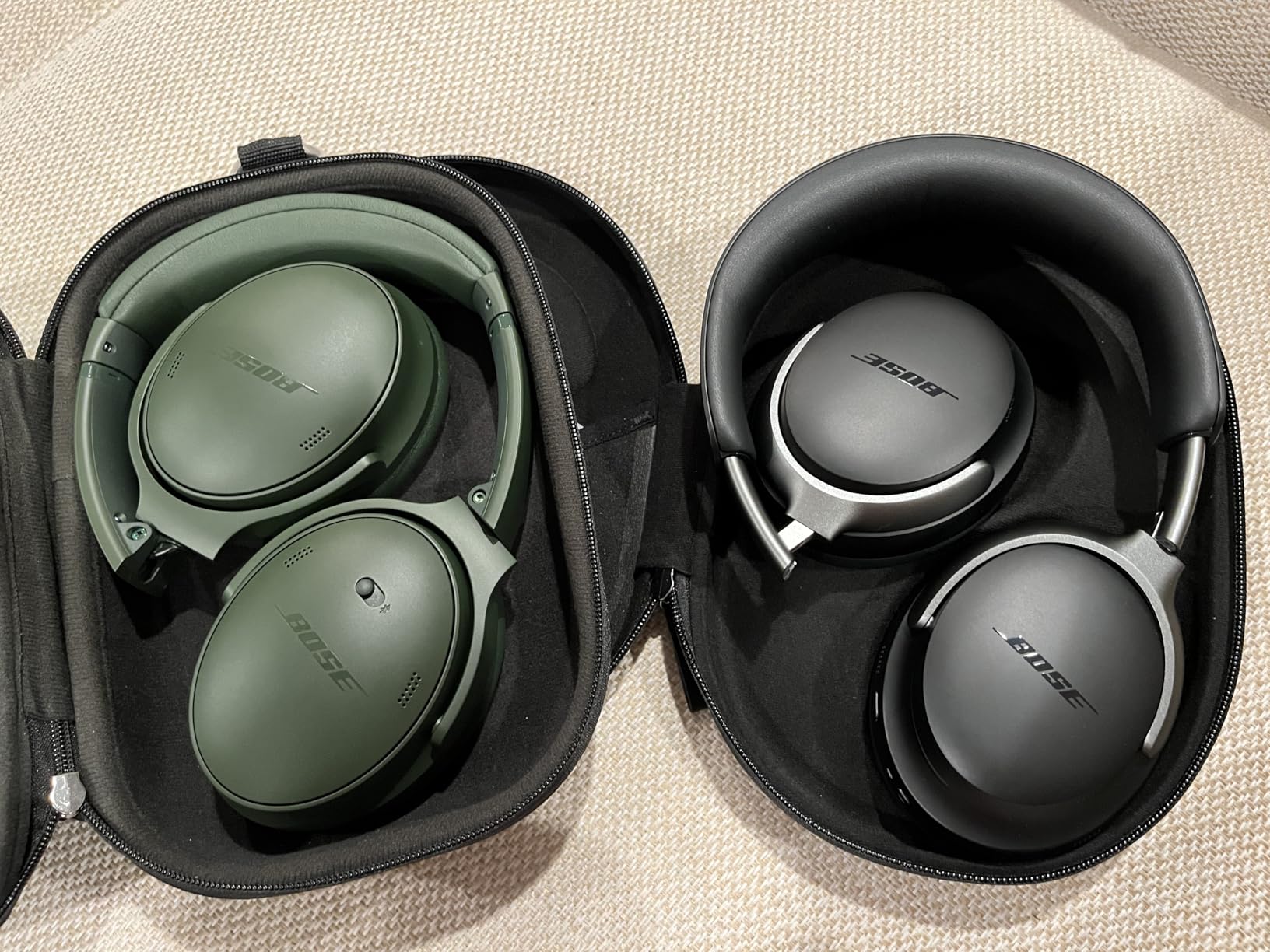
Multipoint Bluetooth switches cleanly between your laptop and phone without app intervention, and the physical buttons are far easier to hit mid-call than touch controls. The included wired inline-mic cable is a genuine fallback: when the battery dies, you plug in and keep the call. The 24-hour battery matches the advertised claim, and a 15-minute charge adds around 2.5 hours, which is a full afternoon of meetings.
The honest limitation is that ANC fades against intermittent sound. A colleague talking nearby, a television in the break room, a phone ringing at the next desk: all of that comes through. Reviewers also mention a faint white-noise pump with ANC on, and multipoint confusion when several Apple devices are connected, where the wrong source can grab the connection. If you juggle an iPhone, a Mac and a work laptop, that is a real annoyance.
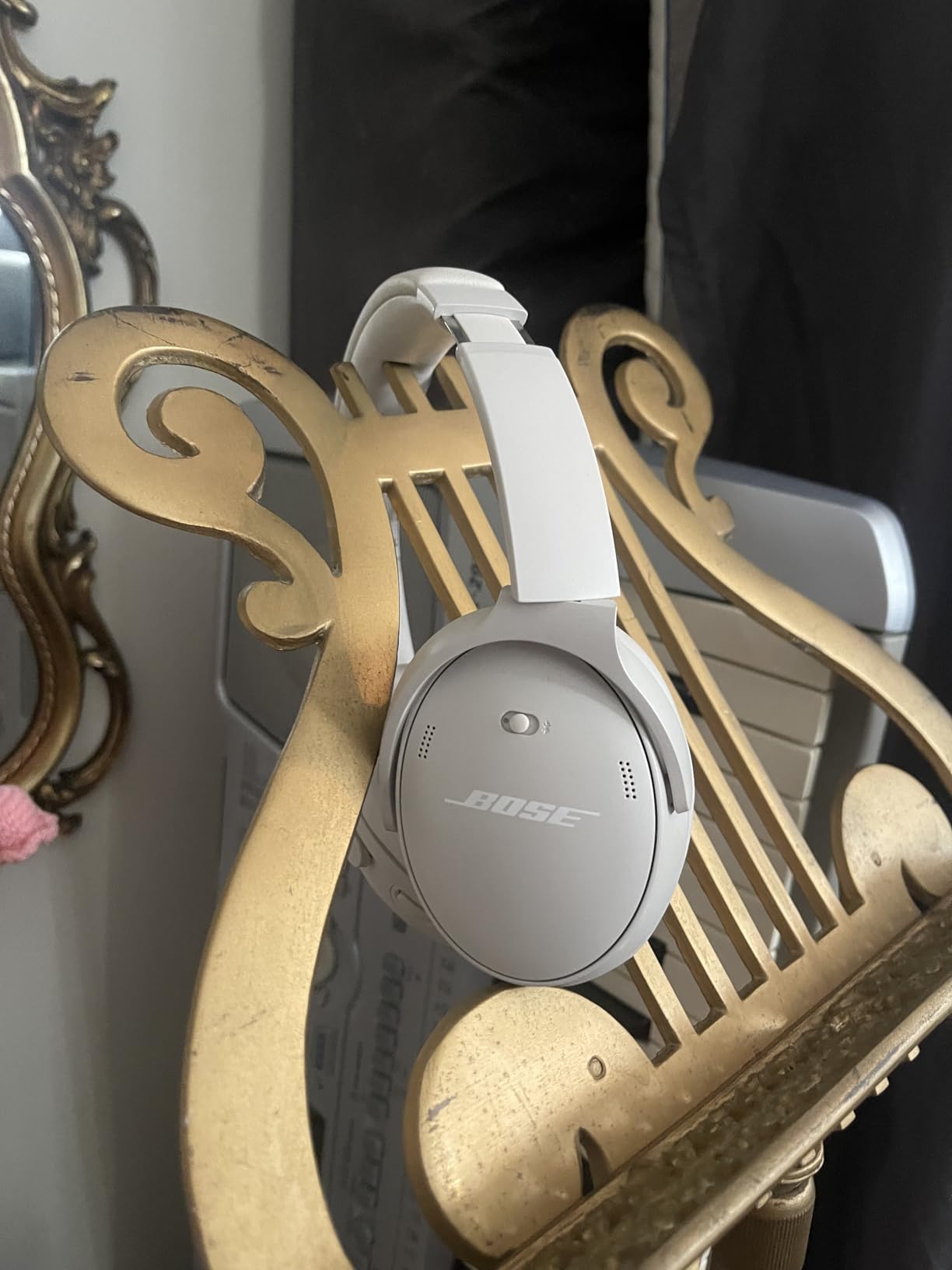
What it feels like at hour six
By hour six, the QuietComfort is still the pair we forgot we were wearing. That is the entire argument for it. The ear pads stay cool relative to some competitors in a normal-temperature office, the band pressure stays even, and nothing needs readjusting after a long stretch of typing. If you are the kind of person who takes headphones off at lunch to rest your ears, this is the pair that stops you doing that.
When another pair is the smarter buy
Choose elsewhere if you need to block out voices specifically, since no amount of tuning fixes bursty speech. Skip it if a constant low hiss in total silence bothers you, which some listeners report. And if your workday is spent in a genuinely noisy open floor rather than a room with steady hum, the extra money buys you less than it would on a dedicated call headset. The cups can also warm up during exercise, which matters only if you also run with them.
3. Sony WH-1000XM5 – Best Noise Cancelling Plus Beamforming Mic
Sony WH-1000XM5 Premium Noise Cancelling Wireless Headphones, Black
Two processors and 8 microphones
4 beamforming call mics
30-hour battery
Multipoint pairing
Pros
- Two processors and 8 microphones deliver the strongest cancellation here for office chatter and HVAC noise
- Beamforming microphones are a clear step up for laptop calls
- Multipoint moves between laptop and phone without repair steps
- 30-hour battery with a 3-minute charge for 3 hours
- Speak-to-Chat and instant pause on removal suit open-office etiquette
- Protective case included
Cons
- Does not fold compactly and the case is less rigid
- All-touch controls on one cup have a learning curve with no physical buttons
- Headband padding is minimal and can pinch on smaller heads
The XM5 is the pair most people in the office headphone conversation end up at, and for a specific reason: it does noise cancelling and microphone quality better than anything else here at the same time. Two processors driving 8 microphones handle the full range of office noise, including conversational chatter that flattens less capable rivals, and the Auto NC Optimizer recalibrates to your environment when you put the headphones on.
For calls, 4 beamforming microphones make this the strongest consumer pick in the group. Colleagues hear you clearly from a laptop in a shared space, which is the specific complaint that dominates the r/HeadphoneAdvice threads on work calls. It is still not a boom mic, and reviewers are candid that dedicated call headsets win in very noisy rooms, but the gap is far smaller than it was two generations ago.
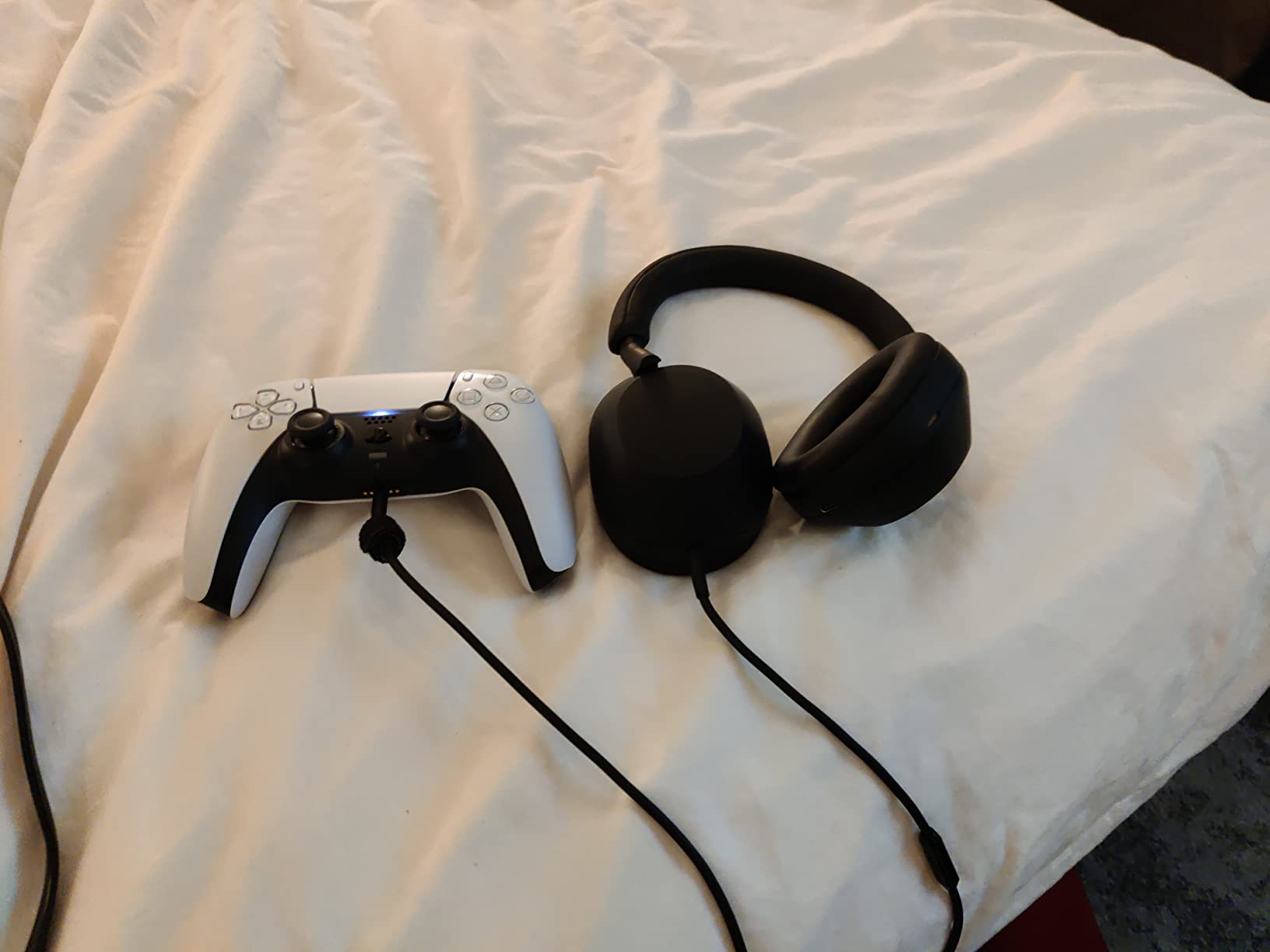
Multipoint moves between a work laptop and a personal phone without repair steps, which solves the constant reconnection friction. Battery life is 30 hours, and a 3-minute charge returns 3 hours, so battery anxiety is basically off the table. Speak-to-Chat lowers the audio when you start talking and pauses when you stop, and removal pauses playback instantly, which is decent open-office etiquette without a transparency toggle.
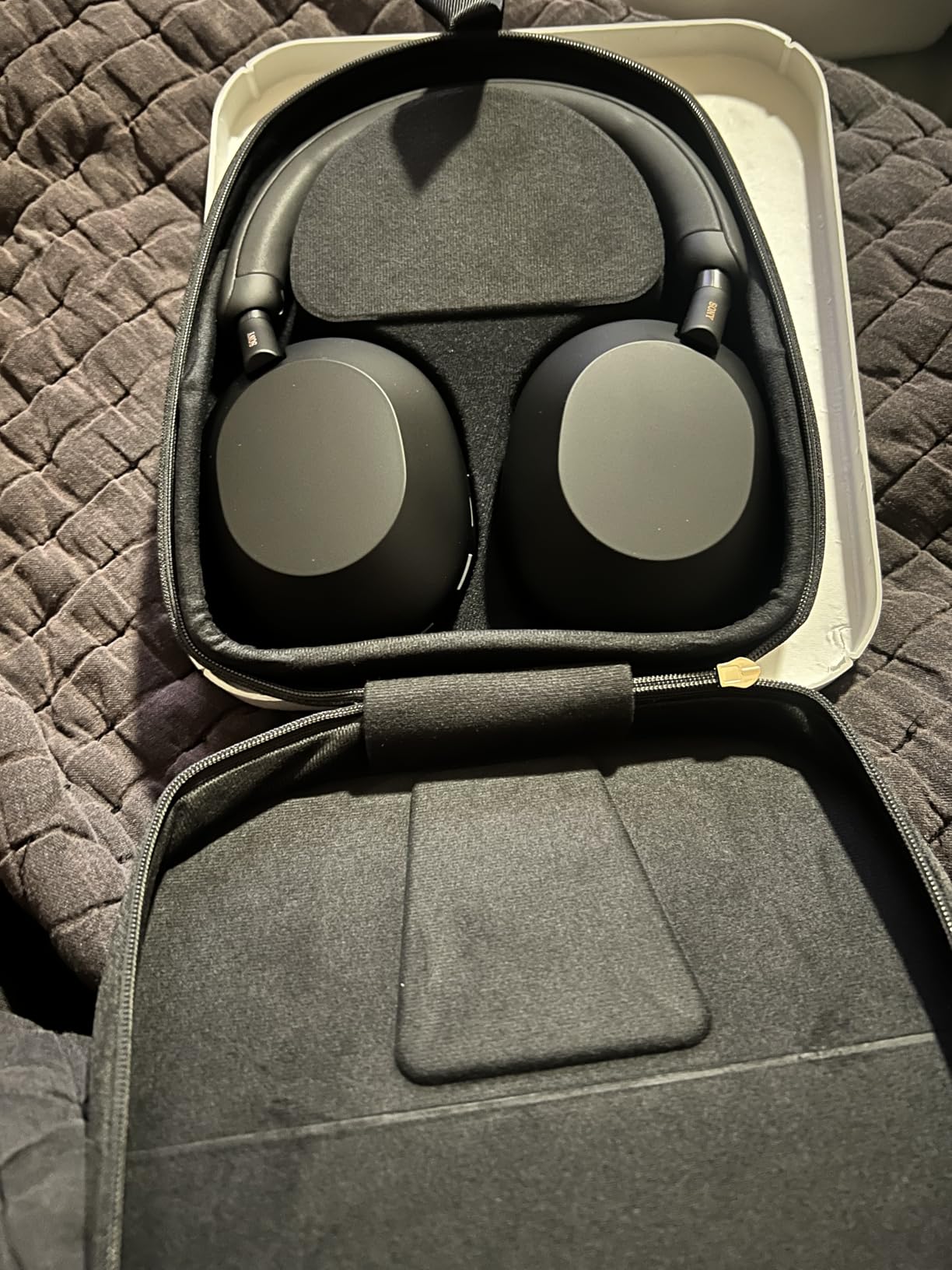
There are real design trade-offs. It does not fold compactly the way earlier Sony generations did, and the case is less rigid, so it takes up more bag space and offers less crush protection. The headband padding is minimal, and reviewers with smaller or sensitive heads report it feeling tight or slightly pinchy over a long day. Every control is touch, with no physical button to find by feel in the dark.
Mic performance in a shared space
Speaking normally from a laptop at a shared table, the XM5 kept our voice clean with background chatter pushed back rather than simply louder. Beamforming does the work here, aiming pickup at your mouth. If you spend a large share of the day in calls, that is the single feature most worth paying up for, and it is why this is the call pick of the roundup.
Where it frustrates owners
The physical trade-offs are real. The non-folding design matters most for people who commute daily and want a bag-friendly pair, and the touch controls are a genuine learning curve. Occasional Bluetooth dropouts and multi-device instability on Windows PCs also get reported, which is worth weighing if your work laptop is Windows. The 30mm drivers also deliver a balanced, flatter signature that some listeners find less exciting than alternatives.
4. Jabra Evolve2 65 MS – Best for Microsoft Teams Desks
Jabra Evolve2 65 MS Wireless Headphones with Link380a, Stereo, Black – Wireless Bluetooth Headset for Calls and Music, 37 Hours of Battery Life, Passive Noise Cancelling Headphones
MS optimised for Teams
Jabra Link 380a USB-A dongle
37-hour battery
Passive noise cancelling
Pros
- Plug and play Microsoft Teams optimisation plus the included Link 380a USB-A dongle
- 3-microphone call technology cuts background conversation noise on calls
- Up to 37 hours of battery with 15 minutes of charge giving about 8 hours
- Soft memory foam cushions and a lightweight on-ear design for all-day wear
- Works with all leading unified communications platforms
Cons
- Noise control is passive rather than active so steady office hum is less attenuated
- On-ear form encloses rather than covers the ear
- The dongle connection is the most reliable path for UC apps
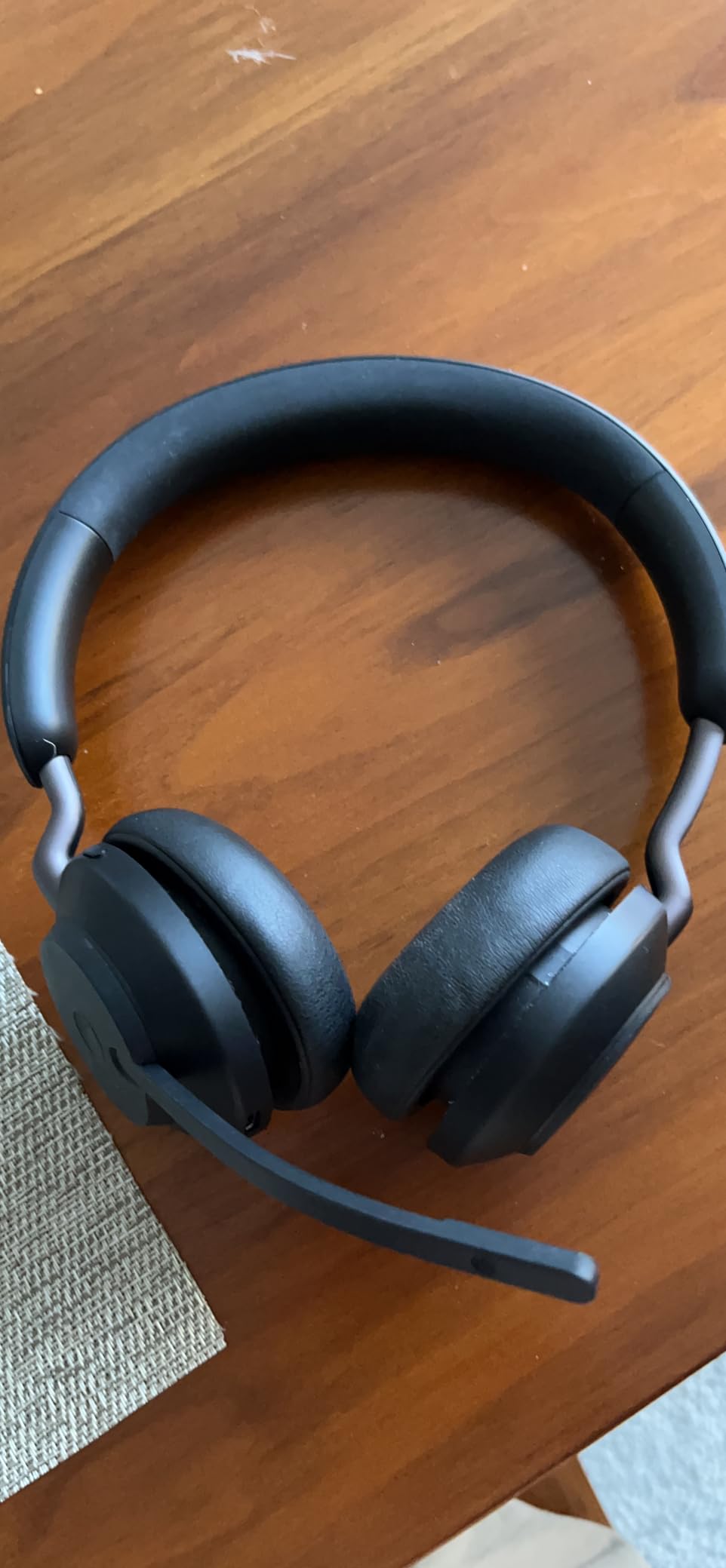
Almost every workplace calls app is a unified communications platform, and the Jabra Evolve2 65 MS is the only pick here explicitly optimised for one. It ships MS-optimised for Microsoft Teams, and the box includes the Jabra Link 380a USB-A Bluetooth adapter, desk stand and carry case. On a managed company laptop where Bluetooth pairing is restricted or flaky, that dongle is the difference between a headset that works on day one and one that needs IT.
Call quality is the point here. Three-microphone call technology is designed to cut background conversation noise, which is the noise that ruins an open-plan call, and 40mm leak-tolerant speakers are tuned to keep your voice natural while still sounding decent for music. Battery life runs to 37 hours, and 15 minutes of charging returns about 8 hours of use.
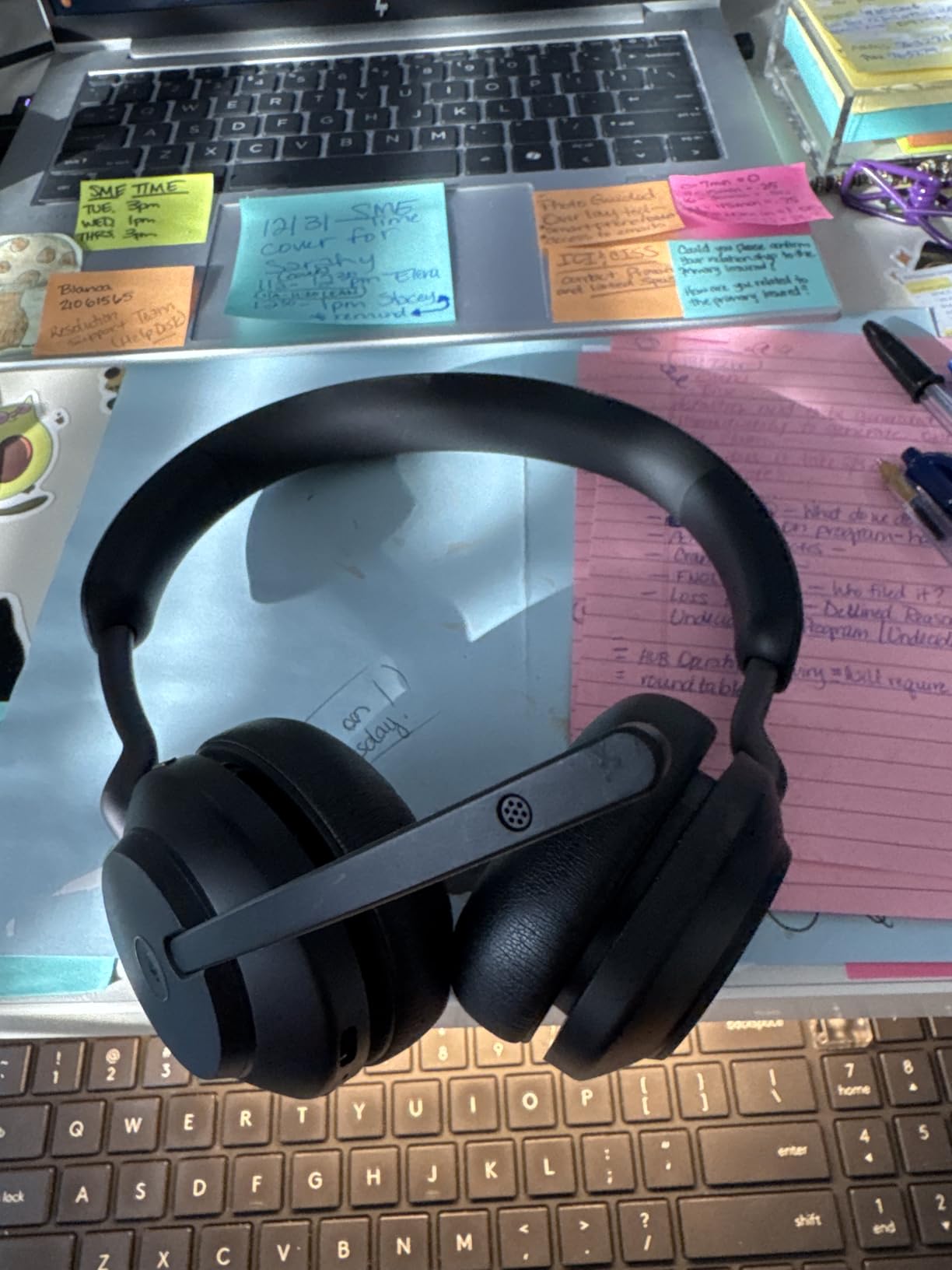
Comfort is the surprise. The on-ear design is lighter than the over-ear cans here, and the soft memory foam cushions are shaped to ear contours, so it stays comfortable through long days. If you dislike the enclosed feeling of an over-ear cup, or you wear glasses and find pads plus temples uncomfortable, an on-ear fit solves a problem most of this roundup cannot.
Be clear about what it is. This is on-ear, not over-ear, and the noise control is passive rather than active. That means steady hum is less attenuated than with the Sony or Bose, and the seal against a desk full of chatter is smaller. The Bluetooth range is strong at up to 30 meters, but for UC apps the dongle path is simply more reliable, and that is what you should default to.
Why Teams certification matters on a work laptop
Certified hardware is tuned and tested against the platform’s own settings, which removes a category of small annoyances: call routing, mute behaviour and device selection inside the app. It also means fewer support tickets. For a team standardising on one headset, that consistency is the deciding factor, and the two-year manufacturer warranty backs it up.
Who should not buy it
Do not buy this for music-first listening, and do not buy it expecting quiet. If your goal is to disappear into a focused block of deep work in an open-plan office, passive isolation will not get you there and you should look at the Bose or Sony instead. The lower rating and smaller review pool also reflect a narrower user base, not a worse product; it simply appeals to a specific professional use case.
5. JLab Go Work Gen 2 – Best Budget Call Headset with a Boom Mic
JLab, Go Work Gen 2, Wireless Headset, Bluetooth, USB Dongle, Boom Mic, Multipoint, Over Ear Headphones, Black
55+ hour battery
Flip-to-mute boom mic
USB-C dongle and wired modes
40mm drivers
Pros
- Flip-to-mute boom mic with a red LED removes the accidental-unmute problem
- 55+ hours of battery covers a full work week on one charge
- Three-way connectivity with Bluetooth multipoint
- USB dongle and wired USB-C
- C3 calling dual mics pull your voice out of room noise
- Two-year warranty
Cons
- On-ear cushions are small and can pinch or pressure the ears over a full day
- Mute button state can be inconsistent on some softphones
- Music tuning is functional rather than hi-fi
The JLab Go Work Gen 2 solves the single biggest problem in this roundup for the least money: it has a real boom mic. Most consumer noise cancelling headphones use beamforming microphones tucked into the ear cup, and they work well, but a boom arm sitting at your mouth is a different category for a headset built around calls all day. If you take more than a few calls a day, this is where to start.
The flip-to-mute boom with a red LED indicator is the feature that wins people over. You swing the mic up and the call mutes, no button hunting, no accidental open mic in a standup. Battery life is 55 hours and up, which in practice means a full work week between charges. Connectivity is genuinely three-way: Bluetooth multipoint for two devices, a USB-C dongle for a stable PC link, and wired USB-C when you want zero latency.
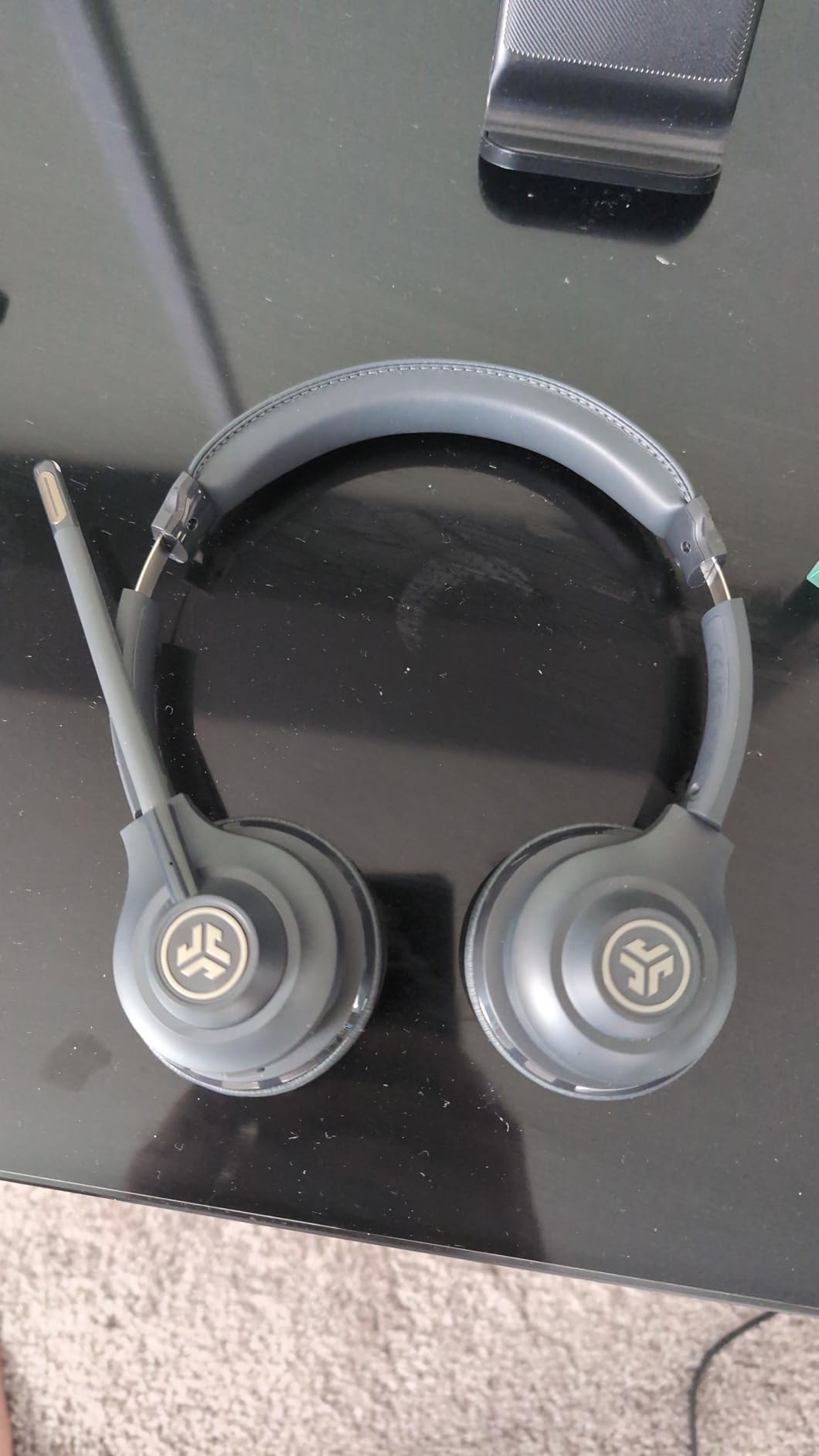
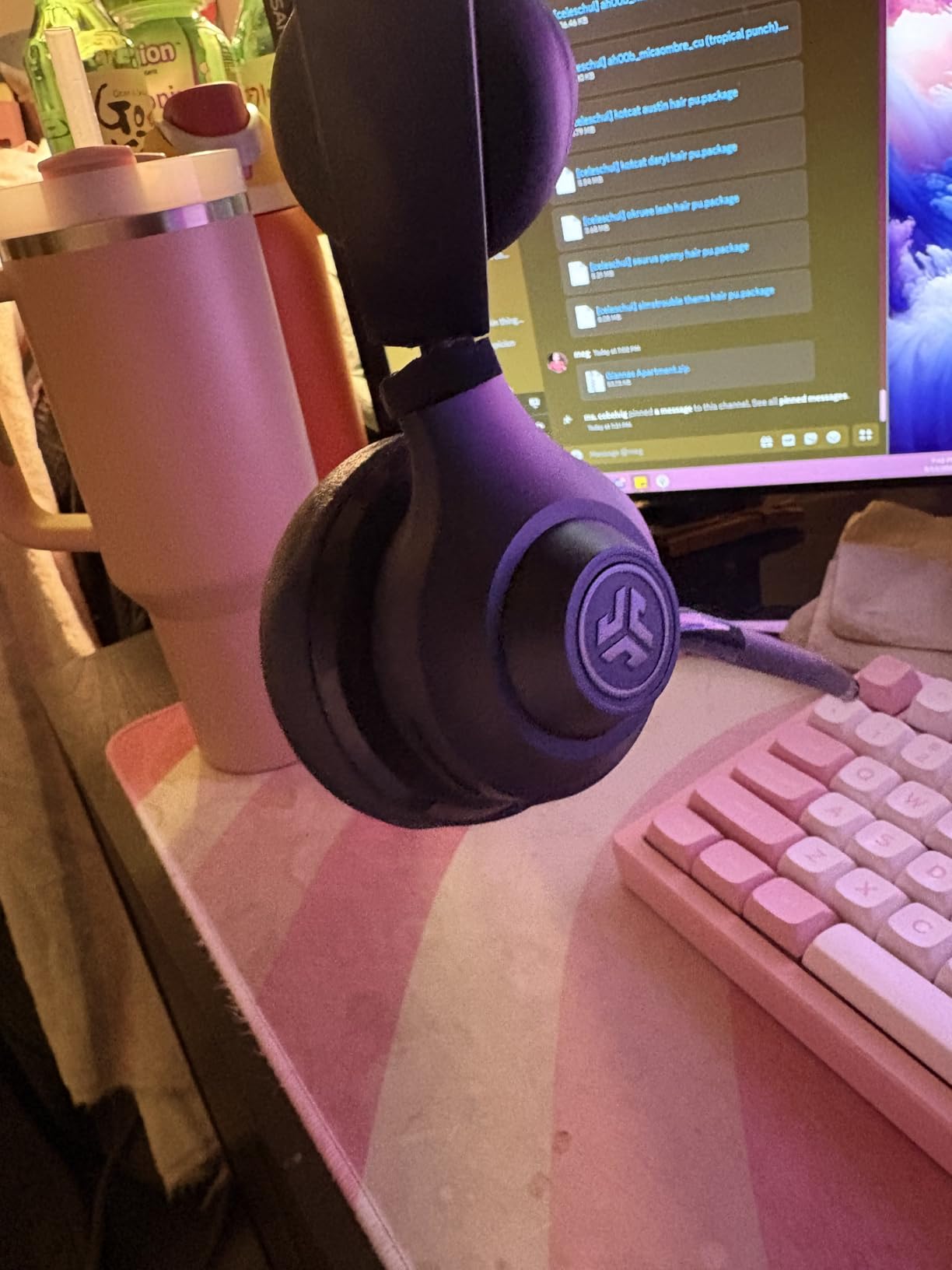
C3 calling dual mics cancel background noise on calls, and EQ2 switches between a voice EQ tuned for calls and a music EQ, which is a small thing that makes a headset far more pleasant to wear at a desk. The box includes the headset, a Type-C cable for charging or wired use, and the USB-C dongle, with a two-year warranty behind it.
Two caveats from people who wear it long. The on-ear cushions are small, and users report pinching or pressure on sensitive ears over a full day, so if you have larger ears, this is not the pair. And the mute button state can be inconsistent on some softphones, with the button not controlling mute inside the Teams app, so verify your platform’s mute behaviour in the first week.
When a boom mic beats a beamforming mic
The gap opens up in exactly one situation: a loud room where other people are talking near you. Beamforming mics in an ear cup are trying to pick your voice out of a broad field; a boom mic simply sits close to your mouth, so there is far less to reject. On quiet calls the difference is small. On a busy floor it is the difference between repeating yourself and being heard once.
Where it falls short
The fit is the main limit, and it is not a small one for an all-day guide. The small on-ear cushions pressure the ear over hours, and the lowest rating in this roundup reflects that. Music tuning is functional rather than hi-fi, and some units report the boom mic or headband connection weakening with heavy use, so treat it as a work tool rather than a keeper. It also occasionally needs re-pairing after sleep or idle periods.
6. EKSA H8 Wired Headset – Best When Battery and Pairing Are Not an Option
EKSA H8 USB Headset with Microphone for Work, Stereo Wired Computer Headphones with Mic Noise Cancelling, in Line Controls, 3.5mm Jack USB-C/A Over-Ear Headset for PC Laptop Office Call Center Teams
Wired with USB-A, USB-C and 3.5mm
ENC boom mic
Inline call controls
Over-ear memory foam
Pros
- ENC boom mic keeps your voice clear to callers in a noisy office
- Genuinely over-ear memory foam cushions that avoid pressing on the ear
- Three connection paths in one box with USB-A
- USB-C and 3.5mm
- Inline control handles answer
- end
- volume and mute without unplugging
- Dedicated Teams button and a two-year warranty
Cons
- Noise reduction applies to the microphone only and not to incoming audio
- The 3.5mm jack path does not support the inline button controls
- The fixed cable cannot be replaced if it fails
The EKSA H8 exists for a specific and increasingly common situation: a locked-down company laptop where Bluetooth pairing is blocked by policy, or a desk where a dead battery in a mid-meeting cable is a real risk. It is wired, so there is nothing to pair, nothing to charge and nothing to drop out. That is not a compromise here; it is the feature.
Unlike most of the budget headsets in this roundup, the H8 is genuinely over-ear, with memory foam cushions that surround the ear rather than pressing on it. That is the single most important comfort decision on a headset you will wear for eight hours, and it puts this ahead of the on-ear designs despite the similar price bracket. The 40mm drivers keep calls and music clear enough for either purpose.
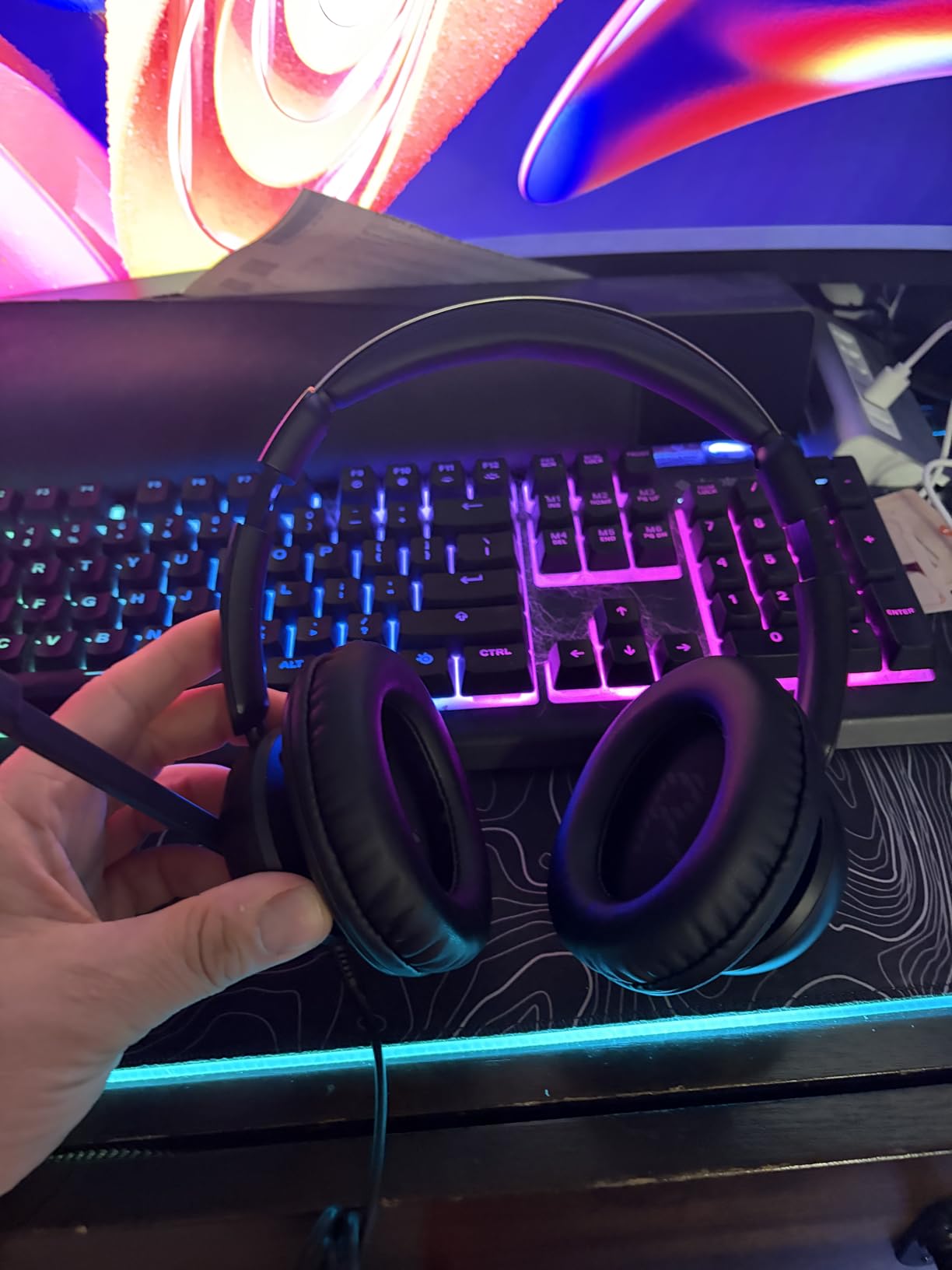
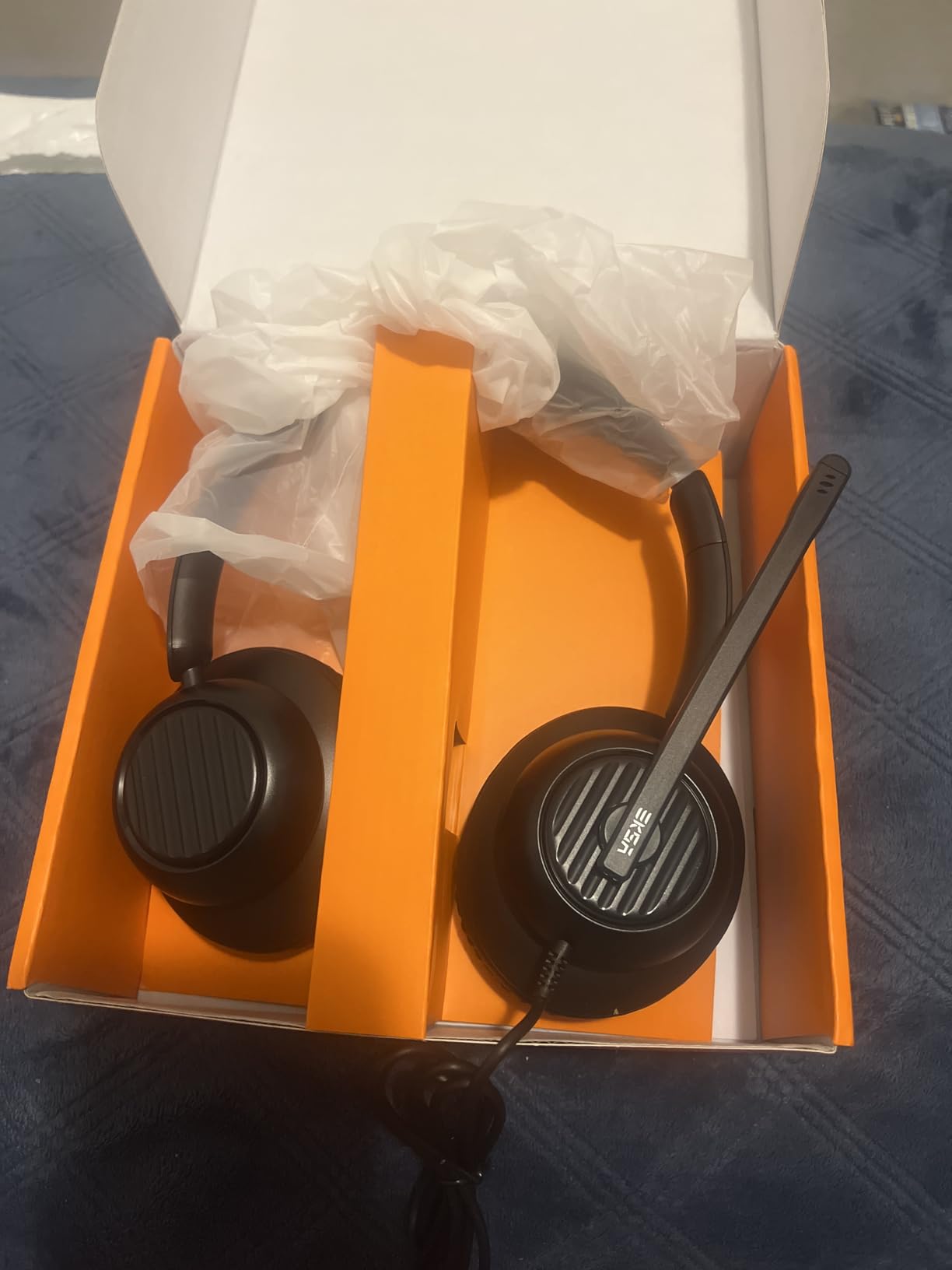
Three connection paths arrive in one box: USB-A, USB-C and a 3.5mm jack, so it works with almost any desk setup without an adapter. The inline control lets you answer and end calls, adjust volume and mute without unplugging, and there is a dedicated Teams button for quick access. The ENC boom mic is on a 270-degree adjustable arm, and callers hear you clearly in a noisy office according to the reviews.
Understand what the noise cancelling means here. It is active noise cancelling on the microphone side, cutting low-frequency background noise like typing and hum from what you send out. It does nothing to reduce what you hear, which is a genuine surprise for buyers who assume the label works both ways. The 3.5mm jack path also loses the inline button controls, and the fixed 7.71 foot cable cannot be replaced if it fails.
What a wired setup actually gains you
Latency drops to effectively nothing, which matters if you watch your own mouth in a video call or edit while on a call. Connection dropouts become impossible. And because there is no battery, there is no low-battery anxiety at all. For a fixed desk, a wired headset simply removes a category of small stress that most people only notice once it is gone.
Who should pass
Pass if you move between devices and locations all day, or if you want one pair for the commute as well as the desk. The bass-heavy signature is aimed at voice, not music or audio work, so it is the wrong choice if you edit or mix. Some users also report ear pressure after a full day, so cushion shape is personal and worth testing where you can.
7. KVIDIO Hybrid ANC Headphones – Best for Charging Once a Week
KVIDIO Hybrid Active Noise Cancelling Headphones Over Ear
70-hour playtime
40 hours with ANC on
5-minute charge for 4 hours
Included 3.5mm cable
Pros
- Hybrid ANC claimed to block up to 95% of ambient noise
- 40 hours in ANC mode and up to 70 hours standard with a 5-minute quick charge for 4 hours
- Advanced DSP aimed at clearer voice quality on calls
- Folds flat and includes a 3.5mm backup cable
- Three listening modes including transparency for hearing traffic or colleagues
Cons
- Bulky profile is awkward to wear while lying down
- Ear comfort drops off after about two hours for some wearers
- No charging block included in the box
Battery life is the KVIDIO’s reason to exist, and the number is genuinely striking: up to 70 hours of playtime, 40 hours with ANC switched on, and a 5-minute quick charge that returns 4 hours. If you are the person who charges headphones every night out of habit rather than necessity, this is the pair that ends that. It also includes a 3.5mm backup cable, so the wired fallback question is answered in the box.
The hybrid active noise cancelling is claimed to reduce ambient noise by up to 95%, and in practice it does well against the steady sources that dominate an office floor: fans, air conditioning, hum. Advanced DSP processing is aimed at clearer voice quality on phone and conference calls, which is a sensible place to spend processing power in this category. Three listening modes are available, including transparency for hearing traffic or a colleague speaking to you.
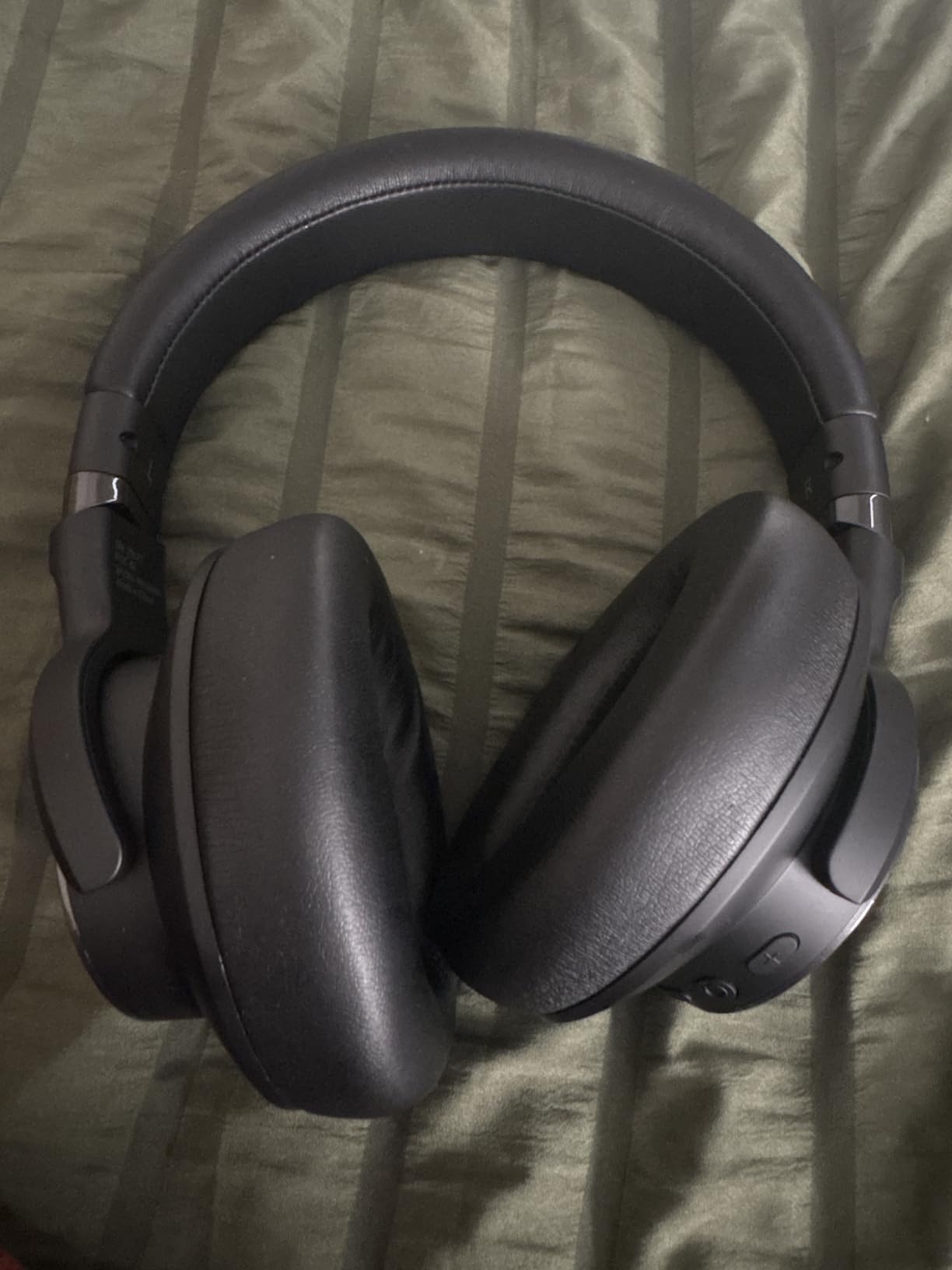
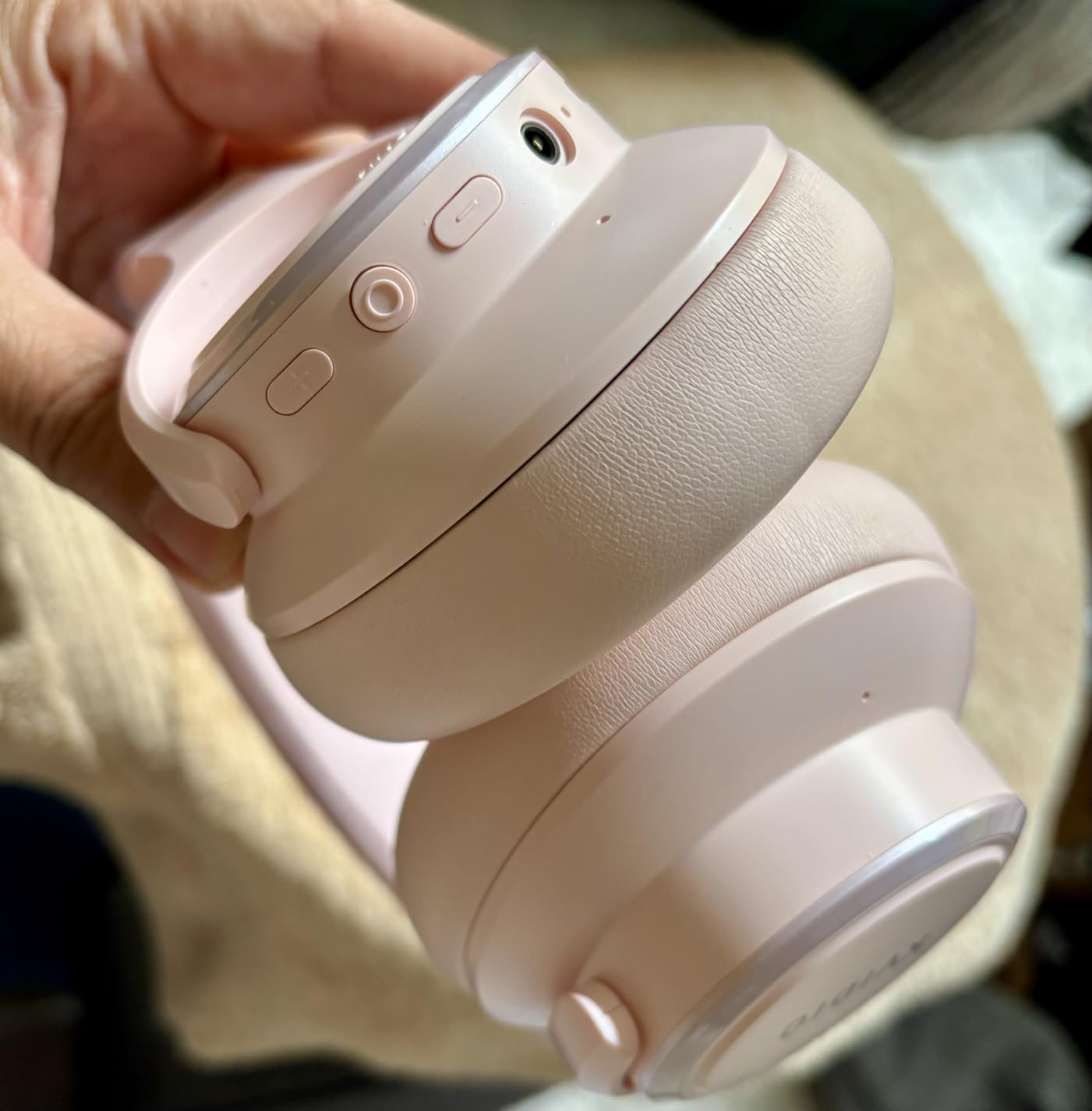
It folds flat for storage, the earpads are soft, and the build is light enough that reviewers describe comfortable wear for the first few hours. Bluetooth 6 is on board, the detachable cable is a nice touch, and the range is a standard 10 meters. Owners consistently describe it as exceptional value, and the review volume suggests plenty of people have bought exactly that promise.
The weaknesses are consistent too. The profile is bulky, which makes it awkward to wear while lying down, and comfort tends to drop off after about two hours for some wearers, which is the opposite of an all-day pick. The ANC is effective mainly on steady noise and less so on speech, and no charging block is included in the box. Some users also report shorter real-world battery life than the headline figure suggests.
Is 70 hours realistic in a workday?
For most people, yes, and comfortably. Even the ANC-on figure of 40 hours covers a working week of calls, meetings and music without a charger if you top up over a weekend. For a commuter who forgets cables, or for anyone on call rotas with long shifts, that headroom removes a whole category of failure. The gap between claimed and real battery life is worth checking in reviews, and some wearers do find it shorter than advertised.
When to spend more instead
If you wear headphones for a full day, the two-hour comfort ceiling is a dealbreaker and you should read the Bose section instead. The bulky profile also makes it a poor travel companion despite the folding design. And if your priority is being heard clearly on calls, a beamforming or boom mic design will serve you better than DSP voice processing alone.
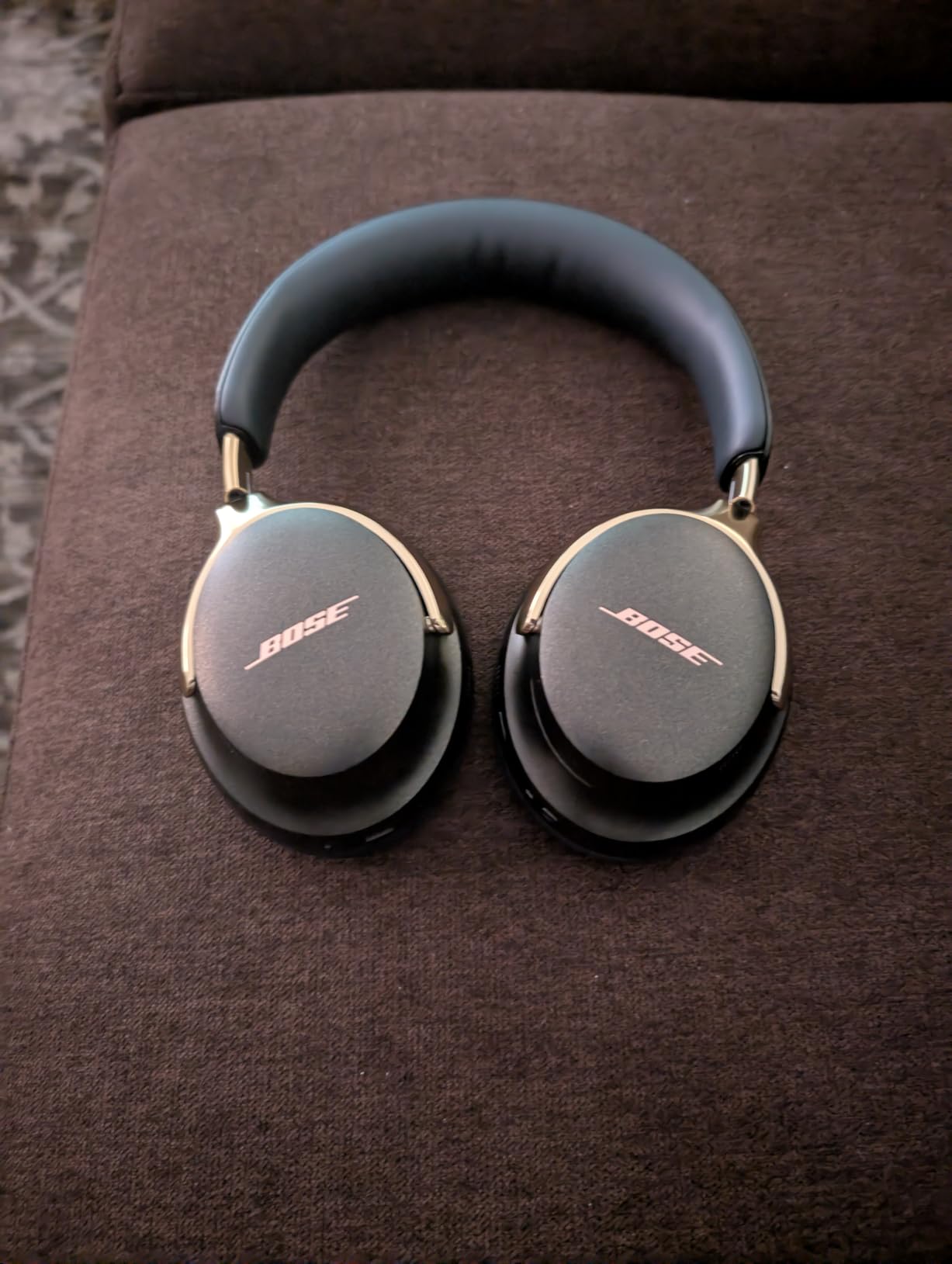
8. Bose QuietComfort Ultra 2nd Gen – Best for Hybrid Meeting Rooms
Bose QuietComfort Ultra Bluetooth Headphones (2nd Gen), Wireless Headphones with Spatial Audio, Over Ear Noise Cancelling with Mic, Up to 30 Hours of Play time, Black
USB-C wired voice mode
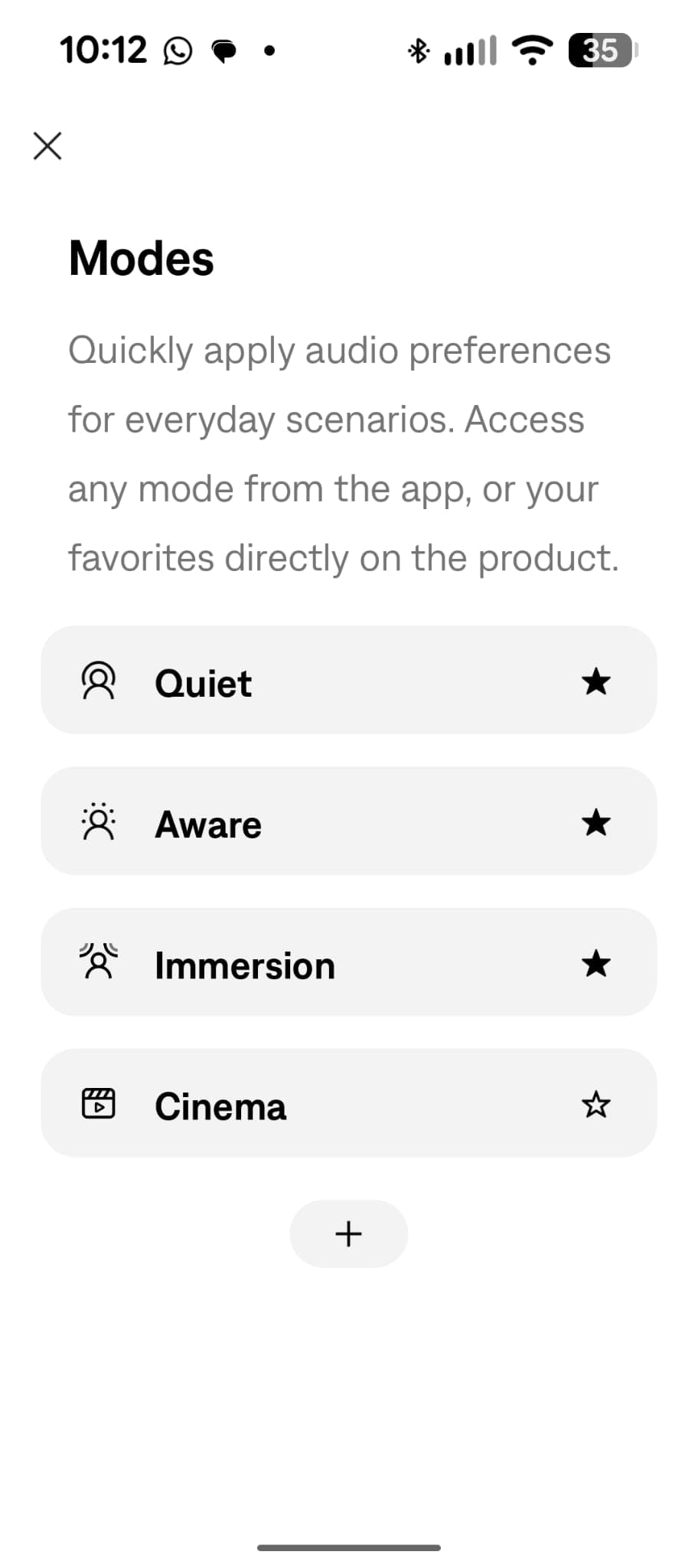
Quiet, Aware and Immersion modes
30-hour battery
CustomTune ear analysis
Pros
- Bose's strongest noise cancellation with Quiet
- Aware and Immersion modes to toggle
- USB-C wired mode gives high-quality two-way voice for calls and video conferencing
- Noise-rejecting microphones with AI-based background suppression
- Up to 30 hours of battery with 23 with Immersive Audio and charge-while-listening
- Plush cushions and a refined metal headband spread pressure
Cons
- Immersive and spatial processing can make music sound hollow or less natural
- Heaviest headset here at about 1 lb which can fatigue the head over a long day
- USB voice mode needs a USB-C wired connection and is unavailable over plain Bluetooth
The QuietComfort Ultra 2nd Gen is built for the hybrid meeting, and one feature sets it apart from everything else here. USB voice mode gives high-quality two-way audio for calls and video conferencing over a USB-C wired connection, which means the microphone is treated far more seriously than a typical Bluetooth link allows. Owners report a genuine boost in how they are heard, and it is the single best reason to pick this over its own cheaper sibling.
Noise control gives you three modes rather than two. Quiet shuts the world down, Aware passes surroundings through for awareness, and Immersion layers audio over the environment. That matters in hybrid work because you need to hear a colleague who walks up to your desk, and Aware is more usable for that than yanking a cup off your ear. Immersive Audio with Cinema Mode adds spatialisation for video content.
Microphones use noise rejection with AI-based background suppression, and the cushions plus refined metal headband distribute pressure evenly, which is why the build feels refined despite the weight. CustomTune analyses the shape of your ears and adapts the sound. Battery life is up to 30 hours, dropping to 23 with Immersive Audio, and you can charge while listening.
The catch is weight. At about 1 lb, this is the heaviest pair in the roundup, and over a full day that can fatigue the head. The Immersive and spatial processing can also make music sound hollow or less natural, which is a strange trade in a pair you might also use for listening. There are fewer physical controls than cheaper models, and the good USB voice mode requires a wired connection you have to remember to plug in.
Why USB-C voice mode changes a call
Bluetooth audio compresses your microphone on the way out, and compression is where a voice loses definition. A USB-C wired connection hands the call app a digital signal path with far more bandwidth for your voice, so your words arrive with less pumping and fewer artefacts. On a hybrid day where you are on calls in a room with background talk, that difference is measurable to the other side rather than merely theoretical.
Who it does not suit
Skip it if weight is your main concern for all-day wear, because the one lb build works against you at hour six. Do not turn Immersive Audio on for music unless you like the effect, because the processing is tuned for video and reviewers often find it hollow. And if you need one pair that travels constantly, the premium build and case are bulkier than the folding designs here.
9. Angteela M112 Wireless Headset – Best When Your Laptop Blocks Bluetooth
Upgrade ANC & ENC Wireless Headset with Mic for Work(Flip-to-Mute & Dongle)
Qualcomm USB-A dongle
Flip-to-mute boom mic
35-hour talk time
Charging dock included
Pros
- Hybrid ANC plus ENC mic processing with three ANC modes mutes office background well
- Qualcomm USB-A dongle gives a stable
- low-latency link on PCs with restricted Bluetooth
- Flip-to-mute boom mic mutes by a physical flick
- Dual connectivity keeps the dongle and a phone connected at once
- 35 hours of talk time or 50 hours of music with a charging dock in the box
Cons
- ANC must be switched off when nothing is playing or a static hiss is audible in silence
- Not compatible with landline or desk phones
- Spoken voice prompts for mute and connection cannot be disabled
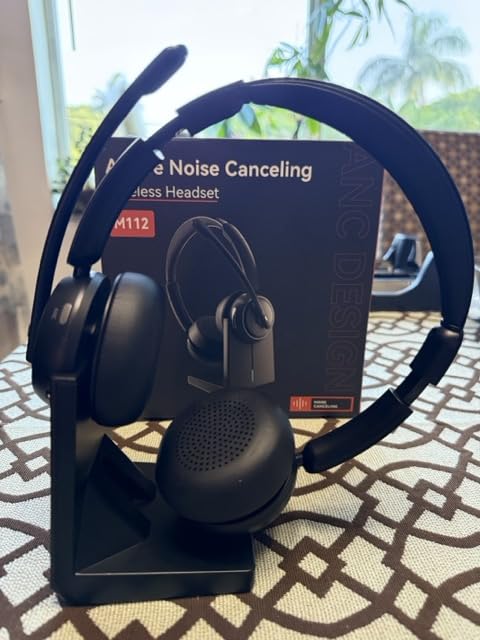
The Angteela M112 is built around a problem that Bluetooth-only headsets cannot solve: a corporate PC where the Bluetooth radio is restricted, the driver is outdated, or the security policy blocks pairing entirely. The included Qualcomm USB-A dongle creates a direct, low-latency link that the operating system treats as a standard USB audio device, so it bypasses the pairing problem completely. On managed laptops, this is frequently the difference between a working headset and an IT ticket.
Call handling is well thought out. The boom mic mutes by a physical flick with a 270-degree rotation, so you never hunt for a button mid-meeting, and hybrid ANC plus ENC microphone processing work together to mute office background noise, with three ANC modes to choose from. Dual connectivity keeps the dongle and a phone connected at the same time, which covers the laptop-plus-mobile pattern most people have.
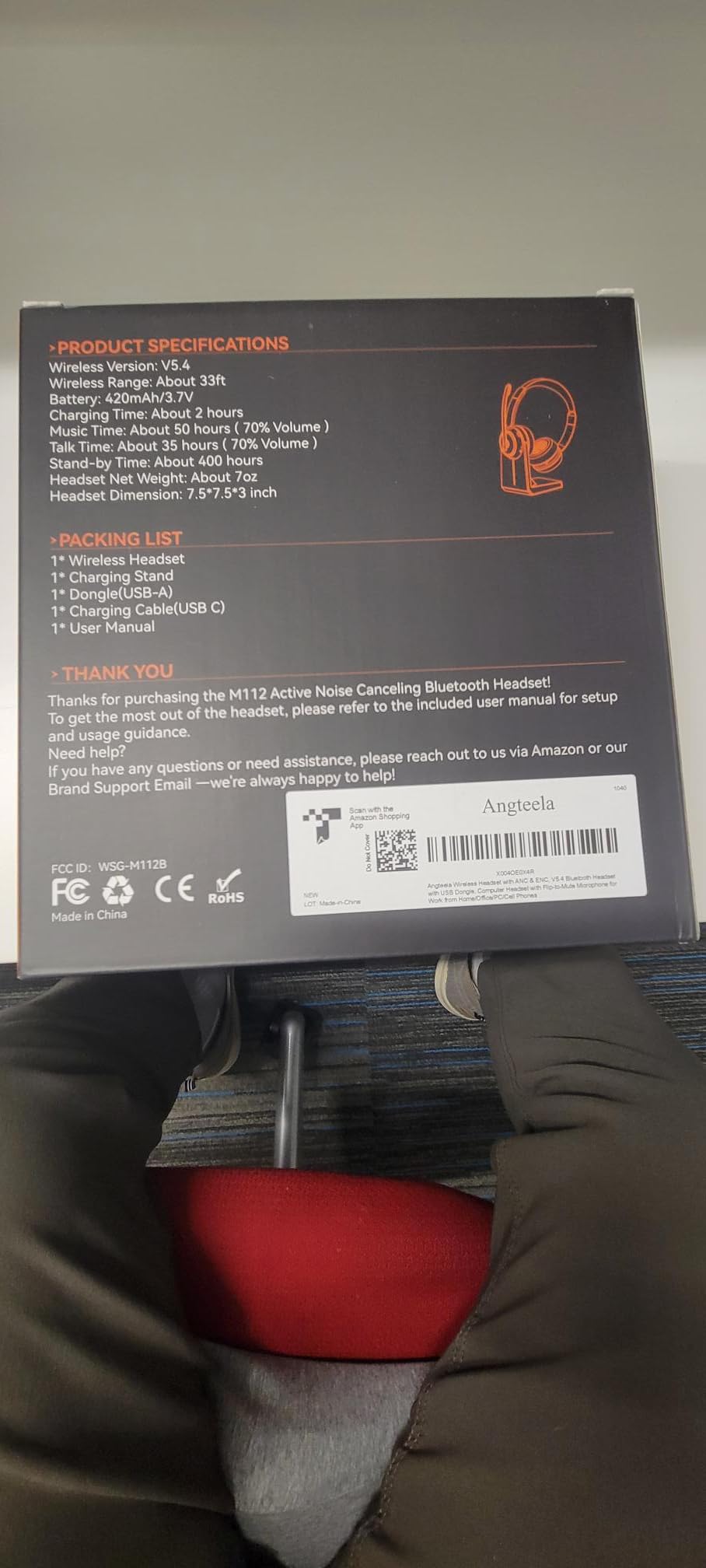
Battery life is 35 hours of talk time or 50 hours of music, and a charging station is included in the box along with the headset, Type-C cable and dongle. Bluetooth 5.4 gives roughly a 33-foot range with stable pairing, and the soft leather cushions plus flexible headband stay comfortable through long shifts according to owners.
Two habits are needed. If you leave ANC on with nothing playing, a faint static hiss is audible in silence, so turn it off when you are not using it. And the spoken voice prompts for mute and connection cannot be disabled, which is mildly irritating in a shared office. It also does not work with landline or desk phones, and some Windows setups need a recording-tab workaround before call alerts route to the headset.
When a dongle is worth the extra step
A dongle matters in three situations: a locked-down work laptop, a desktop where Bluetooth pairing is unreliable, or any call-critical day where a drop mid-sentence would be visible to everyone. The latency is also lower than Bluetooth, which makes lip sync on video calls noticeably tighter. If none of that describes your setup, a Bluetooth-only pair is simpler and you are paying for a workaround you will not use.
Trade-offs to accept
The three ANC modes are a genuine strength here, but the hiss when idle is a small daily friction. Voice prompts you cannot switch off will get old quickly in a quiet office. The value also sits between budget and mid-tier headsets, so if your laptop pairs without trouble, the comfort and microphone refinements here may not justify going this route at all.
10. JBL Quantum 100 – Best Lightweight Wired Headset
JBL Quantum 100 – Wired Over-Ear Gaming Headphones – Black, Large
7.8 oz build
Detachable boom mic
Wired 3.5mm
On-earcup volume and mute
Pros
- Very light 7.8 oz build with memory foam PU leather cushions that stay comfortable for hours
- Detachable boom mic with echo cancelling that also works as plain headphones
- Volume wheel and mute control built into an ear cup with no app needed
- Wired 3.5mm connection works with PC
- Mac
- Xbox
- PS4
- Switch
- mobile and VR
- Two-year warranty
Cons
- No active noise cancelling so voices and nearby conversations come through clearly
- The fixed non-detachable cable can develop intermittent clicking
- Bass-heavy non-neutral tuning that muddies the low mids
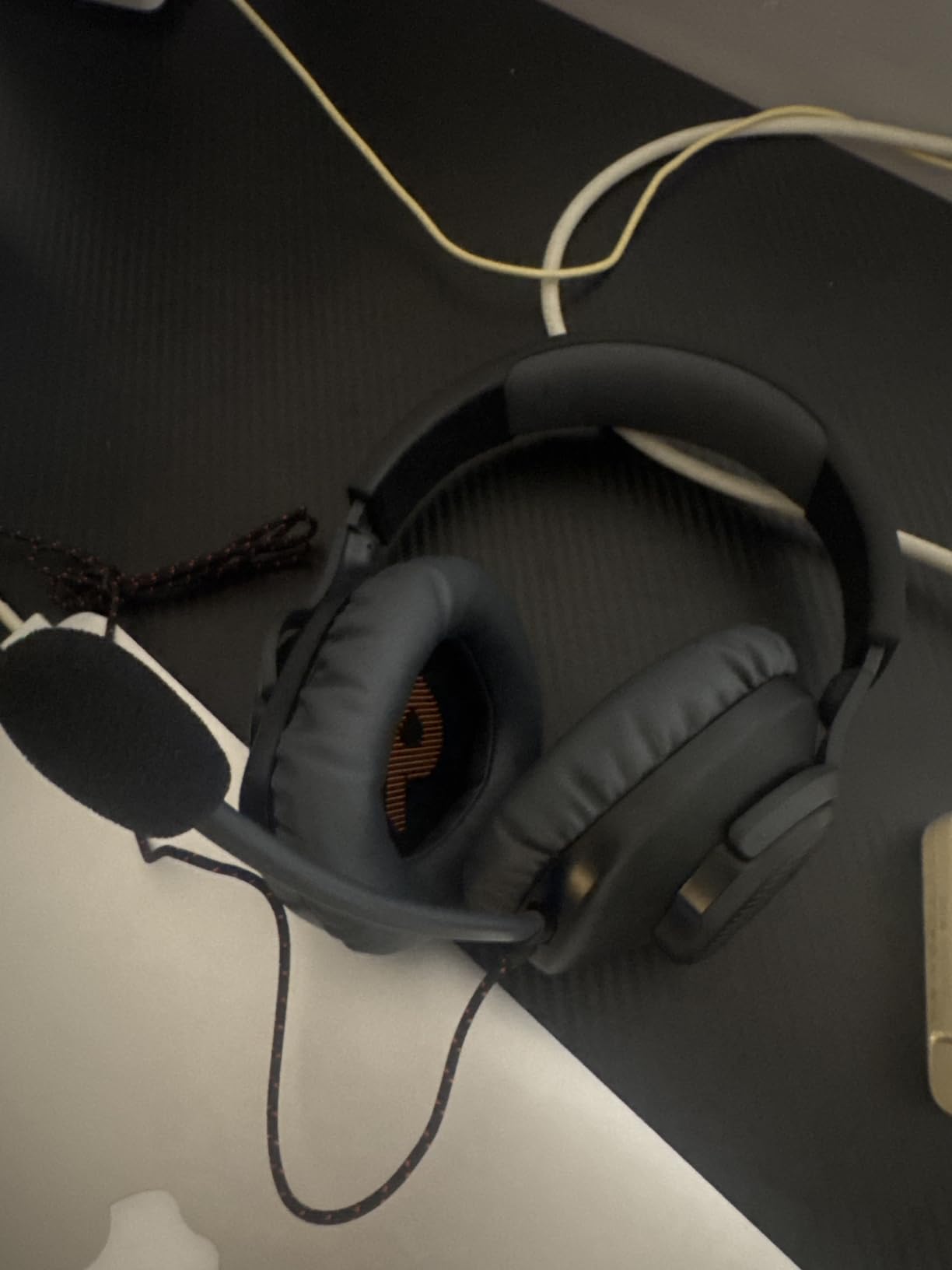
The JBL Quantum 100 is the lightest over-ear pair here at 7.8 ounces, and it stays comfortable for hours largely because there is very little of it. Memory foam PU leather cushions handle the seal, and a detachable boom mic with echo cancelling keeps team chat clear, then unclips entirely when you want plain headphones instead of a headset.
Controls are the part that wins it over the other wired options. The volume wheel and mute switch are built into the ear cup, so they work at hardware level in any app, with no software and no OS interference. The 3.5mm wired connection works with PC, Mac, Xbox, PS4, Nintendo Switch, mobile and VR, and the two-year warranty is generous for a budget wired headset.
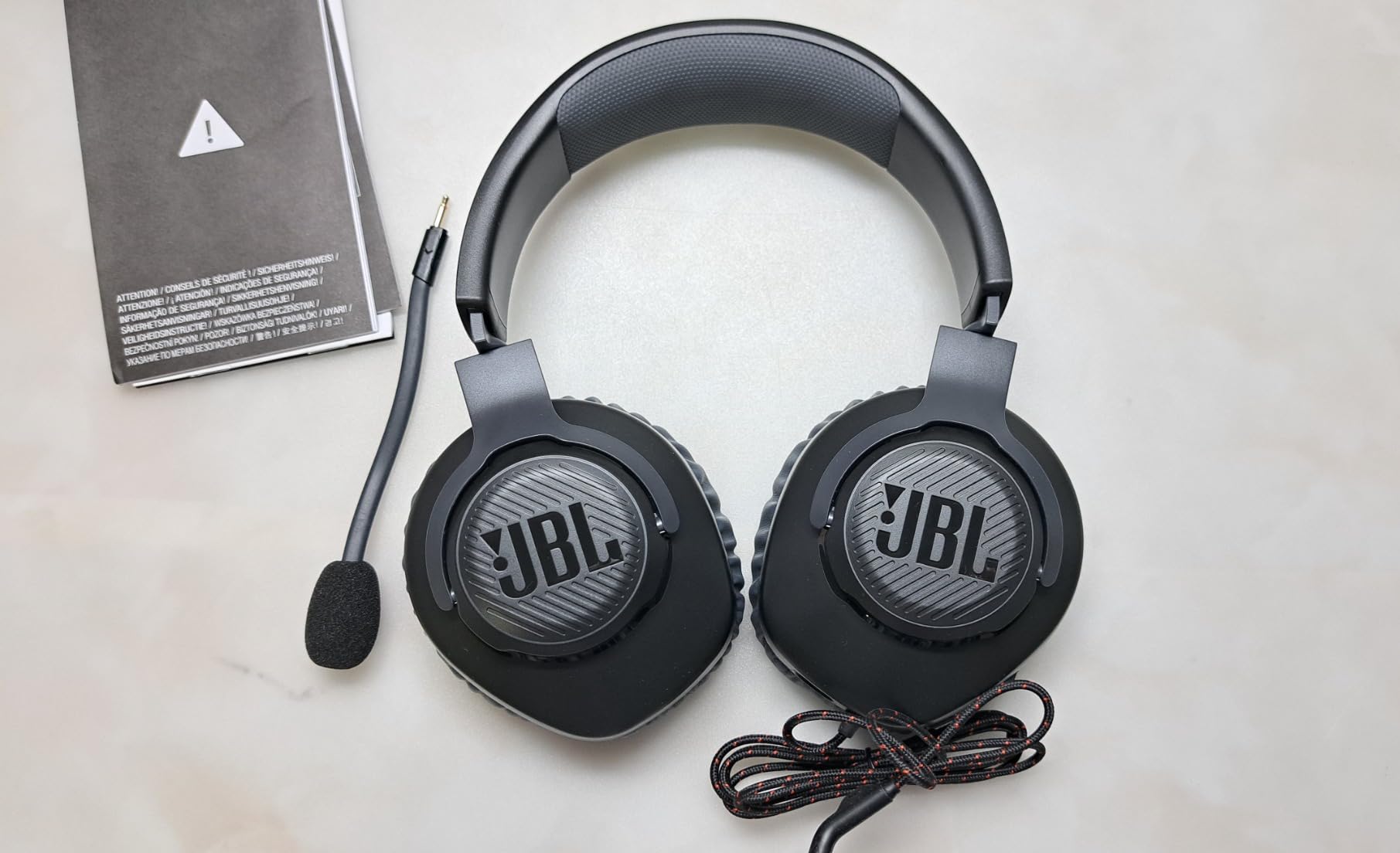
There is no wireless here and no app, which is exactly the appeal. Nothing to charge, nothing to pair, no firmware, no multipoint to think about. Directional audio tuning is aimed at locating footsteps and cues, which is a gaming heritage rather than an office one, but it does no harm for voice calls.
The limitations are honest ones. There is no active noise cancelling, so sound isolation only, and voices from nearby colleagues come through clearly in a meeting, which is a real problem in an open-plan space. The cable is fixed and non-detachable, so it cannot be replaced if it fails, and can develop intermittent clicking over time. The tuning is bass-heavy and muddies the low mids, which is fine for games and wrong for music or editing.
Why hardware controls matter more than they used to
Meeting controls have migrated into software, where mute state is one dropdown away from being wrong. A physical mute switch and a volume wheel on the cup remove that failure mode entirely, and they never desynchronise from what the other side hears. If you have ever said sorry, my mic was hot for a second, you already know why this matters more than any codec.
Where it is the wrong buy
Do not buy this to work in an open-plan office if the aim is to block out chatter, because sound isolation will not do that job. The boom mic also runs quiet, so you will need to raise software gain in Zoom, Teams or Discord. The thin plastic frame and swivel joints can crack after a couple of years, and the fixed cable is a longevity risk on something you will use daily.
How to Choose Over-Ear Headphones for Office Work
General best-of roundups rank by sound and travel, and both are poor predictors of office performance. A headband that disappears over a long session matters more than an extra layer of detail in a frequency response, and a microphone that keeps you intelligible matters more than both. Here is the order we would weigh things in.
1. Microphone performance first. Judge it by what colleagues hear on Zoom, Teams or Meet, not by microphone count. A boom arm at your mouth will always beat a beamforming array in an ear cup when other people are talking nearby. If you cannot test on a call, buy the pair that offers a wired USB connection or a boom mic, because both give the call app a cleaner signal.
2. Comfort, measured honestly. Weight is the first proxy, and anything around 8 to 9 ounces is light for an over-ear. Then look at clamping force and pad depth, because that decides hour five. Over-ear beats on-ear for long wear unless the on-ear pads are genuinely large. If you wear glasses, check that the pads do not press temple arms inward, which is the most common all-day complaint we read.
3. Know what ANC can and cannot do. It attenuates steady low-frequency sound well, and speech badly. In a private office or a home desk, ANC is often wasted because there is little steady noise to remove. In an open-plan floor with air handling and equipment hum, it is genuinely useful. If your noise is bursty, prioritise comfort and microphones and accept that you will hear voices.
4. Battery plus a wired fallback. Any wireless pair should have a wired option, and the honest question is whether that cable includes a microphone. Over-ear headphones die at hour seven of a long day, and being unable to plug in is how a headset ends up in a drawer. Pairs with 30 hours or more remove the problem entirely; the KVIDIO covers a full week.
5. Multipoint, and how it behaves. Two-device multipoint is standard now and it is what stops you re-pairing every morning. Test the switch while a call is live, because some implementations cause a short dropout or grab the wrong source when several devices are in range.
6. Heat, which nobody mentions. Over-ear cups trap heat, and an office that is already warm makes it worse. Reviews mentioning sweaty ears are the most reliable early warning in user feedback. Cooler materials, a lighter build and better airflow help, and taking the headphones off at lunch is a real habit that fits.
7. Packability if you commute. A non-folding flagship with a bulky case is a nuisance in a backpack. Folding designs and a small case win here, and that is a legitimate reason to pick a less prestigious pair.
On hearing safety, the 60-60 rule is the practical baseline: no more than 60 minutes of listening at 60 percent volume. Workdays break that rule quietly, because a full day of ANC is far more exposure than an hour of music. Turning volume down when ANC is on also matters, because cancellation makes everything quieter and users often compensate by turning it up. If you also spend long hours at the screen, eye strain is a separate problem and our blue light glasses guide for office workers covers that side of the day.
Wired or Wireless for an Office Desk
The forum consensus on this question splits neatly, and the split is about the laptop rather than the headphones. People with a personal machine almost universally choose wireless for the convenience of moving around with the phone. People on managed corporate hardware choose wired or dongle-based, because pairing is often blocked by policy and IT will not make exceptions.
Wireless wins on flexibility. Multipoint means the same pair handles a laptop call and a phone call without replugging anything, which is the pattern most of us actually live in. Battery life above 30 hours means charging is a weekly event rather than a nightly one. And transparency or awareness mode lets you hear a colleague approaching without removing the headphones, which matters in hybrid teams where people walk up and start talking.
Wired wins on reliability. There is no pairing, no charging, no firmware, no latency and no dropout, and the phone side of a call is handled by a separate device entirely. USB-C or USB-A digital audio also gives the call app a much better microphone signal than Bluetooth compression allows, which is the point that decides the hybrid meeting pick in this roundup.
The middle path is the dongle. A USB-A or USB-C adapter creates a direct link to the PC while the headset still pairs with your phone over Bluetooth, and most of the headsets here that include a dongle support both at once. If your laptop is company-managed, test pairing before you commit. A fifteen-minute check will tell you whether you need a wired answer, and it will save you from a headset you cannot use at work.
When Headphones Are the Wrong Choice
Two situations call for something other than over-ear headphones for office work. The first is a genuinely open floor where the noise is speech and interruptions rather than steady hum, because no ANC system here will block a colleague talking, and wearing headphones through it can make you miss the moment your name is called. A single-ear or open-ear design keeps one ear on the room and serves that situation better.
The second is sensory load. Sustained noise cancellation is not universally restful. Some people find that wearing ANC all day leaves them flat, foggy or slightly pressured after several hours, and the attention cost can outweigh the quiet. If that is you, run the pair in transparency mode for part of the day, or use noise reduction during meetings and plain passive isolation for deep work. If you manage attention or sensory sensitivity, checking how a pair feels at hour five matters more than any rating. Our anti-fatigue glasses guide covers another everyday discomfort worth testing, and open-ear headphone options are worth a look if staying aware of the room matters to you.
Frequently Asked Questions
What are the best over-the-ear headphones for office use?
The best over-the-ear headphones for office use prioritise microphone quality, all-day comfort and steady-noise cancellation over sound fidelity. The Soundcore by Anker Q20i is the best overall pick for its battery life and multipoint, the Bose QuietComfort leads on comfort at 238 g, and the Sony WH-1000XM5 leads on combined noise cancelling and beamforming microphone quality for calls.
What are the best headphones for office work?
For most office workers the deciding features are a microphone that keeps your voice clear on calls, a fit you can wear for eight hours, and a wired fallback for when the battery dies. Our top three are the Soundcore by Anker Q20i for all-round value, the Bose QuietComfort for long-session comfort, and the Sony WH-1000XM5 for the best combination of noise cancelling and call microphone.
Do noise cancelling headphones work in an open office?
Partly. Active noise cancelling is effective against steady low-frequency sound such as air handling, fans, hum and equipment noise. It is much weaker against speech, keyboards and ringing phones, which is most of what an open-plan floor produces. For call clarity in a noisy room, a boom mic or USB-C wired connection works far better than stronger noise cancelling.
What is the 60-60 rule for headphones?
The 60-60 rule is a hearing safety guideline: listen at no more than 60 percent volume for no more than 60 minutes at a time. A full office day with noise cancelling on breaks the rule quietly, especially because cancelling makes audio quieter and users raise the volume to compensate. Taking a break and keeping ANC off for parts of the day reduces total exposure.
Are wired headphones better for office work than wireless?
Wired is better where reliability matters, because there is no pairing, no charging, no firmware and no dropout, and a USB-C connection gives the call app a cleaner microphone signal. Wireless is better for flexibility, because multipoint moves between a laptop and a phone and a 30-hour battery makes charging a weekly event. Many company laptops restrict Bluetooth, so test pairing before deciding.
Can I use over-ear headphones with Microsoft Teams or Zoom?
Yes, and a USB-A dongle is the most reliable route on managed laptops. The Jabra Evolve2 65 MS in this roundup ships MS-optimised for Teams with the Jabra Link 380a adapter included, and the Bose QuietComfort Ultra 2nd Gen offers a USB voice mode that improves two-way call audio. Check your mute control behaviour in the app, since some headsets only mute the hardware.
The Verdict
The best over ear headphones for office work come down to which failure you cannot tolerate. If it is a dead battery or awkward pairing, take the Soundcore by Anker Q20i and its 40 hours with ANC on plus dual-device multipoint. If it is discomfort at hour five, take the Bose QuietComfort, which is the most comfortable pair we tested at 238 g. If it is being heard clearly on calls, take the Sony WH-1000XM5 with its 8 microphones and 4 beamforming call mics, or the JLab Go Work Gen 2 if you want a real boom arm instead.
For corporate hardware, the Jabra Evolve2 65 MS and the Angteela M112 both ship a USB dongle, which is the shortcut past a blocked Bluetooth radio. For a fixed desk where you would rather not think about charging, the EKSA H8 and JBL Quantum 100 are wired and simply work. Check the current figures with the buttons above, and read the comfort notes carefully, because that is the one spec you cannot change later.