
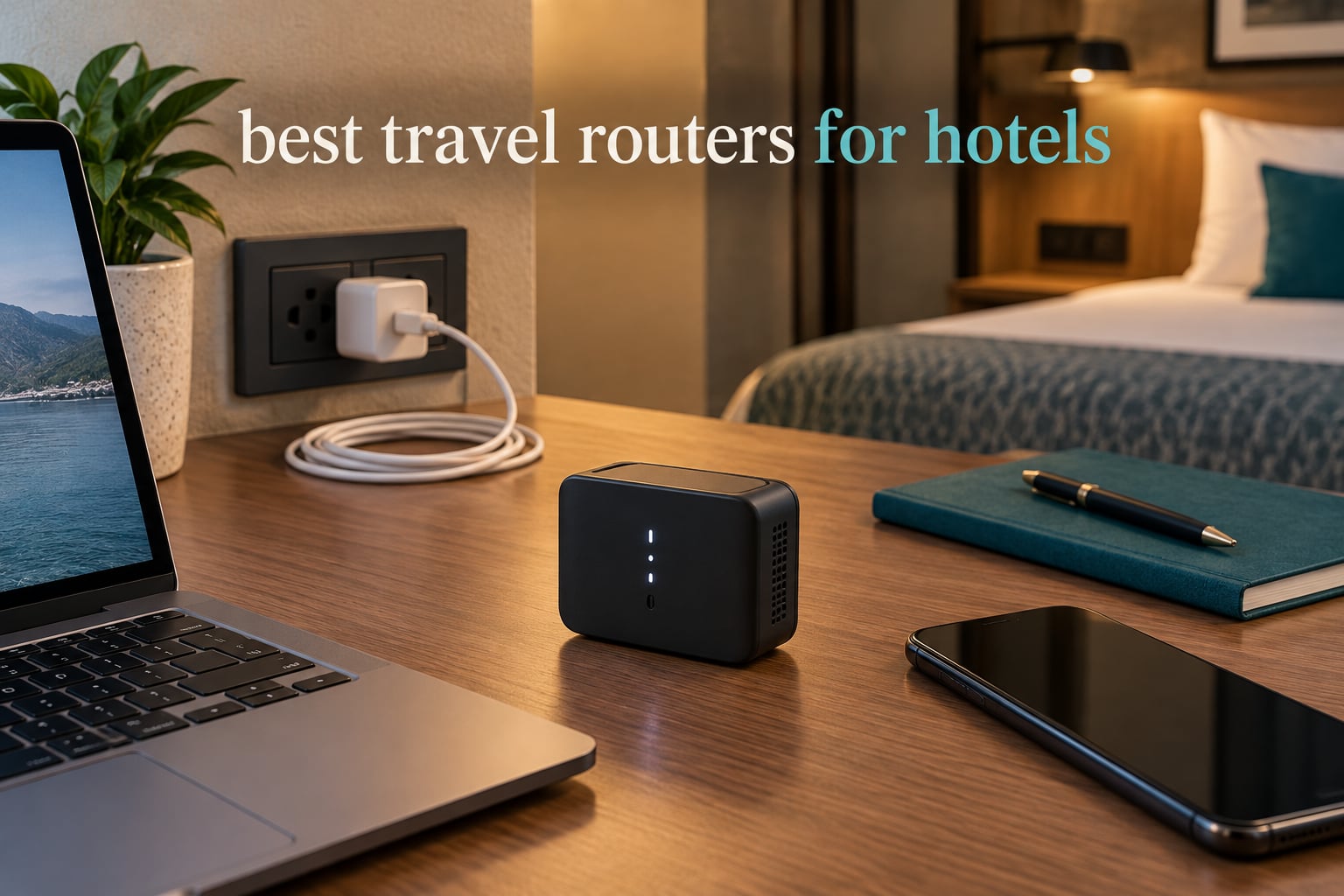
Hotel Wi-Fi rarely fails the way we expect it to. The signal in the room reads strong, the password is on the back of the desk card, and then your phone signs in while your laptop sits on a login page that never finishes loading. A second phone asks for a separate daily fee. The fix most people find first is a phone hotspot, which burns through a data plan and hands the whole problem back next morning.
A travel router is the cheaper, calmer answer. You plug in a small box, let it authenticate once to the hotel network, and every device you own connects to that box instead of to the hotel directly. One login, one private network, one password you control, and a router-level VPN that covers your laptop, your phone and your streaming stick without installing anything on them.
We compared ten travel routers built for exactly that job, from a 39 gram OpenWrt box to Wi-Fi 7 models with 2.5 Gbps ports. This guide covers the models worth packing, the captive portal walkthrough that gets you online in minutes, and the one thing no travel router can do for you. Last updated for 2026.
Table of Contents
Top 3 Picks for Hotels in 2026

GL.iNet Mango GL-MT300N-V2
- 39 g pocket size
- OpenWrt pre-installed
- OpenVPN client
- Two Ethernet ports

GL.iNet Opal GL-SFT1200
- Gigabit WAN and LAN
- Retractable antennas
- Physical VPN toggle
- Dual-band Wi-Fi 5
The Mango takes the top slot for a simple reason: it has the largest review base in the group by a wide margin, and hotel use is the exact scenario it was built for. The Opal adds a gigabit WAN port and retractable antennas for rooms with weak signals. The Beryl AX is the strongest all-rounder, pairing Wi-Fi 6 with a 2.5 Gbps WAN port and the highest rating we found.
Every Travel Router We Compared in 2026
| Product | Specifications | Action |
|---|---|---|
| GL.iNet Mango GL-MT300N-V2 |
|
Check Latest Price |
| GL.iNet Opal GL-SFT1200 |
|
Check Latest Price |
 GL.iNet Beryl AX GL-MT3000 GL.iNet Beryl AX GL-MT3000 |
|
Check Latest Price |
 Cudy WR3000 AX3000 Cudy WR3000 AX3000 |
|
Check Latest Price |
 TP-Link Roam 6 TL-WR3002X TP-Link Roam 6 TL-WR3002X |
|
Check Latest Price |
 Cudy WR1200 AC1200 Cudy WR1200 AC1200 |
|
Check Latest Price |
 TP-Link Roam 7 TL-WR3602BE TP-Link Roam 7 TL-WR3602BE |
|
Check Latest Price |
 TP-Link Roam 6 TL-WR1512X TP-Link Roam 6 TL-WR1512X |
|
Check Latest Price |
 ASUS RT-AX57 GO ASUS RT-AX57 GO |
|
Check Latest Price |
 ASUS RT-BE58 Go ASUS RT-BE58 Go |
|
Check Latest Price |
1. GL.iNet Mango GL-MT300N-V2: The 39-Gram Workhorse That Goes Anywhere
GL.iNet GL-MT300N-V2 (Mango) Portable Mini Travel Wireless Pocket VPN WiFi Router – 2X Ethernet Ports | USB 2.0 | OpenWrt | OpenVPN/Wireguard for Public & Hotel Wi-Fi | Easy to Set up via Admin Panel
300 Mbps
2.4 GHz only
Dual 100 Mbps Ethernet
OpenWrt
39 g
Pros
- 39 g pocket size with OpenWrt pre-installed
- Turns hotel Wi-Fi into a private network
- OpenVPN client works with 30+ providers
- Two Ethernet ports and a USB 2.0 port
- 13k reviews and a two-year warranty
Cons
- 2.4 GHz only with no 5 GHz band
- Ethernet ports capped at 100 Mbps
- Needs a separate USB power source
The Mango is the box that made travel routers mainstream, and with 13,076 reviews on record it is by far the most proven unit in this roundup. I have carried one in a laptop bag for weeks of hotel stays, and the whole routine takes about two minutes: plug in a USB cable, join the hotel SSID in repeater mode, and every device behind you is on a network with your own password.
Its wireless is 802.11bgn on a single 2.4 GHz band with a 300 Mbps data rate, and both Ethernet ports run at 100 Mbps. That ceiling is fine for browsing, email and video calls, and wrong for anyone trying to push a 4K stream through a wired link.
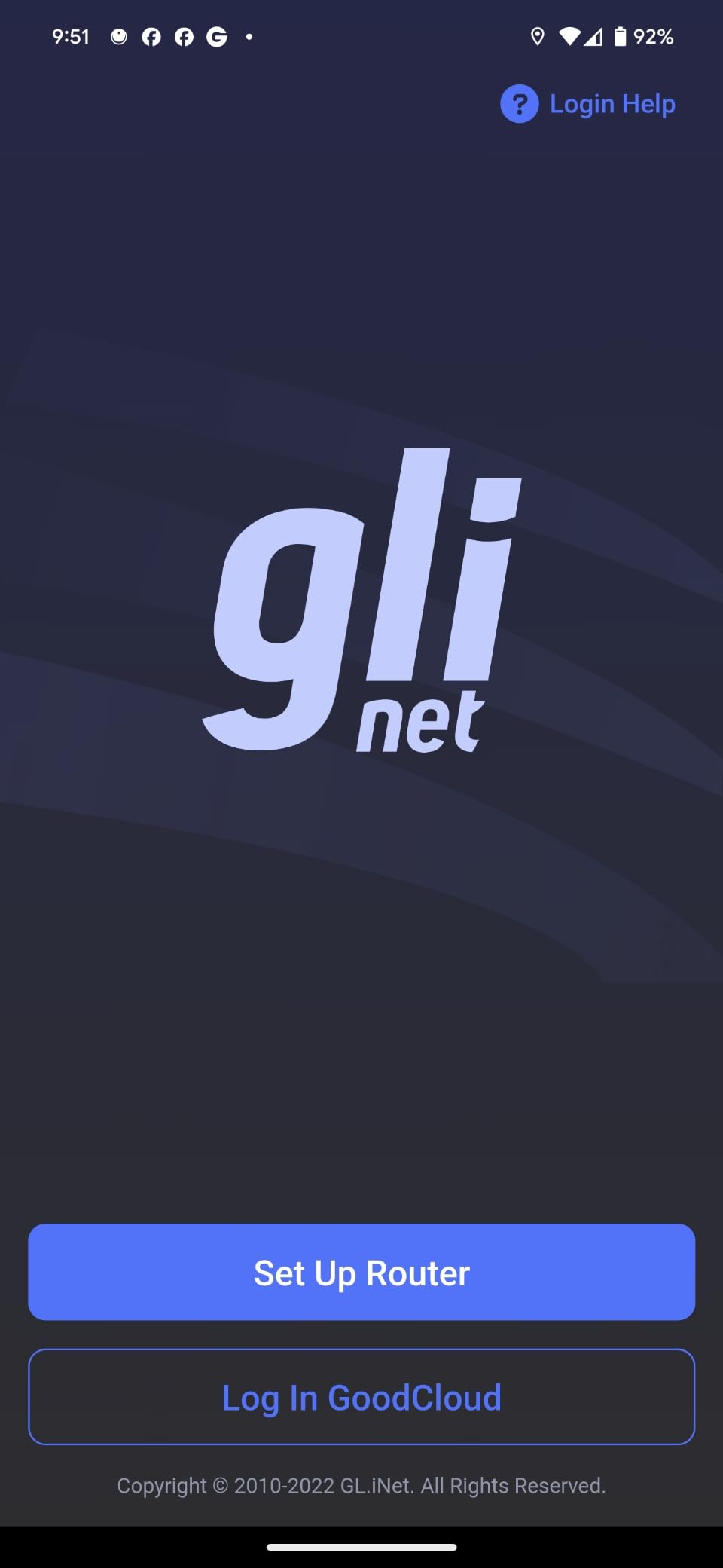
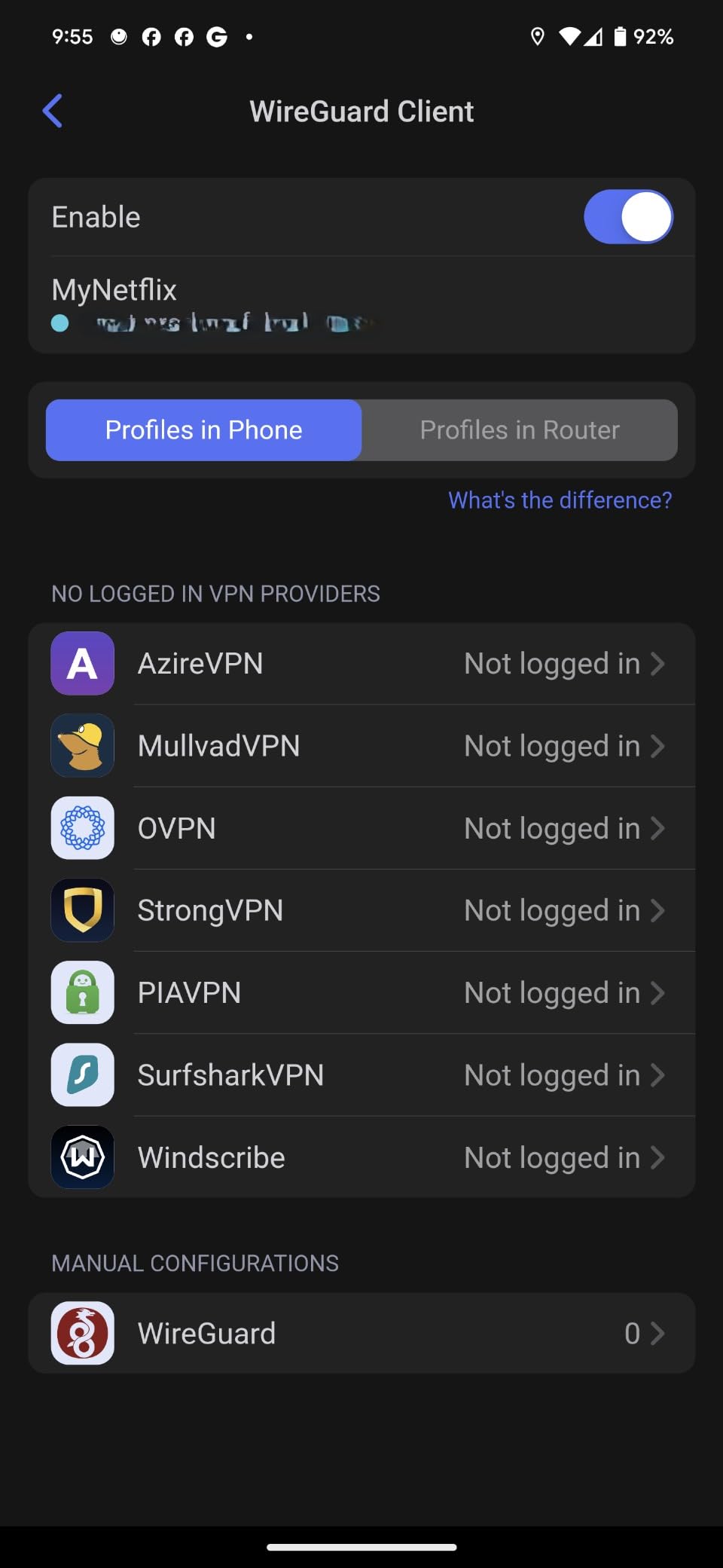
What you gain over a bare hotel connection is control. The OpenWrt firmware is pre-installed, the OpenVPN client ships with profiles for more than 30 providers, and the USB 2.0 port can take a flash drive with log files, offline documents or a portable AdGuard Home install. Owners on r/GlInet describe it as the default recommendation for anyone who wants a small, cheap box that just works in a guest room.
The catch is age. A 2.4 GHz-only radio has no 5 GHz band to fall back on, so it is competing on the most crowded part of the spectrum, and the 100 Mbps ports will feel dated the moment a hotel offers a wired gigabit link. Power also comes from USB rather than a bundled adapter, so you carry a cable or borrow a laptop port.
Best for a solo traveller carrying one device plus a phone
If your trip is one laptop, one phone and maybe a tablet, the Mango covers it and disappears into a pocket. Users on the GL.iNet forum threads repeatedly describe it as more than enough for most hotel rooms, and the two-year warranty makes the long ownership easy to justify.
Not enough for a shared family connection or a wired desk
Four or five devices sharing one 2.4 GHz link will divide that 300 Mbps between them, and 100 Mbps ports rule out a fast Ethernet desk setup. If your trip involves a family group or a wired workstation, step up a model or two.
2. GL.iNet Opal GL-SFT1200: Gigabit Ports and Real Antennas in a Carry-On
GL.iNet GL-SFT1200 Opal Travel Router, AC1200 Dual-Band Wi-Fi
AC1200 dual-band
2x Gigabit LAN,1x Gigabit WAN
Retractable antennas
145 g
Pros
- Full gigabit ports at a budget tier
- Retractable antennas pull in weak hotel signals
- Physical toggle for OpenVPN or WireGuard
- OpenWrt firmware with 30+ provider profiles
- Light 145 g body
Cons
- VPN toggle does nothing until configured
- Wi-Fi 5 only with no Wi-Fi 6
- 2.4 GHz capped at 300 Mbps
The Opal solves the two things that annoy me most about cheap travel routers: an antenna you cannot aim and a port that caps you at 100 Mbps. This one has two retractable antennas and a genuine gigabit WAN, and it is still light at 145 g with a 4.65 inch footprint.
Wireless is AC1200, split 867 Mbps on 5 GHz and 300 Mbps on 2.4 GHz. On a hotel network that only offers a slow uplink, that ceiling matters less than you would think, and the gigabit ports mean a wired desk setup is not artificially limited.
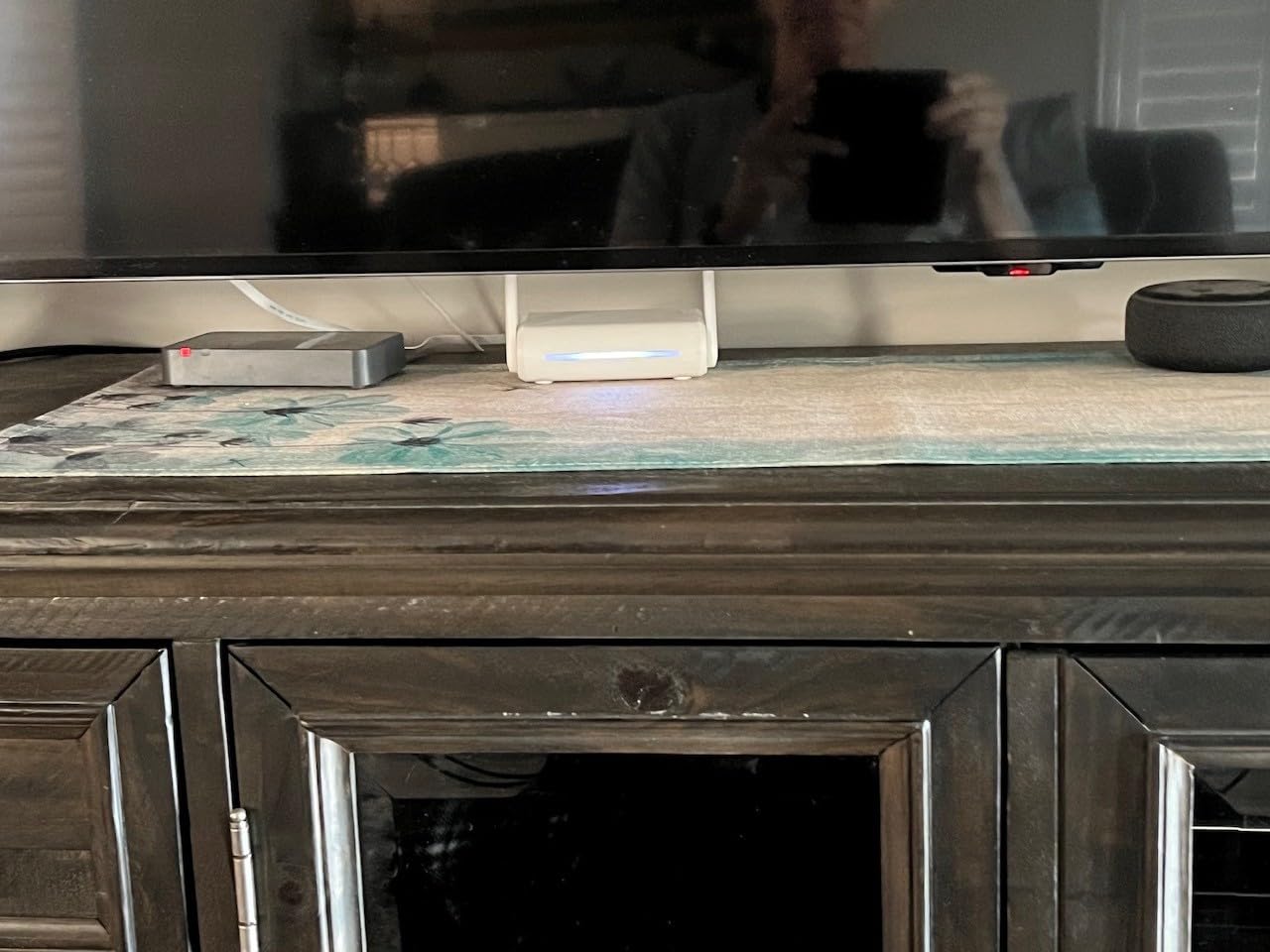
The physical switch on the side is the feature I use most. Flip it once and every device behind the router routes through your VPN server, and flip it back to disable the tunnel when you want raw speed. Buyers like that the switch is a hardware action rather than a buried menu item, and that the OpenWrt-based firmware is reachable from a browser panel or the mobile app.
Two recurring gripes: the toggle ships with no function until you load a profile in the admin panel, which confuses first-time users, and there is no easytethering support. The radio is also still Wi-Fi 5, so you are not buying headroom for future standards.
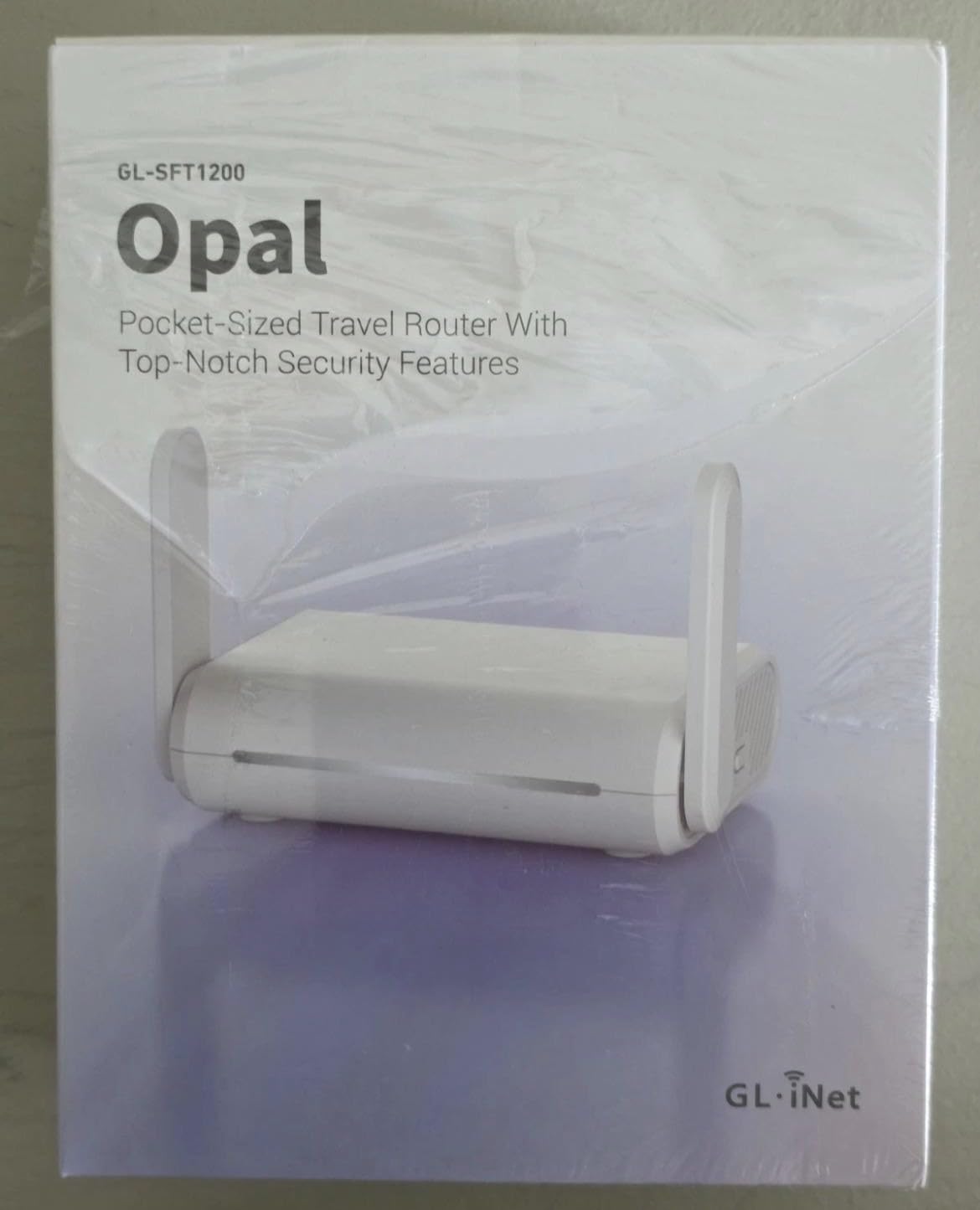
Best for weak-signal rooms where antenna placement matters
In a room where the access point is down a hallway, those retractable antennas are worth more than a faster but fixed internal radio. Feedback on this model praises reception and range in exactly those awkward layouts.
Not ideal if you want OpenWrt plugins or the newest radio standard
It runs a simplified GL.iNet interface over OpenWrt rather than full stock firmware, and the 128 MB of memory is modest. If your plan is to install packages, look at a proper OpenWrt device or repurpose an older router instead.
3. GL.iNet Beryl AX GL-MT3000: Wi-Fi 6 With a 2.5G WAN for Hotel Work
GL.iNet GL-MT3000 Beryl AX Wi-Fi 6 Travel Router, 2.5G WAN, VPN, OpenWrt
Wi-Fi 6 AX3000
2.5G WAN + gigabit LAN
USB 3.0
OpenVPN and WireGuard
196 g
Pros
- Highest rating in the group at 4.5 stars
- Only model here with a 2.5G WAN and USB 3.0
- Runs VPN client and VPN server together
- WPA3 plus DNS over HTTPS and DNS over TLS
- OpenWrt 21.02 with a no-code admin panel
Cons
- Heaviest unit here at 196 g
- Only two Ethernet ports total
- VPN speed trails the headline radio speeds
The Beryl AX is the model forum consensus points to when someone asks for the default hotel pick, and it earns the top rating in this roundup at 4.5 stars with 80 percent five-star reviews. It is the balance point: Wi-Fi 6, a 2.5 Gbps multi-gig WAN port, USB 3.0, and genuine dual VPN roles in a body small enough for a laptop bag.
Wireless throughput is 574 Mbps on 2.4 GHz and 2402 Mbps on 5 GHz, with retractable antennas. The 2.5 Gbps WAN matters more in a hotel than the number suggests, because a room Ethernet jack can deliver speeds that a 1 Gbps port would quietly clip.
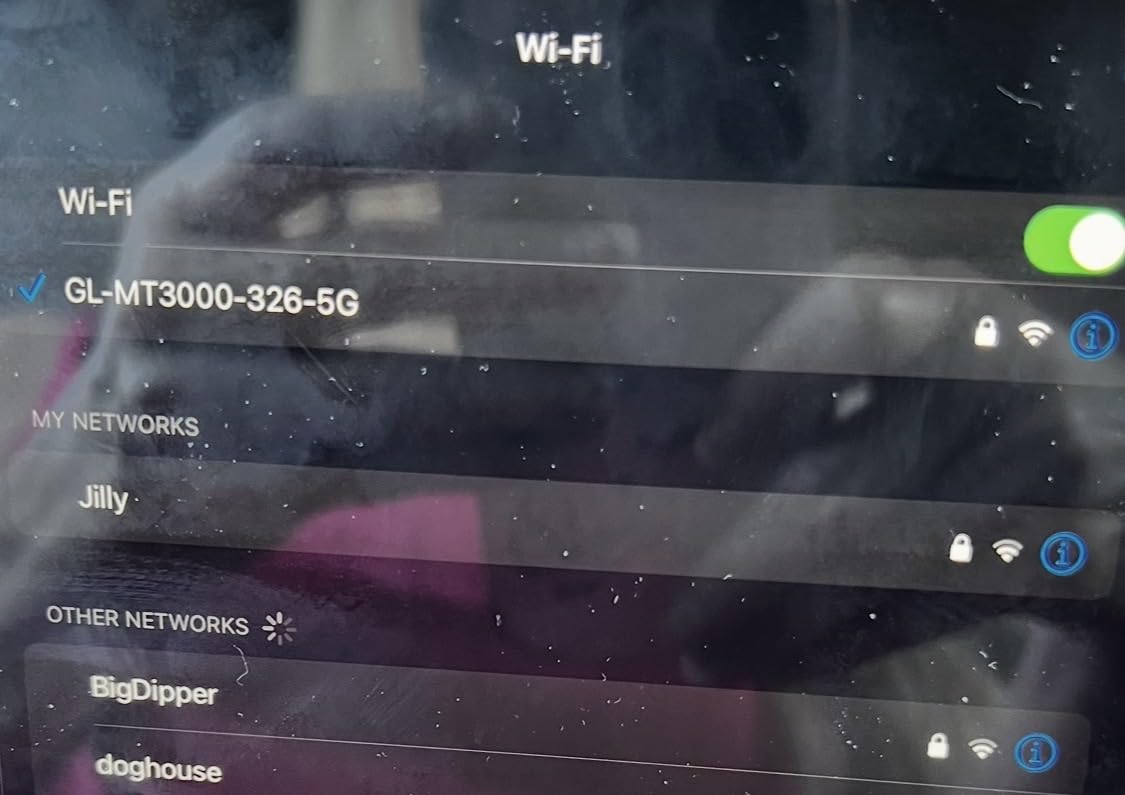
The real differentiator is that it can host a VPN server and a VPN client at the same time. That means you can tunnel your own devices out to a provider while also exposing a private entry point for a colleague or a second device. Users also praise the single physical toggle for switching between AdGuard Home, OpenVPN client and WireGuard client without digging through menus.
Forum threads about captive portal handling often cite firmware version 4.6.4 on this model as a turning point, with sign-in behaviour improving sharply after that release. That is a reminder to buy the current firmware, not the firmware in the box.
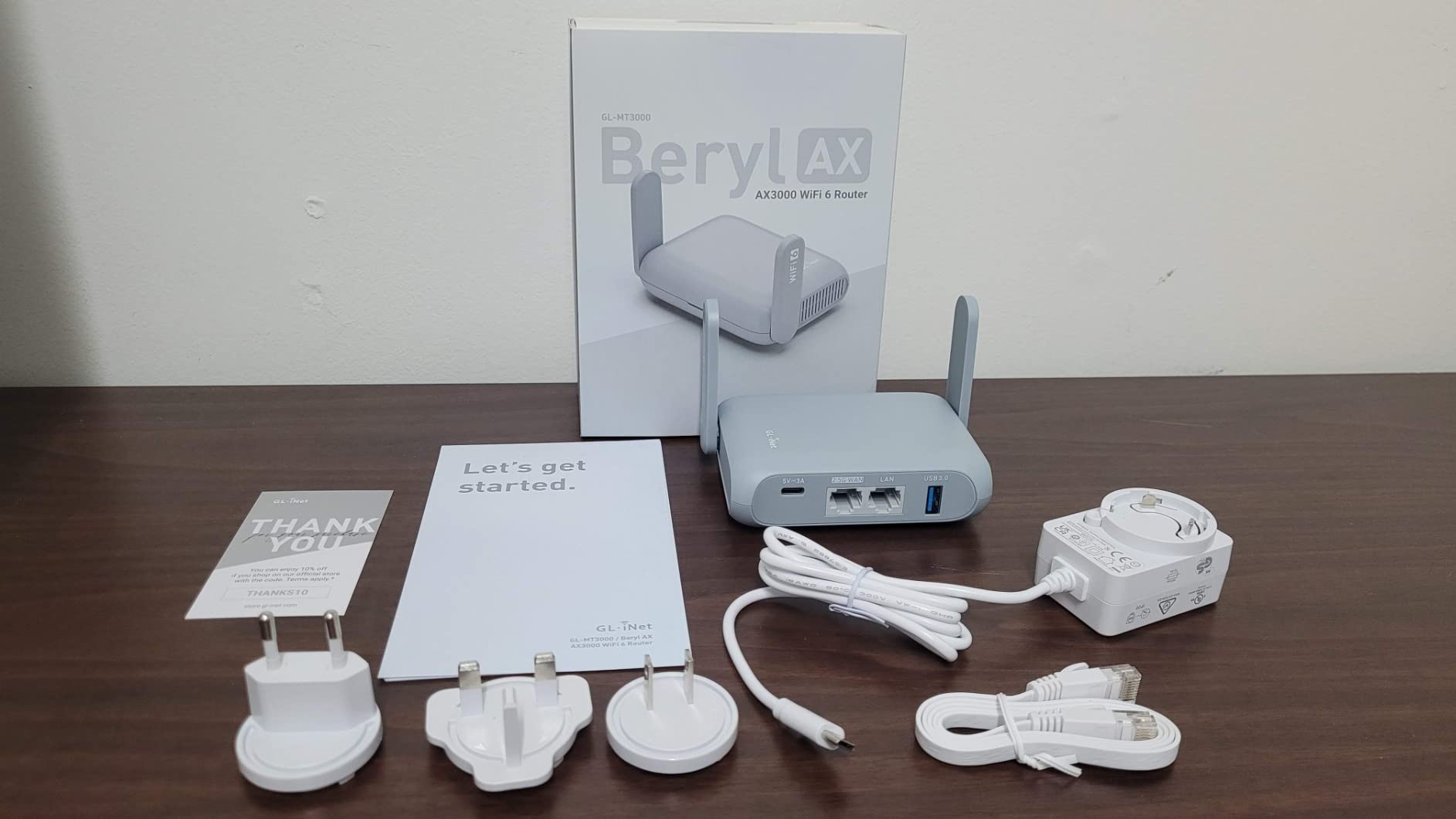
Best for remote work where calls and VPN tunnels share one room
Rated throughput is listed at up to 150 Mbps on OpenVPN and 300 Mbps on WireGuard. For video calls, large file syncs and a company VPN at the same time, that is comfortably above what most hotel uplinks deliver anyway.
Not ideal for a packed family bag or many wired devices
At 196 g it is the heaviest unit here, and with one gigabit LAN plus one 2.5 Gbps port there is room for very few cables. The 64 MB of RAM also limits how far you can push OpenWrt plugins before it starts to feel tight.
4. Cudy WR3000 AX3000: Four Gigabit Ports and the Broadest VPN Set
Cudy AX3000 Gigabit Mesh Wi-Fi 6 Router, 4X GbE, 160MHz, VPN Full, WR3000
AX3000 160 MHz
4 gigabit ports
WireGuard and OpenVPN
252.5 g
Pros
- Full AX3000 speeds on 160 MHz channels
- Four gigabit ports with IPTV and VLAN support
- Supports WireGuard
- OpenVPN
- IPsec
- PPTP and L2TP
- Cudy app adds mesh backhaul and parental profiles
- Two-year warranty
Cons
- Largest and heaviest unit at 252.5 g
- Only three LAN ports once WAN is used
- Mainline OpenWrt is not possible on V2 and V3 hardware
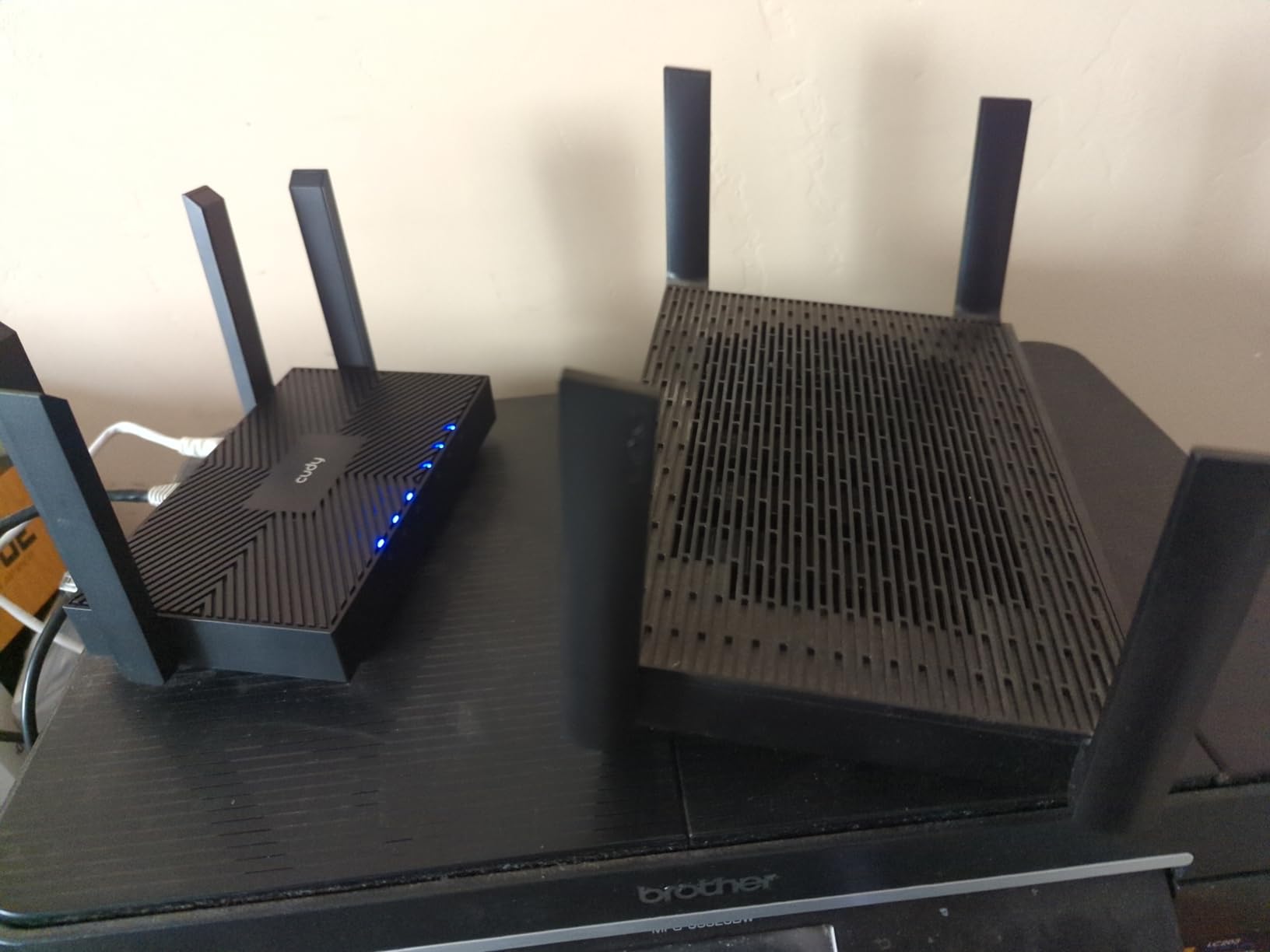
The Cudy WR3000 is the odd one out in a list of pocket devices, and that is exactly when it earns a place. It is a small home-class router with four gigabit ports, AX3000 radios on 160 MHz channels, and the widest protocol list here, covering WireGuard, OpenVPN, IPsec, PPTP and L2TP in both client and server roles.
That spec sheet is aimed at a hotel room being used as a temporary office, or a longer rental where someone wants a full router rather than a dongle. Setup runs through the Cudy app in 29 languages, with parental profiles, scheduling and content filtering included.
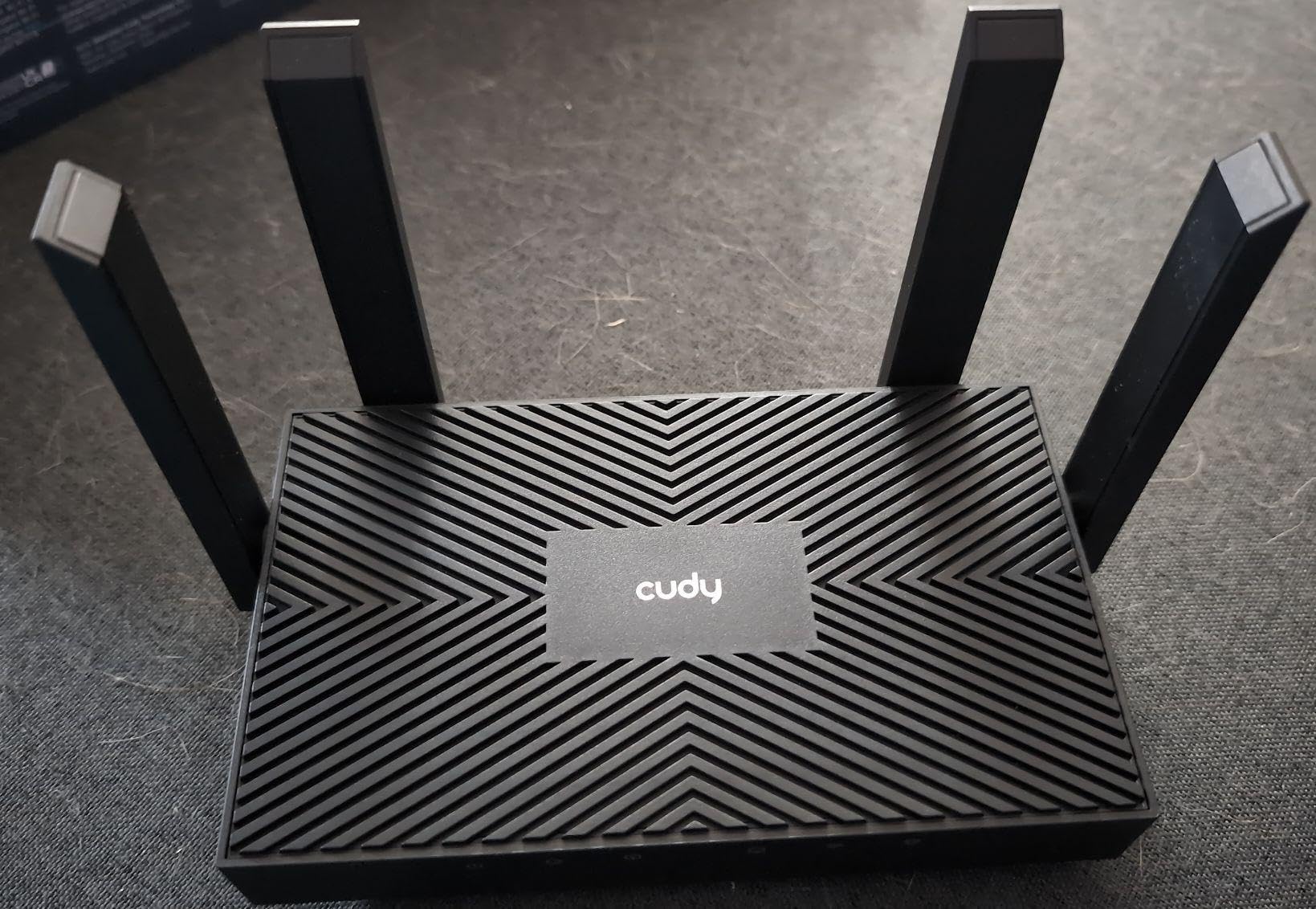
Firmware is built on an OpenWrt base, so more is possible than the stock interface shows. The important caveat is the hardware revision: on the black V2 and V3 units, flashing mainline OpenWrt is not possible, and SSH access is locked down in the stock firmware. Check the revision before you plan a weekend of tinkering.
Owners report a clear step up from entry-level gear, with strong signal, fast wired ports and roughly five minutes to first connection. Mesh backhaul works wired or wireless if you want to add a second node in a larger rental.
Best for a long stay or rental that needs a real Ethernet network
Four gigabit ports mean a wired laptop, a streaming device and a printer can all sit on cable rather than fighting for airtime. The IPTV and VLAN support on those ports is unusual at this size and useful in some serviced apartments.
Not the right pick for carry-on travel
At 252.5 g and 7.22 inches long, this is the heaviest and largest unit in the roundup, and it needs mains power rather than a pocket USB cable. If the trip is a flight with one bag, the size alone will decide it for you.
5. TP-Link Roam 6 TL-WR3002X: The Fastest VPN Tunnel in This Group
TP-Link Roam 6 AX3000 Dual-Band Wi-Fi 6 Travel Router (TL-WR3002X)
AX3000 dual-band
2.5 Gbps WAN/LAN
WireGuard and OpenVPN
USB-C power
Pros
- Real-world WireGuard throughput reported near 190 Mbps
- 2.5 Gbps multi-gig port in a travel-sized body
- Automatic mode detection with no physical switch
- One-step captive portal authentication
- USB 3.0 and microSD slot up to 512GB
Cons
- No VPN kill switch
- Does not remember saved host networks
- Some buyers report resets or failures
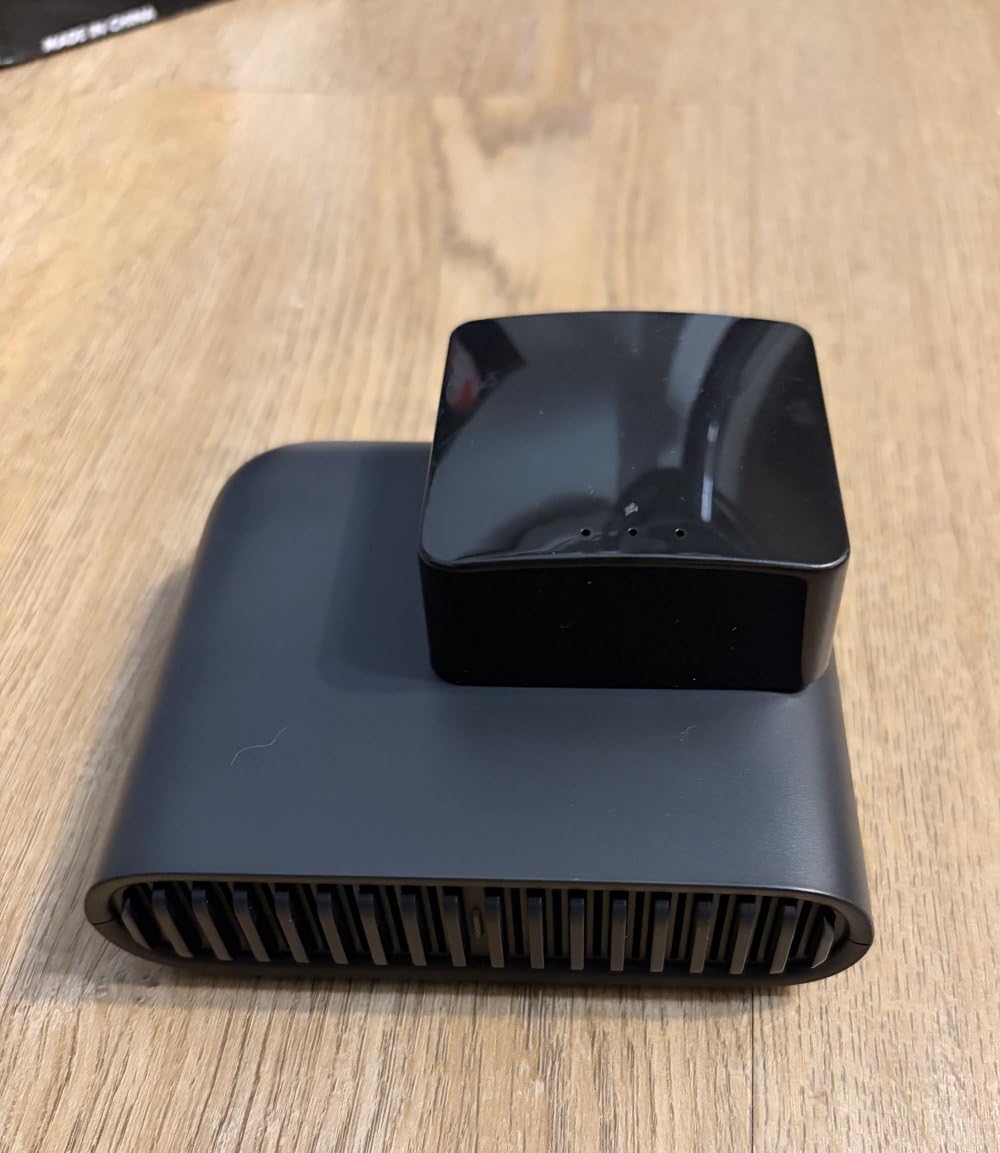
The TL-WR3002X is the speed pick. Owners upgrading from a 300 Mbps GL.iNet report roughly four times the VPN throughput, with WireGuard numbers cited near 190 Mbps, and the 2.5 Gbps WAN/LAN port is genuinely unusual in a body this small.
It is also one of the few models here that tries to solve the captive portal for you. One-step authentication in the Tether app creates the private network from hotel Wi-Fi without a manual WISP dance, and automatic mode detection means you rarely need a physical switch.
Storage is a differentiator too: a USB 3.0 port and a microSD slot up to 512GB let you back up files or share media across the private network, which is handy on longer trips. Power comes from USB-C, so a 5V power bank or your laptop charger runs it.
Two real weaknesses. There is no VPN kill switch, so a dropped tunnel can briefly expose traffic on a public network, which some buyers consider unacceptable for hotel work. The router also does not remember saved host networks, meaning you reselect the hotel SSID from scratch in every new city.
Best for people whose work depends on VPN throughput
Large file syncs, remote desktops and long tunnels benefit directly from the headroom. If your hotel uplink is the limit, you will see the difference as soon as it is not.
Not ideal if you jump between hotels every night or need strict leak protection
Reselecting a network each morning adds friction to a short trip, and the missing kill switch is a genuine gap on untrusted Wi-Fi. A small but real share of reviews also describe units resetting or failing after a few months, so the four-star average reflects mixed experiences.
6. Cudy WR1200 AC1200: Five Ports and Four Antennas for Big Rooms
Cudy AC1200 Dual-Band Wi-Fi Router, 5X Fast Ethernet, VPN Client, WR1200
AC1200 dual-band
5x Fast Ethernet
4 high-gain antennas
WISP mode
Pros
- Five Ethernet ports remove the need for a switch
- Four high-gain antennas with beamforming reach about 1100 sq ft
- Five modes including WISP for hotel networks
- Setup reported at around five minutes
- MU-MIMO serves several 5 GHz clients
Cons
- All ports limited to 100 Mbps
- 8.66 inch footprint is bulky for travel
- VPN support is client-side only
The WR1200 is the most port-dense device in this roundup, with one WAN and four LAN ports at the back. For a family sharing one hotel login across a couple of laptops, two streaming sticks and a phone, that is a lot of flexibility from a single box with no switch in the bag.
Radio performance is AC1200, split 867 Mbps on 5 GHz and 300 Mbps on 2.4 GHz, with four fixed high-gain antennas, beamforming and MU-MIMO covering roughly 1100 square feet. That coverage figure suits a larger suite or a holiday rental where the main router sits in another room.
It supports five operating modes, including WISP for attaching to a public network, and the reviewers who use it most tend to treat it as a cheap extender or access point rather than a serious travel router. Buyers report a setup time of about five minutes, and WPA3 plus guest network isolation are both present.
Every Ethernet port runs at 100 Mbps, which is the hard ceiling here and the reason this is not a top pick for wired work. It also has no USB port and no storage sharing, and its VPN support is client-only.
Best for wiring up a group in a suite instead of sharing one cable
Five ports mean each device can run a cable, which sidesteps the 2.4 GHz congestion that slows a shared wireless link. In a rental with a decent uplink, that setup feels remarkably close to being at home.
Not suitable if you need gigabit, storage or server-side VPN
100 Mbps ports rule out fast wired backups and large transfers, and the 8.66 inch footprint is awkward to pack. A minority of reviews also report dropped connections and unstable software, so treat it as a budget extender rather than a workhorse.
7. TP-Link Roam 7 TL-WR3602BE: Wi-Fi 7 and 90 Devices for Big Groups
Roam 7 BE3600 Wi-Fi 7 Portable Travel Router Dual-Band, 2.5G Port, USB 3.0
Wi-Fi 7 BE3600
2.5 Gbps WAN + gigabit LAN
Up to 90 devices
USB-C power
Pros
- Wi-Fi 7 with Multi-Link Operation
- Handles up to 90 connected devices
- 2.5 Gbps WAN plus gigabit LAN in a travel body
- One-step captive portal authentication
- OpenVPN and WireGuard in client and server roles
Cons
- No 6 GHz band
- No OpenWrt support
- Fixed internal antennas
- Heaviest travel unit here at 8.8 oz
The Roam 7 is the model to look at when a whole family or a small team shares one hotel connection. It handles up to 90 devices at once, keeps the 2.5 Gbps WAN and gigabit LAN, and pairs them with Wi-Fi 7 radios running 2882 Mbps on 5 GHz and 688 Mbps on 2.4 GHz.
Multi-Link Operation is supported, which lets compatible devices use both bands at the same time and can cut latency on a congested link. Reviewers rate it as the most capable option for multi-device hotel use, crediting stable throughput and the 90-device ceiling.
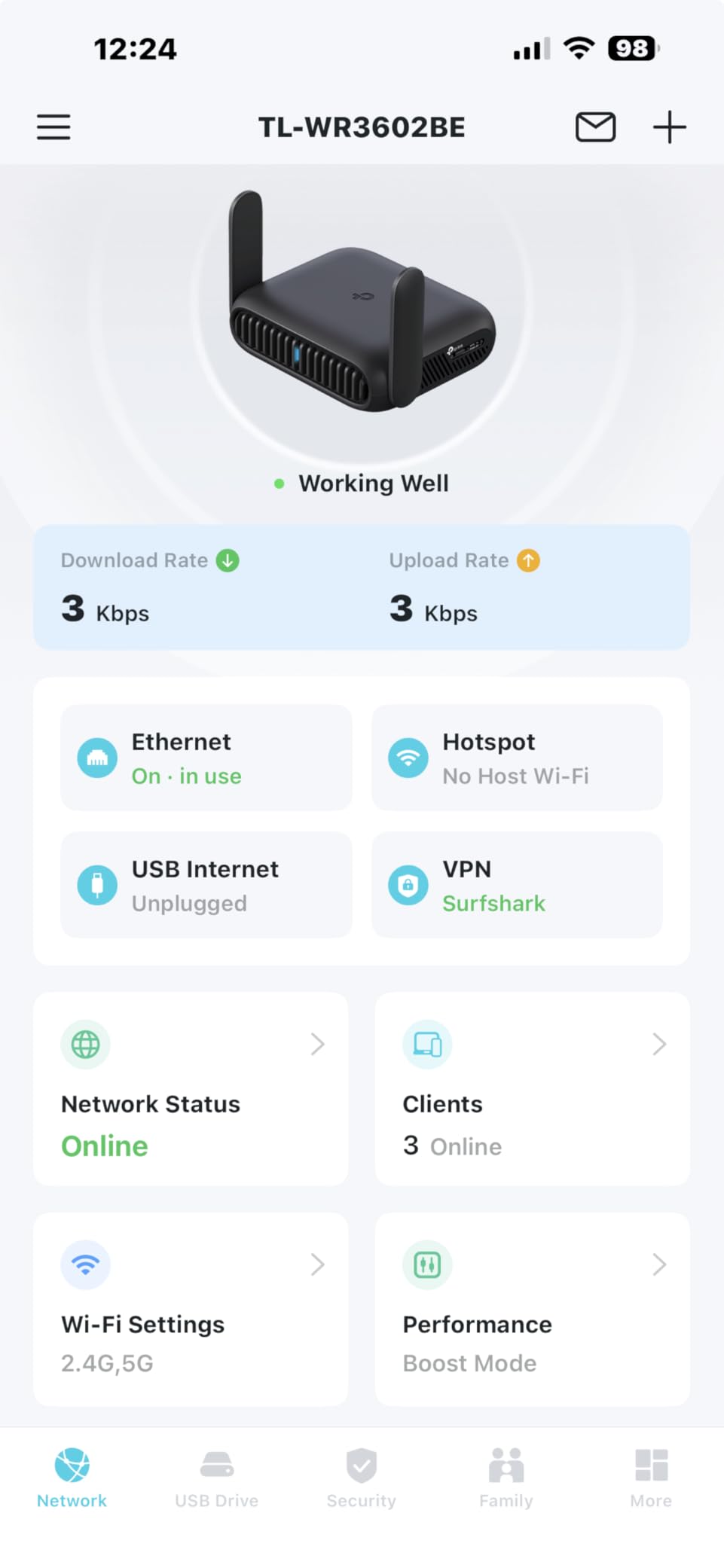
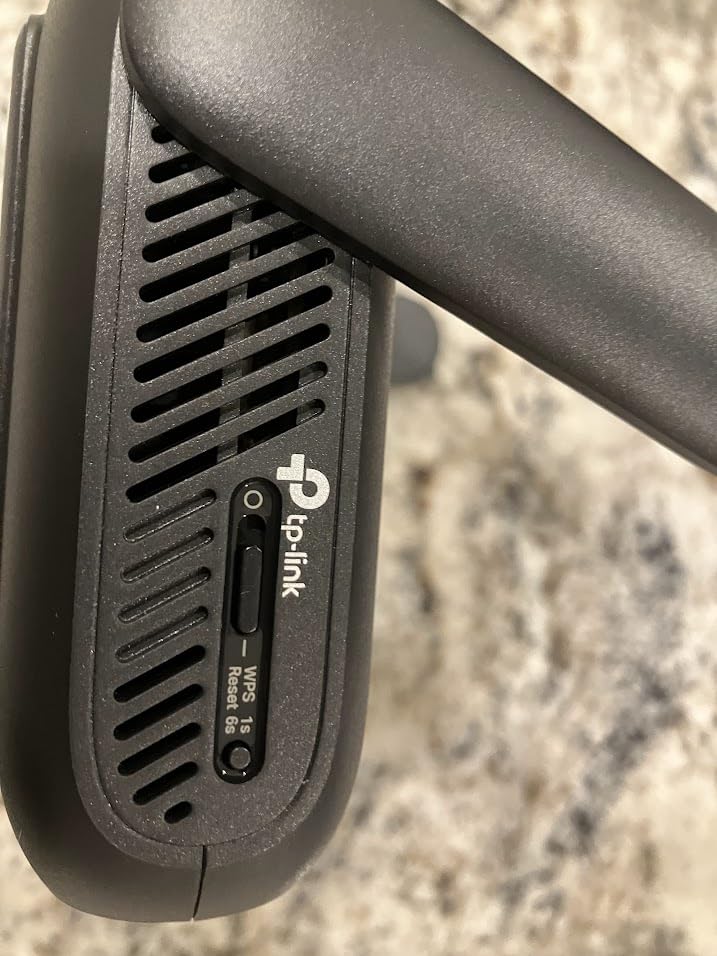
One-step captive portal authentication does the same job as the cheaper models here, and VPN support covers OpenVPN and WireGuard in both client and server roles, plus PPTP and L2TP. USB 3.0 and USB-C power from any 5V PD source round out the travel kit.
The reservation most buyers voice is the missing 6 GHz band. This is a dual-band Wi-Fi 7 radio, not a full tri-band one, and combined with fixed internal antennas it will not chase a weak signal the way an external antenna can. It also does not run OpenWrt, so custom firmware is off the table.
Best for families streaming and working at the same time
With six or eight devices active, a Wi-Fi 7 radio and a 90-device capacity give you real headroom. A child on a game console and an adult on a video call stop fighting each other for airtime.
Not worth it for one person, and not a full Wi-Fi 7 spec
A single laptop and phone will never load the 5 GHz radio, so the extra capability goes unused. If you specifically want 6 GHz or OpenWrt, the Beryl AX or a repurposed OpenWrt box is the better direction.
8. TP-Link Roam 6 TL-WR1512X: AX1500 Wi-Fi 6 in a Slim 1.1 Inch Body
Roam 6 AX1500 Portable Wi-Fi 6 Travel Router Dual-Band USB C 3.0
AX1500 dual-band
2x gigabit ports
Up to 60 devices
6.72 oz
Pros
- Wi-Fi 6 with two gigabit ports at a modest price point
- Slim 1.1 inch body packs into a laptop bag
- One-step captive portal authentication
- OpenVPN and WireGuard support
- Covers about 1500 sq ft and 60 devices
Cons
- AX1500 class
- well below AX3000 throughput
- No USB storage sharing and no 2.5 Gbps port
- Does not support OpenWrt
The TL-WR1512X shares the Roam 6 name with the faster model above, so check the hardware code before you buy. This is the AX1500 version, and its selling point is simple: two gigabit ports, Wi-Fi 6, and a body only 1.1 inches thick.
It handles up to 60 devices and covers roughly 1500 square feet, which is a sensible match for a standard hotel room or a two-bedroom rental. One-step captive portal authentication in the Tether app creates the private network from the hotel SSID, and OpenVPN plus WireGuard are supported.
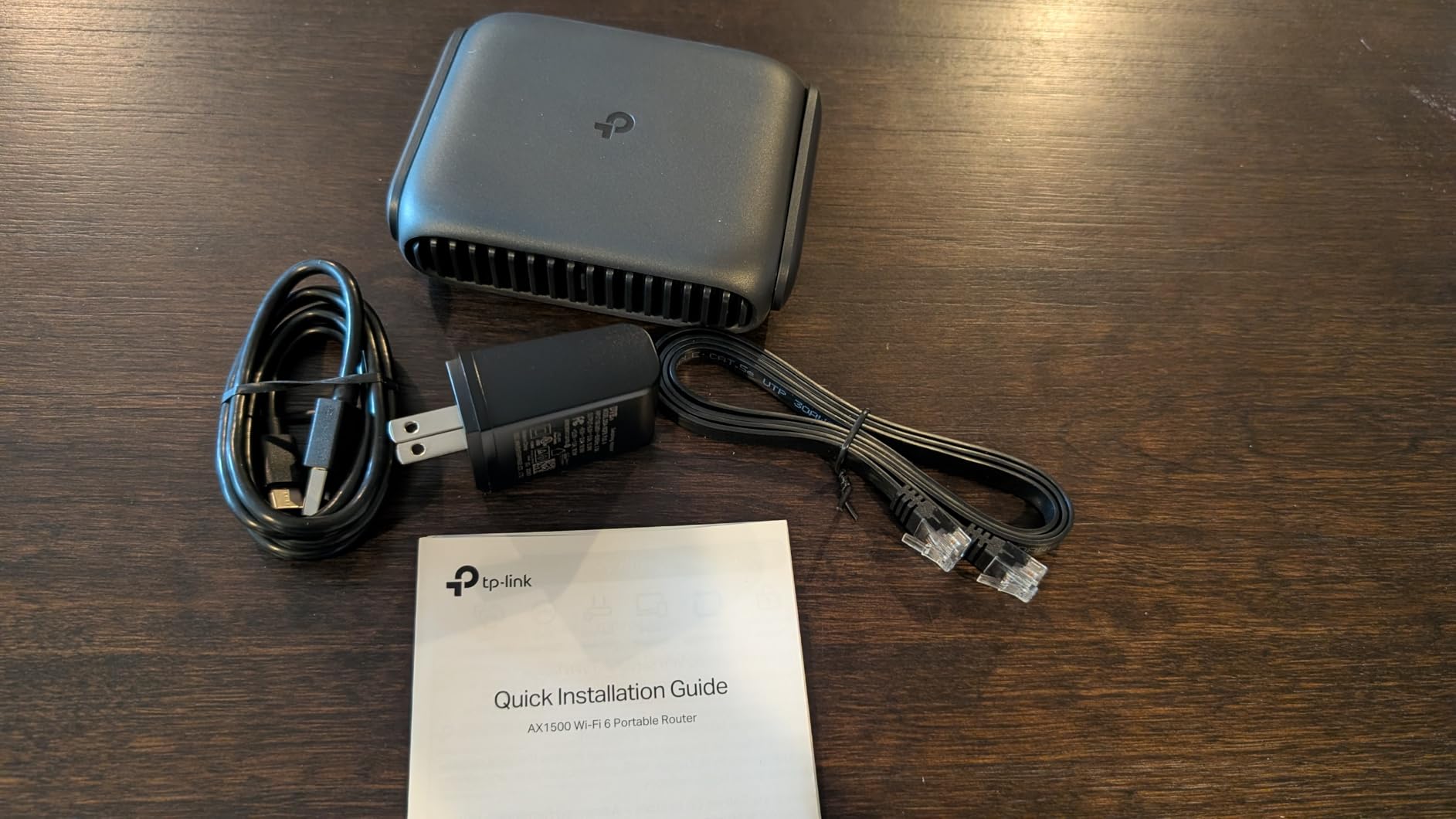
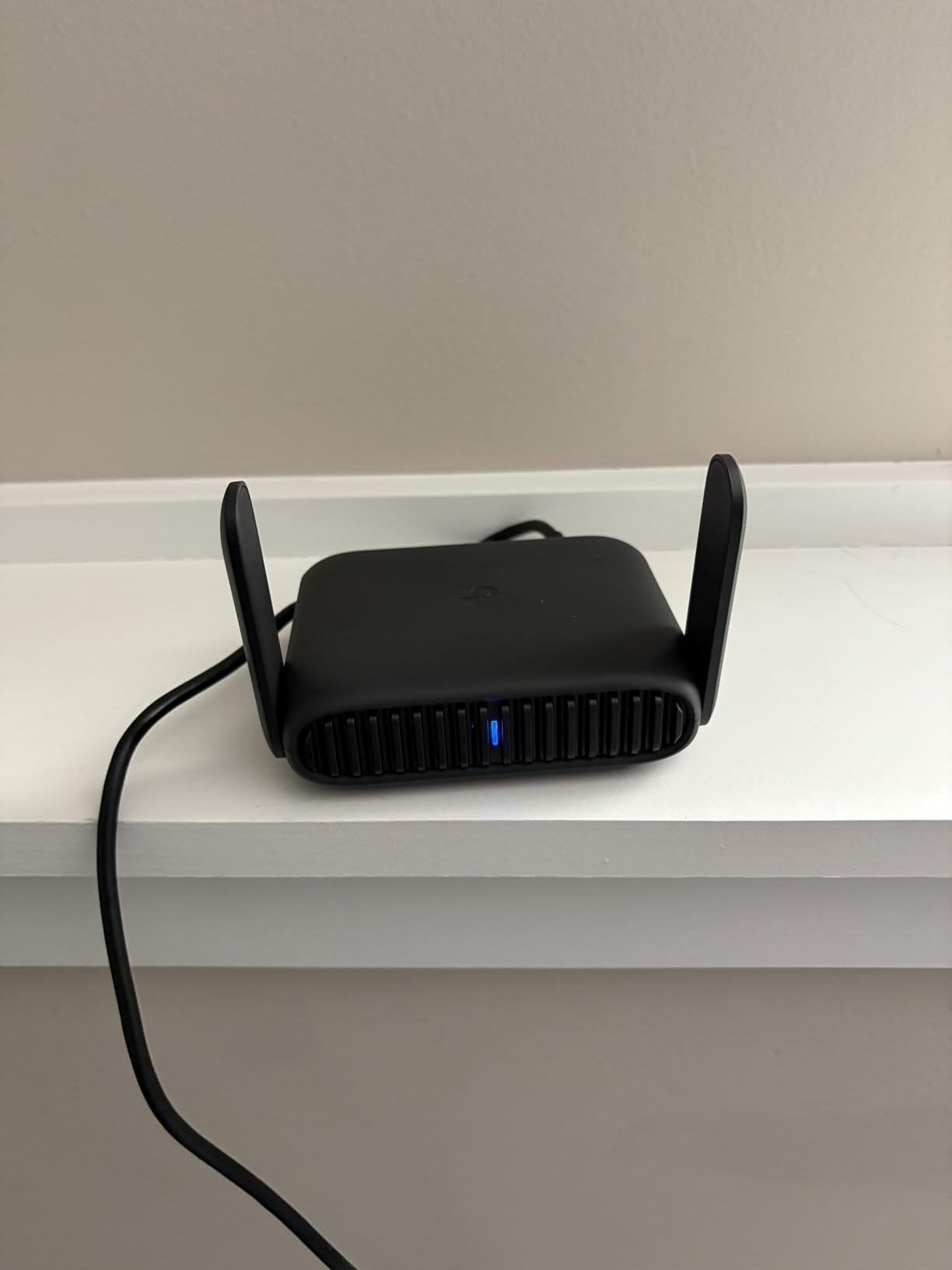
Power is USB-C from a 5V/3A power bank, so one cable covers data and charging. Buyers treat this as the value entry into Wi-Fi 6 travel routers, and the slim profile is genuinely noticeable when packing beside a laptop and cables.
AX1500 splits into 1201 Mbps on 5 GHz and 300 Mbps on 2.4 GHz, so the ceiling is roughly a third of what the AX3000 models here can theoretically move. There is no USB port, no microSD slot and no 2.5 Gbps port, and OpenWrt is not an option.
Best for a light trip that still wants modern Wi-Fi
One laptop, a phone and a tablet will never push an AX1500 radio, and gigabit ports mean you are not stuck at 100 Mbps if the room has a wired jack.
Not enough for heavy multi-device use
Six or more devices streaming or calling at once will feel the limit of the 5 GHz radio. The absence of USB storage sharing also rules out the backup workflow the Roam 6 AX3000 supports.
9. ASUS RT-AX57 GO: Wi-Fi 6 With 4G and 5G Cellular Backup
ASUS RT-AX57 GO -AX3000 Dual Band WiFi 6 Portable Travel Router, 4G/5G tethering, Public WiFi (WISP) Mode, Advance Network Security, VPN, AiMesh, Guest Portal, RV/Cruise/Mobile, USB-C Powered.
AX3000 160 MHz
4G LTE and 5G tethering
512 MB RAM
AiMesh
Pros
- Only unit that adds 4G LTE and 5G mobile tethering
- Wi-Fi 6 on 160 MHz channels for up to 70 devices
- 512 MB RAM
- the most in the roundup
- AiMesh support extends an existing Asus mesh
- Tri-level security with AiProtection and DNS over TLS
Cons
- Does not remember saved public networks
- WISP mode blocks WAN to LAN routing and is not configurable
- No OpenWrt support
The RT-AX57 GO is the only device here that accepts a phone as a cellular uplink. Tri-mode connectivity covers 4G LTE, 5G mobile tethering and WISP over public Wi-Fi, so when the hotel network is unusable you still have a way to get online.
On Wi-Fi it is an AX3000 unit with 160 MHz channels, 574 Mbps on 2.4 GHz and 2402 Mbps on 5 GHz, handling up to 70 devices. The 512 MB of RAM is the highest in this roundup, and the AsusWRT feature set is deeper than most travel interfaces.
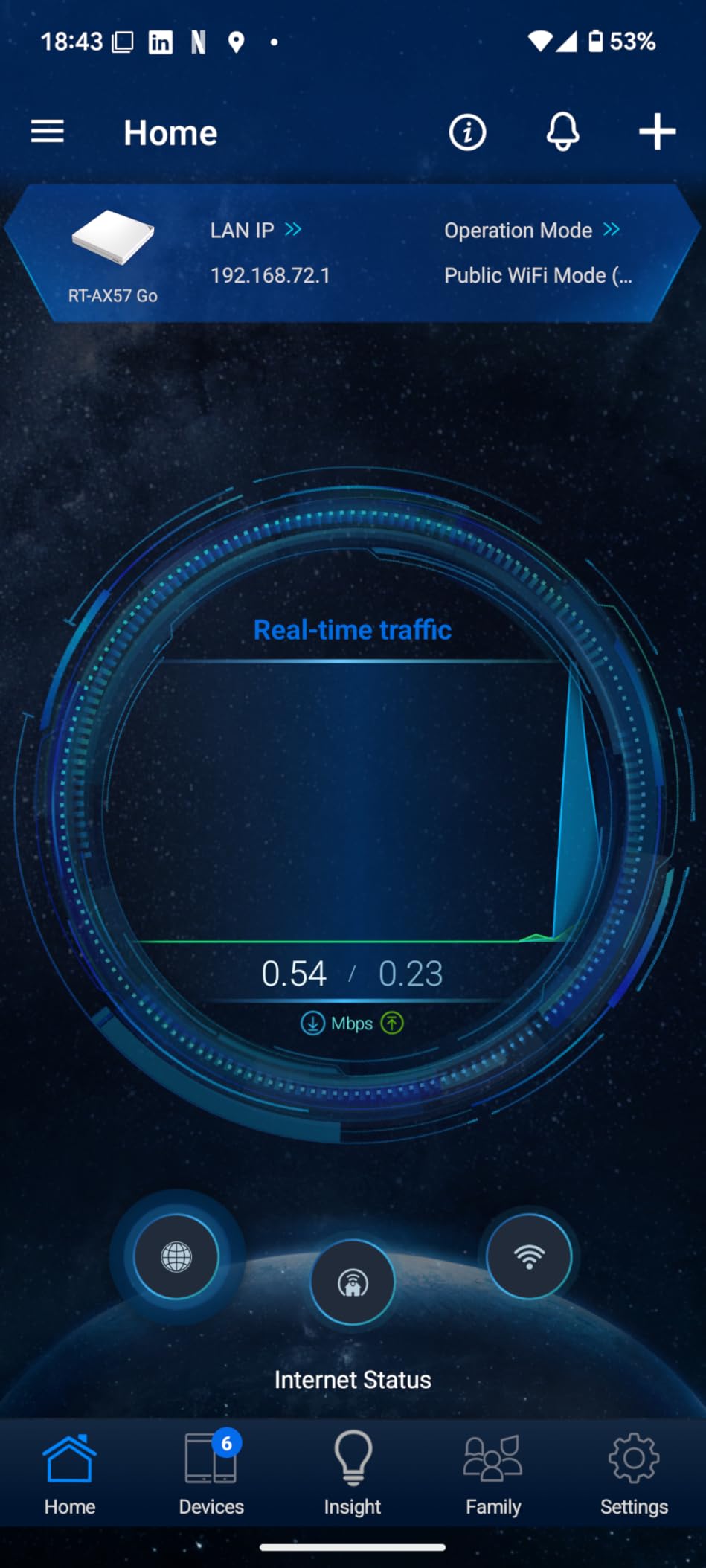
Security is a genuine strength: AiProtection, DNS over TLS, safe browsing and a guest portal you can customise for a small business. Several owners have promoted this unit to be their primary home router, which tells you how much capability sits behind the travel form factor.
Public Wi-Fi handling is where the reviews get sharp. It does not remember saved networks, so every new city means reconfiguring from scratch, and WISP mode disables routing from WAN to LAN once connected, with no way to change that. Some users also report it failing to join networks that GL.iNet units connect to without trouble.
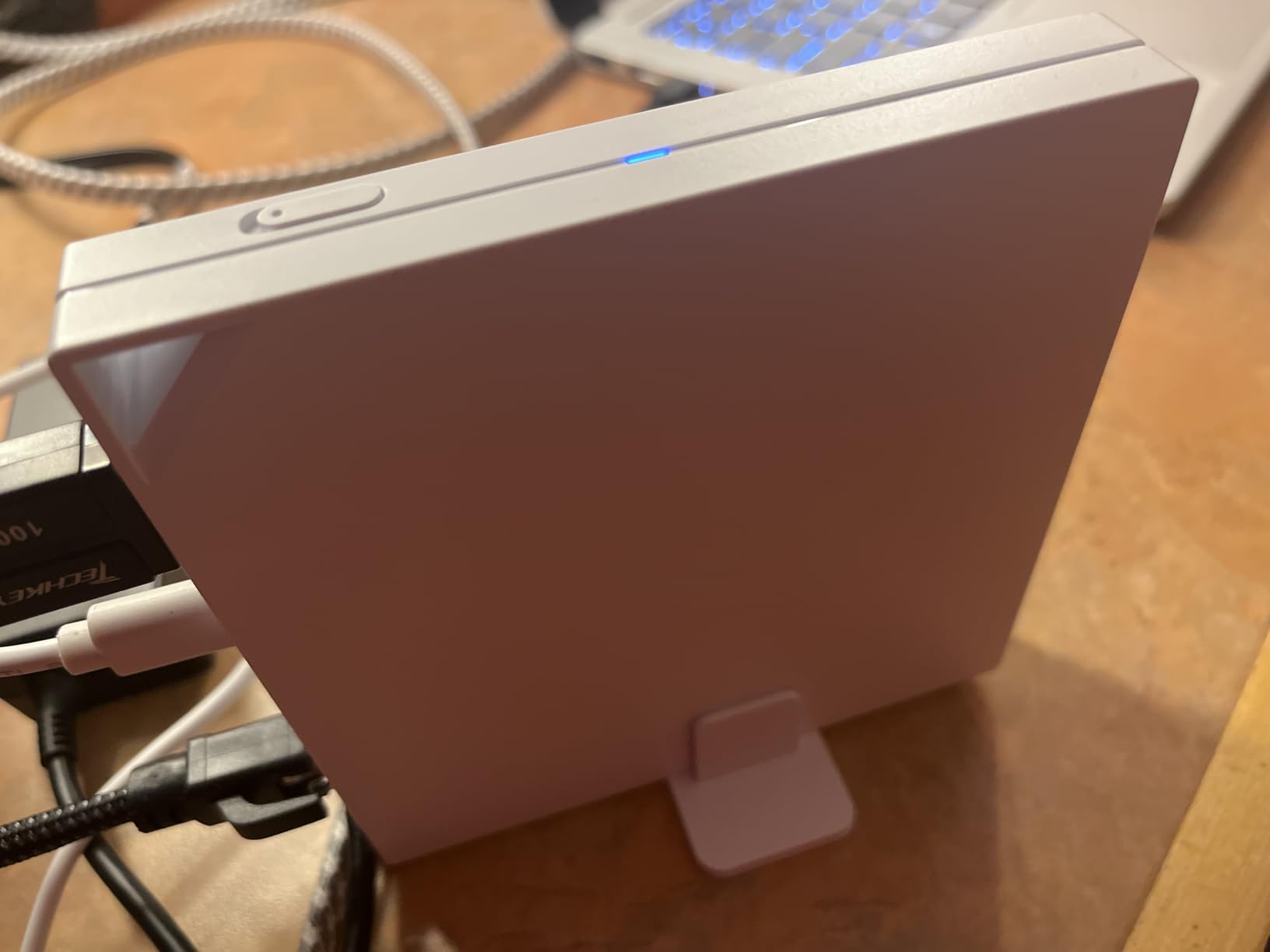
Best for trips where the hotel network might not work at all
Having a 4G or 5G dongle path means a dead captive portal is an inconvenience rather than a lost day. The ASUS Router app makes the three-step setup quick enough to redo when you move rooms.
Not the smoothest for hopping between networks
No saved-network memory means repeated manual configuration, and the disabled WAN to LAN routing in WISP mode will frustrate anyone trying to reach a device on the hotel side. Reviews also describe joining new networks as clunky, taking several restarts.
10. ASUS RT-BE58 Go: Wi-Fi 7 With a Single Ethernet Port
ASUS RT-BE58 Go Travel Router WiFi 7 Dual-Band, 3.6Gbps, Secure Public WiFi
Wi-Fi 7 BE3600
MLO and 4K-QAM
4G and 5G tethering
18W USB-C power
Pros
- Wi-Fi 7 with Multi-Link Operation and 4K-QAM
- 4G LTE and 5G tethering for a backup uplink
- 18W USB-C Power Delivery shares a charger with a laptop
- WISP mode with a toggle switch for hotel Wi-Fi
- Three-year warranty
- the longest here
Cons
- Only one Ethernet port in the whole unit
- Highest price in the roundup
- Some buyers report dead radios or settings that reset
The RT-BE58 Go is the newest generation here, with dual-band Wi-Fi 7 up to 3600 Mbps, Multi-Link Operation and 4K-QAM. It also keeps the cellular option, accepting 4G LTE and 5G tethering as a backup uplink alongside WISP over hotel Wi-Fi.
Power is the quiet feature. USB-C Power Delivery at 18W means the same wall charger that runs your laptop can run the router, which removes one brick from the pouch. The ASUS Router app handles setup in three steps and adds Guest Network Pro and AiMesh support.
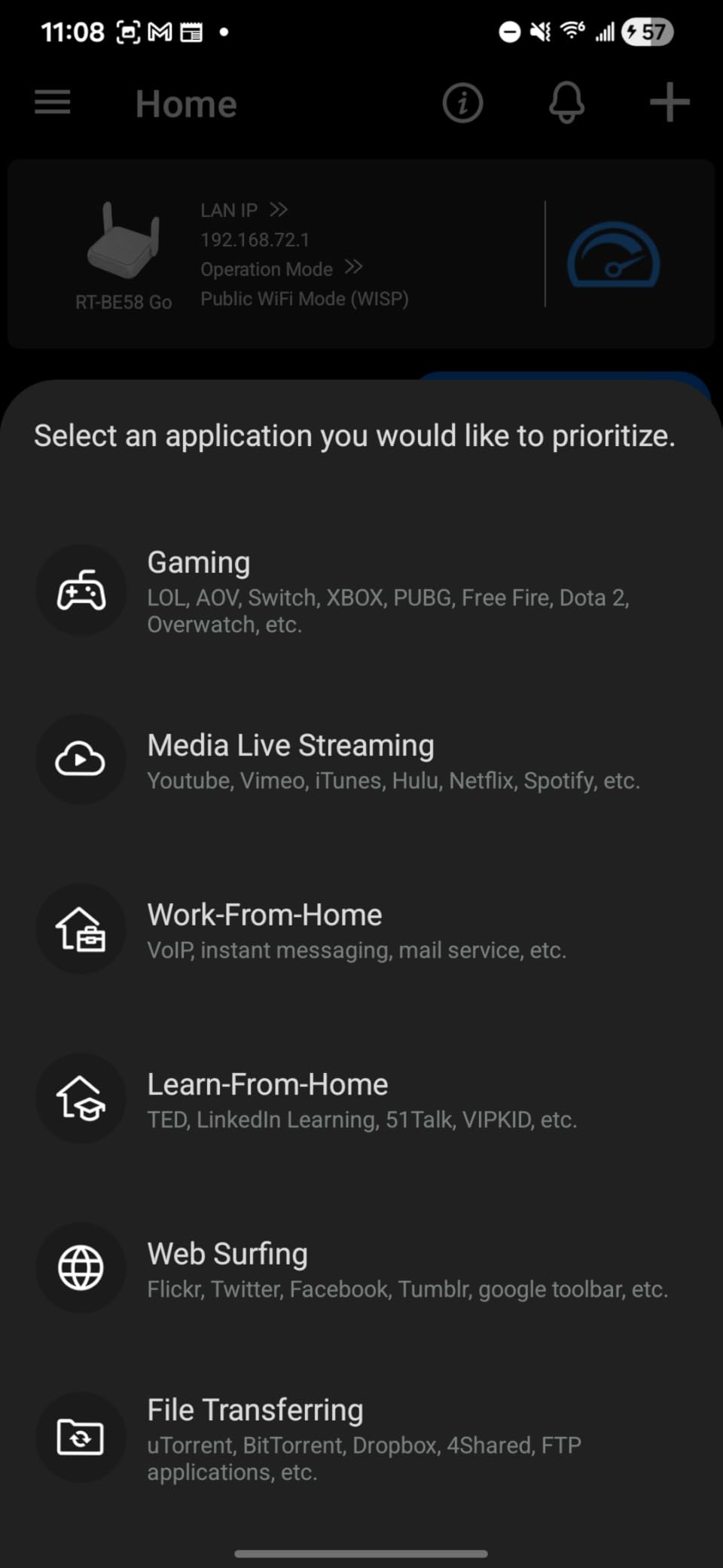
WISP mode with a physical toggle switch turns the hotel network into a private hotspot in one press, and the three-year warranty is the longest in this group. Most reviewers are happy with the speed and the compact body.
Reliability is the split point. A meaningful minority of reviews describe units that never broadcast Wi-Fi and needed replacing, or that kept returning to factory settings. A single Ethernet port is also the fewest here, so this is a wireless-first device with no wired expansion.
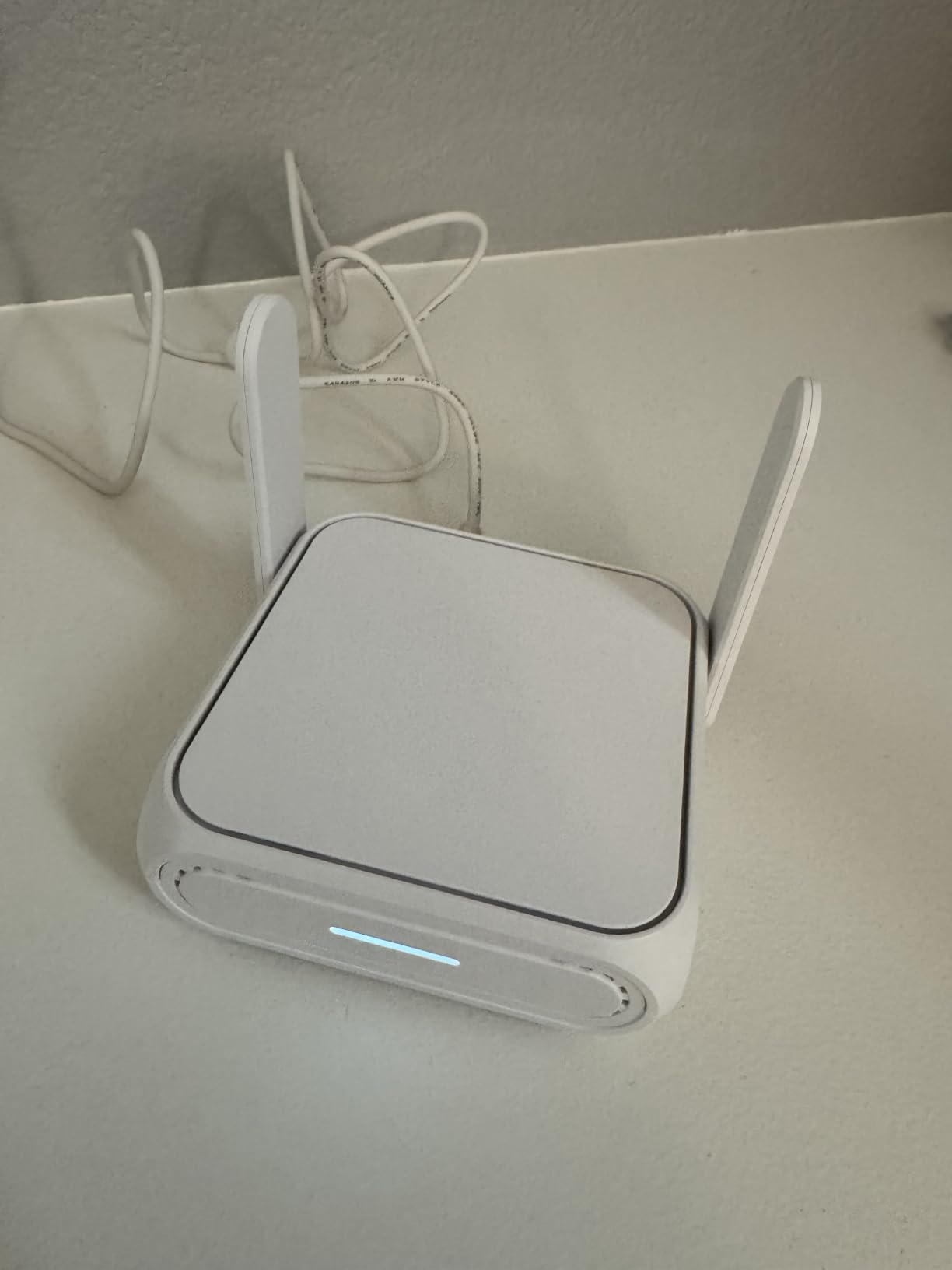
Best if you already carry a USB-C laptop charger
Sharing one charger across laptop, phone and router is the most practical thing about this unit, and the Wi-Fi 7 radio gives large transfers real headroom on a fast link.
Risky if wired devices or rock-solid stability come first
One port means no desk Ethernet, no switch, and no room for a second cable later. The reliability reports are not common, but they are specific enough that we would not put this unit in front of a work deadline without a backup plan.
How to Log In to a Hotel Captive Portal in Six Steps
A captive portal is the login page a hotel shows before your traffic is allowed through. The router has to complete that login once, and then it presents a private network that your devices join without seeing the page at all.
- Connect the router to power over USB-C, using a wall adapter, a laptop port or a power bank.
- Join the router’s own default network from your phone, then open the admin panel or the vendor app.
- Set a new admin password and a new Wi-Fi password for your private network before anything else.
- Switch the router into Repeater, WISP or Hotspot mode, depending on the model naming.
- Scan for the hotel SSID, select it, and complete the browser sign-in or the app’s one-step captive portal button when it appears.
- If the page loads but nothing works, trigger a DNS re-fetch from the status page, then disconnect and reconnect one device to the router’s network.
If the room has a working Ethernet jack, skip the wireless step entirely and use the cable. Ethernet in a hotel room is often a faster and far more reliable uplink than the access point down the hall, although the property may still route it through the same portal.
Do You Actually Need One? A Trip-by-Trip Check
Light leisure trip, one phone and a laptop, and the hotel Wi-Fi works when you tap once. A travel router adds a device to charge and a network to join, and buys you very little. A phone hotspot is the simpler answer when you only need one device online.
Business travel with two or three devices, a work VPN and client calls is the case the whole category is built for. The router handles the portal login once, encrypts everything at the router, and stops you paying a per-device fee each morning.
Multi-device family trips change the maths again. When five or six devices each need a separate login, the per-device cost and per-device friction add up fast, and a router with 60 or 90 device capacity handles the group on one connection. A router with several Ethernet ports is worth considering if the room has a jack you can use.
RV, boat and cruise travel is a different pattern. When the uplink is a weak cellular signal, what you need is a router that can accept 4G and 5G tethering, since that is the scenario the ASUS models here are designed around.
Budget path: an older TP-Link or ASUS router that still runs well can be flashed with OpenWrt and reused as a travel router, which forum users recommend as a way to avoid buying new hardware. You trade setup effort for capability, and the learning curve is real for a non-technical traveller. Our advice is to set it up at home with a week of free time before a trip that matters.
What a Travel Router Cannot Fix
A travel router cannot defeat hotel bandwidth throttling. If a property caps your room at a low speed per device or per connection, every device behind the router shares that same capped pipe. Forum complaints about 6 Mbps hotel Wi-Fi are almost always about the property’s upstream, not the router.
It also cannot make a congested link faster. The access point down the hall is still the access point, and your speed is bounded by what the hotel delivers. This is the single biggest expectation gap, and it is worth stating plainly before you buy.
A travel router also cannot bypass a login that the hotel intends to be per-room paid once, and it introduces a second layer of NAT. Online gaming and some video calling apps prefer a bridged or public IP, and double NAT can complicate inbound connections. For most work and browsing, none of that matters.
Hotel Ethernet vs Hotel Wi-Fi
Check the wall jack first, because a wired room connection usually beats Wi-Fi. Many hotel rooms have an inactive jack, a dead jack, or one that only works with a long-press reset, and a minority of properties have disabled wired access entirely.
When the jack works, the failure modes are different from Wi-Fi. The port may be tied to a different VLAN, the connection may still require a browser sign-in, and the DHCP lease can be limited to one device, which is exactly the situation a travel router solves by sharing a single authenticated link.
Carry a short flat Ethernet cable and a USB-C to Ethernet adapter. They weigh almost nothing, and they are the difference between a working wired desk and a desk running on a congested access point. Packing them alongside a quality power adapter and a compact cable pouch keeps the whole kit tidy.
Pre-Trip Setup and Packing Checklist
Configure the router at home, not in the hotel lobby. Updating firmware before you travel is the single highest-value step, because portal handling improves noticeably with current software and a stale build is the most common source of frustration.
Before you leave: update the firmware, change the admin password, set your own SSID and Wi-Fi password, import your VPN profile, test the repeater against your own network, and confirm the travel kit includes the right cable.
In the bag: the router, a short flat Ethernet cable, a USB-C to Ethernet adapter, a USB-C power cable, a compact wall adapter, and one power bank that can run a 5V PD device. If you are rebuilding a travel kit from scratch, our picks for the surrounding essentials are the best travel adapters for international travel and a travel backpack that fits a laptop and cables cleanly.
If you are building a home network rather than a trip kit, the mesh Wi-Fi router guide covers full-size systems that do the same job at home scale.
How to Choose a Travel Router for Hotels
Captive portal handling comes first, ahead of speed. Buyers on r/HomeNetworking and r/GlInet consistently choose on how reliably a model gets past the login page, and only then on throughput. Check whether the model has app-based one-step sign-in, and confirm the vendor still ships firmware updates.
Next is WAN port speed. A 1 Gbps port is the sensible minimum, and a 2.5 Gbps port matters if you plan to use a room Ethernet jack, since gigabit ports quietly clip anything faster.
VPN capability deserves a real answer rather than a marketing word. Look for WireGuard, check whether it runs as a client, and ask about a kill switch. If you handle banking or client data on hotel networks, a router without a kill switch deserves a second look.
Then check size, weight and power, because that is what you actually live with. Under 200 g fits a laptop bag comfortably, USB-C power means one cable, and a power bank beats hunting for a wall socket at midnight.
Finally, count what you will connect. Two devices needs a small Wi-Fi 5 or 6 box. Six to ten devices, or anyone streaming, needs a faster radio and a higher device ceiling. Do not pay for Wi-Fi 7 or a 90-device rating if you are packing a single laptop.
Frequently Asked Questions
What is the best travel router for connecting to hotel Wi-Fi?
The GL.iNet Beryl AX (GL-MT3000) is our overall pick for hotel Wi-Fi because it pairs Wi-Fi 6 with a 2.5 Gbps WAN port, runs OpenVPN and WireGuard as both client and server, and handles captive portal sign-in reliably. For a lighter bag the GL.iNet Mango (GL-MT300N-V2) is unbeatable at 39 g, and the GL.iNet Opal (GL-SFT1200) adds a gigabit WAN and retractable antennas.
What is the best travel router for hotel Wi-Fi captive portals?
Models with app-based one-step portal sign-in handle the trickiest hotels most reliably. The TP-Link Roam 6 TL-WR3002X, the Roam 6 TL-WR1512X and the Roam 7 TL-WR3602BE all include one-step captive portal authentication, while GL.iNet models handle the login through their admin panel. Firmware freshness matters as much as the model, because portal handling has improved substantially in later releases.
Can you use a travel router in a hotel?
Yes. Hotels generally allow a private device on their network, and a travel router simply authenticates once to the hotel SSID and rebroadcasts that connection as your own private network. It will not defeat bandwidth throttling, and some properties restrict routers, so check the terms of stay if it is a sensitive network.
Can you use ethernet in a hotel room?
Often, yes, but not always. The wall jack may be inactive, disabled by the property, or working only after a reset. When it works it is usually faster and more stable than the wireless access point, though the connection may still require a browser sign-in. Carry a short flat cable and a USB-C to Ethernet adapter, and expect the same portal prompt to appear.
Does a travel router bypass hotel Wi-Fi speed limits?
No. A travel router shares one authenticated hotel connection across your devices and hides per-device logins, but every device still shares the same capped upstream pipe. If a hotel throttles bandwidth, your total speed stays the same, you are just splitting it. It also cannot make a congested access point faster, which is the most common source of disappointment with these devices.
Which Travel Router Should You Pack?
For most people, the best travel routers for hotels come down to one decision. Pack the GL.iNet Mango (GL-MT300N-V2) if you are travelling light and want something that disappears into a pocket. Pack the GL.iNet Beryl AX (GL-MT3000) if work depends on the connection and you want Wi-Fi 6, a 2.5 Gbps WAN and router-level VPN. Pick the GL.iNet Opal (GL-SFT1200) when the room signal is weak and you want a gigabit WAN with real antennas.
For a family or a small team, the TP-Link Roam 7 TL-WR3602BE handles the most devices in this group, and the Cudy WR3000 is the pick when you want several wired ports. If the hotel network may simply not work, the ASUS RT-AX57 GO adds 4G and 5G tethering as a genuine backup path.
Whatever you choose, update the firmware, set your own passwords and test the login before you leave home. Check the current listing for each model, then pick up a short Ethernet cable and a power bank to go with it.