
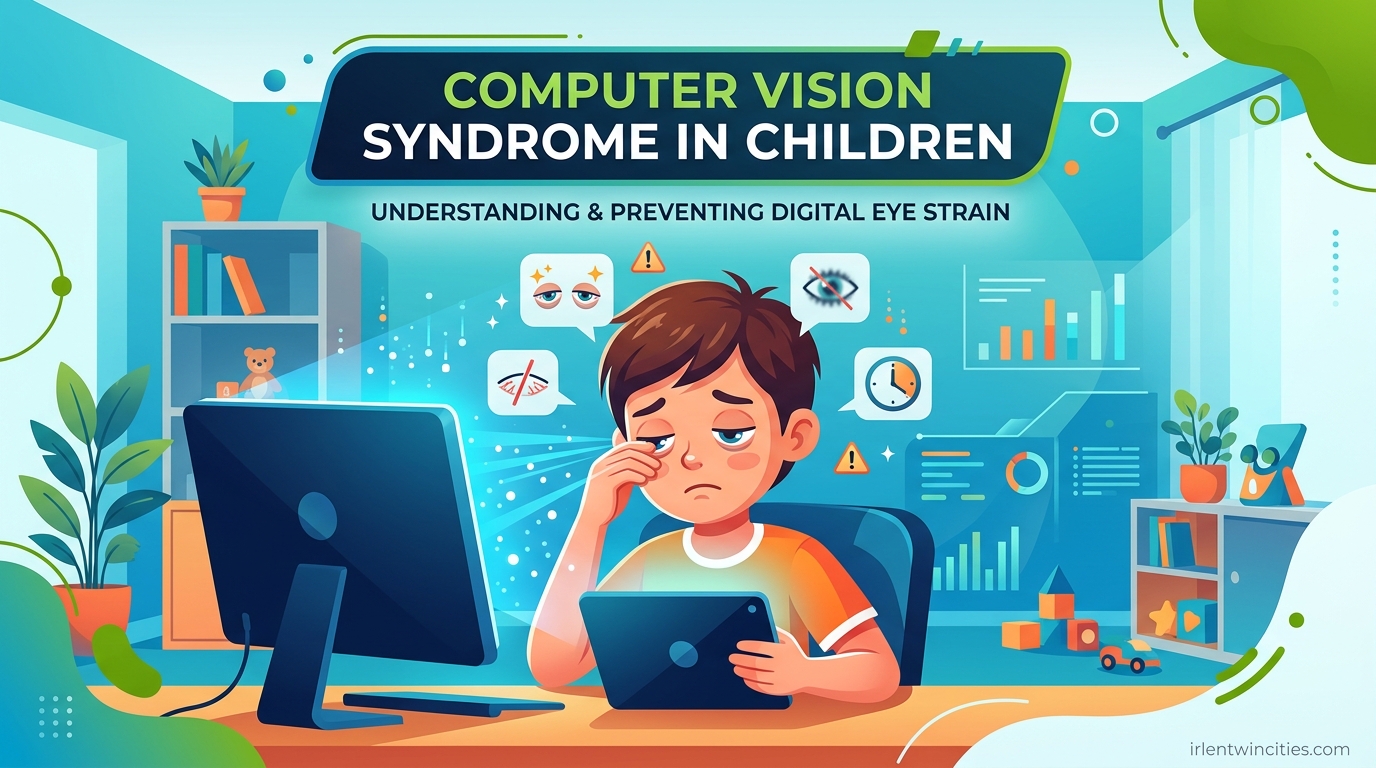
If your child spends more than two hours a day on screens, you need to know about computer vision syndrome in children and the warning signs that indicate their eyes are under stress. As a parent who navigated remote learning with two elementary-aged kids during 2026, I learned quickly that eye strain doesn’t always show up as obvious complaints. Sometimes the warning signs are subtle behavioral changes that are easy to miss.
Computer vision syndrome (CVS), also called digital eye strain, is a collection of eye and vision problems caused by prolonged use of digital devices. While adults experience it too, children face unique risks because their visual systems are still developing. The good news is that CVS is preventable and treatable when caught early.
In this guide, I will walk you through the specific warning signs parents should watch for, why children are more vulnerable than adults, and proven strategies to protect your child’s vision. I have also included age-specific symptoms since a toddler’s warning signs look very different from a teenager’s.
Table of Contents
Computer Vision Syndrome in Children: Warning Signs to Watch For
Children rarely complain about eye problems directly. Instead, they show discomfort through behavior changes and physical symptoms. Here are the seven warning signs that indicate your child may be experiencing computer vision syndrome.
1. Frequent Eye Rubbing and Blinking
When children stare at screens, their blink rate drops by up to 50%. This leads to dry, irritated eyes that your child will try to relieve by rubbing. I noticed my daughter rubbing her eyes aggressively after 45 minutes on her tablet, which was my first clue something was wrong.
Excessive blinking is another red flag. If you notice your child blinking rapidly or forcefully while using devices, their eyes are likely dry and trying to compensate. Watch for this during homework time or video calls.
2. Complaints of Headaches
Headaches that occur after screen time or during homework are classic warning signs of computer vision syndrome in children. The eye muscles work harder to focus on screens, causing strain that radiates to the temples and forehead.
Pay attention to when headaches happen. If they consistently appear after digital device use and resolve with rest, CVS is the likely culprit. My son started getting headaches every Tuesday and Thursday afternoon, which turned out to be his heavy computer lab days at school.
3. Squinting and Moving Closer to Screens
Children with undiagnosed vision problems often compensate by squinting or holding devices inches from their face. Squinting temporarily improves focus by reducing light entering the eye, but it creates muscle strain over time.
If you catch your child with their nose nearly touching a tablet or leaning into a laptop screen, this is a clear behavioral warning sign. The American Optometric Association recommends screens be positioned 20-24 inches from the face, or about arm’s length.
4. Red, Watery, or Burning Eyes
Physical eye changes are among the most obvious computer vision syndrome warning signs. Redness comes from irritation and reduced tear production. Some children’s eyes water excessively as a reflex response to dryness.
Burning or itching sensations are also common. Your child might describe their eyes as “tired” or “sandy.” These symptoms typically worsen as the day progresses, especially after extended screen sessions.
5. Blurred or Double Vision
When the focusing muscles become fatigued, children may experience temporary blurred vision. They might report that text looks fuzzy or that they see double when looking up from a screen. This happens because the eye muscles struggle to switch between near and far focus.
Blurry vision that clears after rest is usually CVS-related. However, persistent blurring warrants immediate professional evaluation to rule out other conditions.
6. Avoidance of Screens or Reading
Behavioral changes often signal vision problems before physical symptoms appear. A child who previously enjoyed tablets or reading but now avoids them may be experiencing discomfort they cannot articulate. They might become frustrated, distracted, or resistant to homework.
Parents on forums report children claiming devices are “broken” or books are “too blurry” when the real issue is their own eye strain. Trust your instincts if screen avoidance seems out of character for your child.
7. Neck and Shoulder Pain
Poor posture while using devices creates physical strain beyond the eyes. Children hunch over tablets or crane their necks toward screens, leading to muscle tension in the neck, shoulders, and upper back.
If your child rubs their neck, complains of stiffness, or holds their head while using devices, they are likely positioned incorrectly. This often accompanies the other warning signs of computer vision syndrome.
Age-Specific Warning Signs Parents Should Know
The warning signs of computer vision syndrome in children vary by age. Toddlers cannot describe discomfort verbally, while teenagers may hide symptoms to continue gaming or social media use.
Toddlers and Preschoolers (ages 2-5): Look for increased irritability during screen time, turning away from devices, or rubbing eyes with closed fists. They may become unusually clingy or resistant to previously enjoyed shows.
School-Age Children (ages 6-12): This group may complain of headaches, report blurry vision, or lose their place while reading. Watch for homework avoidance, excessive blinking, or holding books and tablets too close.
Teenagers (ages 13-18): Teens may experience dry contact lenses, difficulty concentrating during online classes, or eye fatigue that interferes with driving. They are also more likely to use devices in poor lighting or late at night, worsening symptoms.
Why Children Are More Susceptible to Computer Vision Syndrome
Children face greater risk for digital eye strain than adults for several developmental and behavioral reasons. Understanding these factors helps explain why the warning signs appear and why prevention is so important.
Developing Visual Systems
Children’s eyes are still maturing, making them less equipped to handle the demands of prolonged screen use. The focusing mechanism, called accommodation, works harder when viewing screens at close distances. This can lead to accommodative spasm, where the focusing muscles lock up temporarily.
Binocular vision, the ability of both eyes to work together, is also developing during childhood. Screens can disrupt this coordination, causing convergence insufficiency where the eyes drift outward when focusing on near objects.
Screen Usage Patterns
Kids use devices differently than adults. They typically hold screens closer to their faces, often 8-12 inches away instead of the recommended 20-24 inches. They also blink less frequently when engaged with content, and they rarely self-regulate break times.
School requirements have increased screen exposure dramatically. Homework, research, and even reading assignments happen on devices. Combined with recreational screen time, many children exceed safe daily limits without parents realizing it.
Uncorrected Vision Problems
Vision problems like farsightedness or astigmatism often go undetected in children because they assume everyone sees the way they do. Screens make these issues more apparent because the eyes work harder to maintain clear focus. A child with undiagnosed hyperopia will struggle significantly more with CVS than one with perfect vision.
The National Institutes of Health research shows that uncorrected refractive errors are a major contributor to computer vision syndrome symptoms in children. Regular eye exams catch these issues before they worsen with screen use.
Impact on Learning and Concentration
Computer vision syndrome affects more than just eye comfort. Children experiencing eye strain have difficulty concentrating, processing information, and completing schoolwork efficiently. What looks like attention deficit or learning difficulties may actually be vision-related fatigue.
I spoke with teachers who noted that students with CVS symptoms often take longer to complete assignments, make more copying errors, and become frustrated with reading tasks. Addressing the vision problem improves academic performance beyond just reducing headaches.
How to Prevent Computer Vision Syndrome in Children
Prevention is the best approach to protecting your child’s vision. These evidence-based strategies reduce digital eye strain and help your child develop healthy screen habits for life.
The 20-20-20 Rule for Kids
The 20-20-20 rule is the most effective prevention tool for computer vision syndrome. Every 20 minutes of screen time, your child should look at something 20 feet away for at least 20 seconds. This gives the focusing muscles a chance to relax and restores normal blinking patterns.
Make this rule easy to follow by setting timers or using apps that remind kids to take breaks. For younger children, try the “20-20-20 game” where they find something across the room to describe in detail. Older kids can use the break to stretch or grab water.
Some eye doctors recommend the 20-20-20-20 variation, which adds 20 complete blinks during each break. This explicitly addresses the reduced blink rate that causes dry eye symptoms.
The 30-30-30 Eye Rule Alternative
For children who struggle with frequent interruptions, the 30-30-30 rule offers an alternative approach. Every 30 minutes, look at something 30 feet away for 30 seconds. While slightly less frequent, this still provides adequate rest for the eye muscles.
This variation works well for older students during focused homework sessions or for younger children during educational shows. The key is consistency, not perfection. Any regular break pattern helps prevent the accommodation fatigue that leads to CVS.
Ergonomic Setup Guidelines
Proper workstation setup reduces physical strain and prevents many computer vision syndrome warning signs. Position screens at arm’s length, slightly below eye level. The top of the monitor should align with your child’s forehead, encouraging a slight downward gaze that is more comfortable for the eyes.
Reduce glare by positioning screens away from windows and overhead lights. Use blinds or curtains to control natural light. For tablets and phones, encourage use on tables rather than laps, which promotes better posture and appropriate viewing distance.
Adjust screen brightness to match ambient lighting. Screens that are too bright or too dim force the eyes to work harder. Most devices have auto-brightness settings, but manual adjustment is often more accurate.
Screen Time Management by Age
Age-appropriate screen time limits help prevent computer vision syndrome before it starts. The American Academy of Pediatrics recommends no screens except video chatting for children under 18 months, high-quality programming only for ages 2-5 with co-viewing, and consistent limits for ages 6 and older.
For school-age children, balance educational screen time with outdoor play. Natural light and distance viewing help counteract the effects of close-up screen work. Encourage non-digital activities like drawing, building, and outdoor sports to give the visual system variety.
If your child already shows warning signs of CVS, reduce recreational screen time while keeping educational use necessary for school. Prioritize outdoor time on weekends to give eyes extended rest from near work.
Blue Light Considerations
While blue light’s role in CVS is debated, many parents find that evening screen use disrupts their child’s sleep. Blue light filters or night mode settings reduce exposure during homework and wind-down time. Glasses with blue light blocking coatings are available but should complement, not replace, proper break habits.
The bigger concern with blue light is circadian rhythm disruption. Limit screens 1-2 hours before bedtime to protect sleep quality, which indirectly supports eye health and overall wellness.
When to See an Eye Doctor
Knowing when professional evaluation is necessary helps you act quickly if your child’s symptoms indicate more than simple eye strain. Schedule an appointment if you notice any of the following red flags.
Persistent symptoms despite rest and prevention strategies suggest an underlying vision problem. If your child still experiences headaches, blurred vision, or eye discomfort after implementing the 20-20-20 rule and ergonomic improvements, a comprehensive eye exam is warranted.
One eye turning inward or outward, significant squinting, or holding objects extremely close to the face require prompt evaluation. These may indicate convergence insufficiency or uncorrected refractive errors that need professional treatment.
What to expect at a pediatric eye exam: The doctor will assess visual acuity, eye alignment, focusing ability, and overall eye health. They may use drops to dilate the pupils for a complete retinal examination. Bring a list of your child’s symptoms, screen time habits, and any family history of vision problems.
Treatment options for CVS include prescription glasses for computer use, vision therapy exercises to improve focusing and coordination, lubricating eye drops for dryness, and ergonomic recommendations specific to your child’s needs. Most children experience significant improvement within weeks of starting treatment.
Frequently Asked Questions
What is the 20 20 rule for computer vision syndrome?
The 20-20 rule is a simplified version of the 20-20-20 rule where every 20 minutes of screen time, you look at something 20 feet away for 20 seconds. Some versions emphasize 20 blinks as well. This break pattern reduces eye muscle fatigue and restores normal blinking rates, preventing dry eyes and strain.
Can kids get computer vision syndrome?
Yes, children can absolutely get computer vision syndrome. In fact, they are often more susceptible than adults because their visual systems are still developing and they tend to hold screens closer to their faces. Children also blink less frequently when engaged with digital content and rarely self-regulate break times. Early detection of warning signs is important for preventing long-term discomfort.
What is the 20 20 20 rule for kids?
The 20-20-20 rule for kids means every 20 minutes of screen use, they should look at something 20 feet away for at least 20 seconds. Parents can help by setting timers, using reminder apps, or making it a game. For younger children, find something across the room to describe during the break. This simple habit prevents the eye muscle fatigue that causes computer vision syndrome symptoms.
What is the 30 30 30 eye rule?
The 30-30-30 eye rule is an alternative to the 20-20-20 rule where every 30 minutes, you look at something 30 feet away for 30 seconds. This version works well for older students during focused homework sessions. While less frequent than the 20-20-20 rule, it still provides adequate rest for the focusing muscles and helps prevent digital eye strain.
Is 7 hours of screen time bad for kids?
Seven hours of screen time is generally considered excessive for children and significantly increases the risk of computer vision syndrome. The American Academy of Pediatrics recommends consistent limits for school-age children, with priority given to sleep, physical activity, and other essential health behaviors. For eye health specifically, breaks become increasingly important as daily screen time increases. If your child must use screens extensively for school, implement strict break schedules and prioritize outdoor time when possible.
Conclusion
Computer vision syndrome in children is a growing concern as digital devices become central to education and entertainment. By recognizing the warning signs early, understanding why children are uniquely vulnerable, and implementing preventive strategies like the 20-20-20 rule, you can protect your child’s vision and comfort. Watch for eye rubbing, headaches, squinting, and behavioral changes that indicate eye strain. When symptoms persist, consult a pediatric eye care professional for evaluation. With awareness and simple habit changes, your child can enjoy the benefits of technology without the discomfort of digital eye strain.