
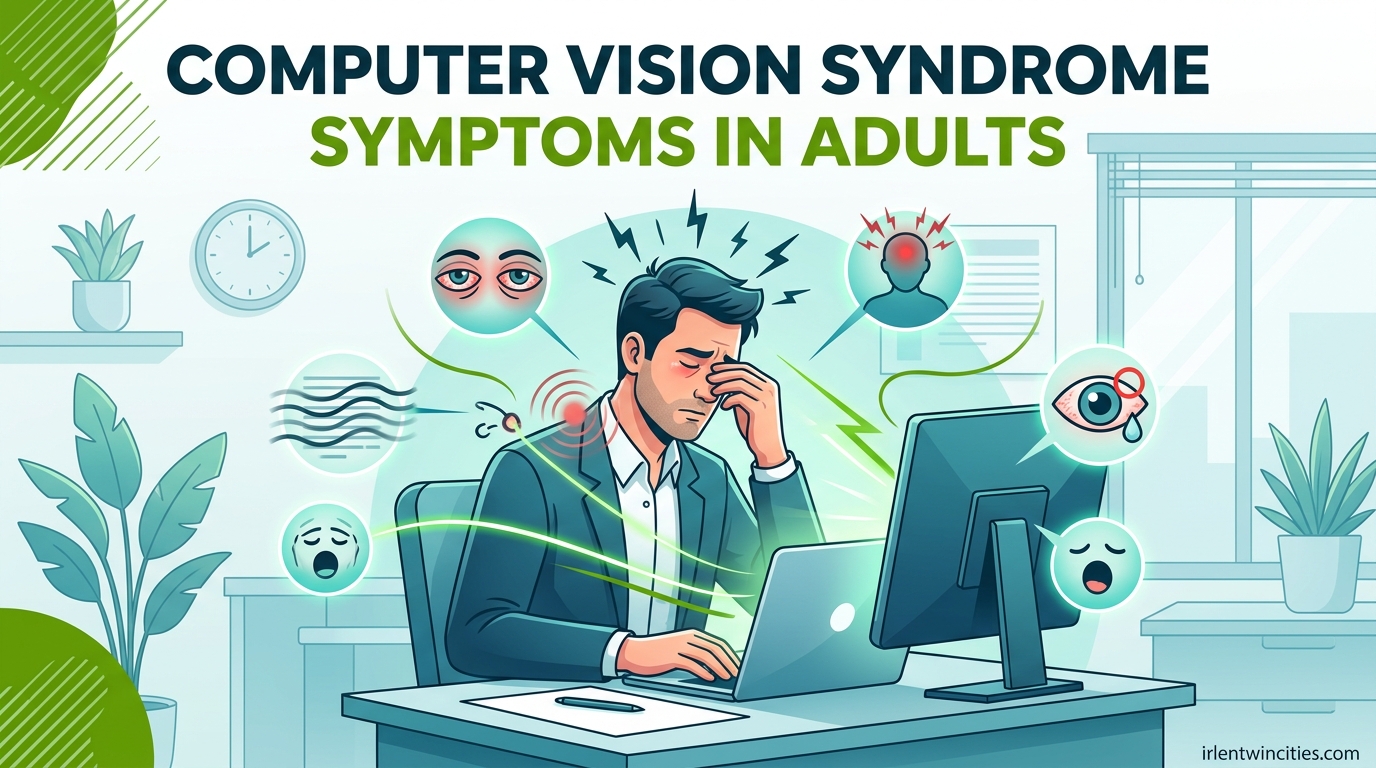
Have you ever finished a long workday at your computer only to realize your eyes feel gritty, your head is pounding, and your neck won’t stop aching? I experienced this exact scenario three years ago when I transitioned to a remote programming position. At first, I dismissed the symptoms as normal fatigue. But when the eye strain started affecting my sleep and persisted even on weekends, I knew something was wrong.
Computer vision syndrome symptoms in adults affect nearly 90% of people who spend two or more hours daily looking at digital screens. Also called digital eye strain, this condition isn’t a single specific problem but rather a collection of eye and vision-related issues that stem from prolonged computer, tablet, e-reader, and smartphone use. Understanding these symptoms is the first step toward finding relief and protecting your long-term eye health.
In this guide, you’ll learn how to recognize computer vision syndrome symptoms, understand why adults face unique risks, and discover evidence-based strategies to prevent and treat this increasingly common condition.
Table of Contents
What Is Computer Vision Syndrome?
Computer vision syndrome (CVS), also commonly referred to as digital eye strain, is a complex of eye and vision problems related to near work performed while using digital screens. Unlike reading printed text, viewing pixels on a screen requires your eyes to work significantly harder.
The fundamental issue lies in how screens display information. Printed text consists of solid, well-defined characters with high contrast. Digital screens, however, display text and images using thousands of tiny illuminated pixels. These pixels create images that are less stable and more difficult for your eyes to focus on. Your eyes must constantly refocus as pixels refresh, creating microscopic fluctuations in image clarity that your visual system must compensate for.
Additionally, screens typically have lower contrast than printed materials, and many display glare from surrounding lights or windows. The combination of pixel instability, reduced contrast, and glare forces your eye muscles to work overtime.
Another critical factor is blink rate. Research shows that people blink approximately 66% less frequently when looking at digital screens compared to reading printed materials. Normal blinking occurs 15-20 times per minute and is essential for spreading tears across the eye surface. Reduced blinking leads to dry, irritated eyes that burn and feel gritty.
For adults specifically, computer vision syndrome presents additional challenges. After age 40, most people begin developing presbyopia, a natural hardening of the eye’s lens that makes focusing on close objects increasingly difficult. This age-related change means that older adults must work even harder to maintain focus on screens, accelerating eye fatigue and discomfort. The American Optometric Association notes that adults with uncorrected vision problems like farsightedness, astigmatism, or presbyopia face significantly higher risks for developing severe CVS symptoms.
Computer Vision Syndrome Symptoms in Adults
Computer vision syndrome produces a range of symptoms affecting both your eyes and surrounding muscles. Most adults experience a combination of ocular discomfort and physical pain that can significantly impact work productivity and daily comfort.
The most common symptoms include:
- Eye strain and fatigue that worsens throughout the day
- Dry, burning, or itchy eyes that feel gritty or sandy
- Blurred vision when looking away from the screen
- Double vision (diplopia) during or after computer use
- Headaches, typically located around the forehead or temples
- Increased sensitivity to light (photophobia)
- Difficulty focusing when shifting between near and distant objects
- Neck, shoulder, and upper back pain
These symptoms typically worsen as the day progresses and may persist for hours after you stop using digital devices. Many adults report that symptoms carry over to the next morning if they don’t get adequate sleep, creating a cumulative effect that can feel overwhelming.
Detailed Symptoms by Category
Understanding the specific categories of symptoms can help you identify computer vision syndrome more accurately and communicate effectively with your eye care provider.
Ocular Symptoms
Eye strain represents the most frequently reported ocular symptom of computer vision syndrome. This sensation goes beyond simple tiredness, often manifesting as a dull ache behind the eyes, heaviness of the eyelids, or a feeling that you cannot keep your eyes open. Many adults describe it as having “tired eyes” that require constant effort to maintain focus on screen text.
Dry eye syndrome frequently accompanies CVS due to reduced blink rates. Your eyes may feel gritty, as if sand particles are trapped beneath the eyelids. Burning sensations, redness, and excessive tearing (a paradoxical response to dryness) commonly occur. These symptoms typically intensify in air-conditioned environments or during winter months when indoor heating reduces ambient humidity.
Visual disturbances present another major category. Blurred vision when looking away from your screen indicates accommodative spasm, where your eye muscles temporarily lock into close-focus mode. Double vision may occur intermittently, particularly when fatigued. Some adults experience delayed focusing when shifting from near work to distant viewing, requiring several seconds before distant objects become clear.
Light sensitivity often develops as CVS progresses. You may find yourself squinting at normal screen brightness levels or experiencing discomfort in brightly lit rooms. Some adults report seeing afterimages or experiencing visual “ghosting” around text and objects on screen.
Musculoskeletal Symptoms
The physical positioning required for computer work creates significant strain on your neck, shoulders, and back. Neck pain typically develops from craning your head forward to view the screen, a posture that places approximately 50-60 pounds of force on your cervical spine. This forward head posture compresses nerves and strains muscles, producing stiffness and pain that radiates upward into the skull.
Shoulder pain emerges from elevated or rounded shoulder positions common during computer work. Many adults unconsciously raise their shoulders toward their ears when concentrating, creating tension in the trapezius muscles. This tension can trigger tension-type headaches that feel like tight bands around the forehead.
Lower back pain results from prolonged sitting in chairs lacking proper lumbar support. Poor posture combined with reduced movement causes spinal compression and muscle fatigue. Headaches associated with CVS often originate from muscle tension but may also relate to eye strain triggering referred pain patterns.
Severity Stages
Computer vision syndrome symptoms typically progress through three severity stages if left unaddressed.
Mild symptoms appear intermittently, usually after several hours of continuous screen use. You might notice slight eye fatigue or minor headaches that resolve quickly with rest. At this stage, symptoms don’t significantly impact your work performance or daily activities.
Moderate symptoms occur daily and persist longer after stopping screen use. Eye discomfort becomes noticeable within 1-2 hours of computer work. Headaches may require over-the-counter pain relief. You might find yourself rubbing your eyes frequently or experiencing periods of blurred vision that require blinking or looking away to clear.
Severe symptoms significantly impair your ability to work and function comfortably. Eye pain persists throughout the day and may continue into the evening. Some adults report that only complete avoidance of screens provides relief. At this stage, symptoms interfere with sleep quality, work productivity, and overall quality of life. Persistent severe symptoms require professional evaluation to rule out other eye conditions and develop a comprehensive treatment plan.
Causes and Risk Factors
Several factors contribute to computer vision syndrome development. Understanding these causes helps explain why symptoms affect some adults more severely than others.
Screen characteristics play a fundamental role. Poor screen resolution forces your eyes to work harder to interpret images. Inadequate contrast between text and background increases visual demand. Screen glare from windows or overhead lighting creates additional strain as your eyes constantly adapt to varying light levels. Blue light emission from digital screens may contribute to eye fatigue, though research continues exploring its exact role in CVS development.
Viewing distance and angle significantly impact symptom severity. Screens positioned too close to your eyes force excessive convergence, where your eyes must turn inward to maintain single vision. Improper viewing angles cause neck strain and may expose you to uncomfortable glare. The American Optometric Association recommends positioning screens 20-28 inches from your eyes with the top of the screen at or slightly below eye level (15-20 degrees below horizontal).
Uncorrected vision problems represent a major risk factor. Even minor refractive errors that don’t cause noticeable problems during normal activities can trigger significant CVS symptoms during computer work. Adults over 40 face additional challenges from presbyopia, which makes focusing on close screens increasingly difficult without proper correction.
Environmental factors compound screen-related strain. Poor lighting creates excessive contrast between the screen and surrounding area. Dry air from heating and cooling systems accelerates tear evaporation. Insufficient breaks prevent your eye muscles from recovering between focus tasks.
The primary threshold for CVS risk involves screen time duration. Adults who spend two or more hours daily using digital devices face substantially increased risk. This minimum threshold means that most office workers, remote employees, and students automatically qualify as high-risk populations. Additional risk factors include concurrent dry eye conditions, certain medications (antihistamines, antidepressants, blood pressure medications), autoimmune diseases, and thyroid conditions that affect eye health.
How Is Computer Vision Syndrome Diagnosed?
Diagnosing computer vision syndrome requires a comprehensive eye examination by an optometrist or ophthalmologist. Unlike self-diagnosis based on symptoms, professional evaluation identifies underlying vision problems and rules out other conditions that might mimic CVS.
Your eye care provider will begin with a detailed health history focusing on your symptoms, work environment, and daily screen time. Be prepared to describe when symptoms occur, what activities trigger them, and how they affect your daily life. Mention any medications you take, as some can contribute to dry eye symptoms.
Visual acuity testing measures how clearly you see at various distances. This standard eye chart test identifies refractive errors requiring correction. Refraction assessment determines your exact eyeglass or contact lens prescription, including any specialized computer vision correction you might need.
Eye focusing and coordination testing evaluates how well your eyes work together and how effectively they maintain focus at different distances. Your provider may perform tests for accommodative dysfunction or convergence insufficiency, conditions that commonly contribute to CVS symptoms. These assessments help determine whether vision therapy might benefit your specific situation.
Comprehensive examinations also assess your overall eye health. Your provider will examine external eye structures, evaluate tear production and quality, and examine internal eye structures using an ophthalmoscope. These examinations rule out serious conditions like glaucoma, cataracts, or retinal problems that might cause similar symptoms.
Based on examination results, your eye care provider can diagnose computer vision syndrome, identify contributing factors, and recommend appropriate treatment strategies tailored to your specific needs.
Treatment and Prevention Strategies
Effective computer vision syndrome management combines immediate symptom relief with long-term prevention strategies. Most adults experience significant improvement by implementing consistent habits and making targeted environmental adjustments.
The 20-20-20 Rule
The 20-20-20 rule represents one of the most effective and simplest interventions for preventing and treating CVS. This evidence-based technique gives your eye muscles regular breaks from close-focus work.
Here’s how to implement it:
- Every 20 minutes, stop looking at your screen
- Look at an object at least 20 feet away from you
- Focus on that distant object for at least 20 seconds
- Blink deliberately several times during the break
- Return to work after the brief pause
This technique works by allowing your eye muscles to relax from sustained close-focus activity. Looking at distant objects requires your eyes to use different muscle groups, providing essential recovery time. Setting a timer or using reminder software can help establish this habit until it becomes automatic.
Workspace Ergonomics
Proper workstation setup significantly reduces physical strain contributing to CVS symptoms. Start with screen positioning: place your monitor 20-28 inches away from your eyes, with the top of the screen at or slightly below eye level. This positioning creates a 15-20 degree downward viewing angle that reduces eye surface exposure and minimizes neck strain.
Address lighting conditions by eliminating glare sources. Position your screen perpendicular to windows rather than facing them or backing onto them. Use blinds or curtains to control natural light. For artificial lighting, avoid placing lights directly overhead or behind you where they reflect off your screen. Consider using a desk lamp with adjustable positioning for document illumination.
Your chair and desk setup matters significantly. Choose a chair with proper lumbar support that allows your feet to rest flat on the floor. Position your keyboard so your elbows remain at approximately 90 degrees when typing. Keep reference documents at the same height and distance as your screen to minimize head movement and refocusing demands.
Additional Treatment Options
Artificial tears provide immediate relief for dry eye symptoms associated with CVS. Look for preservative-free lubricating drops designed for frequent use. Apply drops every few hours during computer work, especially in dry environments. Avoid “redness relief” drops that primarily constrict blood vessels without addressing underlying dryness.
Computer glasses offer specialized correction for intermediate viewing distances. Unlike reading glasses (designed for 14-16 inches) or distance glasses, computer lenses optimize vision for the 20-28 inch range where screens typically sit. Some computer glasses include anti-reflective coatings and blue light filtering tints. Discuss computer-specific prescriptions with your eye care provider.
Blue light filters may help reduce eye fatigue for some adults. Options include software applications that shift screen colors toward warmer tones, physical screen filters, and glasses with blue light filtering lenses. While research on blue light’s specific role in CVS remains ongoing, many adults report subjective comfort improvements with these interventions.
Vision therapy provides structured exercises to improve eye focusing and coordination for adults with underlying accommodative or convergence problems. This professional treatment program typically involves weekly in-office sessions supplemented by home exercises over several months.
When to See a Doctor
While computer vision syndrome typically responds well to self-care measures, certain symptoms require prompt professional evaluation. Understanding the difference between normal CVS symptoms and warning signs of serious conditions protects your vision health.
Seek immediate medical attention if you experience sudden vision changes, severe eye pain, double vision that persists when closing one eye, flashes of light, or numerous new floaters. These symptoms may indicate serious conditions unrelated to CVS, including retinal detachment, glaucoma, or neurological problems.
Schedule an eye exam if your CVS symptoms don’t improve after two weeks of consistent self-care measures. Persistent symptoms may indicate underlying vision problems requiring correction or other eye conditions masquerading as CVS. Adults over 40 should consider annual comprehensive eye exams, as presbyopia and other age-related changes increase CVS susceptibility.
It’s important to distinguish computer vision syndrome from other conditions that cause similar symptoms. Multiple sclerosis can produce eye pain and vision changes, though MS typically causes additional neurological symptoms like numbness or balance problems. Thyroid eye disease causes dry eyes and vision changes but usually includes eyelid retraction or bulging eyes. Your eye care provider can differentiate these conditions through comprehensive examination.
Don’t dismiss symptoms that significantly impact your quality of life. Many adults delay seeking help for CVS because they view it as an unavoidable consequence of modern work. Effective treatments exist, and professional guidance can dramatically improve your comfort and productivity.
Frequently Asked Questions
How do I know if I have computer vision syndrome?
You likely have computer vision syndrome if you regularly experience eye strain, dry eyes, blurred vision, headaches, or neck pain after using digital screens for two or more hours. Symptoms that worsen throughout the workday and improve on days with minimal screen use strongly suggest CVS. A comprehensive eye exam can confirm the diagnosis and rule out other conditions.
How long does computer vision syndrome last?
CVS symptoms typically resolve within minutes to hours after stopping screen use for mild cases. However, symptoms can persist for days in moderate to severe cases, especially without proper treatment. Some adults report symptoms carrying over to the next day if they don’t get adequate sleep. With consistent treatment and prevention strategies, most people see significant improvement within two to four weeks.
Can computer vision syndrome be permanent?
Computer vision syndrome itself is not permanent and doesn’t cause lasting eye damage when properly managed. However, underlying uncorrected vision problems that contribute to CVS may worsen over time if not addressed. Severe, untreated cases can significantly impact quality of life and work productivity. The good news is that symptoms typically resolve completely with proper treatment and ergonomic adjustments.
What is the 20-20-20 rule?
The 20-20-20 rule is a simple technique to reduce eye strain: every 20 minutes, look at something 20 feet away for at least 20 seconds. This gives your eye muscles a break from close-focus work and helps prevent the fatigue that leads to CVS symptoms. Setting a timer or using reminder software can help establish this habit.
Do computer glasses actually work?
Computer glasses can significantly improve comfort for many adults with CVS. Unlike reading or distance glasses, computer glasses are optimized for the intermediate viewing distance (20-28 inches) where screens typically sit. They often include anti-reflective coatings and may incorporate blue light filtering. However, they’re most effective when combined with proper ergonomics and regular breaks.
What causes diplopia in adults?
Double vision (diplopia) in adults can result from several causes. Binocular diplopia (present when both eyes are open but resolves when covering either eye) often stems from eye muscle coordination problems, nerve palsies, or convergence insufficiency common in CVS. Monocular diplopia (present in one eye even when the other is covered) may indicate corneal problems, cataracts, or dry eye. Sudden diplopia requires immediate medical evaluation.
Conclusion
Computer vision syndrome symptoms in adults represent one of the most common occupational health challenges of our digital age. The good news is that CVS is both preventable and treatable with the right strategies and awareness.
By recognizing early warning signs like eye strain, dry eyes, and headaches, you can take action before symptoms progress to severe stages. Implementing the 20-20-20 rule, optimizing your workspace ergonomics, and scheduling regular comprehensive eye exams form the foundation of effective CVS management.
Remember that persistent or severe symptoms warrant professional evaluation. An eye care specialist can identify underlying vision problems, rule out serious conditions, and recommend personalized treatments including computer glasses, vision therapy, or specialized dry eye management.
Your eyes work hard for you every day. Taking proactive steps to protect them isn’t just about comfort, it’s about maintaining your productivity, sleep quality, and overall wellbeing in an increasingly screen-dependent world. Start applying these strategies today and give your eyes the care they deserve.