
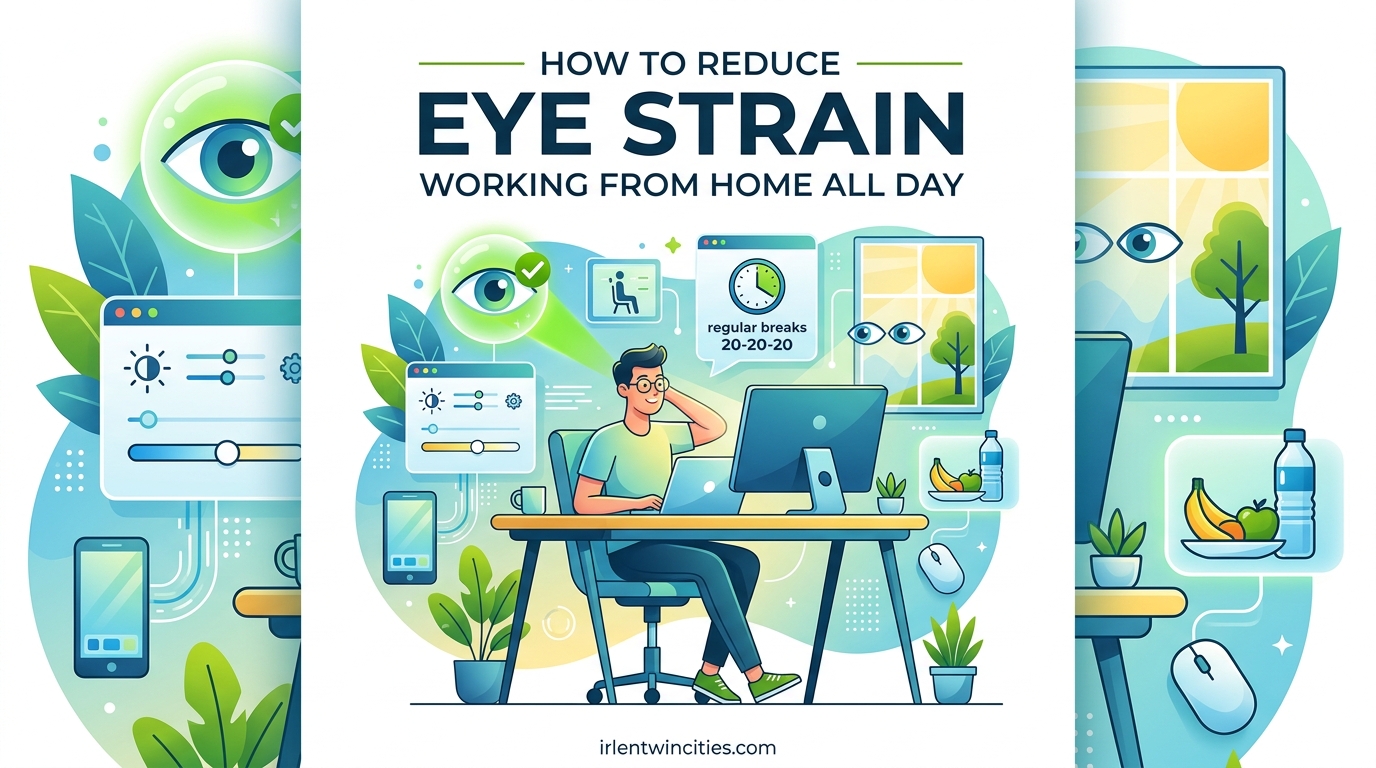
Working from home has become the new normal for millions of us, but it’s brought an unexpected challenge: our eyes are working harder than ever. If you’ve found yourself ending your workday with headaches, blurred vision, or eyes that feel like they’ve been rubbed with sandpaper, you’re not alone. Learning how to reduce eye strain working from home isn’t just about comfort—it’s about protecting your vision and maintaining your productivity for the long haul.
Digital eye strain, also known as computer vision syndrome, affects up to 90% of people who work at computers for more than two hours daily. The home office environment presents unique challenges that corporate offices don’t, from poor lighting setups to working in dark rooms with bright monitors. I’ve spent years researching and implementing eye care strategies for remote work, and I’m going to share everything that actually works.
Table of Contents
Understanding Digital Eye Strain and Computer Vision Syndrome
Digital eye strain is more than just tired eyes—it’s a legitimate medical condition caused by prolonged use of digital devices. When you stare at screens all day, your eyes face multiple stressors: reduced blinking (we blink about 5-7 times per minute at computers versus our normal 15 times), constant focus at the same distance, and exposure to bright, backlit displays that our eyes didn’t evolve to handle.
Working from home amplifies these problems in ways many people don’t realize. Home offices often lack the professional-grade lighting systems found in corporate spaces. You might be working in a bedroom with harsh overhead lighting, or worse, working in a dark room with only your monitor illuminating your face. I’ve seen countless Reddit posts from remote workers who didn’t understand why their eyes hurt more at home until they realized their lighting setup was essentially torturing their eyes all day.
The symptoms can sneak up on you. You might notice your vision getting blurry around 3 PM, or that nagging headache that starts behind your eyes and won’t go away. Some people experience dry eyes that feel scratchy or watery eyes that are your body’s attempt to compensate for dryness. You might even find yourself squinting at your screen or leaning in closer without realizing it. These aren’t just annoyances—they’re your eyes crying out for help.
What makes digital eye strain particularly tricky is that it builds up gradually. You might not notice it happening day to day, but over weeks and months, the cumulative effect can significantly impact your quality of life. Remote workers report increased eye strain symptoms compared to their office counterparts, largely due to less optimal setups and fewer natural breaks that happen organically in office environments.
The 20-20-20 Rule and Break Strategies That Actually Work
The 20-20-20 rule is the gold standard for reducing digital eye strain, and for good reason—it works. Every 20 minutes, take a 20-second break to look at something 20 feet away. This simple practice gives your eye muscles a chance to relax from their constant near-focus effort and helps reset your focal accommodation. The American Academy of Ophthalmology recommends this approach because it addresses the root cause of computer-related eye strain: sustained focus at a fixed distance.
But let’s be honest—remembering to look away every 20 minutes while you’re in deep work mode is tough. I’ve found that setting phone reminders or using break reminder apps makes a huge difference in consistency. Apps like Stretchly, Workrave, or even built-in features like Windows’ focus sessions can prompt you when it’s time to give your eyes a break. The key is finding what actually works for your workflow and sticking with it.
For those who find the 20-20-20 rule difficult to maintain, there are alternative break schedules that can be just as effective. Some remote workers prefer the 30-30-30 rule (every 30 minutes, look 30 feet away for 30 seconds), while others build in longer breaks every hour. What matters most is the pattern of regularly shifting your focus away from screens and allowing your eyes to rest. One Reddit user shared that simply standing up every hour to look out their window for five minutes made more difference than all the expensive eye products they’d tried.
Here’s a sample daily schedule that incorporates eye breaks naturally: Start your workday with a 5-minute eye break after your first task (around 9:30 AM), take a longer 10-minute break mid-morning to walk away from all screens, use lunch as a true screen-free period, schedule another 5-minute break in the mid-afternoon slump, and end your day with a 10-minute eye relaxation routine. The trick is making these breaks non-negotiable appointments in your calendar, just like any other important meeting.
Tracking your progress can help reinforce the habit. Some WFH communities recommend keeping a simple log of your breaks or using habit-tracking apps. The first week is the hardest, but after that, it becomes second nature. One remote worker I spoke with said that after three weeks of consistent break-taking, their afternoon headaches completely disappeared. That’s the kind of result that makes the effort worthwhile.
Optimizing Your Screen and Display Settings
Your monitor settings might be secretly sabotaging your eye health without you realizing it. Screen brightness that doesn’t match your ambient lighting is a major culprit—too bright and your eyes work to compensate, too dim and you strain to see clearly. The sweet spot is matching your screen brightness to your surrounding light level. A simple test: look at your screen from a slight angle. If it stands out like a light source, it’s too bright. If it seems dull or gray, it’s too dark.
Contrast settings deserve more attention than they get. Higher contrast makes text easier to read and reduces eye fatigue, but there’s such a thing as too much contrast. Most people find a contrast ratio between 70-80% comfortable for extended work sessions. If you’re working with text documents or coding, consider using dark mode or reducing white background brightness. Many remote workers report that switching to darker themes significantly reduced their end-of-day eye strain.
Blue light has become a buzzword, but there’s real science behind the concern. Blue light scatters more easily than other visible light, reducing contrast and forcing your eyes to work harder. Most modern operating systems now include blue light filters or night mode features that automatically adjust color temperature based on time of day. These features can make a noticeable difference, especially for evening work sessions. However, don’t expect blue light glasses to be a magic solution—research on their effectiveness shows mixed results, and they don’t address the root causes of digital eye strain like focusing distance and blink rate.
Text size and display scaling are often overlooked factors. If you find yourself leaning in to read text, your display settings need adjustment. Most operating systems allow you to increase display scaling without changing resolution. Windows users can find this under Display Settings > Scale and Layout, while Mac users access it through System Preferences > Displays. Aim for text that you can read comfortably from your normal working distance without squinting or leaning forward.
Refresh rate matters more than most people realize. Higher refresh rates (120Hz or above) can reduce eye strain by making motion smoother and reducing flicker. If you’re stuck with a standard 60Hz monitor, you can still optimize by ensuring your graphics drivers are up to date and disabling any unnecessary animations or effects. Some remote workers have reported significant improvements simply by upgrading from an older monitor to one with a higher refresh rate.
Multi-monitor setups present their own challenges. While they boost productivity, they can also increase eye strain if not set up correctly. Position monitors at the same distance and height to avoid constantly refocusing between different distances. Consider using a monitor arm to fine-tune positioning. The key is minimizing the need for your eyes to readjust as you glance between screens.
Home Office Lighting and Monitor Positioning
Where you place your monitor and how you light your workspace can make or break your eye comfort. The ideal monitor distance is about an arm’s length away (20-28 inches), with the top of the screen at or slightly below eye level. This positioning encourages a slight downward gaze, which reduces exposed eye surface area and helps prevent tear evaporation. If you find yourself leaning forward or squinting, your monitor is likely too far or positioned incorrectly.
Monitor height is crucial and often gets wrong. Your screen should be positioned so you’re looking slightly downward at about 15-20 degrees. This natural angle helps your eyelids cover more of your eye, keeping them moister. If you’re using a laptop, consider getting a laptop stand or even propping it up on books to achieve the right height. Many remote workers pair their laptop with an external keyboard and mouse to maintain ergonomic positioning while elevating the screen.
Lighting is where most home offices fall short compared to corporate environments. The goal is balanced, diffuse lighting that eliminates harsh contrasts. Avoid working in dark rooms with bright monitors—this creates extreme contrast that forces your eyes to work overtime. Instead, aim for ambient lighting that matches your screen brightness. A simple desk lamp positioned to illuminate your workspace without creating glare on your screen can make a dramatic difference.
Window placement matters more than most people realize. Natural light is wonderful, but windows directly behind or in front of your monitor can cause serious glare problems. The ideal setup places windows perpendicular to your monitor. If that’s not possible, use adjustable blinds or curtains to control light throughout the day. One Reddit user shared that adding sheer curtains to their home office completely solved their afternoon eye strain issues by diffusing harsh direct sunlight.
Daytime and nighttime work require different lighting approaches. During the day, maximize natural light while controlling glare with blinds or shades. For evening work sessions, use warm, dimmable lighting that doesn’t create harsh contrasts with your screen. Some remote workers find success with bias lighting—LED strips placed behind the monitor that provide ambient backlighting and reduce eye strain. This technique, borrowed from professional gaming setups, can significantly reduce the contrast between your bright screen and dark room.
Home office lighting doesn’t have to be expensive. If you’re renting or can’t make permanent changes, portable solutions work surprisingly well. A simple desk lamp with adjustable brightness and color temperature can transform your workspace. Floor lamps can provide ambient lighting without requiring installation. Even positioning your workspace to take advantage of available natural light can help. The key is avoiding the dark-room-bright-monitor trap that so many remote workers fall into.
Eye Care Techniques and Daily Habits
Conscious blinking might sound simple, but it’s one of the most powerful tools against digital eye strain. When we focus on screens, our blink rate drops dramatically, leading to dry, irritated eyes. Making a conscious effort to blink more frequently—and to blink completely, not just partial blinks—can significantly improve eye comfort. Some eye care professionals recommend the “blink exercise”: close your eyes completely, pause for a moment, then open wide. Repeat this several times every hour to keep your eyes moisturized.
Eye exercises can help relax strained eye muscles, though they shouldn’t replace proper breaks and ergonomic practices. The palming technique involves rubbing your hands together to generate warmth, then gently cupping your closed eyes with your palms for 30-60 seconds. The warmth and darkness give your eye muscles a chance to fully relax. Another exercise involves slowly looking up, down, left, and right, then rolling your eyes in both directions. These movements help stretch and relax the muscles that control eye movement.
Artificial tears and lubricating eye drops can provide relief for dry eyes, but not all eye drops are created equal. Look for preservative-free artificial tears specifically designed for dry eye—these can be used frequently throughout the day without causing irritation. Avoid redness-reducing drops, as these can make dry eye worse over time. Some remote workers find that using drops before they start experiencing symptoms helps prevent discomfort before it starts.
Hydration plays a surprising role in eye health. Your body needs adequate water to produce tears and maintain eye moisture. Many remote workers drink less water at home than they did in the office, simply because water coolers and frequent break-room trips don’t happen automatically. Keeping a water bottle at your desk and setting reminders to drink throughout the day can help maintain both overall health and eye comfort.
Contact lens wearers face unique challenges when working from home. Contacts can exacerbate dry eye, especially in environments with controlled air conditioning or heating. Many eye care professionals recommend switching to glasses for extended computer work, or at least giving your eyes a break from contacts during the day. If you must wear contacts, consider using daily disposables and preservative-free rewetting drops specifically formulated for contact lens wearers.
Video Conferencing Eye Strain: The Hidden WFH Challenge
Video calls have become a staple of remote work, but they’re uniquely taxing on our eyes. Unlike regular computer work, video conferencing keeps your eyes fixed on a small area of constantly moving faces and text, often for extended periods. This concentrated focus, combined with the psychological stress of being “on camera,” creates a perfect storm for eye strain. Many remote workers report that their eyes feel worse after a day of Zoom meetings than after a day of focused computer work.
Gallery view is particularly problematic because your eyes constantly jump between faces, preventing the natural micro-movements and focus shifts that normally occur during in-person conversations. Switching to speaker view when possible reduces this constant refocusing. Some remote workers also find success in resizing video windows or using full-screen mode to minimize the visual jumps between participants.
Consider whether every meeting needs to be a video call. Audio-only calls or phone conversations can significantly reduce eye strain while still maintaining communication effectiveness. Many WFH communities have adopted “no-video Fridays” or similar policies to give eyes a break. If you must be on camera, try positioning your camera at eye level to reduce the need to look up or down constantly, which can strain neck muscles as well as eyes.
Meeting fatigue affects your eyes too. When you’re tired, your blink rate decreases even further and your eye muscles struggle more to maintain focus. Scheduling breaks between video meetings—even just 5-10 minutes—gives your eyes a chance to recover. Some remote workers use these breaks to look out a window, do a quick eye exercise, or simply close their eyes for a few moments.
When to See an Eye Doctor About Your Symptoms
While most digital eye strain can be managed with the strategies we’ve covered, certain symptoms warrant professional attention. If you experience persistent eye pain, sudden vision changes, double vision, or symptoms that don’t improve despite implementing these strategies, it’s time to see an eye care professional. These could indicate underlying vision problems or eye conditions that require medical treatment.
Computer glasses differ from blue light glasses in important ways. True computer glasses are prescribed specifically for intermediate distances (the distance between you and your computer screen) and can significantly reduce strain if you spend extended periods at a computer. Blue light glasses, on the other hand, simply filter blue light without addressing focal distance issues. Many people find relief with computer glasses, especially if they already wear prescription glasses or are over 40 (when presbyopia starts affecting near vision).
Remote workers should prioritize regular eye exams—annually if possible, or at least every two years. Your eye care professional can detect vision changes early, recommend specific solutions for your work environment, and check for eye conditions that might be exacerbated by computer use. When preparing for your appointment, make a list of your symptoms, how long you spend at screens daily, and what you’ve already tried to reduce strain. This information helps your eye doctor provide targeted recommendations.
Don’t ignore persistent symptoms. One Reddit user shared that they spent months attributing their worsening symptoms to “normal computer eye strain” before finally seeing a doctor, only to discover they had developed a serious vision problem that required treatment. While most digital eye strain is manageable with the right strategies, professional evaluation ensures you’re not missing something more serious.
FAQ
How to reduce eye strain in WFH?
The most effective ways to reduce eye strain while working from home include following the 20-20-20 rule (every 20 minutes, look at something 20 feet away for 20 seconds), optimizing your monitor position at arm’s length with the top slightly below eye level, ensuring proper ambient lighting to avoid dark-room-bright-monitor contrast, taking regular screen breaks throughout the day, using artificial tears if needed, and adjusting your screen brightness to match your room lighting. Start with one or two changes and build from there for lasting relief.
What is the 30 30 30 eye rule and how does it compare to 20-20-20?
The 30-30-30 eye rule is a variation of the 20-20-20 rule where you take a 30-second break to look at something 30 feet away every 30 minutes. Both rules follow the same principle of regularly shifting your focus away from screens to reduce eye strain. The 20-20-20 rule is more frequently recommended by eye care professionals because more frequent breaks provide better relief, but the best rule is whichever one you’ll actually follow consistently.
Do blue light glasses actually work for eye strain?
Research on blue light glasses shows mixed results. While they can help reduce exposure to blue light, they don’t address the primary causes of digital eye strain like reduced blink rate, sustained focus at one distance, and poor ergonomics. Many eye care professionals recommend addressing screen time, proper lighting, and the 20-20-20 rule before investing in blue light glasses. Some users report relief, while others notice no difference.
How far should my monitor be from my eyes?
Your monitor should be positioned approximately an arm’s length away, or about 20-28 inches from your eyes. The top of your screen should be at or slightly below eye level, encouraging a slight downward gaze of about 15-20 degrees. This positioning helps reduce eye strain by maintaining a comfortable focal distance and allowing your eyelids to cover more of your eyes, keeping them moister.
What are the best eye drops for long computer use?
The best eye drops for extended computer work are preservative-free artificial tears specifically designed for dry eye relief. These can be used frequently throughout the day without causing irritation. Avoid redness-reducing drops, as these can make dry eye worse over time. Some popular options include Systane Ultra, Refresh Tears, and TheraTears, but consult with an eye care professional for personalized recommendations based on your specific needs.
Can working in a dark room cause permanent eye damage?
While working in a dark room with a bright monitor doesn’t typically cause permanent eye damage, it creates extreme contrast that forces your eyes to work harder and can lead to significant temporary strain and discomfort. Over time, this pattern can worsen existing vision problems and contribute to chronic digital eye strain. The solution is to add ambient lighting that matches your screen brightness, reducing the contrast and giving your eyes a more comfortable visual environment.
Why do my eyes hurt more when working from home than at the office?
Home offices often lack proper lighting systems found in corporate environments, leading to issues like working in dark rooms with bright monitors or dealing with uncontrolled natural light causing glare. You might also take fewer natural breaks without colleagues around, have poorer ergonomic setups, or work longer hours without changing positions. The home environment often lacks the visual variety and movement that naturally occurs in office settings, all contributing to increased eye strain.
Conclusion: Taking Action to Protect Your Eyes
Reducing eye strain while working from home doesn’t require expensive equipment or a complete workspace overhaul. Small, consistent changes make the biggest difference. Start with the fundamentals: position your monitor correctly, add ambient lighting to eliminate dark-room contrast, and commit to regular screen breaks using the 20-20-20 rule. These three changes alone can transform how your eyes feel at the end of the workday.
Don’t try to implement everything at once. Pick one or two strategies that resonate with you and make them habits before adding more. Whether it’s setting up break reminders, adjusting your screen brightness, or simply remembering to blink more often, the key is consistency. Your eyes will thank you, and you’ll likely find your productivity and comfort improving along with your vision health.
Remember that persistent symptoms deserve professional attention. If you’ve tried these strategies and still experience significant discomfort, schedule an appointment with an eye care professional. Your vision is worth protecting, and there’s no substitute for personalized medical advice. Here’s to healthier eyes and more comfortable remote work in 2026.