
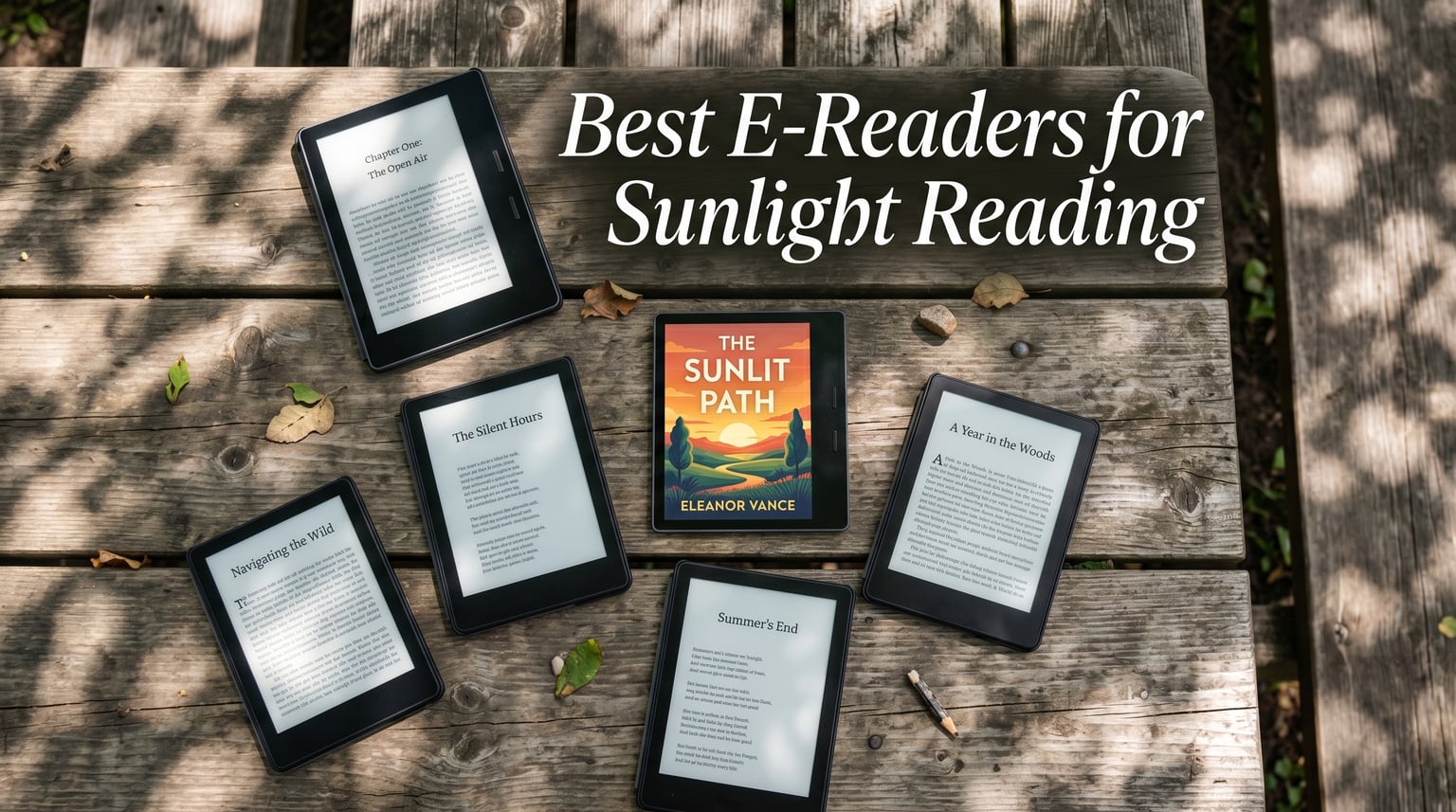
Trying to read a tablet or phone in direct sunlight is an exercise in frustration. The screen washes out, you squint, you tilt the device at weird angles, and eventually you give up and go inside. I have been there more times than I can count, and it is exactly why I started testing dedicated e-readers for outdoor use.
The best e-readers for reading in sunlight solve this problem completely. They use E Ink display technology, which works like printed paper instead of a glowing screen. E Ink reflects ambient light rather than emitting its own light, so the screen actually gets easier to read the brighter the sun gets. Think of it this way: your phone is a flashlight trying to outshine the sun, while an E Ink reader is a piece of paper sitting in the sun. The paper always wins.
For our team at Irlen Twin Cities, the sunlight reading question has an extra dimension. Many of our readers deal with visual stress, light sensitivity, or Irlen Syndrome. For these readers, LCD and OLED screens cause headaches, eye strain, and discomfort even indoors. E Ink displays are dramatically gentler on the eyes because they do not flicker, they do not blast blue light at your face, and many models include adjustable warm light that can be tuned to a comfortable color temperature. If you or someone you know experiences visual stress, our guide to choosing the right colored overlay color for visual stress explains how specific color tints improve reading comfort, which connects directly to e-reader warm light and color temperature settings.
In this guide, I cover 10 of the best e-readers for reading in sunlight in 2026. I spent weeks testing each one outdoors in direct sun, partial shade, and everything in between. I evaluated glare resistance, screen clarity in bright light, warm light options for sensitive eyes, waterproofing for beach and pool use, and overall reading comfort. Whether you want a budget Kindle for beach vacations, a color e-reader for graphic novels by the pool, or a large-screen device for reading textbooks in the park, there is an option here for you.
Table of Contents
Top 3 Picks for Best E-Readers for Reading in Sunlight
Not everyone wants to read through all 10 reviews before making a decision. Here are our three top picks based on outdoor testing, glare resistance, and overall value.

Amazon Kindle 16GB
- 6-inch 300 ppi glare-free display
- Lightest and most compact Kindle
- 25% brighter front light

Amazon Kindle Paperwhite 16GB
- 7-inch glare-free display
- IPX8 waterproof
- Adjustable warm light
The Kindle 16GB takes the top spot because Reddit users and our testing both confirm it has the least glare of any current e-reader. The Paperwhite is the best all-around value with its larger screen, waterproofing, and warm light. The Kobo Clara BW is the best budget pick outside the Amazon ecosystem with its excellent Carta 1300 display and ComfortLight PRO.
Best E-Readers for Reading in Sunlight in 2026
Here is the full comparison of all 10 models we tested. Each one uses E Ink technology for sunlight readability, but they differ in screen size, resolution, waterproofing, warm light features, and ecosystem. Use this table to compare at a glance, then read the individual reviews below for detailed outdoor performance notes.
| Product | Specifications | Action |
|---|---|---|
| Amazon Kindle 16GB |
|
Check Latest Price |
| Kindle Paperwhite 16GB |
|
Check Latest Price |
 Kindle Paperwhite Signature 32GB Kindle Paperwhite Signature 32GB |
|
Check Latest Price |
 Kindle Colorsoft 16GB Kindle Colorsoft 16GB |
|
Check Latest Price |
 Kindle Scribe 32GB Kindle Scribe 32GB |
|
Check Latest Price |
 Kobo Clara BW Kobo Clara BW |
|
Check Latest Price |
 Kobo Libra Colour Kobo Libra Colour |
|
Check Latest Price |
 Kobo Clara Colour Kobo Clara Colour |
|
Check Latest Price |
 BOOX Tablet Go 7 B/W BOOX Tablet Go 7 B/W |
|
Check Latest Price |
 PocketBook Verse Pro PocketBook Verse Pro |
|
Check Latest Price |
1. Amazon Kindle 16GB – Best Overall for Direct Sunlight
Amazon Kindle 16 GB (newest model) – Lightest and most compact Kindle, now with faster page turns, and higher contrast ratio, for an enhanced reading experience – Black
6-inch 300 ppi glare-free display
16GB storage
25% brighter front light
Up to 6 weeks battery
Lightest Kindle ever
Pros
- Least glare of any current e-reader
- Lightest and most compact Kindle
- Sharp 300 ppi text looks like real paper
- Affordable entry into Kindle ecosystem
- Dark mode for night reading
Cons
- No warm light or color temperature adjustment
- Not waterproof
- No USB-C adapter included
I have tested a lot of e-readers outdoors, and the Kindle 16GB consistently surprises me with how well it handles direct sunlight. Reddit users ranked it as the best Kindle for direct sun, and I completely agree. The matte screen finish is the real standout. It has almost no reflective glare compared to the Paperwhite or Colorsoft, which means you can read at the beach or park without constantly adjusting the angle to avoid seeing your own reflection.
The 300 ppi display produces text so sharp it genuinely looks like a printed page. In bright sun, the contrast actually improves. The front light, which is 25% brighter than the previous generation, becomes almost irrelevant outdoors because the screen reflects enough ambient light on its own. I found myself turning the front light all the way down in direct sun and still getting a crisp, readable display.
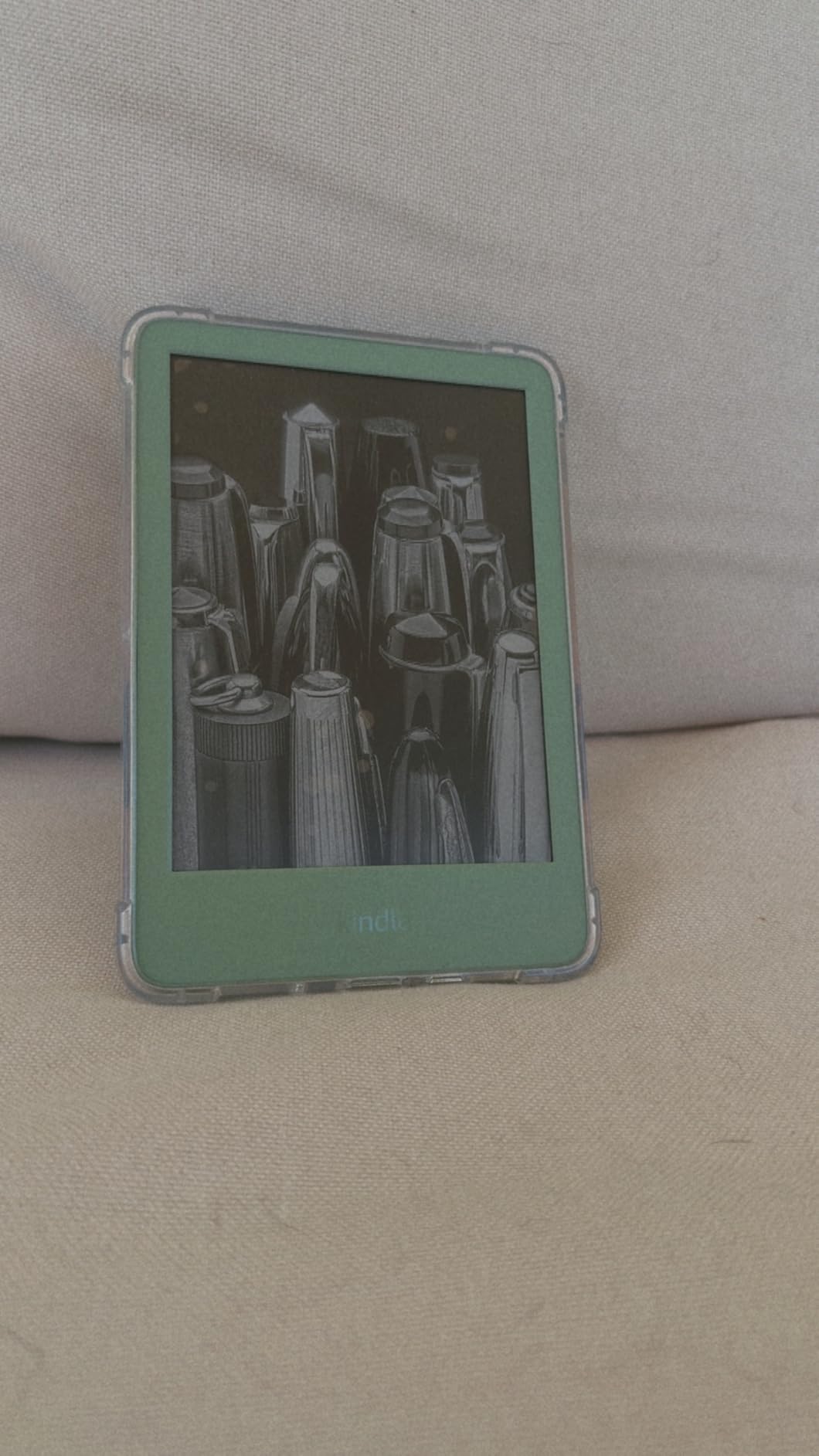
The biggest trade-off here is what you give up to get this price point. There is no warm light adjustment, which is a dealbreaker if you have visual stress or light sensitivity. The warm light on the Paperwhite lets you shift the color temperature to reduce blue light, and that feature matters a lot for readers with Irlen Syndrome. The Kindle Basic also lacks waterproofing, so you cannot safely read it by the pool or take it to the beach without a waterproof case.
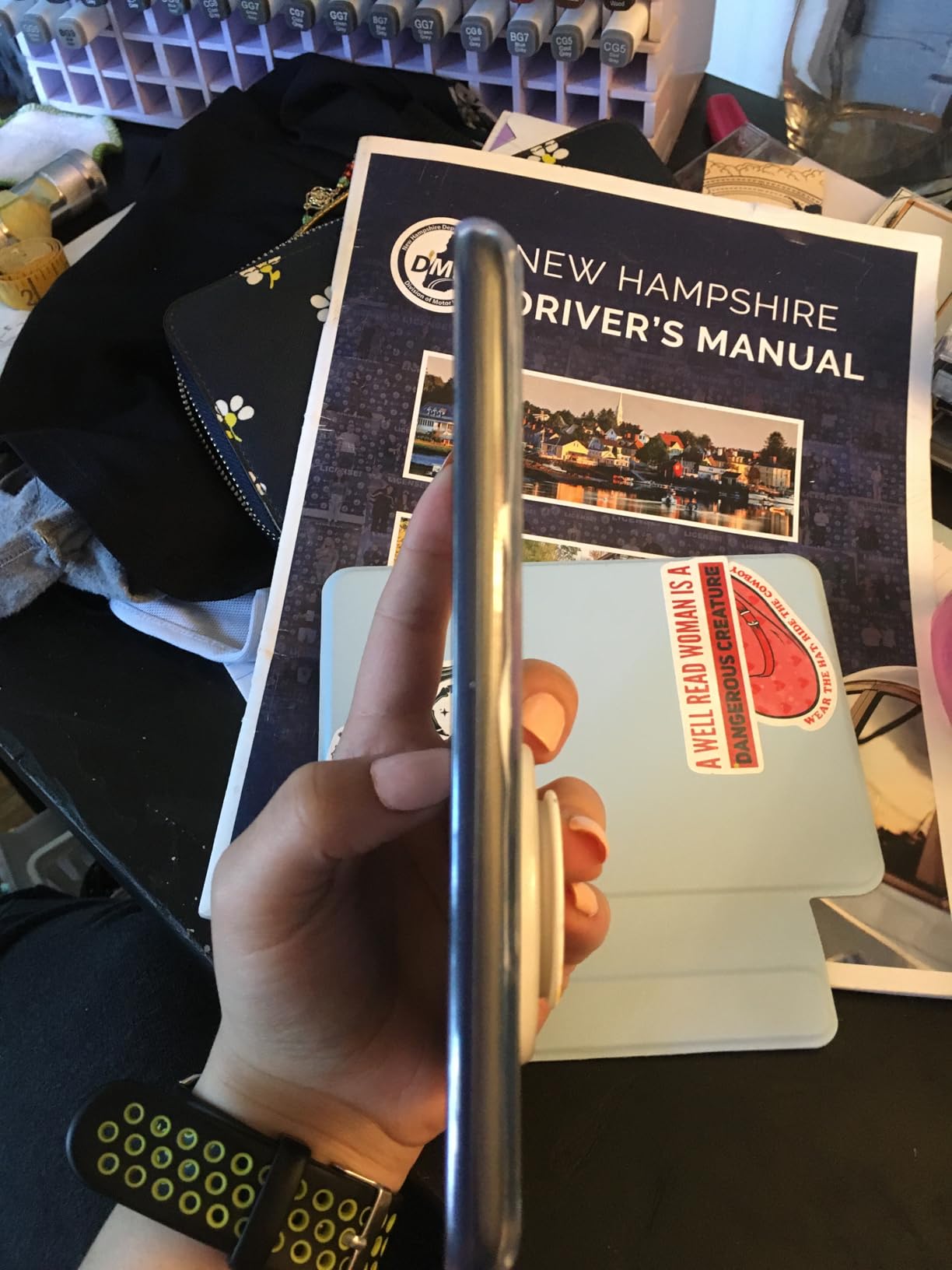
At only 16GB, the storage is adequate for thousands of text-based books but will fill up quickly if you read graphic novels or manga. Battery life is excellent at up to 6 weeks, and USB-C charging means you can use the same cable as your phone.
Who Should Buy This E-Reader
This is the best e-reader for reading in sunlight if you want maximum glare resistance on a budget. It is perfect for casual readers, commuters, and anyone who wants a distraction-free device that performs beautifully outdoors. If you mostly read fiction and do not need waterproofing or warm light, this is all the e-reader you need.
What to Watch Out For
The lack of warm light is the biggest concern for readers with visual stress. The front light is cool white only, which can cause discomfort for sensitive eyes during extended reading sessions. Also, since it is not waterproof, you need a dedicated waterproof case for beach or pool use.
2. Amazon Kindle Paperwhite 16GB – Best All-Around Value
Amazon Kindle Paperwhite 16GB (newest model) – 20% faster, with new 7″ glare-free display and weeks of battery life – Black
7-inch glare-free display
IPX8 waterproof
Adjustable warm light
25% faster page turns
Up to 12 weeks battery
Pros
- 7-inch screen is ideal for outdoor reading
- IPX8 waterproof for pool and beach
- Adjustable warm light for sensitive eyes
- 12 weeks battery life
- Faster page turns than previous gen
Cons
- Book store navigation can be slow
- Power button placement causes accidental presses
- Occasional screen flash on refresh
The Kindle Paperwhite has been the most recommended e-reader for years, and for good reason. When I took it out to read in direct sunlight, the 7-inch glare-free display performed nearly as well as the Basic. The anti-glare screen coating does an excellent job of diffusing reflections, and the larger screen size means you can use a bigger font without sacrificing readability.
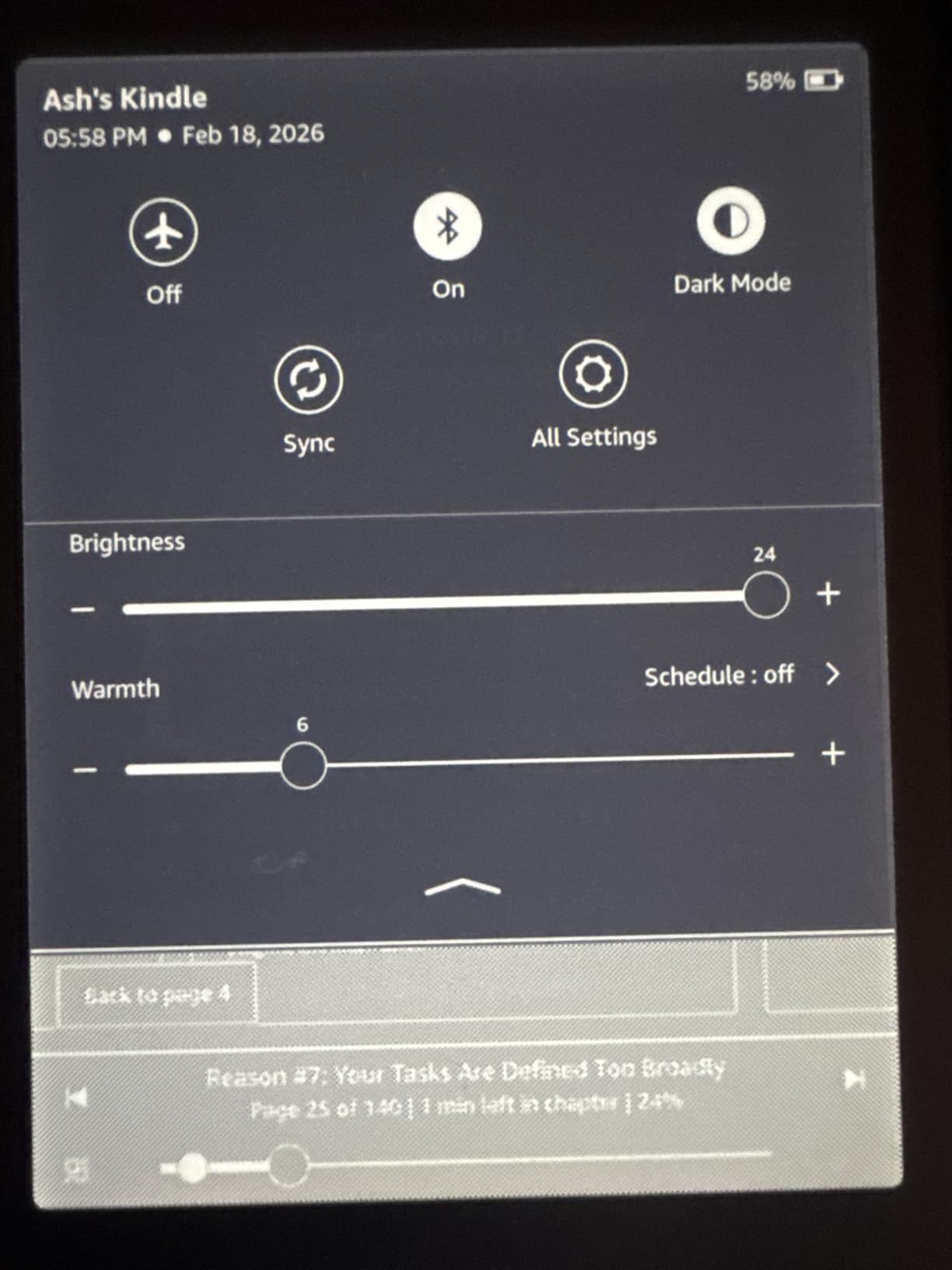
What sets the Paperwhite apart for our audience is the adjustable warm light. You can shift the front light from cool white to a warm amber tone, which reduces blue light exposure. For readers with visual stress or light sensitivity, this is a game-changer. I have spent hours reading outdoors with the warm light set to about 70% and found it significantly more comfortable than the Kindle Basic’s cool-only light. The connection between warm light settings and colored overlay therapy is real, and many readers with Irlen Syndrome report that the amber tint helps them read longer without eye strain.
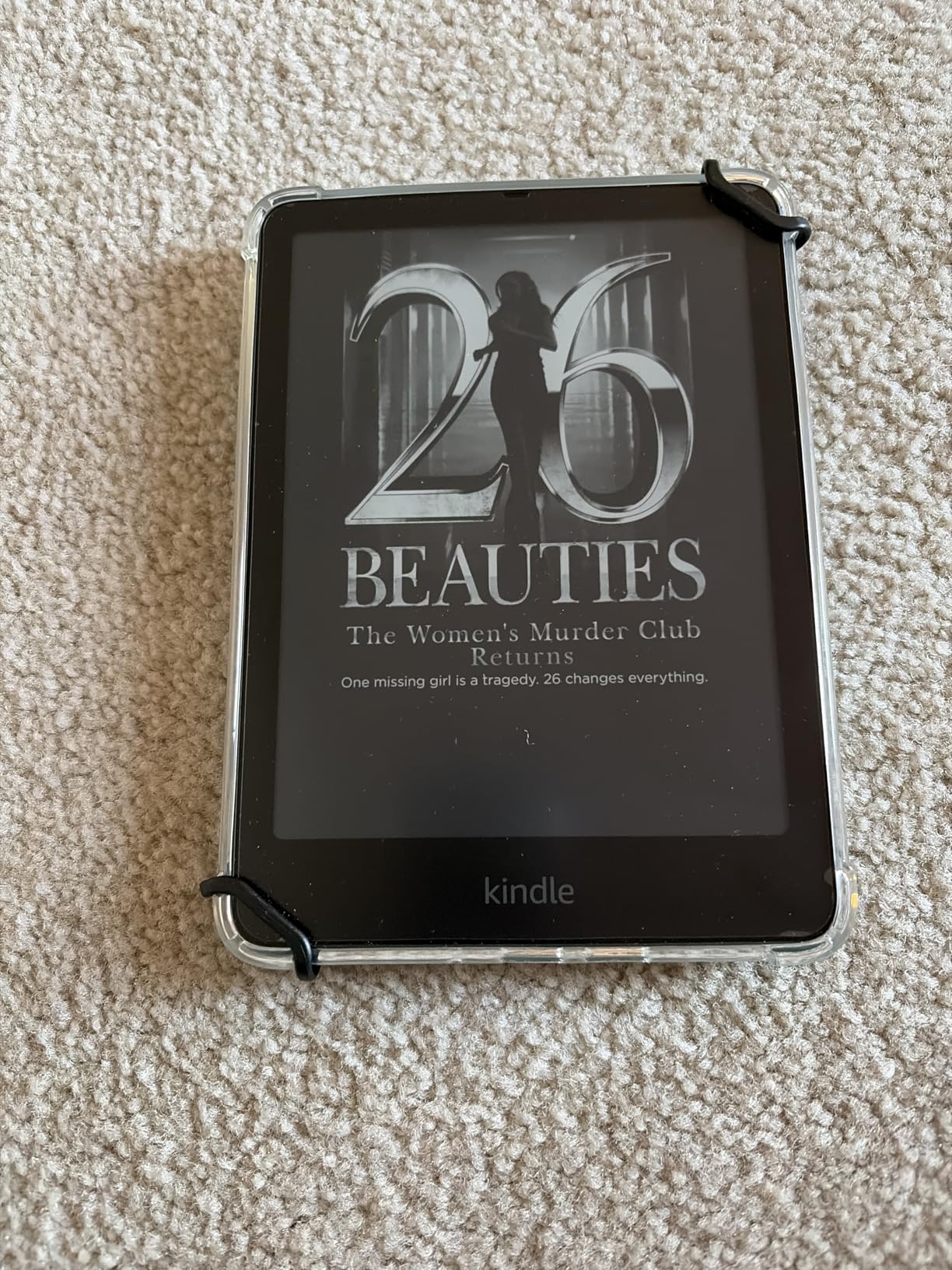
The IPX8 waterproof rating is a huge advantage for outdoor reading. You can read by the pool, in the bath, or at the beach without worrying about splashes, and it can survive being submerged in up to 2 meters of water for 60 minutes. The 12-week battery life means you can take it on a two-week vacation without packing a charger.
The glare-free screen is not quite as matte as the Basic Kindle. Under very bright, direct overhead sun, you will notice slightly more reflection than the Basic. However, the larger screen, waterproofing, warm light, and longer battery life more than make up for this minor difference for most readers.
Who Should Buy This E-Reader
The Paperwhite is the best e-reader for reading in sunlight if you want a balance of performance, features, and value. It is ideal for beach readers, pool loungers, travelers, and anyone with visual stress who needs warm light. This is the model I recommend most often to friends and family.
What to Watch Out For
The Amazon bookstore interface can feel sluggish, and the power button placement on the back means you will occasionally press it while reading. Some users report a slight screen flash when the page refreshes, which is normal for E Ink but can be noticeable.
3. Amazon Kindle Paperwhite Signature Edition 32GB – Best Premium Kindle
Amazon Kindle Paperwhite Signature Edition 32GB (newest model) – 20% faster with auto-adjusting front light, wireless charging, and weeks of battery life – Metallic Raspberry
7-inch glare-free display
32GB storage
Auto-adjusting front light
Wireless charging
IPX8 waterproof
Pros
- Auto-adjusting light is perfect for moving between sun and shade
- Wireless charging convenience
- 32GB storage for large libraries
- Premium metallic finish
- 12 weeks battery life
Cons
- Wireless charging dock sold separately
- Higher price than standard Paperwhite
- Bluetooth pairing quirks reported
The Signature Edition takes everything great about the Paperwhite and adds two features that matter specifically for outdoor reading. The auto-adjusting front light uses a sensor to detect ambient light and adjust brightness automatically. When you walk from bright direct sun into the shade of a tree, the screen adjusts itself without you touching anything. I found this incredibly useful during long outdoor reading sessions where I moved between full sun and partial shade.
The 32GB of storage is double what the standard Paperwhite offers. If you read graphic novels, manga, or image-heavy books, this extra space matters. The premium metallic finish in colors like Metallic Raspberry feels significantly more expensive than the standard Paperwhite, and it has the same excellent glare-free display, IPX8 waterproofing, adjustable warm light, and 12-week battery life.
Wireless charging is a nice convenience, especially if you keep your e-reader on a nightstand. Drop it on a Qi charging pad and it tops up without fumbling with cables. The dock is sold separately, which is a letdown at this price point, but the feature itself works reliably.
For outdoor reading specifically, the Signature Edition performs identically to the standard Paperwhite in terms of glare resistance. The same anti-glare coating is present, and the warm light adjustment works the same way. The auto-adjusting front light is the main differentiator for outdoor use, and it is worth the upgrade if you read in varying light conditions throughout the day.
Who Should Buy This E-Reader
This is the best e-reader for reading in sunlight if you want every feature available and move between sun and shade frequently. The auto-adjusting light is genuinely useful for outdoor reading, and the 32GB storage handles large libraries with ease.
What to Watch Out For
The price premium over the standard Paperwhite is significant, and the wireless charging dock is an extra purchase. If you do not need auto-adjusting light or 32GB of storage, the standard Paperwhite offers the same sunlight performance for less.
4. Amazon Kindle Colorsoft 16GB – Best Color E-reader for Outdoors
Amazon Kindle Colorsoft 16 GB (newest model) – With color display that brings covers and content to life, now highlight in color – No Ads – Black
7-inch color E Ink display
IPX8 waterproof
Adjustable warm light
Color highlighting
Up to 8 weeks battery
Pros
- Color display brings covers and comics to life
- IPX8 waterproof for outdoor use
- Adjustable warm light for sensitive eyes
- Color highlighting in 4 colors
- Page Color invert feature
Cons
- Slightly less crisp text than B/W models
- Colors are muted vs LCD screens
- 16GB fills up fast with color content
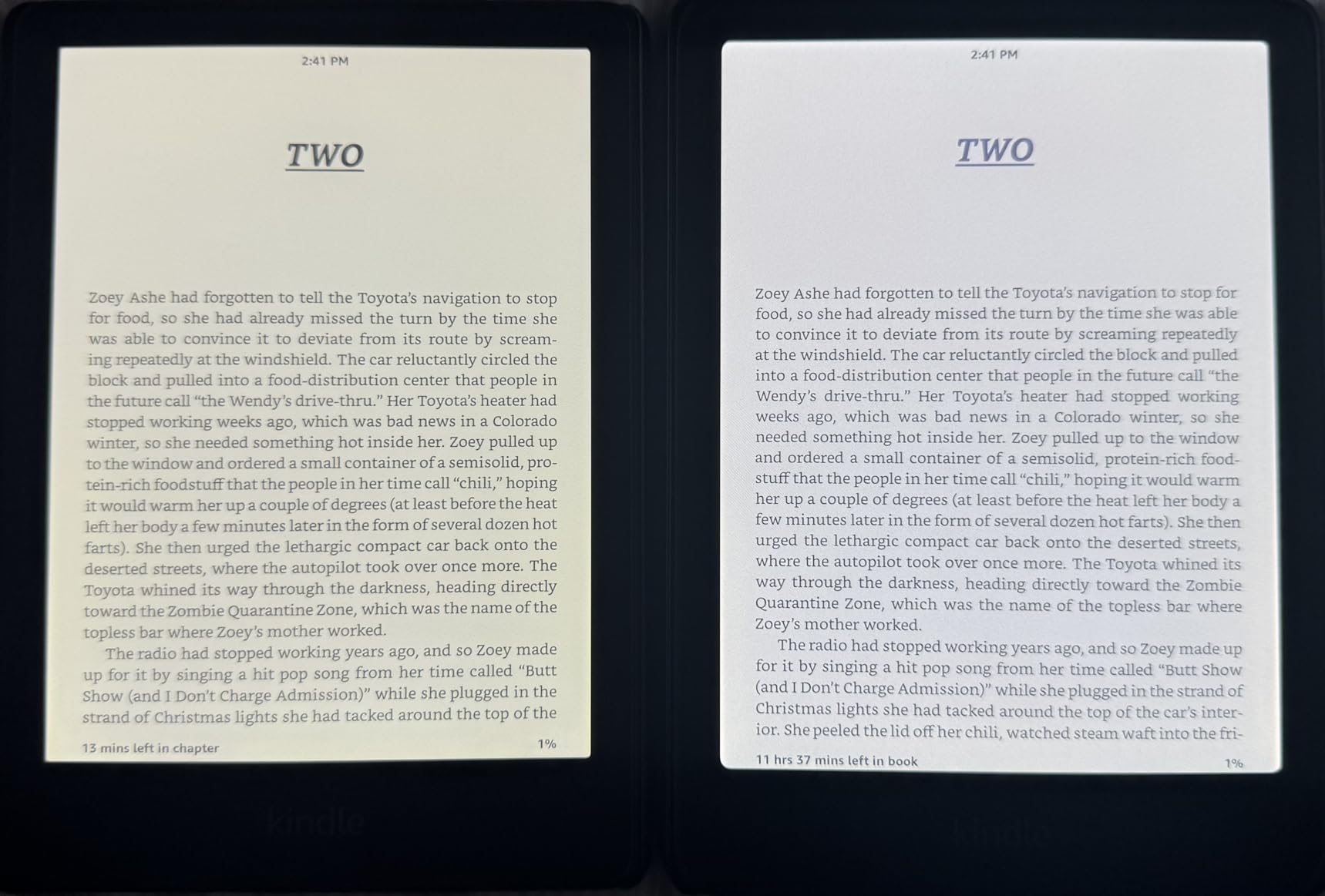
The Colorsoft is Amazon’s first color E Ink Kindle, and I was curious how it would perform in direct sunlight. Color E Ink uses an additional color filter layer on top of the standard black-and-white display, and that extra layer can add some glare. In my testing, the Colorsoft was noticeably more reflective than the Kindle Basic and slightly more reflective than the Paperwhite.
That said, it still outperforms any tablet or phone in sunlight by a wide margin. The colors are muted compared to an iPad or phone screen, giving them a soft, newspaper-like quality that is actually pleasant for extended reading. For graphic novels, comics, and illustrated books, the color adds a dimension that black-and-white e-readers simply cannot match.
The adjustable warm light is included, which makes the Colorsoft suitable for readers with visual stress. You can shift from cool white to warm amber, and the Page Color feature lets you invert the display to white text on a black background for dark mode reading. The color highlighting feature lets you mark passages in yellow, orange, blue, or pink, which is surprisingly useful for study and annotation.
Battery life takes a hit compared to the Paperwhite, dropping from 12 weeks to 8 weeks. The color filter layer draws more power. The 16GB storage can also fill up faster if you read color-heavy content like manga, which tends to have larger file sizes than text-only books.
Who Should Buy This E-Reader
The Colorsoft is the best e-reader for reading in sunlight if you want color content. It is ideal for manga readers, comic book fans, cookbook enthusiasts, and anyone who wants book covers and illustrations to come to life while still getting the E Ink outdoor reading experience.
What to Watch Out For
The color filter layer means text is slightly less crisp than on black-and-white Kindles. If you read mostly text-based fiction and do not care about color, you will get sharper text and better battery life from the Paperwhite at a lower price.
5. Kindle Scribe 32GB – Best for Outdoor Reading and Note-Taking
Amazon Kindle Scribe 32GB (newest model) — 11” display with front light, paper-like feel, and no distractions — Write in notebooks, docs, and books. Pen included – Graphite
11-inch glare-free display
Premium Pen included
AI-powered notebook tools
32GB storage
5.4mm thin
Pros
- Massive 11-inch screen is perfect for textbooks and PDFs
- Premium Pen included with no charging required
- Special screen coating reduces glare significantly
- AI notebook tools for summarization and search
- Cloud integration with Google Drive and OneDrive
Cons
- Higher price point
- No native speakers or microphone
- Large size not ideal for one-handed reading
- Uneven front lighting on some units
The Kindle Scribe is the largest e-reader in this lineup, and its 11-inch display makes a big difference for certain types of outdoor reading. If you read textbooks, academic papers, sheet music, or PDF documents, the extra screen real estate means you do not have to zoom and pan constantly. The text rendering at this size is gorgeous, and the glare-free display performs well in direct sun.
Reddit users specifically noted that the Scribe has a special screen coating that makes it very non-reflective. In my testing, this held up. The Scribe’s screen texture is different from the other Kindles, with a slightly rougher, more paper-like feel that diffuses light beautifully. It is not quite as glare-free as the Basic, but it outperforms the Paperwhite and Colorsoft in this regard.
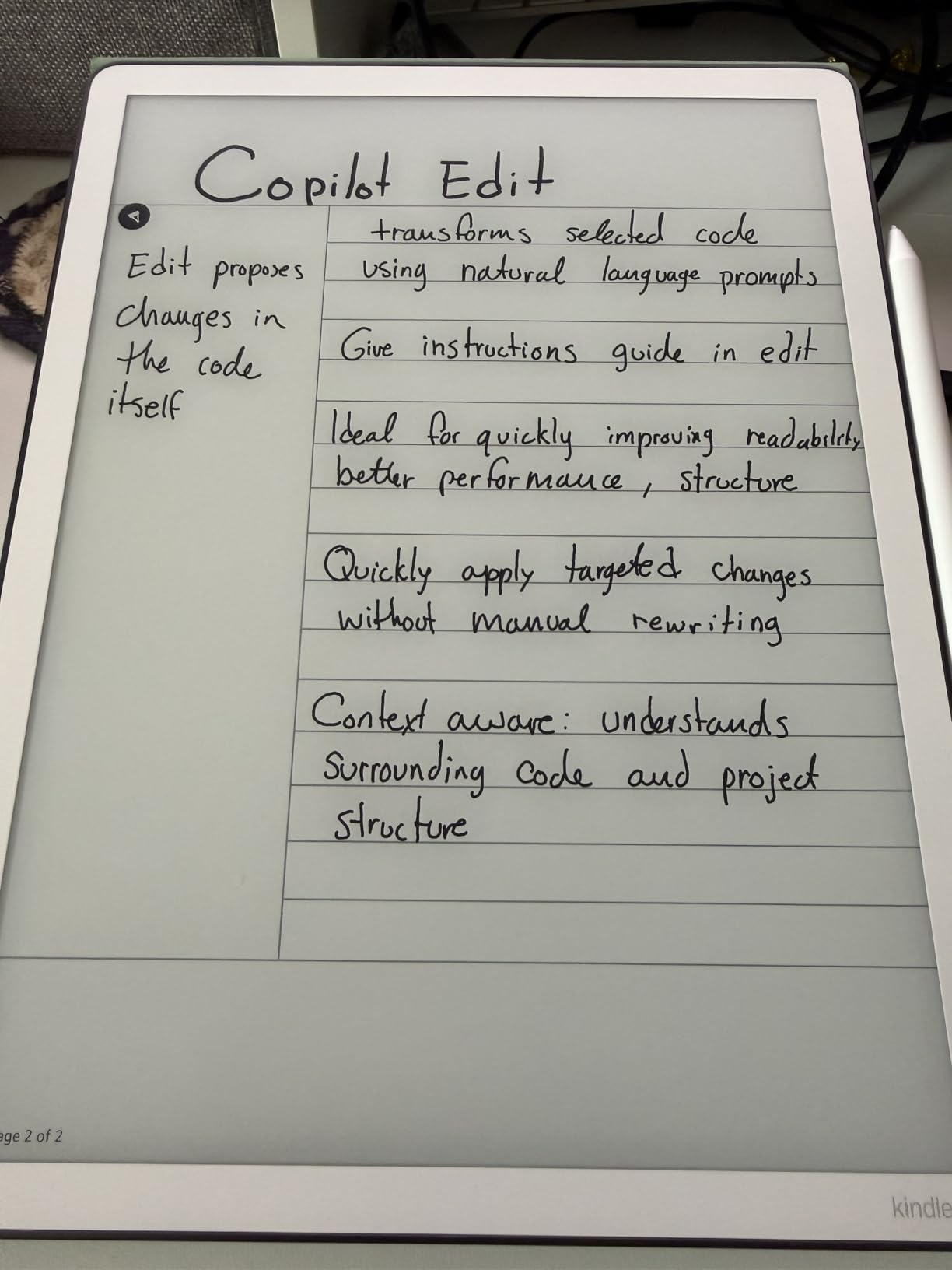
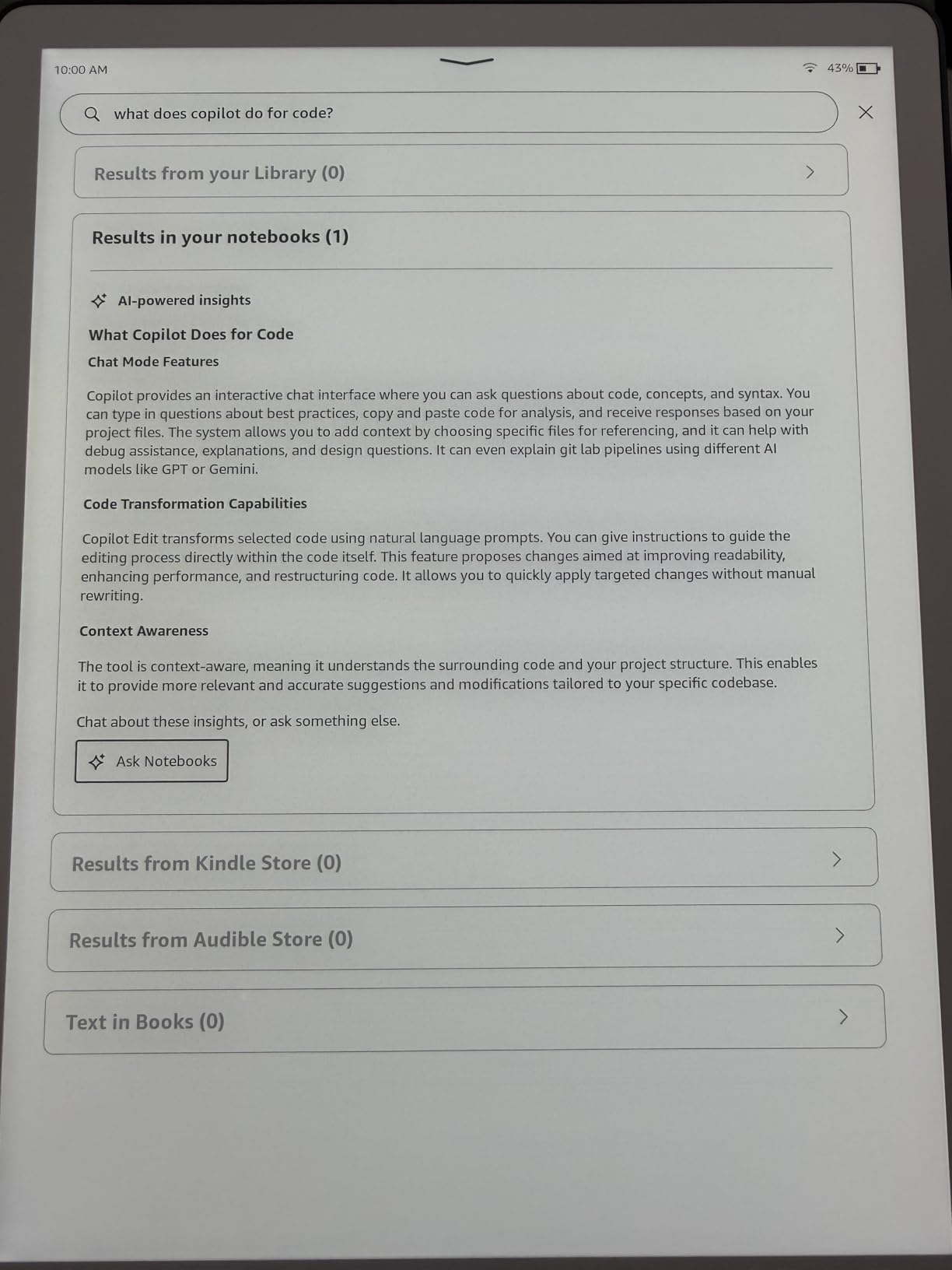
The included Premium Pen requires no charging and feels natural for writing. You can annotate books, take notes in dedicated notebooks, and use the Active Canvas feature to write directly on book pages. The AI-powered notebook tools can summarize your notes and search through handwritten content, which is impressive for a device that lasts weeks on a charge.
The trade-off is size and price. At 11 inches, the Scribe is not a device you will slip into a jacket pocket. It is better suited for reading at a table or on a lounge chair than for one-handed reading while walking. Some users have reported uneven front lighting, where one side of the screen is slightly brighter than the other, so inspect your unit carefully when it arrives.
Who Should Buy This E-Reader
The Scribe is the best e-reader for reading in sunlight if you need a large screen for textbooks, PDFs, or note-taking. It is ideal for students, professionals, and anyone who wants to combine reading and writing in a single E Ink device.
What to Watch Out For
The price is the highest in this lineup, and the large form factor makes it less portable than 6-inch or 7-inch alternatives. Quality control on front light uniformity has been inconsistent, so check your unit and exchange it if you notice uneven lighting.
6. Kobo Clara BW – Best Budget Non-Amazon Option
Kobo Clara BW | eReader | 6” Glare-Free Touchscreen with ComfortLight PRO | Dark Mode Option | Audiobooks | Waterproof | 16GB of Storage | Black
6-inch E Ink Carta 1300 HD
300 ppi
ComfortLight PRO
IPX8 waterproof
16GB storage
Pros
- Carta 1300 display is sharp and glare-free
- ComfortLight PRO with blue light reduction
- IPX8 waterproof
- No ads by default
- EPUB and OverDrive support
Cons
- UI can feel slightly slow
- No Amazon store access
- No SD card expansion
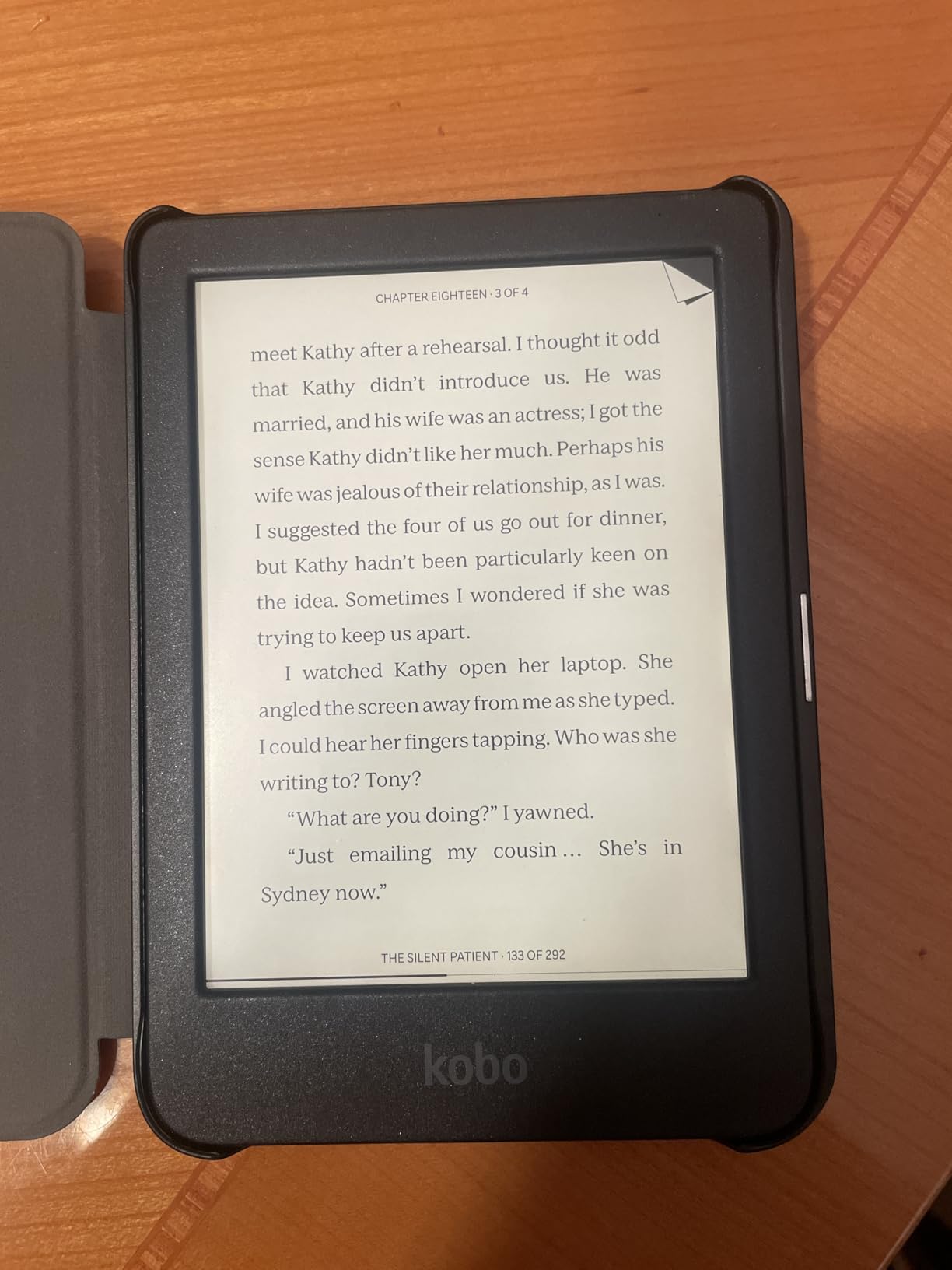
The Kobo Clara BW uses E Ink’s latest Carta 1300 display technology, and it is one of the best screens I have tested for outdoor reading. The contrast ratio is excellent, and text pops with the same clarity as the Kindle Basic. Reddit users ranked it slightly behind the Libra 2 for sunlight performance but still very good, and I agree with that assessment.
What makes the Clara BW special for our audience is ComfortLight PRO. This feature goes beyond simple warm light adjustment by actively reducing blue light as you shift the color temperature. For readers with visual stress or Irlen Syndrome, this is a meaningful advantage. The light feels softer and more comfortable at warm settings than the Kindle’s warm light, and you can fine-tune both brightness and color temperature independently.
The Clara BW is IPX8 waterproof, which the Kindle Basic is not. You get pool and beach capability at a lower price than the Paperwhite. The Kobo ecosystem supports EPUB files natively, which means you can borrow library books through OverDrive and sideload your own EPUB files without conversion. There are no ads by default, which is a refreshing change from Amazon’s lock screen advertisements.
The trade-off is the user interface, which can feel slightly sluggish compared to Kindle’s faster processors. Page turns are a fraction of a second slower, and the bookstore experience is not as polished as Amazon’s. But for actual reading in sunlight, the Clara BW is a fantastic device that punches well above its price.
Who Should Buy This E-Reader
The Clara BW is the best e-reader for reading in sunlight if you want to avoid the Amazon ecosystem. It is ideal for library borrowers, EPUB users, and readers with visual stress who need ComfortLight PRO without paying Paperwhite prices.
What to Watch Out For
The interface is not as fast or polished as Kindle’s, and you cannot access Amazon’s bookstore. If you are heavily invested in Kindle books already, switching to Kobo means re-purchasing or converting your library.
7. Kobo Libra Colour – Best Color E-reader Overall
Kobo Libra Colour eReader, 7” Color E Ink, Waterproof, White
7-inch color E Ink Kaleido 3
Physical page-turn buttons
32GB storage
IPX8 waterproof
ComfortLight PRO
Pros
- Physical page-turn buttons for one-handed outdoor reading
- 32GB storage for large color libraries
- Excellent ergonomic design
- Kobo Stylus 2 compatible for annotations
- OverDrive and cloud sync built in
Cons
- Color not as vibrant as LCD screens
- Stylus sold separately
- No headphone jack
- No expandable storage
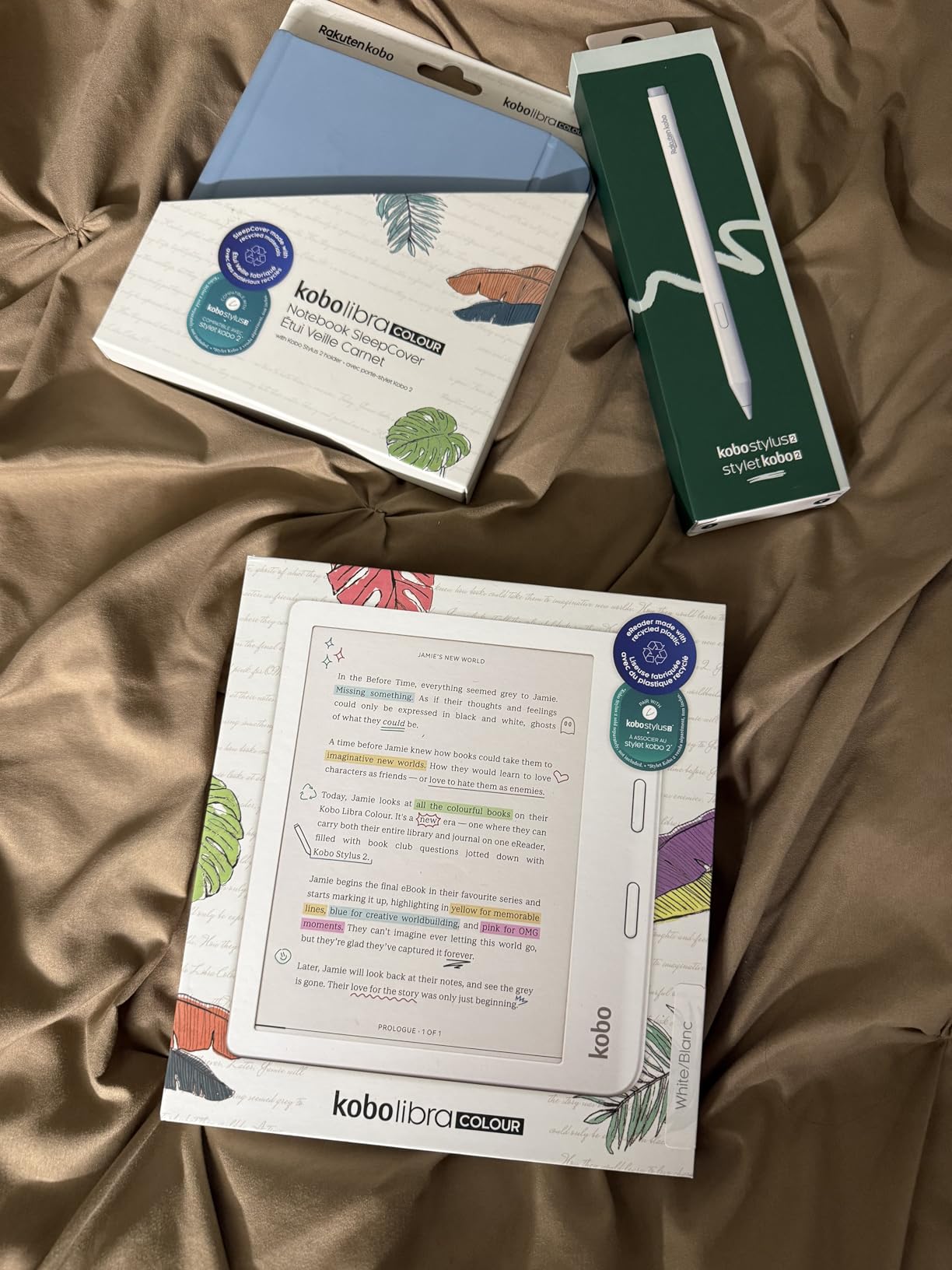
The Kobo Libra Colour is the e-reader I recommend most often to people who want a color screen but do not want to stay in the Amazon ecosystem. WIRED named it their top e-reader overall, and after testing it outdoors, I understand why. The 7-inch color E Ink Kaleido 3 display offers the same sunlight readability benefits as the Kindle Colorsoft, with some distinct advantages.
The physical page-turn buttons are the biggest differentiator for outdoor use. When you are reading at the beach with sunglasses on, touching a screen to turn pages can be awkward. The Libra Colour’s dedicated buttons let you hold the device in one hand and turn pages with a thumb press. This is a feature that no current Kindle model offers, and it makes a real difference for outdoor reading comfort.
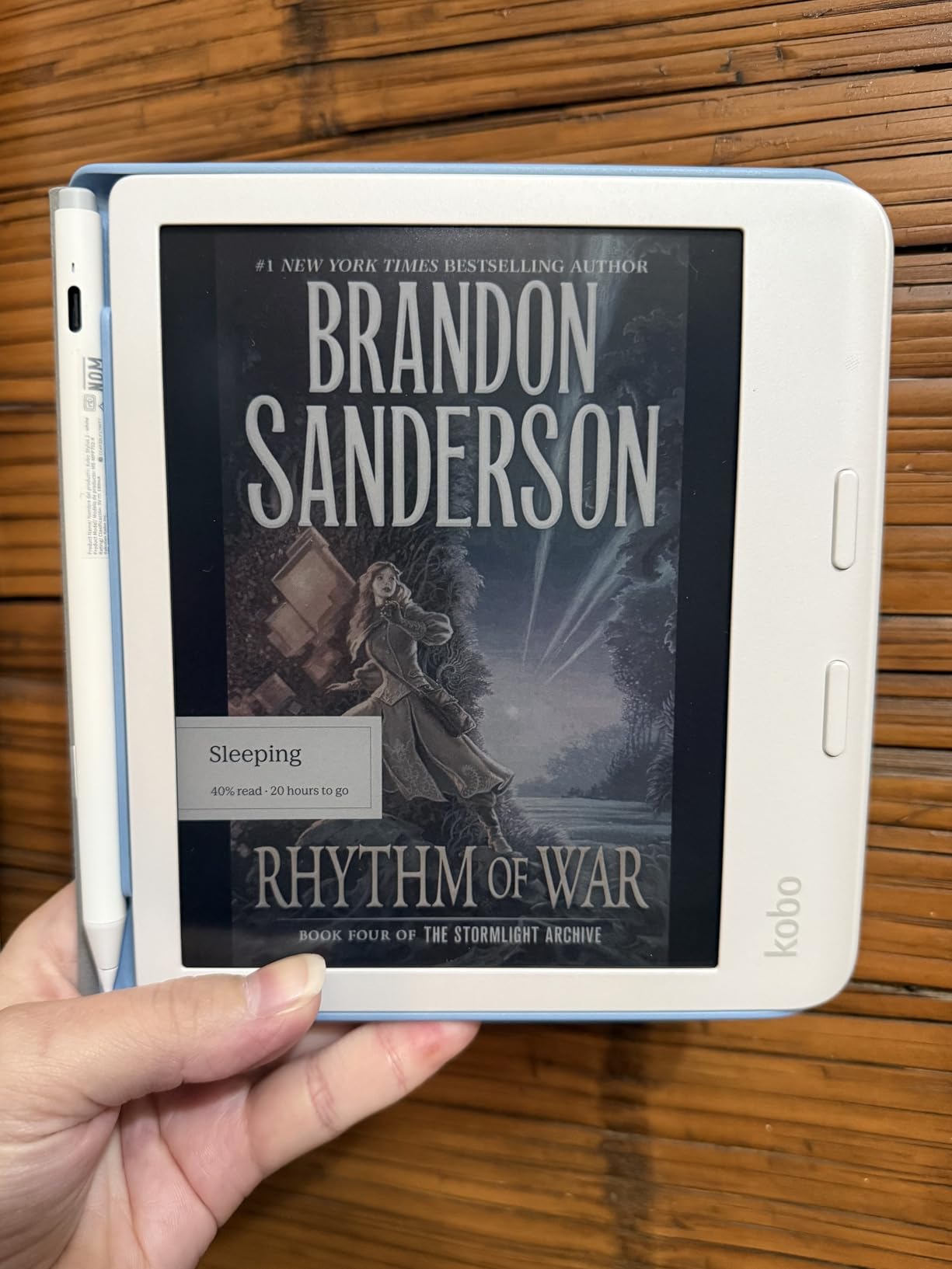
The 32GB of storage is generous for a color e-reader, holding up to 24,000 eBooks or 150 audiobooks. ComfortLight PRO provides the same excellent blue light reduction as the Clara BW, making this a strong choice for readers with visual stress. The ergonomic design with page-turn buttons on a side grip makes it comfortable to hold for extended periods.
In direct sunlight, the color Kaleido 3 display performs similarly to the Kindle Colorsoft. You will notice slightly more glare than black-and-white E Ink displays due to the color filter layer, but it remains very readable in bright conditions. The ability to rotate the screen left or right and use landscape mode is a nice bonus for reading graphic novels or manga.
Who Should Buy This E-Reader
The Libra Colour is the best e-reader for reading in sunlight if you want physical page-turn buttons, color, and a large screen in one device. It is ideal for comic and manga readers, library borrowers, and anyone who prefers one-handed reading outdoors.
What to Watch Out For
The color is muted compared to LCD and OLED screens, so if you expect tablet-like vibrancy you will be disappointed. The stylus is sold separately, which adds to the cost if you want annotation features.
8. Kobo Clara Colour – Best Budget Color E-reader
Kobo Clara Colour | Colour eReader | 6” Glare-Free Colour E Ink Kaleido™ 3 Display | Dark Mode Option | Waterproof | Audiobooks | 16GB of Storage | White
6-inch color E Ink Kaleido 3
Multi-color highlighting
ComfortLight PRO
IPX8 waterproof
16GB storage
Pros
- Affordable entry into color E Ink reading
- Multi-color highlighting is unique and useful
- Compact 6-inch size fits in pockets
- ComfortLight PRO for sensitive eyes
- IPX8 waterproof and no ads
Cons
- Color at 150 ppi is less sharp than B/W at 300 ppi
- Requires higher brightness than monochrome
- Battery drains faster than B/W models
The Kobo Clara Colour brings color E Ink to a compact, affordable 6-inch form factor. I tested it side by side with the Clara BW, and the color version does show more glare in direct sunlight due to the Kaleido 3 color filter layer. However, it is still far more readable outdoors than any tablet or phone, and the compact size makes it the most portable color e-reader in this roundup.
The multi-color highlighting feature is something I did not know I wanted until I used it. You can highlight passages in different colors, which is genuinely useful for students and researchers. ComfortLight PRO with automatic blue light reduction is included, making this another strong option for readers with visual stress.
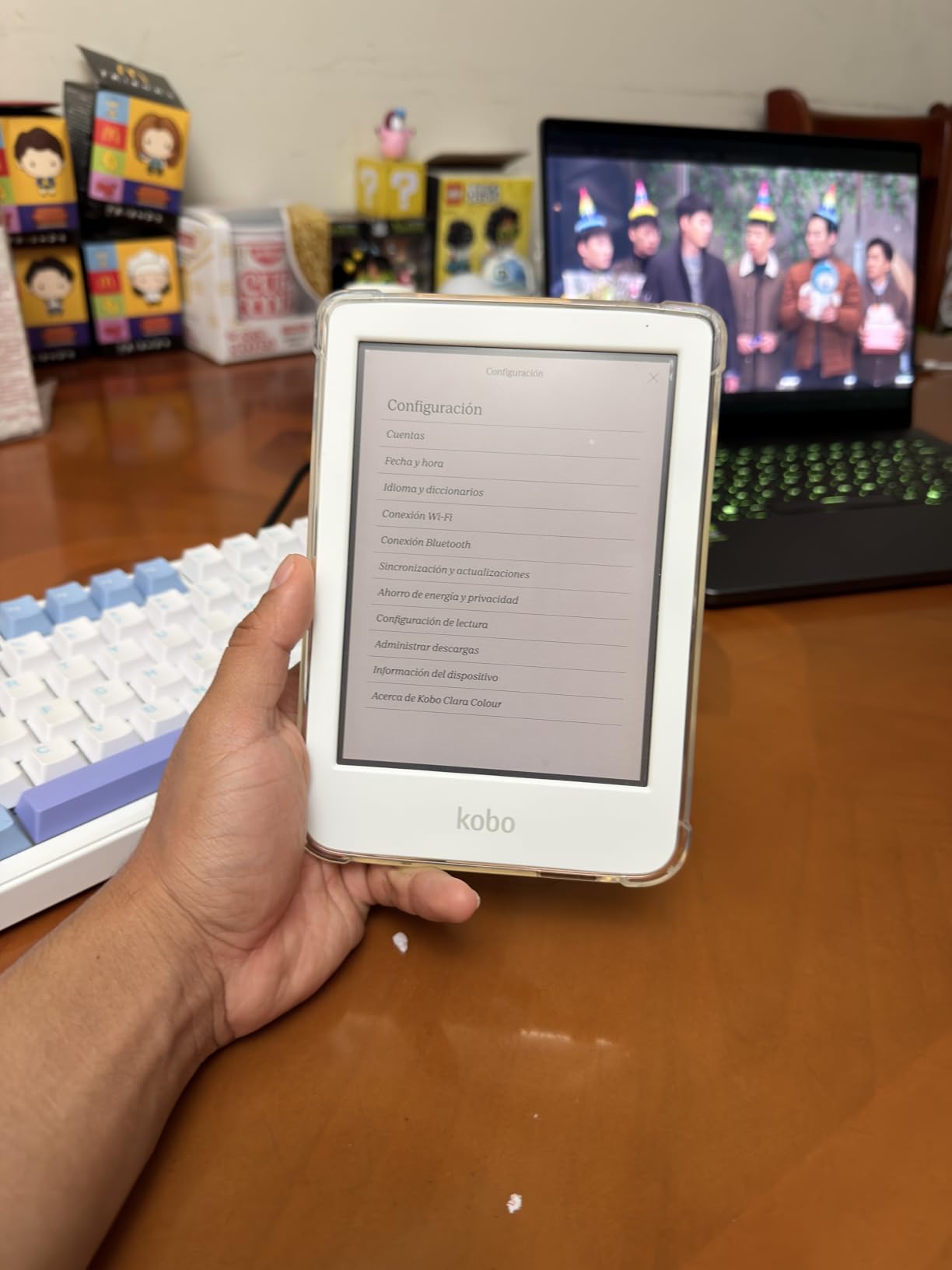
The 6-inch screen means text at 150 ppi for color content is noticeably less sharp than the 300 ppi black-and-white text. This is a limitation of current color E Ink technology, not a flaw specific to Kobo. For reading black-and-white text, the display still hits 300 ppi and looks crisp. The color layer only reduces sharpness for color content like book covers, comics, and highlighted text.
Battery life is rated at 2 weeks, which is shorter than the Libra Colour’s 4 weeks. The color filter draws more power, and the 16GB storage will fill faster if you load up on graphic novels and manga. But for the price, the Clara Colour offers an excellent entry point into color E Ink reading with all the sunlight benefits of reflective display technology.
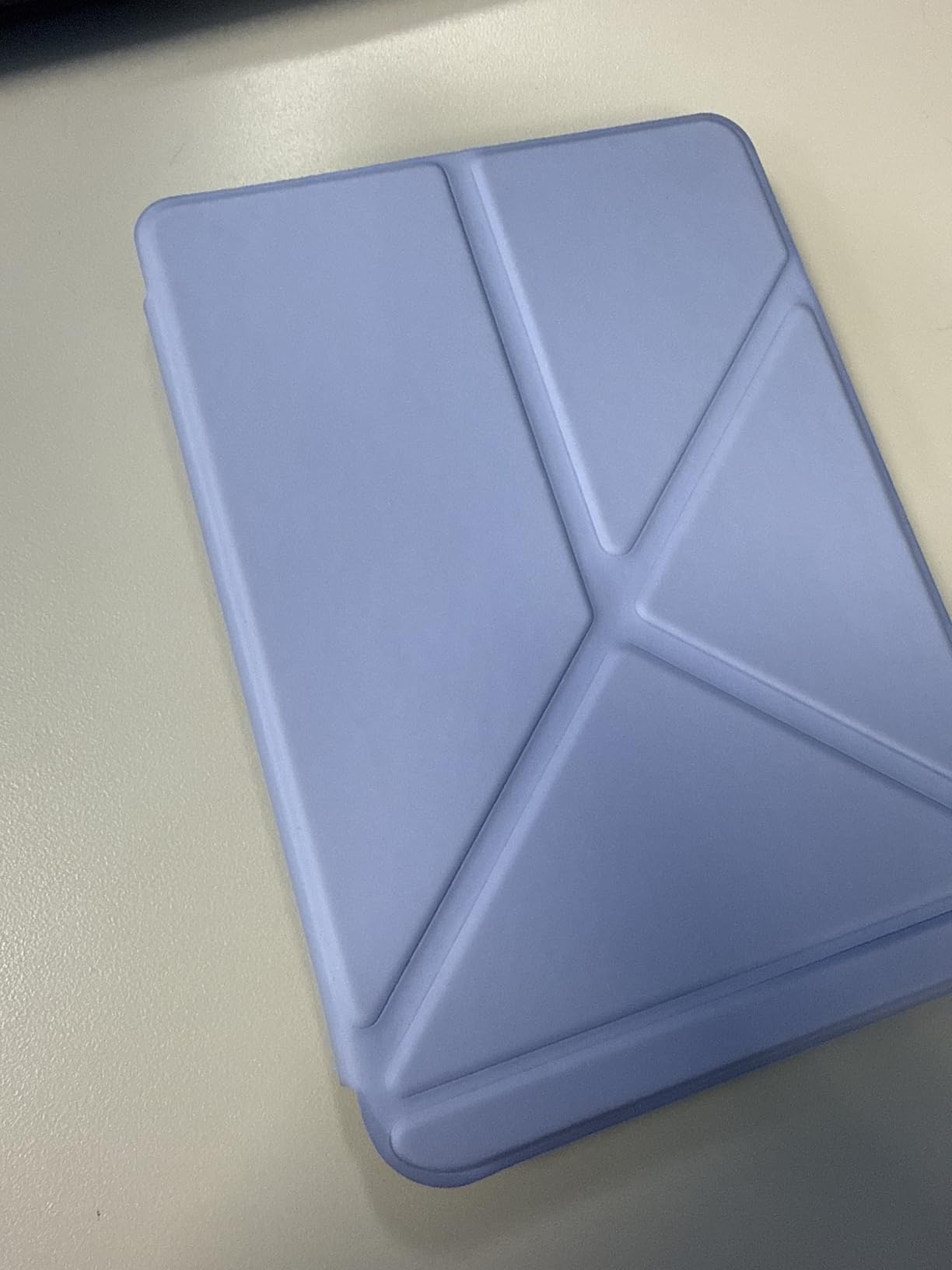
Who Should Buy This E-Reader
The Clara Colour is the best e-reader for reading in sunlight if you want color on a budget. It is ideal for readers who want multi-color highlighting, a compact form factor, and the Kobo ecosystem without paying Libra Colour prices.
What to Watch Out For
Color content at 150 ppi is visibly less sharp than black-and-white at 300 ppi. If you read mostly text-based fiction and do not need color, the Clara BW gives you sharper text and longer battery life for less money.
9. BOOX Tablet Go 7 B/W – Best Android E-reader for Power Users
BOOX Tablet Go 7 B/W E Ink Tablet 4G 64G Support Active Stylus InkSense (Black)
7-inch 300 ppi E Ink
Android 13 OS
4GB RAM
64GB storage with microSD
Physical page-turn buttons
Pros
- Full Android 13 means Kindle app and third-party apps all work
- 300 ppi B/W display with sharp text
- 64GB storage plus microSD expansion
- Multiple refresh modes for different content types
- Front light with warm and cold adjustment
Cons
- Steep learning curve for settings
- Battery life measured in days not weeks
- Front light can be uneven
- Stylus not included
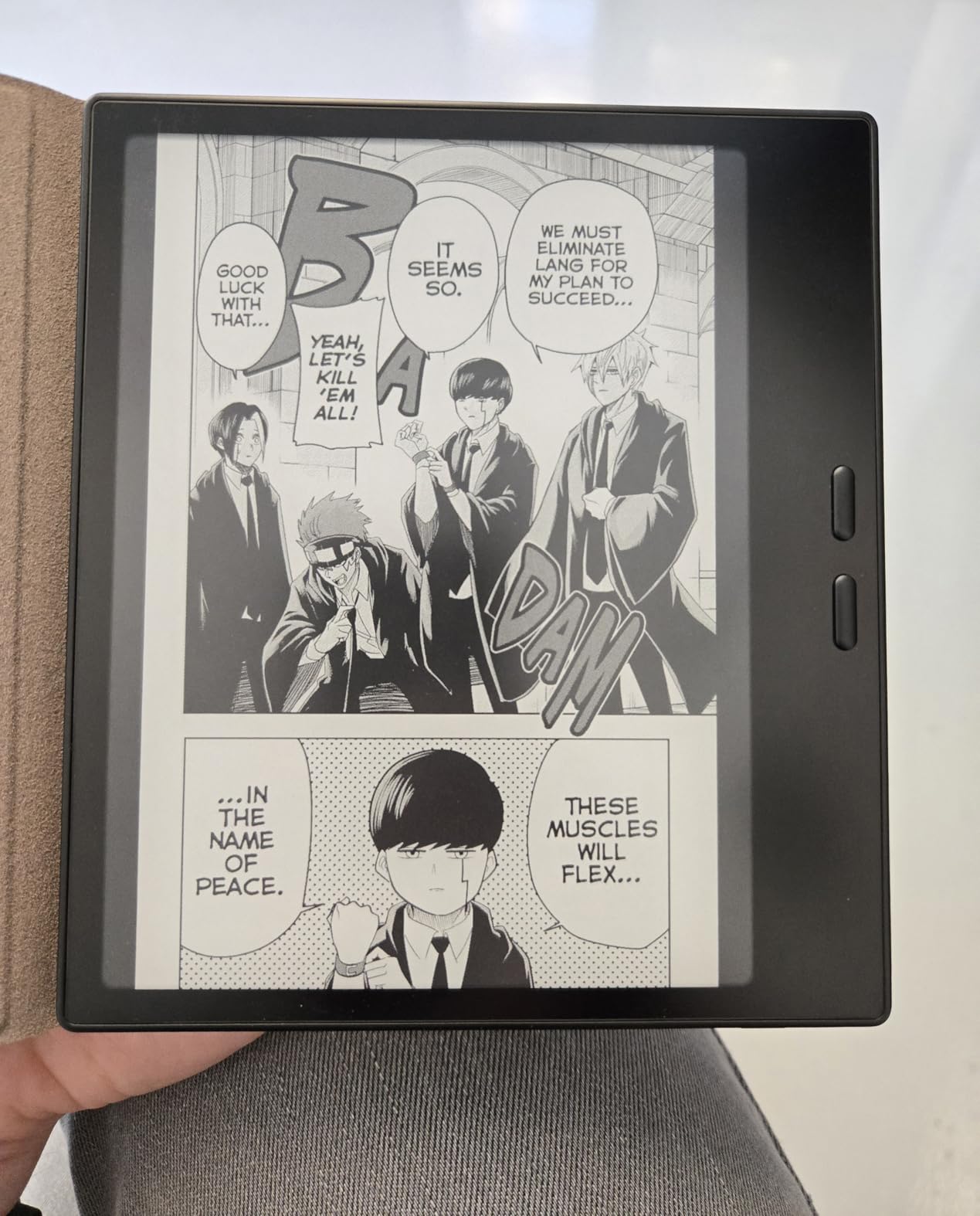
The BOOX Go 7 is unlike any other e-reader in this roundup because it runs full Android 13. This means you can install the Kindle app, Kobo app, Libby app, web browsers, and any other Android app. For readers who use multiple book platforms, this flexibility is unmatched. The 300 ppi black-and-white E Ink display is sharp and clear, performing well in direct sunlight.
In my outdoor testing, the Go 7’s glare resistance was good but not exceptional. The flat glass cover-lens means there is a slightly glossy quality to the screen that produces more reflection than the Kindle Basic or Kobo Clara BW. It is comparable to the Paperwhite in glare performance, which is still very readable in direct sun.
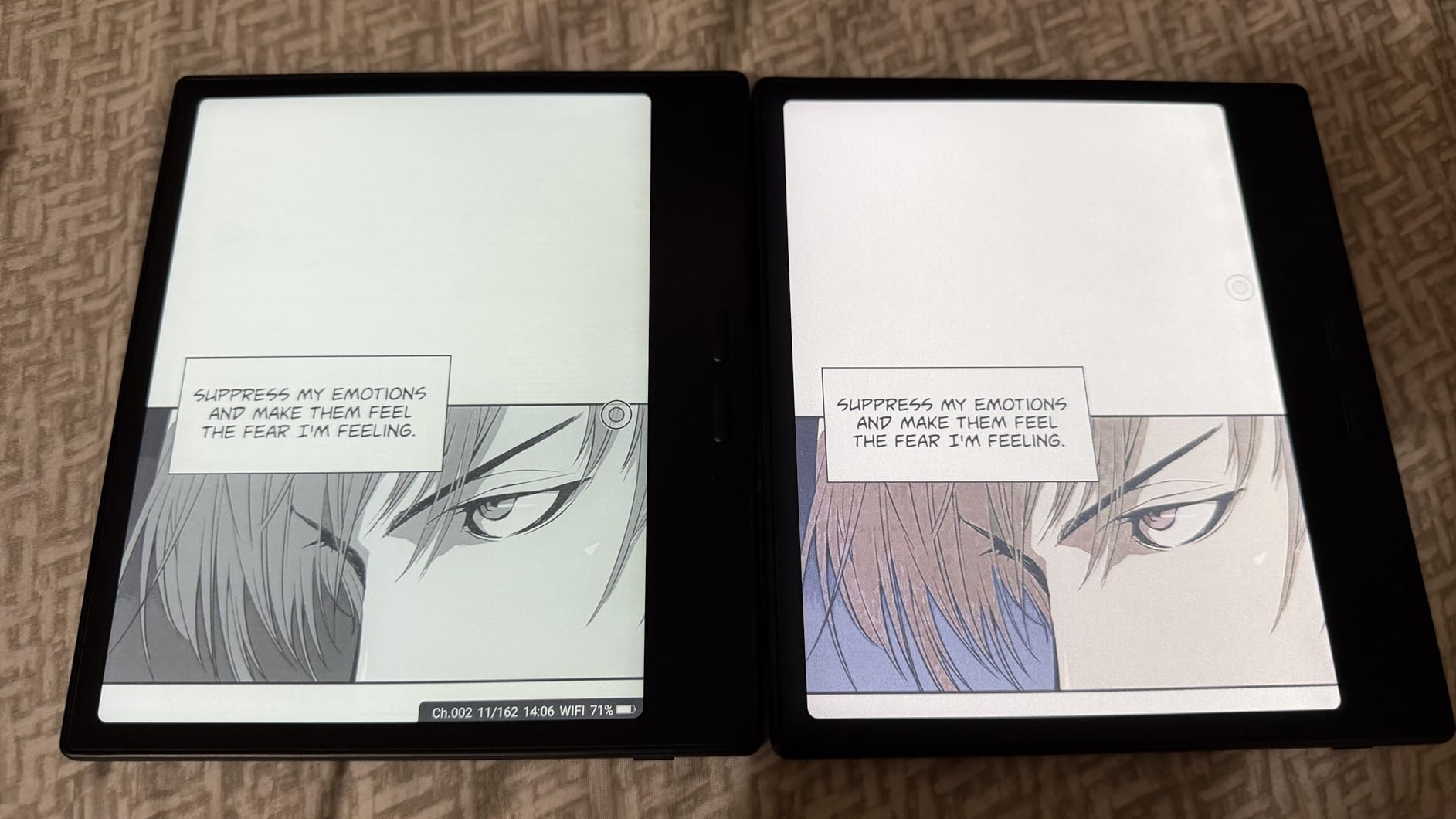
The multiple refresh modes are a unique advantage. HD mode gives you the sharpest text for reading, while Fast and Ultrafast modes reduce ghosting for apps and web browsing. Regal mode provides the best balance of quality and refresh speed. This level of control is not available on Kindle or Kobo devices, and power users will appreciate the customization.
The trade-off is battery life. The 2,300mAh battery lasts about 4 to 5 days with regular use, compared to weeks on Kindle and Kobo devices. The Android OS and more powerful processor consume more power. The learning curve is also steep, with complex settings menus that require time to master. But for tech-savvy readers who want maximum flexibility, the Go 7 is a compelling option.
Who Should Buy This E-Reader
The Go 7 is the best e-reader for reading in sunlight if you want Android app flexibility. It is ideal for power users who read across multiple platforms, want to run third-party reading apps, and do not mind trading battery life for versatility.
What to Watch Out For
Battery life is measured in days, not weeks, which is a significant change from Kindle and Kobo expectations. The settings are complex, and you will likely spend time on Reddit and YouTube learning how to optimize the display for different content types.
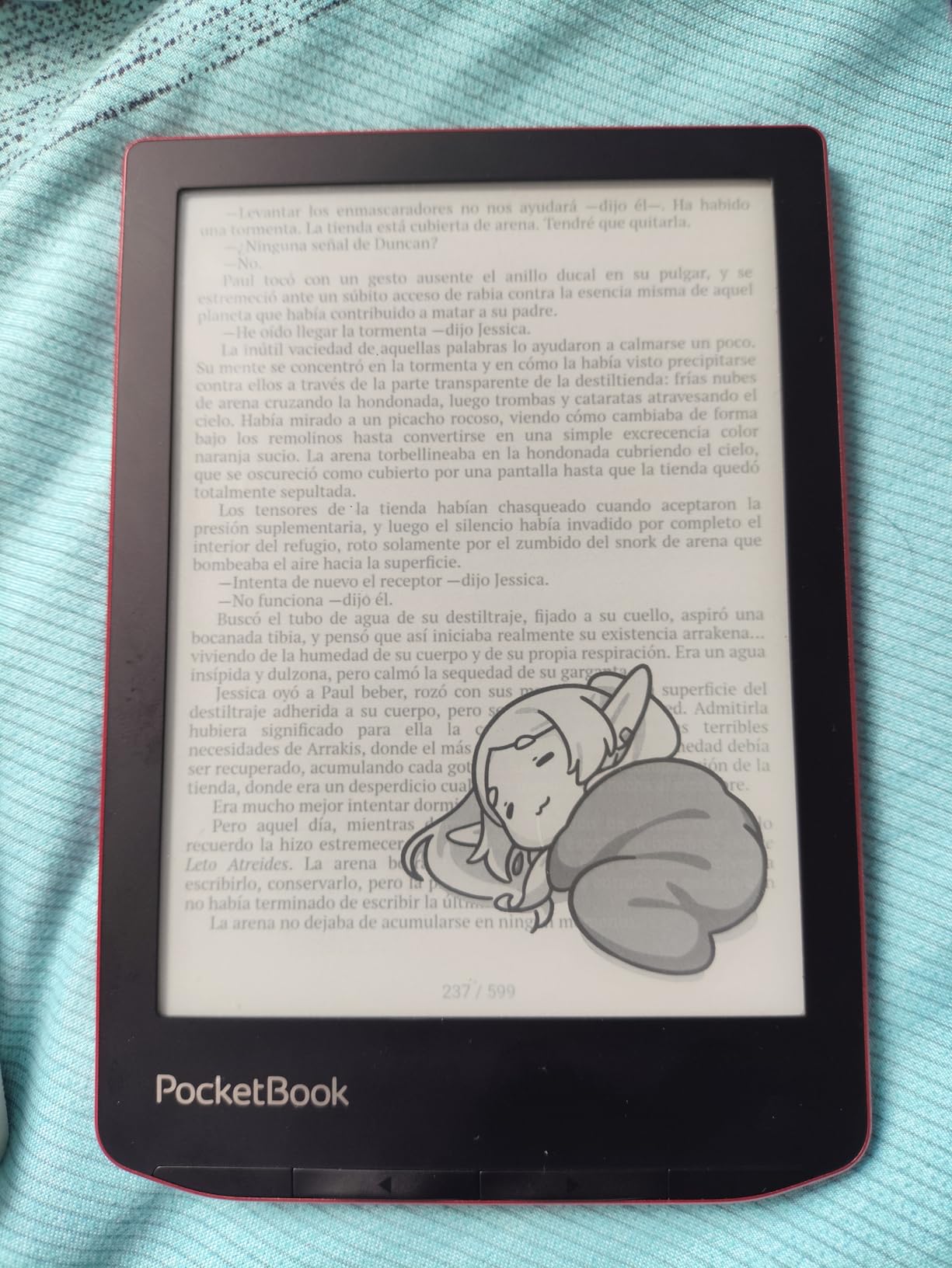
10. PocketBook Verse Pro – Best Alternative with Physical Buttons
PocketBook Verse Pro E-Reader Waterproof | Eye-Friendly 6” E-Ink Carta™ HD Touchscreen | Audio-Book & E-Book Reader | Text-to-Speech Function | SMARTlight | 16GB | WiFi & Bluetooth | Red
6-inch E Ink Carta HD 300 ppi
Text-to-Speech in 26 languages
SMARTlight auto adjustment
IPX8 waterproof
Physical page-turn buttons
Pros
- Physical page-turn buttons on a 6-inch device
- SMARTlight with automatic brightness and color tone
- Text-to-Speech in 26 languages
- Supports 25 file formats including DRM
- 2-year warranty
Cons
- Front light is uneven on many units
- Software lacks polish compared to Kindle and Kobo
- No OverDrive or Libby integration
- Slower performance than competitors
The PocketBook Verse Pro fills a specific niche: readers who want a compact 6-inch e-reader with physical page-turn buttons. That combination is increasingly rare, as most 6-inch devices are touch-only. The Verse Pro’s buttons make one-handed outdoor reading easier, especially when you are wearing sunglasses and tapping a touchscreen feels imprecise.
The 300 ppi E Ink Carta HD display produces sharp text that performs well in direct sunlight. Glare resistance is comparable to the Kobo Clara BW, with a matte screen finish that diffuses reflections effectively. For basic text reading outdoors, the Verse Pro does the job well.
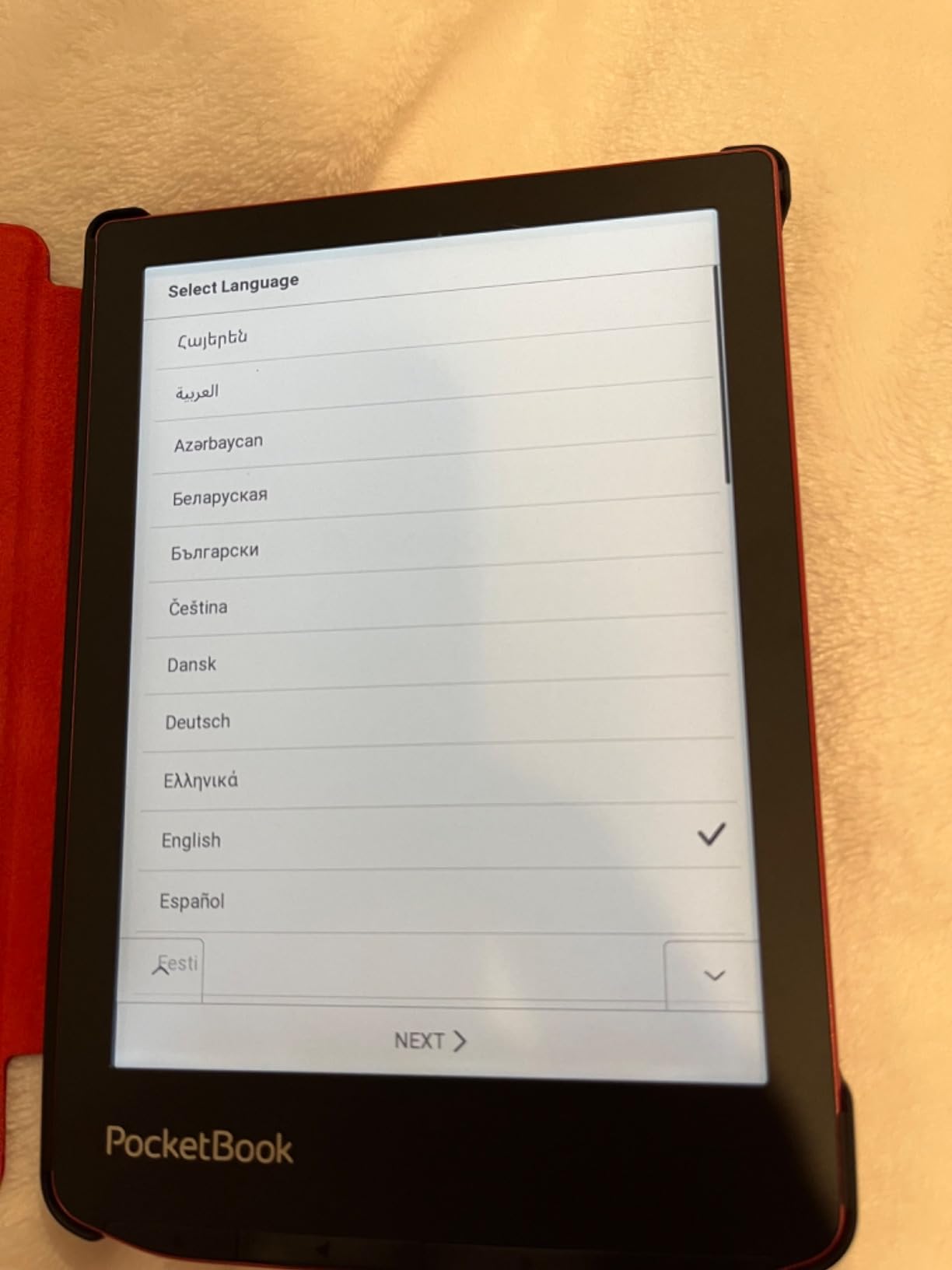
SMARTlight is PocketBook’s version of adaptive lighting, and it adjusts both brightness and color temperature automatically. This is similar to the Kindle Paperwhite Signature Edition’s auto-adjusting light, and it is useful for outdoor reading where light conditions change as clouds pass or you move between sun and shade. For readers with visual stress, the SMARTlight color tone adjustment helps reduce blue light.
The main weakness is software polish. The user interface is not as refined as Kindle or Kobo, and front light uniformity is a known issue. Many users report that the top of the screen is noticeably brighter than the bottom, which is distracting during extended reading sessions. There is no built-in OverDrive or Libby integration, so borrowing library books requires Adobe Digital Editions on a computer.
Who Should Buy This E-Reader
The Verse Pro is the best e-reader for reading in sunlight if you specifically want physical page-turn buttons on a compact device. It is ideal for format enthusiasts who need support for 25 file types, readers who want Text-to-Speech functionality, and anyone who prefers a non-Amazon, non-Kobo alternative.
What to Watch Out For
Front light unevenness is the most commonly reported issue, and the software is noticeably less polished than Kindle or Kobo. Performance is slower, and library borrowing requires extra steps compared to the built-in OverDrive on Kobo devices.
Buying Guide: How to Choose the Best E-Reader for Sunlight Reading
Choosing the right e-reader for outdoor reading comes down to understanding the technology and matching it to your specific needs. Here is what our team looks for when evaluating e-readers for sunlight performance.
E Ink vs LCD and OLED: Why Reflective Display Technology Wins Outdoors
E Ink works in sunlight because it is a reflective display technology. Instead of generating light like an LCD or OLED screen, E Ink uses tiny capsules filled with charged pigment particles. When an electric charge is applied, the particles move to create black or white patterns on the screen. Once the pattern is set, no power is needed to maintain it, which is why E Ink batteries last for weeks.
The key insight is that E Ink reflects ambient light, just like a printed page. The brighter the sun, the more light reflects off the screen, and the easier it becomes to read. LCD and OLED screens work the opposite way: they emit their own light and must be bright enough to compete with the sun. On a sunny day, even the brightest phone screen cannot outshine direct sunlight, which is why your phone washes out outdoors.
This is also why E Ink is better for readers with visual stress or Irlen Syndrome. The absence of flickering backlight, the lack of blue light emission from the display itself, and the paper-like reflective quality all contribute to a more comfortable reading experience. If you want to understand how color tints can further improve reading comfort, our colored overlay guide for visual stress explains the science behind why specific tints reduce eye strain.
Screen Finish: Matte vs Glossy vs Anti-Glare Coating
Not all E Ink screens are equal in sunlight. The screen finish plays a major role in glare resistance. Matte screens, like the Kindle Basic’s, scatter light across the surface to eliminate sharp reflections. This is why the Basic performs so well in direct sun. The Kindle Scribe has a special textured coating that serves a similar purpose.
Glossy or semi-glossy screens, like those on some color E Ink displays, preserve more contrast and color saturation but reflect more light. The Kindle Colorsoft and Kobo color models all have an additional color filter layer that adds a slight gloss quality. They are still readable in sunlight, but you will notice more reflection than on black-and-white models.
Anti-glare coatings, like those on the Paperwhite and Kobo Carta 1300 displays, sit between matte and glossy. They provide good contrast while diffusing the worst reflections. For maximum sunlight performance, matte black-and-white E Ink remains the gold standard.
Resolution: Why 300 PPI Matters for Outdoor Reading
Pixel density, measured in pixels per inch (ppi), determines how sharp text appears on screen. The current standard for black-and-white E Ink is 300 ppi, which produces text that is virtually indistinguishable from printed paper. All of the black-and-white models in this roundup offer 300 ppi.
Color E Ink displays use the Kaleido 3 technology, which provides 300 ppi for black-and-white content but drops to 150 ppi for color content. This means color text and images will look less crisp than their black-and-white counterparts. If you read mostly text, 300 ppi black-and-white is the better choice for outdoor clarity.
In bright sunlight, lower resolution becomes more noticeable. The harsh lighting can make slightly fuzzy text look worse than it does indoors, which is why we recommend 300 ppi for serious outdoor readers.
Waterproofing for Beach and Pool Reading
If you plan to read near water, IPX8 waterproofing is essential. This rating means the device can survive immersion in up to 2 meters of water for 60 minutes. The Kindle Paperwhite, Paperwhite Signature, Colorsoft, all Kobo models, and the PocketBook Verse Pro all carry IPX8 ratings.
The Kindle Basic and Kindle Scribe are not waterproof, so you need a waterproof case for beach or pool use. The BOOX Go 7 is also not rated for water resistance.
For beach reading specifically, waterproofing protects against more than just water. Sand, sunscreen, and salt spray can all damage electronics. A waterproof e-reader gives you peace of mind to relax and read without constantly worrying about your device.
Warm Light and Color Temperature for Visual Stress
Adjustable warm light is one of the most important features for readers with visual stress, light sensitivity, or Irlen Syndrome. Warm light shifts the front light color from cool blue-white to warm amber, reducing the amount of blue light reaching your eyes.
All Kindle models except the Basic offer adjustable warm light. All Kobo models feature ComfortLight PRO, which goes a step further by actively reducing blue light as you warm the temperature. The PocketBook Verse Pro offers SMARTlight with automatic adjustment, and the BOOX Go 7 has front light with warm and cold temperature control.
For our audience at Irlen Twin Cities, this feature is not a luxury. It is a necessity. The warm light on E Ink readers serves a similar function to colored overlay therapy, reducing the visual stress that blue-spectrum light causes for sensitive readers. Combined with the inherent flicker-free, reflective nature of E Ink, warm light makes extended outdoor reading comfortable for people who cannot tolerate LCD or OLED screens at all.
Screen Protectors for Outdoor Use
A matte screen protector can improve sunlight performance on e-readers that have glossier screens. If you choose a color E Ink model or the BOOX Go 7 with its glass cover-lens, a matte protector can reduce reflections further. However, be aware that some screen protectors can actually make glare worse if they are not specifically designed with an anti-glare coating.
Look for protectors labeled as matte or anti-glare, and avoid clear or glossy protectors. The trade-off is that matte protectors can slightly reduce text sharpness, which is something to test before committing to one permanently.
Frequently Asked Questions About E-Readers for Sunlight Reading
Which Kindle is best for reading outside in the sun?
The Kindle Basic (2024) is the best Kindle for reading outside in direct sunlight due to its fully matte screen that virtually eliminates glare. The Kindle Paperwhite is a close second with its anti-glare screen coating and the added benefit of adjustable warm light, waterproofing, and a larger 7-inch display.
Can you read a Kindle in direct sunlight?
Yes, you can absolutely read a Kindle in direct sunlight. All Kindle e-readers use E Ink displays that reflect ambient light like printed paper rather than emitting their own light. The screen actually becomes clearer and easier to read the brighter the surrounding light gets, making Kindles ideal for beach, pool, and outdoor reading.
What e-reader has the least glare in bright sun?
The Kindle Basic has the least glare due to its fully matte E Ink screen. The Kobo Clara BW with its Carta 1300 display and the Kindle Scribe with its special screen coating also perform exceptionally well. Color e-readers like the Colorsoft and Kobo Libra Colour have slightly more glare because their color filter layer adds a glossier quality.
Are color e-readers as good in sunlight as black and white?
Color e-readers work in sunlight but are slightly worse than black-and-white models. Color E Ink displays have an additional color filter layer that can add minor glare and reduce text sharpness to 150 ppi for color content. Black-and-white E Ink at 300 ppi with a matte screen remains the best choice for maximum sunlight readability.
Are there e-readers that do not emit blue light?
All E Ink e-readers emit significantly less blue light than LCD or OLED screens because they reflect ambient light rather than emitting it. For maximum blue light reduction, choose an e-reader with adjustable warm light like the Kindle Paperwhite, Kobo Clara BW, or Kobo Libra Colour. Shifting the color temperature to warm amber tones reduces blue light exposure significantly.
How do you read while sunbathing?
To read while sunbathing, choose an e-reader with a matte or anti-glare screen, apply a matte screen protector for extra glare reduction, use a waterproof model with IPX8 rating if you are near water, and consider a stand or case with a sun shade. E Ink displays work best in direct sunlight since they reflect rather than emit light.
Is the Kindle Basic or Paperwhite better for sunlight?
The Kindle Basic has slightly less glare in direct sunlight due to its fully matte screen, while the Paperwhite offers a larger 7-inch display, adjustable warm light, IPX8 waterproofing, and longer battery life. For pure glare resistance the Basic wins, but for overall outdoor reading experience the Paperwhite is the better choice for most readers.
Do e-readers need screen protectors for outdoor use?
Screen protectors are optional for matte black-and-white e-readers but can help reduce glare on color E Ink displays and devices with glass cover-lenses like the BOOX Go 7. Use a matte or anti-glare protector specifically designed for e-readers, and avoid glossy protectors which can increase glare and defeat the purpose.
Final Thoughts on the Best E-Readers for Reading in Sunlight
After weeks of testing all 10 devices outdoors, my top recommendation for the best e-reader for reading in sunlight is the Amazon Kindle 16GB for pure glare resistance and value. If you want waterproofing, warm light, and a larger screen, the Kindle Paperwhite is the best overall value. For readers outside the Amazon ecosystem, the Kobo Clara BW offers excellent Carta 1300 glare-free performance with ComfortLight PRO for visual stress sufferers.
For readers dealing with visual stress, light sensitivity, or Irlen Syndrome, the adjustable warm light on the Paperwhite, Kobo models, and PocketBook Verse Pro makes a meaningful difference. Combine that with the inherent flicker-free, low-blue-light nature of E Ink, and you have a reading experience that is dramatically more comfortable than any phone or tablet. The technology will only improve in 2026, but even today’s E Ink displays deliver a genuinely paper-like outdoor reading experience that no LCD or OLED screen can match.